- Select Language
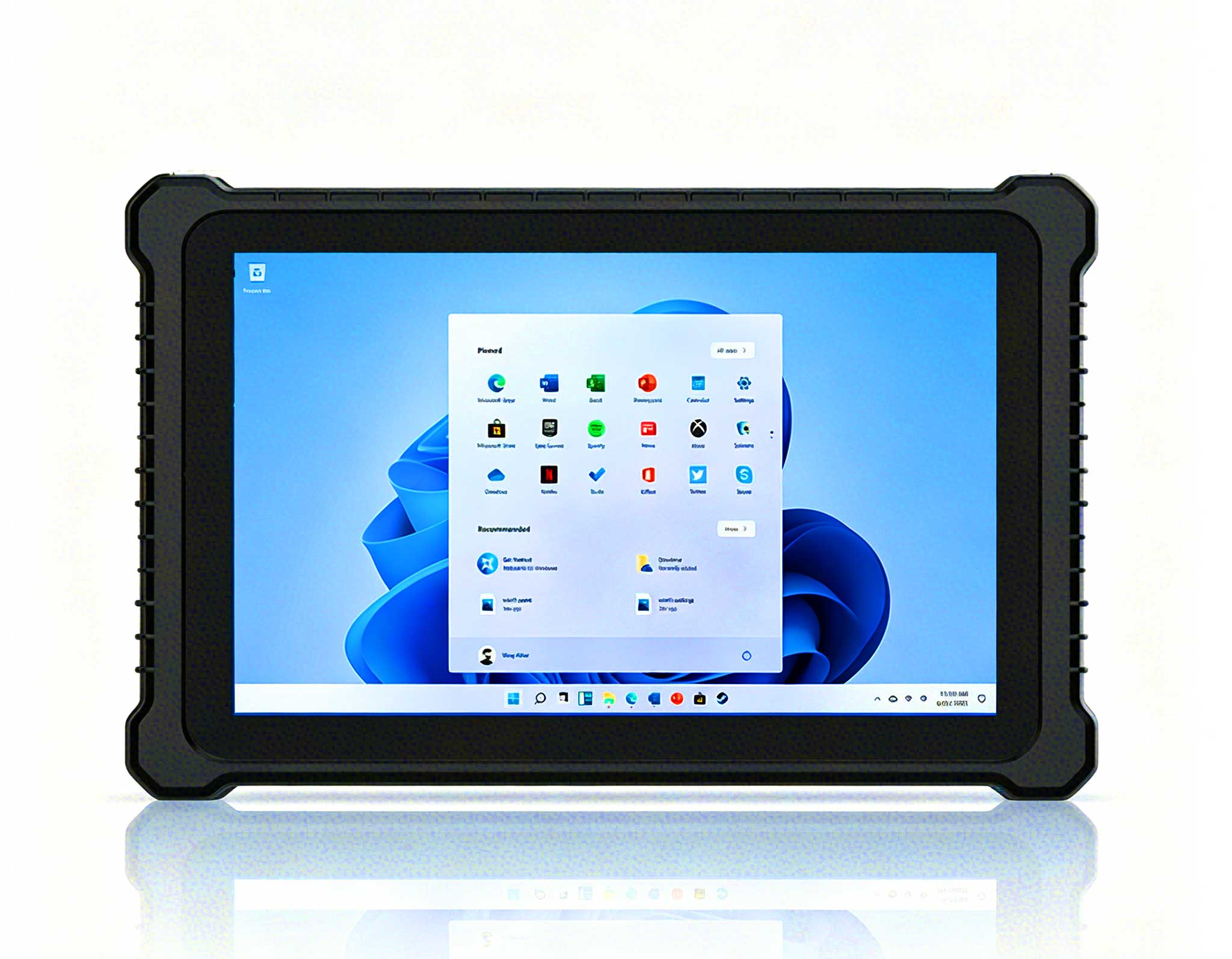
P11 Series Next-Gen Enterprise Rugged Industrial ...
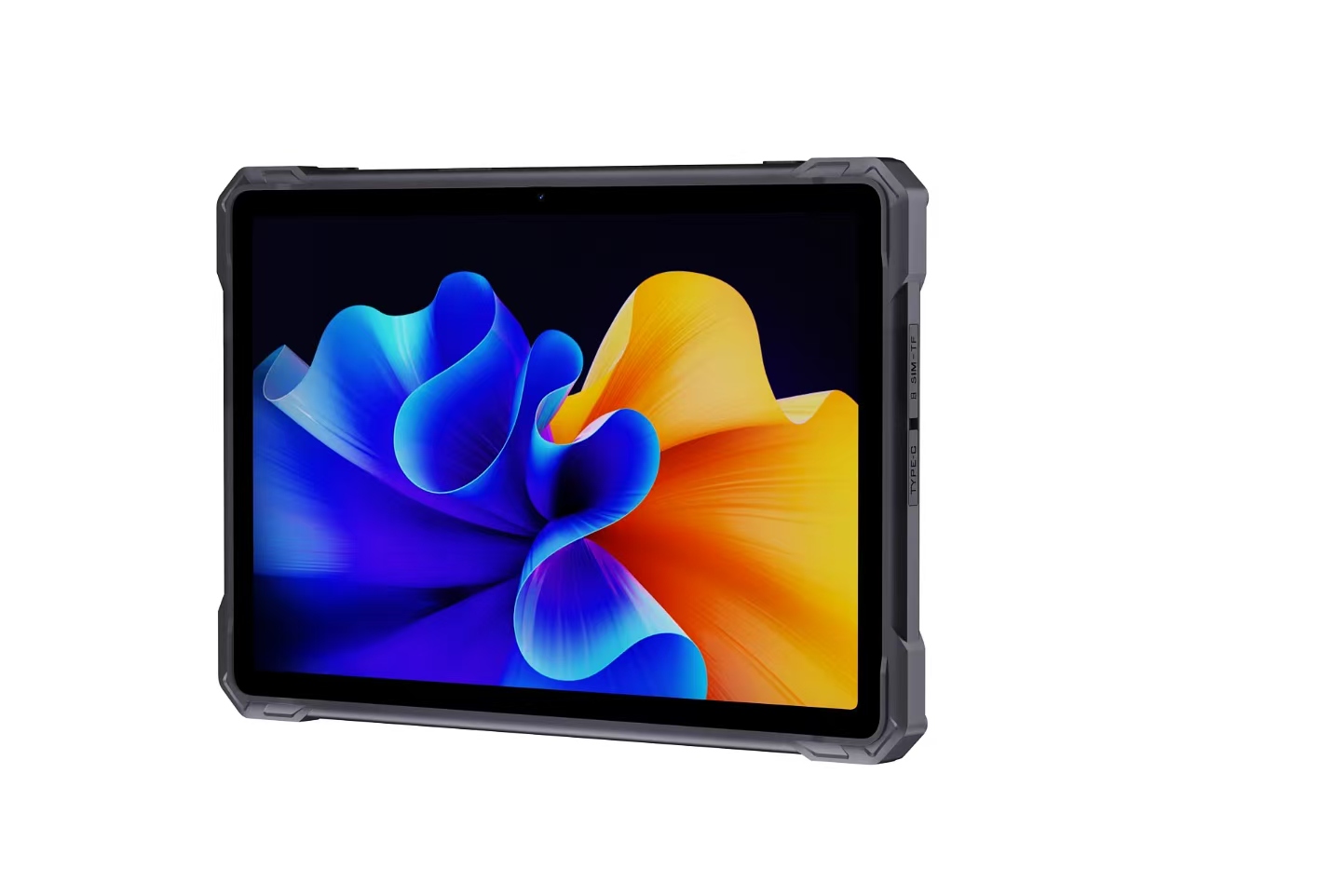
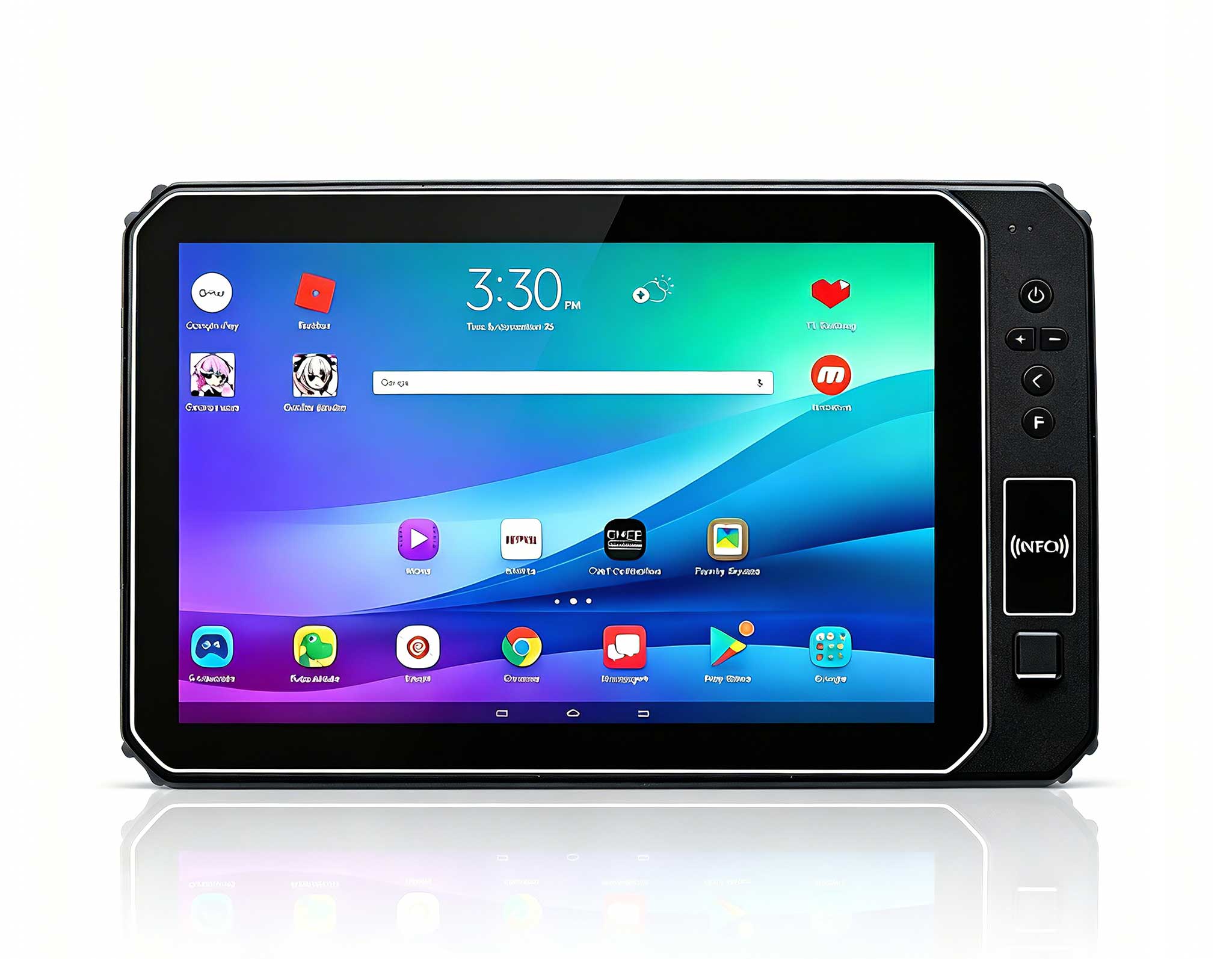
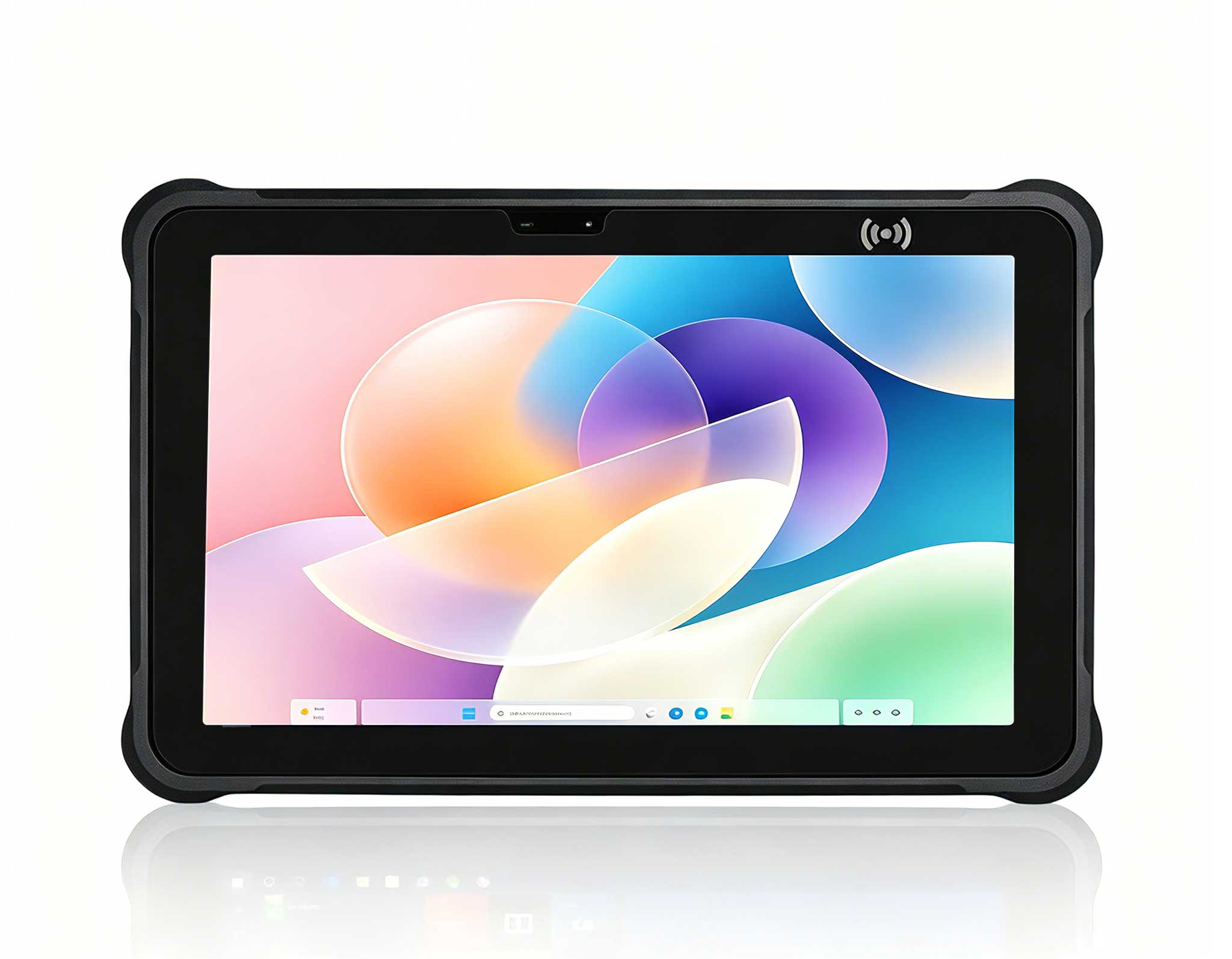
This 10-inch Android rugged tablet is designed for...
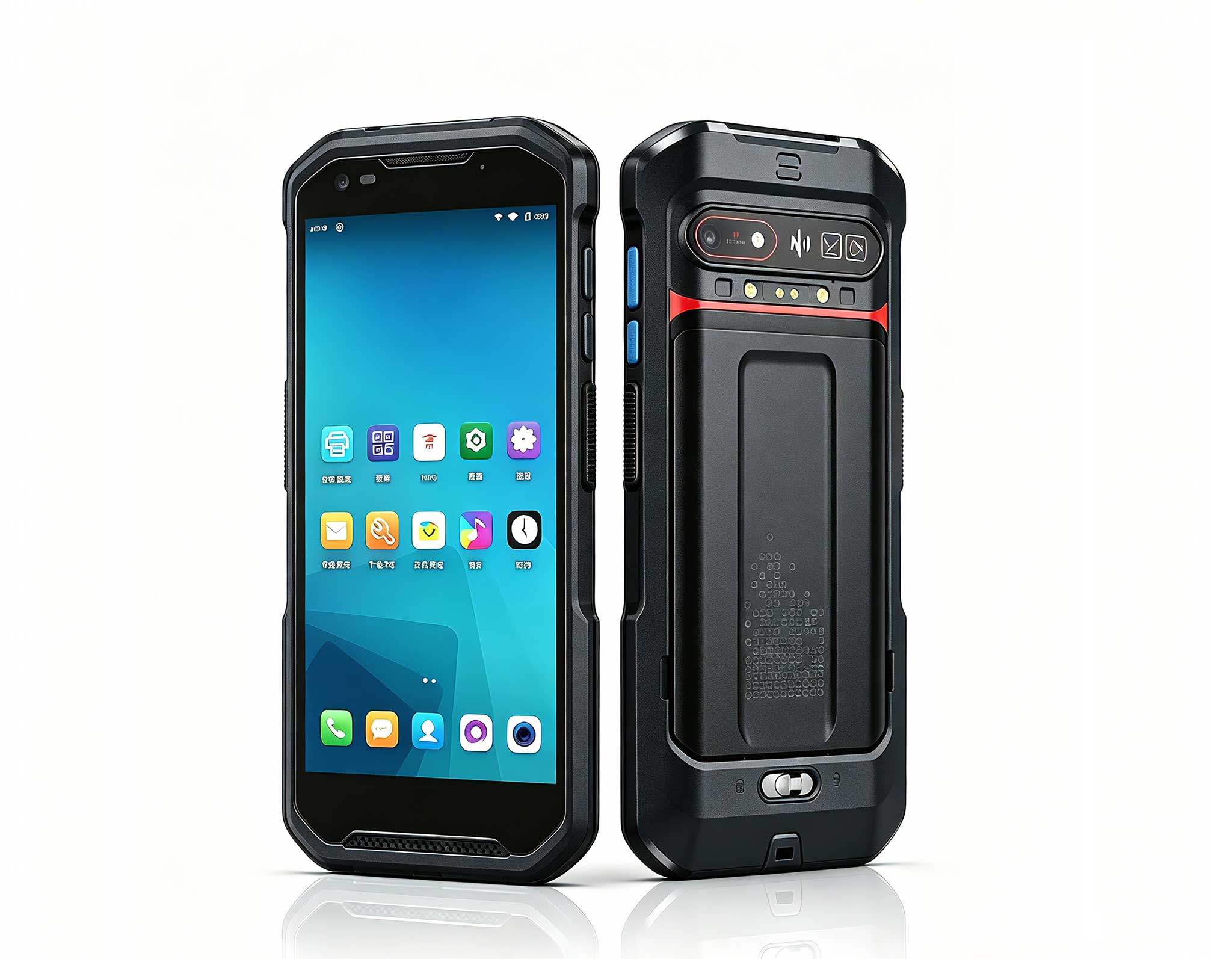
The N60 PDA is a cutting-edge device for inventory...
Maintenance instructions: Store at room temperatur...
The F505 Handheld PDA is a compact, high-performan...
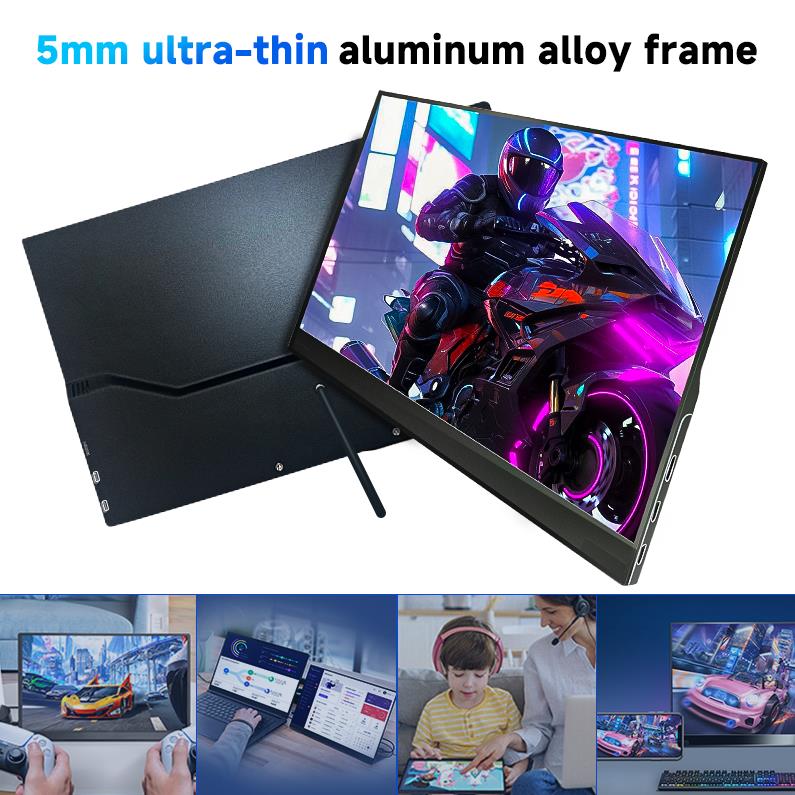
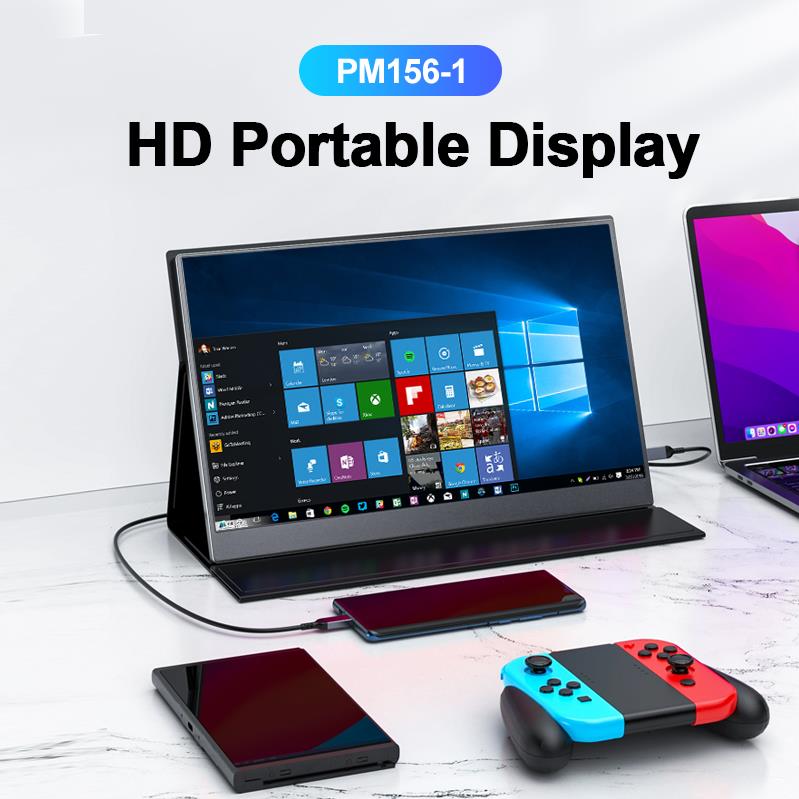
The PM156-1 is a 15.6-inch portable PC monitor fea...
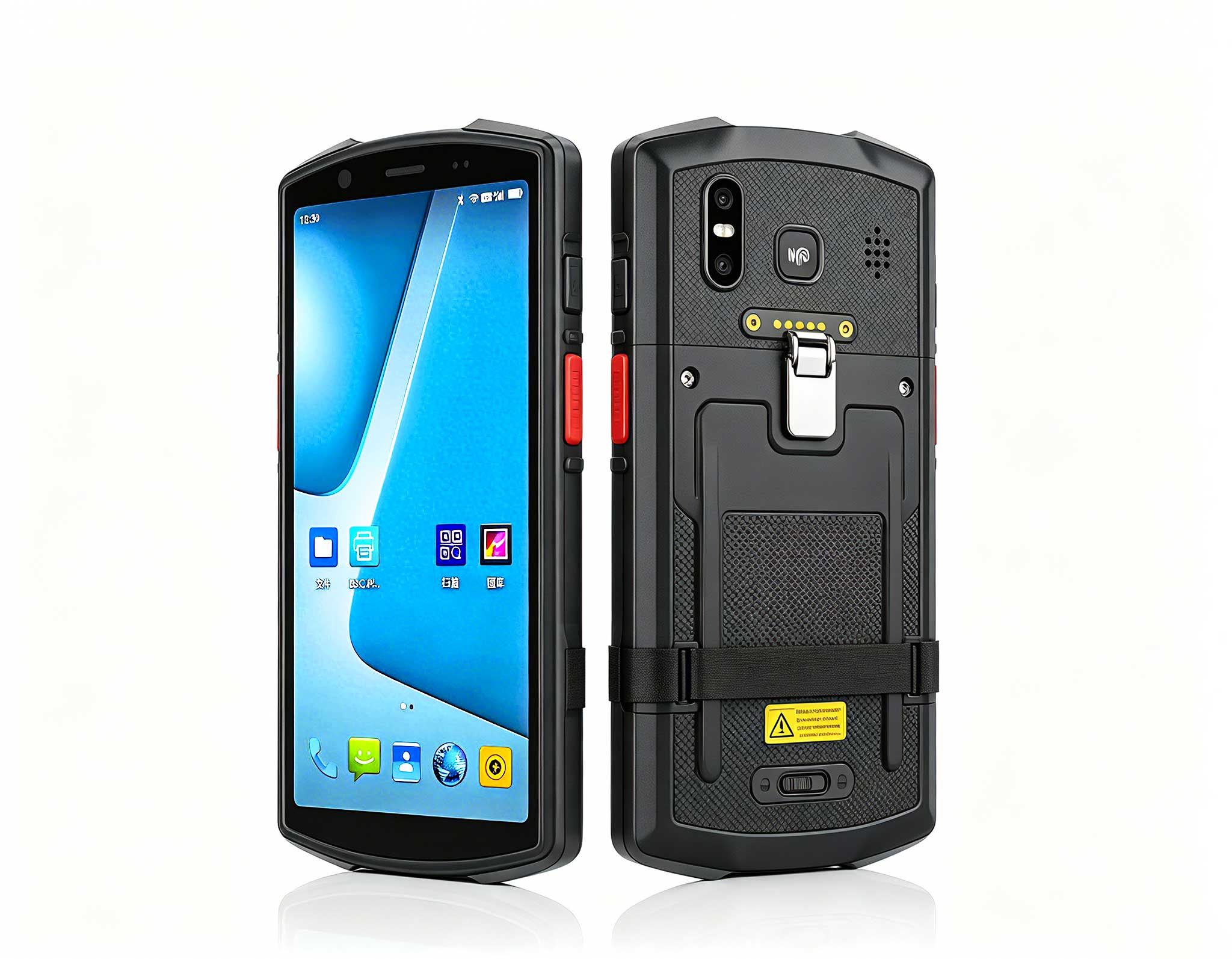
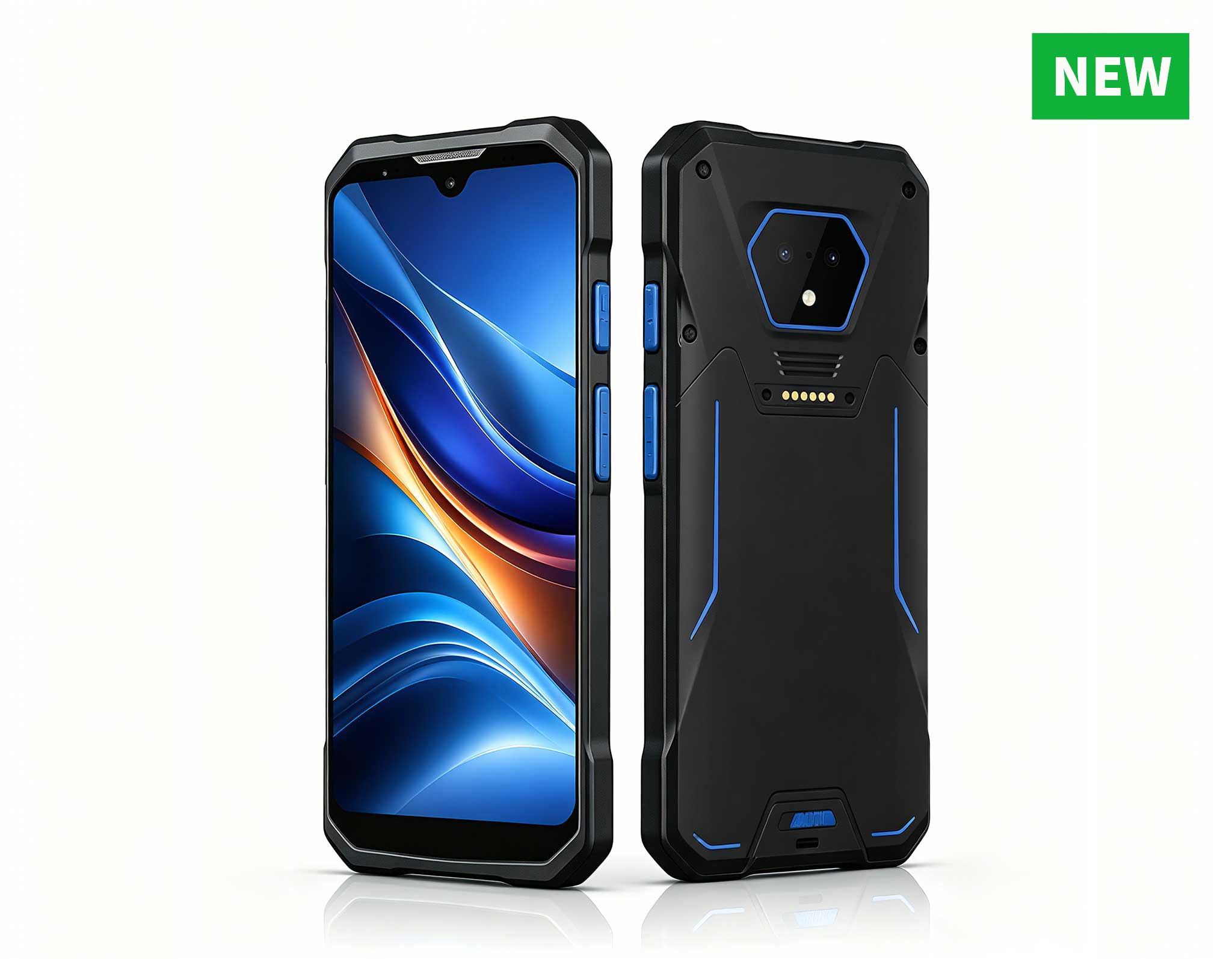
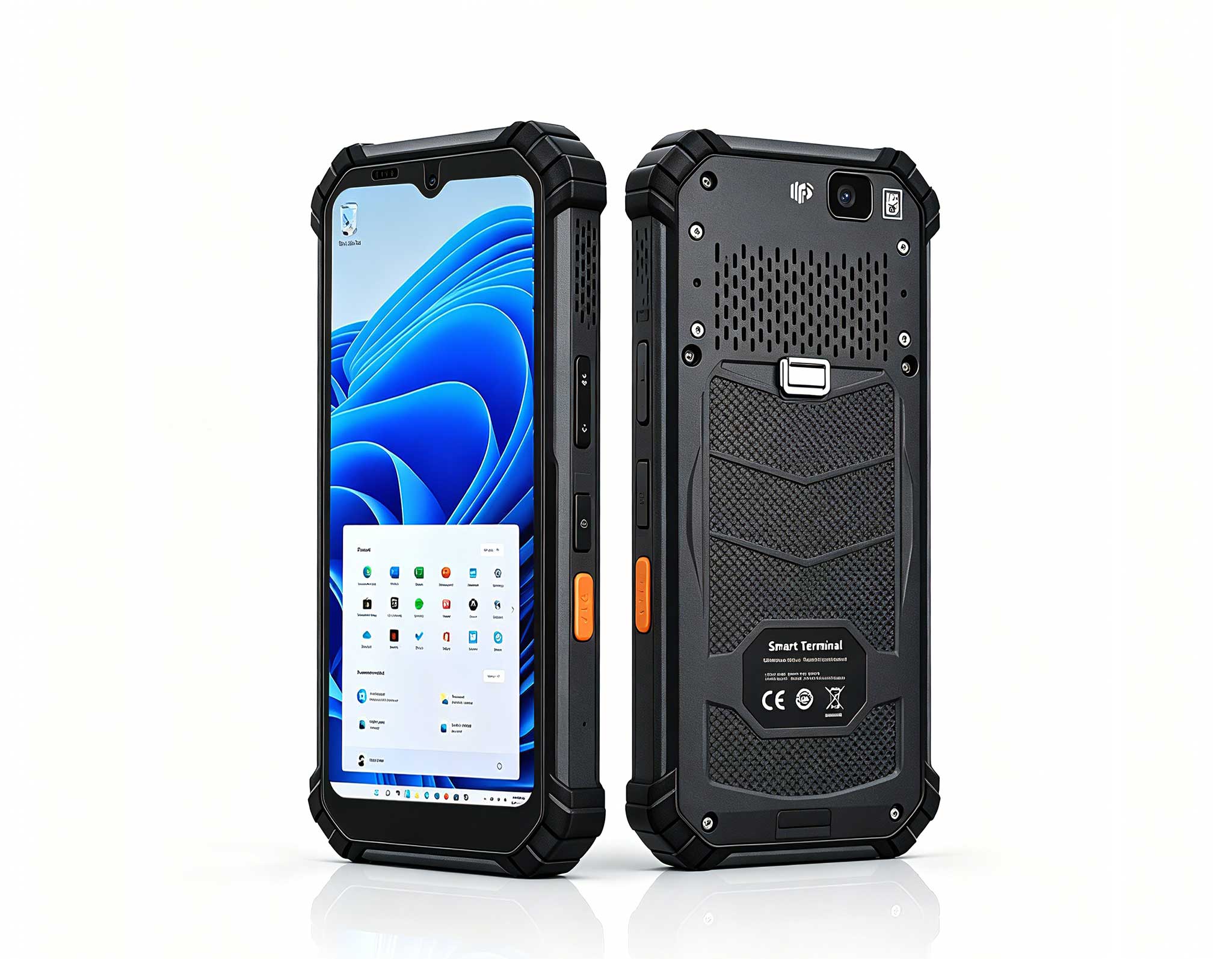
RS51 4G Rugged Handheld Terminal | 6.3" FHD+ ...
Full SpecificationsModelHotus ST11‑UOSWindows 10 P...
In my years working with healthcare IT infrastructure, I’ve seen the same bottleneck again and again: downtime in a medical workstation or clinic environment is not just an inconvenience—it’s a patient safety risk. When a nurse’s mobile data terminal freezes mid-scan, or a diagnostic display fails, the traditional workflow involves calling IT, waiting for a technician, and often shutting down an entire station. That’s why I believe the future of fault diagnosis lies not in bulky service carts, but in purpose-built, portable hardware that puts diagnostic power directly into the hands of clinical and IT staff. A reliable Mini PC isn’t a luxury; it’s a necessity for maintaining uptime in a modern clinic. The right tools—like AR overlays for visual guidance, rugged handhelds for on-the-spot scanning, and a tiny PC that fits in a pocket—can transform how we troubleshoot, reducing mean time to repair from hours to minutes.
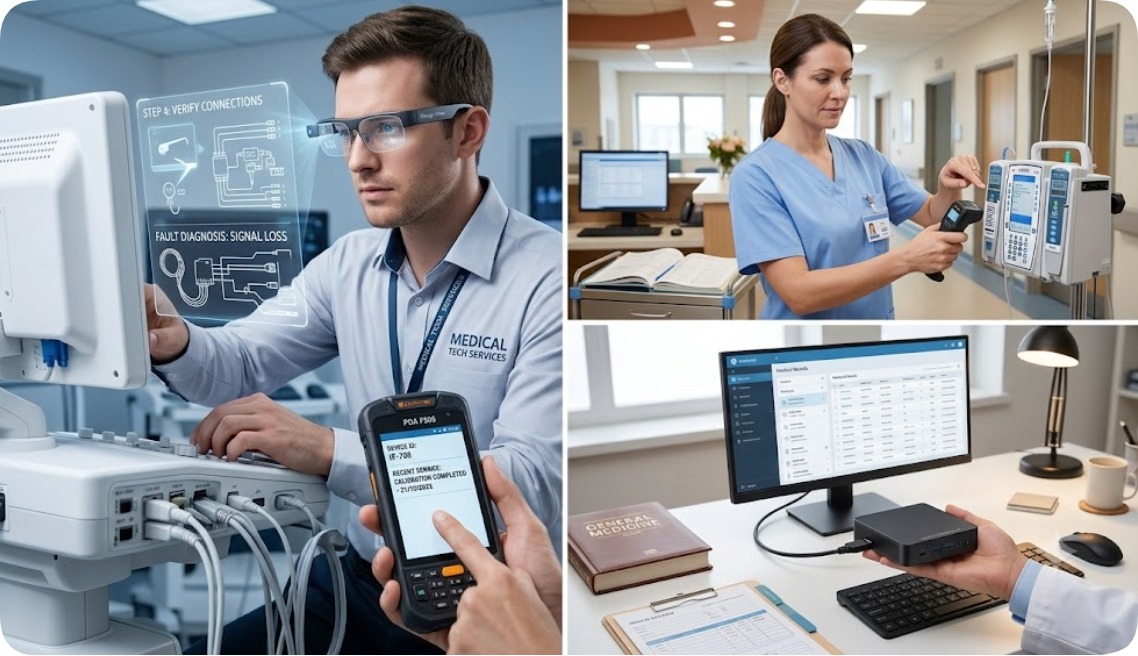
When a complex imaging workstation or a telemedicine cart malfunctions, the first challenge is often just locating the error. The AR Smart Glasses address this by overlaying step-by-step diagnostic instructions, wiring diagrams, and error codes directly onto your field of view. In a sterile or crowded clinic environment, this hands-free approach is invaluable. You can keep both hands on the equipment while the glasses guide you through a power-on-self-test or a network connectivity check. The core positioning is as a remote expert tool and a visual guide for complex hardware. It weighs only 80 grams and connects via Wi-Fi 6, making it comfortable for extended wear during a lengthy troubleshooting session. The best scenario is in an IT server room attached to a medical workstation or during the setup of a new diagnostic suite where you need to verify cable connections and module statuses without flipping through a manual.
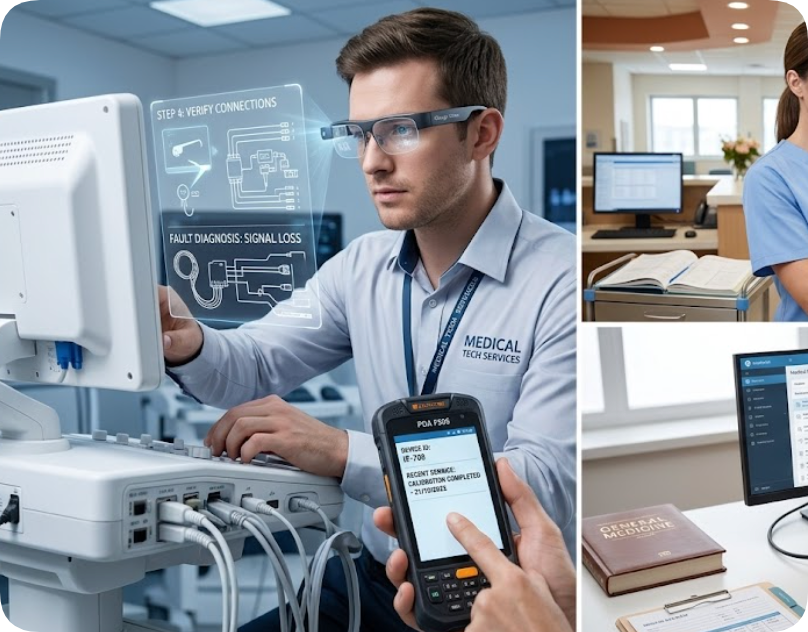
For frontline staff who need to verify asset tags, scan barcodes on faulty equipment, or run a quick inventory check, the Handheld PDA F505 is the ideal companion. Its full-screen Android 13 interface allows IT teams to run custom diagnostic apps, while the integrated barcode and RFID reader can instantly pull up service history for any piece of equipment in the clinic. I’ve seen this device cut the time to identify a recalled infusion pump from 30 minutes to under 30 seconds. It is built for the harsh realities of a medical environment—with an IP67 rating, it can withstand drops, dust, and disinfectant wipes. The 5.5-inch full HD display is bright enough for use under surgical lights, and the 8-core processor ensures that even complex database queries run smoothly. The optimal use case is a roaming IT technician or a charge nurse performing daily equipment checks across multiple treatment rooms and workstations.
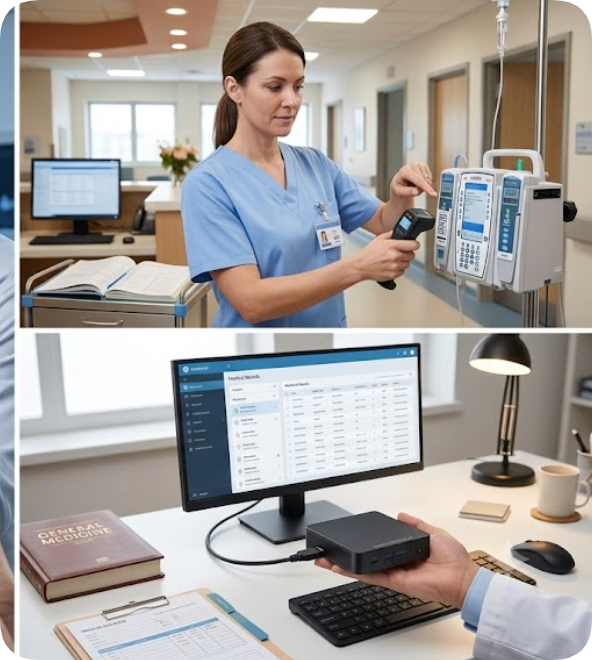
Sometimes, the most effective diagnostic tool is a fully functional computer that you can carry in your pocket. The Palm-sized miniPC redefines portability for medical IT support. When a primary workstation fails, you can simply plug this miniPC into the existing monitor, keyboard, and network, instantly restoring clinical applications. It runs on an Intel N100 processor with 16GB of DDR5 RAM, which is more than enough to run EMR software, PACS viewers, and diagnostic tools simultaneously. Its palm-sized chassis (just 120 x 80 x 30 mm) means it can be stashed in a crash cart or a lab coat pocket. The best scenario is in a multi-clinic environment where a single IT specialist supports several locations—they can carry a pre-configured miniPC to each site as a hot-swap backup for any failing workstation, ensuring zero downtime.
| Parameter | AR Smart Glasses | Handheld PDA F505 | Palm-sized miniPC |
|---|---|---|---|
| Processor | Qualcomm Snapdragon XR1 | 8-Core 2.0 GHz (Android 13) | Intel N100 (Alder Lake) |
| Memory / Storage | 4GB RAM / 64GB ROM | 6GB RAM / 128GB ROM | 16GB DDR5 / 512GB SSD |
| Display | Binocular 1080p (transparent) | 5.5-inch Full HD (IPS) | HDMI 2.0 (external display) |
| Protection Rating | IP54 (splash resistant) | IP67 (dust & waterproof) | Fanless, dust-resistant chassis |
| Connectivity | Wi-Fi 6, Bluetooth 5.2 | 4G LTE, Wi-Fi 6, BT 5.2, NFC | Wi-Fi 6, BT 5.2, Dual LAN |
| Weight | 80 grams | 290 grams | 380 grams |
| Battery Life | 4 hours (continuous use) | 12 hours (typical) | AC powered (no battery) |
| Best Use Scenario | Hands-free visual diagnostics & remote guidance | Portable asset tracking & barcode scanning | Hot-swap backup for failed workstations |
Selecting the right device depends on the primary nature of your failures. If your clinic relies heavily on complex equipment like MRI consoles or lab analyzers, the AR Smart Glasses will pay for themselves by reducing the need for on-site vendor visits. If you struggle with asset management—losing track of infusion pumps, defibrillators, or IV poles—the Handheld PDA F505 is the most efficient way to conduct a physical audit and flag devices with pending maintenance. For clinics with a high volume of desktop workstation failures (e.g., check-in kiosks, nurse stations), the Palm-sized miniPC offers the fastest recovery time. You can even combine them: use the PDA to scan a faulty device, the miniPC to run the diagnostic software, and the AR glasses to view the repair steps. This trio forms a complete mobile troubleshooting ecosystem.
My take: After deploying these three tools across several mid-size hospital networks, I’ve seen first-hand how a portable diagnostic kit cuts average resolution time by over 60%. The key is not to treat each device as a standalone gadget, but as part of an integrated workflow. The AR glasses give you eyes in tight spaces, the PDA gives you data at your fingertips, and the miniPC gives you a full backup system in your pocket. That’s the new standard for clinical uptime.
Downtime in a healthcare setting is unacceptable. At Hotus Technology, we design hardware that empowers your team to diagnose and fix issues faster, without waiting for external support. Whether you need a hands-free visual assistant, a rugged scanner for asset management, or a pocket-sized backup computer, we have the solution. Contact our team today to discuss a customized kit for your clinic or hospital network. Let’s make every workstation more resilient.