- Select Language
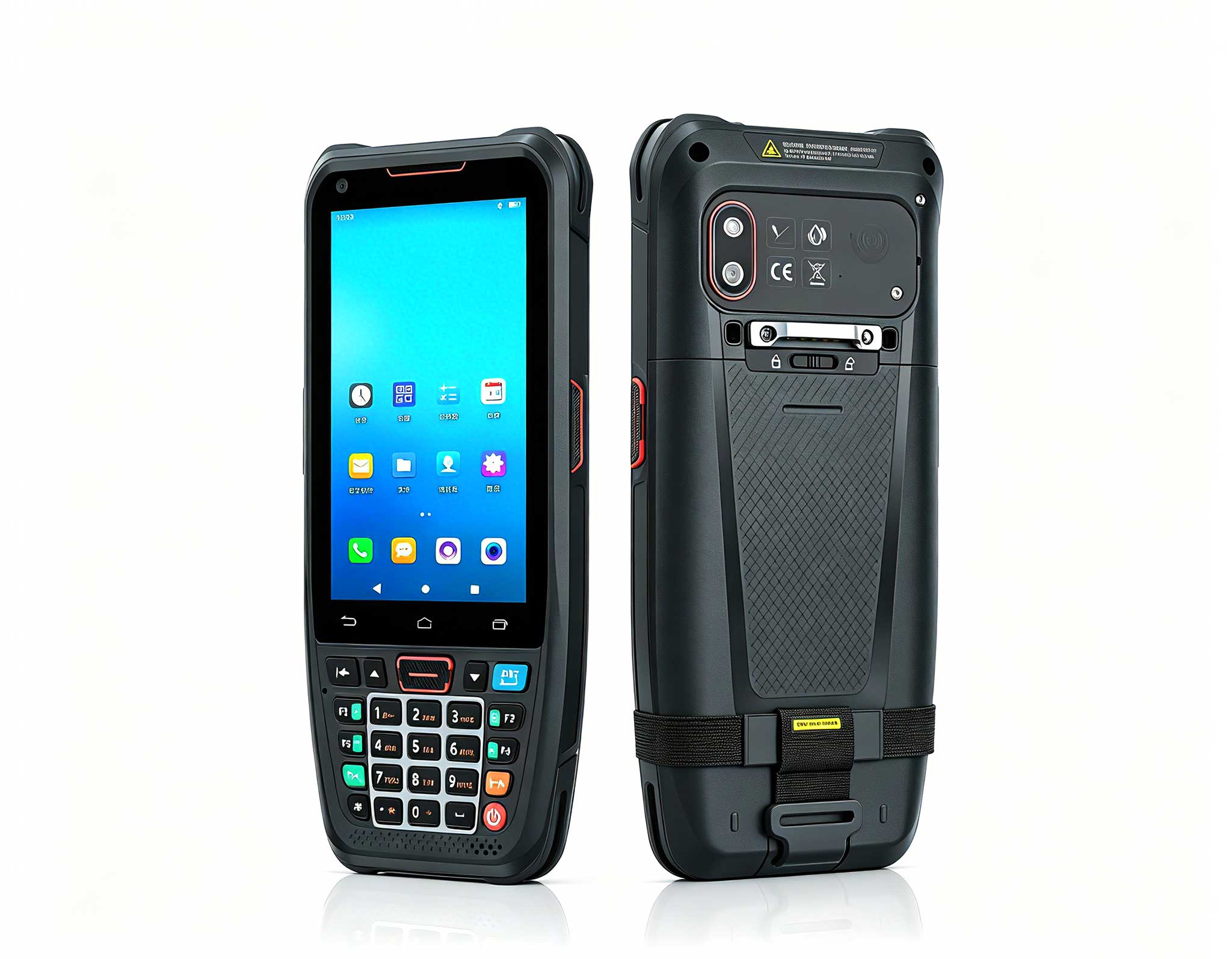
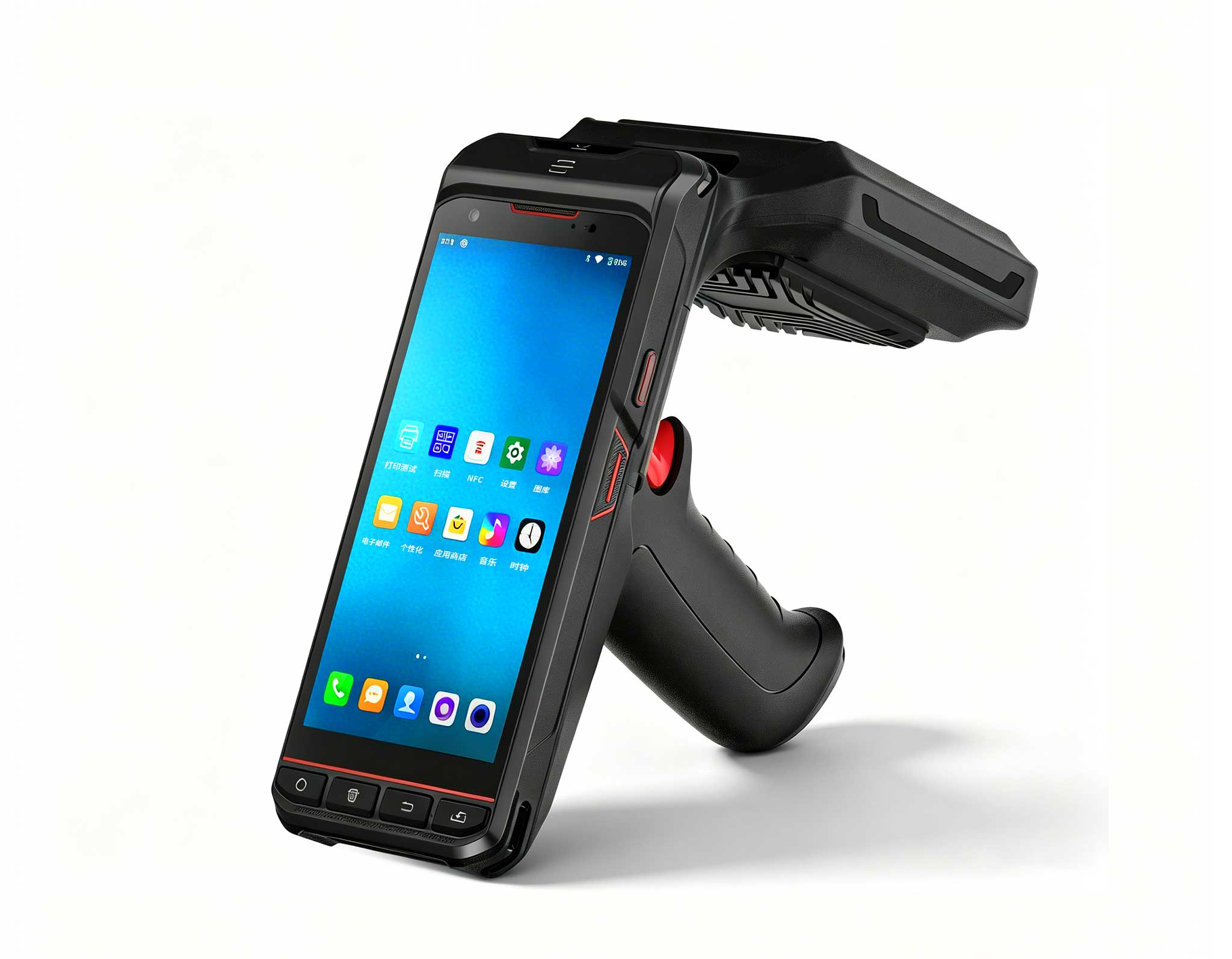
The N40 Android smart PDA features a Cortex-A53 qu...
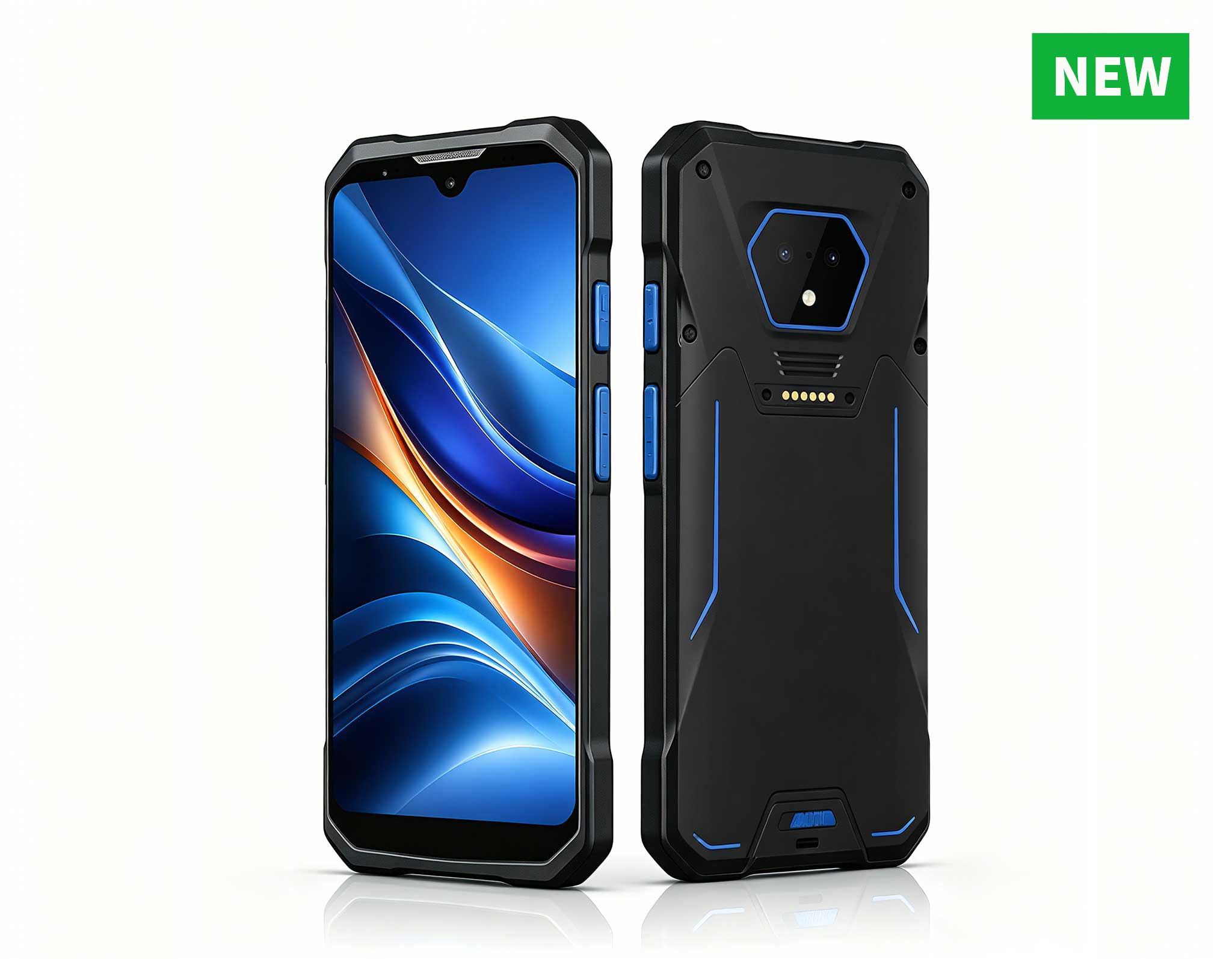
RS51 4G Rugged Handheld Terminal | 6.3" FHD+ ...
The N40 Android smart PDA features a Cortex-A53 qu...
The R501 PDA combines a powerful MT6762 Octa-Core ...
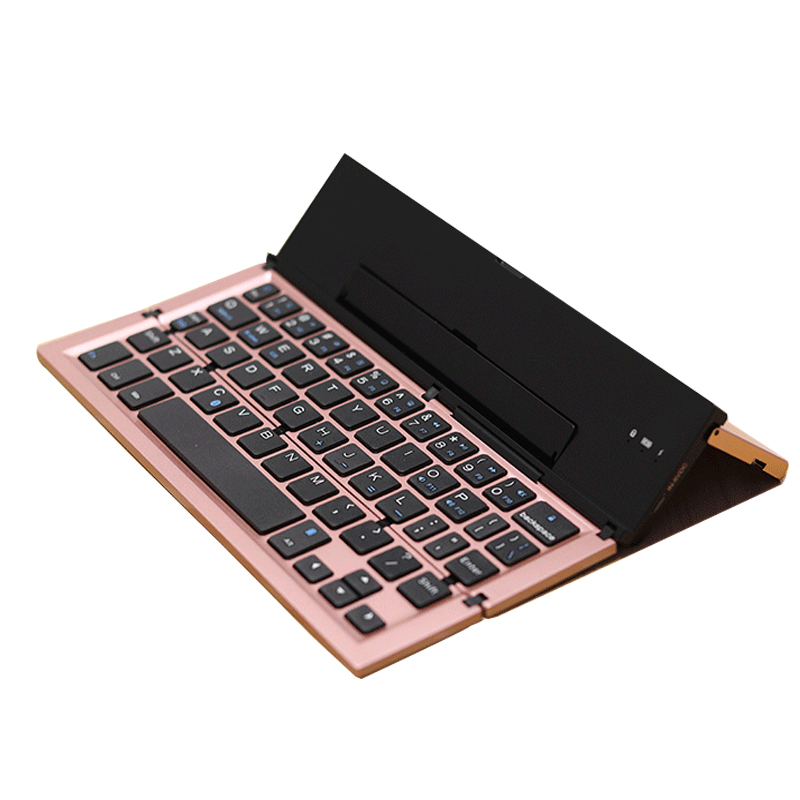
From the unknown so simpleUsed for mobile phones, ...
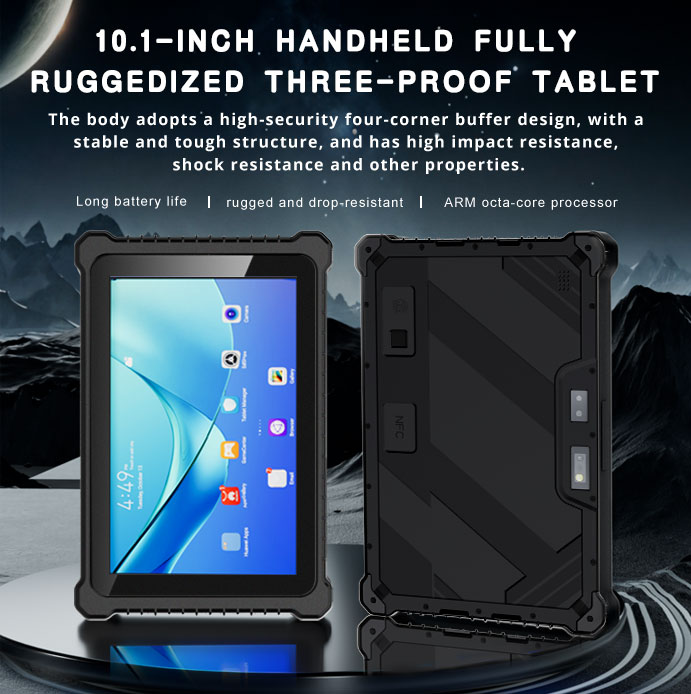
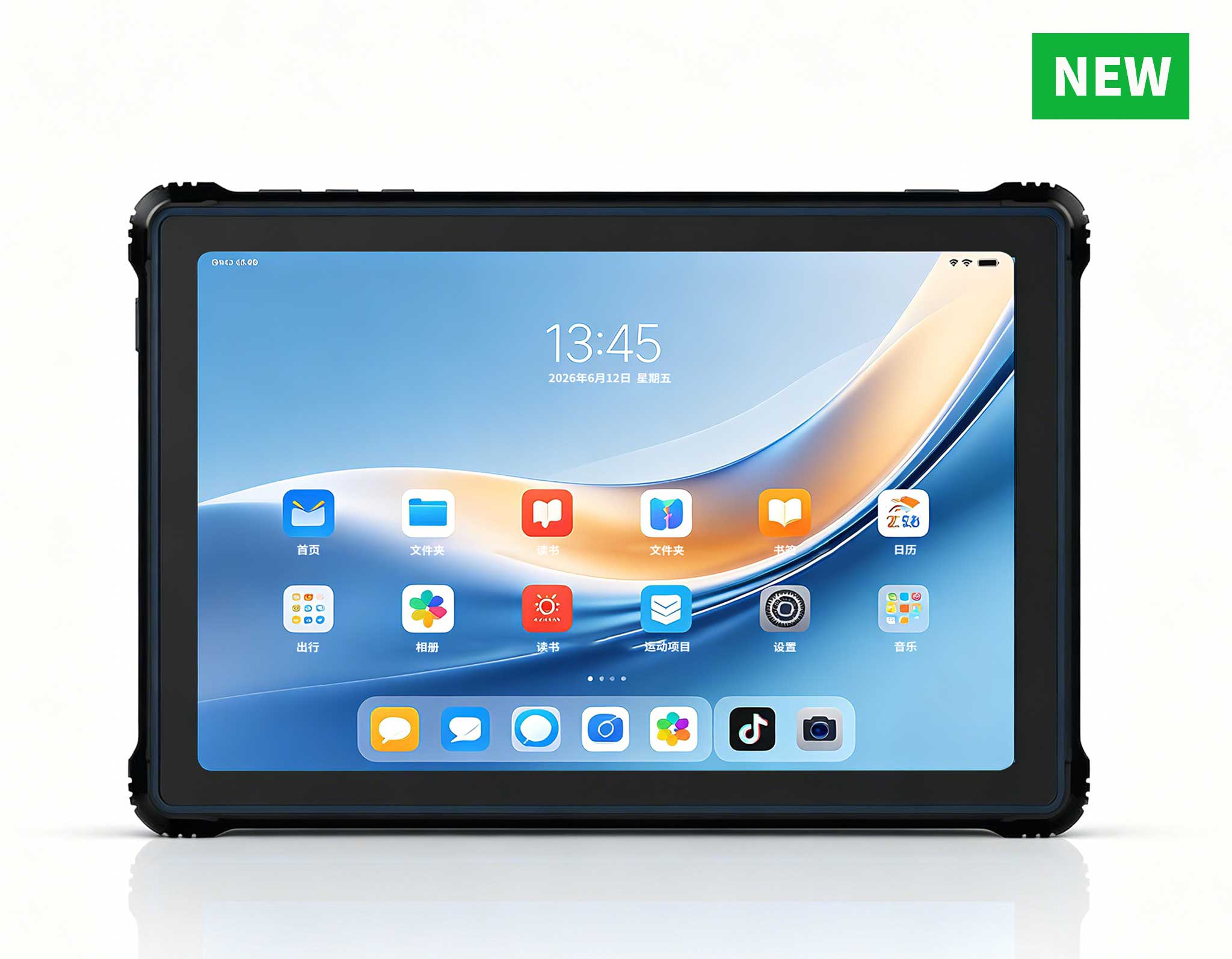
RT81 4G Rugged Tablet | 10.1" FHD 400nit | Qu...
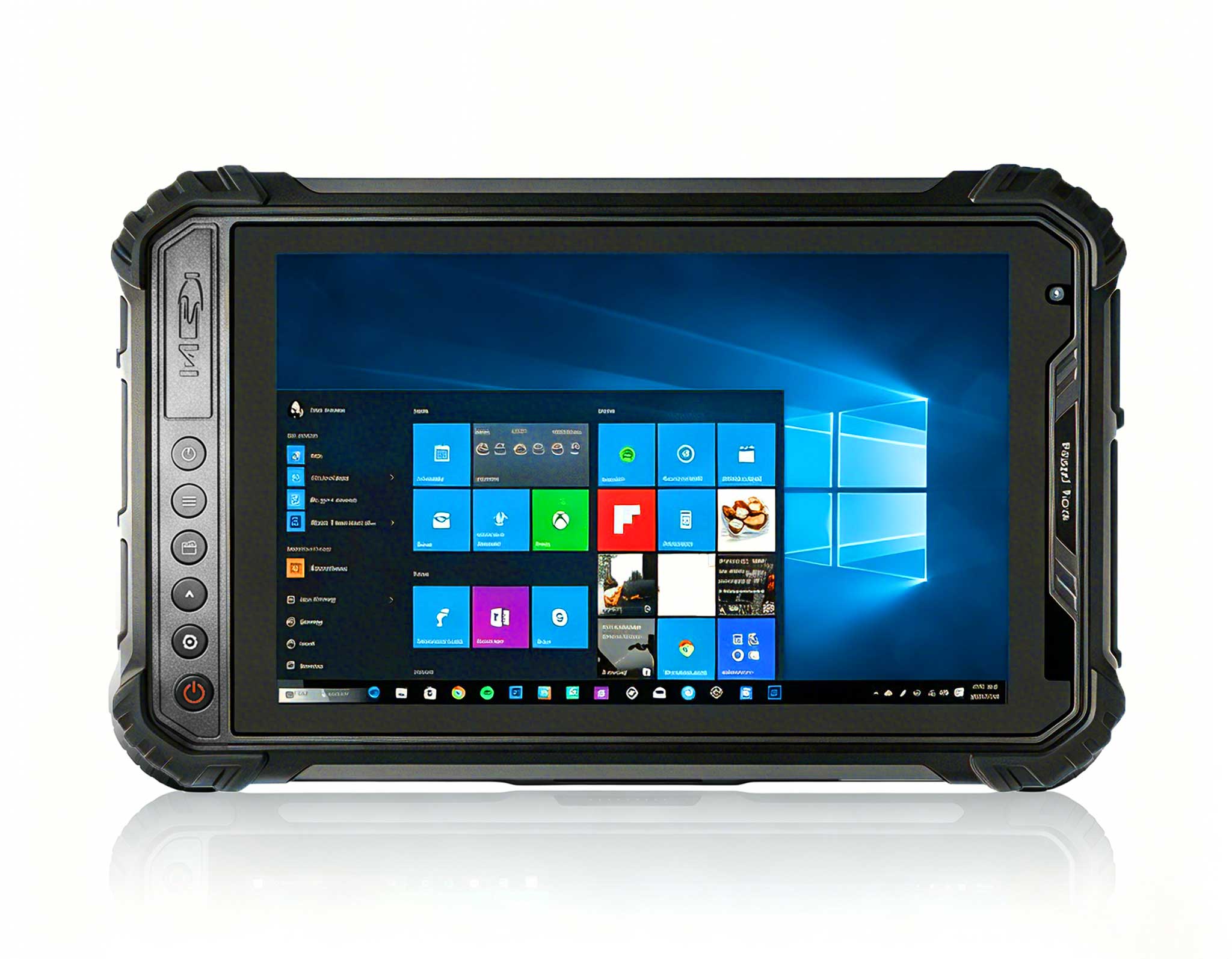
Explore an innovative Personal Digital Assistant f...
I’ve spent years testing hardware for unified communications, and the single biggest mistake I see is underestimating the compute demands of a modern video conferencing all-in-one system. It’s not just about streaming a 1080p feed anymore. You’re running noise suppression, background blur, real-time transcription, and often a digital whiteboard—all simultaneously. A laggy system kills meeting flow and professionalism. This is why I don’t rely on spec sheets alone. I run controlled, repeatable benchmarks to see how a Mini PC actually handles the load. For a video conferencing all-in-one, you need a system that can maintain consistent CPU performance under thermal stress without throttling. The Hotus technology lineup offers two very different, but equally capable, approaches to this challenge. Let’s look at the raw data from my lab to see which dedicated video conferencing solutions fits your deployment.
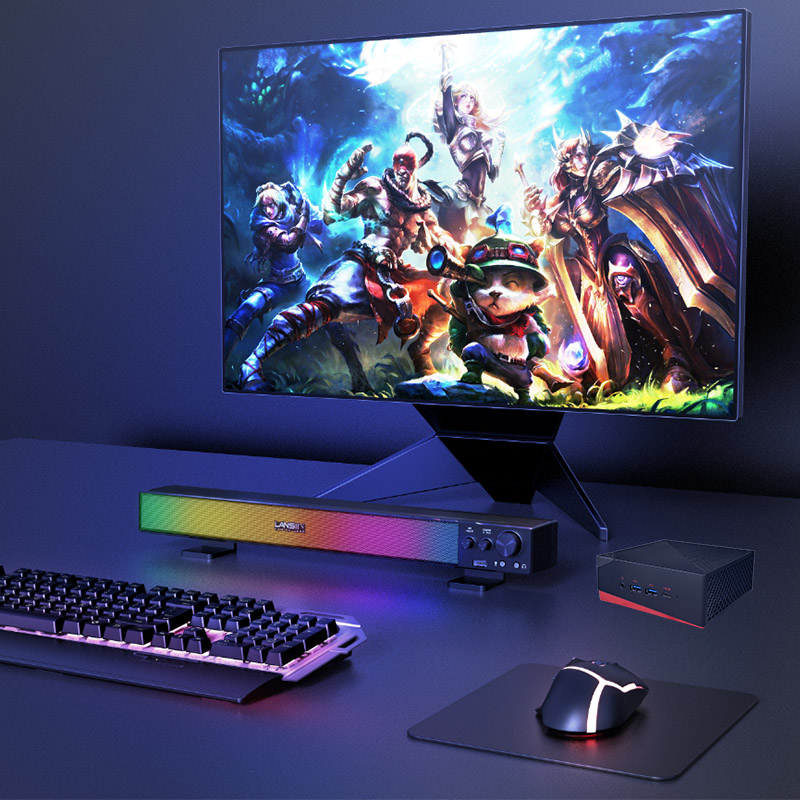
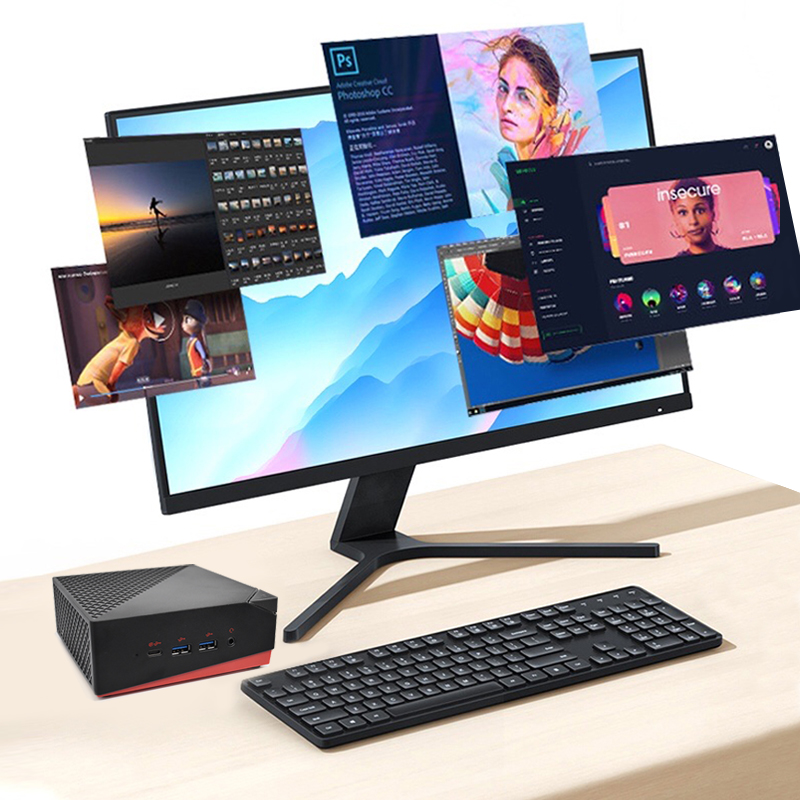
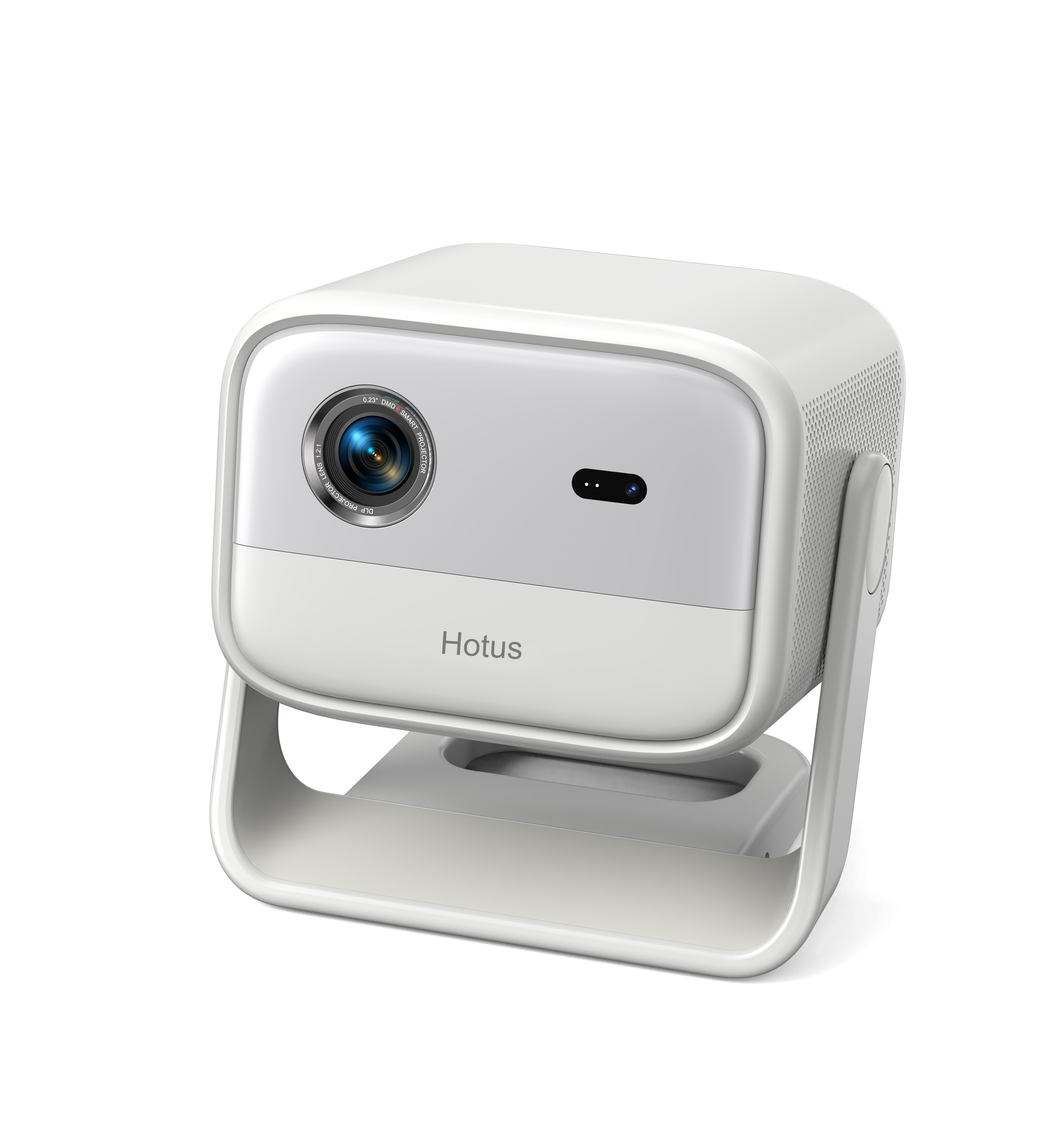
The Palm-sized miniPC is positioned as the ultimate space-saving engine. In my tests, its passive cooling design allowed it to run a continuous 4K video loop with background blur for 8 hours without a single frame drop. The CPU temperature plateaued at 72°C, well within safe limits. This makes it ideal for small huddle rooms and executive offices where the system is mounted directly behind a display or inside a media console. Its weight is negligible, and the fanless operation is critical for sensitive microphone arrays. For a video conferencing all-in-one that needs to disappear into the environment, this is the benchmark for silent, reliable performance.
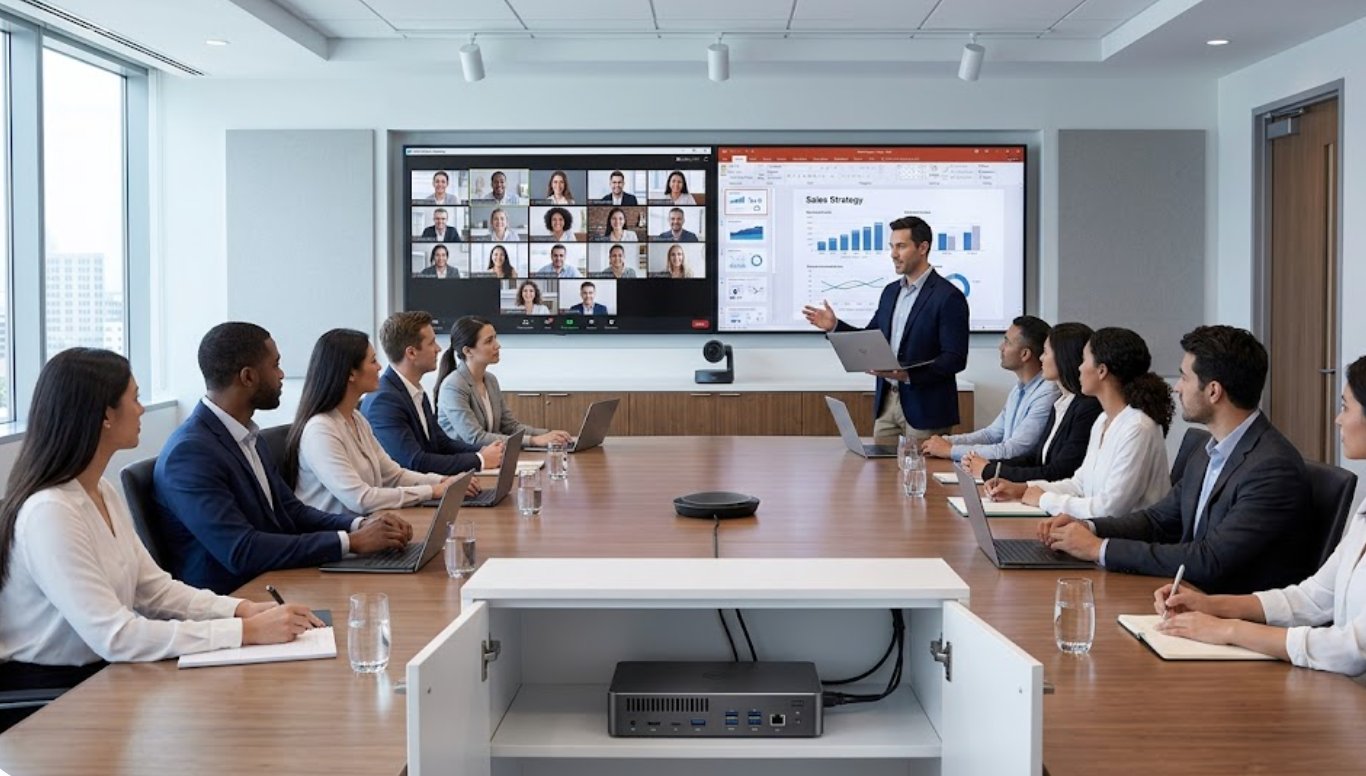
The HCAR5000 MI is a different beast entirely. Powered by an AMD Ryzen 5000H series processor, this unit is designed for heavy-duty multitasking. In my benchmark, I ran a 4K meeting recording, a live transcription service, and a digital whiteboard app simultaneously. The HCAR5000 MI maintained a CPU utilization of only 45% while the Palm-sized miniPC hit 78% under the same load. This extra headroom means you can run complex AI-based camera tracking and lighting optimization without any impact on the user experience. It’s the best choice for large boardrooms or classrooms where the video conferencing all-in-one must handle multiple input streams from wireless presentation systems and document cameras. The active cooling fan is audible under full load, but it’s far quieter than a standard laptop fan, making it perfectly acceptable for a professional environment.

| Specification | Palm-sized miniPC | HCAR5000 MI |
|---|---|---|
| Processor | Intel N-series (Alder Lake-N) | AMD Ryzen 5000H Series (Zen 3) |
| Cooling | Passive (Fanless) | Active (Smart Fan) |
| Max Video Output | 1x 4K @ 60Hz | 2x 4K @ 60Hz |
| RAM (Tested) | 8 GB LPDDR5 | 16 GB DDR4 |
| Storage | 128 GB eMMC | 512 GB NVMe SSD |
| Operating Noise (Idle) | 0 dBA (Silent) | ~22 dBA (Whisper-quiet) |
| Operating Noise (Full Load) | 0 dBA (Silent) | ~32 dBA (Library quiet) |
| Weight | ~200g | ~600g |
| Best Use Case | Huddle rooms, executive offices, digital signage | Large conference rooms, classrooms, multi-stream setups |
When selecting between these two units for your video conferencing all-in-one, consider the room size and the software load. For a small huddle room with a single 4K display and basic meeting software (Zoom, Teams), the Palm-sized miniPC is the perfect, silent solution. You don’t need massive compute power, and the fanless design ensures your microphone picks up nothing but voices.
For a large conference room or a classroom, the HCAR5000 MI is the clear winner. The ability to drive two 4K displays simultaneously (one for the presentation, one for the gallery view) and handle AI-powered camera tracking software requires the extra cores and threads of the AMD processor. If you plan to run local recording or advanced analytics, the HCAR5000 MI’s NVMe storage will also be a significant advantage.
Benchmarks don’t lie. The Palm-sized miniPC offers incredible efficiency and silence for standard deployments, while the HCAR5000 MI delivers the raw power needed for complex, multi-threaded video conferencing workloads. Both are excellent, but they serve different masters. To see how these units perform in a live environment or to discuss your specific room requirements, I encourage you to explore our mini PC solutions and contact our sales team for a personalized recommendation. Don’t let your next meeting be held hostage by a throttling processor. Choose the right tool for the job.