- Select Language
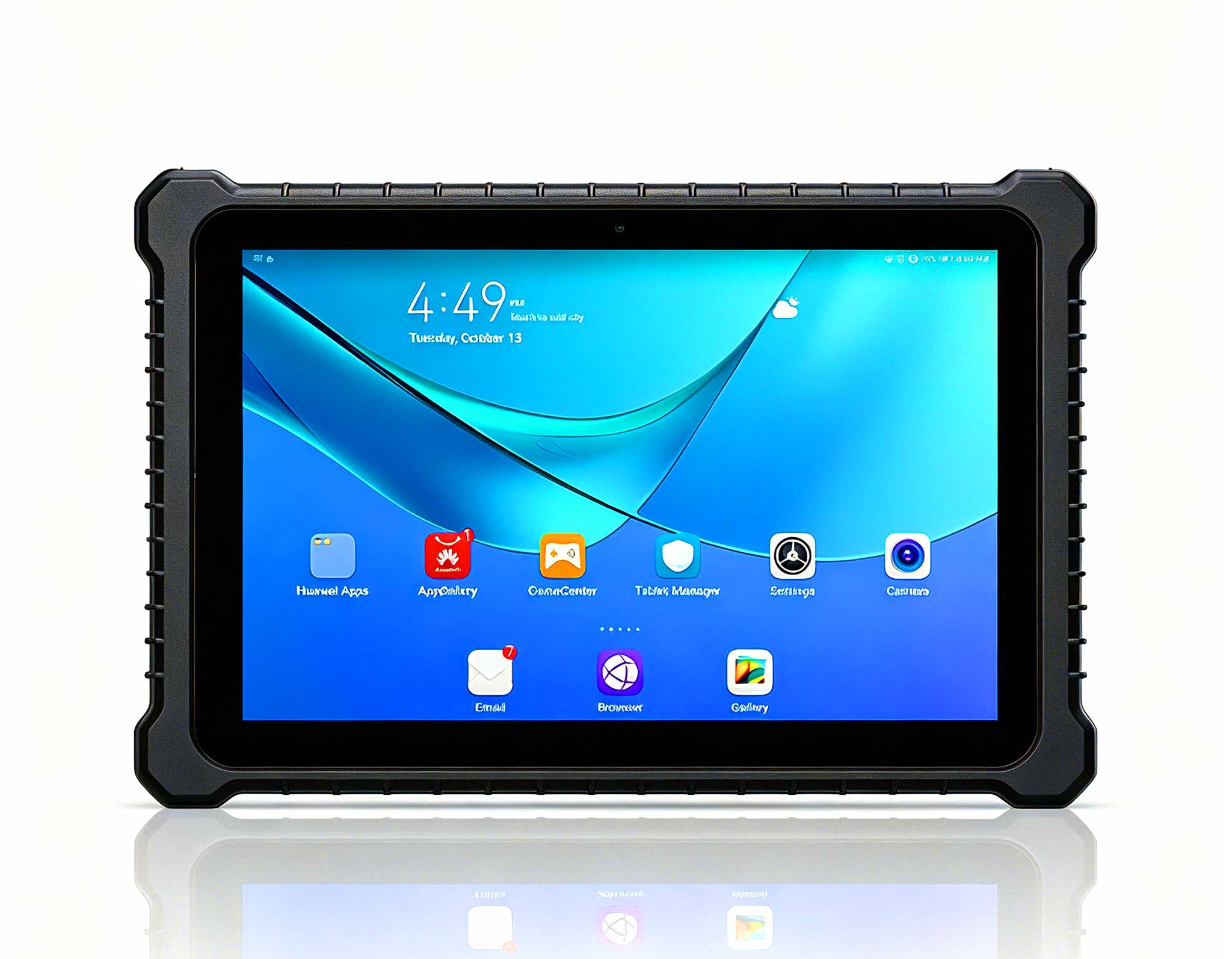
This 10-inch Android rugged tablet is designed for...
RT80 5G Rugged Tablet | 10.1" FHD 400nit | Un...
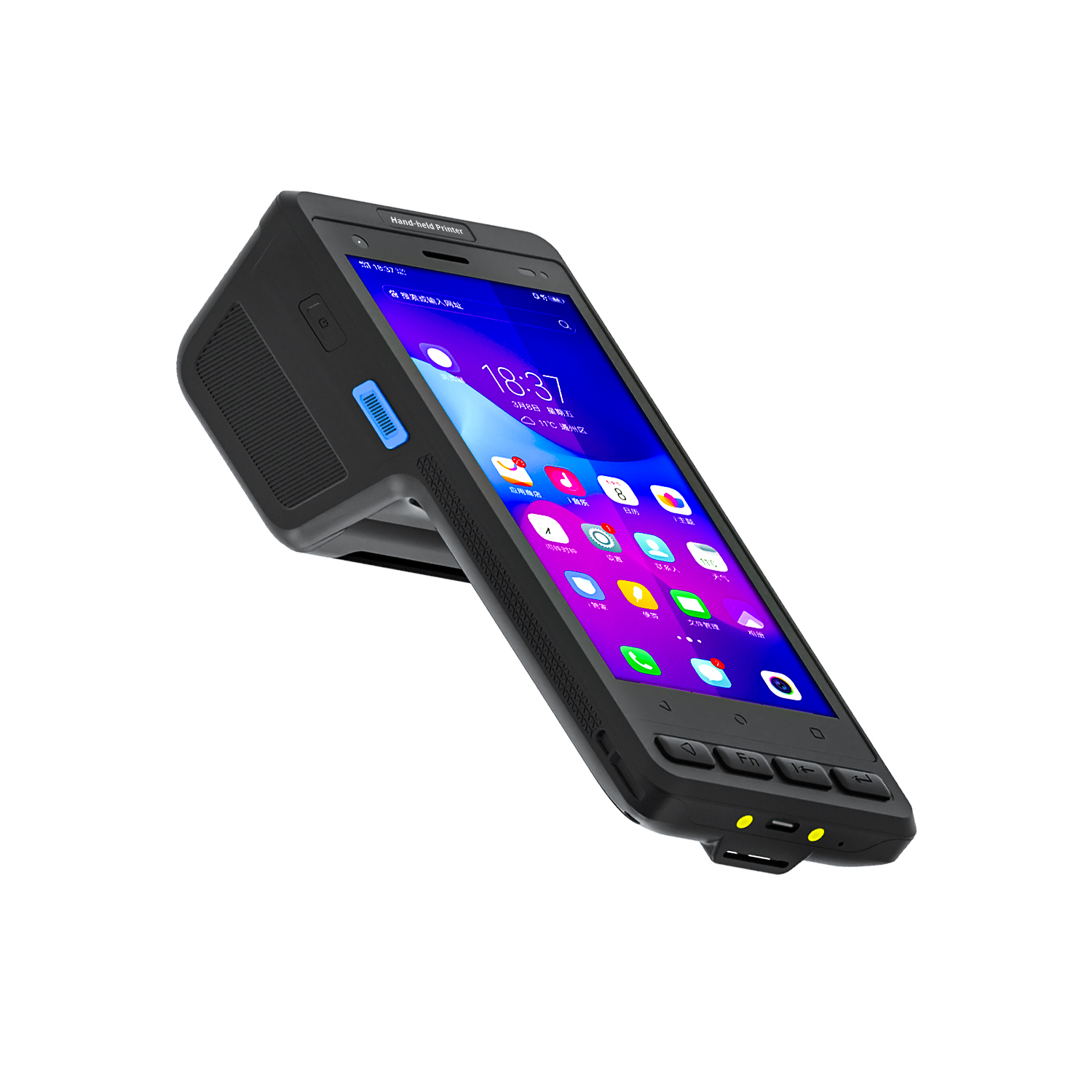
️ X8 Series Handheld Label & Thermal Printing ...
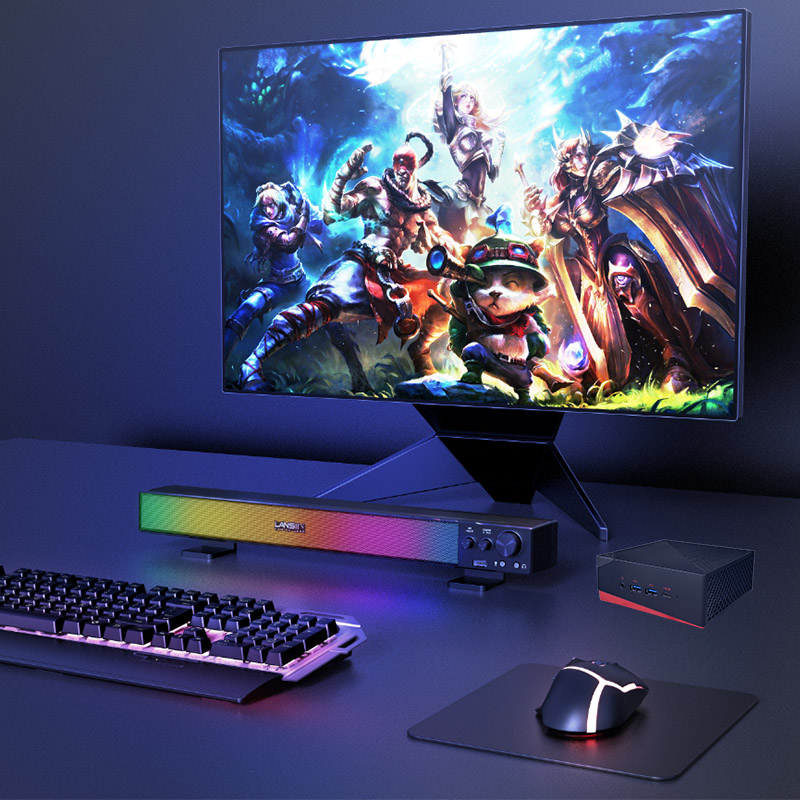
The EGPU Graphics Card Expansion Dock is a high-pe...
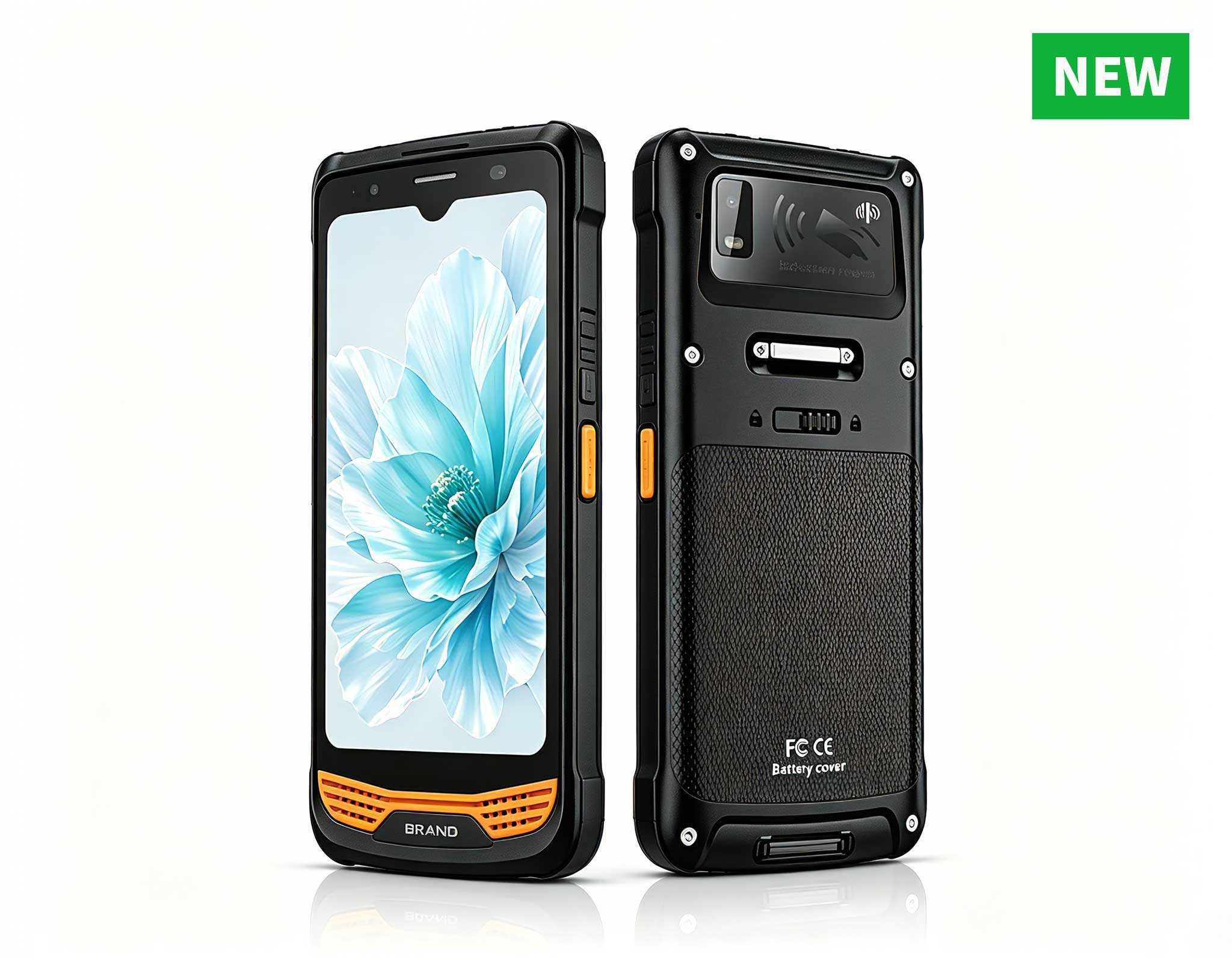
R366-S Thin 5.5-inch Industrial PDA | Qualcomm Oct...
When selecting rugged tablets for industrial environments, the decision often boils down to understanding how the device integrates with daily operations. The HTNJ08C (8-inch Android) and the ST13-J (13.3-inch Windows) represent two distinct approaches to field computing: one prioritizes mobility and simplicity, while the other emphasizes screen size and processing power. This guide explores their differences through the lens of real-world applications, helping you identify which platform aligns with your team's specific needs. To explore the full range of options, browse the complete rugged tablet lineup.
The HTNJ08C is engineered for agility. Weighing around 600 grams, this 8-inch tablet is designed to be carried throughout a shift, whether in a pocket, on a belt, or in a tool pouch. Its Android operating system supports touch-first interactions, making it ideal for quick data capture, barcode scanning, and navigation. In contrast, the ST13-J is a heavyweight performer at roughly 2.5 kilograms, featuring a 13.3-inch full HD display. It is best suited for vehicle mounting, fixed workstations, or stationary tasks where operators need to view complex information without squinting.
To understand the practical implications, consider two common industrial scenarios: warehouse inventory management and field service maintenance.
In a large distribution center, workers walk miles each day scanning items, updating stock levels, and verifying shipments. The HTNJ08C shines here because it can be operated with one hand while the other holds a scanner or handles packages. Its compact size reduces fatigue over long shifts, and Android's app ecosystem offers streamlined inventory management tools that load quickly. The ST13-J, with its larger footprint, would require a shoulder strap or cart, slowing down movement in tight aisles. For this role, the HTNJ08C minimizes downtime and maximizes throughput.

Conversely, a technician repairing heavy machinery needs to consult detailed schematics, read diagnostic data, and possibly run Windows-based software. The ST13-J provides the screen real estate to view piping and instrumentation diagrams (P&IDs) without constant zooming. Its Windows environment supports legacy applications and multitasking, allowing the technician to cross-reference manuals while logging repair notes. While the HTNJ08C could handle basic checklists, its smaller screen and Android limitations make it less effective for complex tasks requiring precise visual analysis.
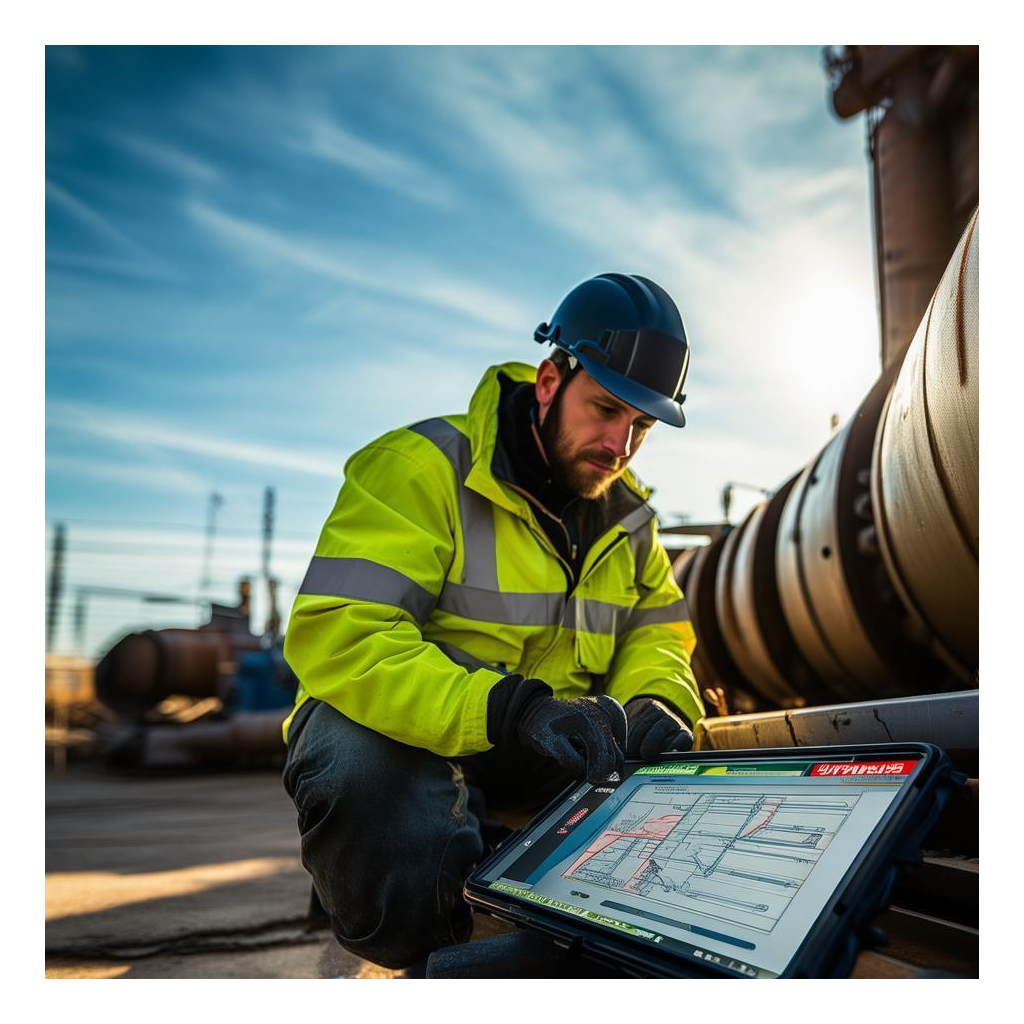
Both devices are built to withstand harsh conditions, but their performance characteristics differ. The HTNJ08C offers long battery life for all-day mobile use, with IP65 or higher ratings for dust and water resistance. Its Android system is optimized for efficient power management, ensuring it lasts through a full shift without recharging. The ST13-J, powered by Windows, provides greater processing capabilities for demanding applications like 3D modeling or data analysis. However, its larger screen and higher power consumption may require vehicle charging or docked operation. For environments with extreme temperatures, both devices are tested for reliability, but the ST13-J's larger chassis allows for more robust thermal management.
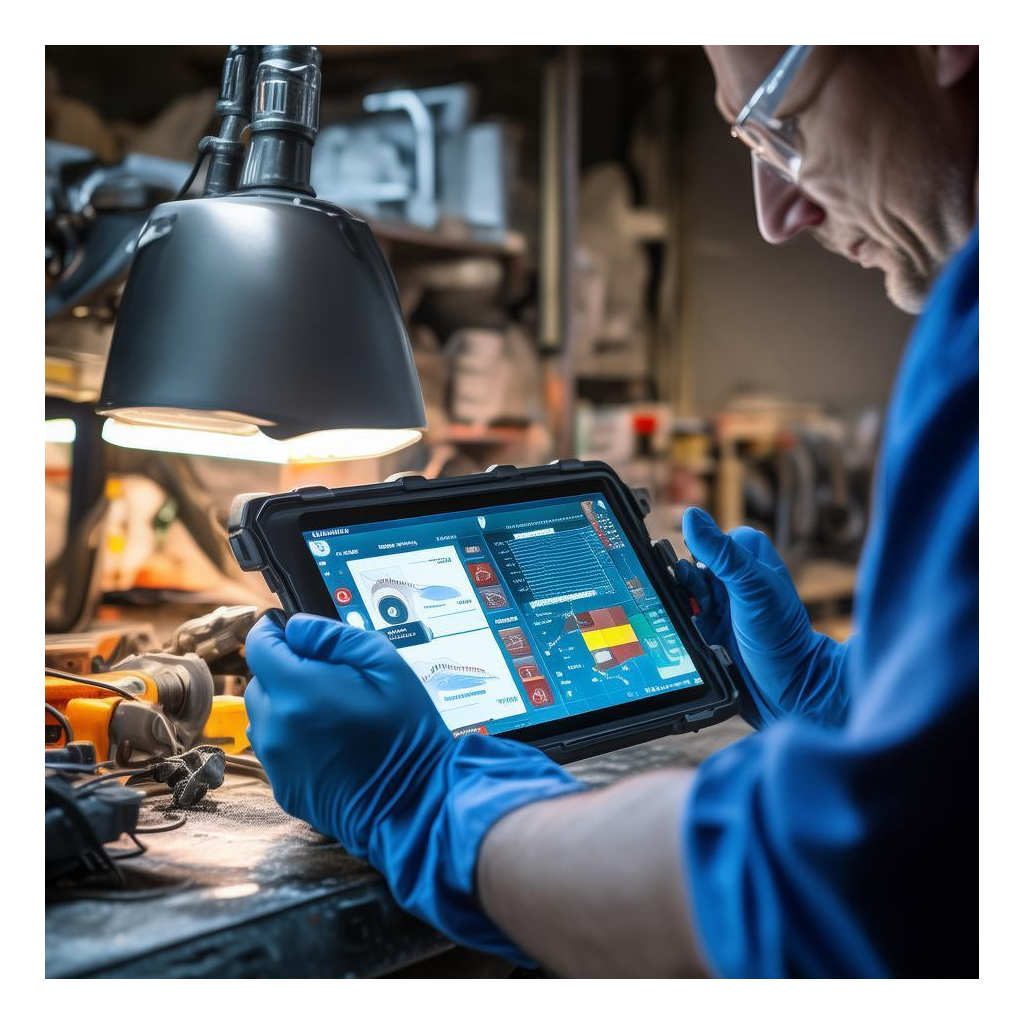
Cost considerations extend beyond the purchase price. The HTNJ08C typically has a lower upfront cost and lower maintenance expenses due to its simpler design and Android's less resource-intensive updates. However, if your workflows rely on Windows-specific software, the ST13-J may avoid the hidden costs of migrating to a new platform. Additionally, the ST13-J's durability in high-vibration environments (e.g., forklift mounting) can reduce replacement frequency, offsetting its higher initial investment. A thorough TCO analysis should factor in software licensing, accessory costs (e.g., vehicle docks for the ST13-J), and expected lifespan based on usage intensity.
Start by evaluating your workforce's typical movement patterns and task complexity. If employees are constantly on the move and require a device they can hold for hours, the HTNJ08C's portability is unmatched. If they need to analyze large datasets, run Windows applications, or view detailed visuals at a fixed station, the ST13-J's screen size and processing power justify its bulk. For hybrid roles—where workers alternate between mobile scanning and stationary analysis—consider whether a single device can cover both needs or if a two-device strategy (e.g., HTNJ08C for mobile tasks and a desktop for complex work) is more practical.
Ultimately, the choice between the HTNJ08C and ST13-J is not about which is better, but which is better suited to your operational context. By aligning hardware capabilities with your team's daily challenges, you can improve productivity, reduce worker fatigue, and maximize return on investment. For real-world deployment insights, see our PrecisionDrive case study on rugged tablet ROI and Heartland Regional Health IT transformation.