- Select Language
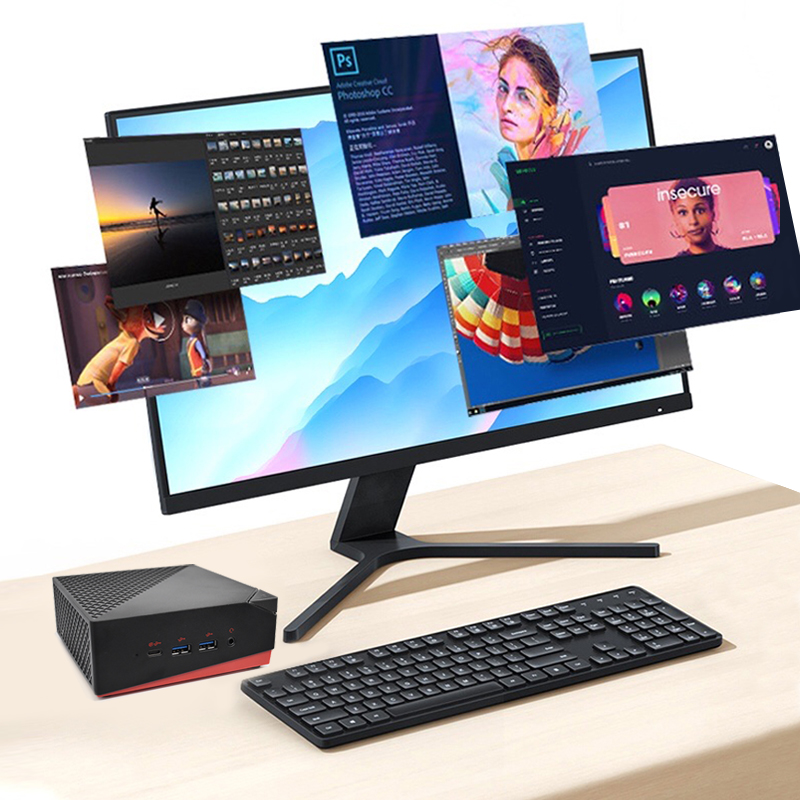
Technical SpecificationsModel: Palm-sized miniPCTy...
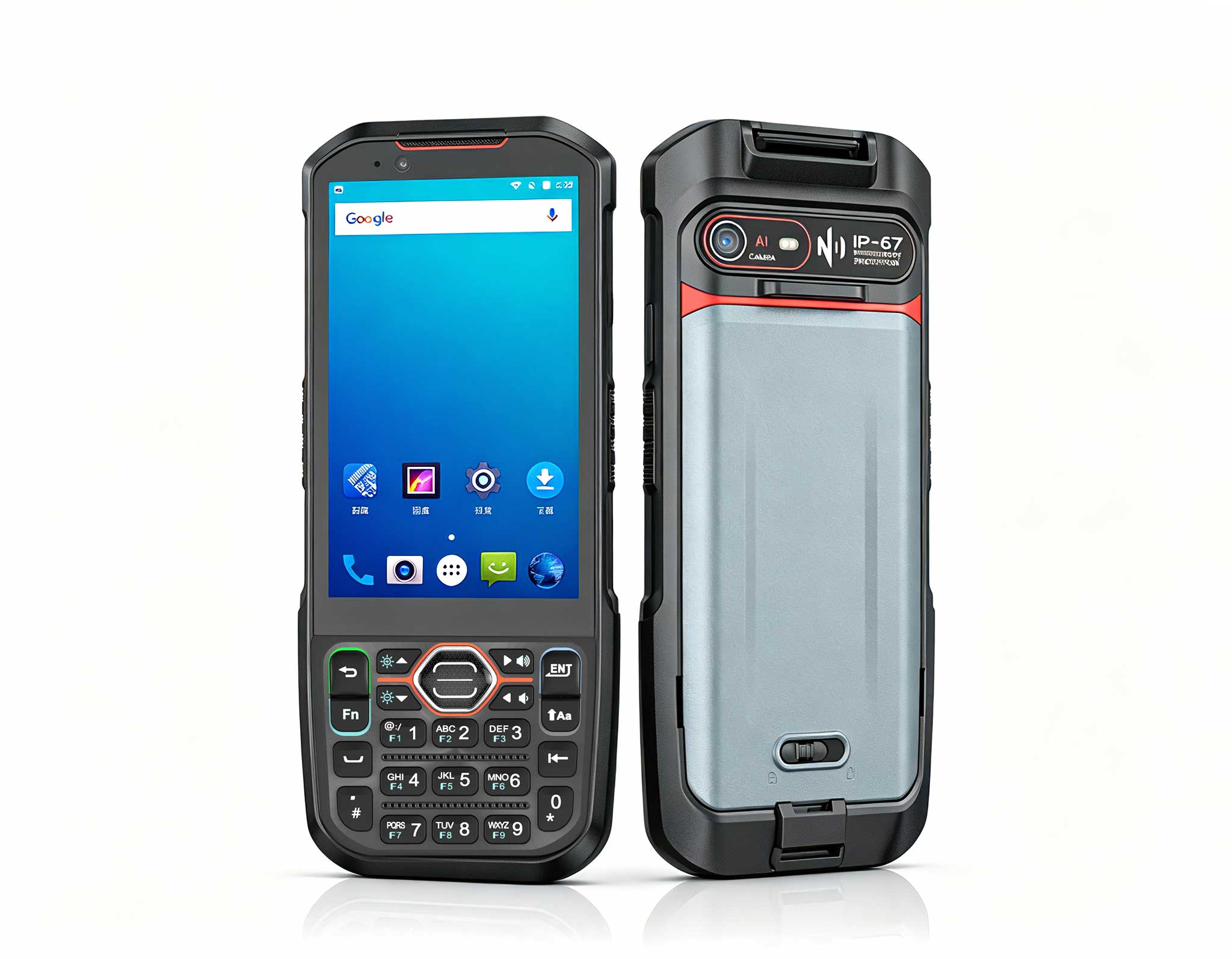
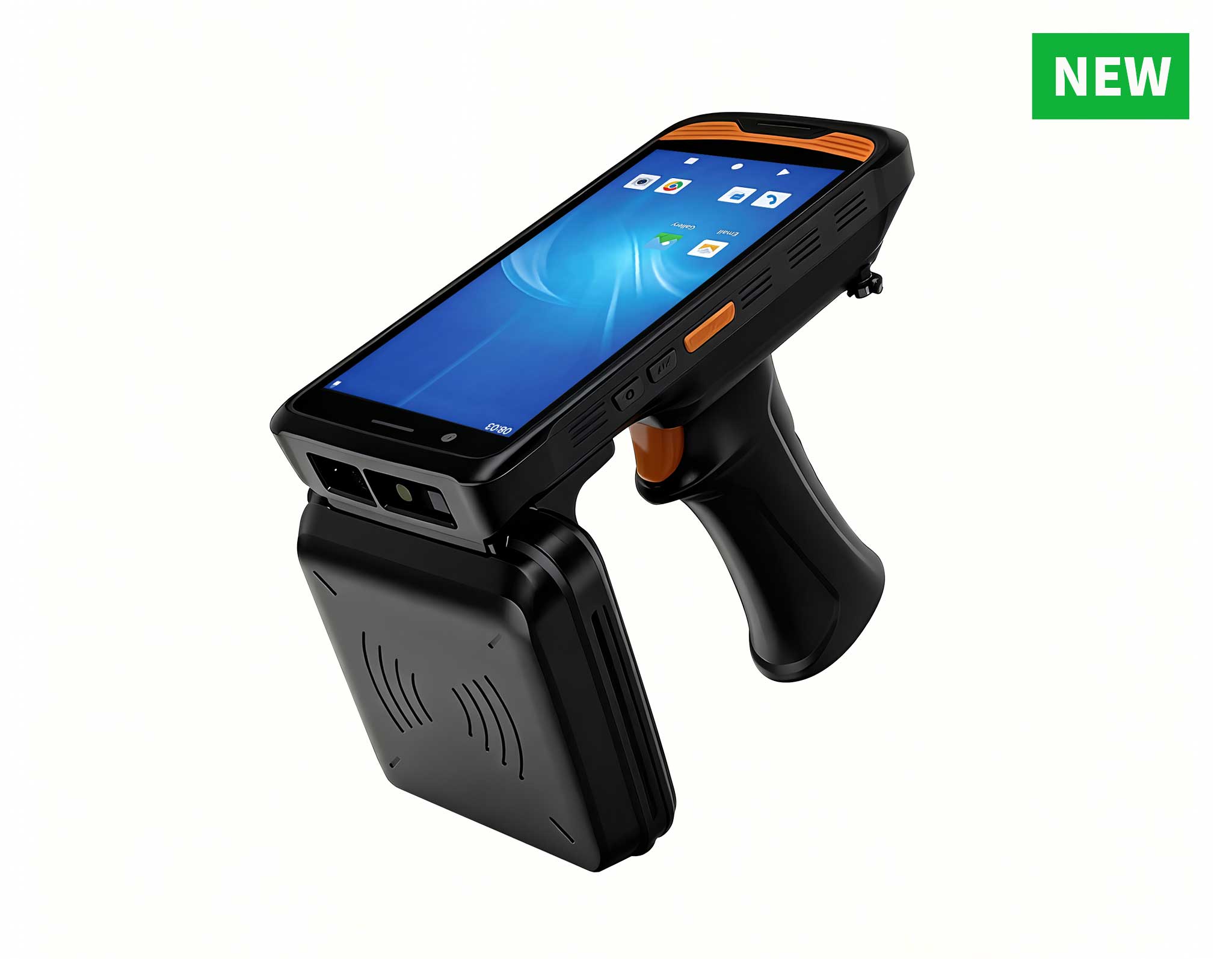
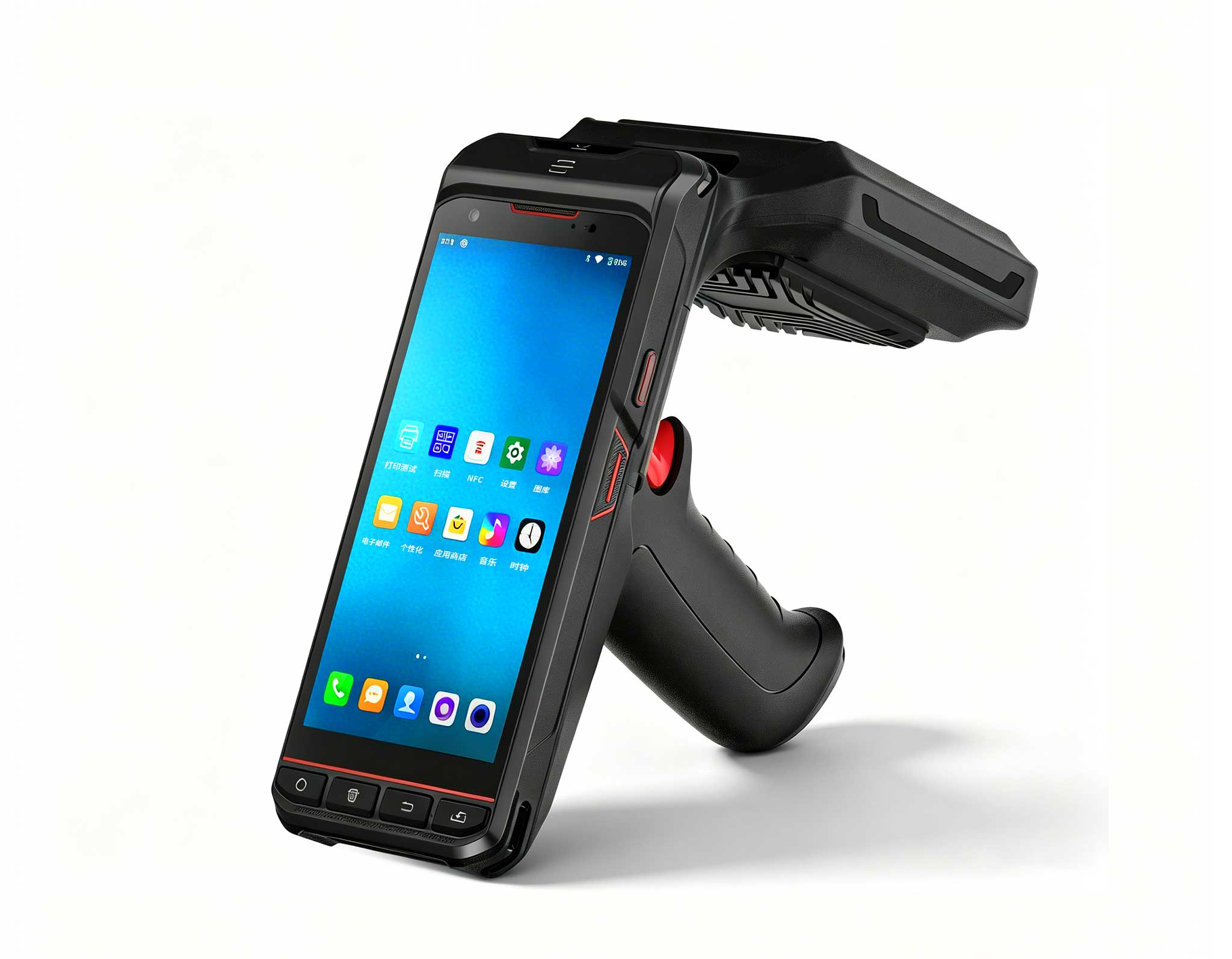
R366-S Thin 5.5-inch Industrial PDA | Qualcomm Oct...
Explore an innovative Personal Digital Assistant f...
Full SpecificationsModelHotus ST11‑UOSWindows 10 P...
RS51 4G Rugged Handheld Terminal | 6.3" FHD+ ...
R366C-S 5.5-inch Industrial UHF RFID Reader | Qual...
The R501 PDA combines a powerful MT6762 Octa-Core ...
From the unknown so simpleUsed for mobile phones, ...
After years of watching hardware and pedagogy collide in school environments, I’ve seen a pattern that’s hard to ignore: most computer labs are the least productive rooms in the building. The classic desktop tower is bulky, consumes too much power, and creates a maintenance nightmare. When a school runs 30 to 60 machines in a single lab, the combined cost of electricity, cooling, and IT support quickly eats into the budget. Worse, the physical size of these machines limits how teachers can arrange the room or encourage collaboration. The real fix isn’t a smaller version of the same old desktop—it’s a fundamental shift in what a school computer actually is. That’s where the latest generation of dedicated education solutions comes in, offering a smarter, more energy-efficient, and future-ready approach to school computing.
The industry is moving away from one-size-fits-all workstations. Schools now need devices that can mount behind a monitor, cluster together for shared tasks, or handle specialized jobs like media streaming and data storage. The three products I’ll walk through today—the Palm-sized miniPC, the HCAR5000 MI, and the WTR PRO AMD—represent different performance tiers and use cases within this shift. They aren’t competing with each other; they’re built for different educational challenges.
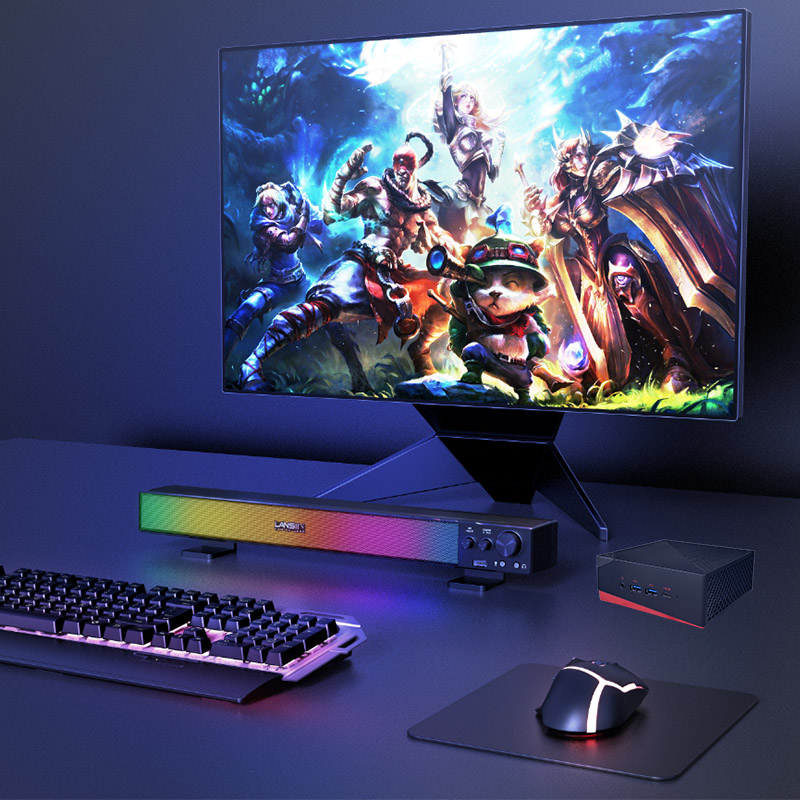
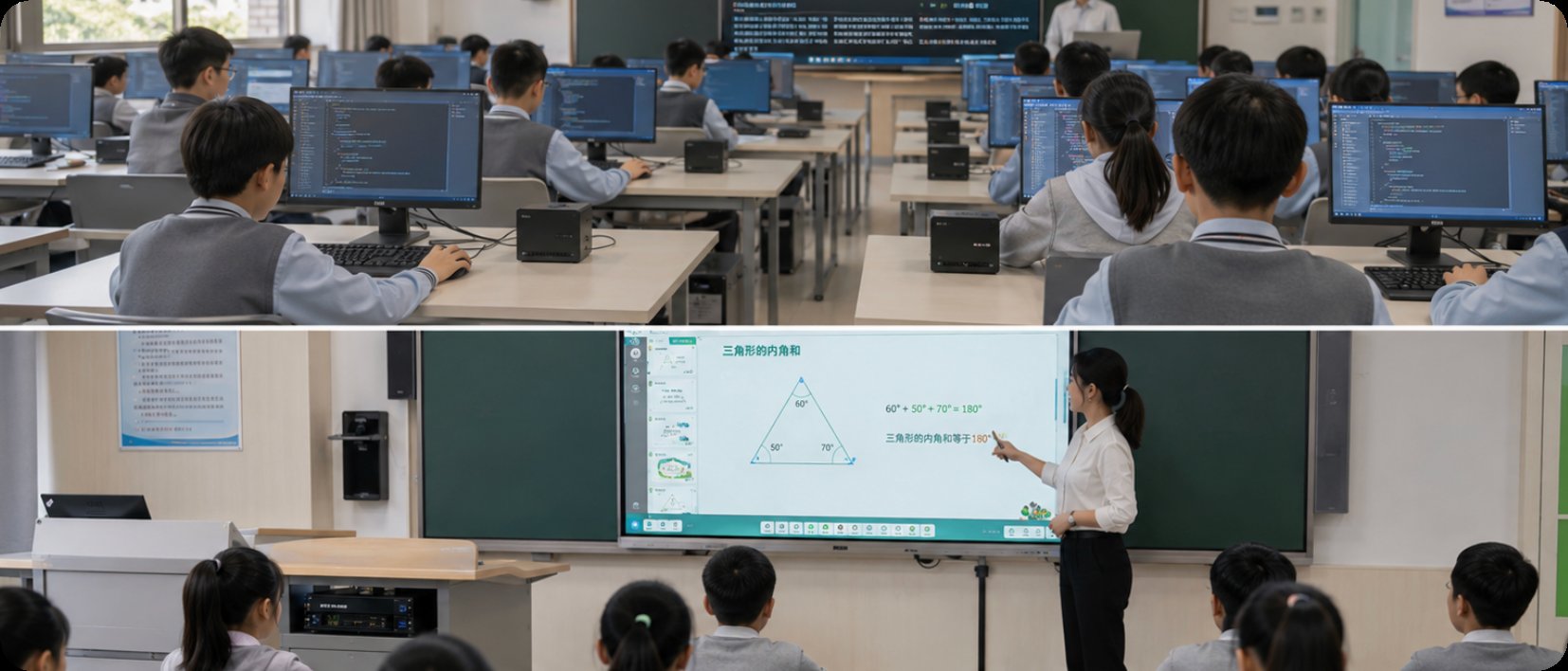
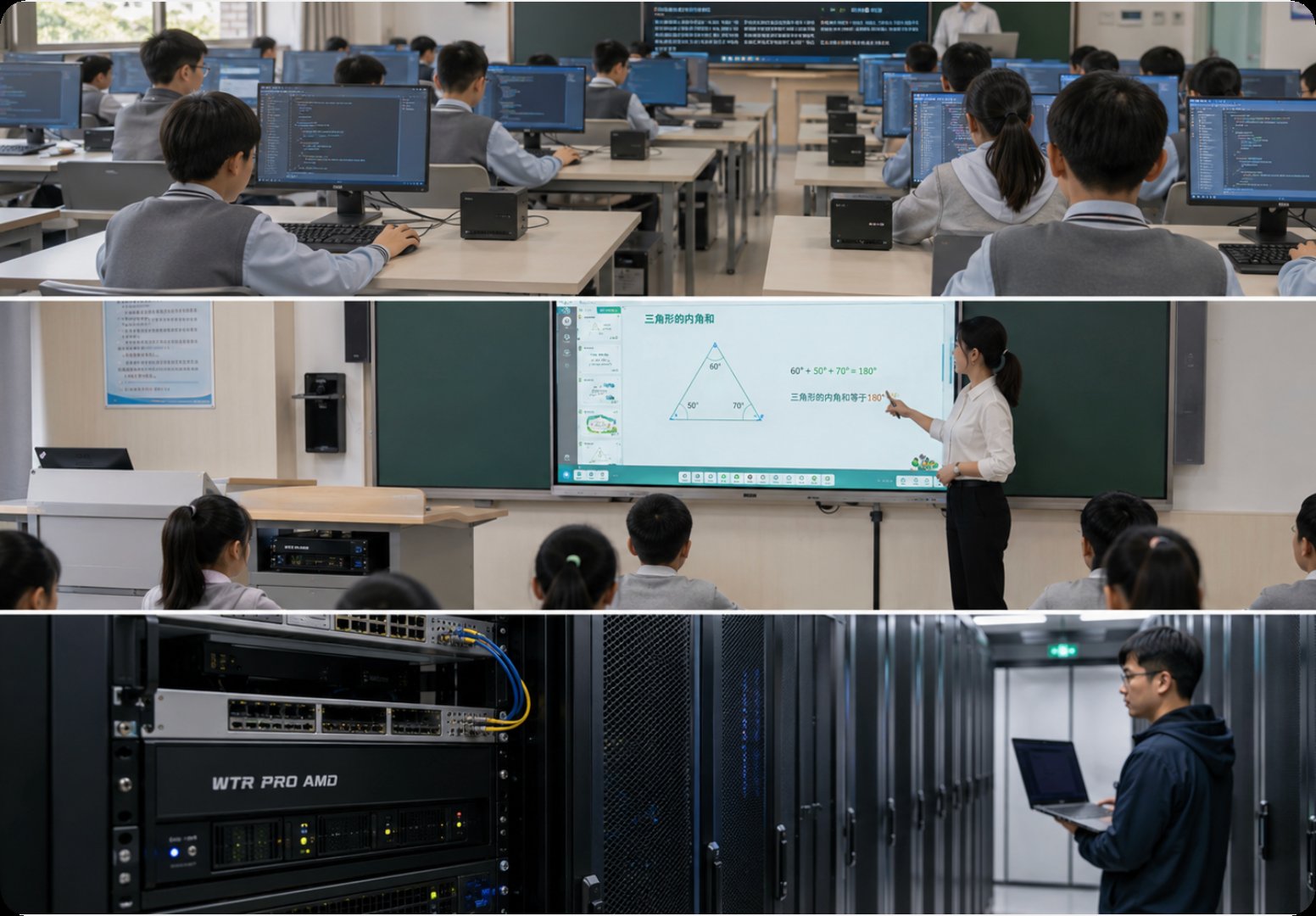
First up is the Palm-sized miniPC. This device is designed to replace the traditional desktop in a standard computer lab. Its biggest advantage? Physical footprint. By mounting these units behind a monitor or under the desk, schools free up valuable desk space for books, notebooks, or hands-on projects. This model handles everyday productivity tasks like word processing, web browsing, digital textbooks, and light coding without breaking a sweat. It’s the most cost-effective way to outfit a lab with modern computing power—no clutter, no excess heat, no bulky towers. For a lab that needs 40 identical, reliable, and easy-to-service stations, this is the obvious choice.
For schools pushing into advanced curricula—like 3D modeling, video editing, or data science—a standard mini PC won’t cut it. That’s where the HCAR5000 MI comes in. Powered by the AMD Ryzen 5000H series, this mini PC brings laptop-grade high-performance CPU architecture into a compact chassis. It’s ideal for a “creative lab” or “STEM lab” where students run resource-heavy applications like AutoCAD, Blender, or statistical analysis software. The HCAR5000 MI ensures students aren’t waiting for their machines to catch up with their ideas. It also works great as a teacher workstation, where the instructor needs to run classroom management software, a presentation, and a real-time coding environment simultaneously—without lag.
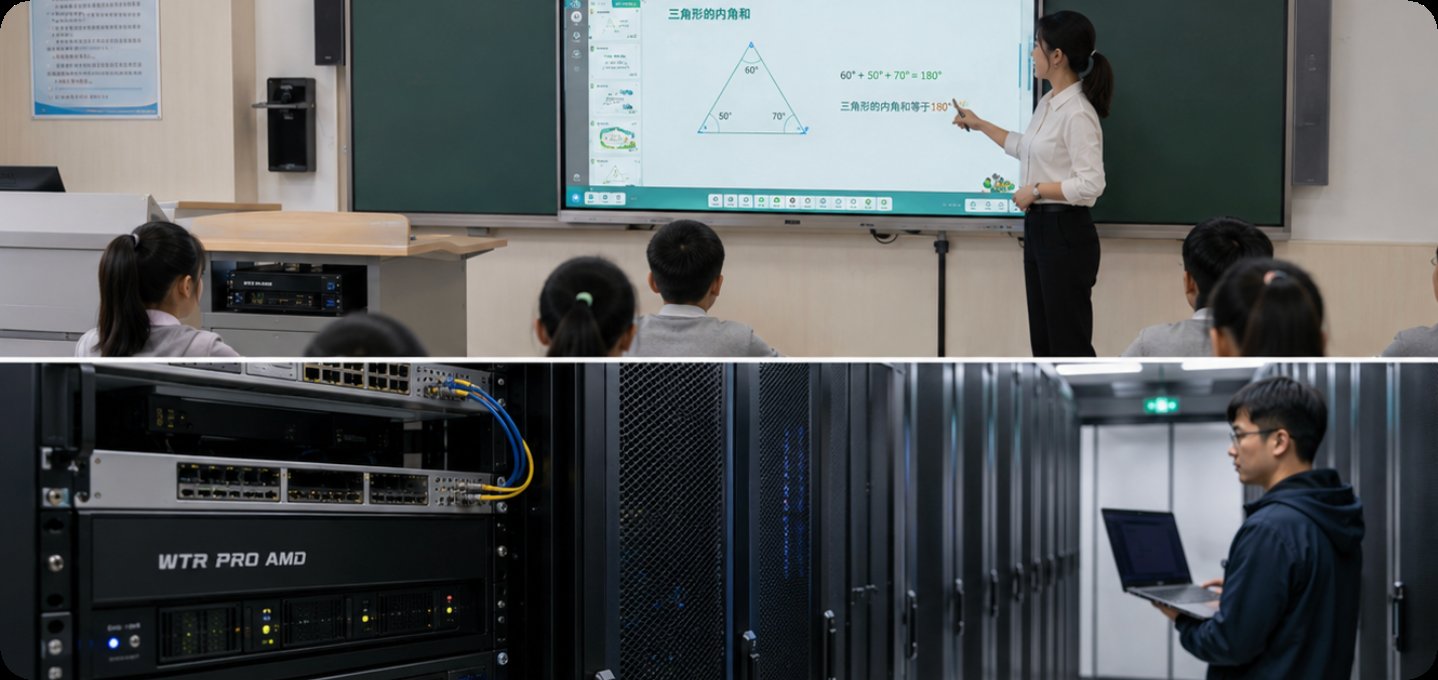
Beyond individual student workstations, every computer lab needs a solid backend. The WTR PRO AMD isn’t a student workstation—it’s a mini server and NAS (Network Attached Storage) device that redefines what a computer lab can do. With four drive bays, it can serve as a centralized file server for the entire lab, a backup target for all student projects, or a media streaming hub for a digital media classroom. For schools building a “maker space” or “media lab,” this device lets students access large datasets, video files, or shared project files from any workstation in the room. It runs Windows 11, so it can double as a high-performance workstation for the lab administrator or for specialized tasks like video transcoding. This is the product that turns a collection of computers into a true network.
To help you make a quick technical assessment, here’s a side-by-side comparison of the three models based on their most relevant attributes for an educational environment.
| Feature | Palm-sized miniPC | HCAR5000 MI | WTR PRO AMD |
|---|---|---|---|
| Primary Position | Standard lab workstation | High-performance workstation | NAS / Server / Admin workstation |
| Processor Series | Intel N-series or equivalent | AMD Ryzen 5000H Series | AMD Ryzen (varies by config) |
| Memory (RAM) | 8GB – 16GB | 16GB – 32GB | 16GB – 64GB |
| Storage | M.2 SSD (up to 1TB) | M.2 SSD (up to 2TB) | 4x 3.5" SATA + M.2 |
| Network | Gigabit Ethernet + Wi-Fi | 2.5GbE + Wi-Fi 6 | 2.5GbE + Optional 10GbE |
| Best Use Case | General education, office apps | 3D modeling, video editing, STEM | File server, backup, media lab |
| Physical Size | Palm-sized (ultra-compact) | Small (slightly larger than palm) | Medium (NAS form factor) |
Selecting the right device depends entirely on the specific demands of your lab. Here are three key considerations:
1. The Standard Lab (Grades 6-12 or General Higher Ed): If your curriculum is primarily based on web applications, Microsoft Office, or Google Workspace, the Palm-sized miniPC is your best bet. It minimizes total cost of ownership, reduces heat output, and frees up physical space. Start with 8GB of RAM and an SSD, and you’ll have a responsive lab that lasts for years.
2. The STEM or Creative Lab (Advanced High School or University): If you’re teaching computer science, engineering, or digital arts, invest in the HCAR5000 MI. The AMD Ryzen 5000H series provides the multi-core performance needed for compiling code, rendering 3D scenes, or processing large datasets. Don’t skimp on RAM—16GB is the minimum, and 32GB is recommended for serious work.
3. The Backend & Media Lab: For the lab that needs shared storage, a backup server, or a dedicated media production environment, the WTR PRO AMD is essential. It can replace a separate server and a workstation. Consider this if your lab has more than 20 computers, as centralized storage dramatically simplifies IT management and data backup.
For a deeper dive into how these devices can transform your school’s IT infrastructure, explore our mini PC solutions to see the full product line and read more about deployment strategies.
The era of the bulky, inefficient desktop tower in education is ending. Schools that adopt smaller, more powerful, and more specialized computing devices will not only save money on energy and maintenance but will also create more flexible and engaging learning environments. Whether you need thirty standard workstations, a handful of high-performance machines for a STEM lab, or a robust server to tie it all together, Hotus has a product designed for that exact purpose.
I encourage you to take the next step. Contact our team for a personalized consultation, or explore our mini PC solutions to find the exact configuration for your school’s needs. The future of education is compact, powerful, and connected—and it starts with the right hardware.