- Select Language
The X501 Handheld PDA combines advanced barcode sc...
The R501 PDA combines a powerful MT6762 Octa-Core ...
Full SpecificationsModelHotus ST13‑UOSWindows 10 P...
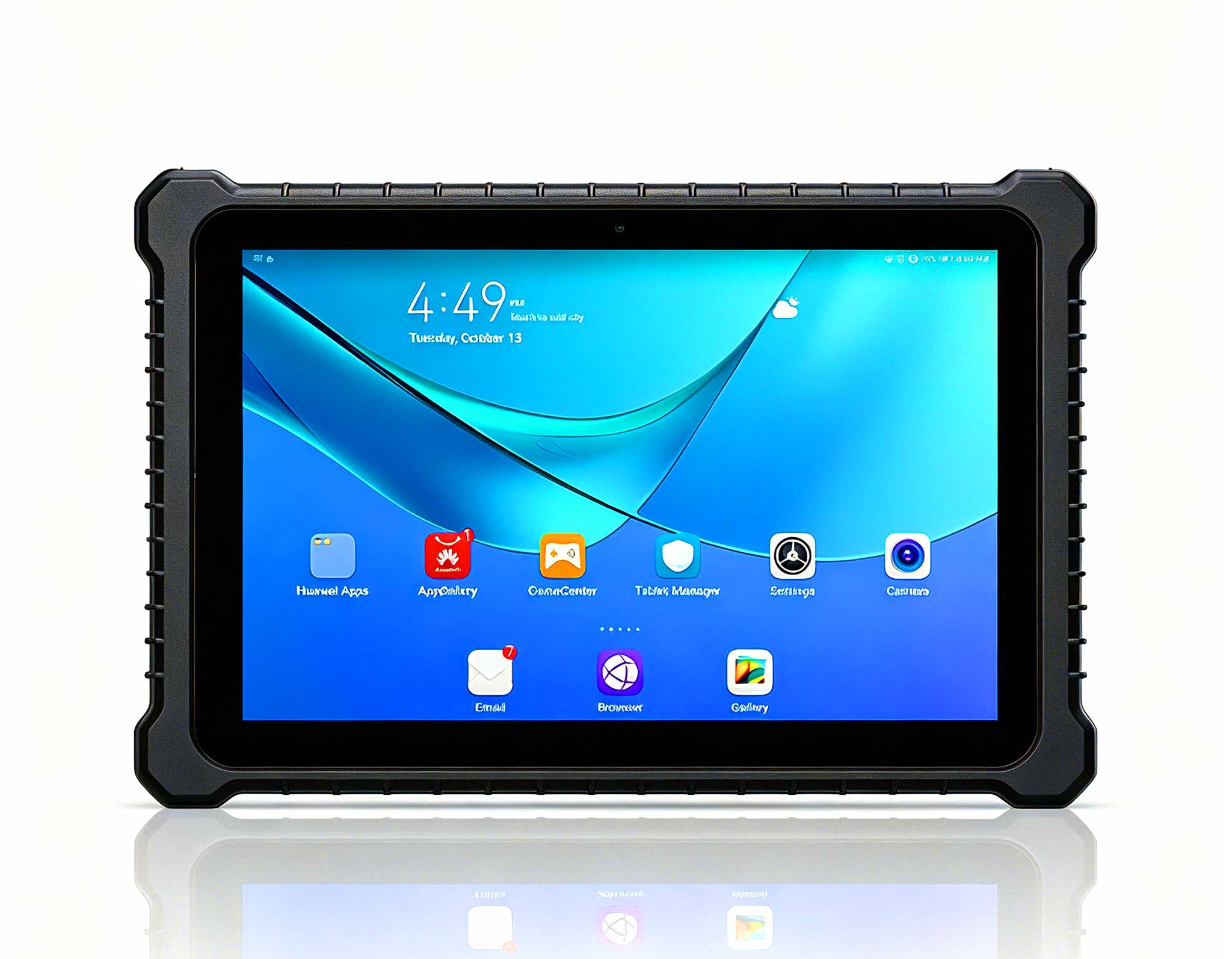
P8 Series 8-Inch Rugged Industrial Tablet PC Mobi...
Full SpecificationsModelHotus ST11‑MOSWindows 10/1...
Full SpecificationsModelHotus ST9‑JOSWindows 10 Pr...
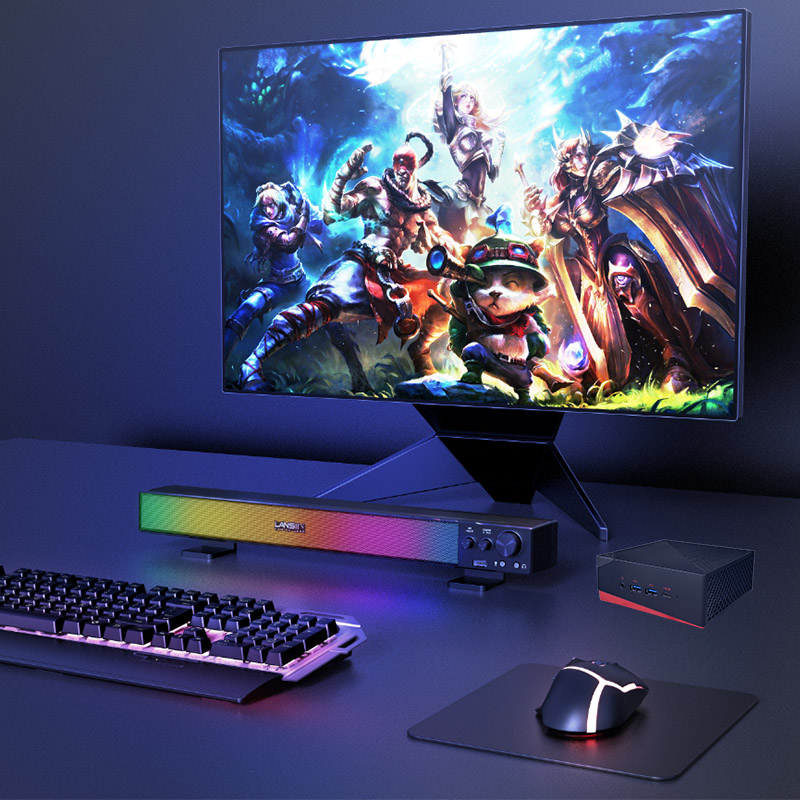
After years of navigating the remote work landscape, I've learned one hard truth: your home office is only as reliable as the hardware running it. The biggest mistake I see professionals make is treating a Mini PC like an appliance you can ignore until it breaks. Proactive maintenance is the real secret to longevity, especially when your livelihood depends on a stable setup. Whether you're crunching data, managing a media server, or running a virtual desktop, understanding how to care for your specific device can save you from mid-meeting crashes and costly downtime. That's why I always recommend starting with dedicated remote work home office solutions built for continuous operation—but you also need to know how to keep them that way.
Maintenance for a mini PC isn't just about dusting the vents. It involves thermal management, storage hygiene, and software updates tailored to your workload. For Hotus Technology's latest lineup—the HCAR5000 MI, the Palm-sized miniPC, and the WTR PRO AMD—each device has unique needs based on its form factor and intended role. Let me walk you through what makes each model tick, and more importantly, how to keep them ticking for years.
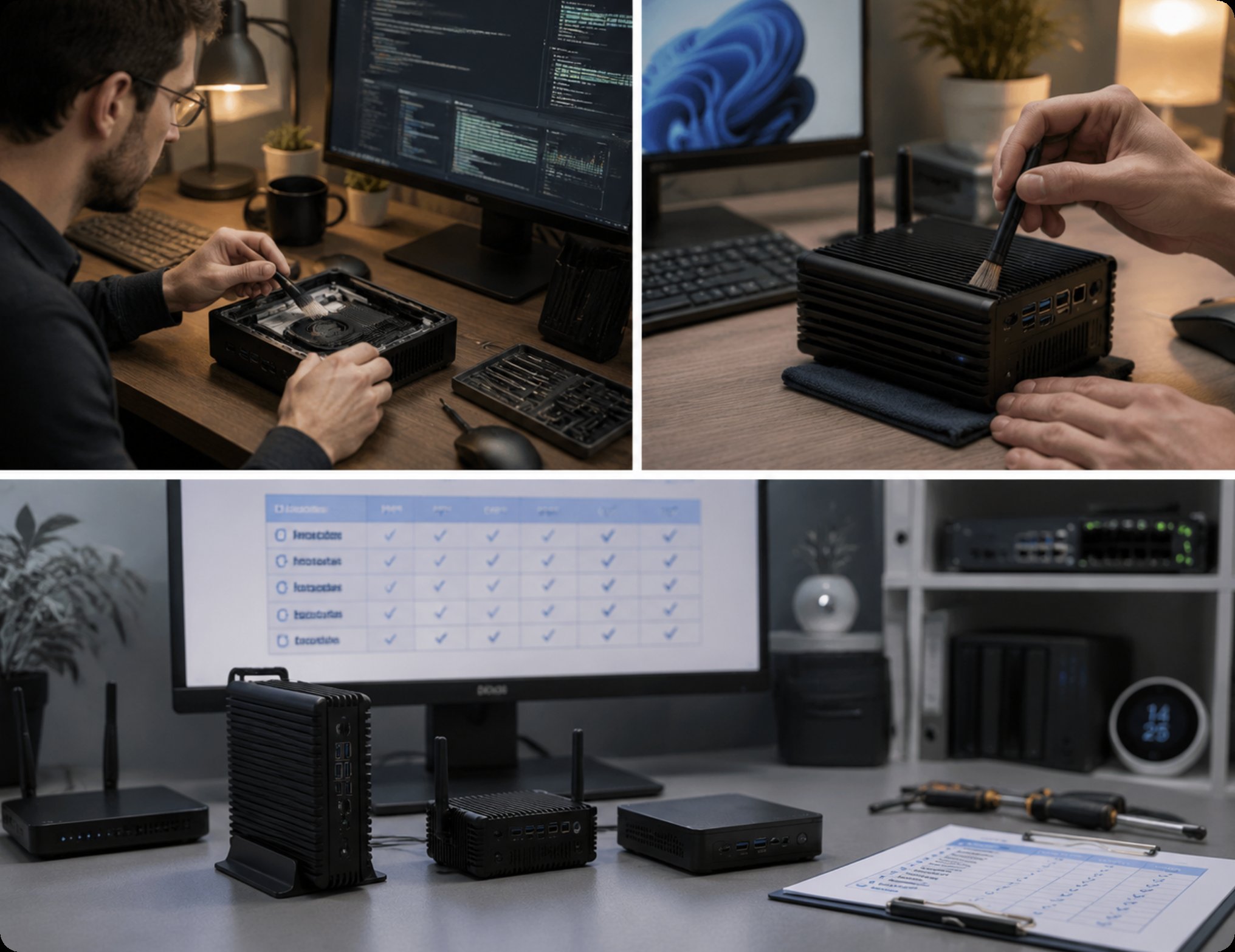
The HCAR5000 MI is a beast. Powered by the AMD Ryzen 5000H Series processor, this unit is designed for users who run virtual machines, compile code, or edit 4K video from their living room. Its position as a high-performance mini workstation means it generates significant heat under load. For maintenance, I strongly advise checking the thermal paste every 12 to 18 months, as this model's compact chassis relies heavily on efficient heat transfer. Keep the aluminum enclosure free from obstructions, and ensure the intake vents on the bottom are elevated. A simple laptop cooling pad can extend its lifespan dramatically. For the best balance of power and portability, the HCAR5000 MI is your go-to for heavy lifting, but remember that its fan will need periodic cleaning to prevent dust buildup from throttling performance.
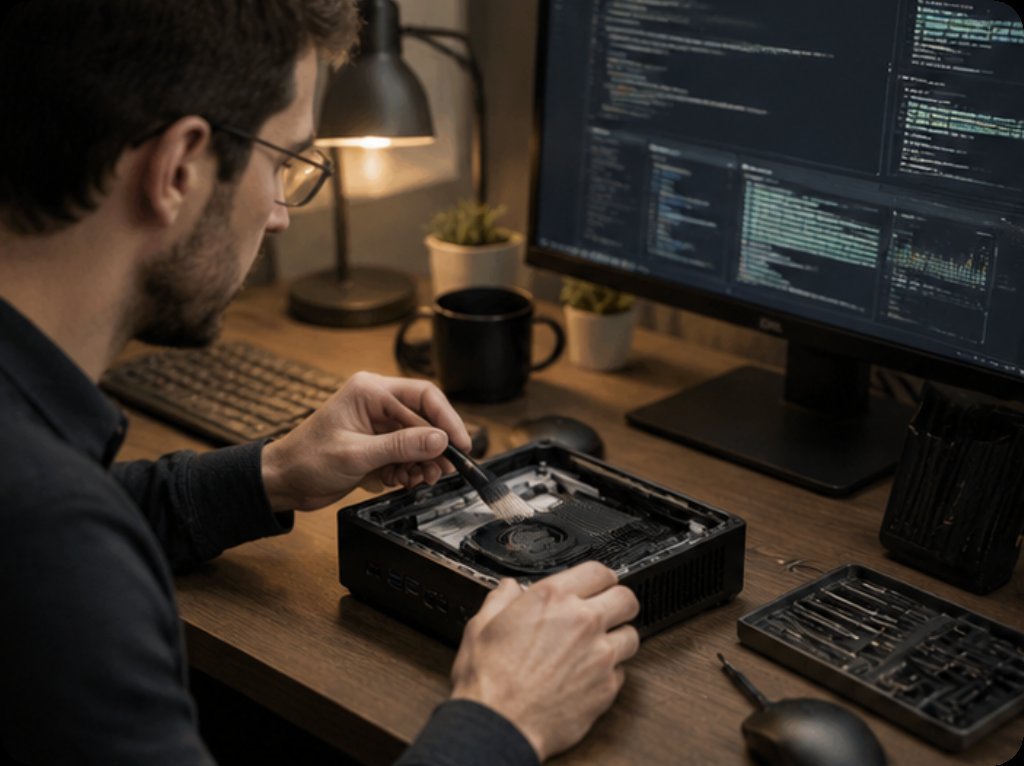
If your remote work involves spreadsheets, video conferencing, and web browsing, the Palm-sized miniPC is the quiet champion. Its fanless design is both a blessing and a maintenance challenge. Without active cooling, dust accumulation on the passive heatsink fins is the primary enemy. I recommend using compressed air to blow out the fins every three months. Since this unit is often placed in tight spaces—behind a monitor or under a desk—make sure it has at least two inches of clearance on all sides for natural convection. The Palm-sized miniPC thrives in a clutter-free environment, and its low power draw means you can leave it on 24/7 without worrying about heat degradation. Just be mindful of ambient temperature; avoid placing it near a radiator or in direct sunlight.
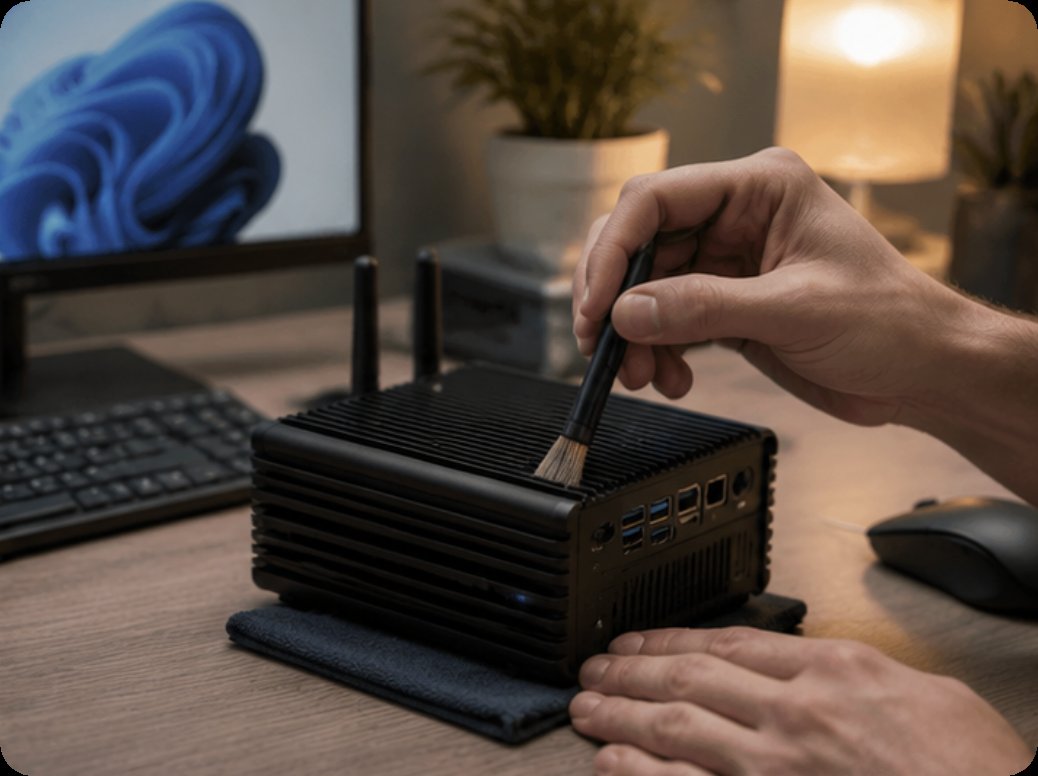
The WTR PRO AMD is a unique hybrid that functions as both a mini PC and a 4-bay NAS. For remote workers who manage large media libraries or run a home server, this is the ultimate Swiss Army knife. Maintenance here is twofold: software and hardware. On the software side, regularly update the NAS firmware and check your RAID array health. On the hardware side, the hard drive bays are the most maintenance-intensive part. Dust filters on the drive caddy should be cleaned monthly if you have pets. Additionally, since this unit runs multiple drives, vibration dampening is crucial. Ensure the rubber grommets are intact to prevent mechanical noise and premature drive failure. The WTR PRO AMD is a powerhouse, but it demands a bit more attention to keep its storage subsystem running smoothly. For a comprehensive look at the entire lineup, you can browse the HCAR5000 MI series and its companions.
| Feature | HCAR5000 MI | Palm-sized miniPC | WTR PRO AMD |
|---|---|---|---|
| Processor | AMD Ryzen 5000H Series | Intel N100 / N305 | AMD Ryzen 7 5825U |
| Max RAM | 64GB DDR4 | 16GB DDR4 | 64GB DDR4 |
| Storage | M.2 NVMe + 2.5" SATA | M.2 NVMe | 4x 3.5" SATA + M.2 NVMe |
| Cooling | Active fan | Passive fanless | Active fan + HDD cooling |
| Weight | ~1.2 kg | ~0.35 kg | ~2.5 kg |
| Best Use Case | Development, rendering | Office tasks, browsing | NAS + server + workstation |
| Maintenance Focus | Thermal paste, fan cleaning | Dust on heatsink fins | RAID health, drive vibration |
Selecting the right device comes down to two key factors: your workload intensity and your tolerance for maintenance. If you are a video editor or developer who pushes the CPU to its limits, the HCAR5000 MI is your best bet, but you must be comfortable with periodic fan cleaning and thermal paste replacement. If you are a writer or project manager who values silence and zero moving parts, the Palm-sized miniPC is ideal—just keep it dust-free. For those who need a central data hub, such as photographers or small business owners running a private cloud, the WTR PRO AMD offers unmatched storage flexibility but requires more diligent software and hardware upkeep. For more insights on optimizing your setup, explore our mini PC solutions to find the perfect match for your workflow.
Maintenance is not a chore; it is an investment in your productivity. By understanding the thermal and mechanical needs of your mini PC, you can avoid unexpected failures and enjoy years of reliable service. Whether you choose the raw power of the HCAR5000 MI, the silent efficiency of the Palm-sized miniPC, or the storage versatility of the WTR PRO AMD, a little care goes a long way. Visit Hotus Technology today to pick your next remote work companion and start your maintenance routine on the right foot.