- Select Language
Enterprise Flagship SeriesEngineered for mission-c...
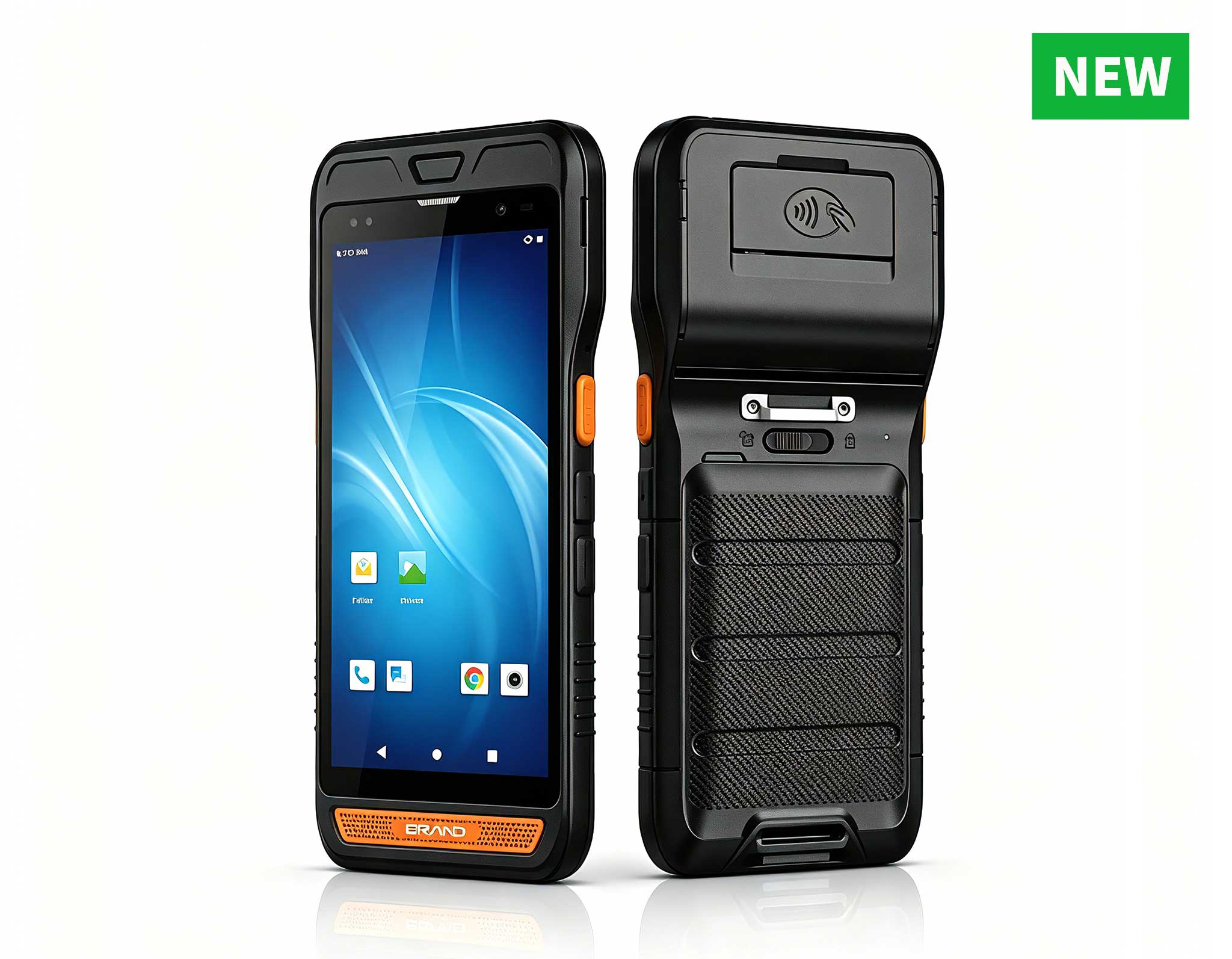
R860-S 5.5-inch Industrial PDA with Thermal Printe...
The N40 Android smart PDA features a Cortex-A53 qu...
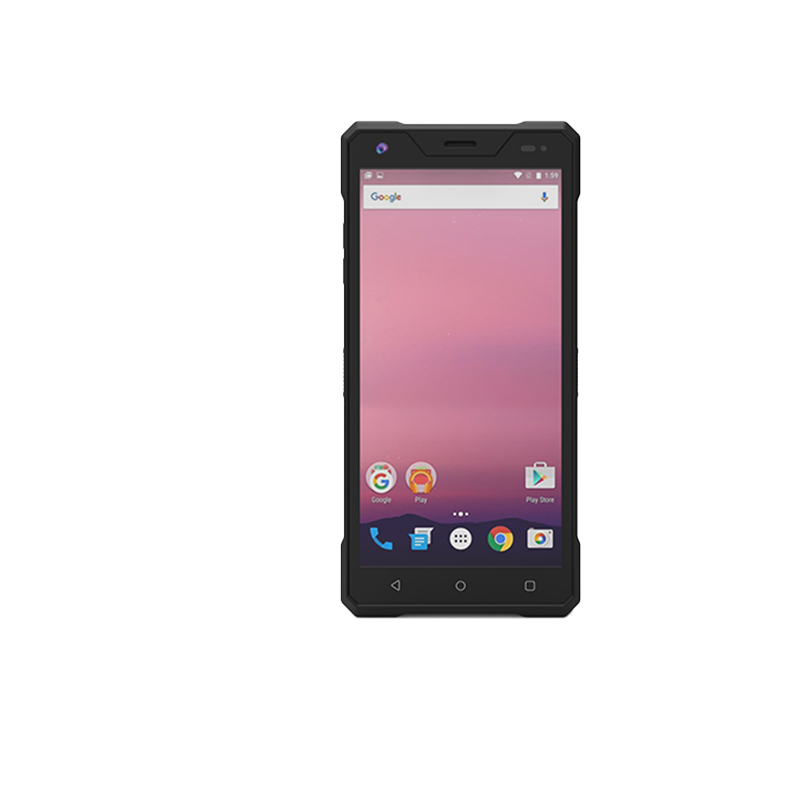
R530C 6.0-inch Industrial PDA | Qualcomm Octa-core...
Enterprise Flagship SeriesEngineered for mission-c...
Explore our customized PDA designed for versatile ...
Full SpecificationsModelHotus ST11‑JOSWindows 10 P...
The N60 PDA is a cutting-edge device for inventory...
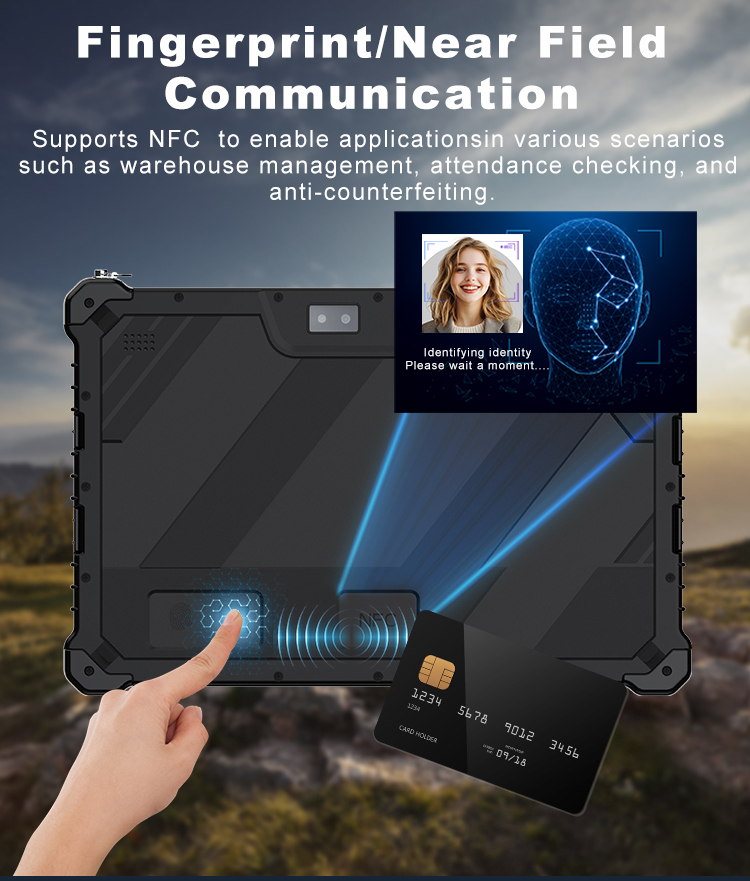
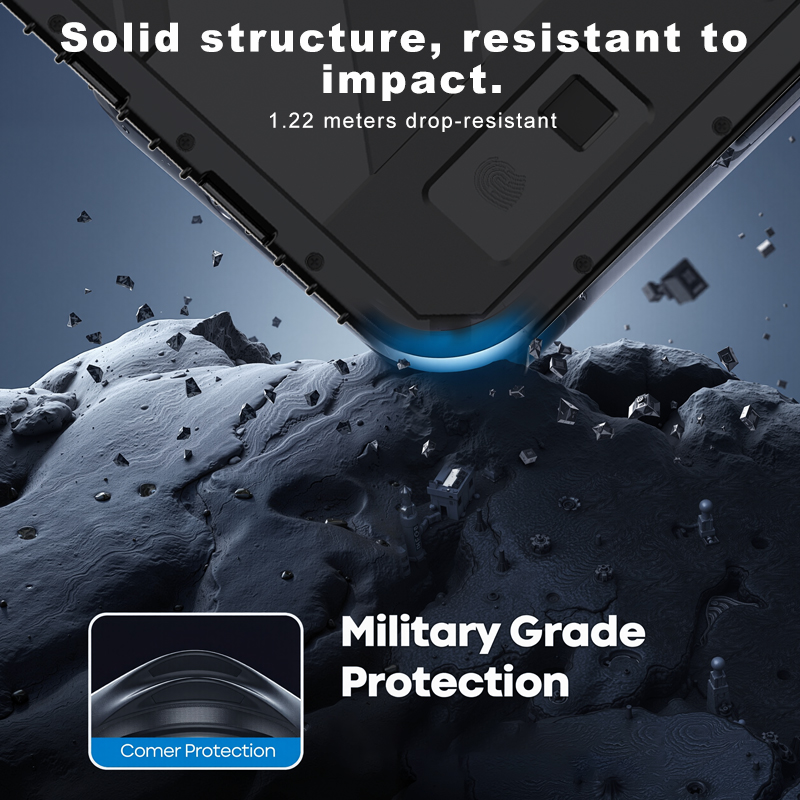
RT80 5G Rugged Tablet | 10.1" FHD 400nit | Un...
Over the past five years, I’ve built and tested dozens of home office setups, and the remote work landscape has shifted more than most people realize. It’s not just about a laptop and a decent connection anymore. Today’s remote worker needs a dedicated machine — something powerful, reliable, and capable of handling everything from heavy data processing to lag-free video conferencing. The industry has pivoted hard: Remote Work is now a standard employment model, untethered from a physical office. Whether you’re accessing your work computer from home, pulling up a file from your home machine while traveling, or screen-sharing with a colleague across time zones, your hardware is the foundation of the entire experience. That’s why picking the right Mini PC matters more than ever. Today, I’m comparing three distinct powerhouses from Hotus Technology: the rugged ST9‑J, the ultra‑portable Palm‑sized miniPC, and the storage‑centric WTR PRO AMD. Each one serves a completely different role in the remote work ecosystem.
To keep this review fair and grounded, I’ve built a scoring framework around five dimensions that actually matter for remote work. Every product gets a rating from 1 to 10 (10 being best) in: Performance (raw processing and multitasking), Portability (size and weight for mobile workers), Durability & Reliability (build quality and environmental resistance), Storage & Connectivity (data handling and peripheral support), and Value for Money (features relative to price). No fluff — just real‑world numbers.
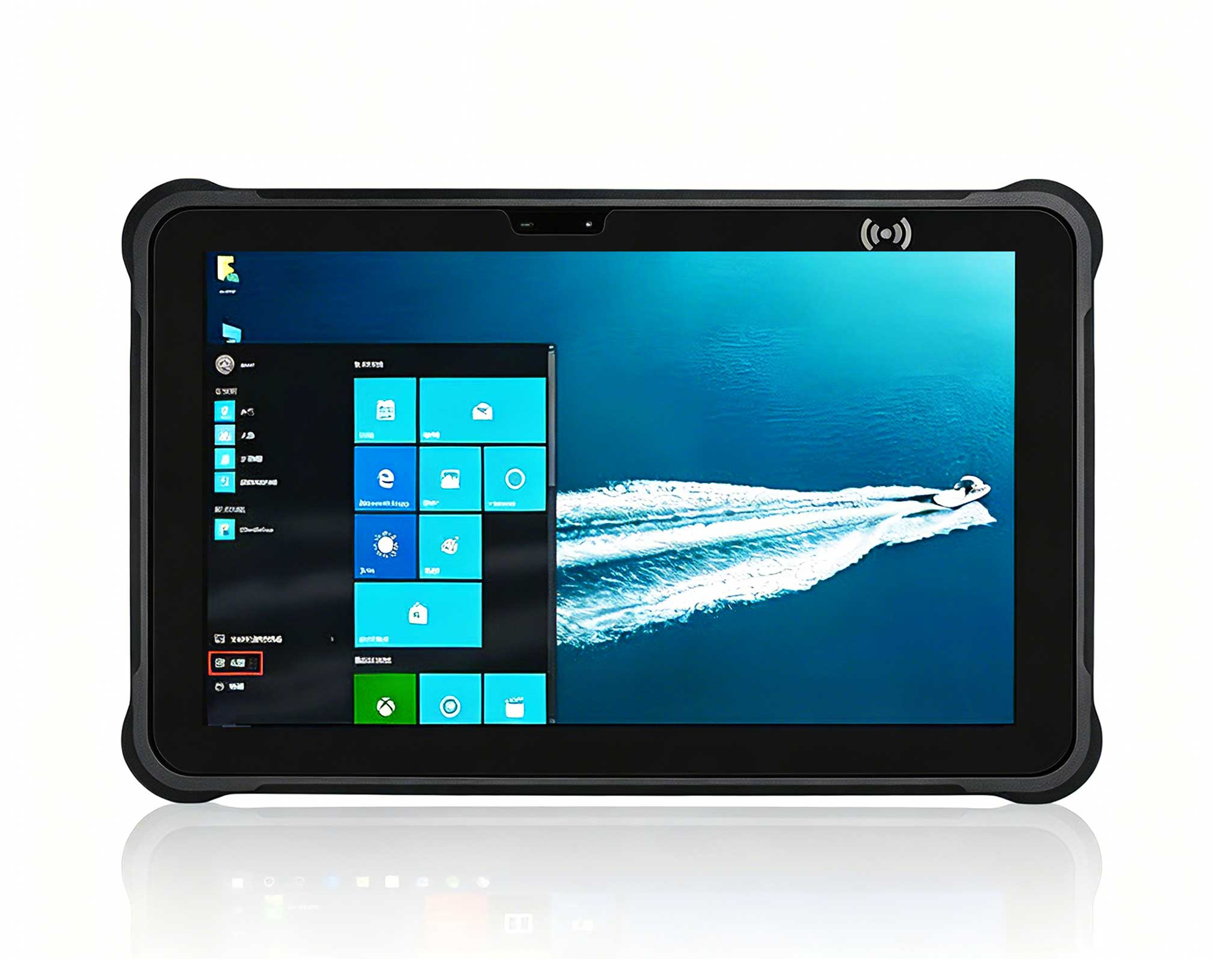
If you need a machine that can survive harsh environments while still delivering solid productivity, the ST9‑J is a unique contender. This isn’t your typical Mini PC — it’s a ruggedized industrial tablet that doubles as a powerful computing station. Its standout feature is the IP65 rating: dust‑tight and able to withstand low‑pressure water jets. For a remote worker who spends time in a workshop, warehouse, or outdoor field office, that’s a game‑changer. It handles data entry, CAD viewing, and communication without breaking a sweat. The trade‑off? It’s larger and heavier than a standard Mini PC, so it won’t disappear into a minimalist desk setup. This is a specialist tool for a specific kind of remote worker — and it excels at that job.
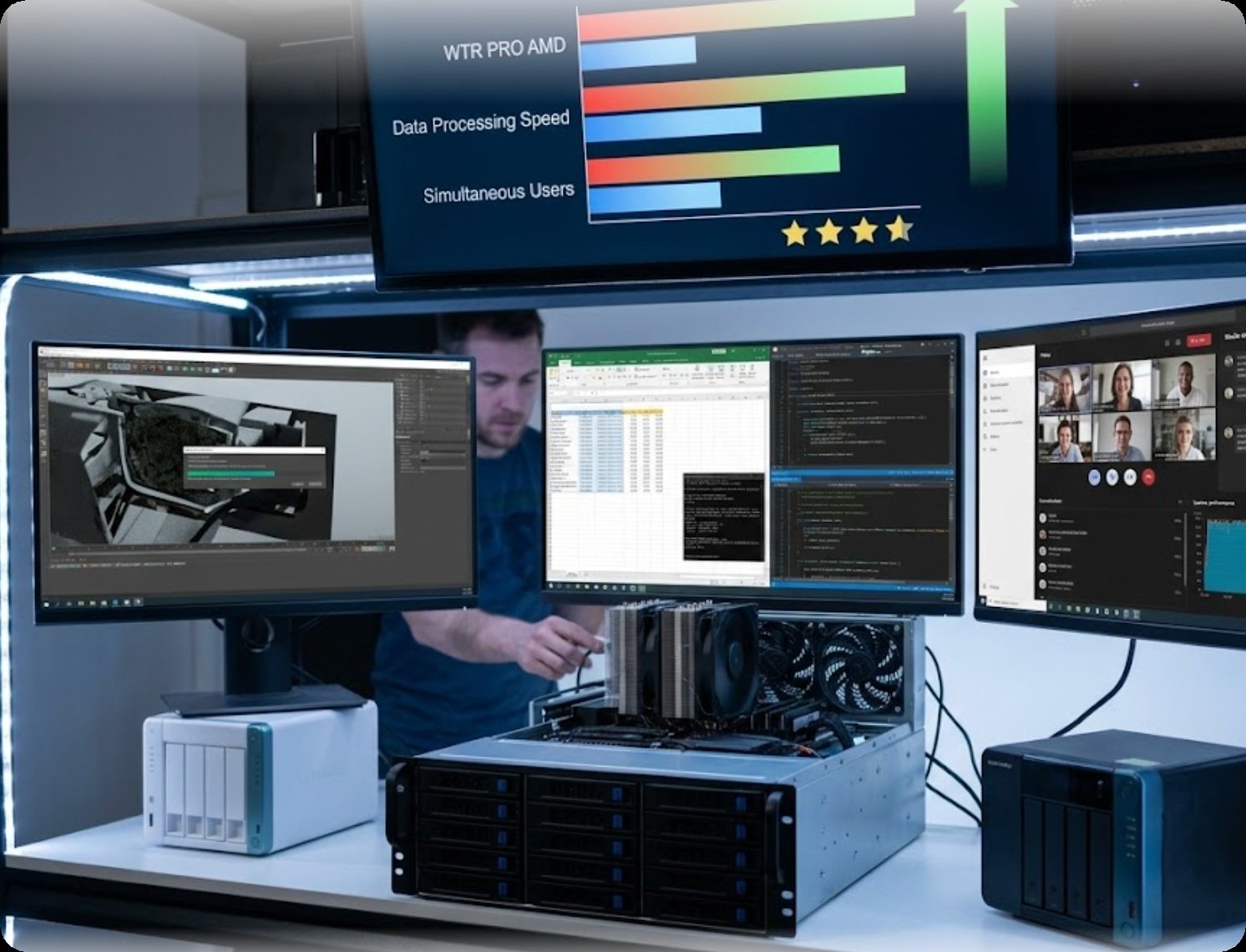
For the ultimate in desk‑space efficiency and mobility, the Palm‑sized miniPC is a revelation. As the name suggests, it fits literally in your palm. It’s the perfect solution for remote workers who travel frequently or operate from a tiny home office. Performance is surprisingly capable for everyday tasks — email, web browsing, document editing, video calls — and it runs silent and energy‑efficient. The biggest compromise is limited expandable storage and a lower maximum RAM compared to larger units. It’s not built for heavy video editing or running multiple virtual machines. But for the core of remote work — connecting to a remote desktop, sharing your screen, managing files — it’s flawless. You can explore our dedicated remote work home office solutions to see how this fits into a modern setup.
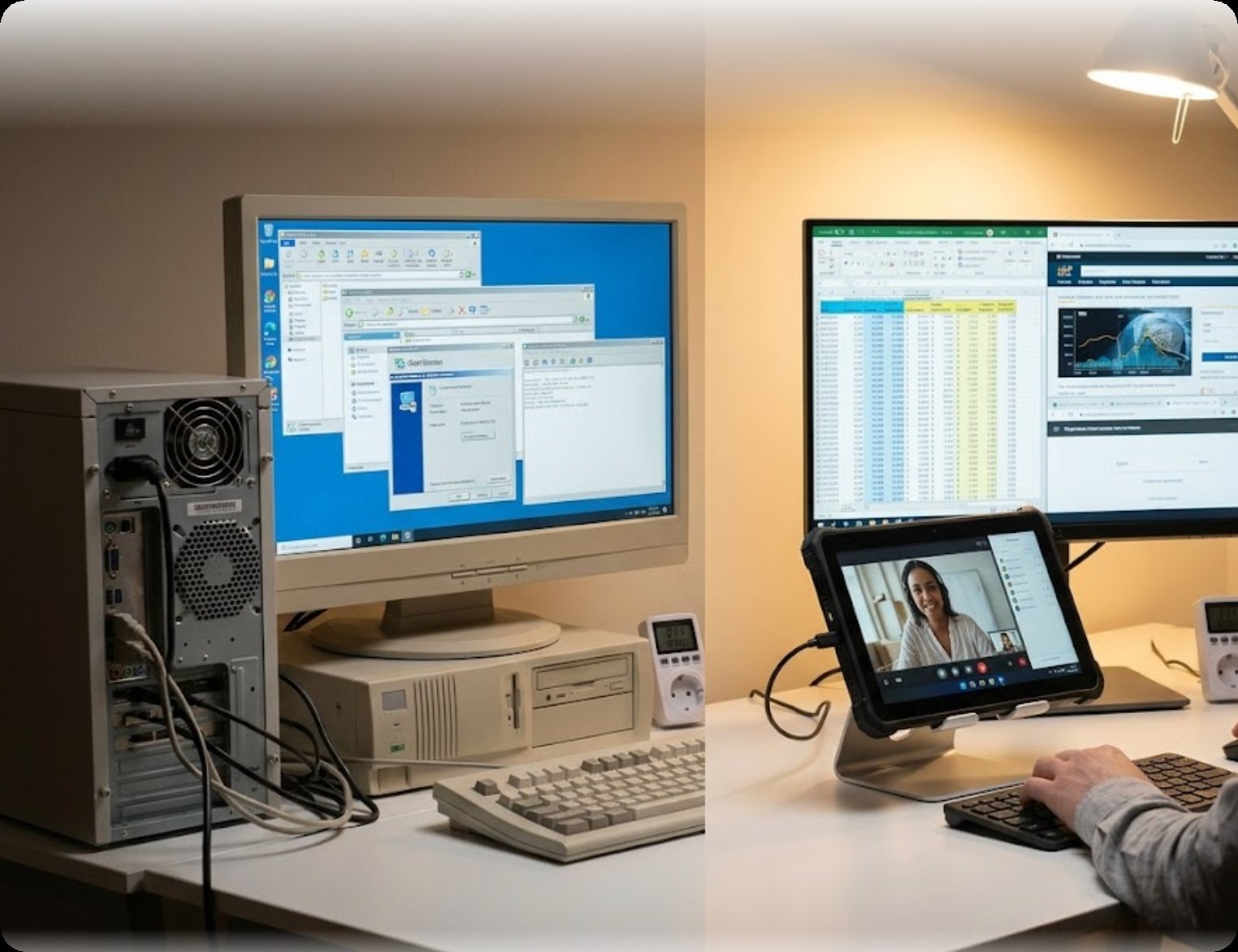
Then there’s the WTR PRO AMD — the heavy lifter of the group. This is a 4‑bay NAS Mini PC powered by an AMD processor, designed for the remote worker who needs a central data hub. If you’re a freelance video editor or a data analyst, you need terabytes of storage, a personal cloud, and file access from anywhere. The WTR PRO AMD delivers exactly that. It combines the processing power of a high‑end Mini PC with the storage capacity of a Network Attached Storage (NAS) device. You can run Docker containers, host your own VPN, and manage massive file libraries without external hard drives. The main drawbacks are size and noise — it’s larger and can be louder than the other two due to active cooling and hard drive bays. But for a power user who treats their home office as a data center, it’s the ultimate tool.
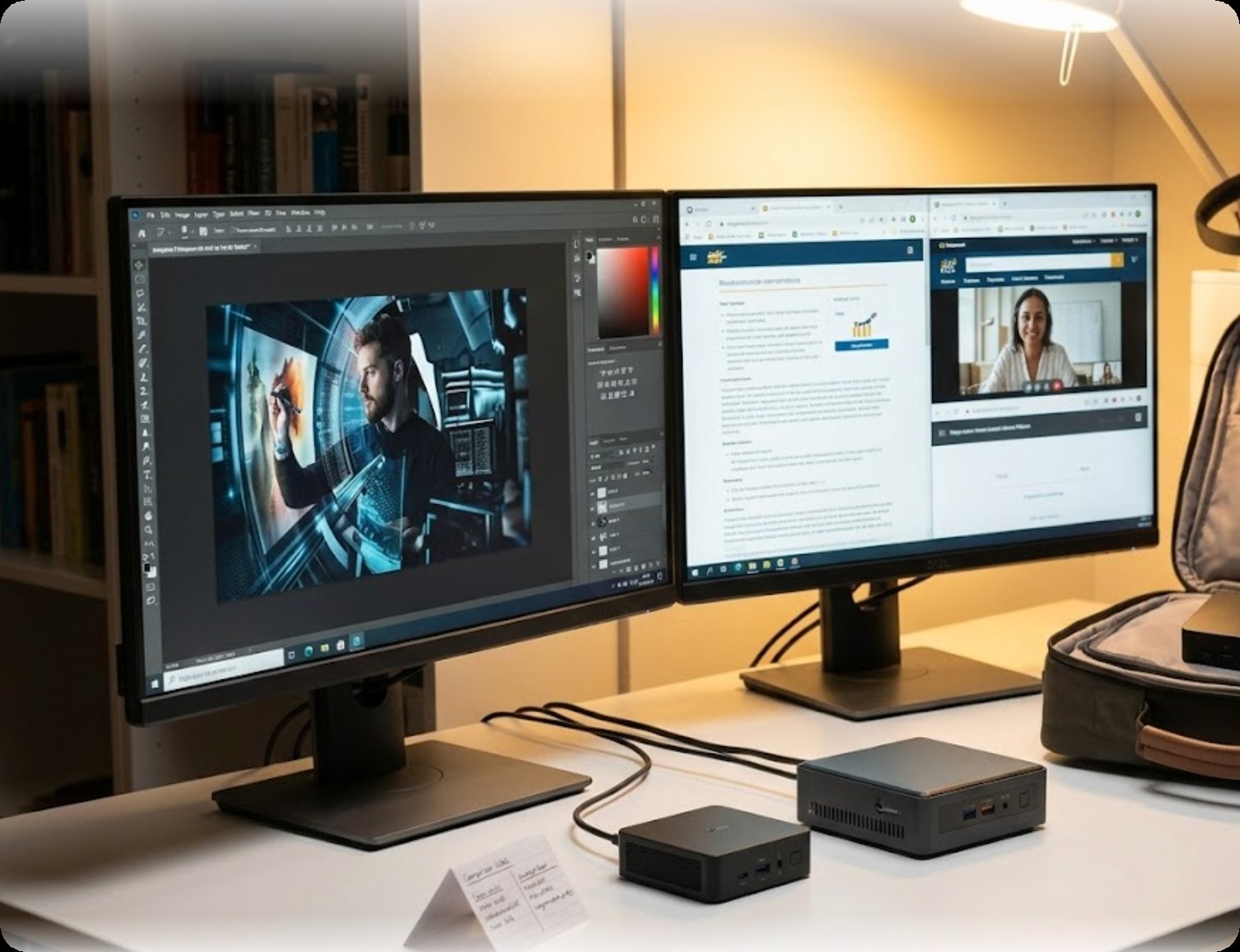
To make the differences crystal clear, here’s a direct comparison table based on official specs.
| Feature | ST9‑J (Rugged Tablet) | Palm‑sized miniPC | WTR PRO AMD |
|---|---|---|---|
| Primary Position | Rugged Industrial Use | Ultra‑Portable Productivity | NAS & High‑Performance Hub |
| Performance | 7/10 | 6/10 | 9/10 |
| Portability | 4/10 | 10/10 | 3/10 |
| Durability & Reliability | 10/10 | 6/10 | 7/10 |
| Storage & Connectivity | 6/10 | 5/10 | 10/10 |
| Value for Money | 7/10 | 9/10 | 8/10 |
So how do you decide? Your choice should hinge on your specific remote work environment. If you work in a clean, controlled home office and value desk space, the Palm‑sized miniPC delivers the best value and simplicity — it’s the easiest to set up and the most portable. If you’re a data‑intensive professional who needs a local server for backups, media streaming, and heavy multitasking, the WTR PRO AMD is the clear winner. It’s an investment in workflow efficiency. And if your “remote work” involves a factory floor, construction site, or any location where dust, water, and drops are real risks, the ST9‑J is your only logical choice. Its rugged design keeps your data and workflow uninterrupted, no matter what. For more details on the <a href="https://www.hotusprojector.com/products/rugget-tablet/882.html" title="Hotus ST9-J 8" Rugged Industrial Tablet">ST9‑J rugged tablet or the Palm‑sized miniPC, visit the product pages.
My take: There’s no single “best” Mini PC for remote work. The right device fits your unique lifestyle. The ST9‑J is for the field worker. The Palm‑sized miniPC is for the minimalist traveler. The WTR PRO AMD is for the data architect. Look at your daily tasks and environment before pulling the trigger. If you’re still unsure, explore our mini PC solutions to find the perfect match for your home office. Your productivity depends on it.
— Written by a hardware engineer who spends way too much time testing Mini PCs so you don’t have to.