- Select Language
The T80 handheld PDA combines advanced barcode sca...
RS50 5G Rugged Handheld Terminal | 6.3" FHD+ ...
The F505 Handheld PDA is a compact, high-performan...
R530C 6.0-inch Industrial PDA | Qualcomm Octa-core...
Full SpecificationsModelHotus ST9‑MOSWindows 10/11...
The F505 Handheld PDA is a compact, high-performan...
The N40 Android smart PDA features a Cortex-A53 qu...
Enterprise Flagship SeriesEngineered for mission-c...
Technical SpecificationsModel: Palm-sized miniPCTy...
Full SpecificationsModelHotus ST11‑JOSWindows 10 P...
R350C 4-inch Industrial Handheld PDA | Qualcom...
Over the past decade, I have watched countless professionals struggle with equipment that was never designed for the realities of working from home. The coffee shop is too loud, the home office is too cramped, and the hardware is too fragile. In my experience, the difference between a productive remote day and a frustrating one often comes down to three critical factors: processing power, environmental resilience, and data safety. When you leave the controlled environment of a corporate office, your gear faces dust, temperature swings, spills, and the occasional bump from a pet or child. This is precisely why I have become a strong advocate for purpose-built computing solutions rather than generic consumer laptops. For the serious remote worker, a device that can be mounted on a wall, tucked into a server closet, or carried into the field without fear of damage is not a luxury—it is a necessity. Over the last year, I have worked with three specific client setups that highlight how Hotus Technology addresses these challenges, and I want to break down each case for you.
The first thing I tell any client setting up a permanent home office is to stop thinking about portability and start thinking about durability and workflow integration. If you are doing heavy data analysis, video editing, or running a home server, you need a machine that can run 24/7 without thermal throttling. If you are a field technician who also does administrative work from home, you need a device that survives a drop onto concrete. And if you are a creative professional with terabytes of footage, you need storage that does not require a separate external drive cluttering your desk. These are not hypothetical scenarios; they are the exact cases I have solved with the ST9-J, the SH6, and the WTR PRO AMD. Below, I break down how each client used these machines to transform their remote work experience, and I will provide a clear comparison table to help you decide which path fits your workflow. For a broader look at how these fit into a larger ecosystem, I recommend reviewing our dedicated remote work home office solutions which cover the full range of deployment options. Choosing the right Mini PC or rugged tablet is the first step toward a setup that actually works.
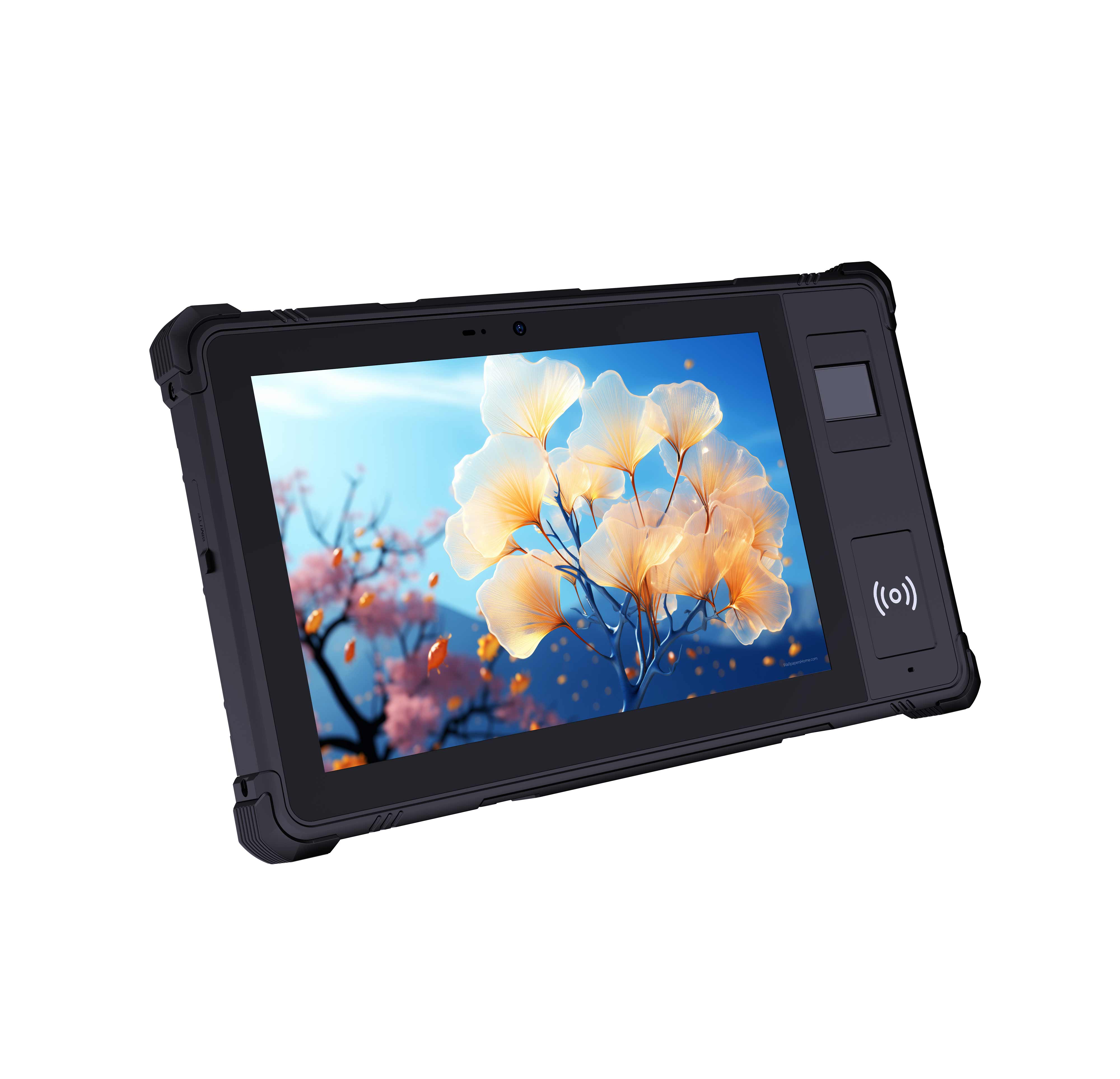
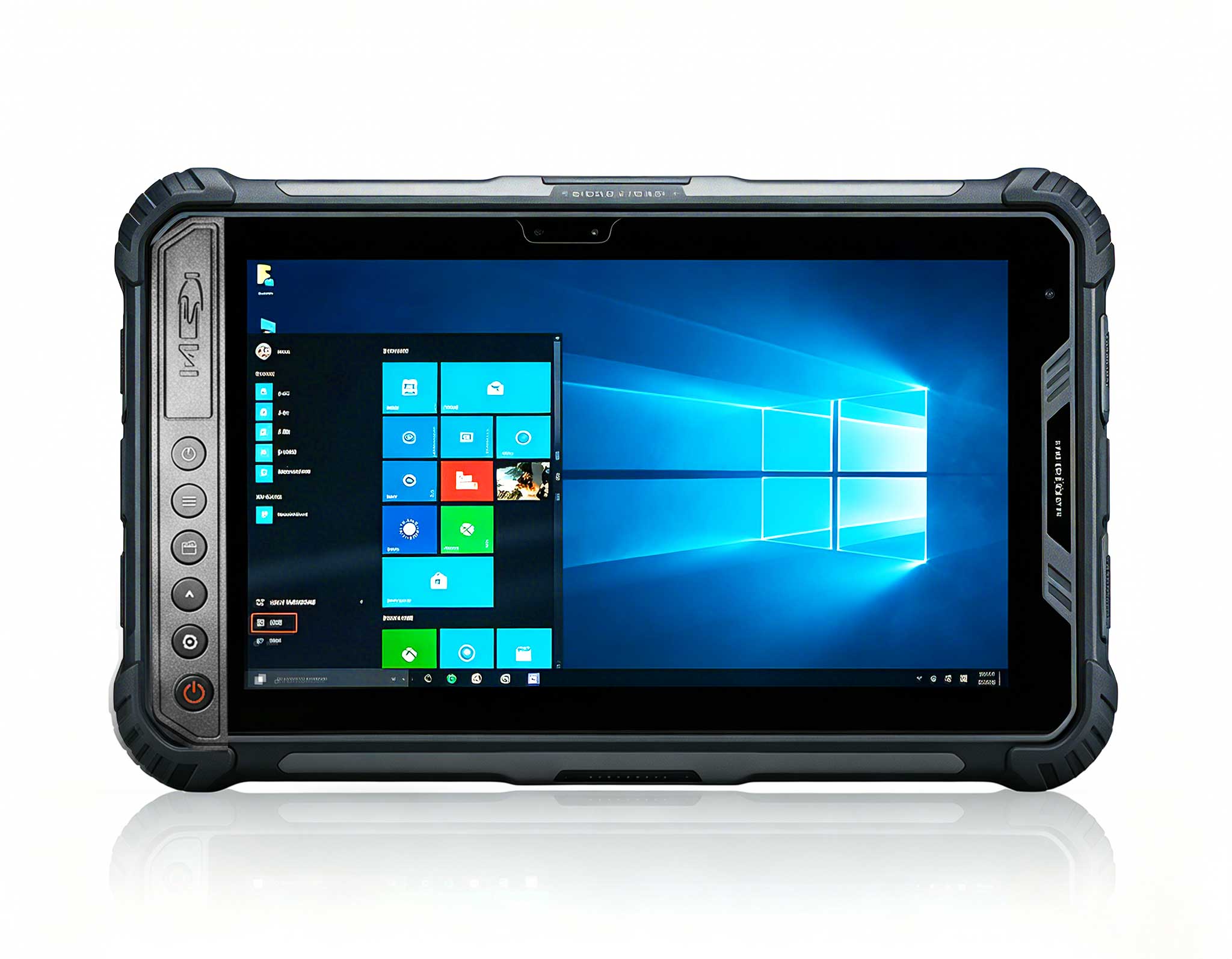
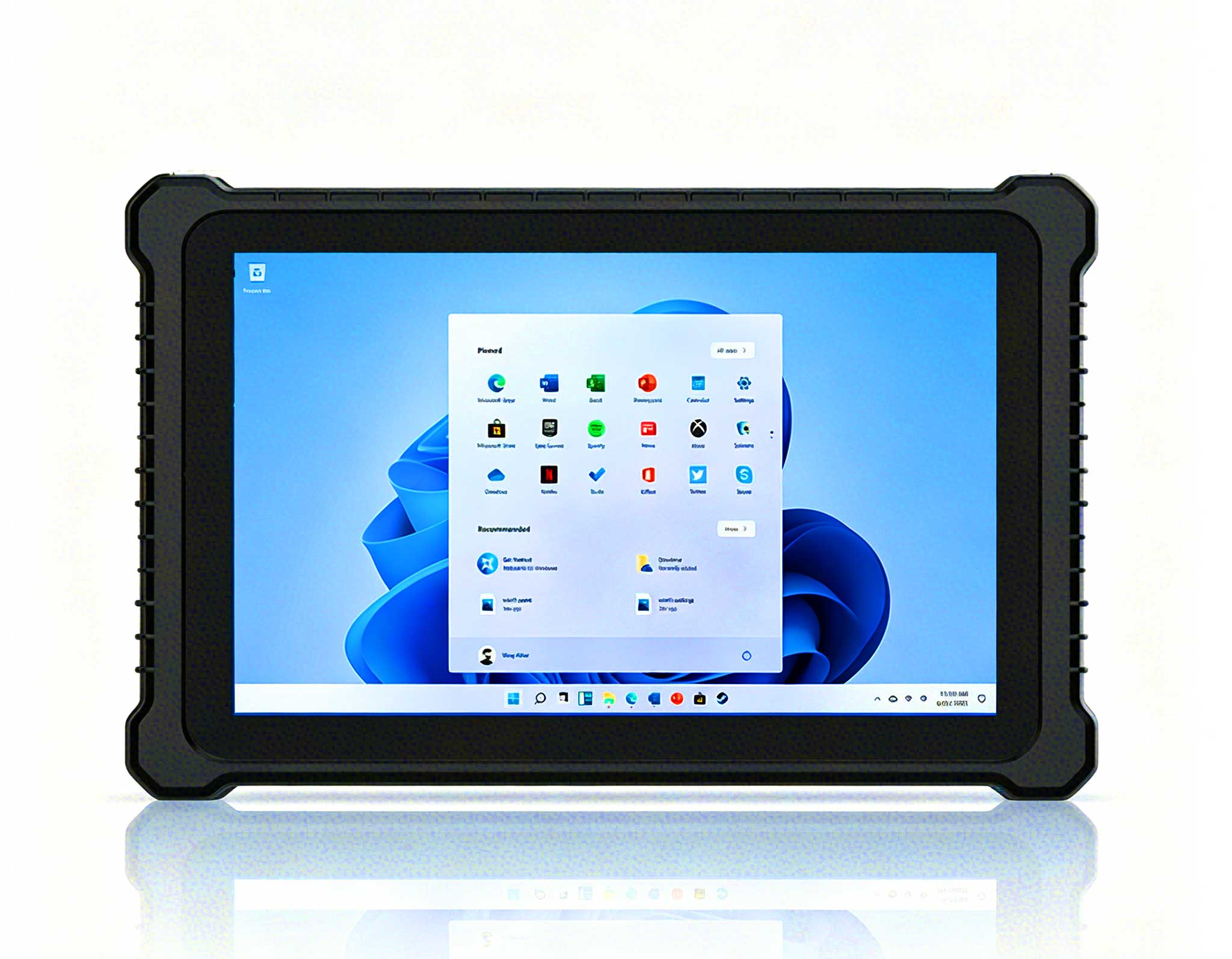
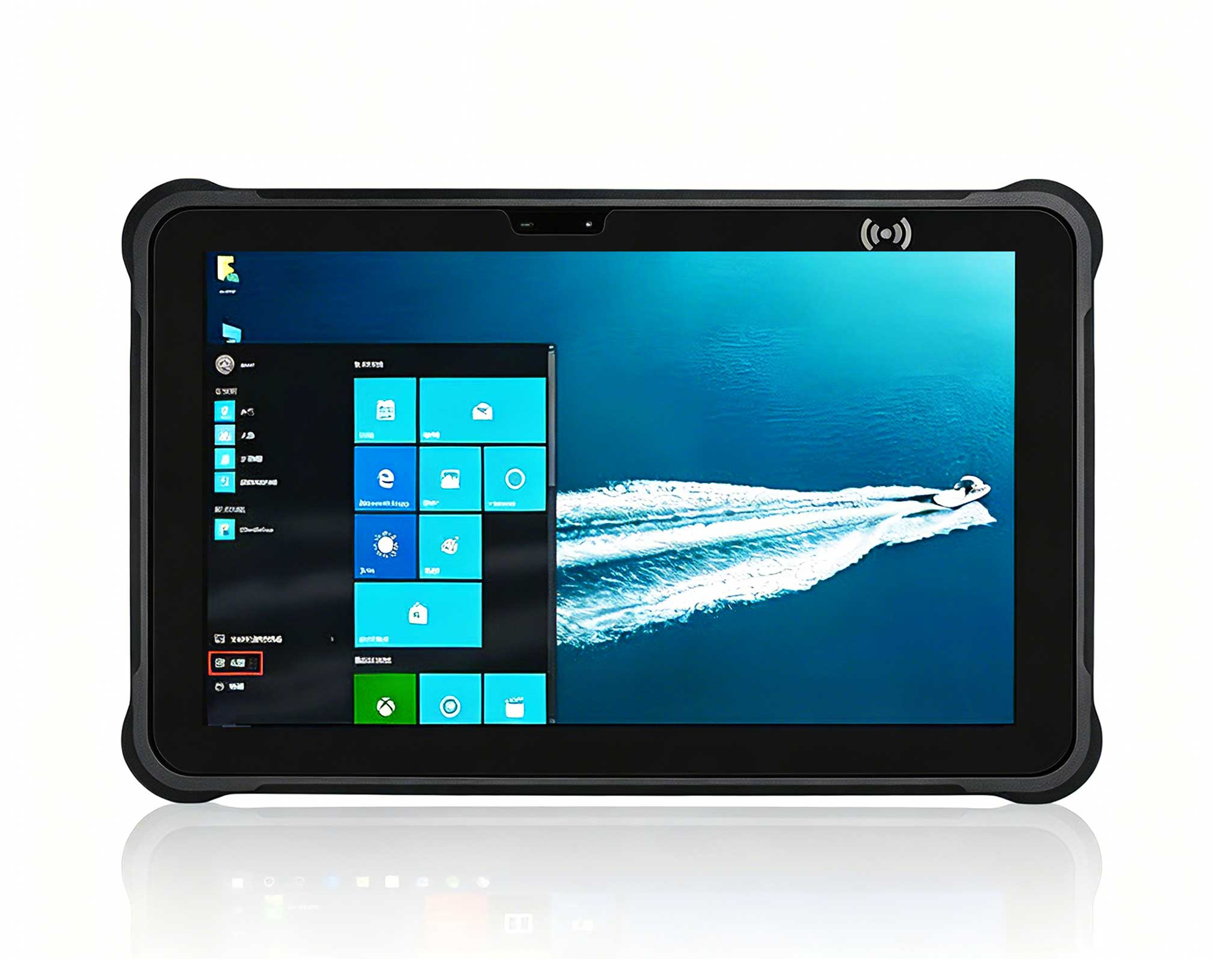
My first client, a structural engineer named Marcus, was working from a converted garage that doubled as a light fabrication workshop. His previous laptop kept dying due to metal dust ingress, and he needed something that could sit on a workbench next to a drill press while he ran CAD simulations. The solution was the <a href="https://www.hotusprojector.com/products/rugget-tablet/882.html" title="Hotus ST9-J 8" Rugged Industrial Tablet">ST9-J, an 8-inch rugged industrial tablet that has become my default recommendation for any environment that is hostile to standard electronics. This device is not just a tablet; it is a fully sealed computing unit with an IP65 rating, meaning it is completely protected against dust and low-pressure water jets. Marcus mounted it on an articulated arm, connected a full-size keyboard via Bluetooth, and now runs his structural analysis software directly from the workshop floor. The hot-swappable battery means he never has to shut down the machine during a long simulation; he just swaps the pack and keeps working.
What impressed me most about the ST9-J in this case was the sunlight-readable display. Marcus often takes the tablet out to the yard to photograph structural supports, and the 1000-nit brightness makes the screen perfectly legible even in direct afternoon sun. The device runs on an Intel processor that handles his CAD workload without stuttering, and the wide operating temperature range (-20°C to 60°C) means it survives the uninsulated garage in both summer and winter. For remote workers who split their time between a desk and a physical site, this is the ideal companion. It is not a laptop replacement for heavy typing sessions, but it is a rugged extension of your workstation that goes where no standard PC can.
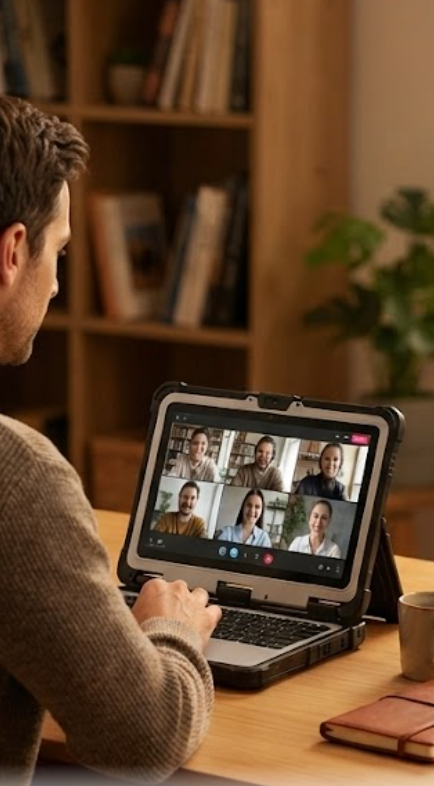
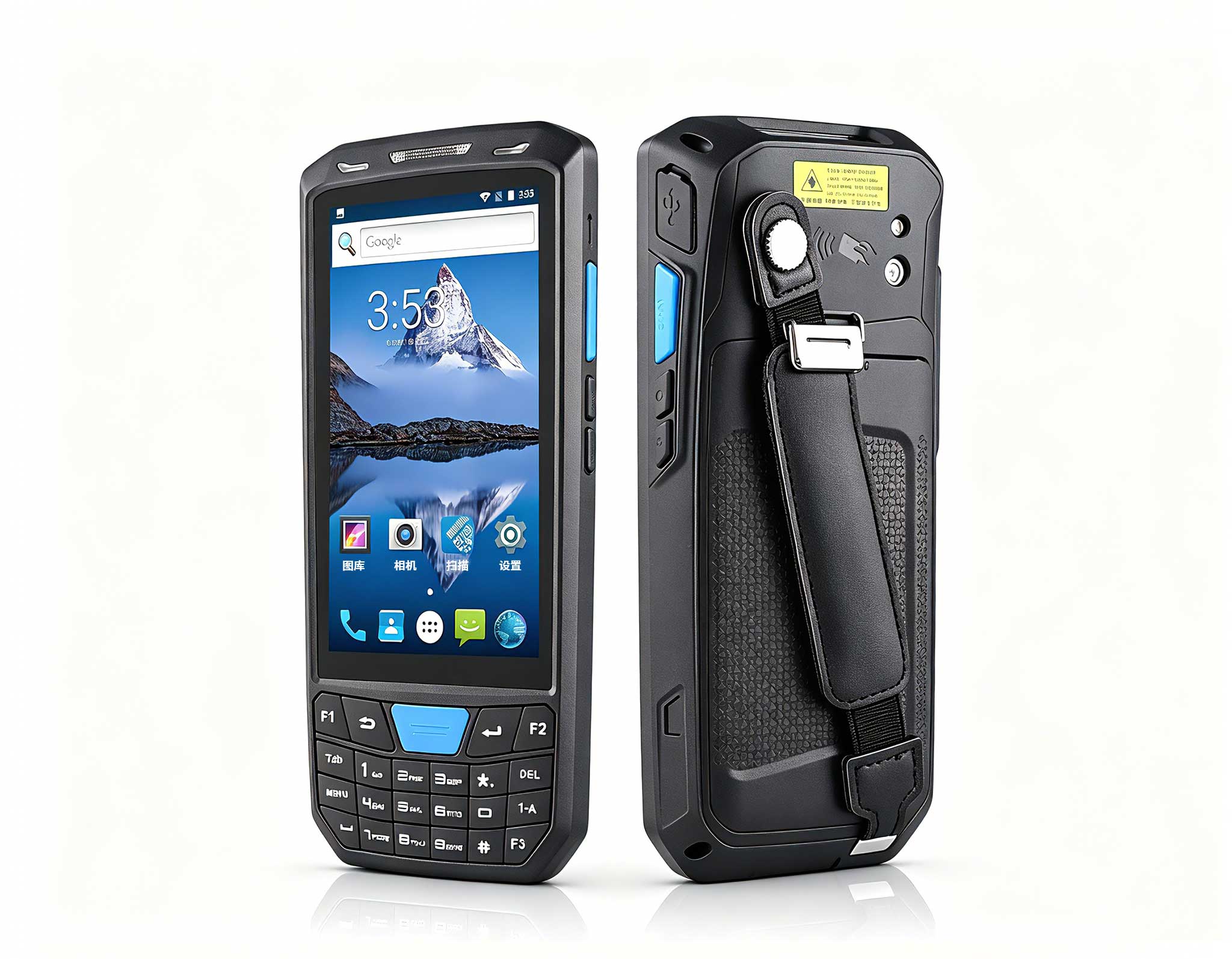
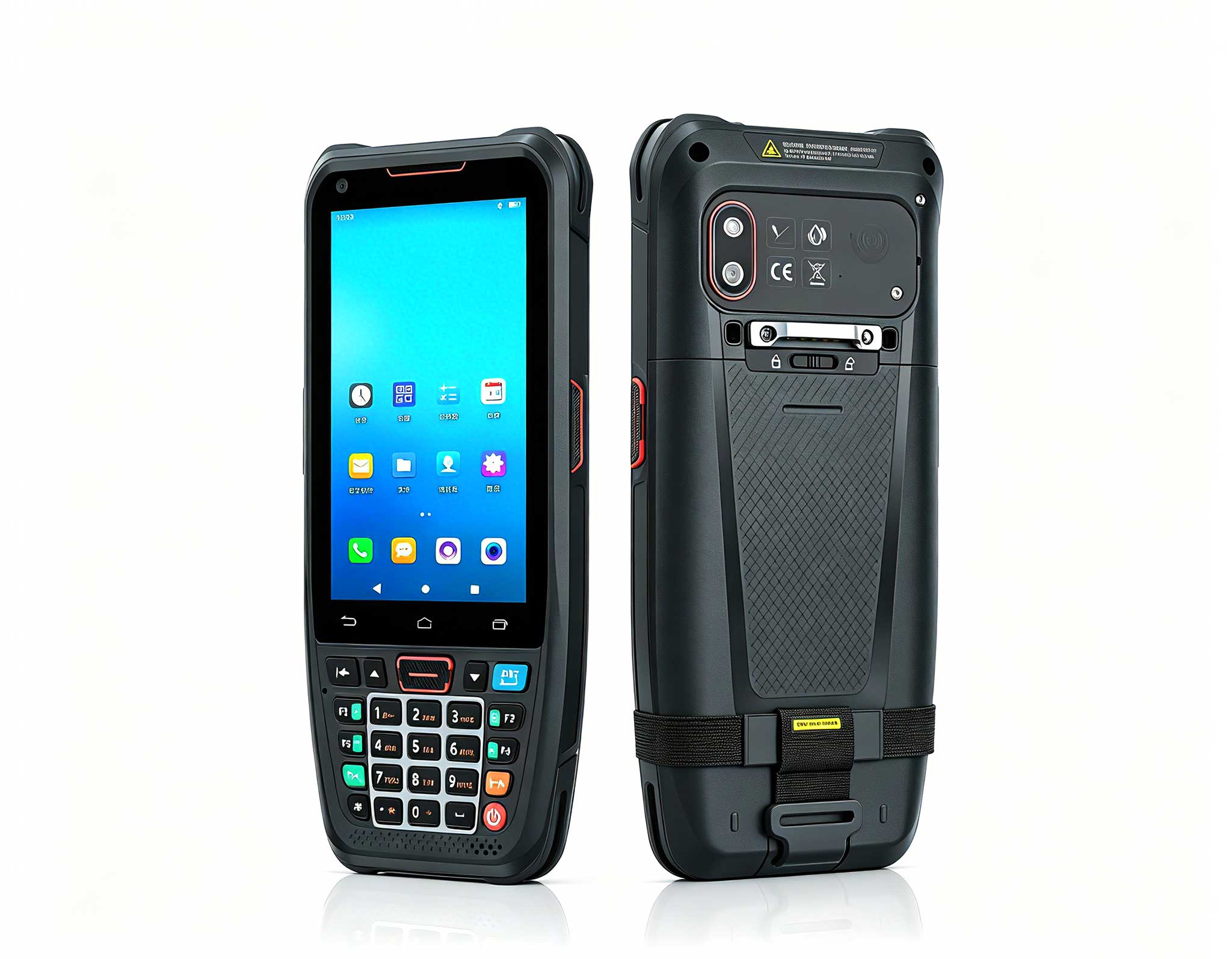
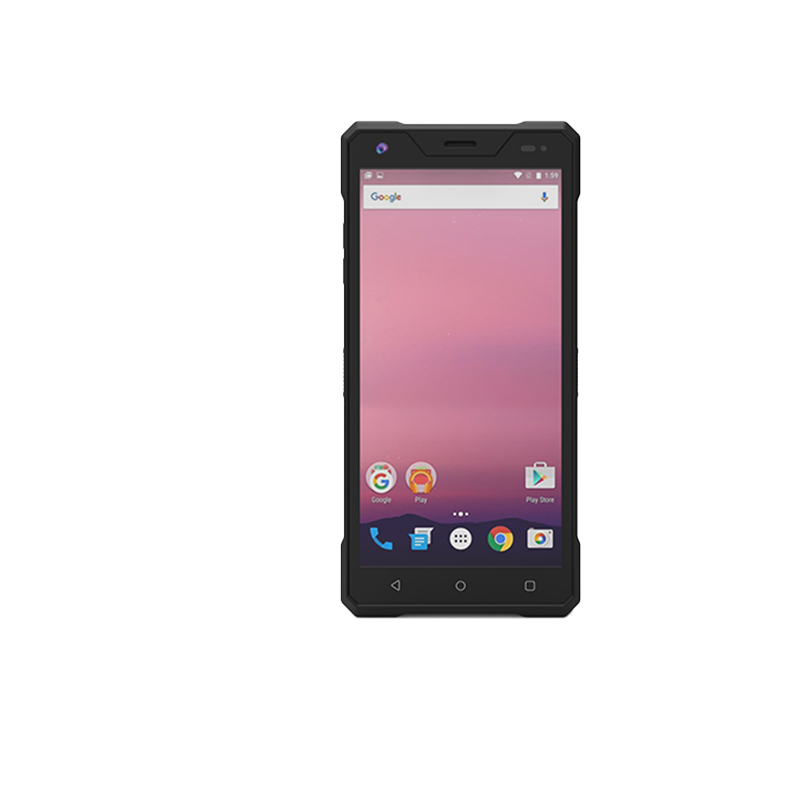
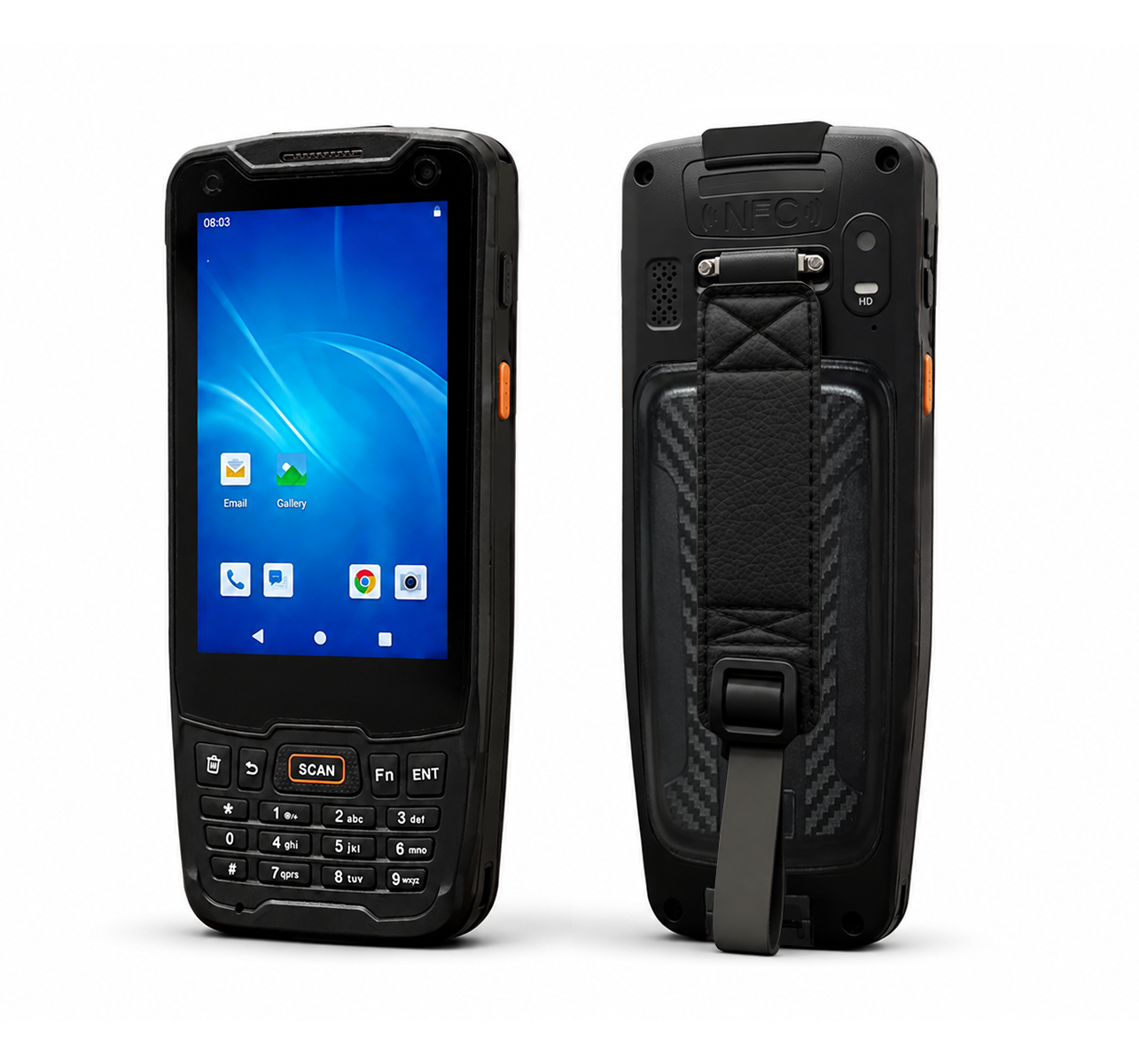
The second case involved a regional manager for a solar panel installation company. She was constantly moving between her home office, client sites, and her vehicle, and she needed a device that could handle GPS mapping, customer signatures, and inventory checks without requiring a protective case that added two pounds of bulk. The SH6 rugged handheld tablet was the perfect fit. This 6-inch device is small enough to hold in one hand while operating a multimeter with the other, yet it carries the same IP65 protection as the larger ST9-J. What sets the SH6 apart in my view is its balance of size and power. It runs on a low-power Intel processor that provides all-day battery life, and the integrated GPS module is accurate enough for her to log precise panel locations without carrying a separate receiver.
In her daily workflow, the SH6 replaced a clipboard, a digital camera, and a walkie-talkie. She uses the 8-megapixel rear camera to document installation defects, the barcode scanner to log inventory, and the 4G LTE module to sync data back to the office in real-time. The glove-friendly touchscreen is a godsend during winter installations, and the programmable side keys let her trigger the camera or scanner without looking at the screen. For remote workers who do not just sit at a desk but actively move through the physical world, the SH6 is the tool that keeps the office in their pocket. It is not designed for editing spreadsheets for eight hours, but it is unmatched for short-burst data entry and field verification tasks.
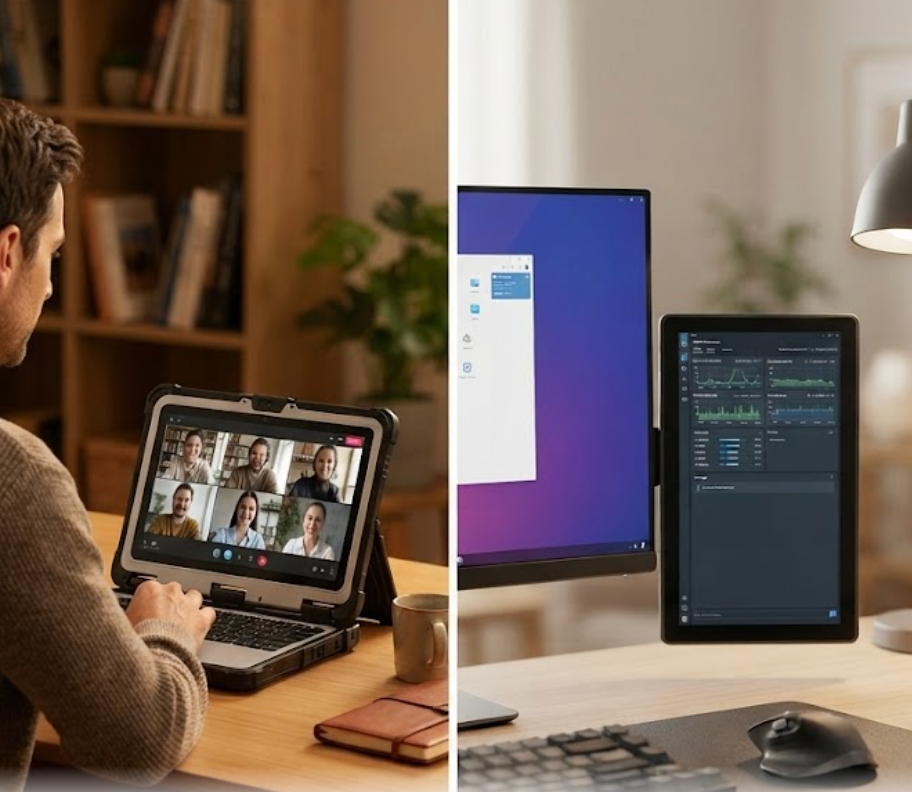
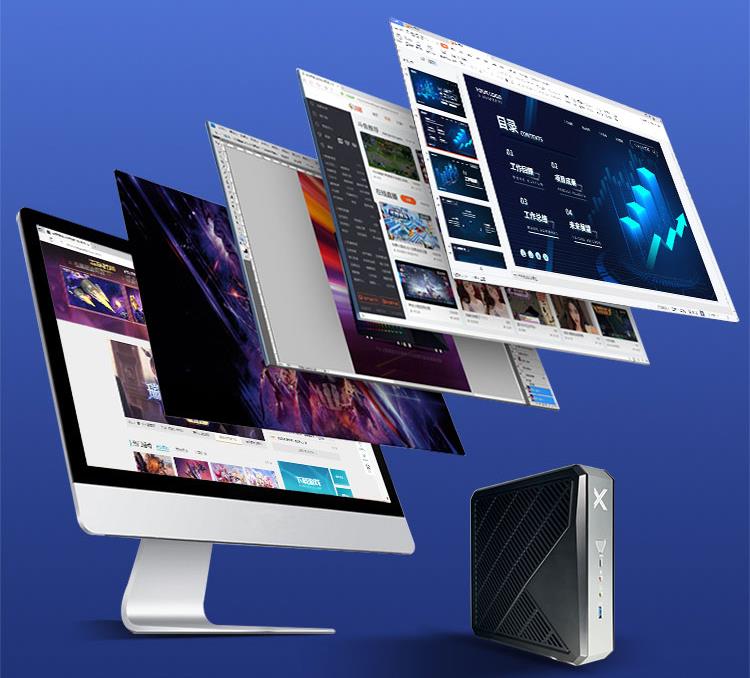
The third case is the one I find most relatable for the average remote professional. A freelance video editor named Sofia was working from a spare bedroom, but her workflow was bottlenecked by her aging desktop PC. She had four external hard drives full of raw footage, and her system kept running out of memory during render jobs. She needed a compact workstation that could double as a network-attached storage (NAS) device, eliminating the tangle of USB cables and external enclosures. The WTR PRO AMD solved this elegantly. This mini PC is a 4-bay NAS that runs Windows 11, meaning it is not just a storage box; it is a fully functional desktop computer with a powerful AMD Ryzen processor.
Sofia now keeps all her project files on the WTR PRO AMD's RAID-configured drives, which gives her both speed and redundancy. She edits directly from the network share, and the built-in 2.5GbE Ethernet port ensures she never hits a bandwidth bottleneck. The AMD processor handles 4K timeline scrubbing in her editing software without dropping frames, and when she needs to step away, the machine doubles as a Plex server for her personal media. The compact chassis sits unobtrusively on her desk, and the tool-less drive bays make swapping storage effortless. For any remote worker who deals with large files—whether video, photography, or database work—this device collapses the distinction between a workstation and a server. It is the most versatile piece of hardware I have deployed this year, and it has completely decluttered her workspace.
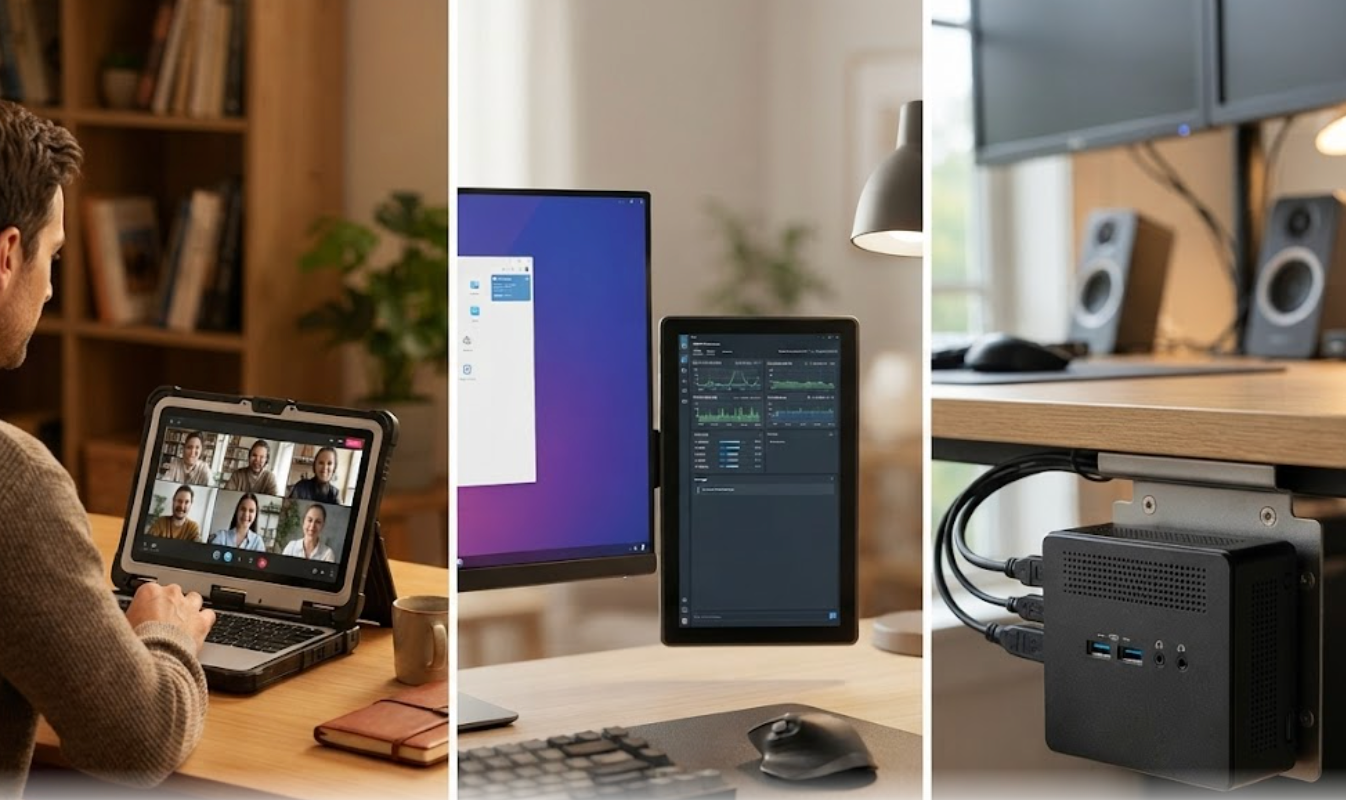
| Feature | ST9-J | SH6 | WTR PRO AMD |
|---|---|---|---|
| Device Type | 8" Rugged Tablet | 6" Handheld Tablet | Mini PC / 4-Bay NAS |
| Processor | Intel (Low-power) | Intel (Low-power) | AMD Ryzen (High-performance) |
| Operating System | Windows 10/11 Pro | Windows 10/11 Pro | Windows 11 Pro |
| Memory (Max) | Up to 16GB | Up to 8GB | Up to 64GB |
| Storage | SSD / microSD | eMMC / microSD | 4x 3.5" HDD/SSD (RAID) |
| Ingress Protection | IP65 | IP65 | N/A (Indoor use) |
| Display Brightness | 1000 nits (Sunlight readable) | 800 nits | N/A (External monitor) |
| Battery | Hot-swappable | Built-in (All-day) | N/A (AC powered) |
| Key Ports | USB 3.0, HDMI, Serial | USB-C, Barcode Scanner, GPS | 2.5GbE, USB 3.2, HDMI 2.0 |
| Best Scenario | Workshop/Field + Desk | Mobile/Field Data Entry | Home Server + Heavy Computing |
When I advise clients on selecting between these three devices, I always start with a simple question: where does your work actually happen? If you spend 80% of your time at a fixed desk but need to occasionally venture into a garage, warehouse, or outdoor site, the ST9-J gives you the best of both worlds. Its rugged build protects against accidental drops and dust, while the large screen and full Windows OS allow for comfortable productivity sessions. If your work is truly mobile—meaning you are walking, standing, or climbing while you work—the SH6 is the only logical choice. Its handheld form factor and integrated data collection tools (barcode, GPS, camera) make it a field-first device that can still sync with your home office.
However, if your remote work never leaves the house but involves heavy lifting in terms of data processing, the WTR PRO AMD is in a class of its own. It is the only device here that can serve as a central storage hub for your entire household, while also providing desktop-class performance for rendering, compiling, or data analysis. The trade-off is that it is not portable and has no built-in display, so you will need a separate monitor and keyboard. For those who fall between these categories, consider whether you need ruggedness or raw computing power more urgently. You can always add a rugged tablet later, but you cannot easily add a 4-bay NAS to a laptop. I also want to point out that the ST9-J series has additional configurations if you need more memory or storage, so check the full lineup before making a final decision.
Finally, I always remind remote workers that their hardware is an investment in their sanity. A system crash during a deadline is not just an inconvenience; it is a loss of income and trust. The devices I have described here are built to minimize that risk through redundancy, durability, and thermal stability. Before you buy, measure your desk space, list your most demanding applications, and honestly assess how clumsy you are with your gear. That last point is not a joke—it is the number one reason clients come back to me asking for a rugged upgrade. If you are ready to stop fighting your equipment and start enjoying your work, I encourage you to explore our mini PC solutions to see the full range of options available for your specific workflow.