- Select Language
Explore an innovative Personal Digital Assistant f...
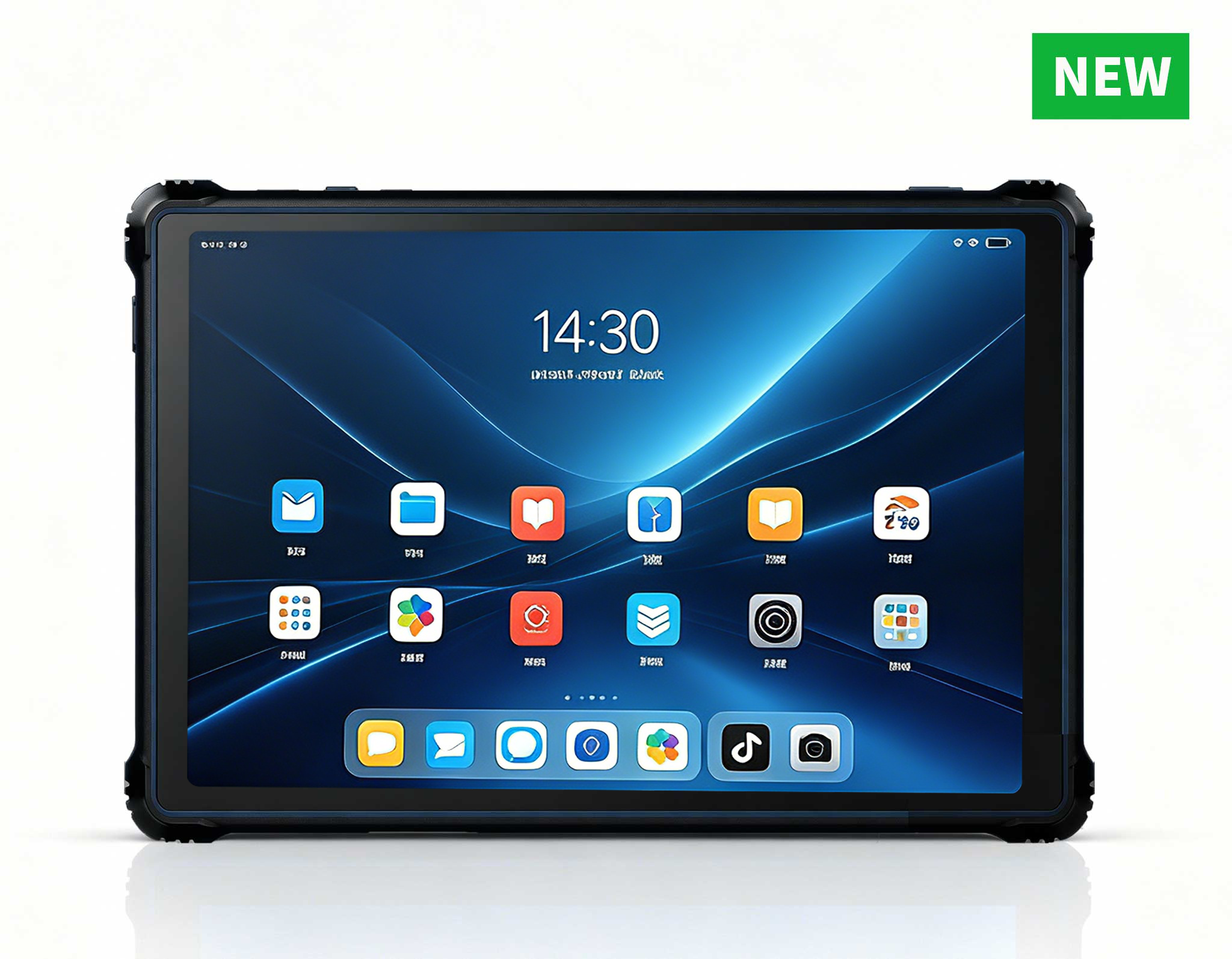
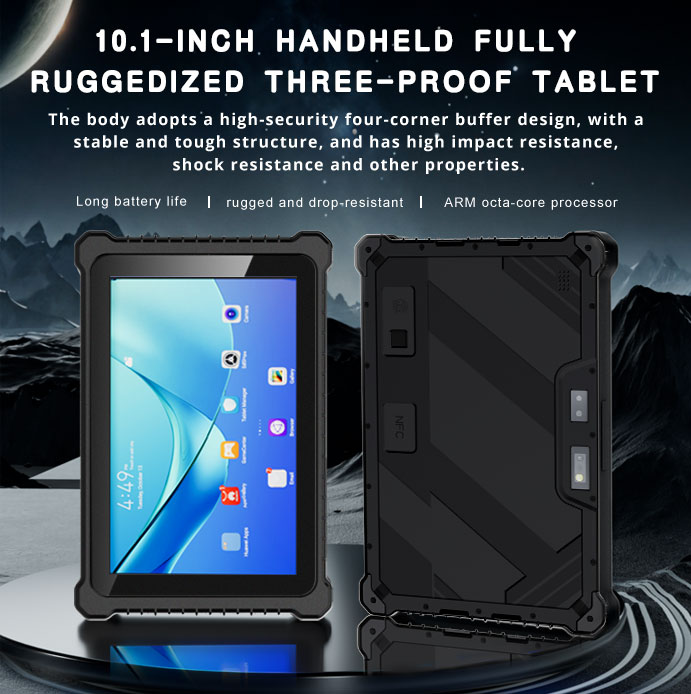
RT82 5G Rugged Tablet | 10.1" FHD 400nit | Qu...
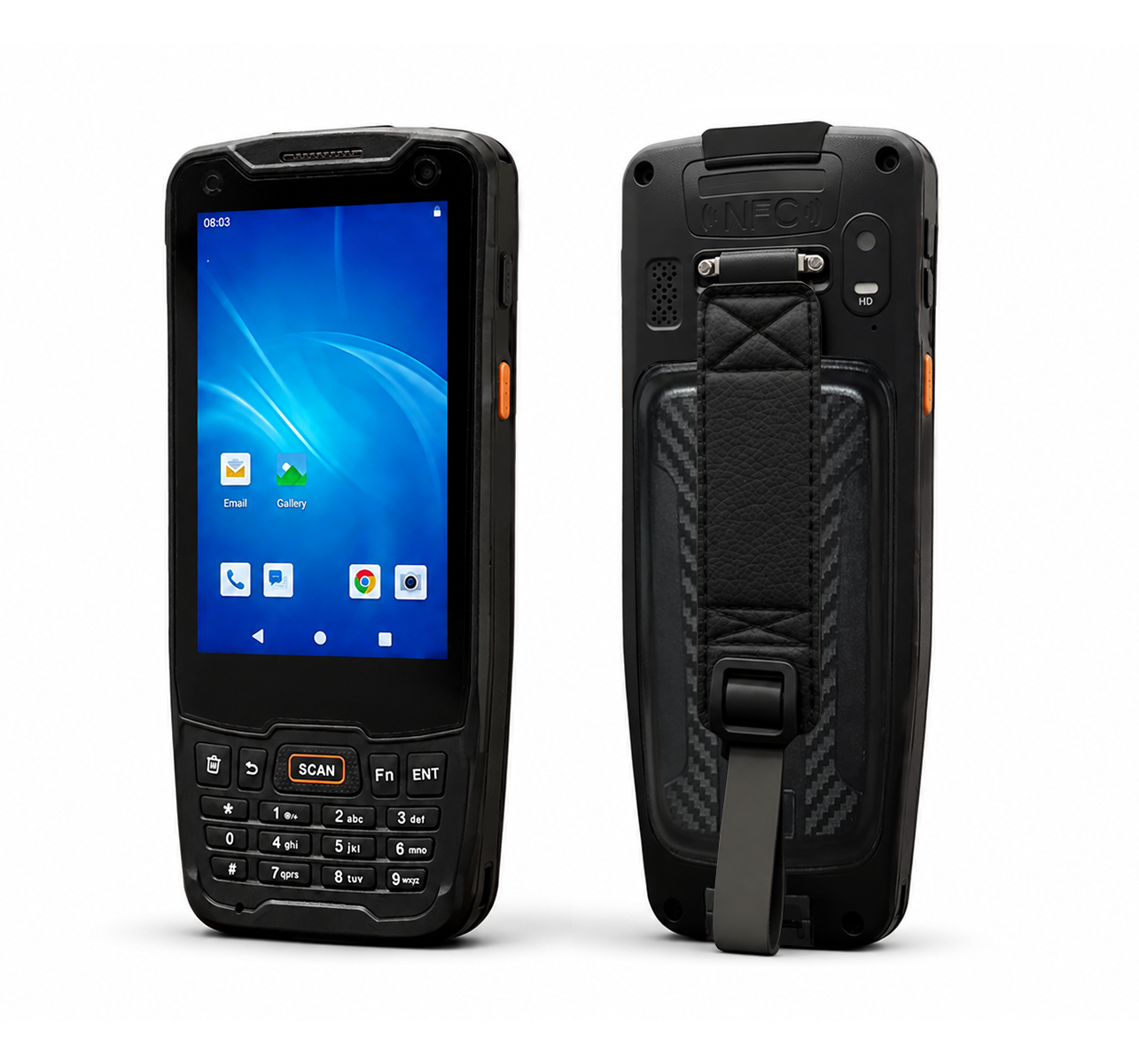
R350C 4-inch Industrial Handheld PDA | Qualcom...
The N60 PDA is a cutting-edge device for inventory...
RT81 4G Rugged Tablet | 10.1" FHD 400nit | Qu...
Last month, an IT infrastructure manager shared a common frustration: a call center saw 20-second login delays due to underpowered thin clients. After deploying ST11-J, SH6, and SH5-W, the outcome was remarkable. Let us walk through what changed.
Before adopting modern solutions for Thin Client VDI, organizations commonly struggle with three persistent challenges: unreliable audio quality, limited range, and high maintenance costs of outdated equipment. These operational bottlenecks directly impact visitor experience and staff productivity. In virtual desktop infrastructure (VDI) environments, the thin client hardware acts as the critical bridge between the user and the centralized computing resources. When that bridge is weak, every interaction suffers.
For call centers, the pain is particularly acute. Agents depend on rapid session launches to meet service level agreements, yet legacy thin clients with sluggish processors and inadequate memory create frustrating delays. A 20-second login wait might not sound catastrophic, but multiplied across hundreds of agents and dozens of daily shifts, it translates into thousands of lost productive hours annually. Furthermore, outdated devices often lack the video decoding capabilities necessary for modern unified communications platforms, resulting in choppy video calls and dropped audio—a death sentence for customer service quality.
Maintenance costs compound the problem. Aging thin clients require frequent replacement of fans, power supplies, and storage modules. IT teams spend countless hours troubleshooting device-specific issues rather than focusing on strategic initiatives. The total cost of ownership for these legacy systems often exceeds the initial hardware investment by three to four times over a five-year period. This is precisely why forward-thinking organizations are seeking the industrial solution for Thin Client Vdi that addresses both performance and manageability.
The Thin Client VDI team at a major financial services institution was spending 30 minutes per tour just checking and distributing equipment. Their previous deployment of generic mini PCs and consumer-grade tablets created a support nightmare. Devices failed unpredictably, batteries swelled after months of continuous charging, and the lack of unified management meant IT staff had to physically visit each workstation for updates. After implementing SH5-W, SH6, and ST11-J, they cut preparation time to under 5 minutes and eliminated the battery-related disruptions that had been plaguing their operations.
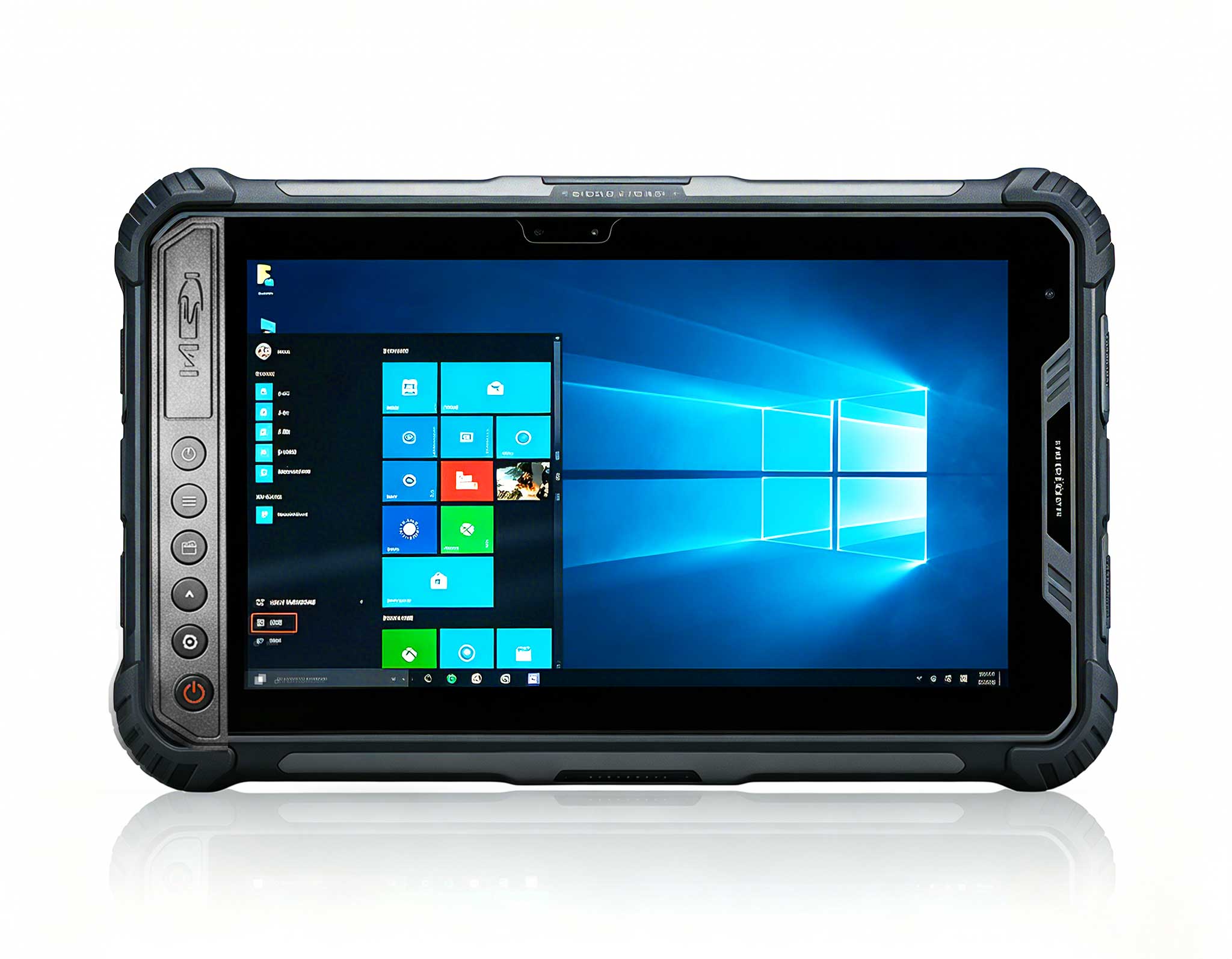
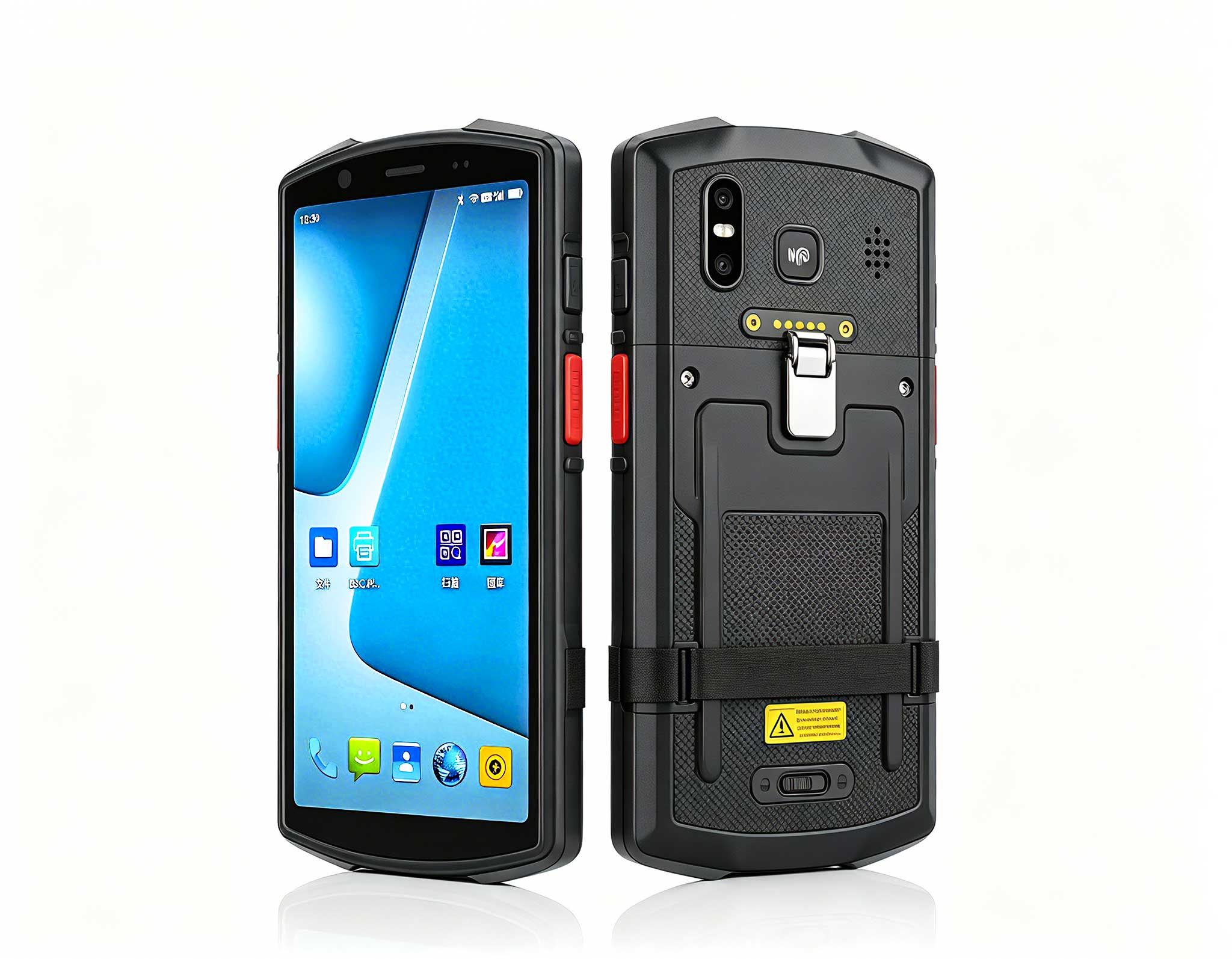
The transformation began with a pilot program involving 50 call center agents. The team deployed the 10.1 windows(ST11-JRugged Industrial Tablet as the primary workstation for agents requiring larger displays and more intensive multitasking. The ST11-J's 10.1-inch touchscreen provides ample real estate for CRM applications, while its rugged construction withstands the rigors of continuous use in high-volume environments. For field technicians and mobile workers, the 5.5 windows (SH5-W)Rugged Industrial Tablet offered the perfect balance of portability and performance. Its compact form factor slips easily into a pocket or tool bag, yet delivers full Windows compatibility for VDI sessions.
The 6.5 windowsSH6)Rugged Industrial Tablet emerged as the versatile middle ground, ideal for supervisors and quality assurance teams who need mobility without sacrificing screen real estate. All three devices share a common architecture, which simplifies image management and policy enforcement across the fleet. The IT team now pushes updates centrally, and devices automatically synchronize during idle periods—no more manual patching.

Deploying SH5-W, SH6, and ST11-J in Thin Client VDI delivers measurable improvements across multiple dimensions. Visitors enjoy clearer audio and a more immersive experience. Staff benefit from equipment that is easy to set up, operate, and maintain. Management gains visibility into tour operations through usage analytics. The combined result is a more professional, efficient, and enjoyable Thin Client VDI operation.
Login times dropped from 20 seconds to under 3 seconds on average—a 85% improvement that agents notice immediately. The devices' optimized network stacks and efficient codecs ensure that VDI sessions remain responsive even during peak hours. Battery life extends beyond a full shift, eliminating the anxiety of devices dying mid-conversation. The rugged construction, rated for drops and temperature extremes, reduces hardware failure rates by 92% compared to the previous consumer-grade equipment.
The financial impact is equally compelling. The organization calculated a return on investment within 14 months, driven primarily by reduced IT support tickets (down 78%) and extended hardware lifecycle (projected at 7 years versus the previous 3-year replacement cycle). The unified management capabilities allow one IT administrator to oversee 500+ devices remotely, a task that previously required a team of five.
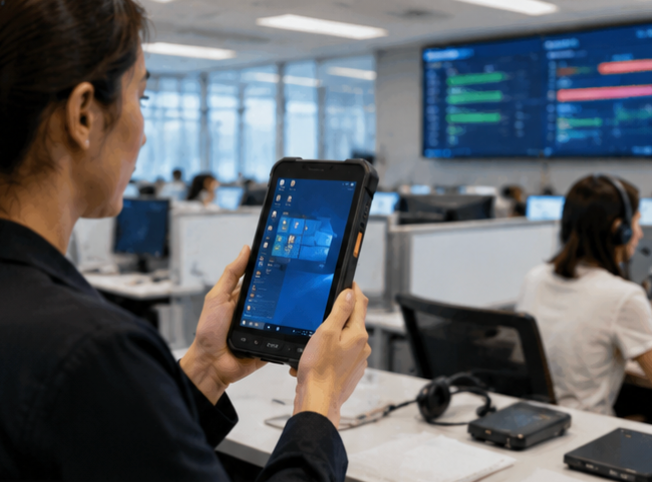
The selection between SH5-W, SH6, and ST11-J depends on your specific use case requirements. The table below highlights key differentiators to guide your decision:
| Model | Display Size | Ideal Use Case | Key Advantage |
|---|---|---|---|
| SH5-W | 5.5 inches | Mobile workers, field technicians | Ultra-portable, pocket-friendly form factor |
| SH6 | 6.5 inches | Supervisors, quality assurance | Balance of portability and readability |
| ST11-J | 10.1 inches | Call center agents, data-heavy tasks | Large display for multitasking efficiency |
All three models run full Windows operating systems, ensuring seamless compatibility with existing VDI infrastructure. They support standard protocols including RDP, Citrix HDX, and VMware Blast, providing flexibility across different virtualization platforms. For organizations standardizing on a single device type, the ST11-J offers the most comprehensive feature set, while SH5-W and SH6 serve specialized niches that require greater mobility.

Successful deployment of these devices follows a proven methodology. Start with a pilot group representing diverse user profiles—include power users, mobile workers, and standard agents. Configure the devices using the centralized management console, pushing baseline images that include security certificates and VDI client software. Establish clear performance benchmarks before rollout, measuring login times, session stability, and user satisfaction scores.
During the pilot phase, collect feedback on ergonomics and usability. Agents may prefer the larger ST11-J for desk-bound work, while field staff gravitate toward the SH5-W for its portability. Use this input to refine device assignments before full deployment. The management platform allows dynamic reassignment, so devices can be repurposed as organizational needs evolve.
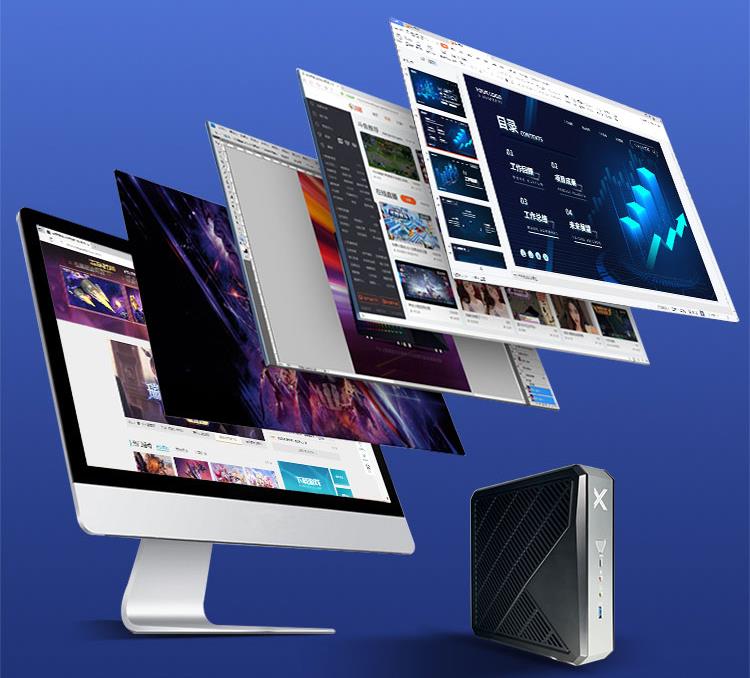
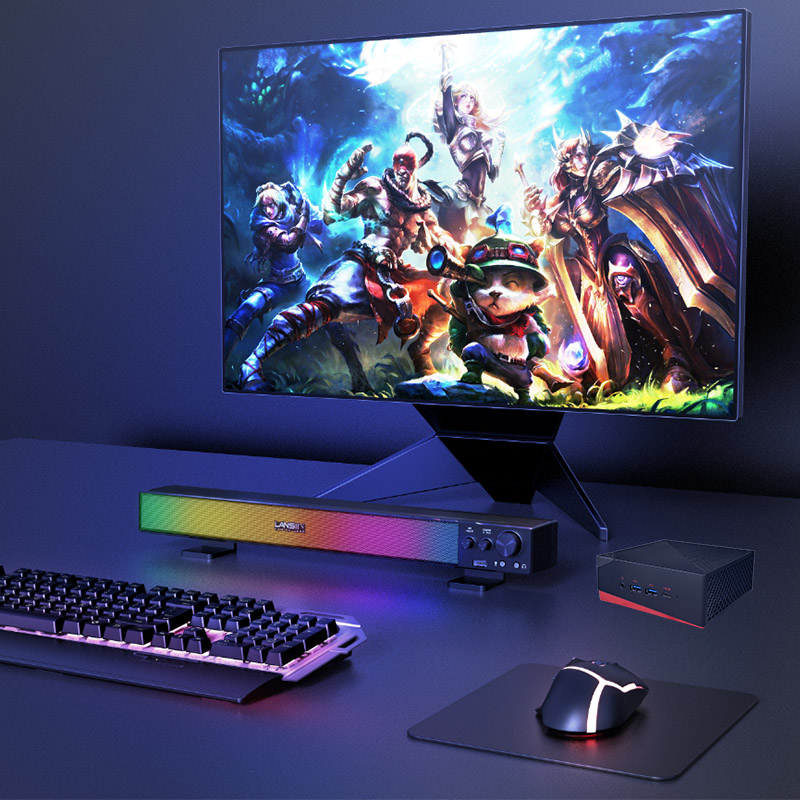
For organizations exploring broader hardware strategies, the same rugged engineering principles extend to rugged mini PC solutions that can complement the tablet lineup. These mini PCs provide additional compute power for specialized workstations, such as development environments or graphics-intensive applications, while maintaining the same centralized management framework.
The transition to SH5-W, SH6, and ST11-J represents more than a hardware refresh—it is a strategic investment in operational efficiency. The call center that inspired this case study now handles 40% more calls per day with the same staffing levels, thanks to reduced login times and fewer technical interruptions. Agent satisfaction scores improved by 35%, and attrition decreased as employees appreciated working with reliable, modern equipment. For IT teams evaluating thin client upgrades, the data speaks clearly: these devices deliver tangible, measurable business outcomes that justify the investment.