- Select Language
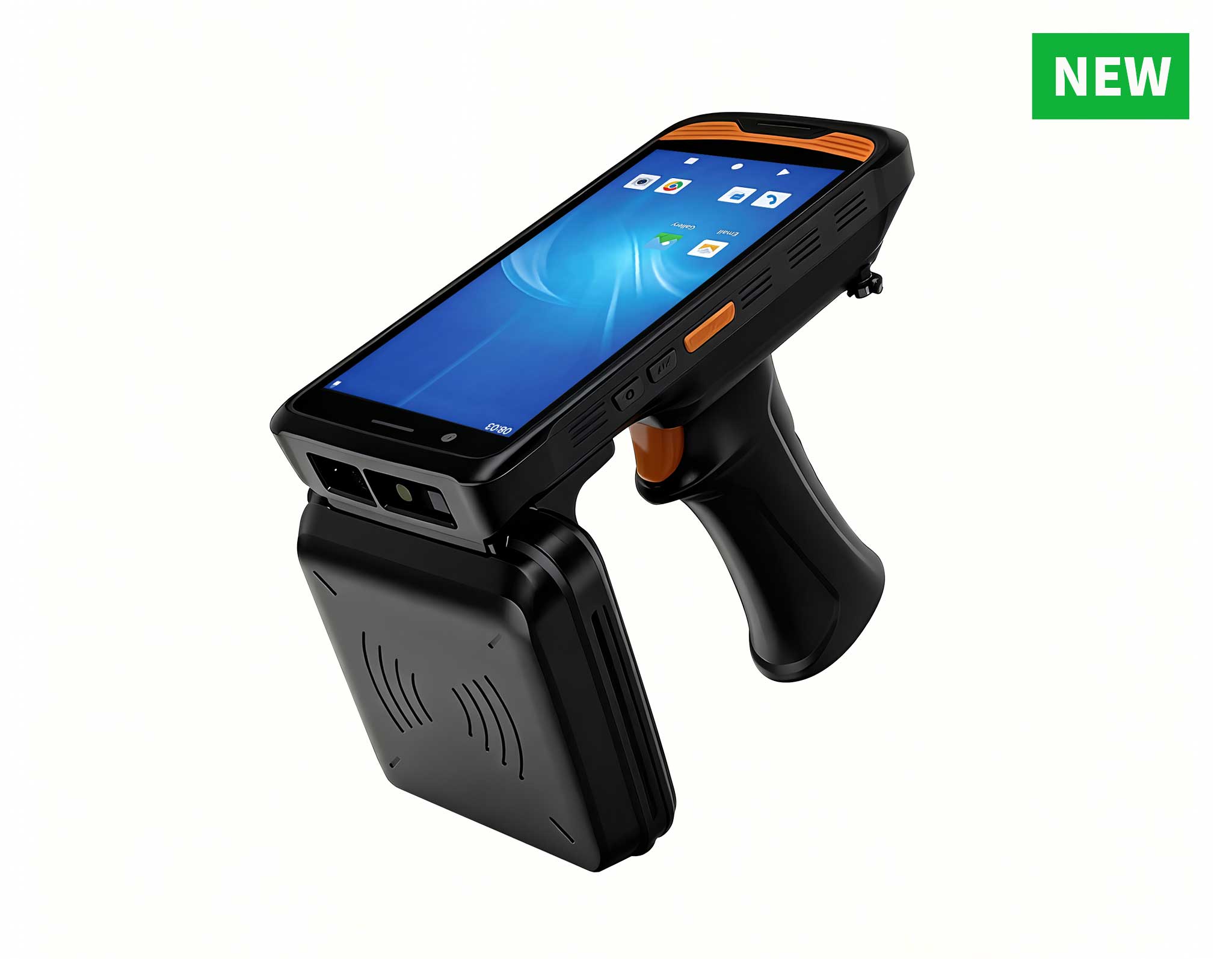
R366C-S 5.5-inch Industrial UHF RFID Reader | Qual...
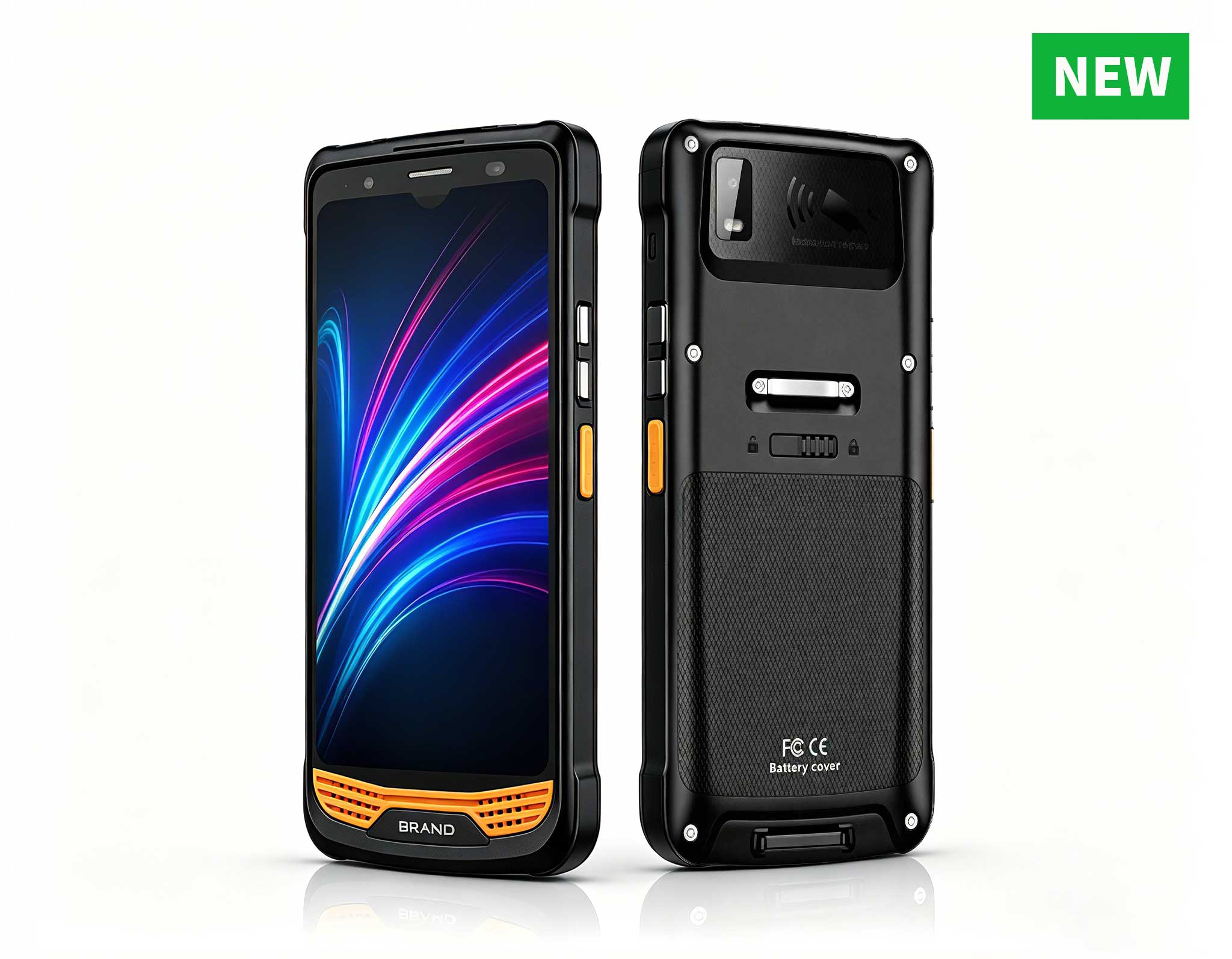
R366-S Thin 5.5-inch Industrial PDA | Qualcomm Oct...
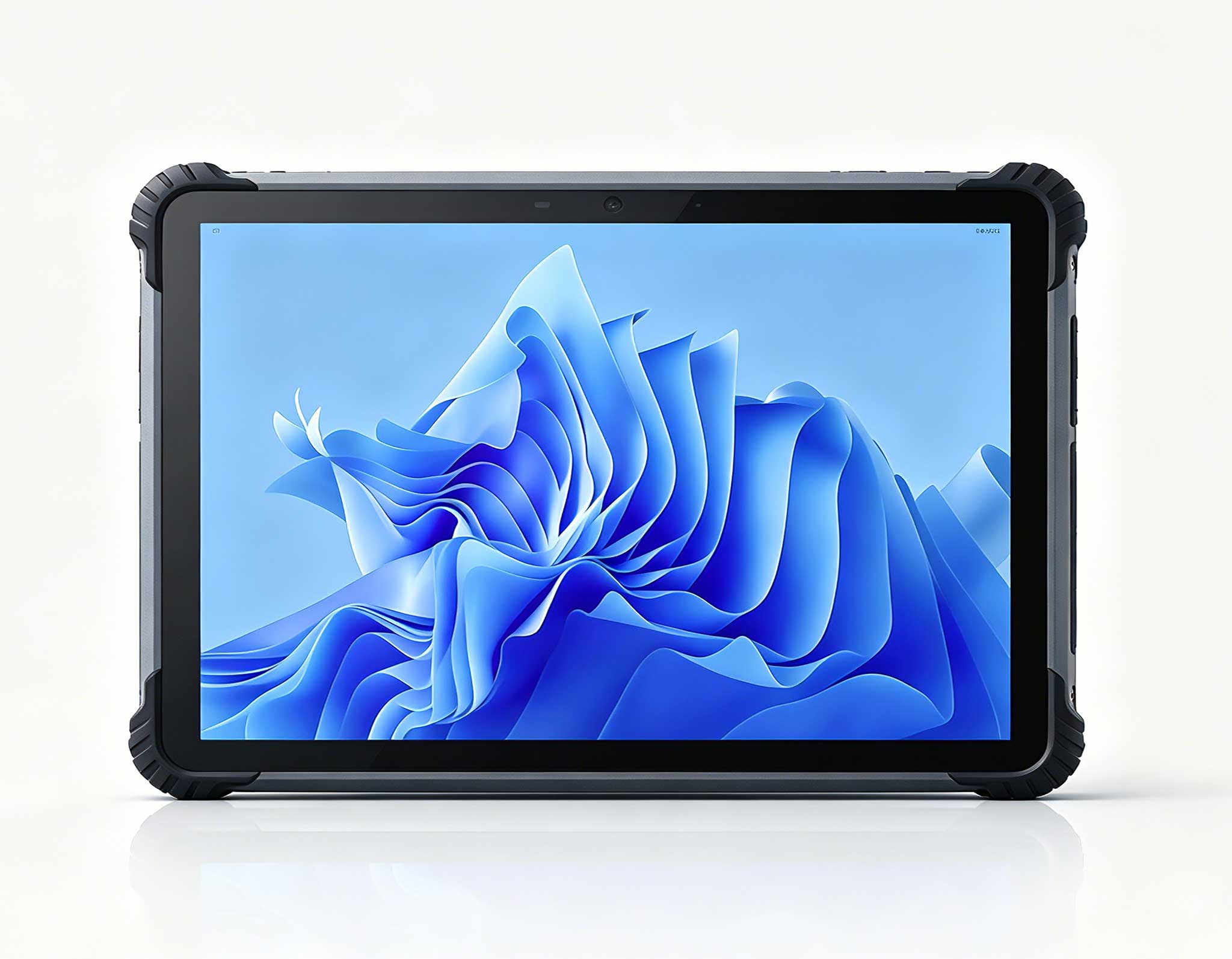
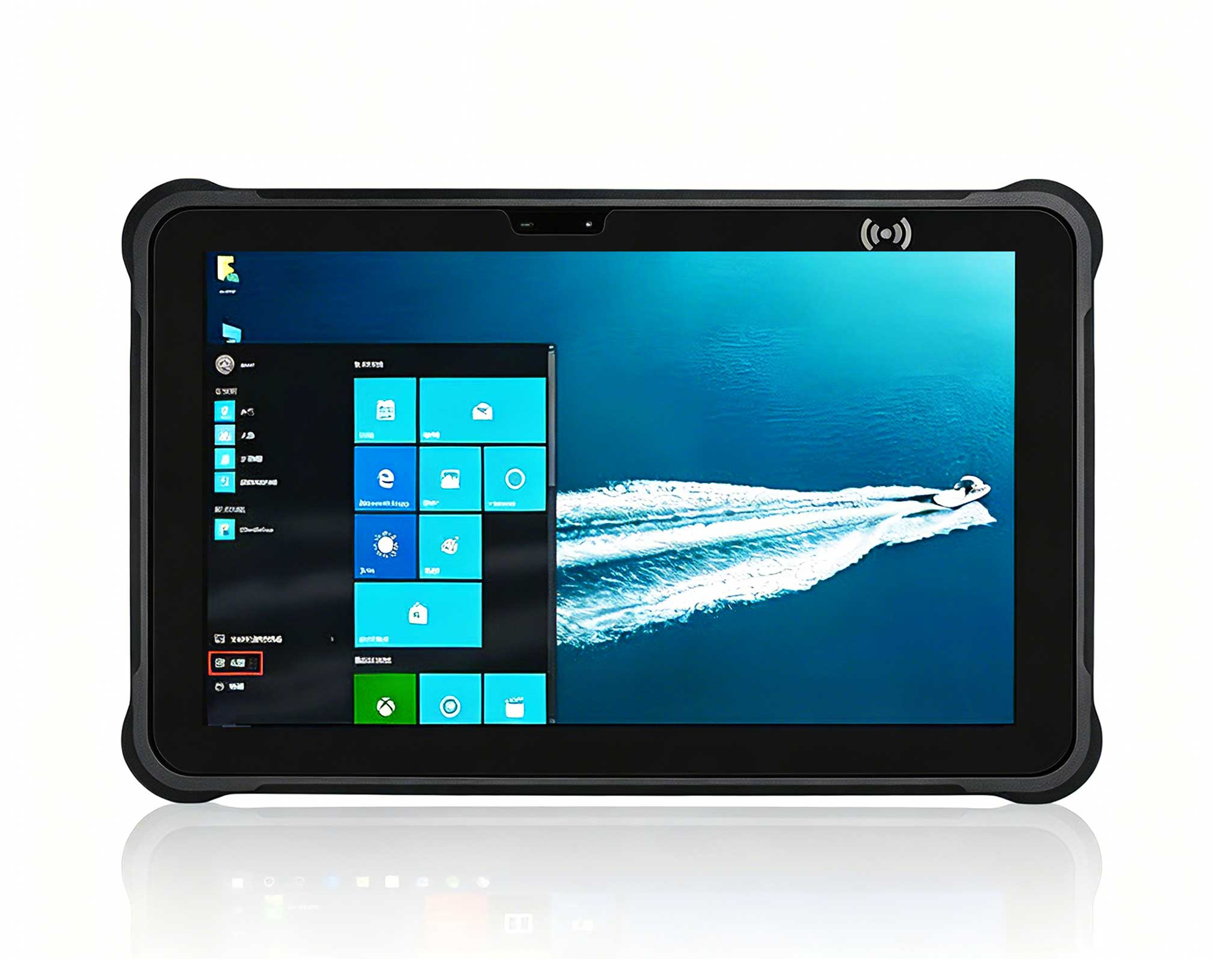
This 10-inch Android rugged tablet is designed for...
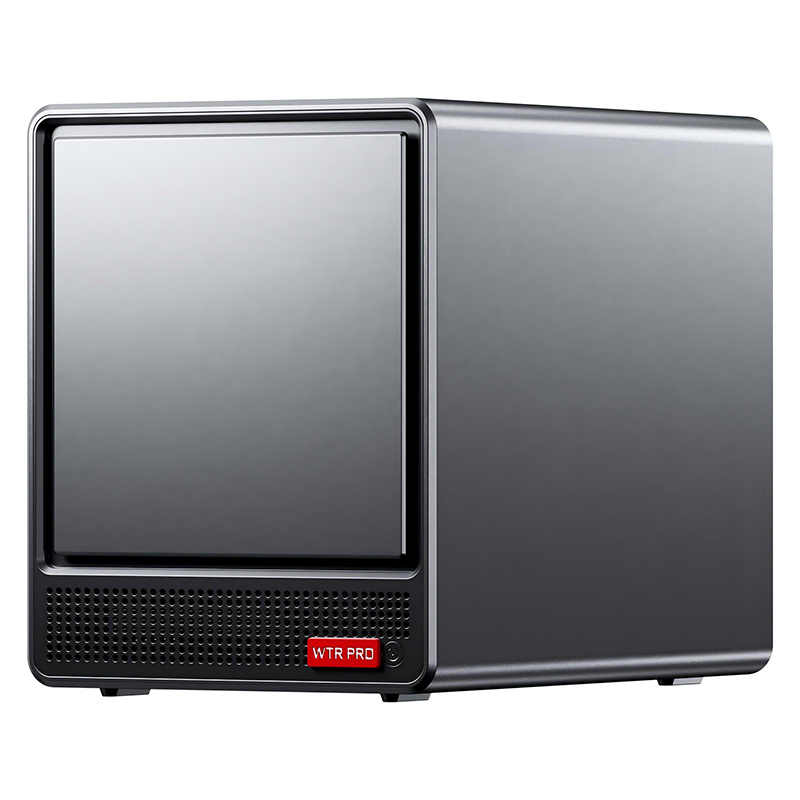
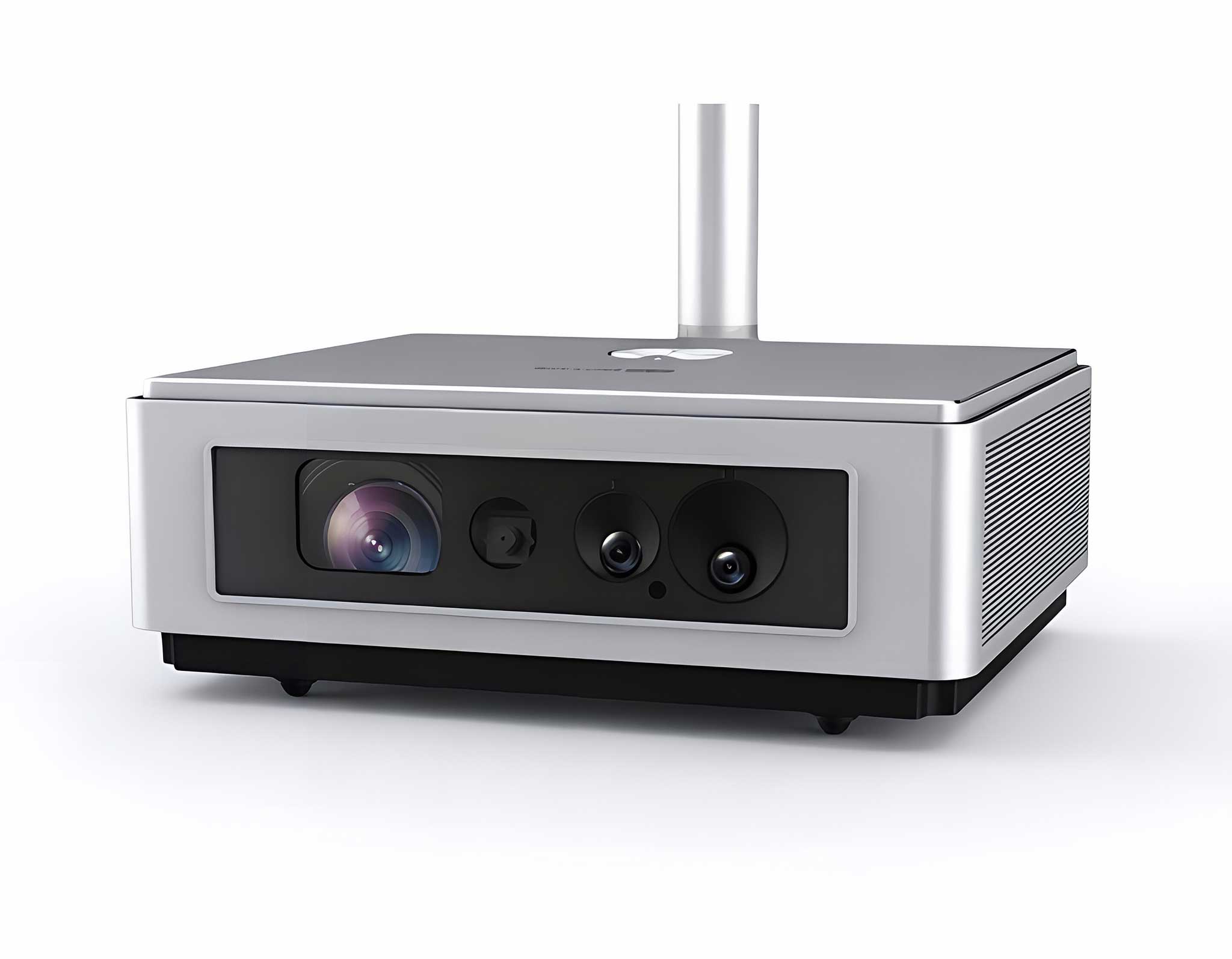
The EGPU Graphics Card Expansion Dock is a high-pe...
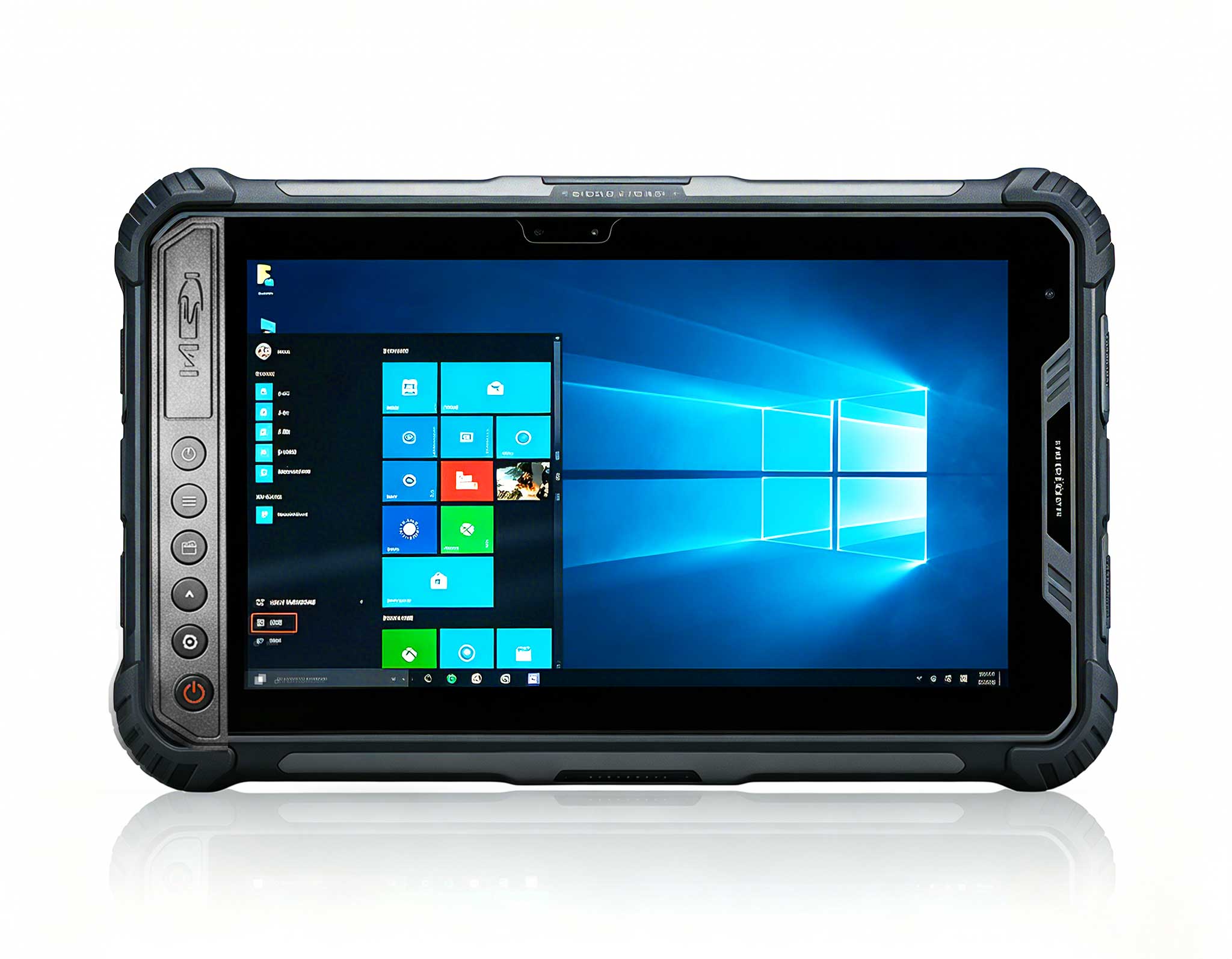
Full SpecificationsModelHotus ST9‑MOSWindows 10/11...
R366-S 5.5-inch Industrial PDA | Qualcomm Octa-cor...
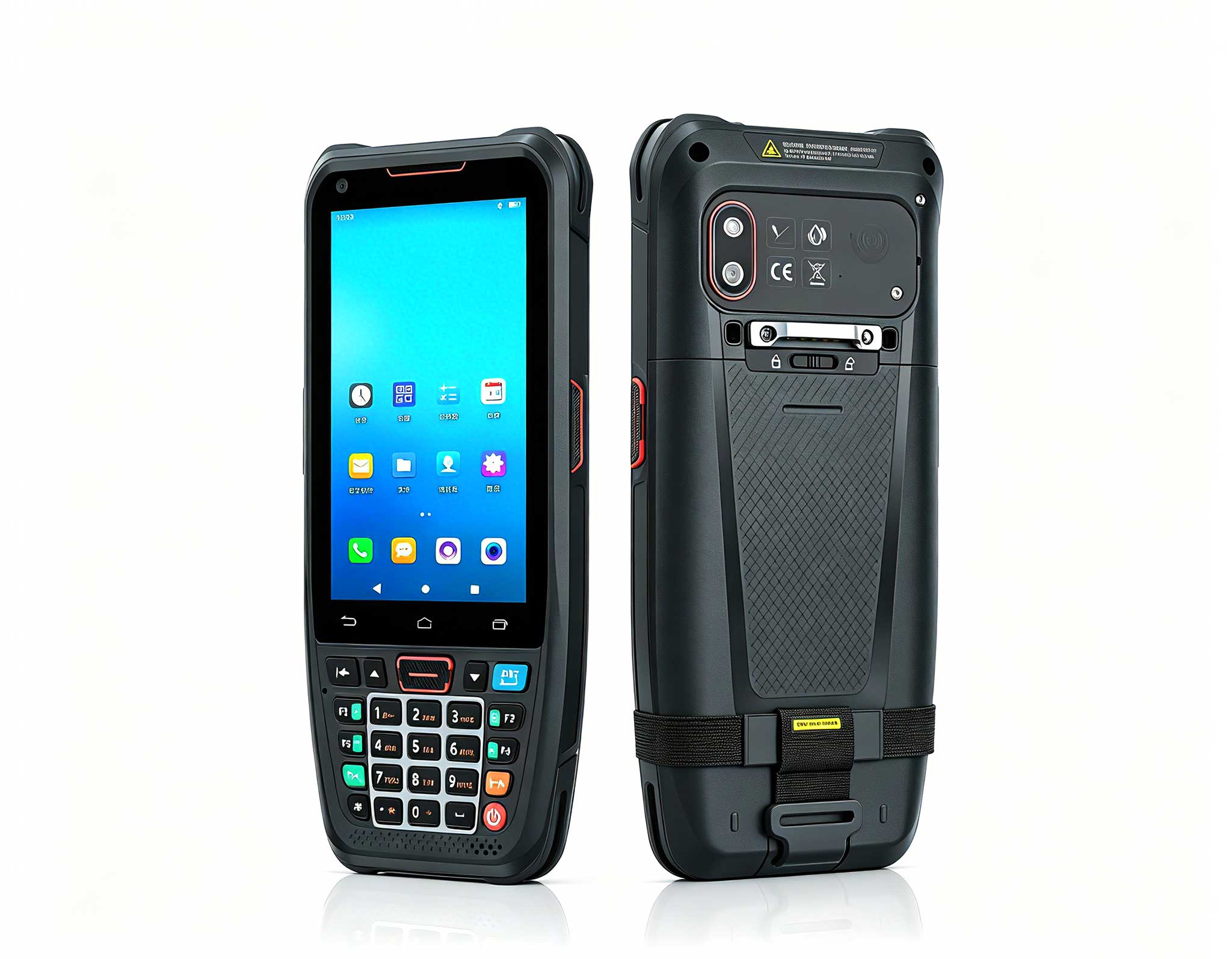
The N40 Android smart PDA features a Cortex-A53 qu...
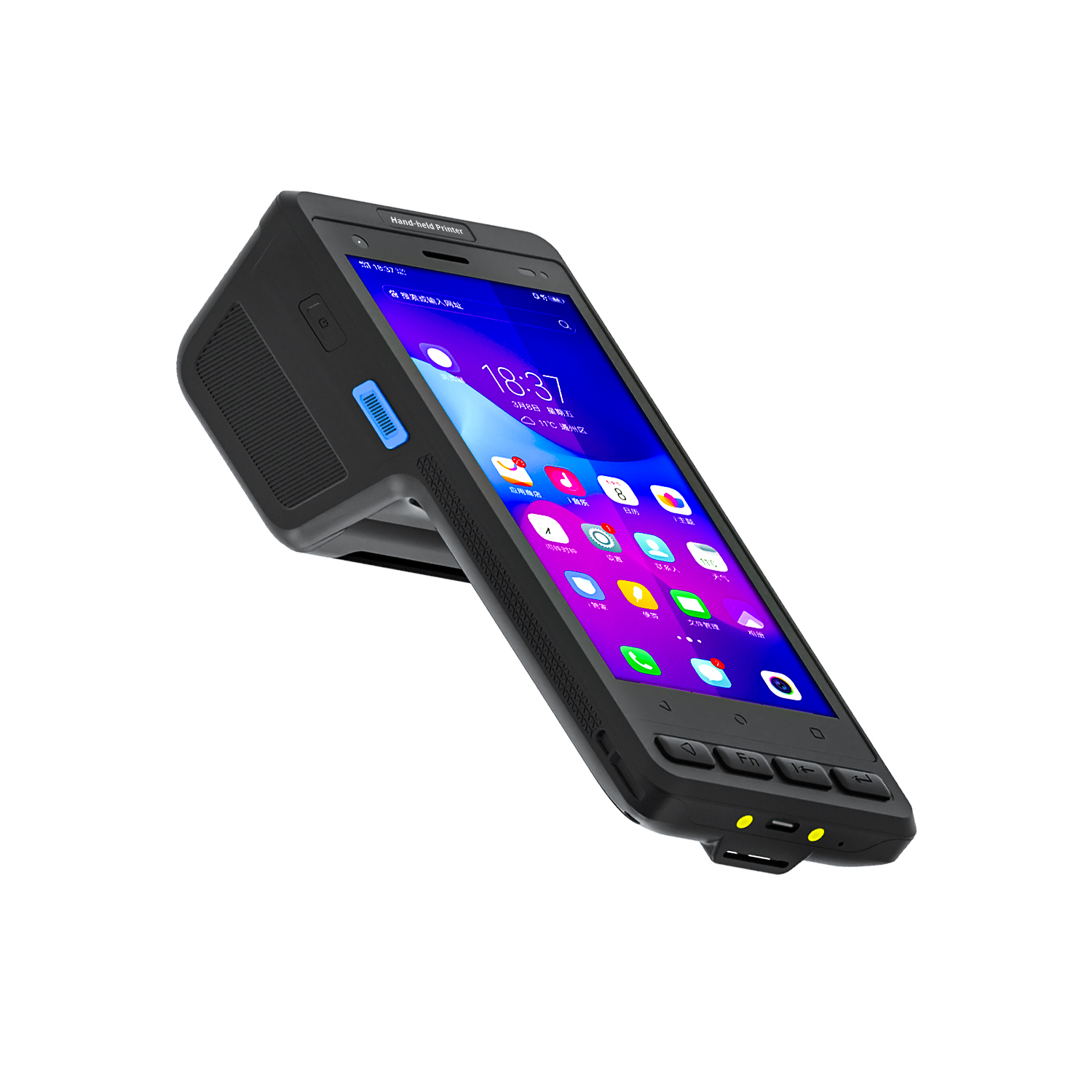
️ X8 Series Handheld Label & Thermal Printing ...
In the fast-paced environment of a modern distribution center, every minute of downtime translates directly into delayed shipments and increased operational costs. The tools your team relies on for scanning, inventory verification, and cycle counting must perform flawlessly under demanding conditions. This implementation walkthrough focuses on the practical maintenance and care strategies for the U9000 Handheld PDA, N60 Inventory Management PDA, and R860-S PDA, ensuring your warehouse logistics operation maintains peak efficiency throughout the year.
These rugged devices are engineered for the daily grind of warehouse floors, but even the most durable hardware requires a proactive maintenance routine. From battery health management to screen protection and connector care, understanding the specific needs of each model will extend their lifespan and reduce costly replacements. By integrating these practices into your standard operating procedures, you can significantly reduce equipment-related interruptions and keep your team focused on what matters most—accurate, timely order fulfillment.
The first step in any effective maintenance plan is understanding the unique characteristics of each device. The N60 Inventory Management PDA is designed for high-volume scanning tasks, featuring an ergonomic grip that reduces user fatigue during long shifts. Its keypad and trigger mechanism are the most frequently used components, making them the primary focus for wear and tear. For the N60, we recommend a weekly inspection of the trigger assembly for debris or dust accumulation, which can lead to unresponsive scans if left unaddressed.
Meanwhile, the U9000 Handheld PDA offers a larger display and more processing power, ideal for complex inventory tasks that require real-time data visualization. The larger screen is both a benefit and a vulnerability; it requires careful handling and periodic cleaning with a microfiber cloth to maintain touch sensitivity. Additionally, the U9000's battery compartment should be checked monthly for any signs of corrosion or loose connections, as these can cause unexpected shutdowns during critical inventory counts.

For the R860-S PDA, which serves as a versatile mid-range option, the focus shifts to its expansion ports and connectivity modules. These ports are susceptible to dust ingress, especially in environments with cardboard particulate. Using compressed air to clear these ports bi-weekly will prevent connectivity issues with charging cradles and data transfer stations. All three devices share a common need: regular firmware updates. These updates often include battery optimization algorithms and scanning engine improvements that directly impact daily performance.
Implementing a structured maintenance schedule is crucial for any industrial solution for Warehouse Logistics. On a daily basis, operators should perform a quick visual inspection of their device before the start of their shift. This includes checking the screen for cracks, verifying the scanner window is clear of smudges, and confirming that the battery is securely latched. A simple cleaning routine using a dry, lint-free cloth on the device exterior can prevent dirt from migrating into the buttons and ports.
Weekly, a more thorough cleaning is recommended. Remove the battery and use a soft brush to gently clean the battery contacts and the inside of the compartment. This prevents power interruptions that can lead to data loss. For the R860-S PDA, pay particular attention to the volume control and side buttons, which can become stiff if debris accumulates around them. Lubrication is generally not required, but if buttons feel gritty, a very small amount of silicone-based lubricant applied with a toothpick can restore smooth operation.
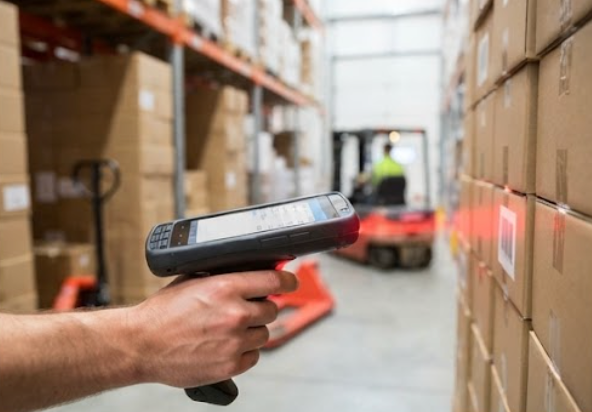
Beyond cleaning, the weekly check should include verifying that all device settings are optimized for your specific warehouse environment. This includes adjusting the scan timeout duration and ensuring the backlight brightness is set to a level that balances visibility with battery conservation. These small adjustments, performed on a weekly basis, contribute to a more reliable and user-friendly experience for your staff.
Battery degradation is the most common reason for premature device replacement. In a warehouse setting where devices are often used for 10-12 hour shifts, maintaining battery health is paramount. For the U9000 Handheld PDA, which draws more power due to its larger screen, we recommend implementing a "top-up" charging strategy. Instead of waiting for the battery to drain completely, encourage staff to charge the device during breaks. This reduces deep discharge cycles, which are the primary cause of lithium-ion battery wear.
For the N60 Inventory Management PDA, consider investing in spare batteries and a multi-bay charging station. This allows for hot-swapping batteries without interrupting workflow. When storing spare batteries, keep them at a partial charge (around 50%) in a cool, dry place. Extreme temperatures, both hot and cold, can permanently damage battery cells. The R860-S PDA benefits from a similar approach, and its power management settings should be configured to enter sleep mode after a short period of inactivity to conserve energy.
It is also vital to train staff on proper charging habits. Using only the manufacturer-approved chargers and cables is essential. Third-party chargers may not provide the correct voltage, leading to overheating or reduced battery lifespan. By embedding these battery care practices into your training program, you will see a marked decrease in battery-related service calls and a longer useful life for each device.
Customers deploying equipment for Warehouse Logistics consistently report that reliability is their #1 concern. Audio dropouts during critical moments, bulky devices that irritate users, and complex setup procedures create friction that undermines the entire operational experience. The engineering behind modern digital systems specifically addresses these challenges. For instance, the scanning engines in these PDAs are designed to read damaged or poorly printed barcodes, reducing the need for manual entry and the errors that come with it.
When evaluating these devices for Warehouse Logistics, the most frequently asked questions focus on real-world reliability. How does the system handle interference from other electronic equipment? Can it work in areas with concrete walls or metal structures? Is the scan speed fast enough for high-volume conveyor belts? The answer lies in the robust radio frequency technology and advanced imaging algorithms embedded in these devices. They are built to maintain a stable connection even in dense metal racking environments, ensuring data is transmitted in real-time without delay.

To further enhance your operational setup, consider integrating these handheld devices with rugged mini PC solutions for your fixed workstations. This combination creates a seamless ecosystem where portable scanning and stationary data processing work in harmony, reducing bottlenecks during peak periods.
To assist in your maintenance planning and device selection, the following table provides a comparative overview of the three primary models discussed. Understanding these specifications helps in allocating the right device to the right task and in preparing appropriate maintenance schedules.
| Model | Position | Weight | Key Maintenance Focus | Product URL |
|---|---|---|---|---|
| U9000 Handheld PDA | High-performance scanning | Heavier (approx. 280g) | Screen protection, battery calibration | View Product |
| N60 Inventory Management PDA | Mid-range, ergonomic design | Medium (approx. 250g) | Trigger mechanism, keypad integrity | View Product |
| R860-S PDA | Versatile, connectivity-focused | Lightest (approx. 220g) | Port cleaning, firmware updates | View Product |
The key benefits of U9000 Handheld PDA, N60 Inventory Management PDA and R860-S PDA for Warehouse Logistics extend beyond basic scanning functionality. Organizations consistently report improved inventory accuracy scores, reduced staff overtime from equipment troubleshooting, lower total cost of ownership compared to older systems, and the flexibility to scale operations as demand grows. By following the maintenance protocols outlined in this walkthrough, you ensure that these benefits are realized consistently.
Even with diligent maintenance, occasional issues will arise. Knowing how to troubleshoot common problems can save valuable time. If a device fails to power on, the first step is always to check the battery charge and the battery contacts. If the screen is unresponsive, perform a soft reset as outlined in the user manual. For persistent scanning issues, clean the scanner window with a specialized lens cleaner, as a smudged window is a common culprit for read failures.
For more complex hardware issues, such as a damaged charging port or a cracked screen, it is advisable to contact your equipment provider for professional repair. Attempting to repair these components without proper training can void the warranty and cause further damage. Establishing a relationship with a reliable service provider is a key part of your long-term maintenance strategy. They can offer firmware support, genuine replacement parts, and expedited repair services to minimize downtime.
Finally, keep a log of all maintenance activities and device performance issues. This data is invaluable for identifying patterns—such as a particular model showing battery issues after 18 months of use—and allows you to proactively plan for replacements or upgrades. By taking a data-driven approach to maintenance, you transform device care from a reactive chore into a strategic advantage. For additional insights on optimizing your hardware ecosystem, we invite you to explore our mini PC solutions to complement your handheld fleet.
In conclusion, the longevity and reliability of your U9000 Handheld PDA, N60 Inventory Management PDA, and R860-S PDA are directly tied to the quality of your maintenance routines. By implementing a structured, proactive approach to care, you protect your investment and ensure that your warehouse logistics operation runs smoothly, efficiently, and without interruption.