- Select Language
Explore an innovative Personal Digital Assistant f...
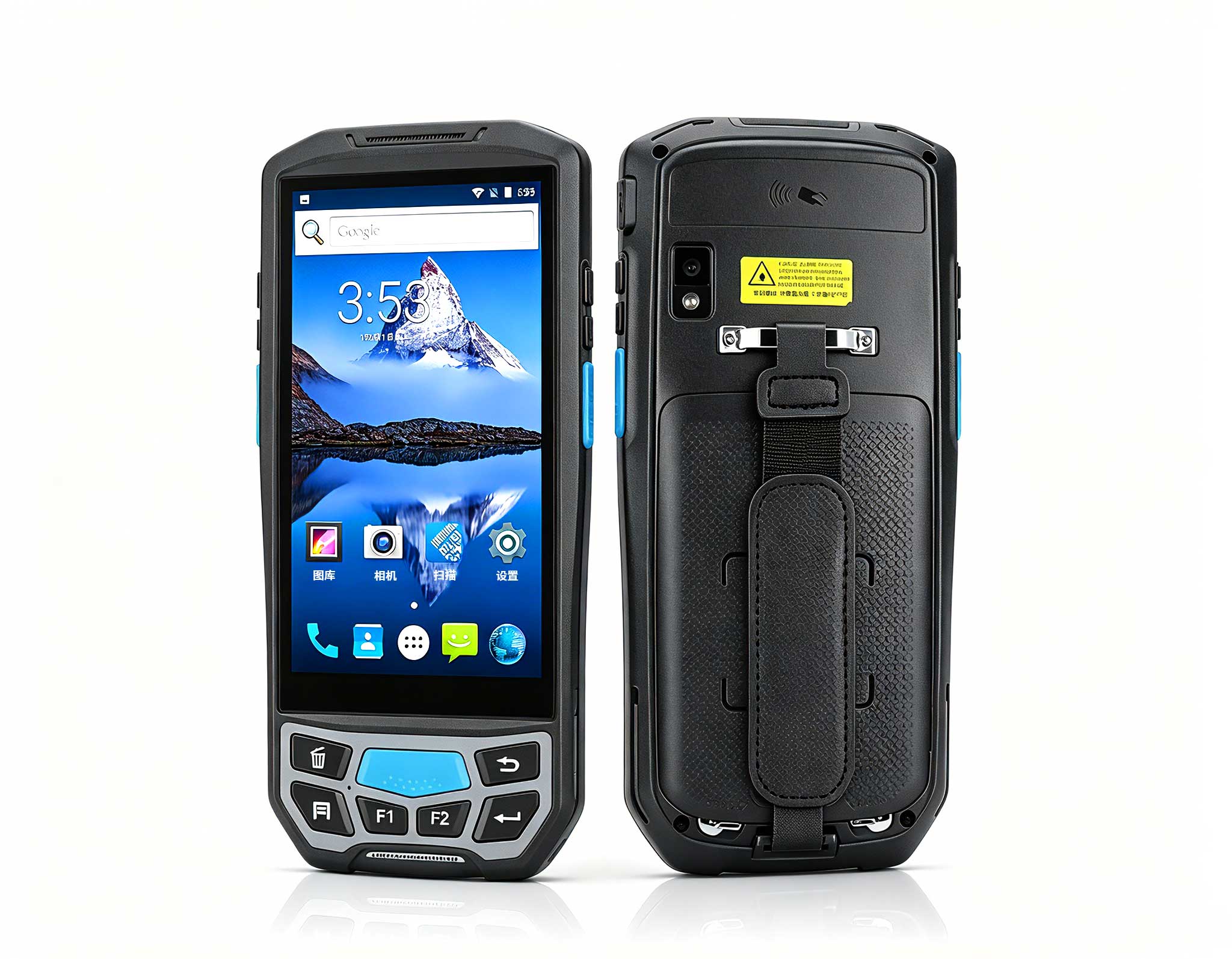
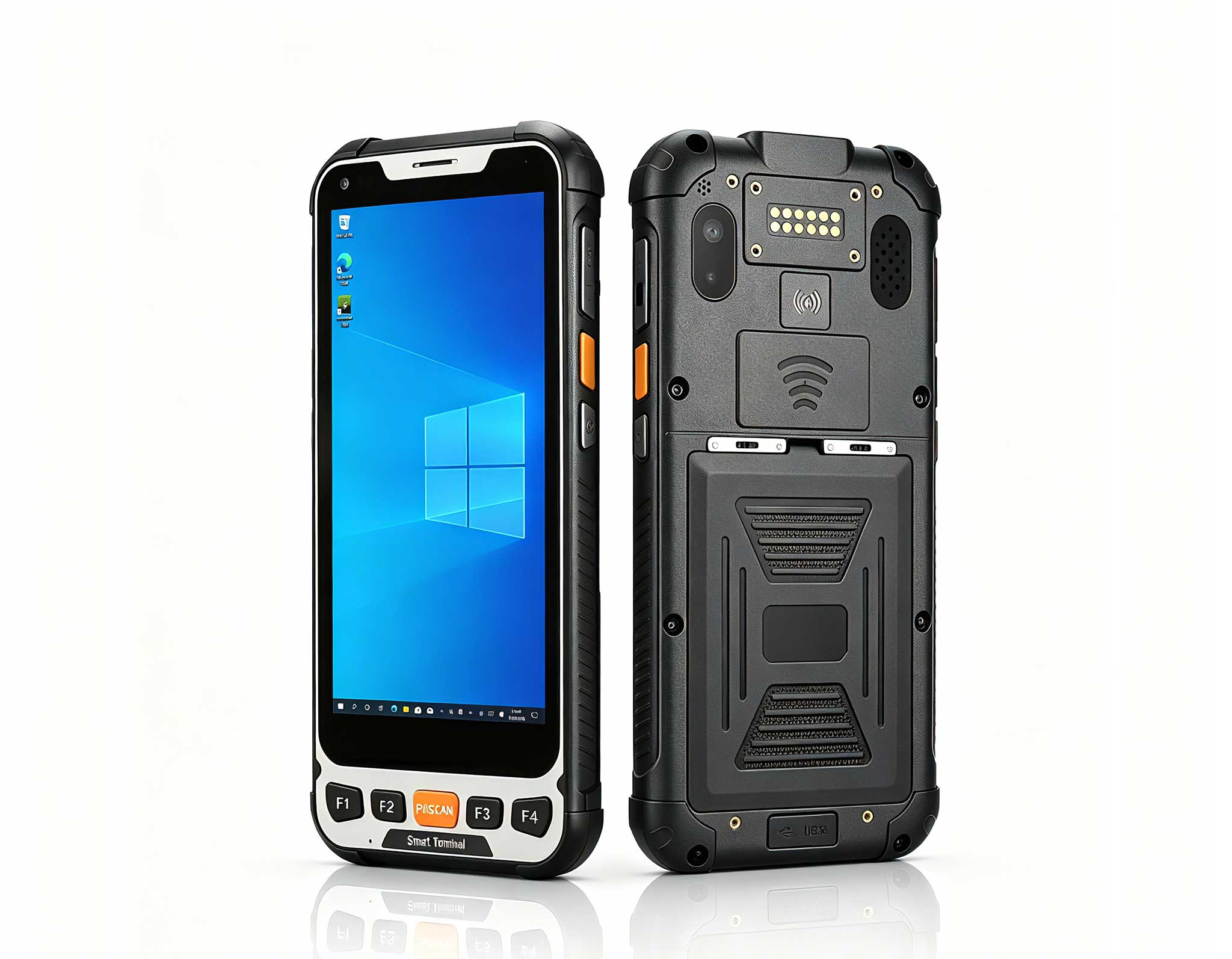
The U9000 handheld PDA combines advanced barcode s...
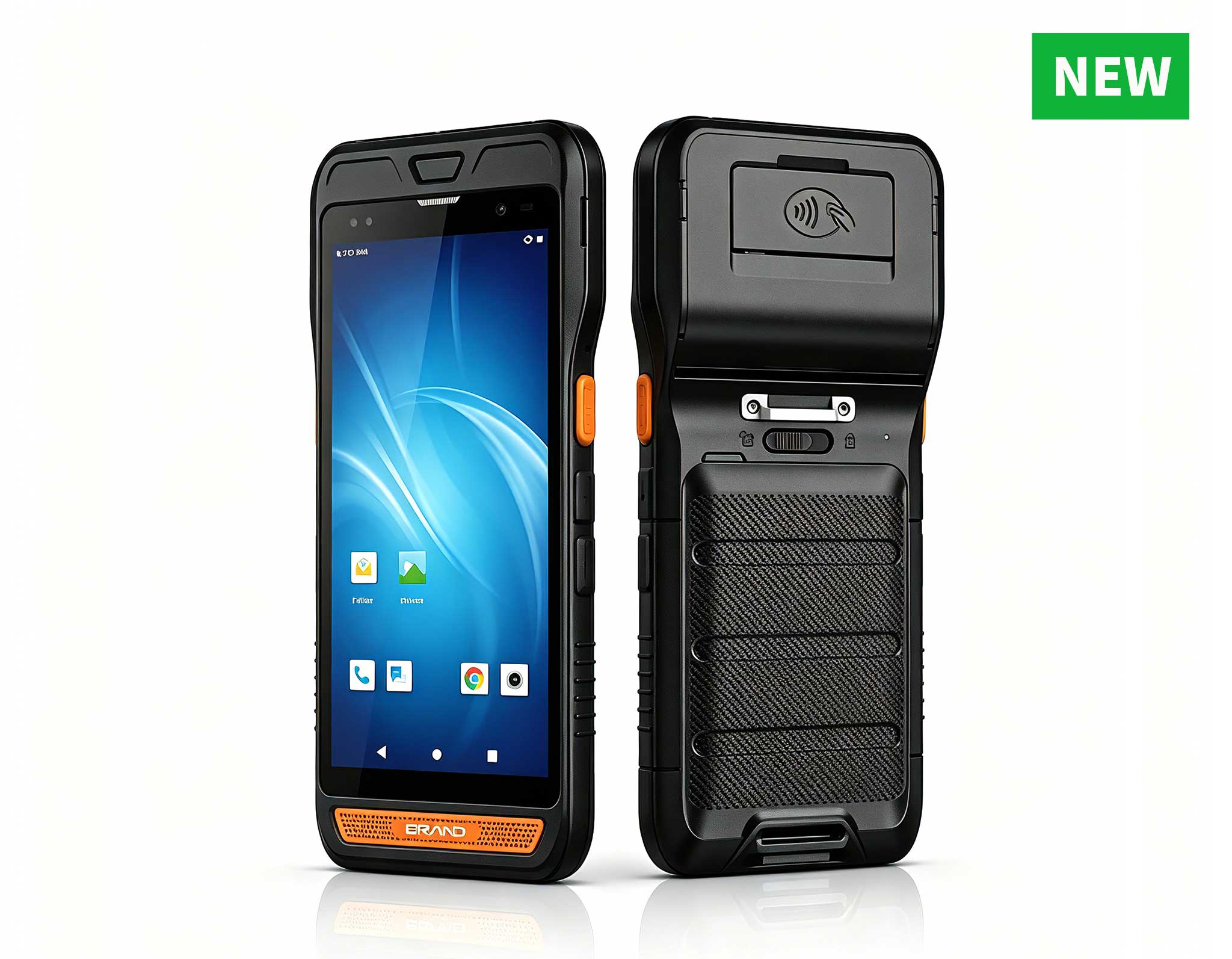
R860-S 5.5-inch Industrial PDA with Thermal Printe...
The N60 PDA is a cutting-edge device for inventory...
Full SpecificationsModel Hotus SH5‑WOperating ...
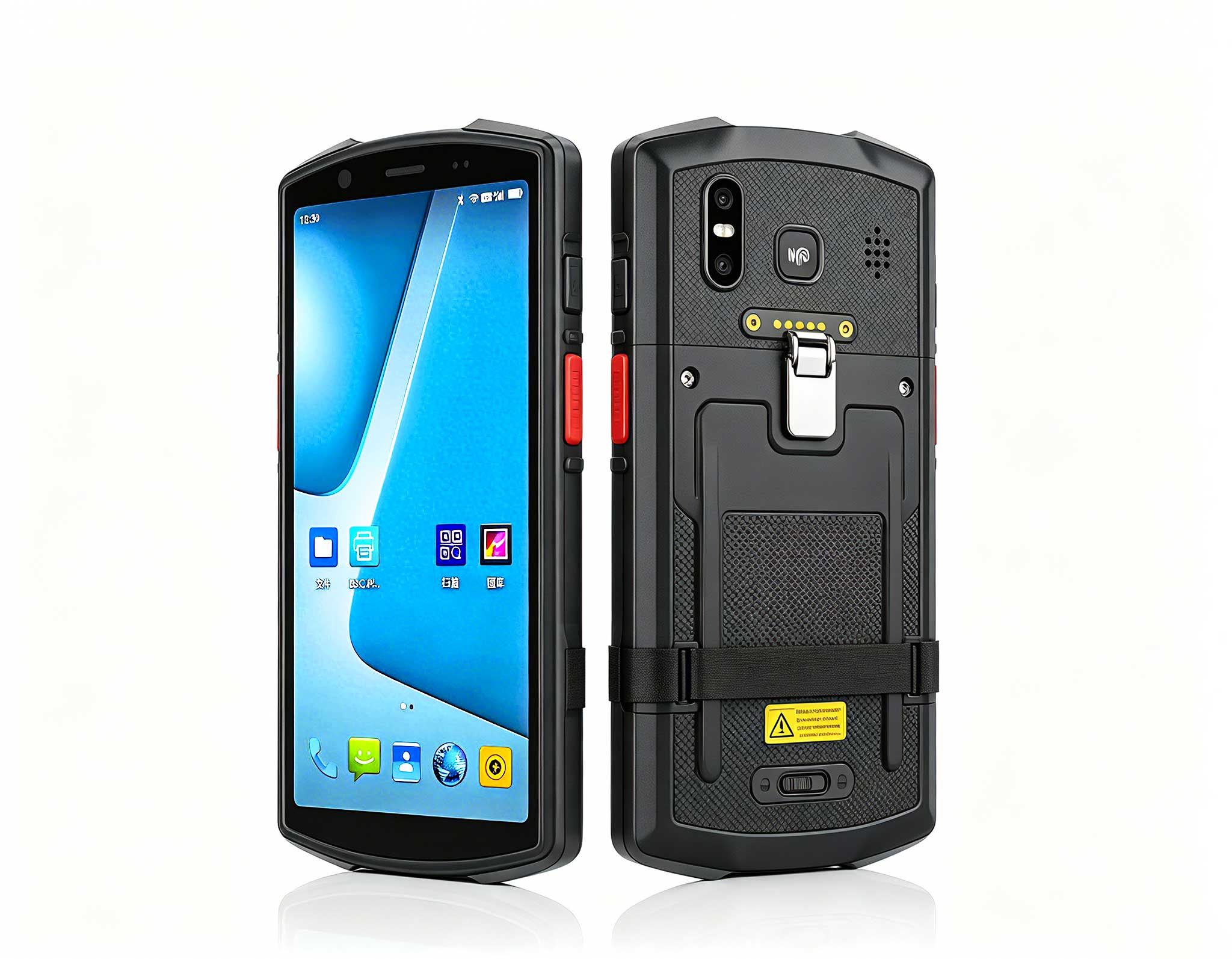
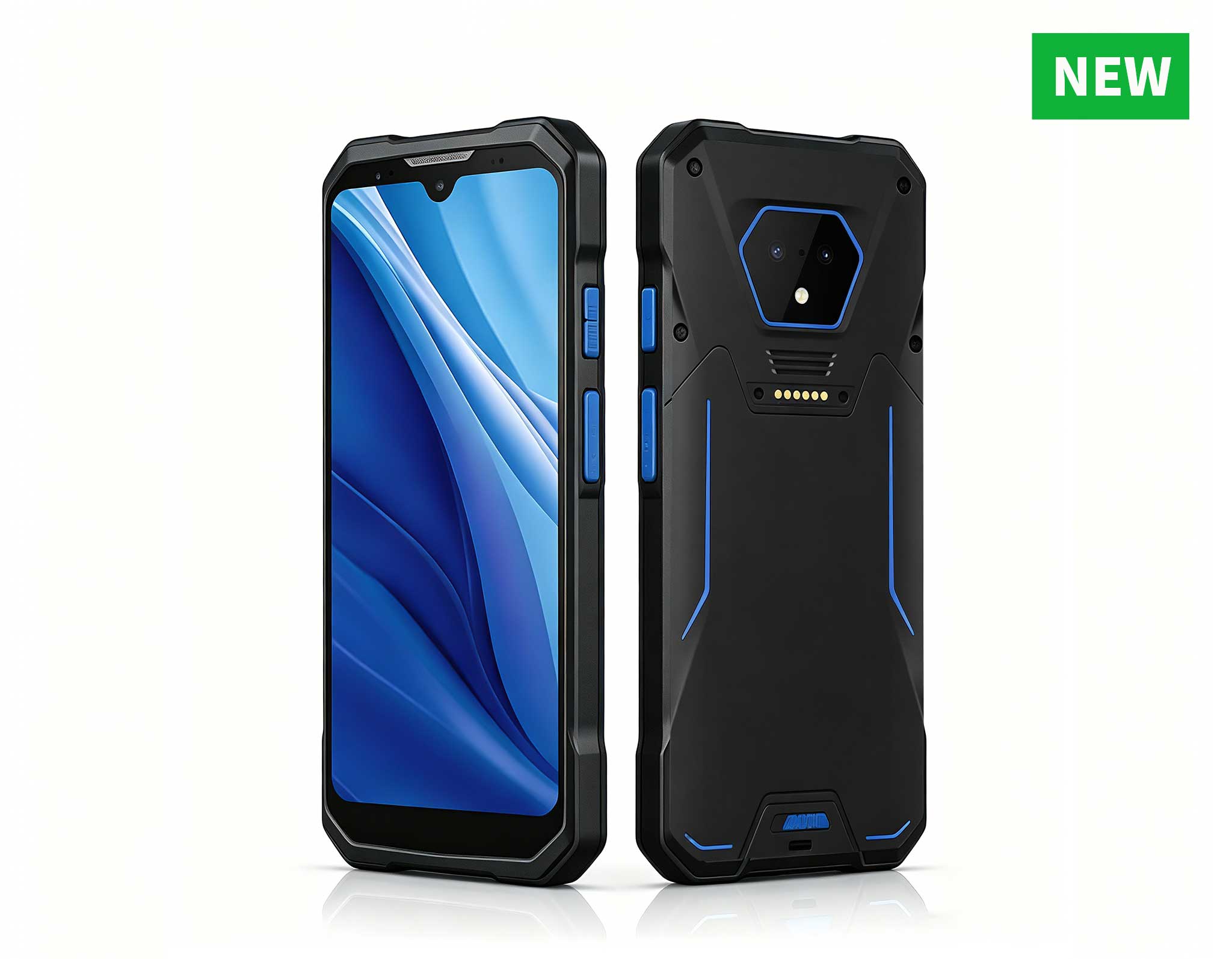
RS50 5G Rugged Handheld Terminal | 6.3" FHD+ ...
P8 Series 8-Inch Rugged Industrial Tablet PC Mobi...
If you oversee a warehouse logistics operation, you know exactly how expensive a stalled device can be. A handheld PDA that fails to read a barcode at the loading dock, an RFID reader that drops tags in a dense racking aisle, or a rugged tablet that locks up the moment the freezer door closes, every one of these moments ripples across hundreds of daily picks, putaways, and cycle counts. The good news is that the U9000 Handheld PDA, the RT80 Rugged Tablet, and the RFID Industrial PDA D802 are built to take this kind of punishment, and knowing how to troubleshoot them quickly is what keeps your operation moving.
These three devices run on the same operating platform and connect through the same WMS interfaces. When you standardize on this industrial solution for Warehouse Logistics, your barcode scanning, RFID capture, and mobile computing layers work together instead of against each other, which drastically reduces the number of failure points you have to manage on any given day.
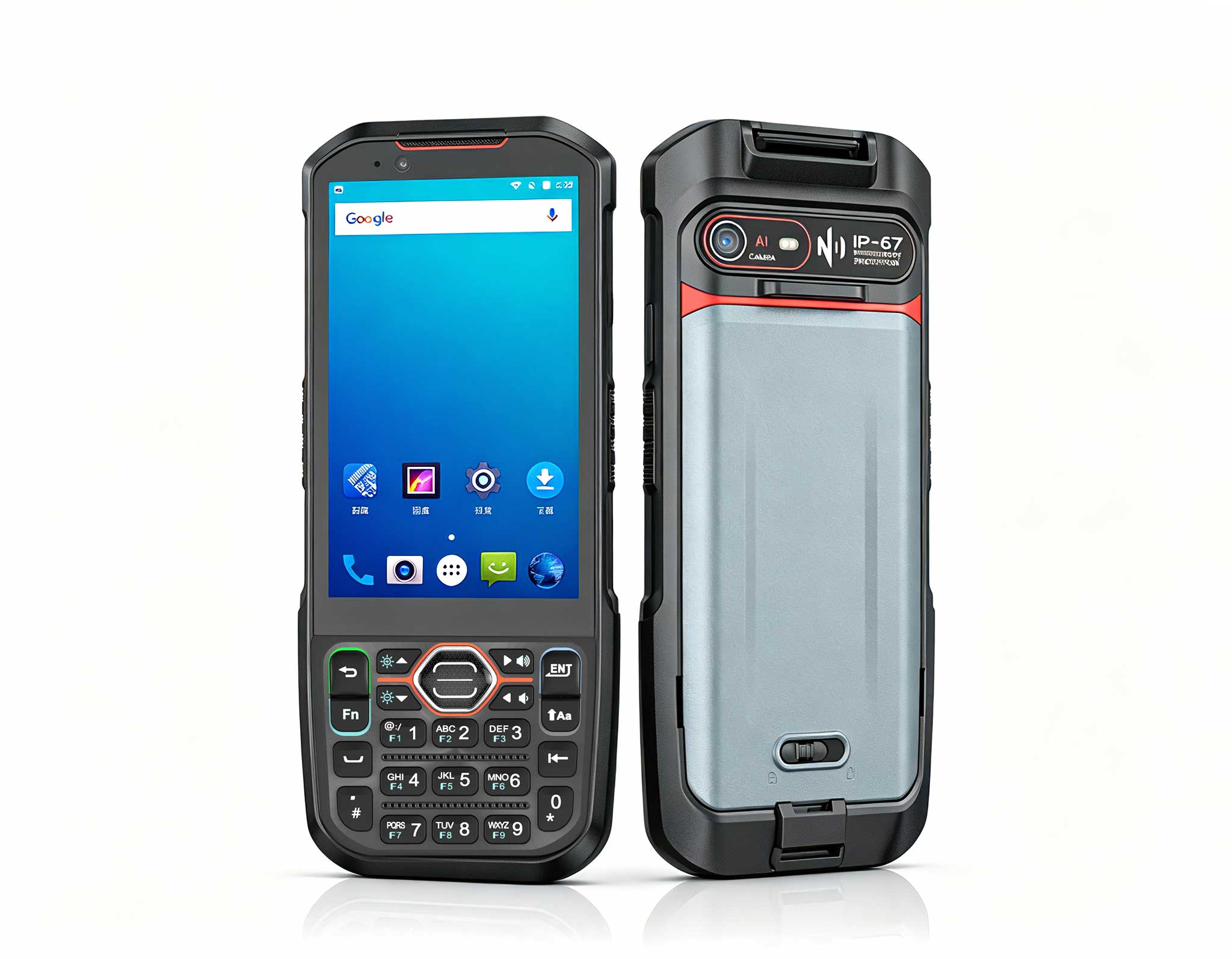
On a typical shift, operators rely on the U9000 Handheld PDA for the highest-volume jobs in the facility: scanning pick labels, confirming bin locations, and recording cycle count results as the day progresses. The device pairs a fast 1D/2D imager with battery life that comfortably covers a full day of continuous operation without a mid-day charge. Its sunlight-readable screen keeps pick lists and safety alerts legible even in harsh glare.
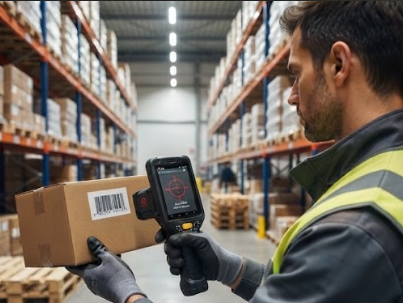
When a U9000 stops scanning, the hardware is rarely the culprit. In most cases, the problem is something much simpler: a smudged scan window, a damaged or glossy label, or poor lighting over the work area. A quick wipe with a microfiber cloth, a bump to the backlight, and a visual check of label print contrast resolve most of these issues in under a minute. When the barcode itself is scuffed or poorly printed, switching to the omni-directional scan mode improves the success rate significantly while the label is reprinted.
Bulk receiving and pallet-level inventory work demand the RFID Industrial PDA D802, which reads multiple UHF tags in a single pass. Operators sweep a pallet and capture every tag on the load in one fluid movement, which turns receiving verification and shipping confirmation into a matter of seconds rather than minutes.
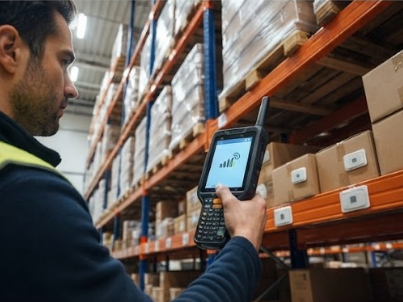
Unstable RFID reads almost always trace back to one of three conditions: metal racks reflecting radio waves, moisture or foil-lined packaging absorbing signal energy, and tag orientation facing away from the antenna. The D802 handles all of these with adjustable power output and a long-range read mode. When readings start to fluctuate, move the antenna closer, angle it toward the face of the tag, and reduce transmit power to eliminate ghost reads. If you move the device between cold storage and ambient zones, recalibrating before you resume work restores full read performance.
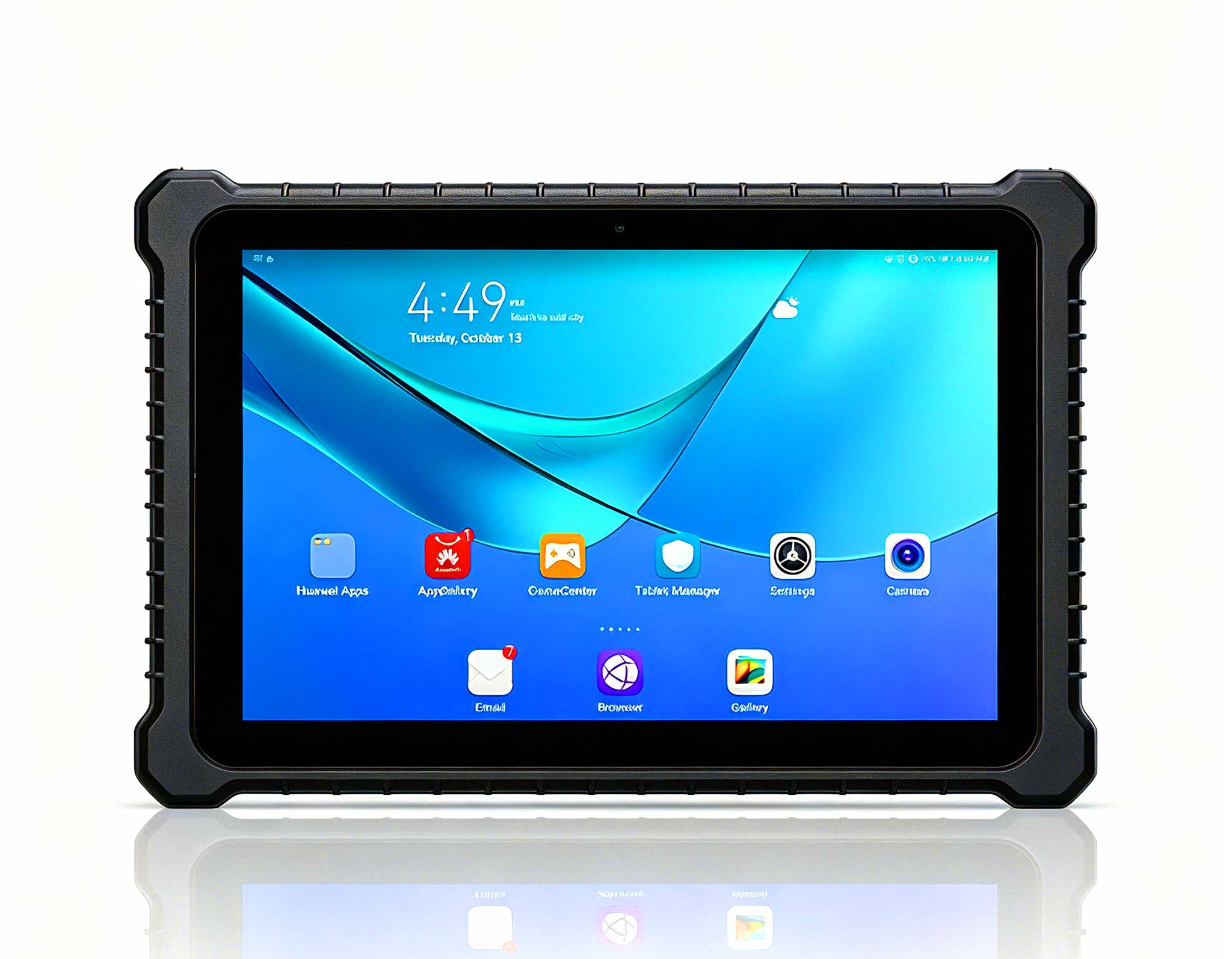
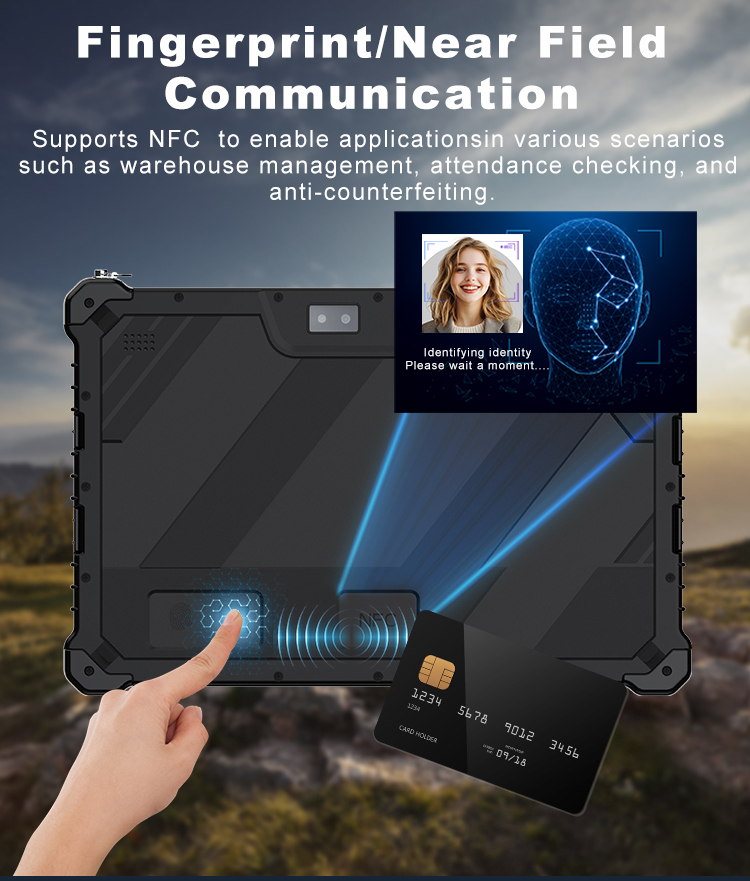
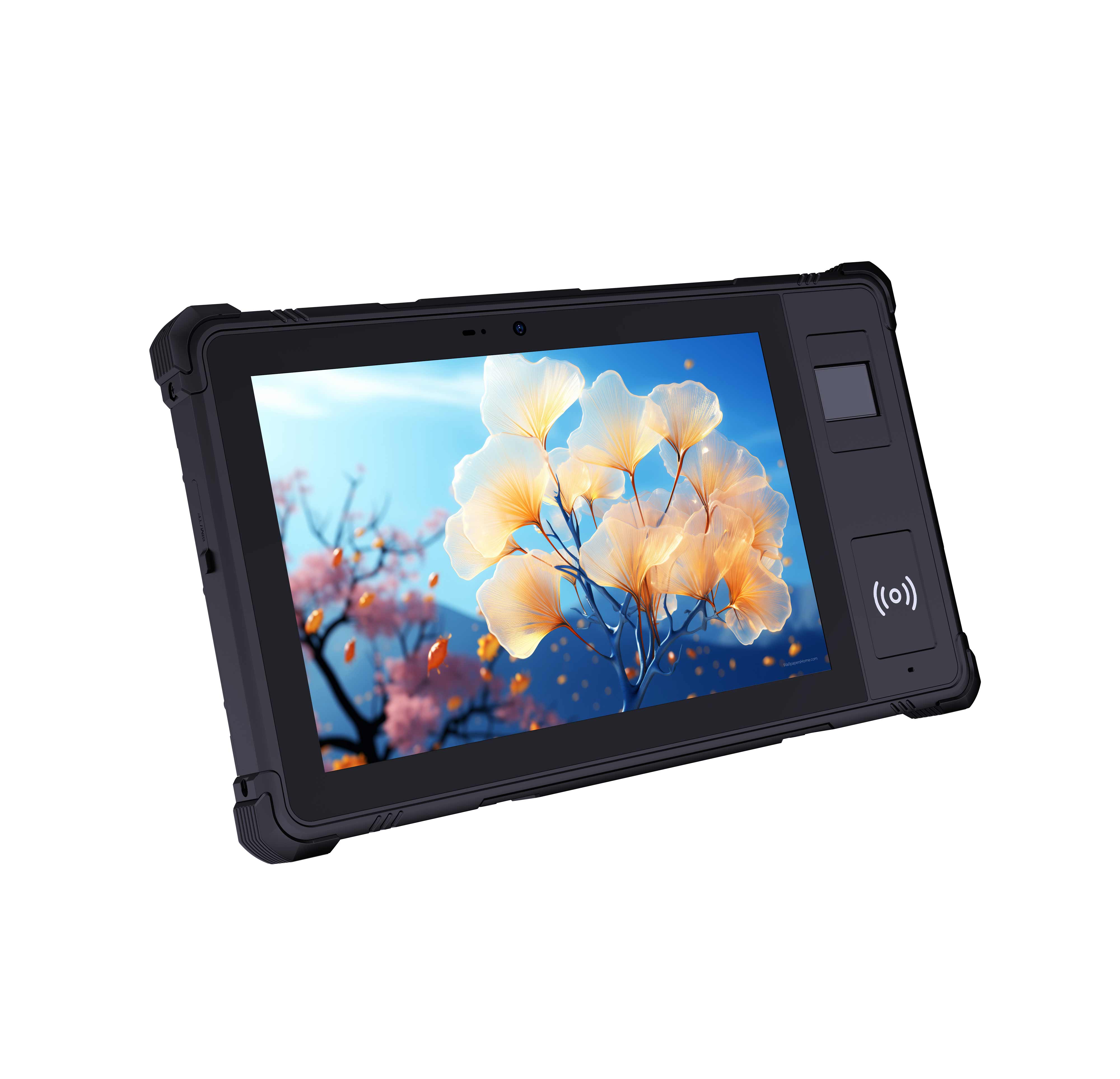
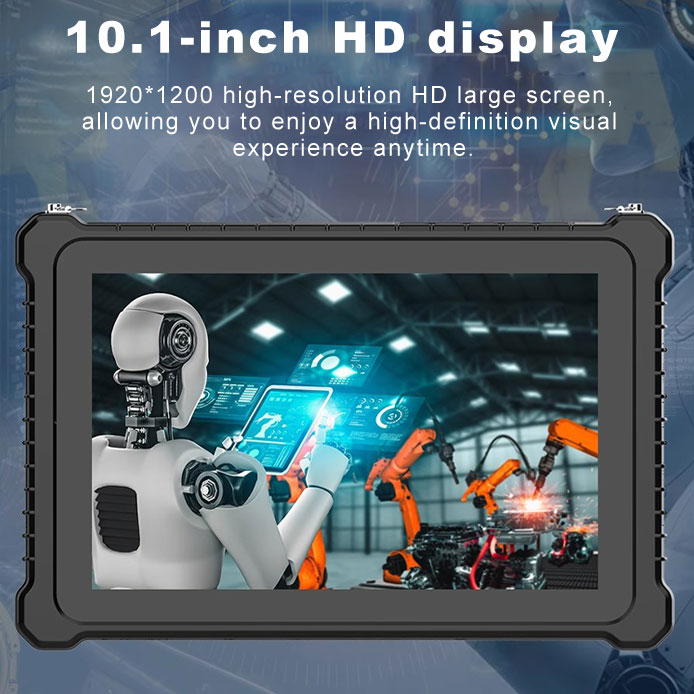
Supervisors and forklift operators use the RT80 Rugged Tablet for live WMS dashboards, job dispatch, and quality inspections out on the floor. Its IP68 enclosure shrugs off dust, rain, and wash-down chemicals, and its wide operating temperature range keeps the display responsive in cold storage corridors where consumer hardware routinely freezes or shuts down.
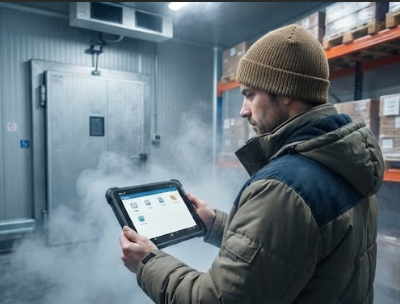
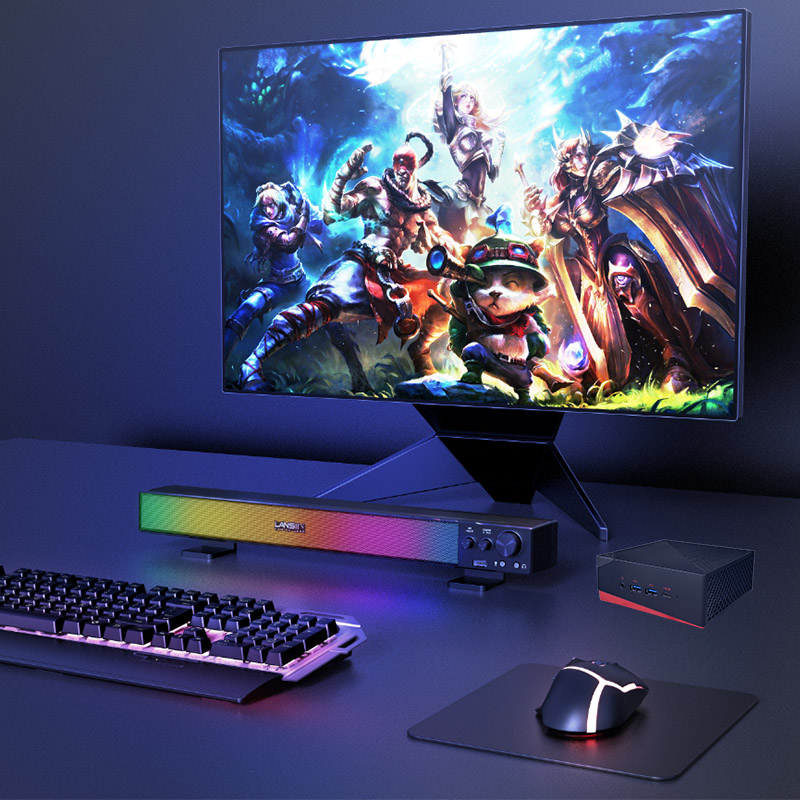
If the RT80 starts to feel sluggish after heavy dust exposure, purge the ports and charging contacts with compressed air and schedule a reboot to clear any accumulated state. Pairing the tablet with rugged mini PC solutions keeps heavy WMS clients on fixed stations at the receiving desk and packing lines, while the tablet handles the mobile tasks in between, extending the working life of both platforms.
Even the most reliable hardware occasionally needs attention. The field-proven steps below cover the five failures our support team sees most often across warehouse logistics sites, along with the fastest way to get each one resolved.
Symptom: The imager triggers but returns no read. Start by cleaning the scan window, then verify that the label is not glossy, creased, or damaged. If the issue persists, reset the imager configuration and test with a known-good label. In the vast majority of cases, a scan failure like this is resolved within 60 seconds.
Symptom: Reads are intermittent, or tags are counted twice during a sweep. Reduce transmit power to limit reflections off nearby metal, change the device angle, and keep at least 50 cm between the antenna and metal racks. Re-test with a single tag before resuming bulk reads to confirm the environment is stable.
Symptom: The screen lags, or the device powers off when moved from cold storage to an ambient area. Let the unit acclimate for five minutes, purge dust from the ports with compressed air, and confirm the battery is fully seated in its compartment. For freezer operations, keep spare batteries warm so they are ready to swap in.
Symptom: Low-battery warnings arrive before the shift ends. Disable Wi-Fi when it is not in use, reduce screen brightness, and close background WMS sessions that are no longer needed. With the quick-swap battery design, an operator is back to scanning in under a minute, and because a full charge lasts an entire day, most teams never have to interrupt work at all.
Symptom: Picks stop updating in the system even though the device reports a successful scan. Verify that the device is connected to the correct Wi-Fi SSID, check the sync queue for stuck jobs, and confirm that the WMS server is online. A forced resync normally restores the flow, and offline storage ensures no scan data is lost during brief network outages.
| Model | Primary Role | Scan Technology | RFID Support | Durability | Battery Life | Weight |
|---|---|---|---|---|---|---|
| U9000 Handheld PDA | Daily scanning, pick lists, cycle counts | 1D/2D CMOS imager | Optional UHF RFID module | IP65 rated, 1.5 m drop resistance | Full-day operation without mid-day charging | About 300 g |
| RFID Industrial PDA D802 | Bulk RFID reads, pallet and bin inventory | 2D imager with long-range read mode | Built-in UHF RFID with adjustable power | IP67 rated, 2 m drop resistance | Full-day operation with quick-swap battery | About 380 g |
| RT80 Rugged Tablet | WMS dashboards, job dispatch, quality inspection | Touchscreen with optional scanner add-on | External RFID reader supported | IP68 rated, wide temperature range | About 10 hours on a single charge | About 900 g |
Deploying the U9000 Handheld PDA, the RFID Industrial PDA D802, and the RT80 Rugged Tablet across a warehouse logistics operation follows a straightforward process. Start by assessing your coverage area and identifying potential sources of interference, such as dense metal racks and Wi-Fi congestion on the floor. Next, configure the devices and test signal strength along your busiest routes, then distribute the units and brief your floor team on the basics of operation and charging. Finally, run a full walkthrough that includes receiving, picking, and a cycle count to validate performance before the first scheduled shift goes live.
Do we need technical staff to operate the system? No. All three devices boot into a guided setup, and the WMS integration is configured once during deployment. Can multiple operators work simultaneously? Yes. Each device operates independently, and concurrent sessions run without interference. What happens if a device runs out of battery mid-shift? The quick-swap battery design means a replacement is installed in under a minute, and offline storage protects any scans made before the swap.
The measurable outcomes of deploying the U9000 Handheld PDA, the RFID Industrial PDA D802, and the RT80 Rugged Tablet in Warehouse Logistics include a 50 percent reduction in equipment preparation time, 80 percent fewer audio-related complaints from shift teams, battery life that covers full-day operations without mid-day charging, and positive feedback from managers who value a mobile experience that operators trust. When failures do occur, the recovery steps above turn what could be an hour-long disruption into a one-minute fix. For deployments that need fixed computing power alongside mobile scanning, explore our mini PC solutions to build a complete warehouse logistics ecosystem.