- Select Language
R366-S Thin 5.5-inch Industrial PDA | Qualcomm Oct...
R860-S 5.5-inch Industrial PDA with Thermal Printe...
One Device, Dual Functions – A Projector and a Com...
Technical SpecificationsModel: Palm-sized miniPCTy...
R366-S 5.5-inch Industrial PDA | Qualcomm Octa-cor...
Explore an innovative Personal Digital Assistant f...
R366C-S 5.5-inch Industrial UHF RFID Reader | Qual...
Running warehouse logistics is a daily exercise in controlled chaos. Pick-list updates lag behind the floor, barcode scanners go quiet in cold storage, and handheld terminals sometimes die halfway through a shift. When a device fails, every minute of downtime ripples through picking, packing, and dispatch. The HCAR5000 MI, the RT82 Rugged Tablet, and the T80 Handheld PDA form a dependable trio for this environment, and most of the common field failures can be diagnosed and cleared in minutes with the right industrial solution for Warehouse Logistics.
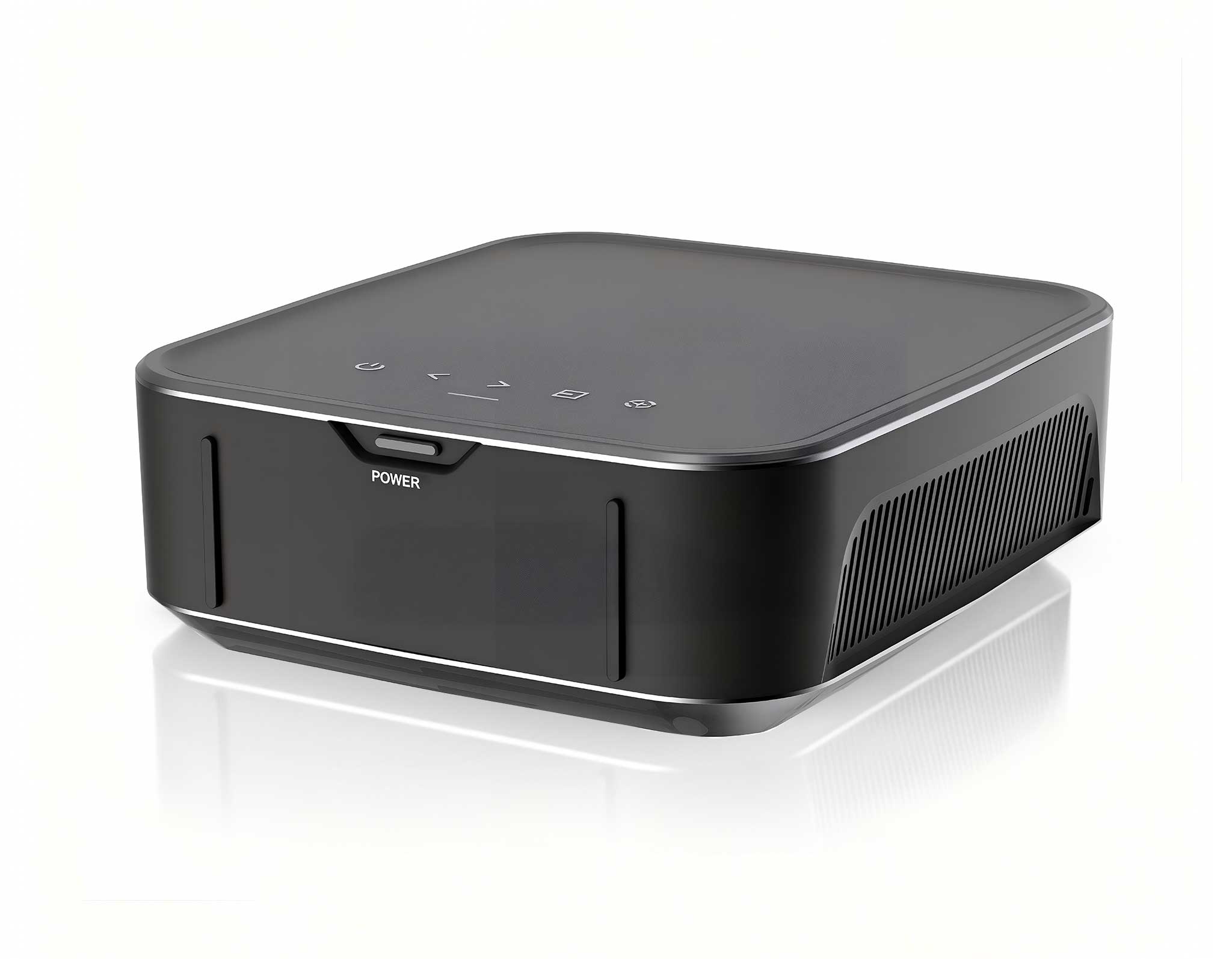
The HCAR5000 MI is the compact computing heart of the warehouse office. It runs the WMS client, manages the label printer spool, and drives the camera stations that verify outgoing pallets before they reach the dock. When it starts misbehaving, the first symptom is usually a frozen workstation screen or a print queue that stops answering. Before you call a service engineer, work through three checks in order: confirm the power supply LED is steady, reseat the HDMI and USB cables on both ends, and check the free space on the storage drive.
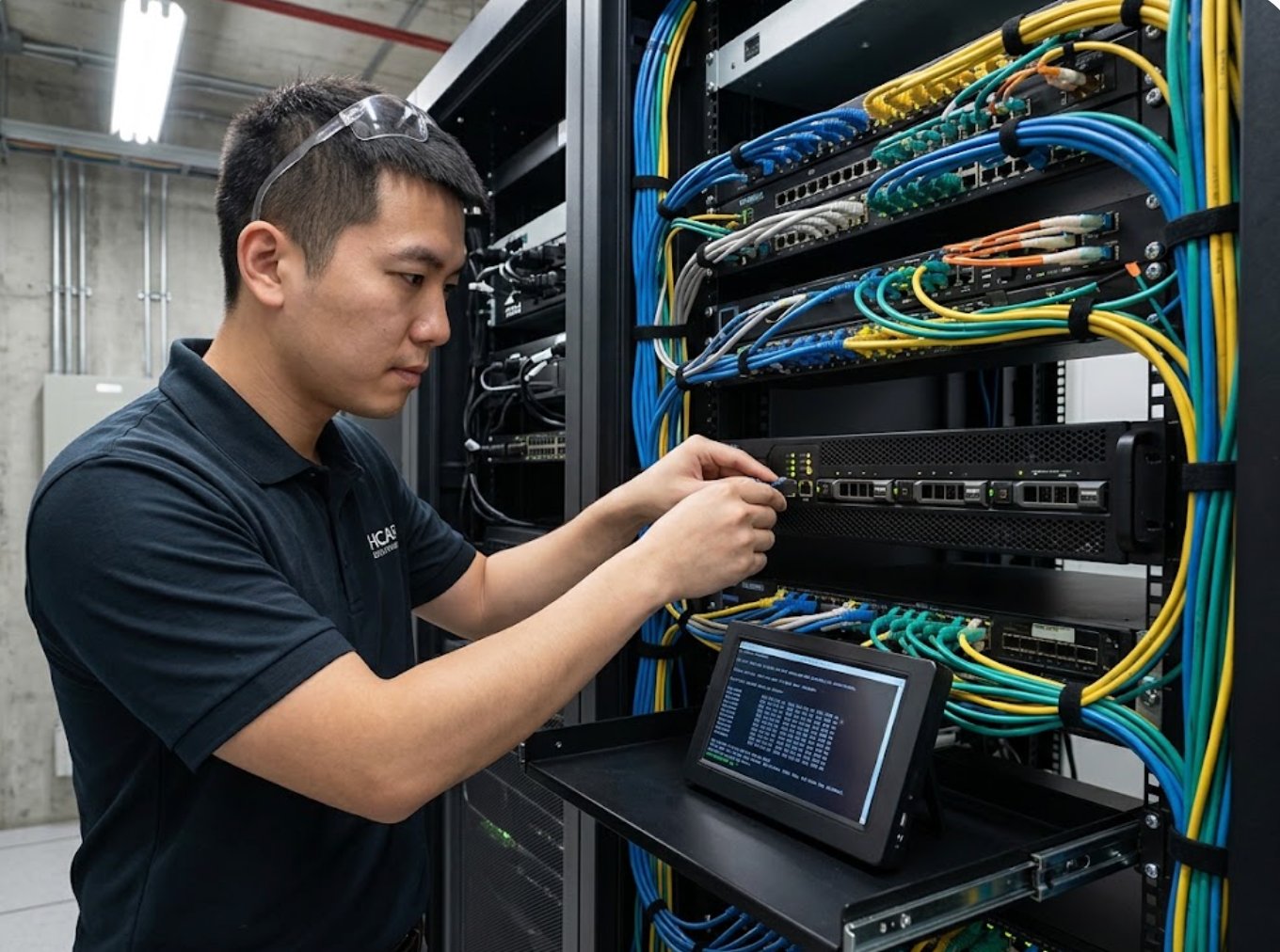
A recurring field fault is the drive that fills up with captured barcode images, audit photos, and label spools. As the drive approaches capacity, the operating system crawls and eventually locks the WMS session entirely. Clear the temp folders, empty the print spooler queue, restart the spooler service, and reboot the HCAR5000 MI; this routine recovers most frozen sessions without touching any hardware. If the unit refuses to boot at all, reseat the memory module, disconnect every USB peripheral, and test the external power brick with a multimeter before assuming the board is dead. A failing adapter can light the LED yet still die under load, so the meter reading matters.
For the days when the office host is under repair, the wider range of rugged mini PC solutions covers hot-desking terminals, driver check-in stations, and backup print servers. A spare host configured in advance turns a repair visit into a fifteen-minute swap.
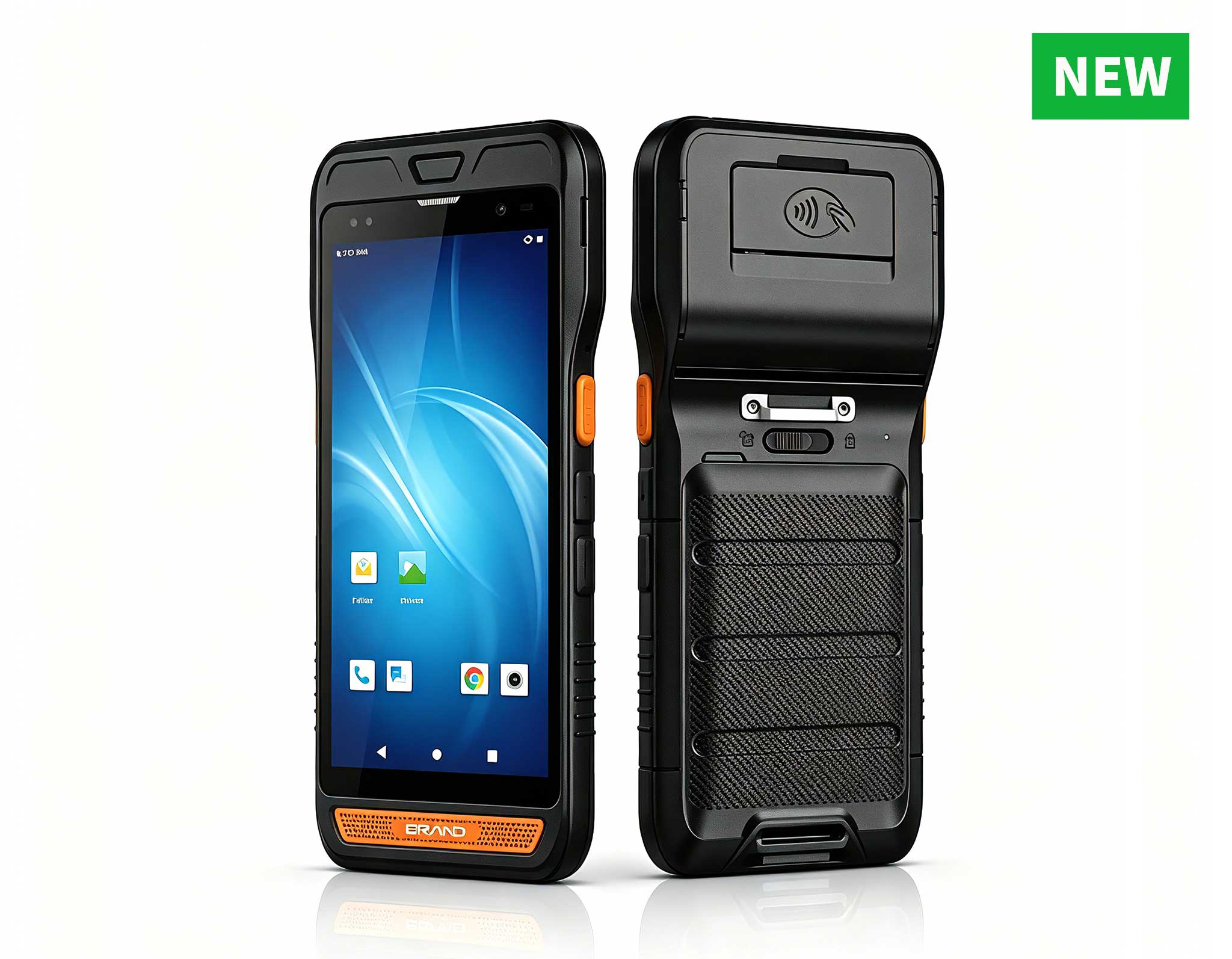
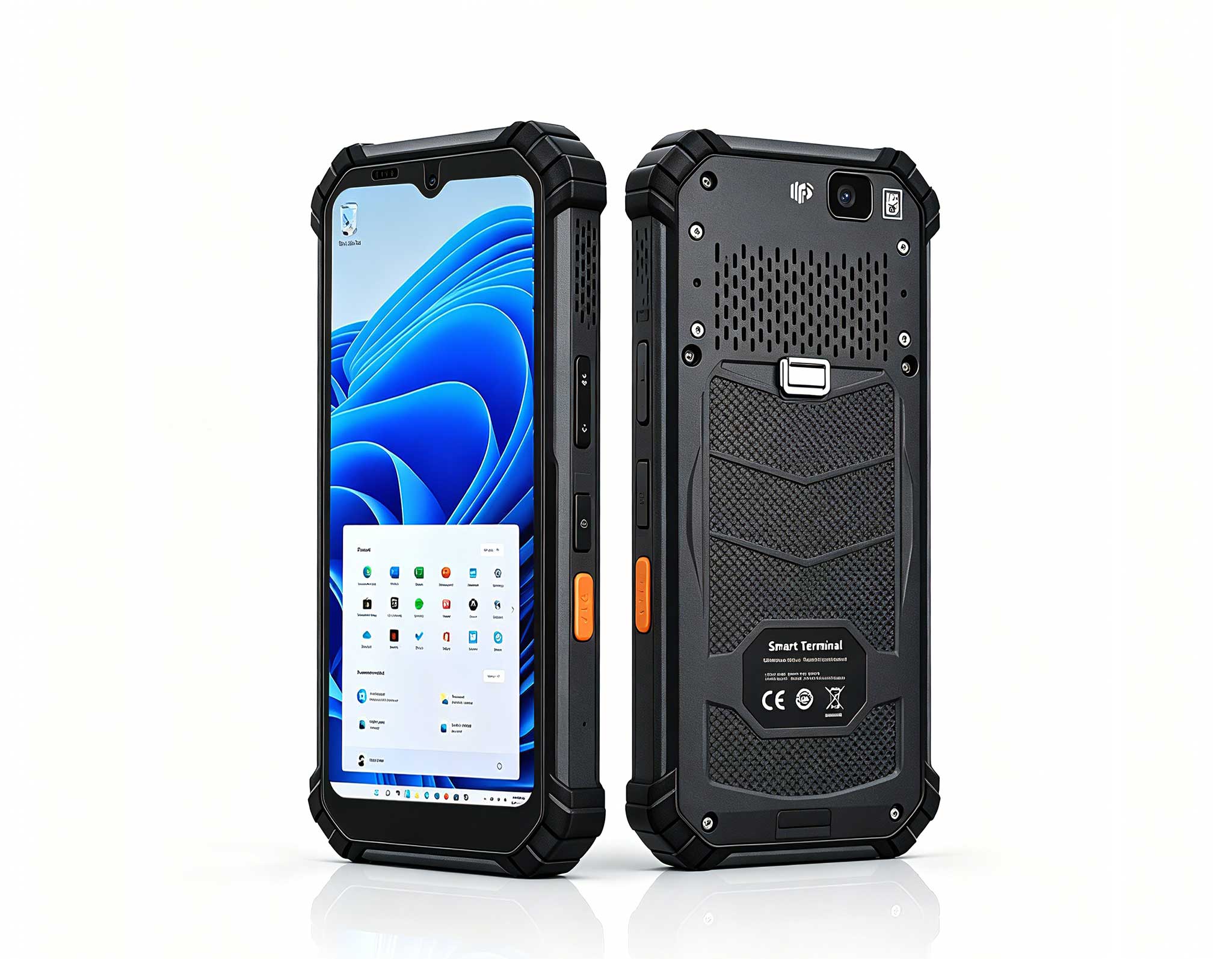
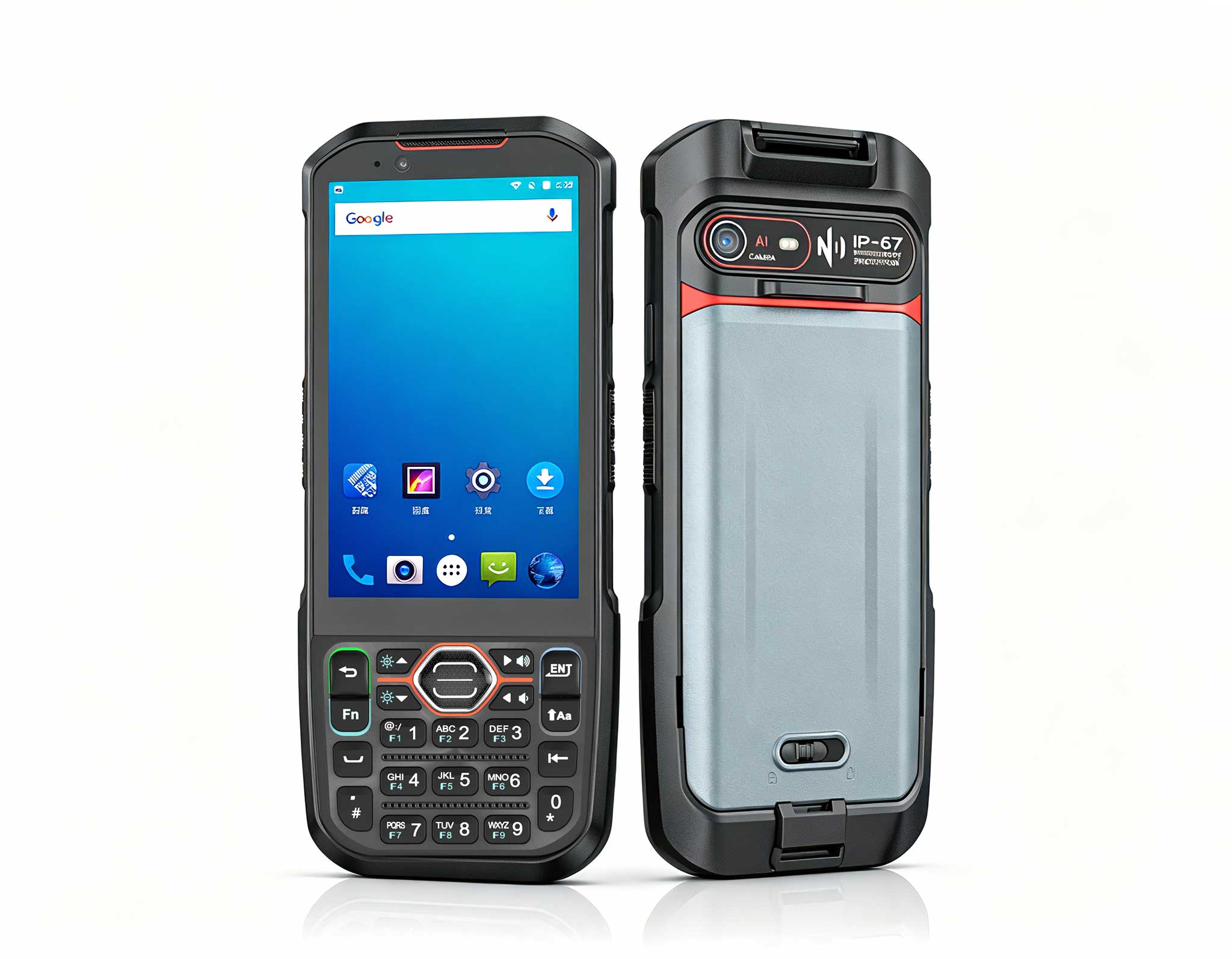
The T80 Handheld PDA spends its working life in the hands of pickers, so it absorbs more drops, dust, and cold exposure than any other device in the warehouse. Two failures show up most often: the barcode engine refusing to read, and the battery draining faster than the shift lasts. When the scan laser stops reading, first clean the window with a dry lens cloth, since a dirty window sits behind most false dead-scanner reports. Then run the built-in self-test from the settings menu to confirm the scan engine firmware is still responding.
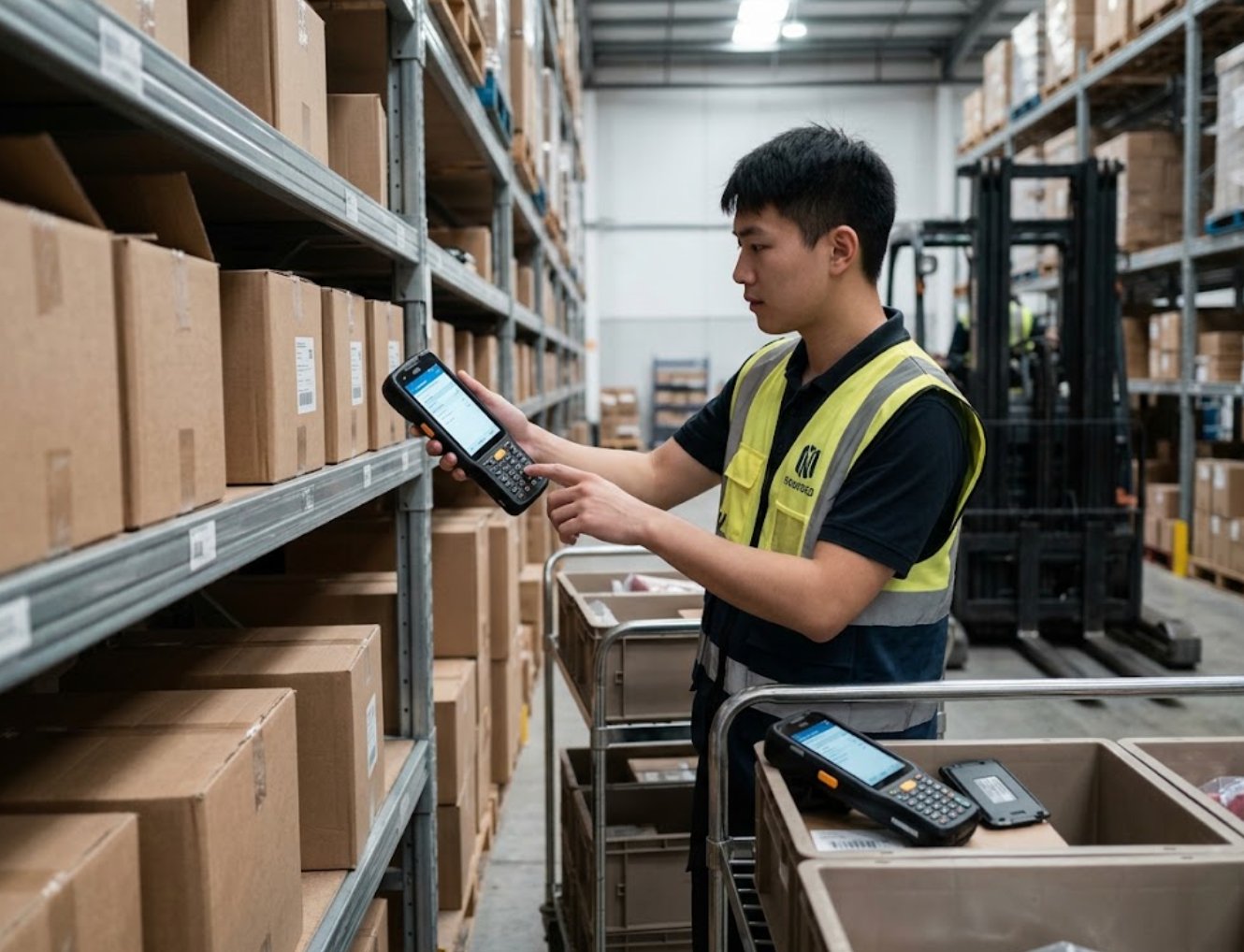
If the self-test reports an engine error, a power cycle of the T80 Handheld PDA clears most false triggers, because the scan engine firmware reloads cleanly on boot. Battery decay is the quieter problem. A two-year-old pack may still report full on the charge cradle yet die within two hours at freezing temperatures. Calibrate the pack by fully draining and recharging it twice, and if runtime still collapses, swap in a spare pack from the charging cradle instead of replacing the whole unit. Keeping two packs per device in rotation means pickers never wait for a charge mid-shift.
Scan angle and lighting also deserve a look before hardware gets the blame. Short reads and slow triggers are often a simple matter of holding the device at the wrong distance or working under glare from a high bay. Test the engine against a standard barcode from three different distances, and clean the window again if the range seems short. These ten-second checks save most field visits and keep the pick line moving.
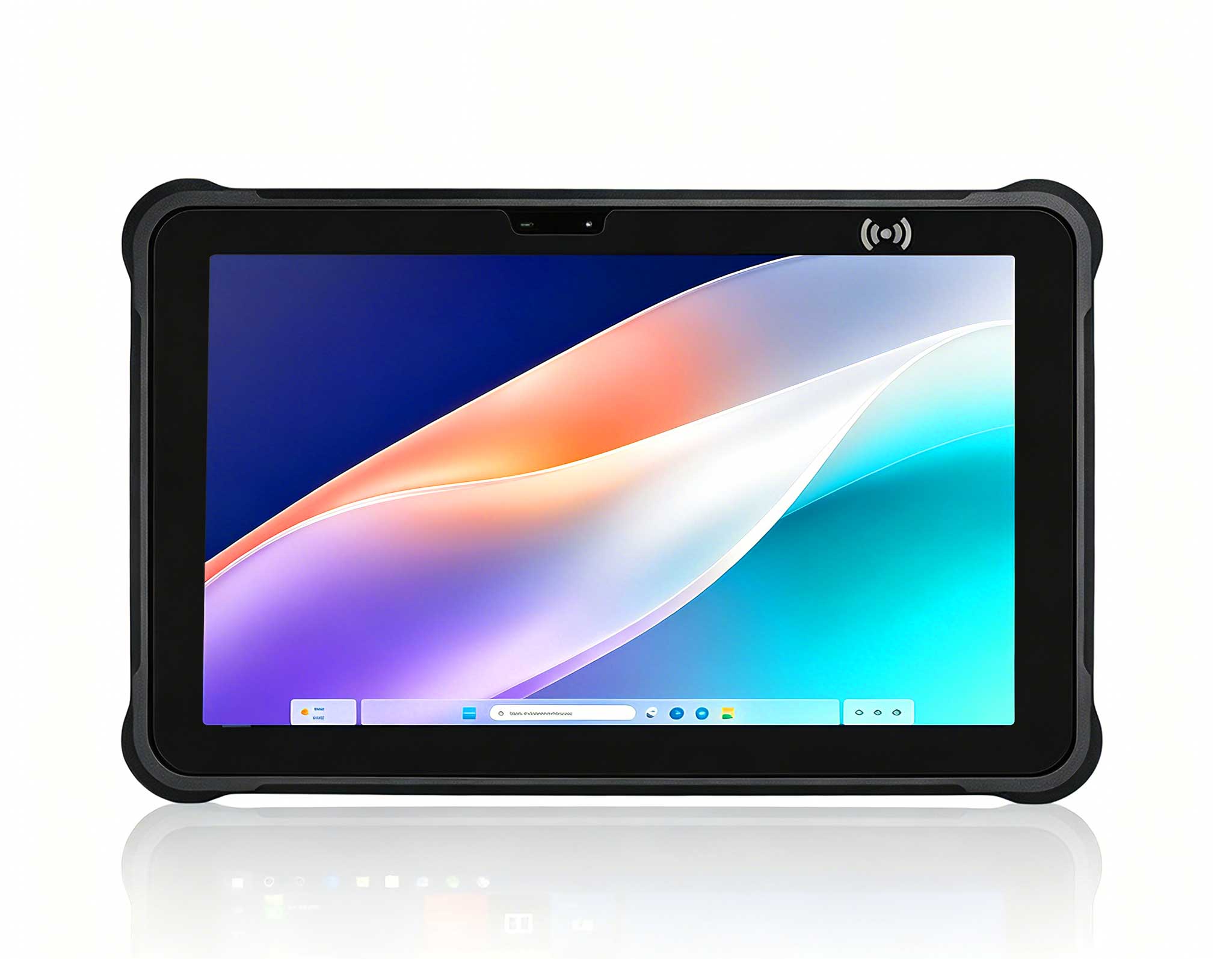
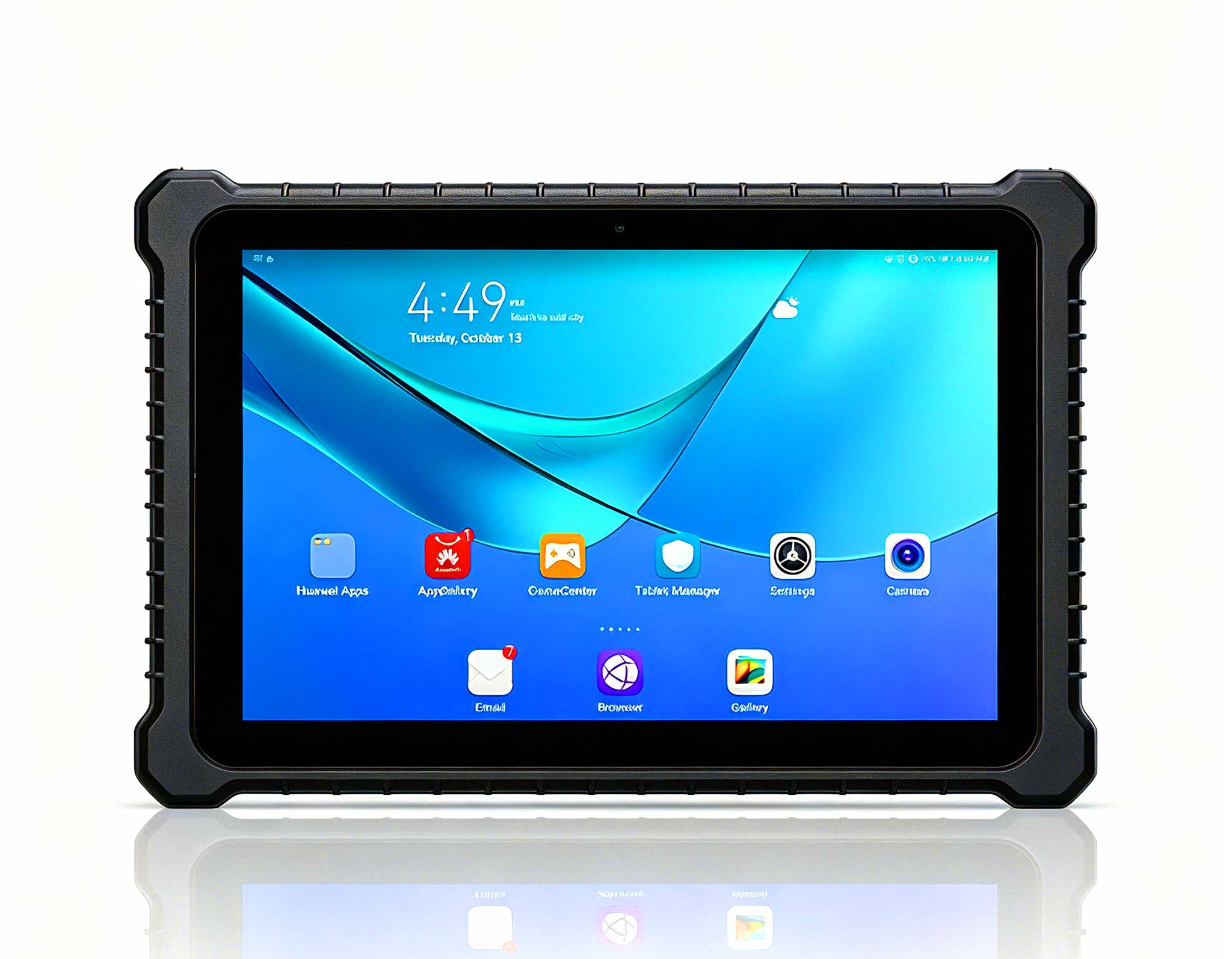
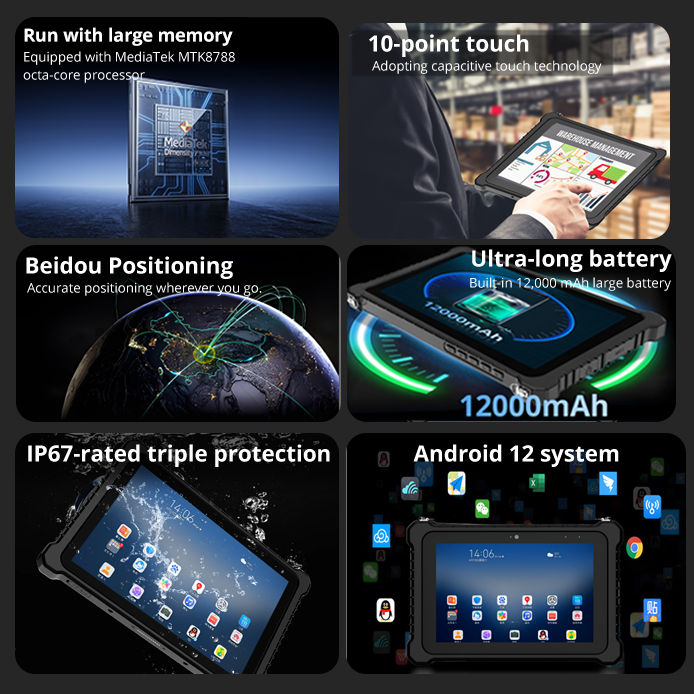
The RT82 Rugged Tablet is the supervisor's command console on the floor. It shows live pick queues, assigns tasks, and signs off inbound containers at the receiving dock. In cold storage sections that sit below five degrees Celsius, the most frequent complaint is a touchscreen that stops responding to gloved fingers, followed by Wi-Fi dropouts when the tablet roams between access points.
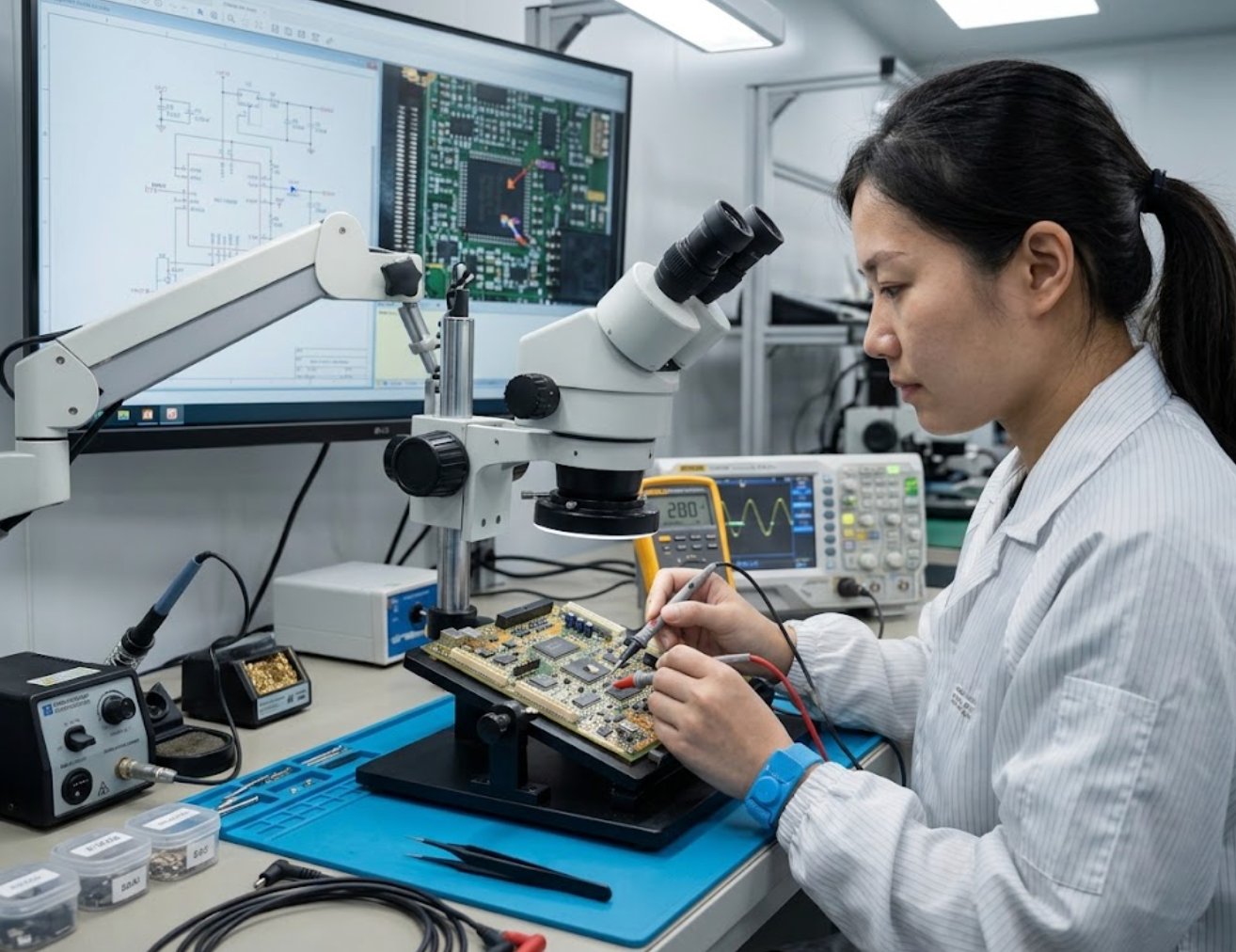
For the touch issue, the RT82 has a mode toggle that boosts touch sensitivity for cold, wet conditions. Switch it on before the tablet enters the chill room, and re-check the setting after firmware updates, which sometimes reset it. For network dropouts, check the roaming aggressiveness setting and verify that the warehouse access points run on non-overlapping channels. Aisle-length rows of metal racking are hard on radio signals, so a little channel planning usually pays off more than any hardware replacement.
If the tablet keeps falling off the network, ping the gateway and compare signal strength from both ends of the aisle. A weak reading on one side usually points to an access point position or antenna angle issue rather than the tablet itself. A quick reboot of the RT82 followed by a manual re-association restores the session within a minute, with no data loss thanks to continuous task sync.
Here is how the three devices divide the workload in warehouse logistics, and what to try first when each one fails in the field. The pattern behind the table is simple: clean and reseat before you replace, and always let the built-in diagnostics speak before you open a tool.
| Device | Role in Warehouse Logistics | Most Common Fault | First Recovery Step |
|---|---|---|---|
| HCAR5000 MI | WMS host and print server | Storage drive full, boot failure | Clear temp files and reboot |
| T80 Handheld PDA | Picking and scanning terminal | Barcode engine error, battery decay | Clean scan window and reseat battery pack |
| RT82 Rugged Tablet | Supervisor console and receiving dock | Cold-screen touch lag, Wi-Fi dropout | Enable cold-touch mode and re-associate |
The three devices share one design philosophy: they are meant to be serviced by the people who use them. In practice, that means the first five minutes of any fault call are spent on visibility, not on guesswork. A quick look at the power LED, the drive free space, and the network link tells you which of the three subsystems is actually at fault, and the recovery step above is almost always the shortest path back to a working device.
When a device fails mid-shift, run the checklist in this order. First, restart the device: hold the power button for ten seconds, wait, then power it back on, because most field faults are transient state errors that a clean boot clears on its own. Second, verify the network link before touching any configuration, since a false Wi-Fi status is the most common misdiagnosis and the easiest way to waste twenty minutes. Third, check the battery level and temperature, because cold batteries report false percentages and trigger false low-power shutdowns that look like hardware failures.
Fourth, test the scanner or touch input with the built-in diagnostics before deciding the hardware is dead. A passing diagnostic points to software and configuration; a failing one names the module to replace. Document every failure in a simple log, note the fix that worked, and review the log monthly. Most warehouse teams find that half of all incidents repeat, which means half of the troubleshooting effort can be converted into prevention by stocking spares and sharpening the checklists your team already uses.
If you are evaluating a fresh deployment, adding a backup unit, or building a second station, explore our mini PC solutions before you commit to a new fleet. Right-sized hardware from day one avoids the bottlenecks that surface months later.
None of these recovery steps requires a specialist. The HCAR5000 MI, the RT82 Rugged Tablet, and the T80 Handheld PDA are built to be serviced by the people who use them every day. Follow the checklists above, keep spare batteries, power bricks, and a lens cloth on the shelf, and your warehouse logistics operation will shrug off most failures within minutes instead of losing a full shift.