- Select Language
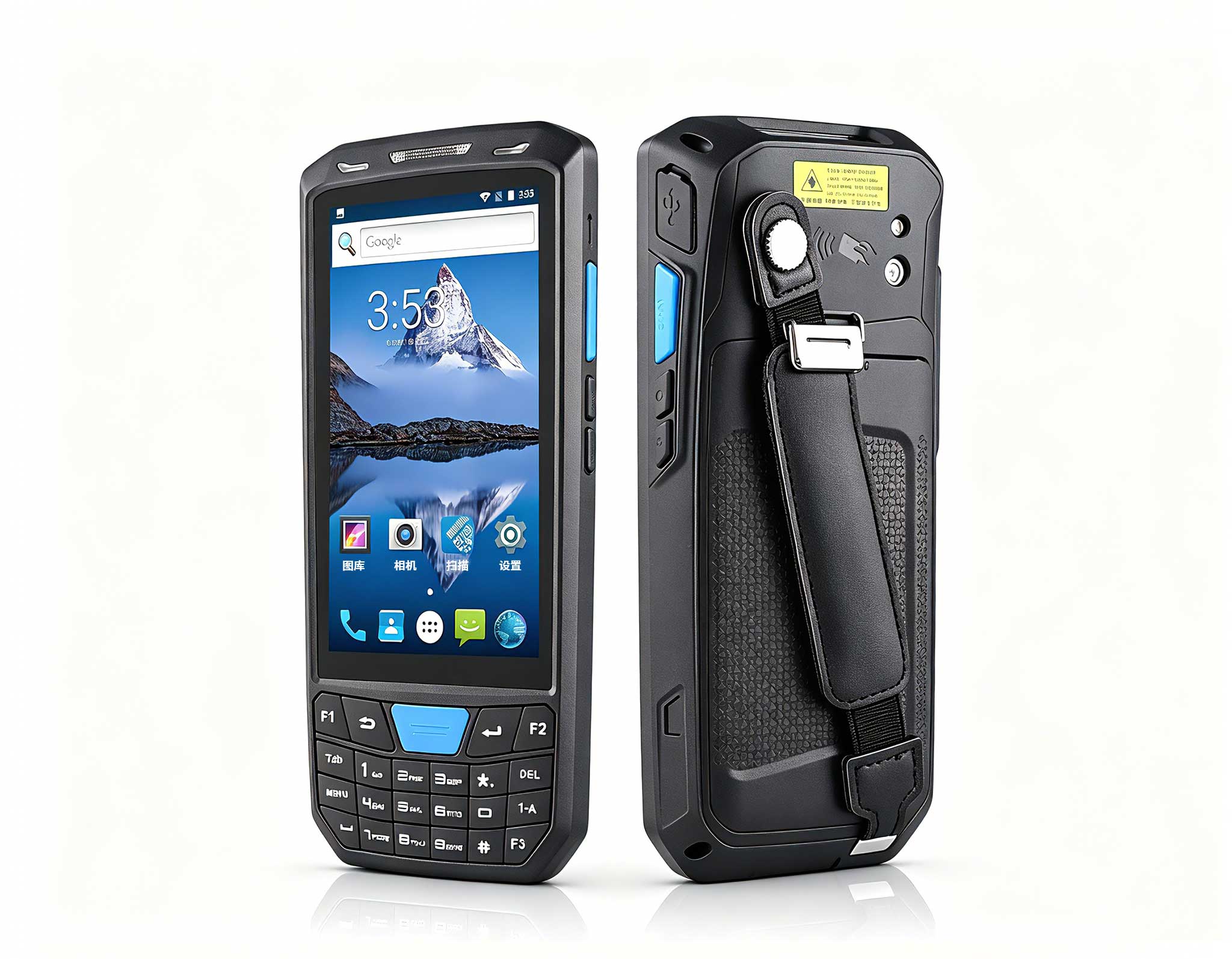
R366-S Thin 5.5-inch Industrial PDA | Qualcomm Oct...
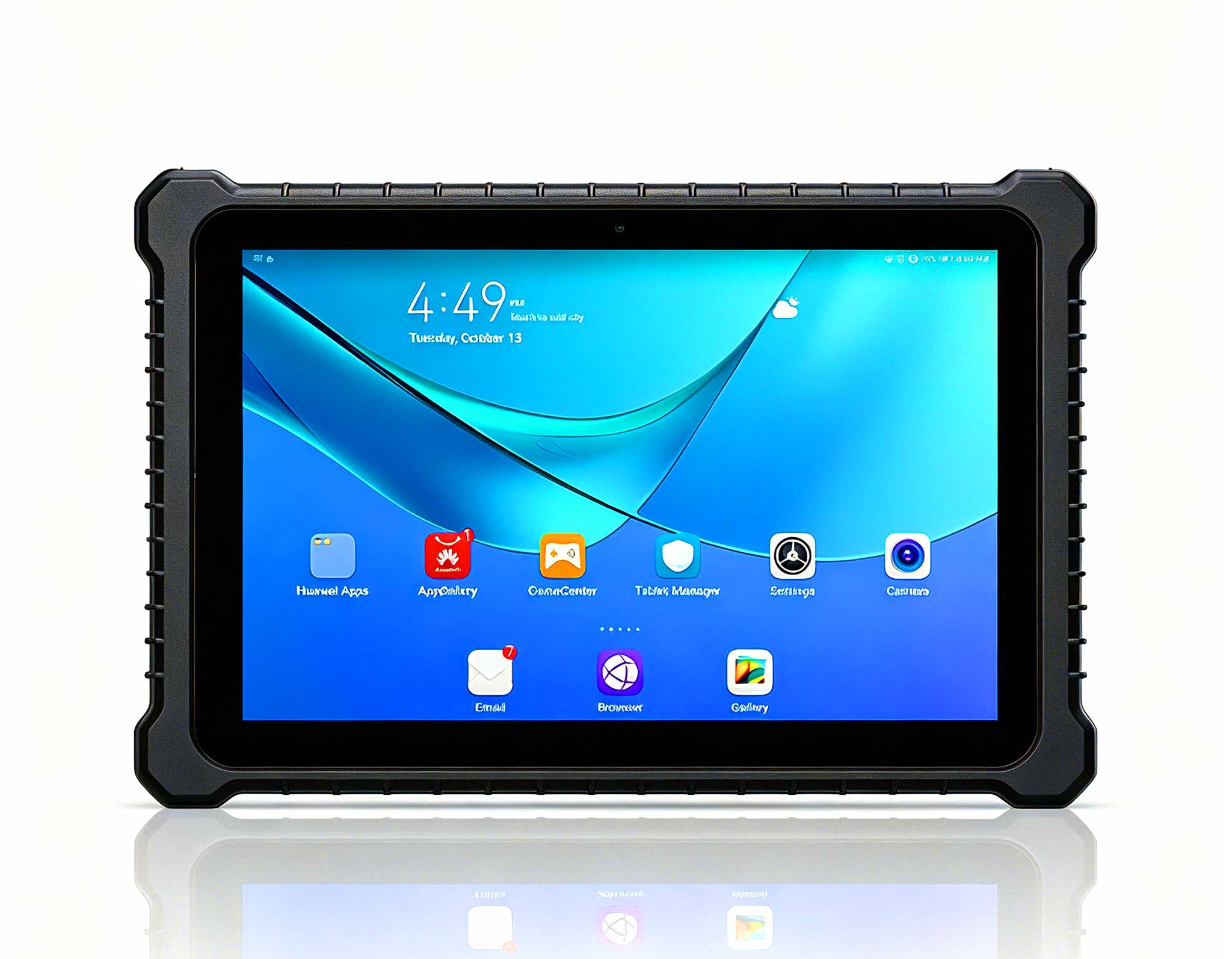
RT82 5G Rugged Tablet | 10.1" FHD 400nit | Qu...
The T80 handheld PDA combines advanced barcode sca...
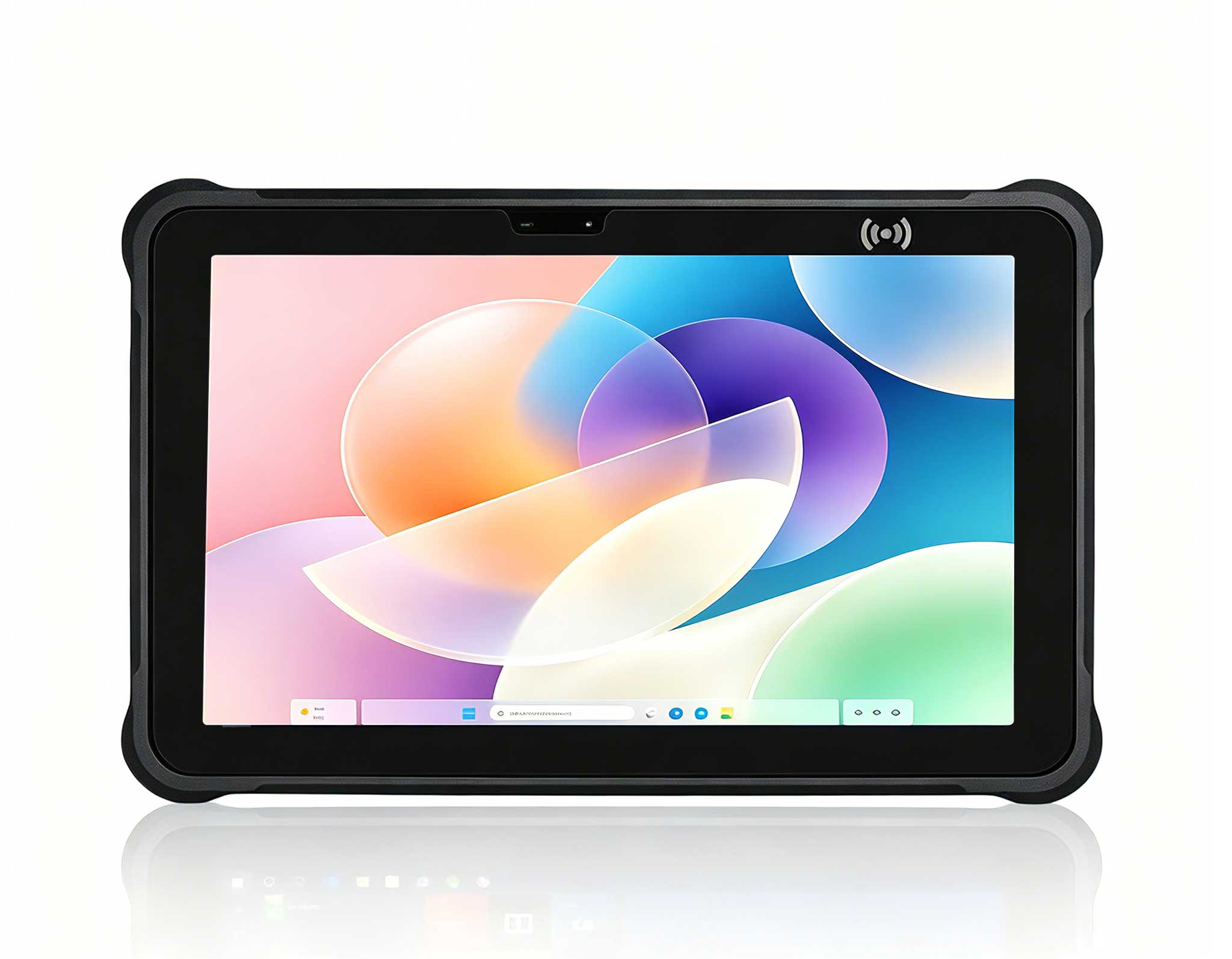
Full SpecificationsModelHotus ST11‑UOSWindows 10 P...
Full SpecificationsModelHotus ST13‑JOSWindows 10 P...
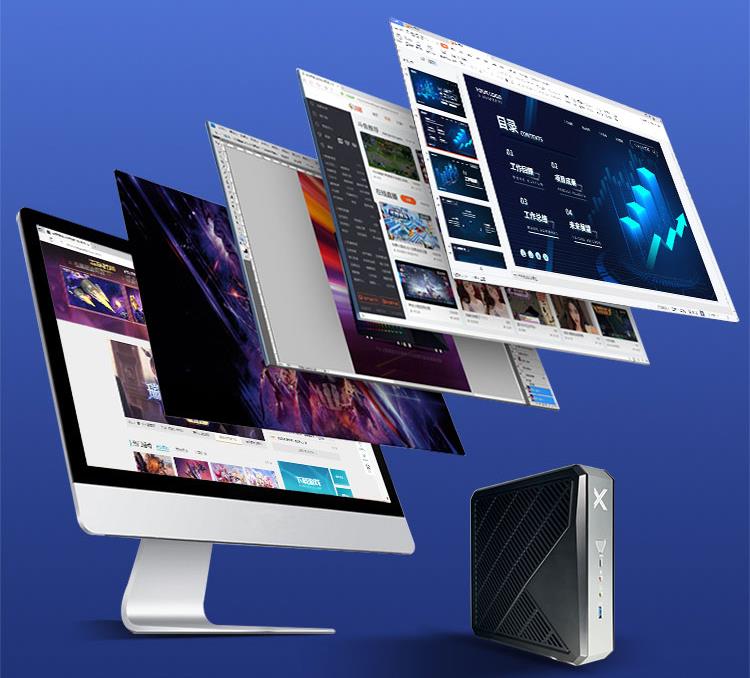
This ultra-compact mini PC offers powerful perform...
The EGPU Graphics Card Expansion Dock is a high-pe...
Explore our customized PDA designed for versatile ...
Full SpecificationsModelHotus ST11‑MOSWindows 10/1...
I still remember the first time I tried to run a console night in a rented apartment with nothing but a 40-inch TV and a tangle of HDMI cables. The picture was fine; the experience was not. Over the past few years I have helped friends and small venues turn ordinary living rooms into game-ready home theaters, and the lesson repeats: the screen is only one third of the problem. You also need a light source that survives ambient room light, a way to take the fun outside when the weather is good, and a quiet box that stores the library and streams it without fan noise. This guide walks through a three-device layout built around Hotus hardware, and if you are planning something similar, our dedicated gaming entertainment solutions cover the projector-and-mini-PC pairing end to end.
A TV caps out at the wall it is bolted to. A projector does not. The moment you treat the wall as your display, the room becomes flexible: movie night in the den, co-op sessions in the loft, a quick match projected onto the garage door. But flexibility introduces three jobs the TV never had to do. First, the image has to be bright enough to fight the lamps. Second, part of the fun should leave the house. Third, something has to hold the games, the media, and the network without humming through the quiet scenes. Get those three right and the install stops being a compromise.
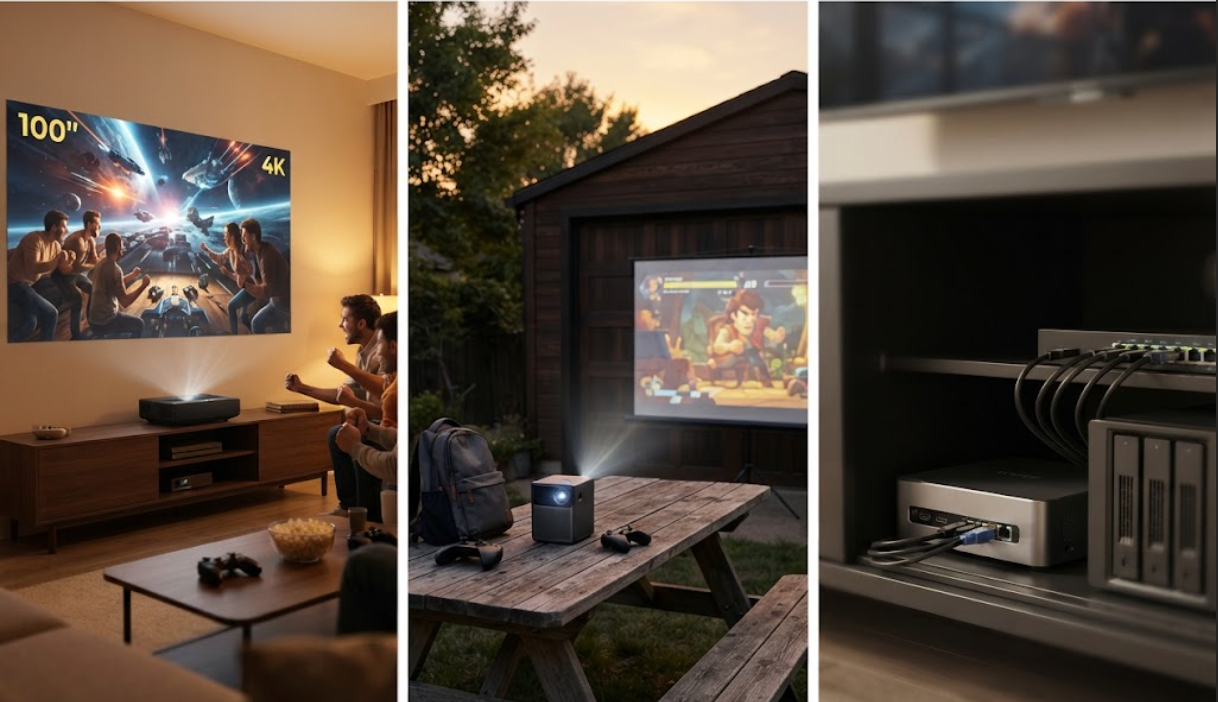
The centerpiece is the HT2500 Pro ultra-short-throw laser projector. Its 0.233:1 throw ratio paints a 100-inch picture from just 7.2 inches off the wall, so you can push it against the furniture and still get an 80-to-150-inch image without ceiling mounts or long cable runs. Under the hood it delivers 3000 ANSI lumens of laser light with 4K UHD and HDR10, a 1,000,000:1 dynamic contrast, and a 0.47-inch DMD with XPR shifting. The laser source is rated for 25,000 hours, which works out to roughly 17 years at four hours a day. For sound it ships with an integrated 60 W Harman Kardon soundbar carrying DTS-HD and Dolby, so the living room does not need a separate speaker stack. At 20 kg it is a set-and-forget fixture, not a travel piece.
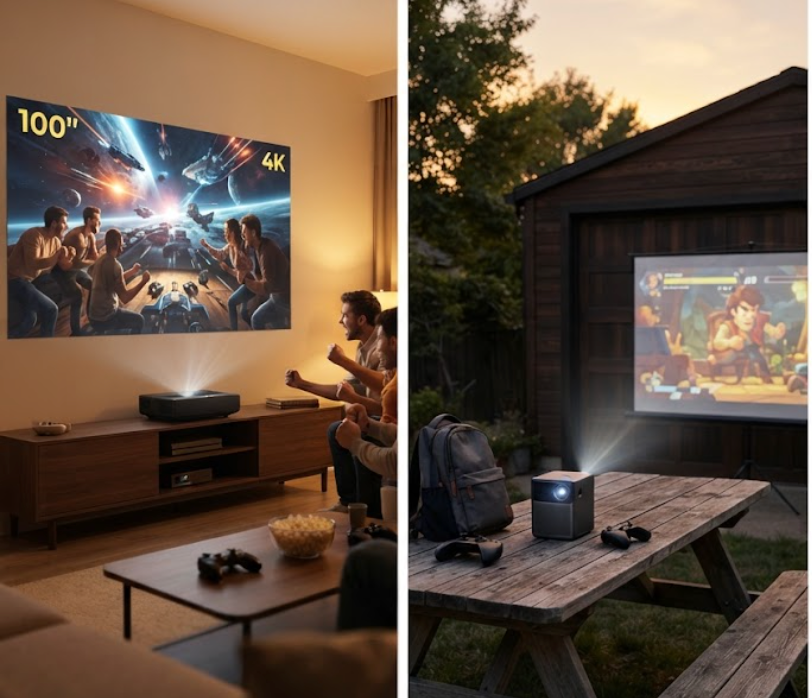
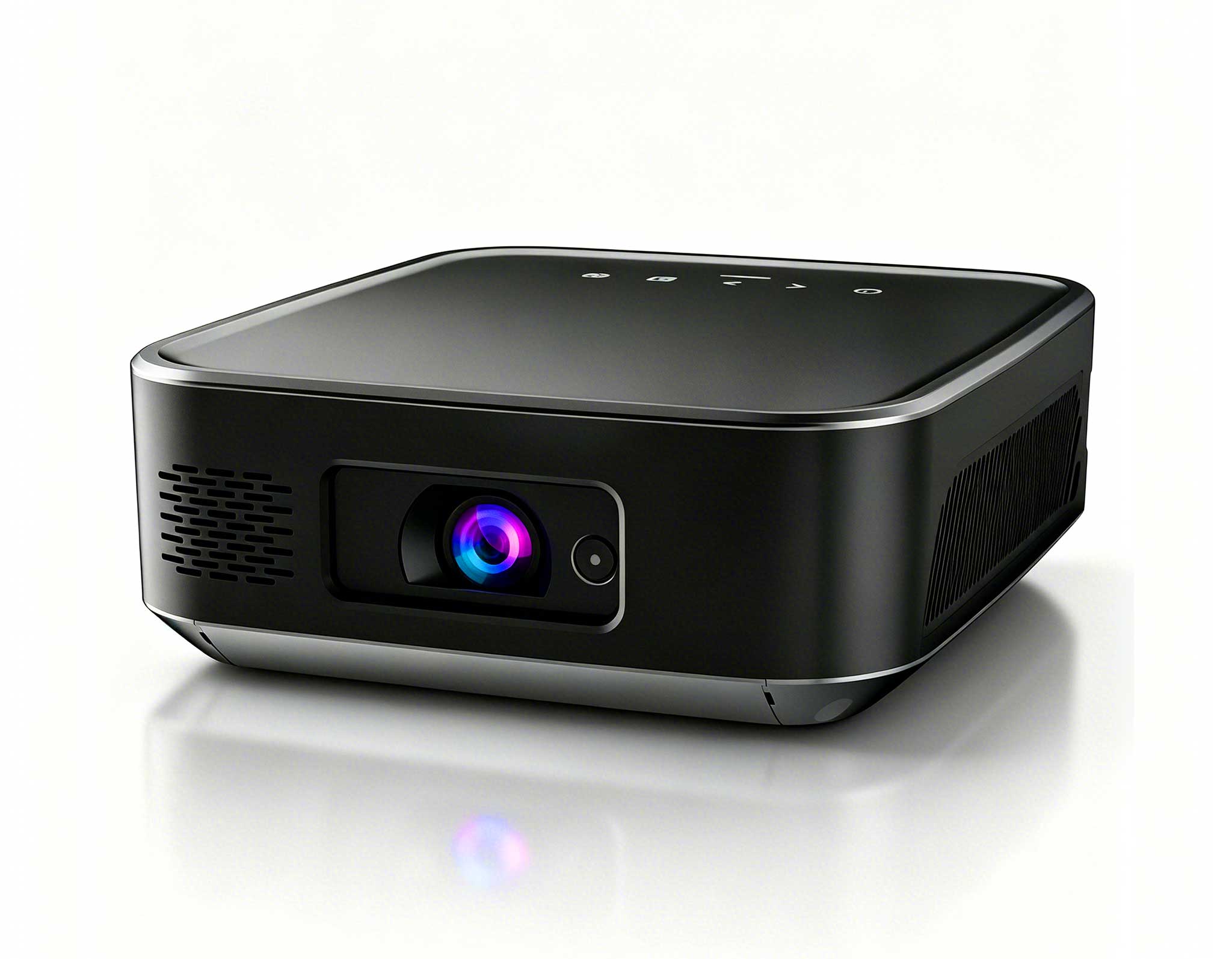
When the session moves to the backyard, the H2 mini portable projector earns its place. It is a DLP projector and a Windows 10 mini PC in one 735-gram body, about the size of a paperback, with a 10,000 mAh battery good for around 120 minutes off the wall. It puts out 350 ANSI lumens at a native 720P that scales up to 4K input, with auto focus and 40-degree vertical keystone correction, so setup is a matter of setting it on a table and aiming. Two 2-watt speakers, Bluetooth 4.2, and dual-band Wi-Fi round out a device you can toss in a bag with the controller and run a full game night away from any outlet. For a deeper look at the Hotus projector line, the projector category page lists every model and its throw distance.
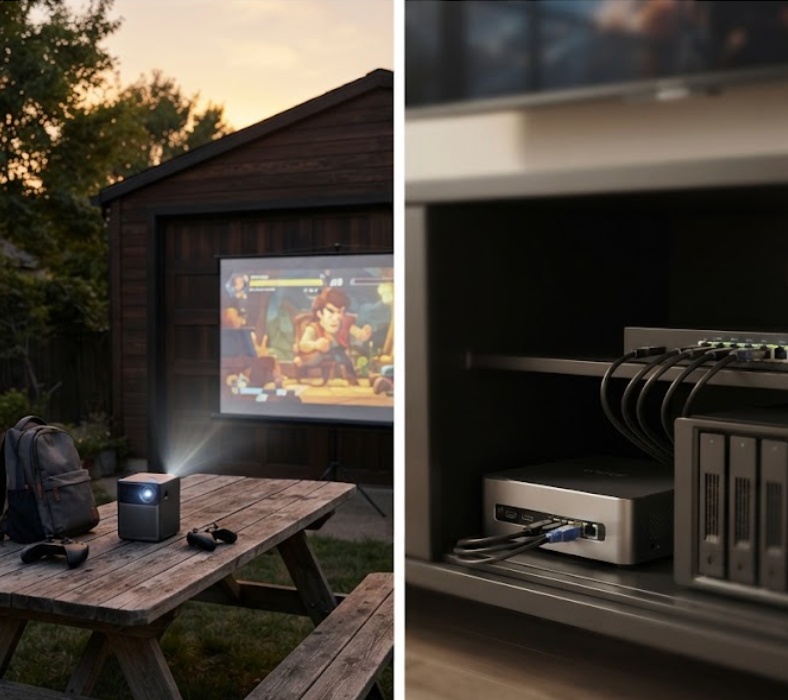
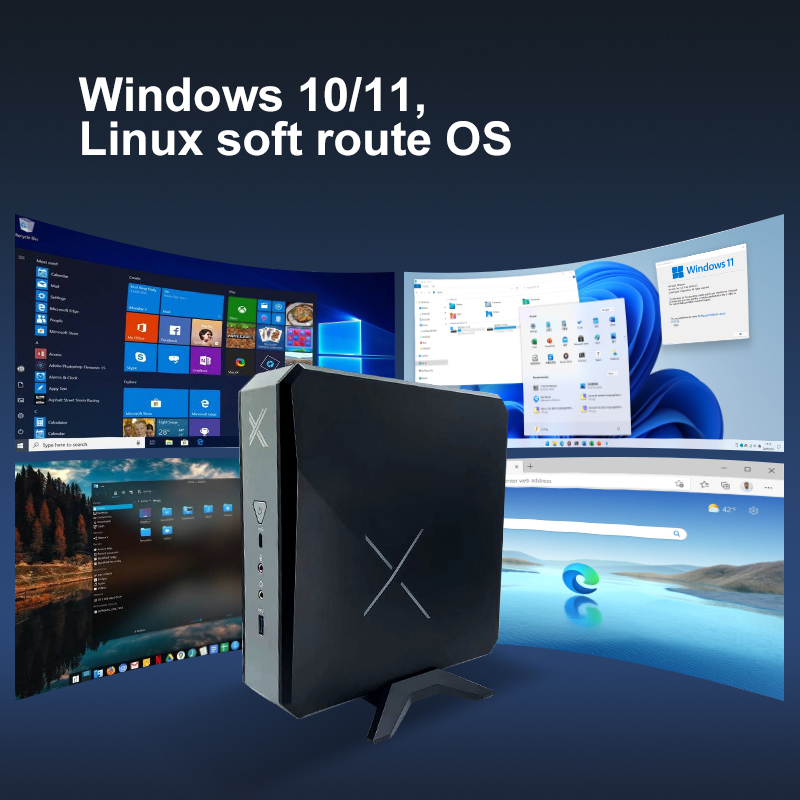
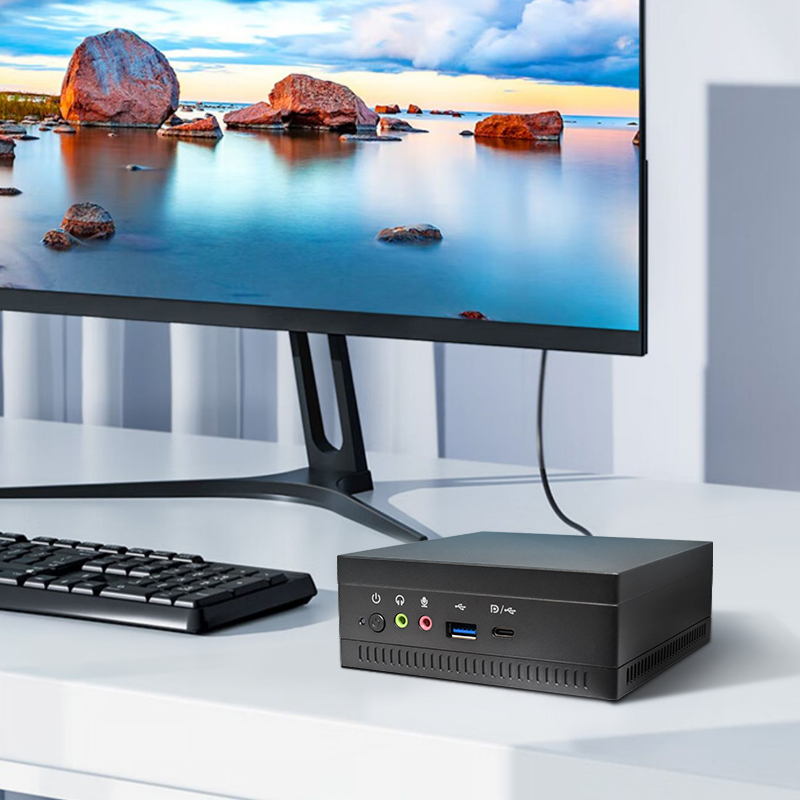
Neither projector should have to think. That job goes to the WTR PRO AMD mini PC, a 5 kg metal-box NAS host that sits in the cabinet and disappears. It runs an AMD R7 5825U or Intel N100 with Radeon or UHD graphics, supports dual DDR4 SODIMMs and twin M.2 NVMe slots, and its 4-SATA version holds up to four drives for a local game and media library. Dual 2.5G Ethernet ports and Wi-Fi 6 feed the projectors over HDMI, DisplayPort, and Type-C for triple 4K output, while Windows 11 keeps launcher and streaming apps familiar. Because it is fan-quiet and metal-cooled, it stays out of the audio path during cutscenes.
Installation is simpler than the parts list suggests. Park the HT2500 on a low media console roughly 7 inches from the wall and route one HDMI from the WTR PRO AMD; the laser does the rest. Keep the WTR PRO AMD in a ventilated cabinet with both 2.5G ports live, one to the router and one to a local switch for the consoles. Leave the H2 in a drawer near the door with its battery topped, so "take it outside" is a thirty-second decision. Cable management is just two runs: power to the console, HDMI between the PC and the projector. No ladder, no drift, no ceiling work.
Start with the room, not the numbers. A permanent living-room screen wants the HT2500: bright, fixed, and silent. A space that shares duties through the day, or any outdoor plan, wants the H2 for its battery and Windows mode. And if your library has outgrown a single drive or you stream to more than one screen, the WTR PRO AMD is the piece that keeps everything flowing. Most homes end up with two of the three; the third arrives the day someone says "we should do this outside."
A game-ready home theater is less a purchase than a layout, and the three Hotus devices above cover the wall, the bag, and the cabinet without overlapping each other's work. If you want to see how the media-server half comes together, the WTR PRO AMD NAS-ready mini PC page breaks down the drive bays and ports. Pick the screen first, wire the PC second, and keep the pocket projector charged for the nights that leave the house.
| Model | Role in the setup | Display | Brightness and resolution | Power and build | Standout feature |
|---|---|---|---|---|---|
| HT2500 Pro Ultra Projector | Fixed living-room screen | Laser, 0.233:1 ultra-short throw | 3000 ANSI lm, 4K UHD HDR10 | 20 kg, wall-side console | 100-inch image from 7.2 inches away, 60 W Harman Kardon soundbar |
| H2 Mini Portable Projector | Take-anywhere screen | DLP, 1.1:1 short throw | 350 ANSI lm, 720P native up to 4K | 735 g, 10,000 mAh battery about 120 min | Windows 10 PC and projector in one body |
| WTR PRO AMD Mini PC | Media server and game host | Triple 4K out via HDMI, DP, Type-C | Drives the projectors, no screen of its own | 5 kg, 4-bay SATA NAS chassis | AMD R7 5825U with dual 2.5G LAN |