- Select Language
Full SpecificationsModel Hotus SH5‑WOperating ...
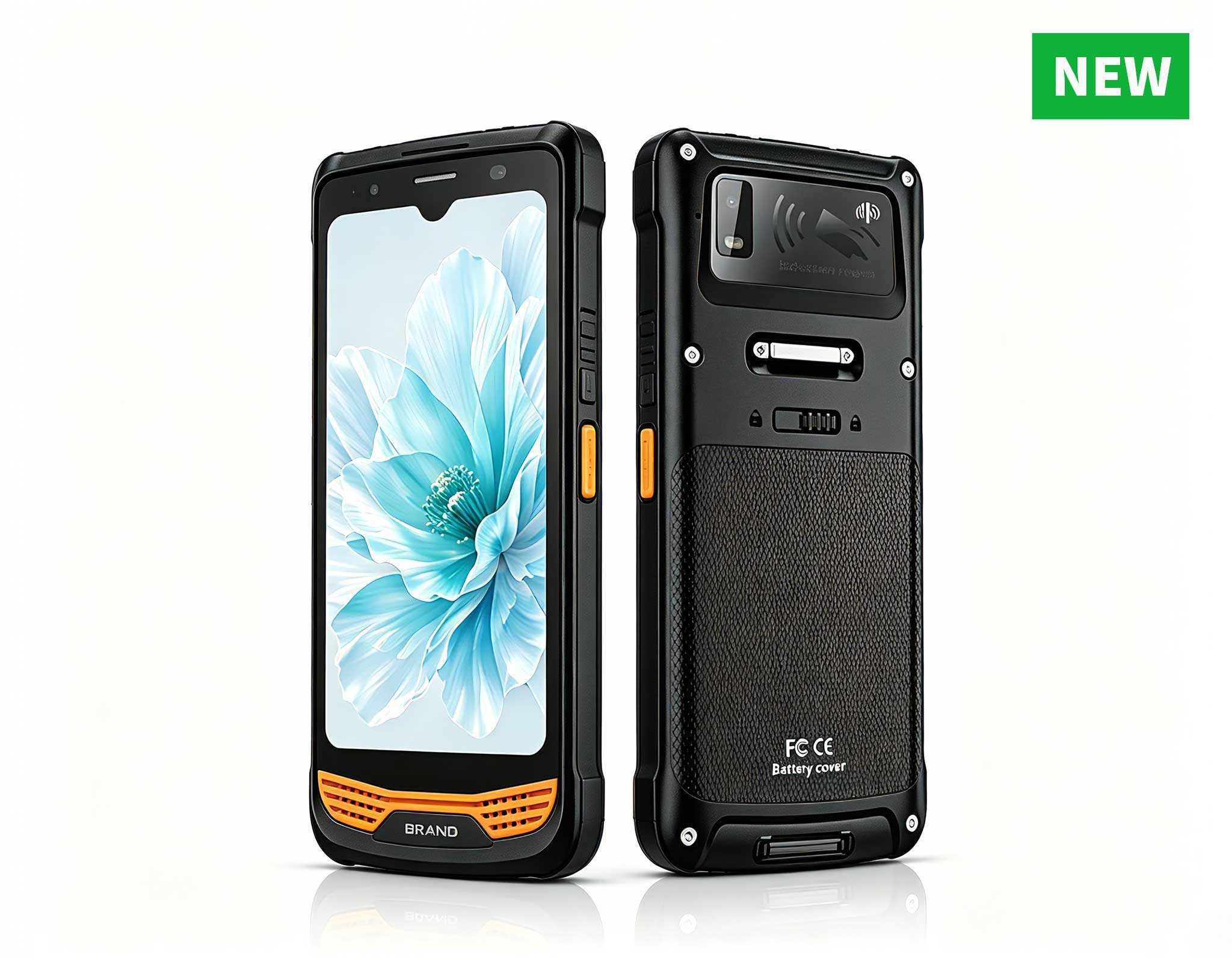
R860-S 5.5-inch Industrial PDA with Thermal Printe...
R366-S Thin 5.5-inch Industrial PDA | Qualcomm Oct...
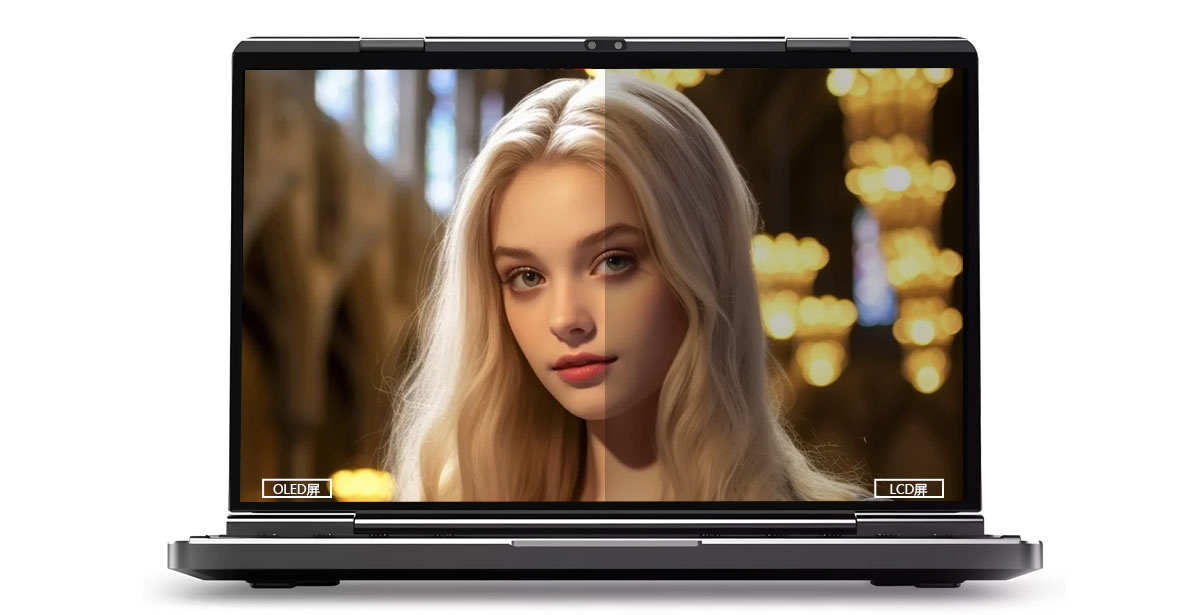
This dual touchscreen gaming laptop combines cutti...
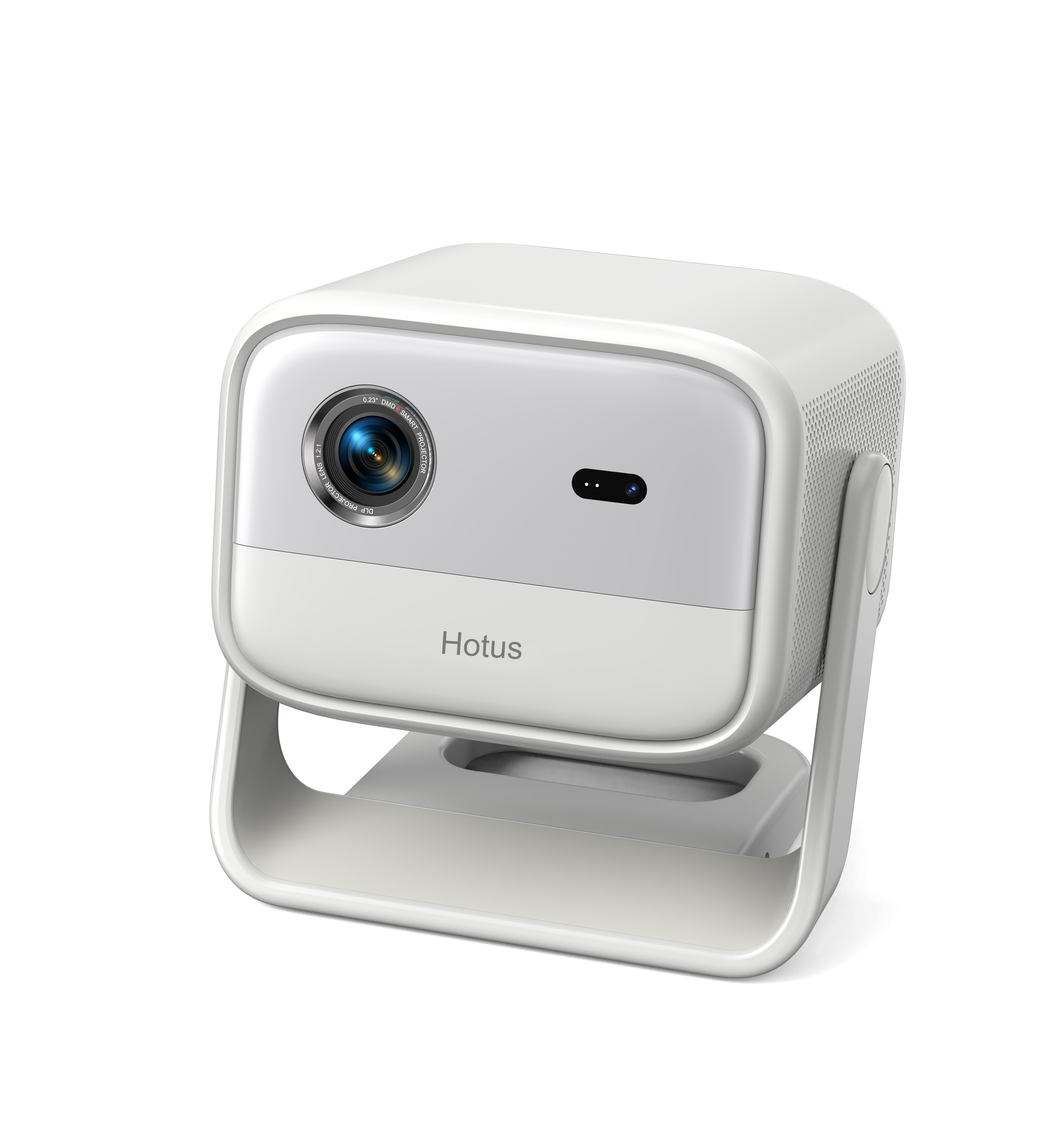
One Device, Dual Functions – A Projector and a Com...
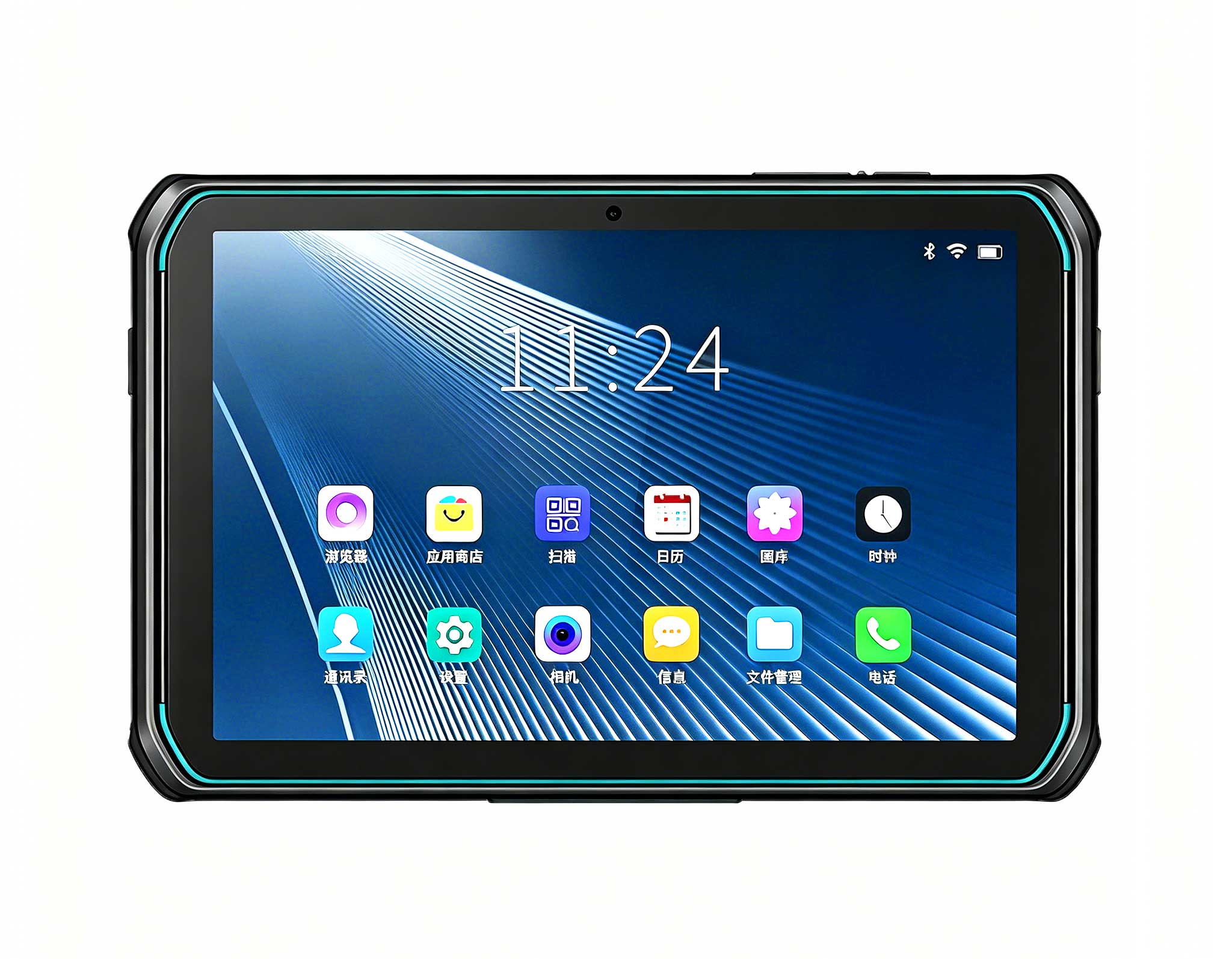
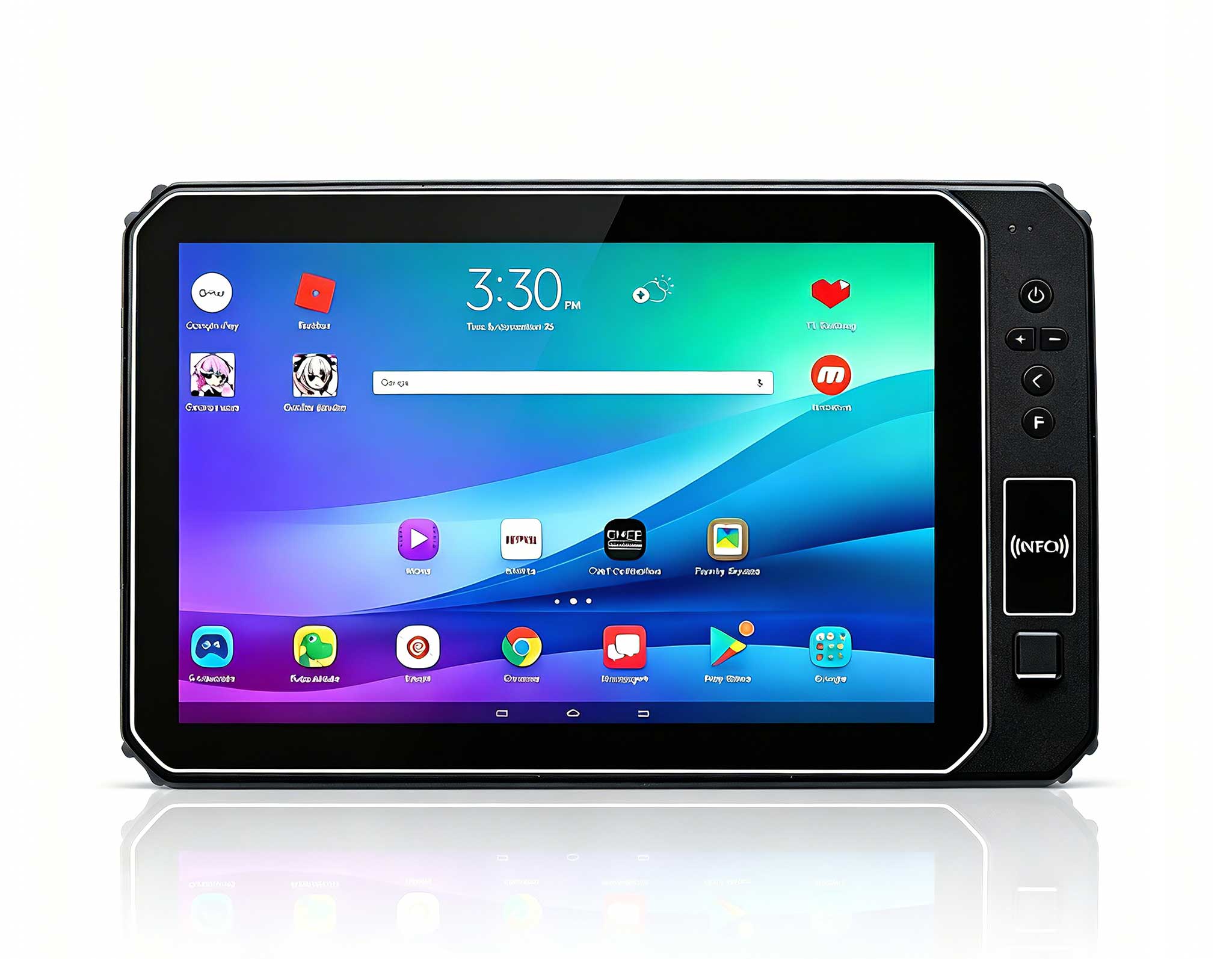
This 10-inch Android rugged tablet is designed for...
I still remember the computer lab I learned in: rows of beige tower PCs humming under a desk, thick cables snaking to a single printer, and an instructor who spent more time rebooting machines than teaching. Two decades later, the education computer lab has quietly entered a new chapter. The bulky tower has given way to a palm-sized compute node, and the fixed workstation has been joined by rugged tablets that students can carry to a workbench or a field site. Having deployed and compared this new generation across several training environments, I want to walk through why the shift matters and how three specific devices, the Palm-sized miniPC, the ST9-J, and the ST11-J, fit together in a modern classroom.
The old model worked when software was light and lessons stayed at the desk. Today's lab serves coding clubs, CAD preview sessions, IoT workshops, and mobile data-collection drills, often in the same room on the same day. Tower PCs are loud, draw real power, and lock learning to a chair. What instructors increasingly want is a quiet management node at the front of the room and rugged tablets built for classroom deployment that survive being dropped, shared, and taken outdoors. That is exactly the combination these three Hotus devices deliver.
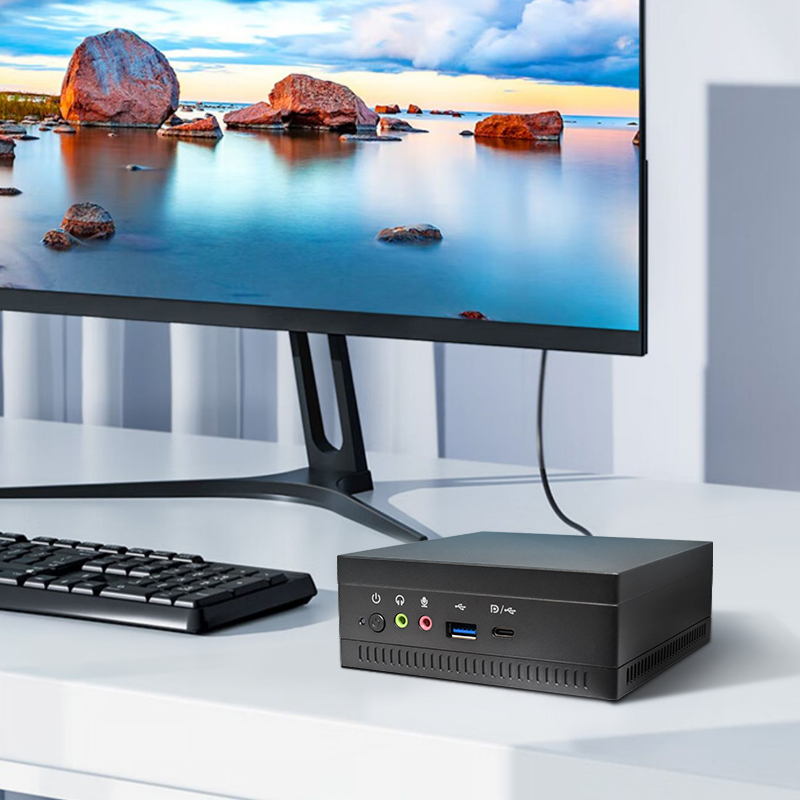
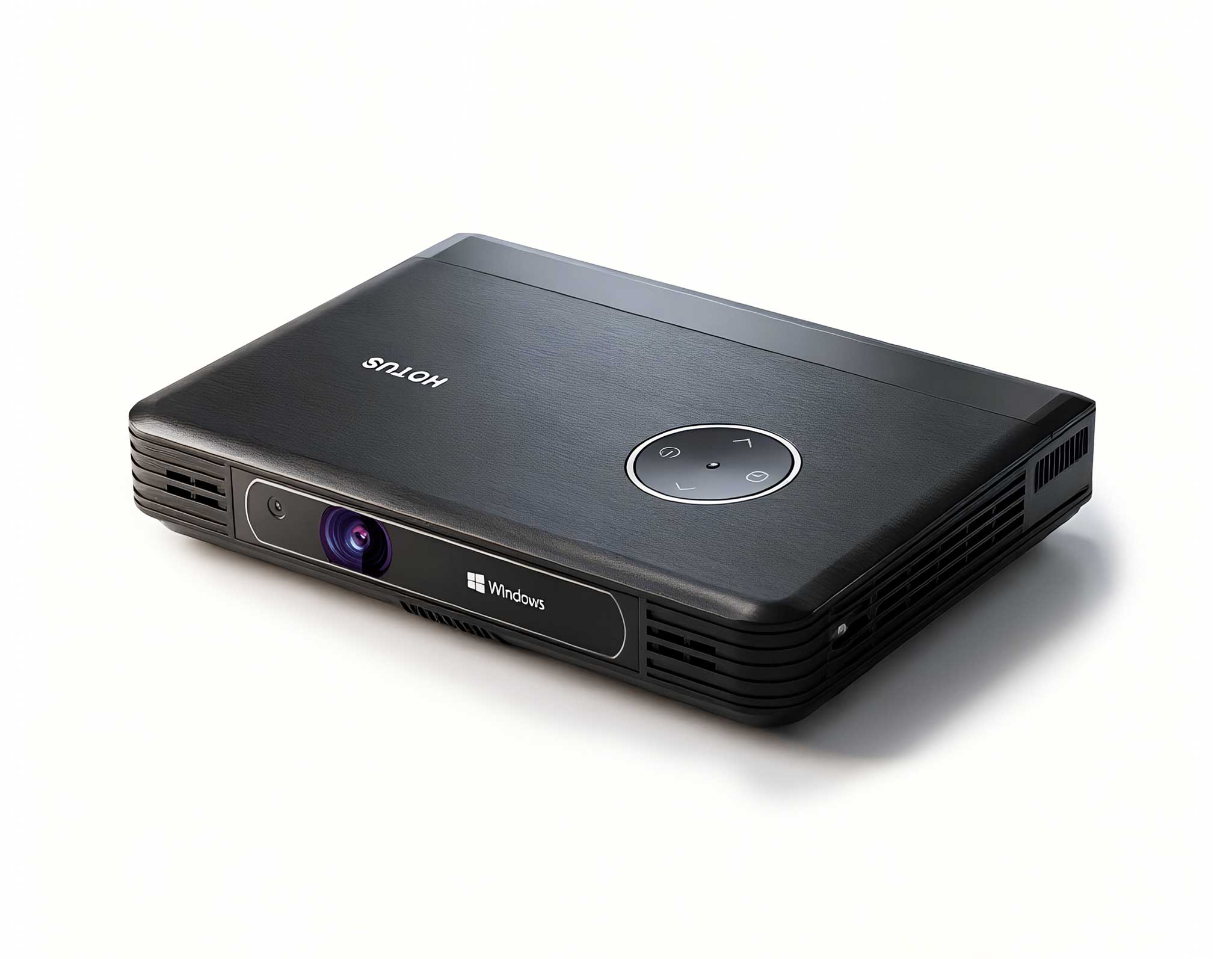
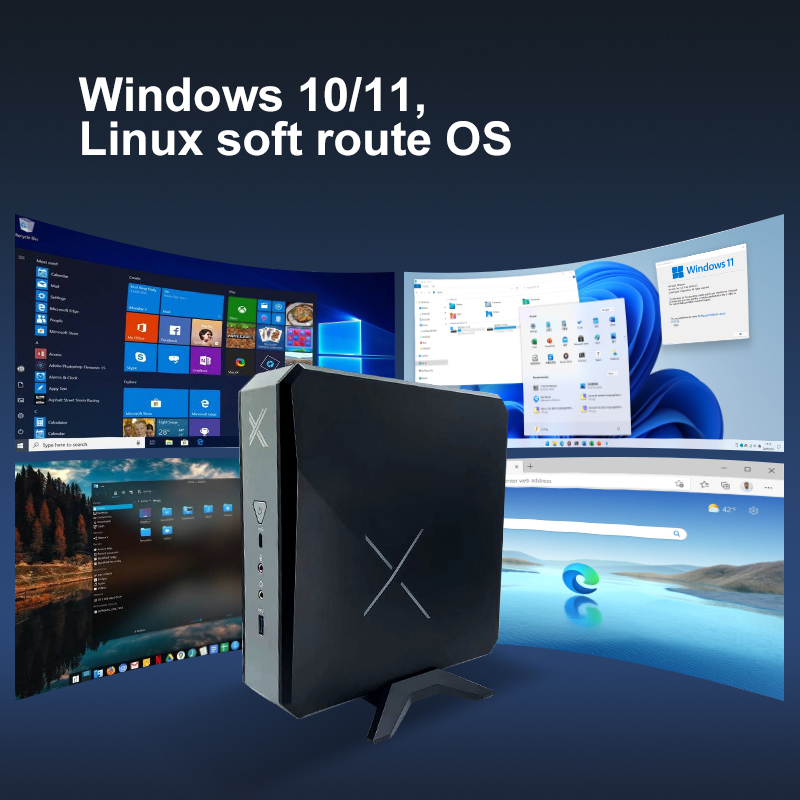
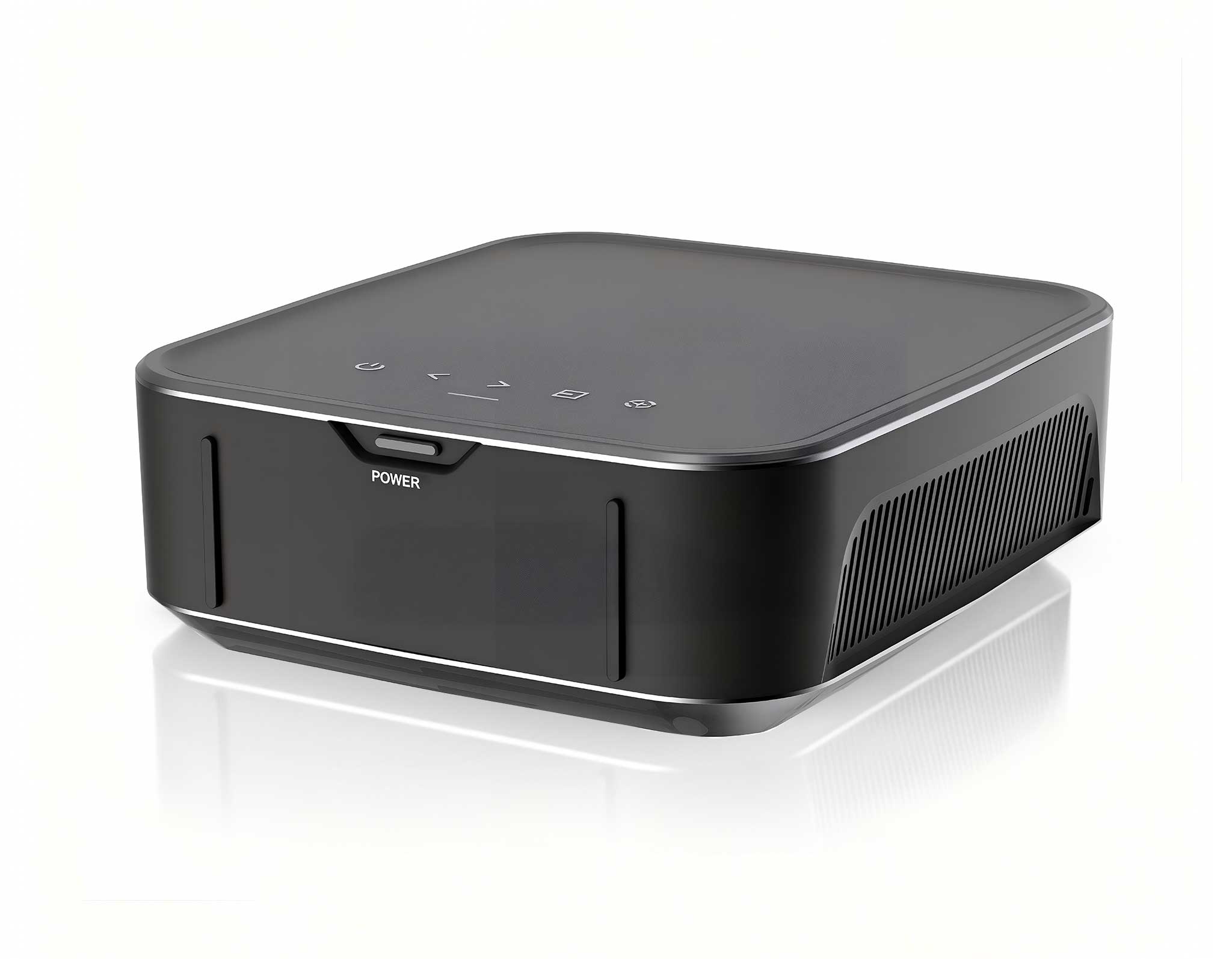
The Palm-sized miniPC is the unsung hero of the modern lab. At just 800g, it houses Intel 12th Gen Core low-power processors, scaling from an i3-1215U all the way to an i9-12900HK with up to 12 cores and 16 threads, paired with dual-channel memory that supports up to 64GB of DDR4 or DDR5. Storage is genuinely desktop-class: two M.2 NVMe slots plus two 2.5-inch SATA bays, for as much as 12TB in total. For a lab, that means one small box can act as the teacher's console, a local file server, and a triple-display teaching station driving two HDMI 2.1 outputs and one 8K-capable Type-C port at once. Wi-Fi 6, Bluetooth 5.2, and a 2.5G Ethernet port keep it connected to the whole classroom without a tangle of dongles, and the PC+ABS chassis runs quietly enough to sit in the same room as a lecture.
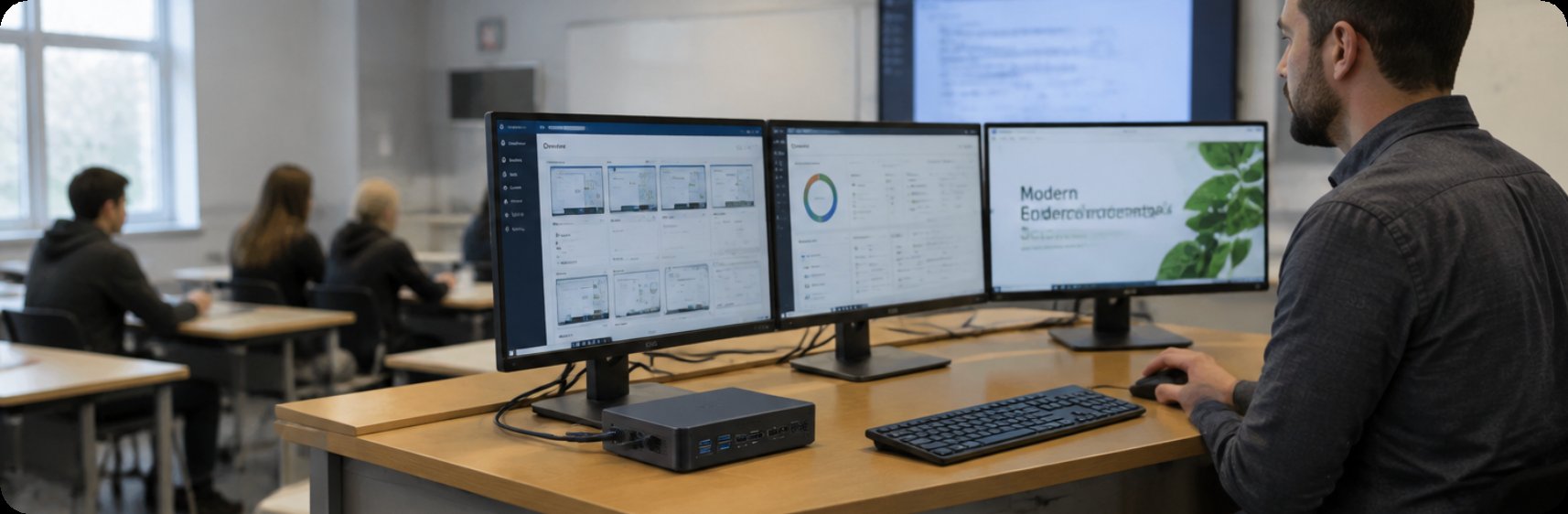
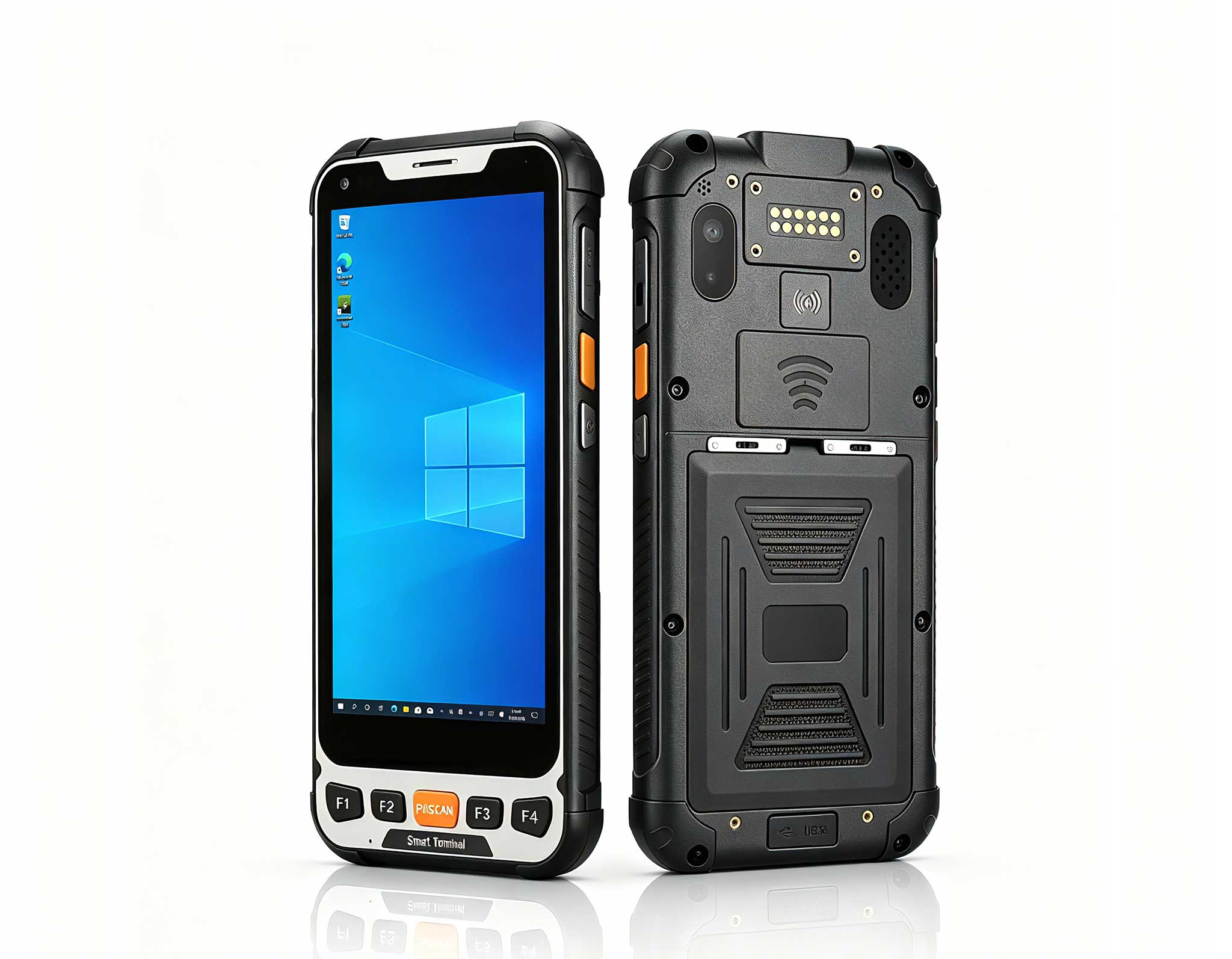
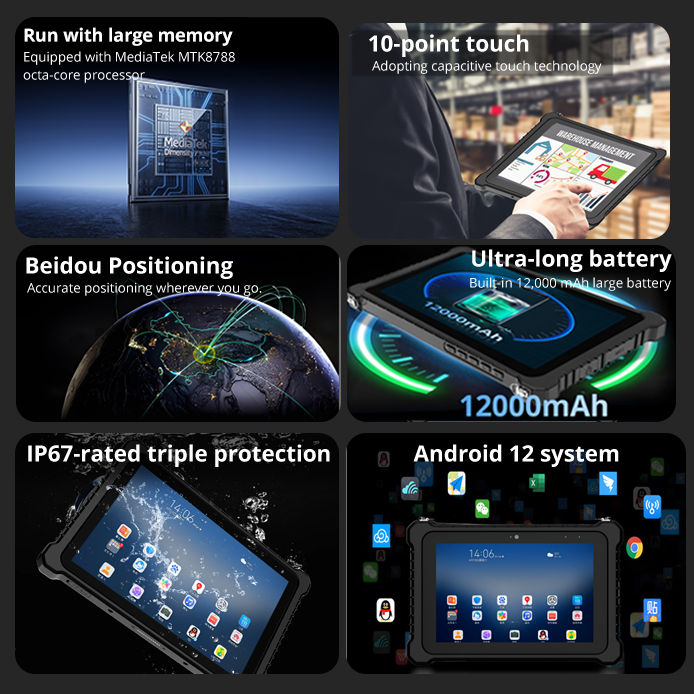
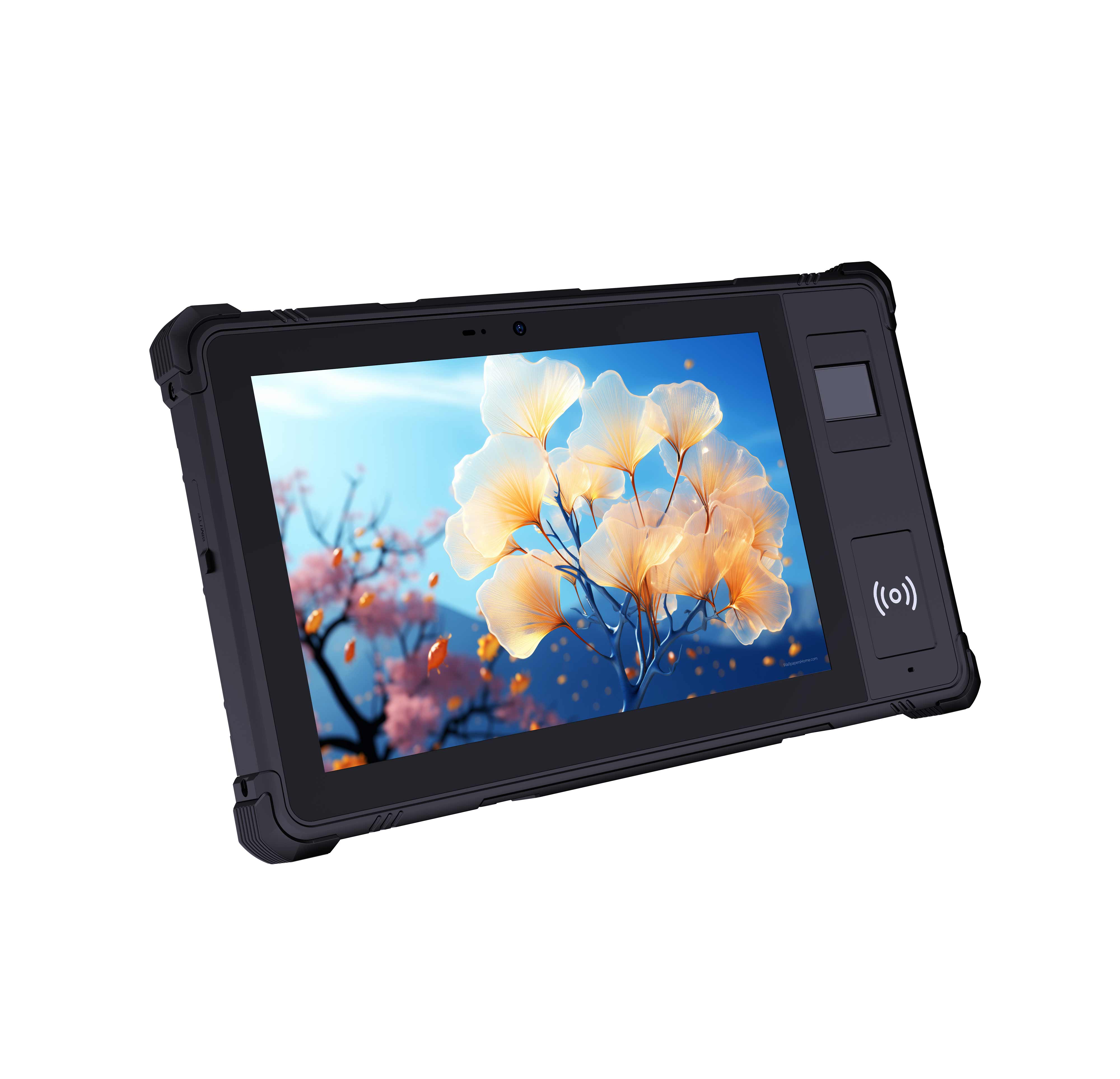
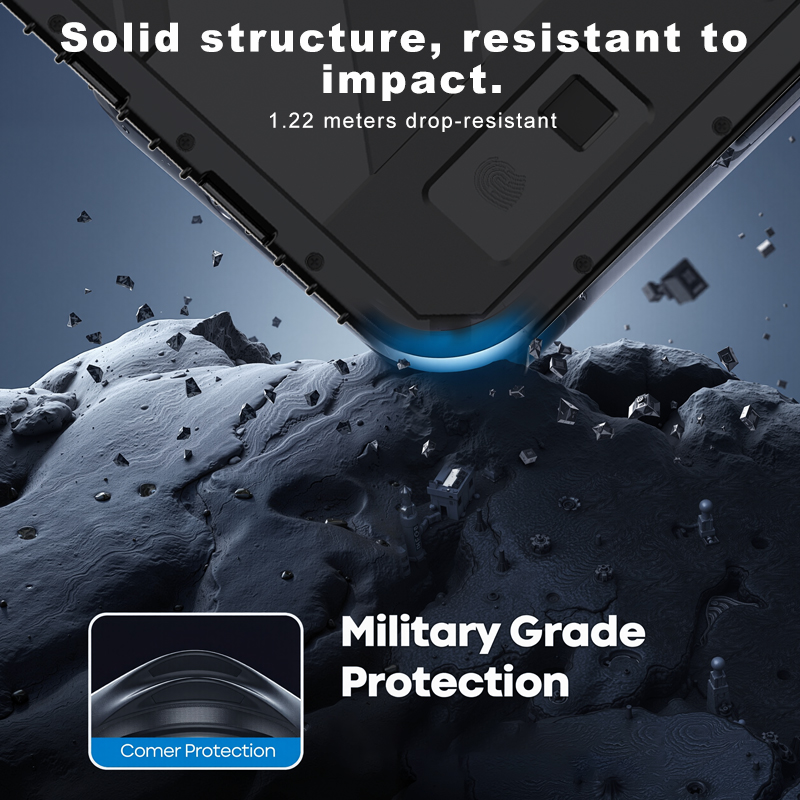
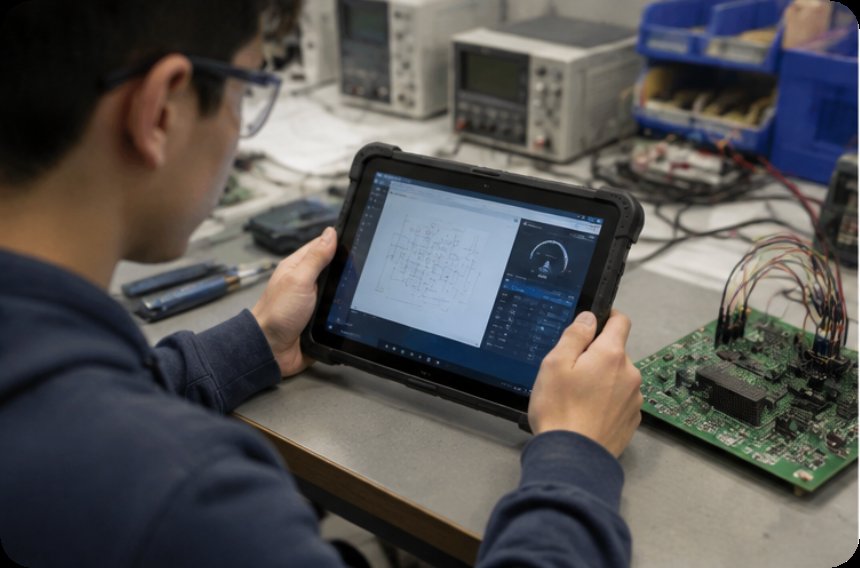
Where the miniPC anchors the room, the ST9-J sets learning free from the desk. This 8-inch rugged industrial tablet runs Windows 10 Pro or Windows 11 Pro on an Intel Celeron N5100 quad-core chip, with 8GB of RAM and 256GB of storage as standard. Its 1200x1920 IPS panel reaches 1000 nits as an option, so it stays readable under workshop lighting or direct sun, and the 10-point touch works with a stylus or even a wet hand. At 700g with IP65 sealing, 1.2m drop resistance, and MIL-STD-810G certification, it is the device you hand to a student who is wiring a sensor, logging field data, or walking a machine cell. Optional modules such as a barcode scanner, UHF RFID, fingerprint reader, and TPM 2.0 let the same tablet double as an inventory or inspection terminal during applied lessons.
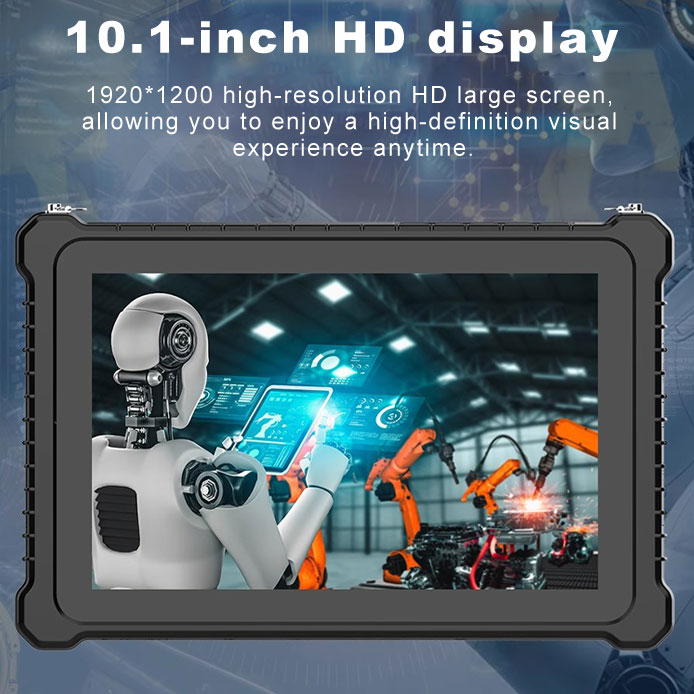
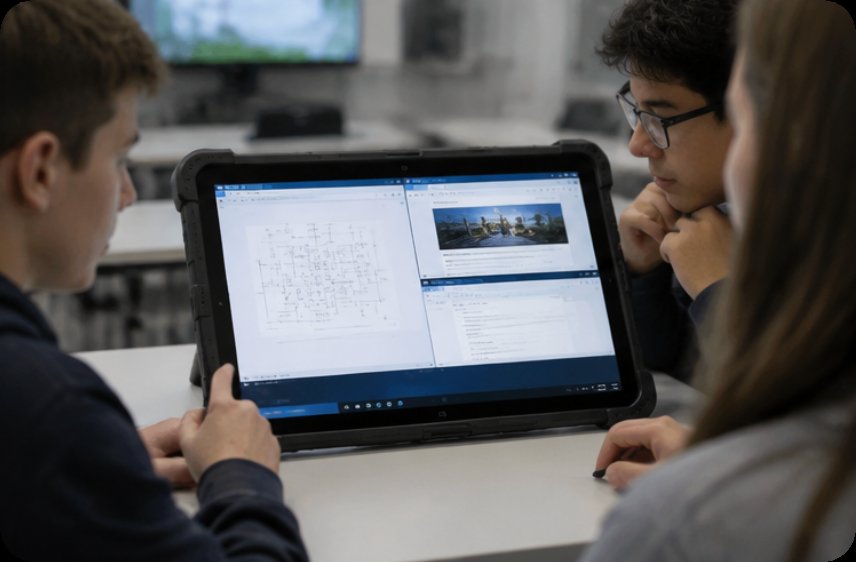
The ST11-J shares the same rugged foundation as the ST9-J, an IP65, MIL-STD-810G body built for dust, vibration, and drops, but expands the canvas to a 10.1-inch 1200x1920 IPS display and a slightly larger 6000mAh battery for roughly 8.5 hours of use. The bigger screen earns its place whenever students review schematics, compare datasets side by side, or run a full Windows desktop with multiple windows open. At about 1150g it is still easy to carry between benches, yet the extra viewing area reduces the zoom-and-scroll friction that slows down beginners. Both tablets use the Intel Celeron N5100, so the real decision between them is screen size and how much desk space a task needs.
| Model | Role in the lab | Processor | Memory | Display | Ruggedness | Weight | Best fit |
|---|---|---|---|---|---|---|---|
| Palm-sized miniPC | Management node, server, multi-display teaching | Intel 12th Gen Core, up to i9-12900HK (12C/16T) | Up to 64GB DDR4/DDR5 | Triple 8K (2x HDMI 2.1 + Type-C) | PC+ABS, quiet desktop chassis | 800g | Teacher console, file server, signage |
| ST9-J | Student handheld terminal | Intel Celeron N5100 (4C, up to 2.8GHz) | 8GB / 256GB | 8-inch IPS 1200x1920, 1000nit opt | IP65, 1.2m drop, MIL-STD-810G | 700g | Workbench tasks, field labs, mobile stations |
| ST11-J | Student large-screen terminal | Intel Celeron N5100 (4C, up to 2.8GHz) | 8GB / 256GB | 10.1-inch IPS 1200x1920, 1000nit opt | IP65, MIL-STD-810G | 1150g | Desk-based labs, schematic review, group work |
There is no single winner here, only the right blend. Start with one Palm-sized miniPC per lab as the quiet backbone: it hosts shared files, drives the teaching display, and removes the tower from the equation. Add a set of ST9-J units for any lesson that leaves the desk, wiring practice, outdoor data capture, or any task where a 700g tablet beats a laptop. Reserve the ST11-J for stations where students need a larger Windows desktop, schematic review, or side-by-side comparison without sacrificing ruggedness. A typical 30-seat lab might run one miniPC plus a cart of mixed tablets, giving instructors both a fixed teaching hub and the flexibility to send learning wherever the lesson goes.
The evolution from box PCs to a miniPC-plus-rugged-tablet model is less about specs and more about pedagogy: learning is no longer chained to a desk, and the hardware finally reflects that. If you are planning a refresh, explore the full mini PC range alongside the rugged tablet line, piloting a small mix before scaling across classrooms. The quiet node at the front and the durable tablets in students' hands together turn the computer lab from a room of machines into a flexible space for teaching.