- Select Language
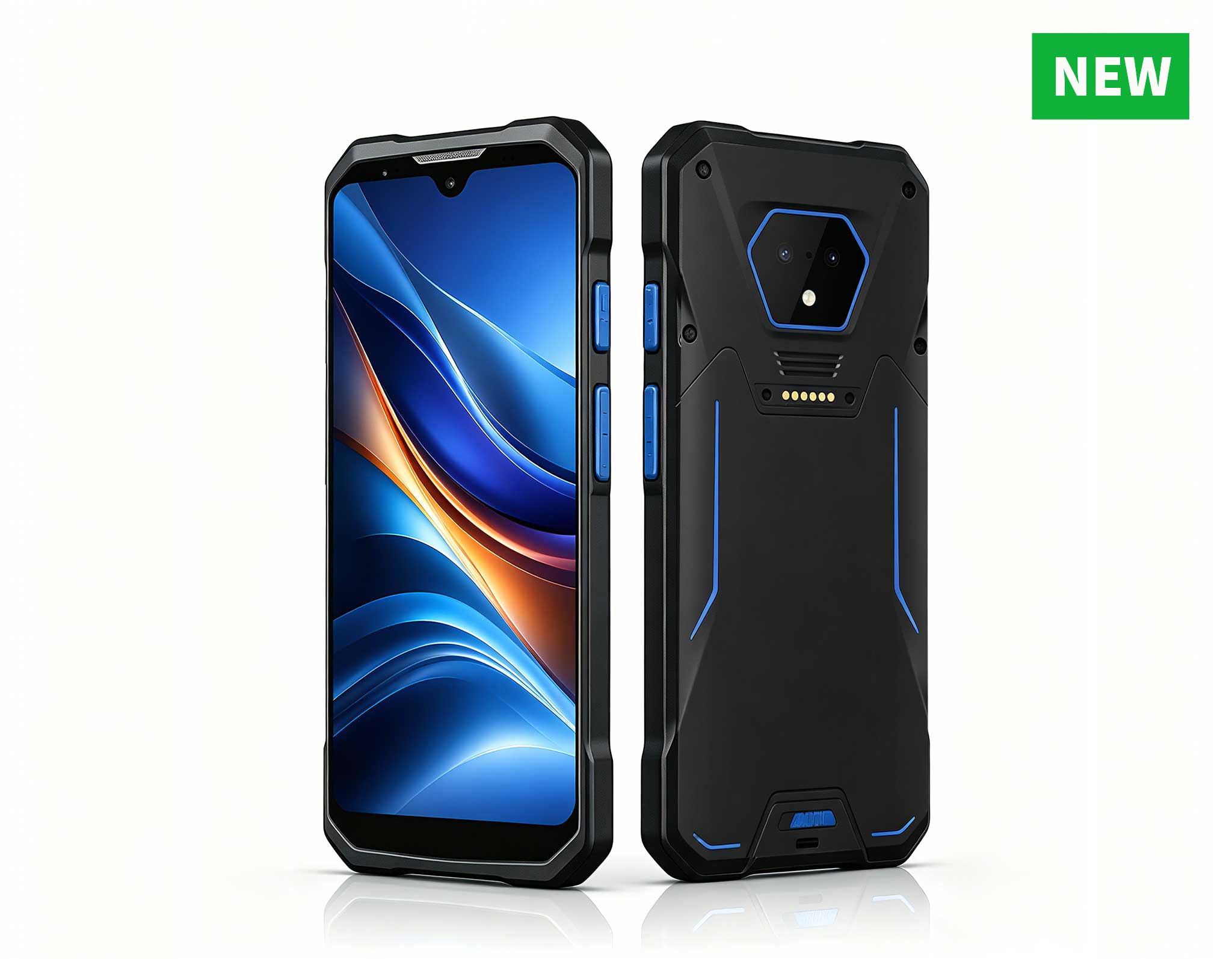
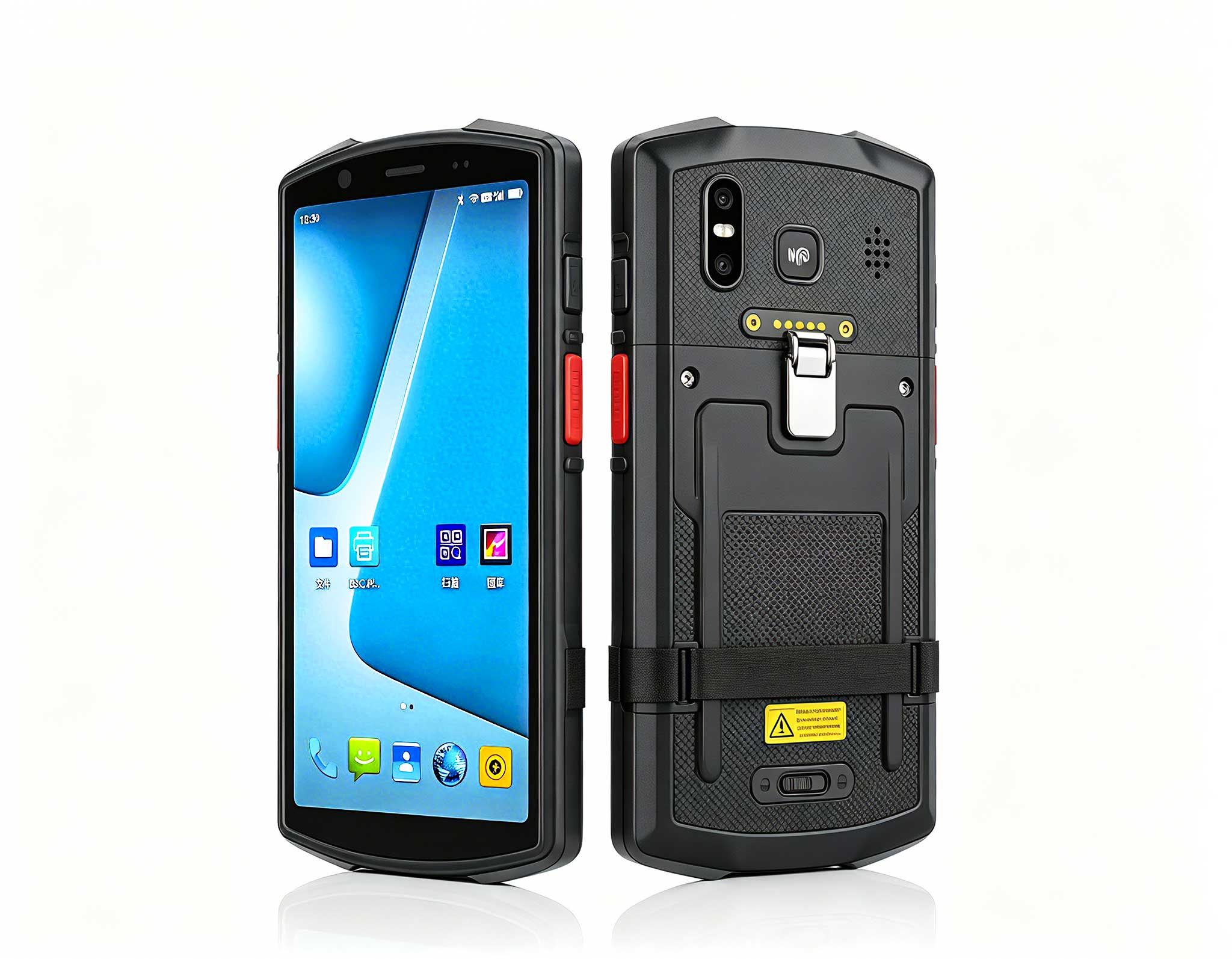
RS51 4G Rugged Handheld Terminal | 6.3" FHD+ ...
This dual touchscreen gaming laptop combines cutti...
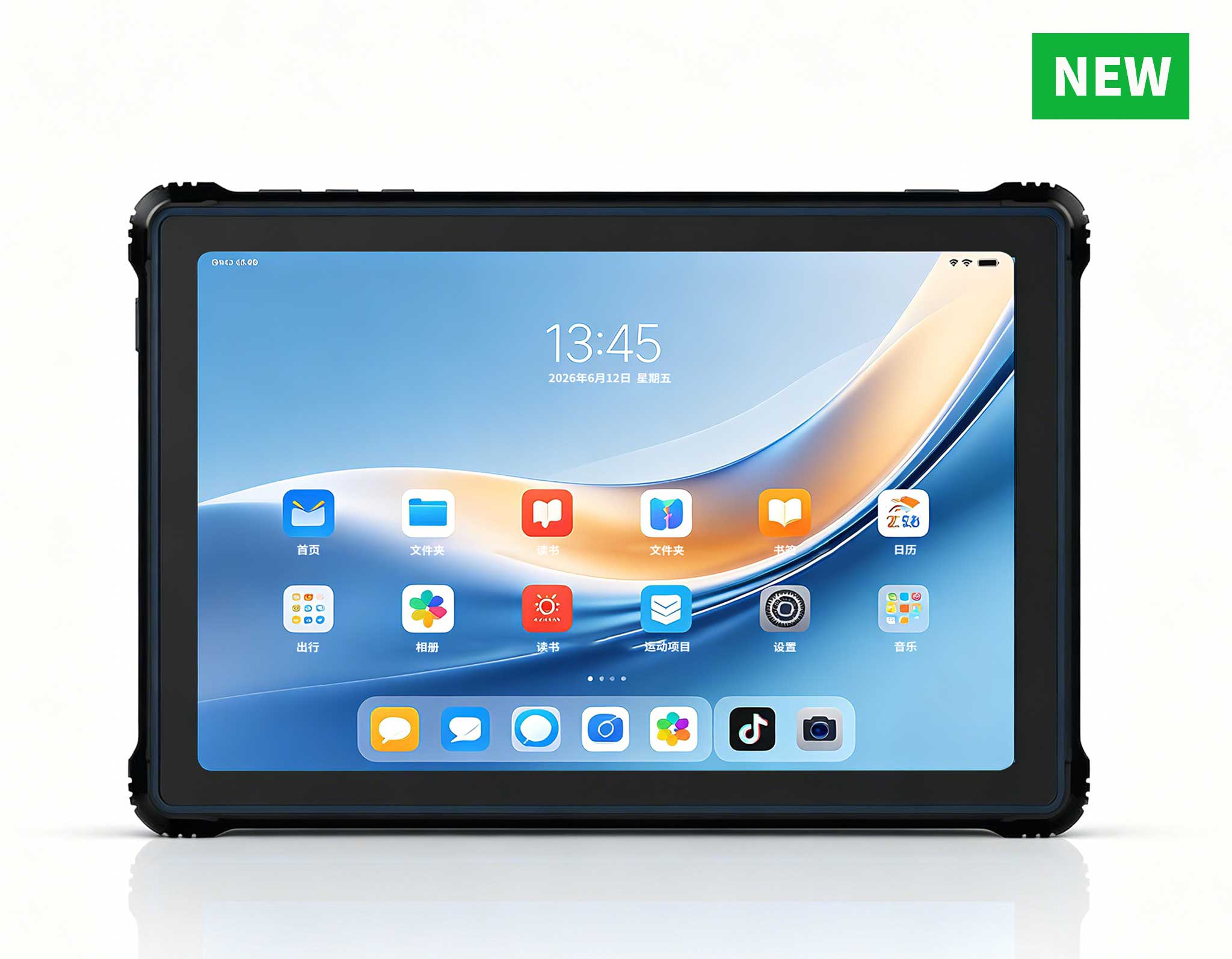
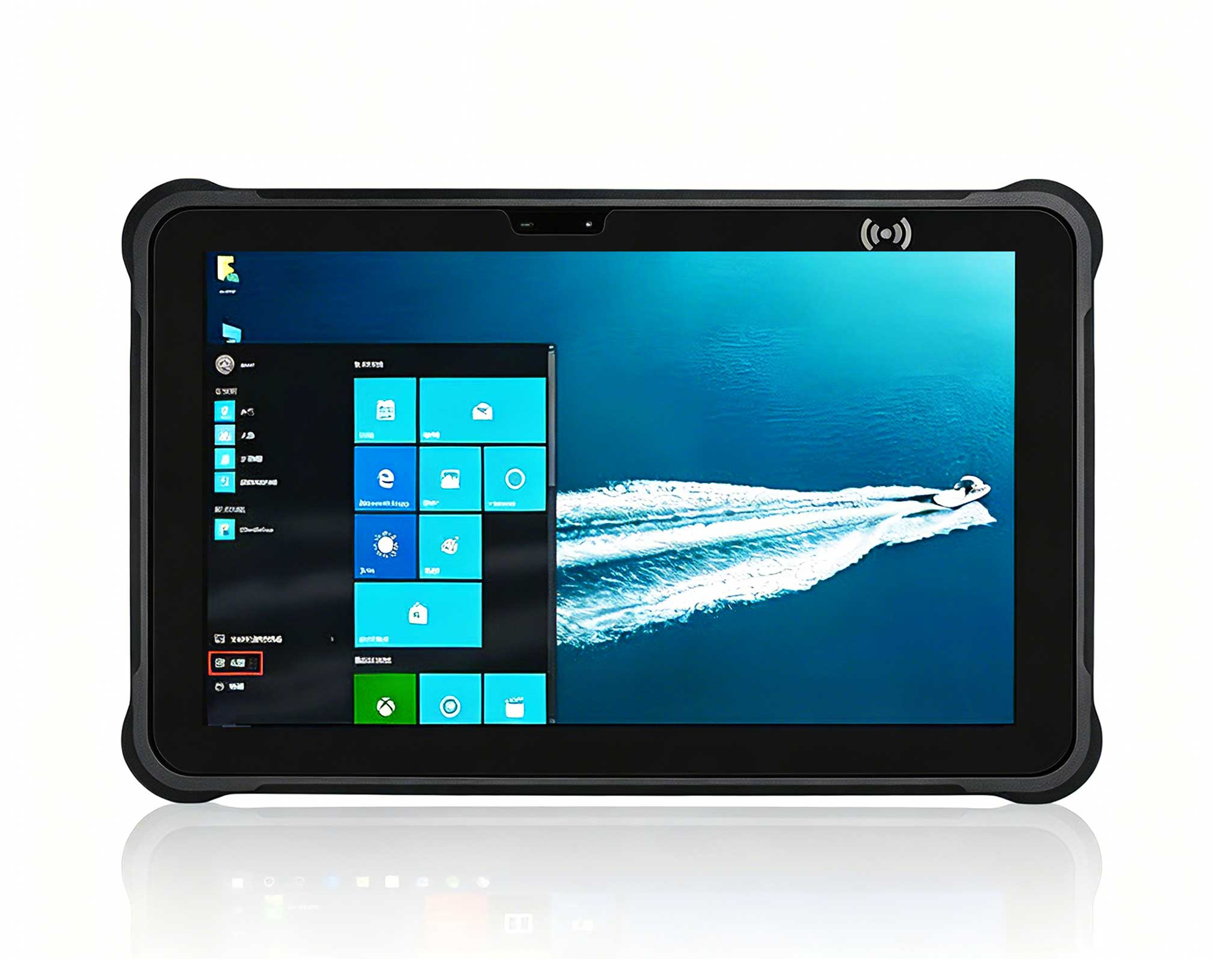
RT81 4G Rugged Tablet | 10.1" FHD 400nit | Qu...
The N60 PDA is a cutting-edge device for inventory...
Full SpecificationsModelHotus ST11‑JOSWindows 10 P...
The F505 Handheld PDA is a compact, high-performan...
From where I stand, most clinic hardware failures are not caused by the devices themselves but by the gap between a tidy spec sheet and a real, messy care environment. A standard consumer tablet on a nursing cart lasts weeks before a disinfectant wipe, a dropped tray, or a 12-hour shift kills it. Medical workstations need purpose-built hardware that survives constant handling, backs up to the hospital network, and keeps clinicians productive instead of waiting on a frozen login screen. That is exactly the problem a managed fleet of rugged tablets solves when it is deployed with the right plan.
Clinical spaces are governed by more than uptime. Patient data must stay encrypted, surfaces must tolerate frequent disinfection, and devices must keep working after they are dropped, wheeled between rooms, or parked next to an infusion pump. A modern rugged mini PC solutions approach treats the tablet as a clinical terminal, not a consumer gadget: sealed against fluids, manageable from a central console, and certified for the kind of continuous operation a ward demands. When you deploy with that mindset, the installation steps below stop being optional polish and become the difference between a smooth rollout and a support ticket avalanche.
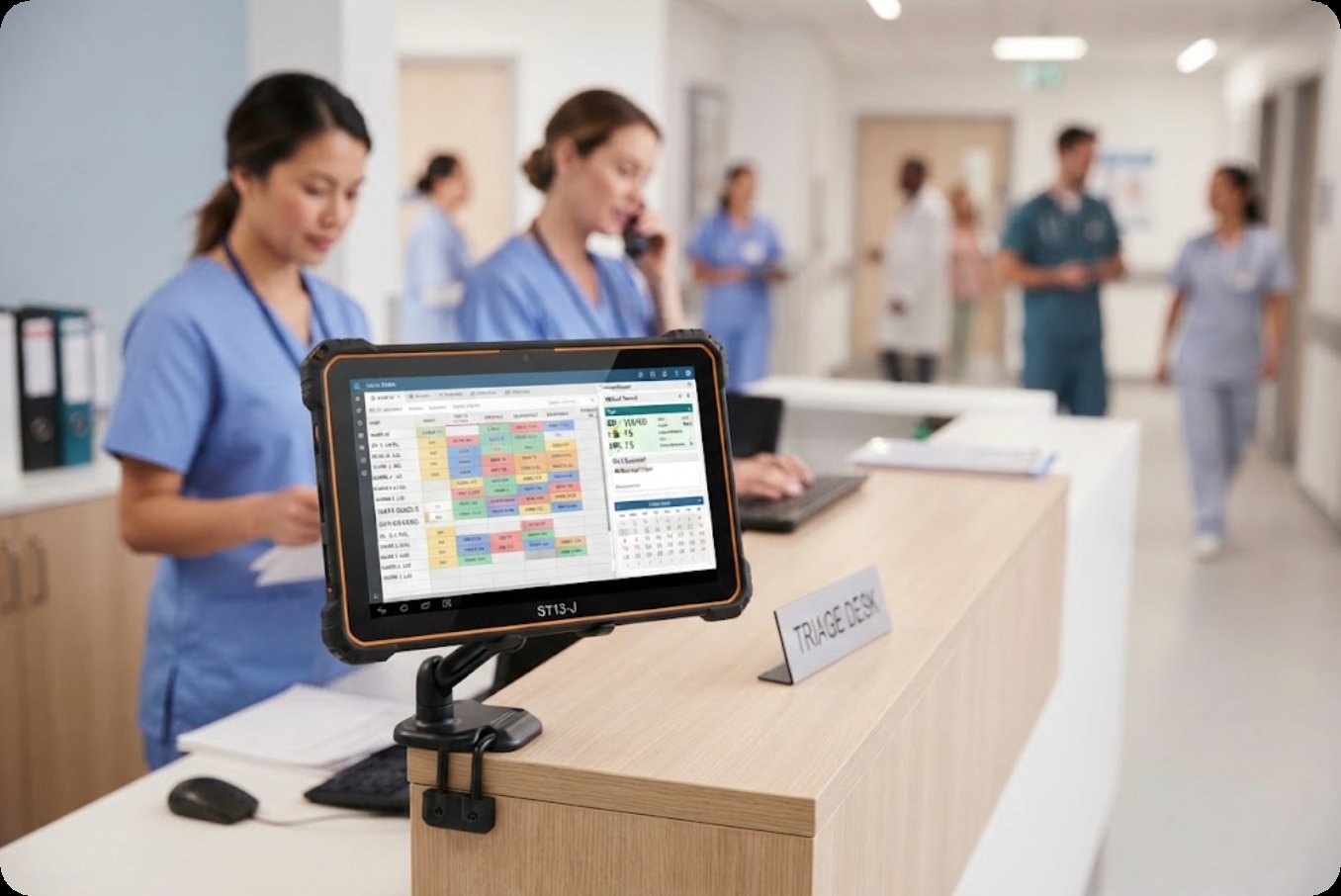
The ST13-J earns its place. Its 13.3-inch full-HD panel gives clinicians a genuine data surface for multi-window chart review, imaging thumbnails, and scheduling boards without squinting. It runs Windows 10 or 11 Pro on an Intel Celeron N5100 quad-core, with 8GB memory and 256GB storage as the standard build, and it carries IP65 sealing with the same 1.2-meter drop rating as its siblings. At 1450 grams and 8000mAh, it is the longest-running of the trio and the best fit for a wall or arm mount that stays powered through a full day.
The ST13-J is also the unit easiest to certify for institutional procurement, since it lists CE, FCC, and 3C marks and supports TPM 2.0 for hardware-level encryption of cached patient data. I recommend it for central nursing stations, triage desks, and consultation rooms where a larger screen reduces mis-clicks and speeds documentation. Optional vehicle or desk docks let the same model serve both a fixed station and a mobile command post during a ward relocation.
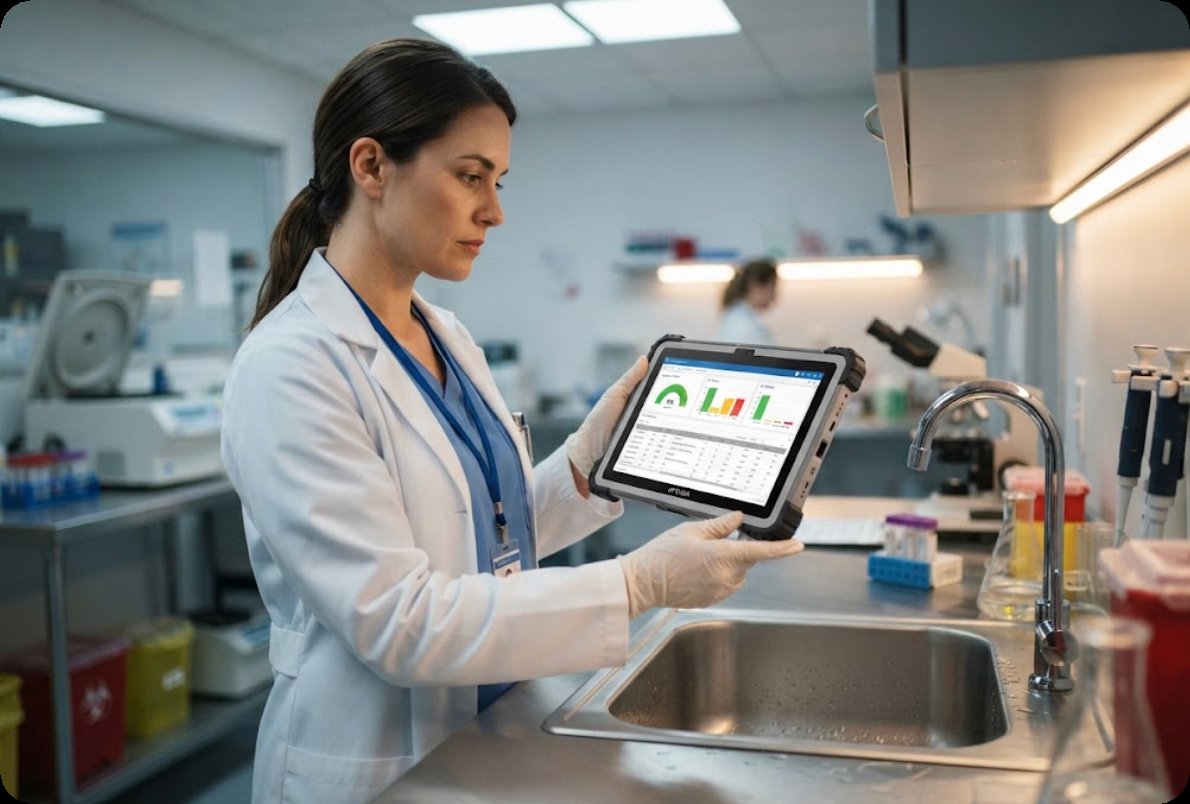
Some zones are unforgiving: specimen processing, cleaning rooms, and treatment areas where sprays and splashes are routine. The HTYJ10A Rugged Tablet is built for exactly those spaces, with IP67 sealing and 1.22-meter drop resistance that exceeds the other two models. Its 10-inch 1200x1920 display reaches 560 nits, the brightest of the group, so it stays readable under surgical or examination lighting. Inside sits a 10th-generation Intel Core i5-10210Y or i7-10510Y, supported by Wi-Fi 6, Bluetooth 5, and a remarkably full port set: Mini HDMI, Type-A, Type-C, RJ45, TF, SIM, and a 12-pin POGO connector for docking and peripheral expansion.
The trade-off is battery: a 3500mAh cell is smaller than the ST11-U or ST13-J, so the HTYJ10A is best deployed on a powered mount or cart where it is continuously charged and used in short, intensive bursts rather than a full roaming shift. Its richness of interfaces makes it the natural choice for connecting lab instruments, printers, or network drops in a wet or wash-down environment where a sealed, disinfectant-tolerant body is non-negotiable.
| Model | Display | Operating System | Processor | Rugged Rating | Battery | Weight | Best Clinical Role |
|---|---|---|---|---|---|---|---|
| ST11-U | 10.1" IPS 1200x1920, 450 nits | Windows 11 Pro | Intel i5-1235U / i7-1255U | IP54, 1.2m drop | 6000mAh | 1190g | Bedside and mobile cart terminal |
| ST13-J | 13.3" IPS 1920x1080, up to 400 nits | Windows 10/11 Pro | Intel Celeron N5100 | IP65, 1.2m drop | 8000mAh | 1450g | Fixed nursing station and triage desk |
| HTYJ10A | 10" LCD 1200x1920, 560 nits | Intel Core 10th Gen (x86) | i5-10210Y / i7-10510Y | IP67, 1.22m drop | 3500mAh | Compact, ~2.1kg with packaging | Wet, wash-down, and instrument-adjacent zones |
Walk the facility and tag each point of use as mobile, fixed, or wet. This single exercise decides which of the three models belongs where and prevents the classic mistake of putting a small-battery unit on a roaming cart. Document network coverage at every planned mount point, because a tablet is only as reliable as the signal it rides.
All three models run Windows, which means you can build one hardened golden image with your EMR client, VPN, antivirus, and kiosk or assigned-access profile preloaded. Flash it through your MDM before the devices reach the floor, and enable TPM-backed BitLocker so cached patient data is encrypted at rest. A consistent image turns thirty tablets into one manageable type instead of thirty unique problems.
Roaming ST11-U carts get a charging cradle at the nurse station; fixed ST13-J arms connect to always-on power; HTYJ10A units in wet zones sit on POGO docks that keep them topped up during use. Specify docking locations during the install, not after a clinician discovers a dead unit mid-round.
Confirm your approved wipes are safe on the sealed enclosures and that ports are closed or capped during cleaning. IP65 and IP67 ratings exist precisely so you can clean aggressively without killing the hardware, but only if the cleaning protocol is written down and trained.
Before go-live, run a one-week pilot with the actual EMR, scanner, and badge workflows in one ward. Measure login time, drop survival, and Wi-Fi handoff. The pilot is where you catch a misconfigured VLAN or a too-short battery before it becomes a floor-wide complaint.
Match the device to the duty. Choose the rugged tablet lineup by motion first: ST11-U for clinicians who move room to room, ST13-J for staff who stay at a desk or station and need screen space, and HTYJ10A for environments where fluid exposure is constant and a sealed, bright, interface-rich body matters most. Budget follows function, not the reverse, because a cheaper wrong device costs more in downtime than the difference in unit price.
A medical workstation rollout succeeds when the hardware, the image, the power plan, and the cleaning protocol are designed together rather than bolted on. The ST11-U, ST13-J, and HTYJ10A cover the mobile, fixed, and wet ends of a clinic respectively, and each carries the sealing and drop resistance that consumer hardware simply does not. If you are scoping a deployment, explore our industrial hardware solutions to map these tablets onto your wards, then start with a single-zone pilot before scaling across the facility.