

















I have helped enough people rebuild a home office to know that the shift from a corporate building to a spare bedroom exposes every weak link in the setup. The Wi-Fi drops during a client call, the laptop thermal-throttles under a video load, and the only copy of a file lives on a single drive that spins down at the worst moment. When the office moves home, the gear that was "good enough" at a desk suddenly has to survive a full day of real use. The fix is not a bigger monitor; it is purpose-built hardware that stays online when the environment around it does not. That is where a dedicated remote work home office solution earns its place before the first support ticket opens.
⚙️ Why a Fragile Setup Fails the Distributed Team
Most home failures are predictable. Consumer laptops share one fan and one power brick, so a two-hour meeting plus a sync job pushes them into thermal shutdown. Cheap routers choke when six devices compete for one radio. And a single external drive holding the only backup is a countdown to data loss. The pattern repeats because the equipment was designed for occasional use, not for a person who is now the entire IT department for their own home. Three categories of breakdown show up first: lost connectivity, stalled performance, and a single point of storage failure. Pick hardware that answers each one and the day runs itself instead of the other way around.
ST9-J Sustains the Field Operator Through Outages
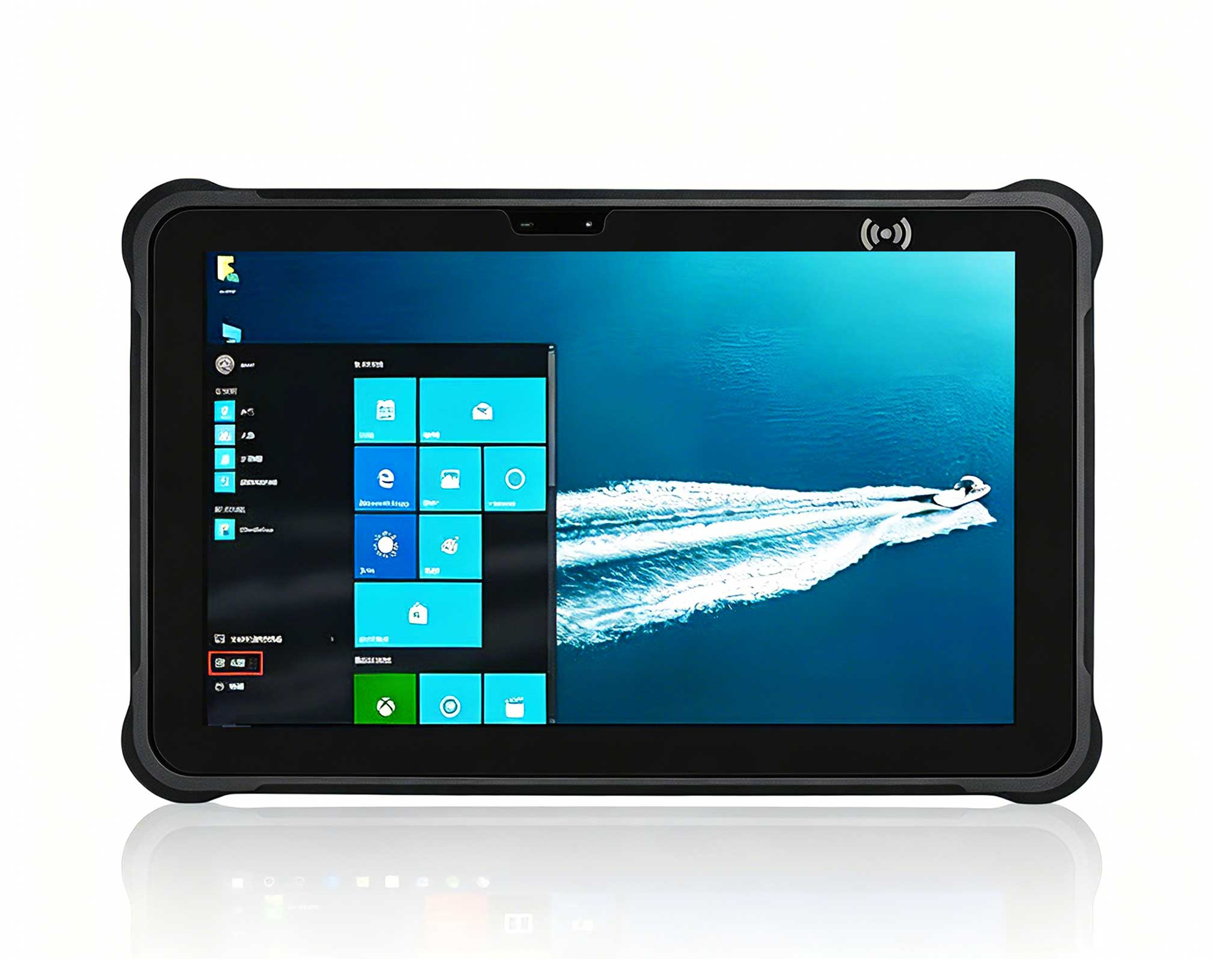
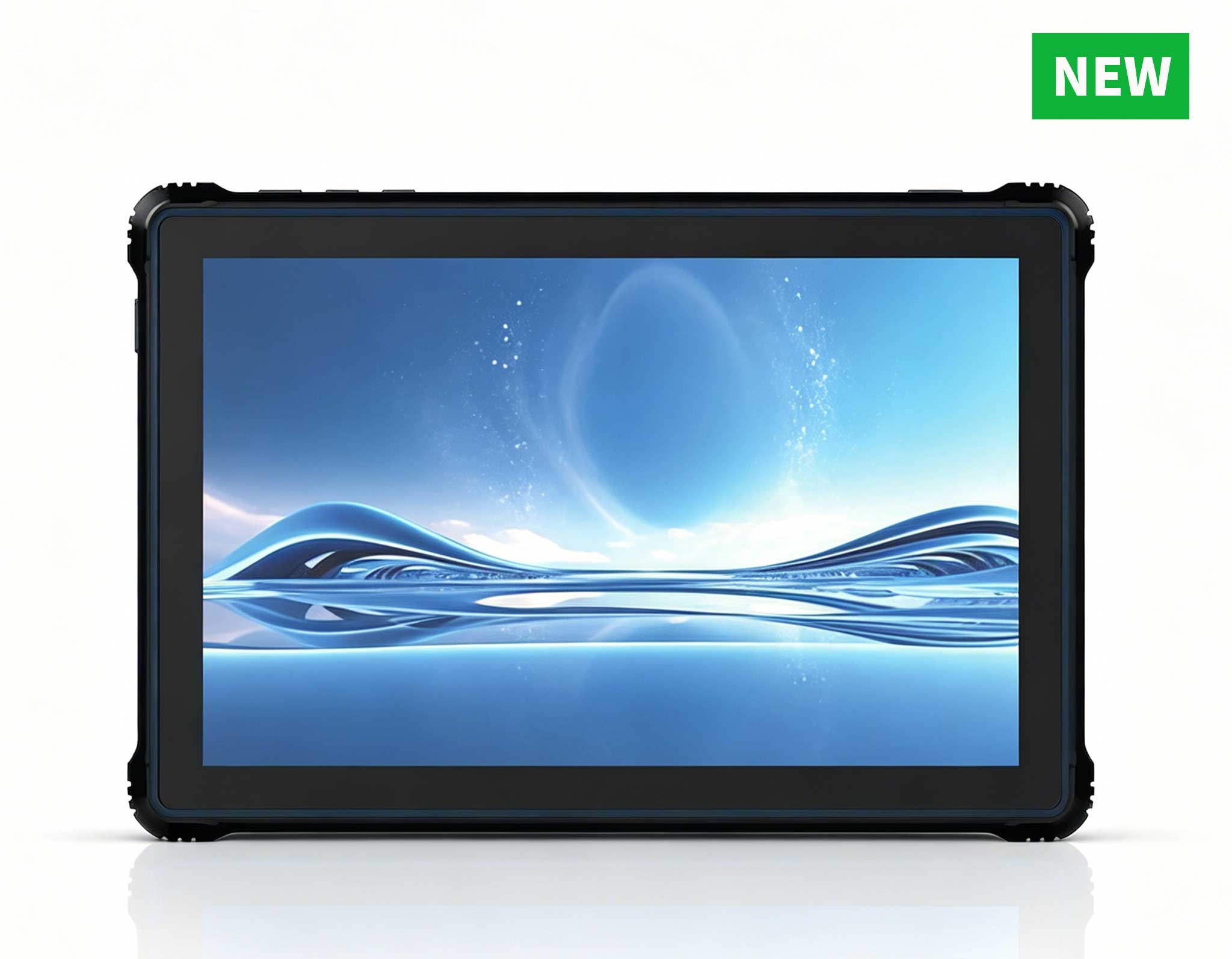
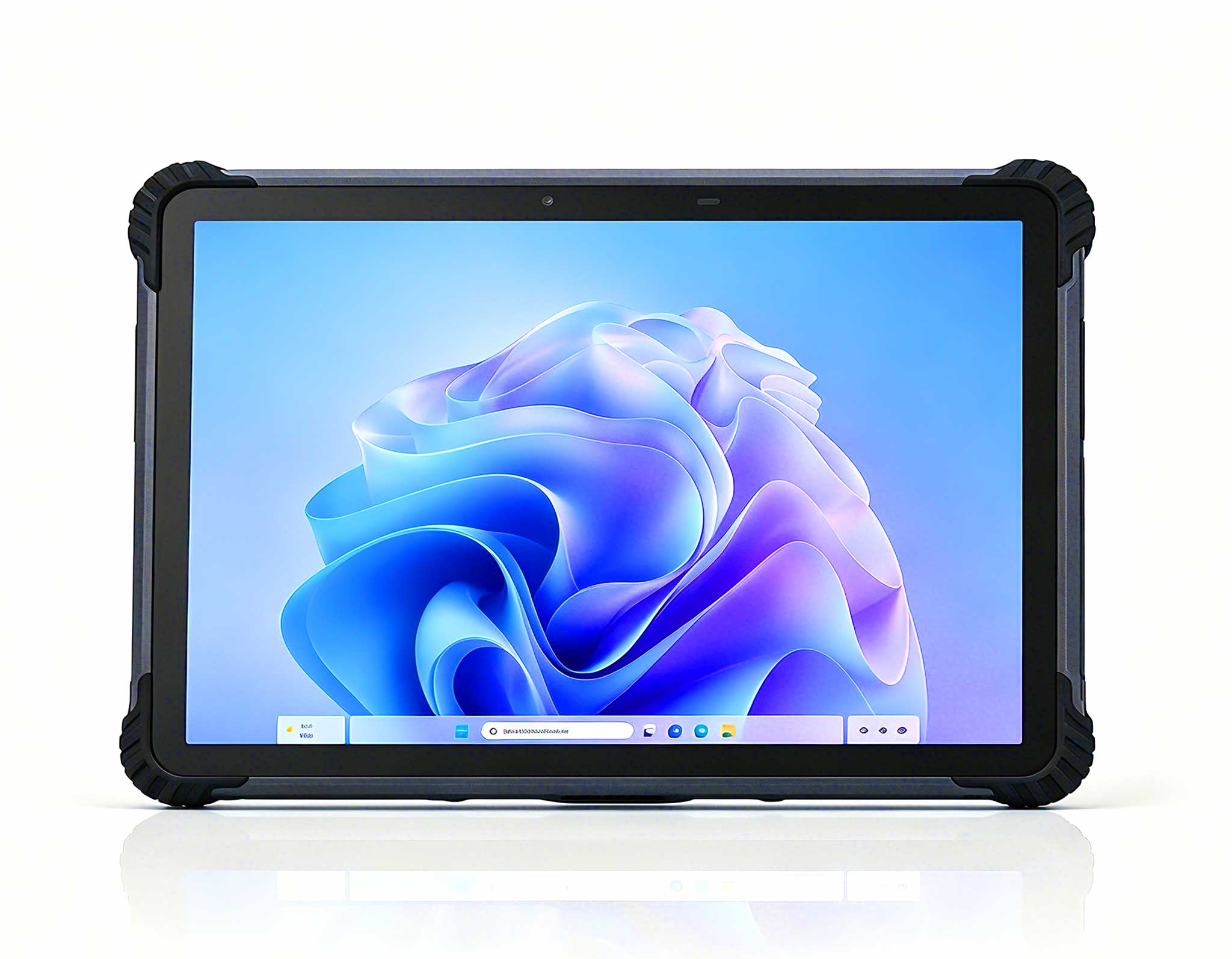
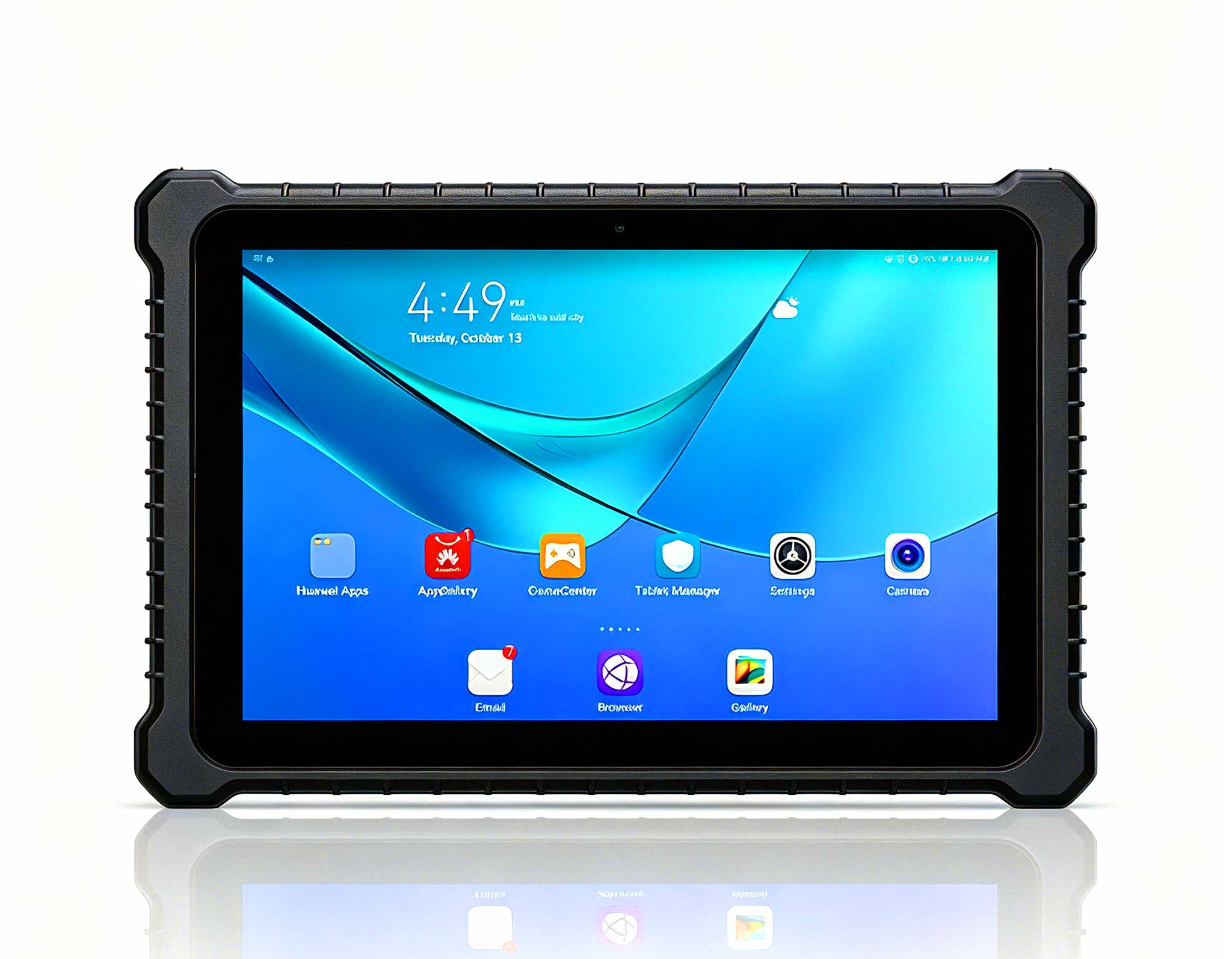
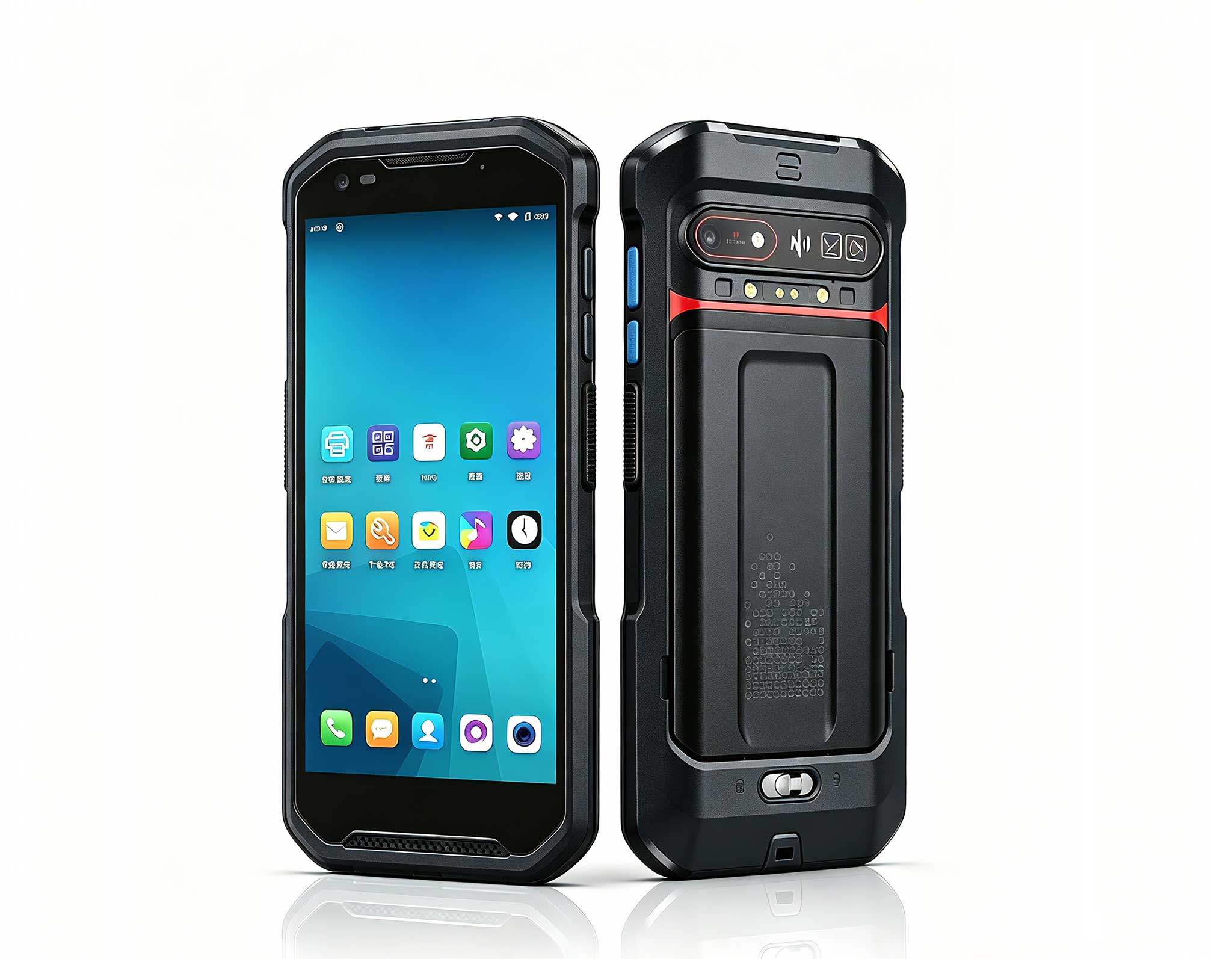
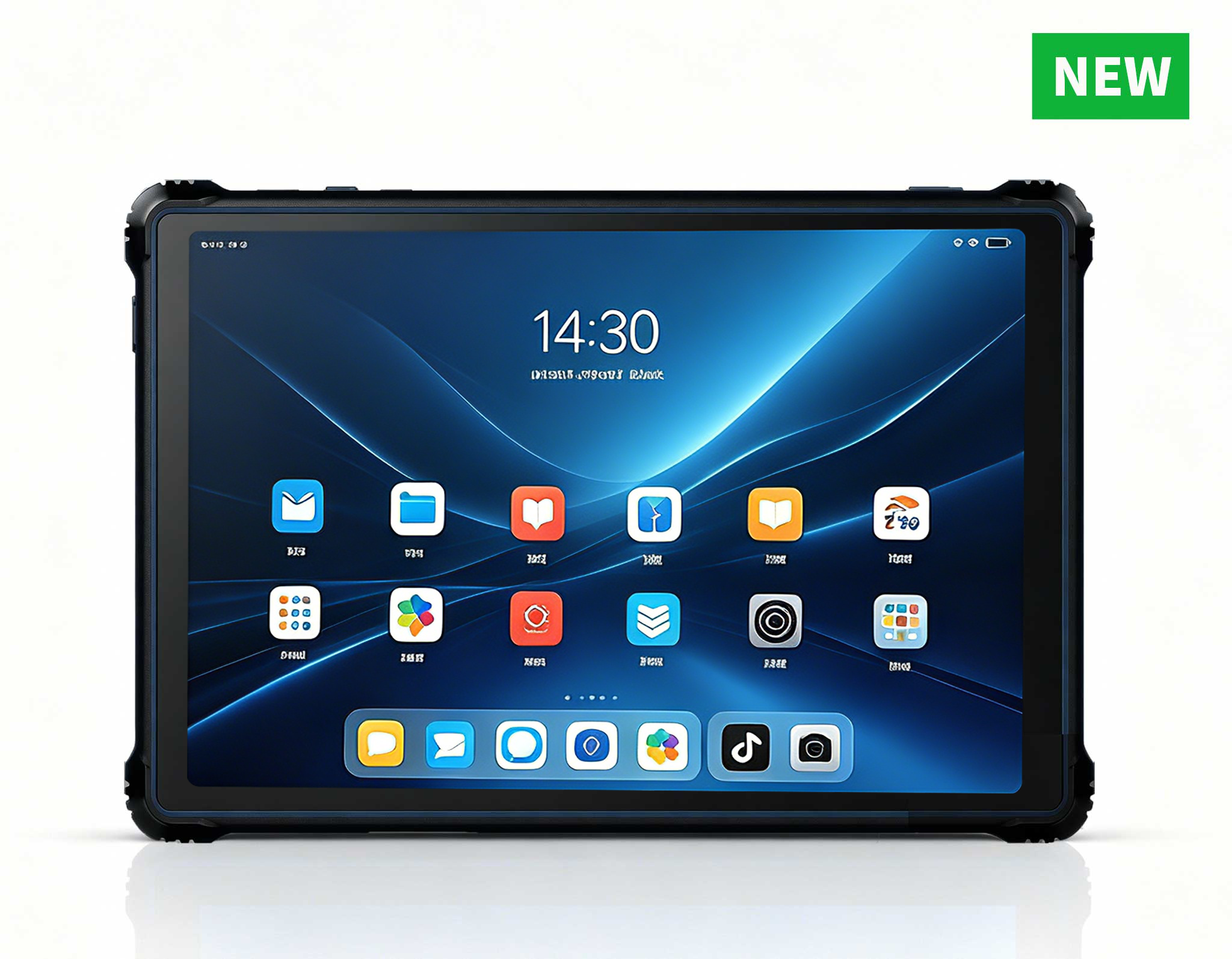
The ST9-J rugged tablet is the unit I hand to anyone whose "office" is partly a kitchen table and partly a site visit. It runs an Intel Celeron N5100 quad-core processor at 1.10GHz with turbo to 2.80GHz, carries 8GB of RAM and 256GB of storage, and boots Windows 10 Pro with Windows 11 as an option. The 8-inch IPS panel reads at 1200x1920 with 400nits brightness, and the body meets IP65 and MIL-STD-810G with a 1.2-meter drop rating. A 5000mAh battery gives roughly seven hours away from a wall, so a power cut at home does not end the shift. When the usual complaint is "my laptop died mid-call," the ST9-J keeps the worker online from a corner that has no desk at all.

📱 Palm-sized miniPC Builds a Full Desk From a Socket
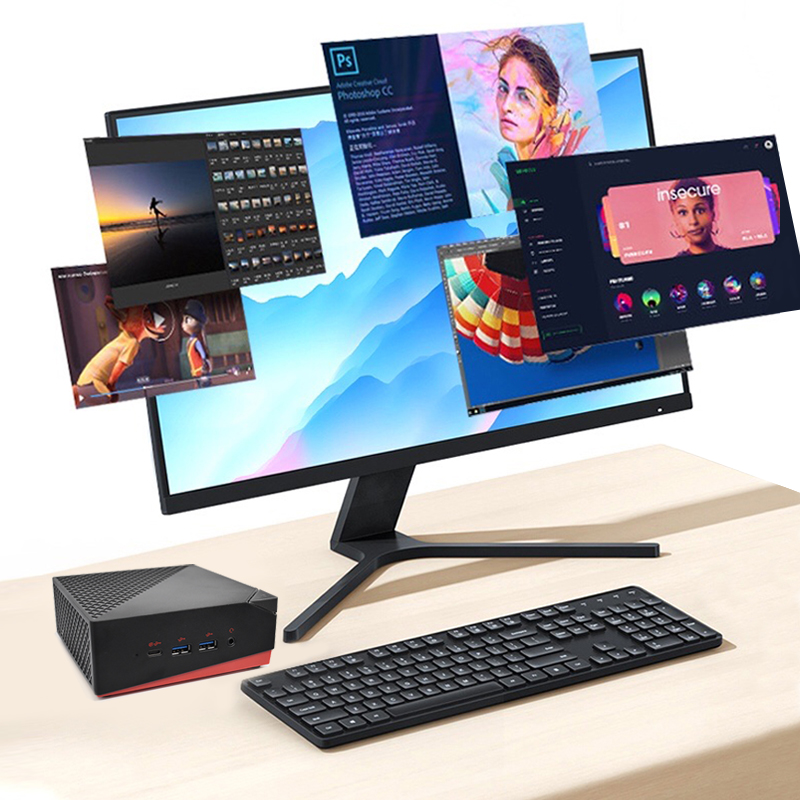
The Palm-sized miniPC is what I specify when the job is heavy but the space is not. Inside a PC-and-ABS case it packs Intel 12th-Gen Core processors up to the i9-12900, up to 64GB of dual-channel DDR4 or DDR5 memory, and a storage layout of two M.2 slots plus a 1TB SATA bay. Connectivity is the headline: five USB 3.2 Type-A ports, two HDMI 2.1 outputs, and one Type-C port that drives 8K at 60Hz while carrying 10Gbps of data and power delivery. A 2.5G Ethernet port plus Wi-Fi 6 and Bluetooth 5.2 keep the link stable, and it runs Windows 11 or Linux. For a remote worker staring at three monitors and a virtual machine, this little brick turns any socket into a complete desk.
💡 WTR PRO AMD Guards the Always-On Archive
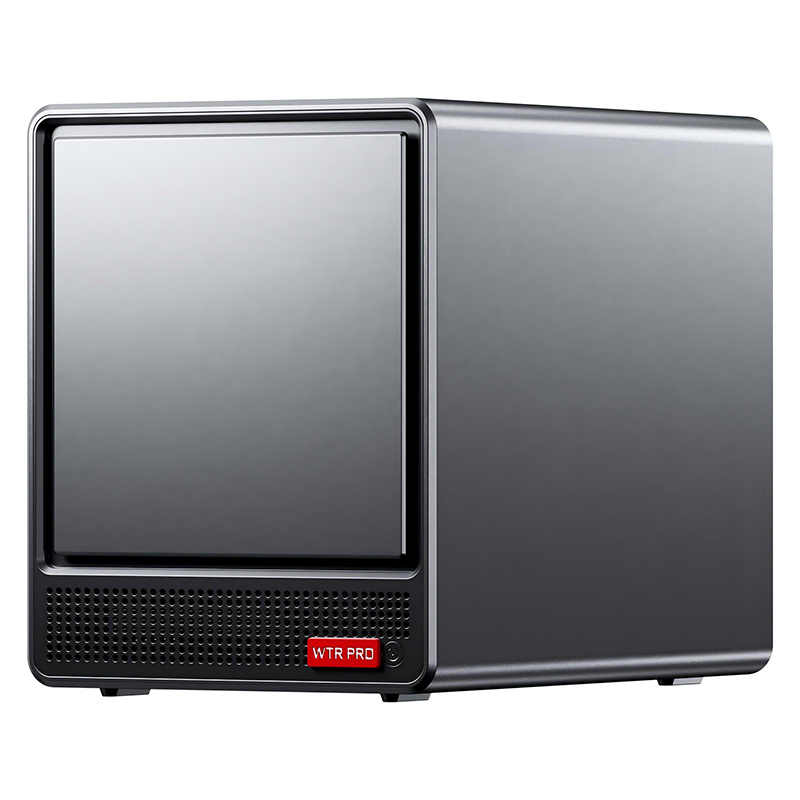
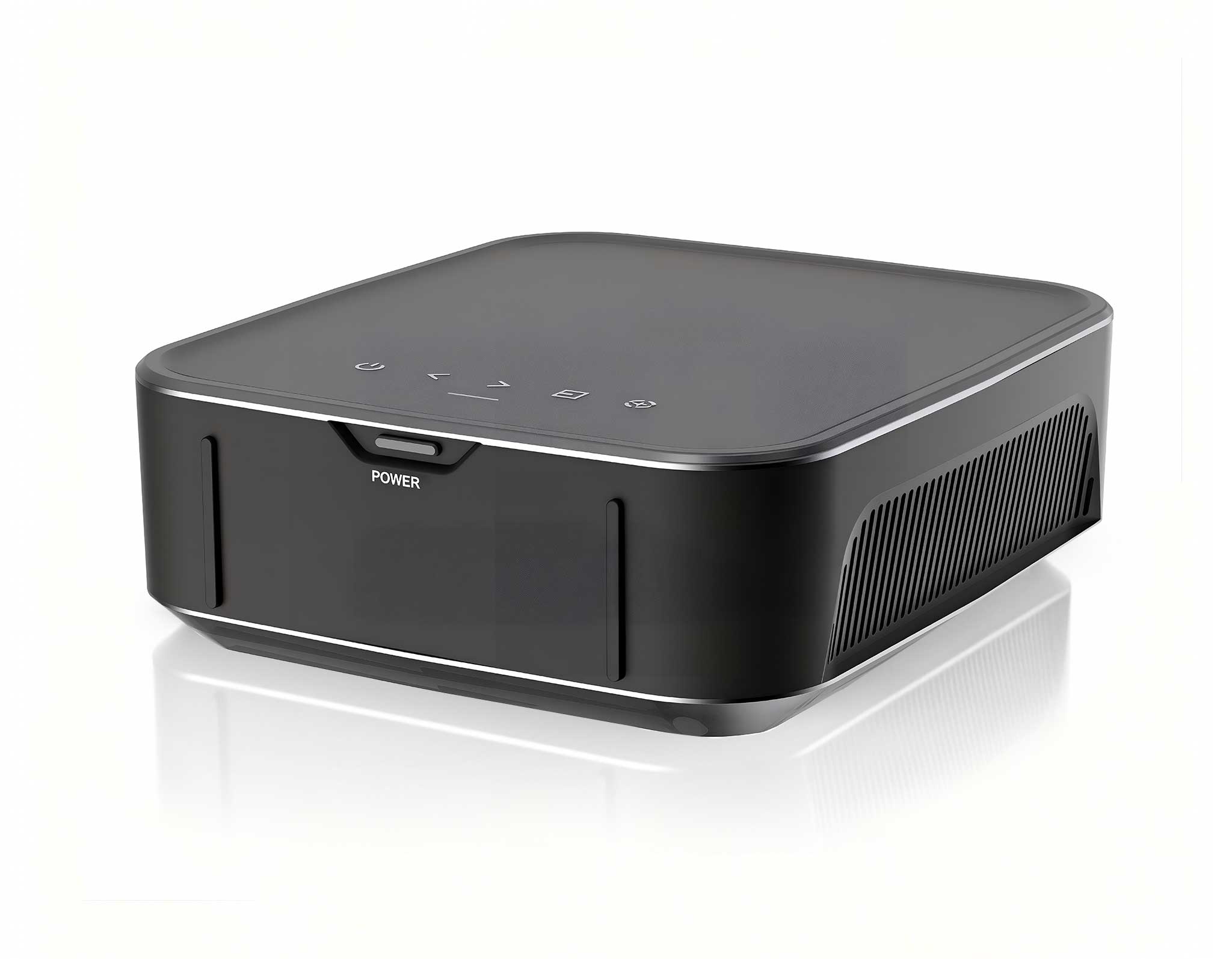
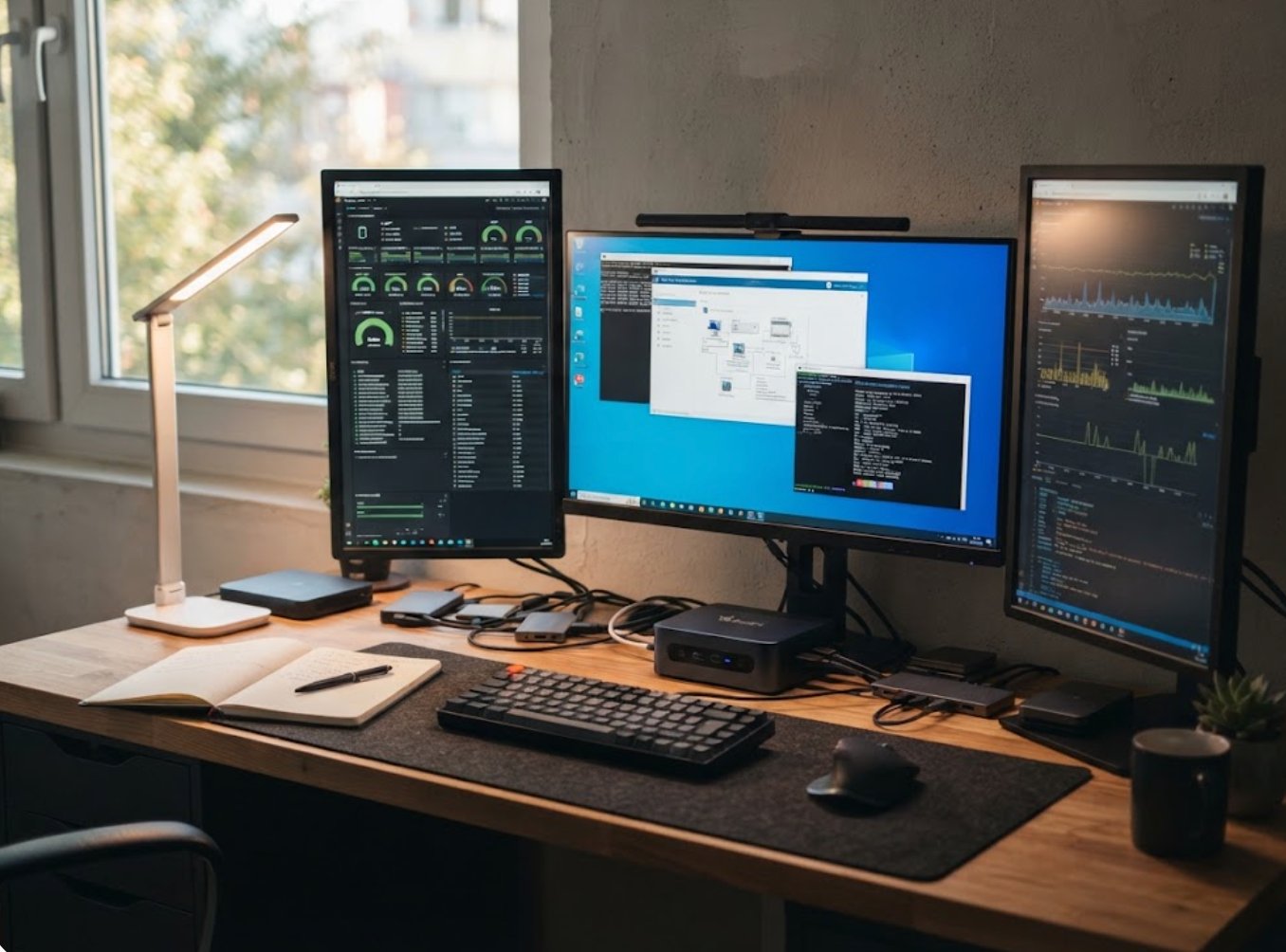
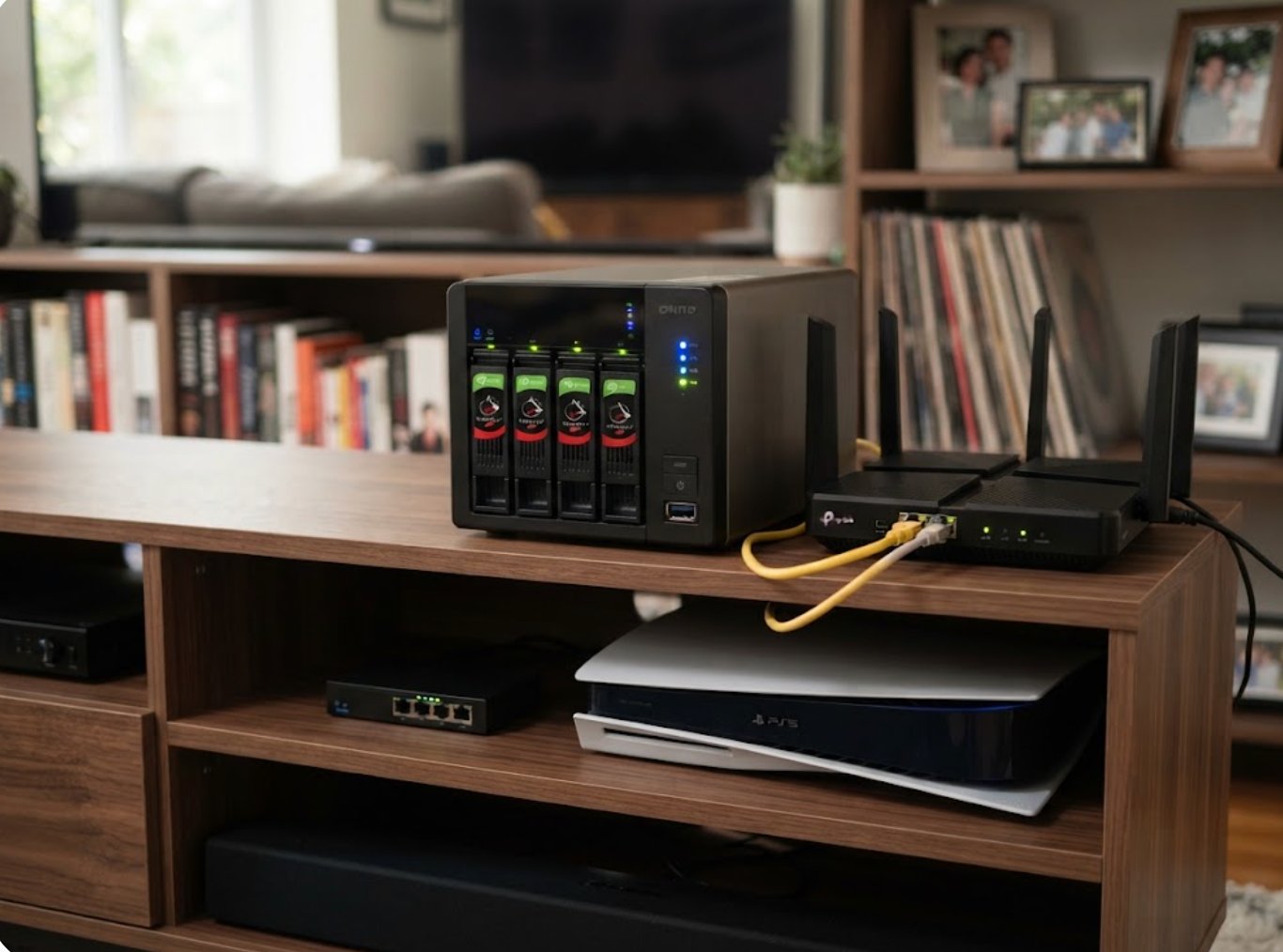
The WTR PRO AMD is the answer to the third breakdown: the backup that was never really a backup. It ships with an AMD Ryzen 7 5825U or an Intel N100, DDR4 memory across two slots, and a storage configuration of two M.2 NVMe bays plus a third, wrapped in a four-bay chassis built for always-on duty. Display and network reach is generous: one HDMI, one DisplayPort, and one Type-C, backed by dual 2.5G Ethernet ports for fast local transfers. It runs Windows 11, so the same machine that serves files also runs the sync client and the surveillance feed. When the home "server" was previously a powered-off laptop under the TV, the WTR PRO AMD makes the archive something the whole household can actually rely on.
How the Three Stack Up on Paper
The table below maps the usual home-office failures to the hardware that fixes them, and shows where each device fits a different kind of worker.
| Model | Processor | Memory | Storage | Key Strength | Best For |
|---|---|---|---|---|---|
| ST9-J | Intel Celeron N5100, up to 2.80GHz | 8GB | 256GB | IP65, MIL-STD-810G, 7h battery | Mobile worker, no fixed desk |
| Palm-sized miniPC | Intel 12th Gen up to i9-12900 | Up to 64GB DDR4/DDR5 | 2x M.2 + 1TB SATA | Triple 8K, 5x USB 3.2, 2.5G | Multi-screen desk workstation |
| WTR PRO AMD | AMD R7 5825U / Intel N100 | DDR4, 2 slots | 2x M.2 NVMe + 4-Bay | Dual 2.5G, always-on NAS | 24/7 file server and backup |
If a call still drops near a thick wall, the first move is to check the link rather than the device; with the Palm-sized miniPC's 2.5G port or the WTR PRO AMD's dual LAN, a wired run clears the dead zone. If performance stalls, the Palm-sized unit's 64GB ceiling removes the memory squeeze that sinks most laptops. If the worry is the backup, the WTR PRO AMD's four bays end the single-drive gamble entirely.
🎯 Choose the Unit That Fits Your Routine
Pick the ST9-J when the day moves between rooms and sites and a drop or a spill is a real risk. Pick the Palm-sized miniPC when the work is stationary but demanding and you want three screens and a virtual machine on a postage-stamp footprint. Pick the WTR PRO AMD when the priority is keeping files alive around the clock with no manual copy step. The full rugged mini PC line gives you room to mix all three on one home network. If you want a deeper look at how these units perform in a real setup, our mini PC solutions library covers the rest.
If your home office still loses the connection, the screen, or the backup at the worst time, send us your room layout, device count, and daily workload. We will recommend whether the ST9-J, the Palm-sized miniPC, or the WTR PRO AMD keeps your remote day running from the first meeting to the last, with no surprise outages in between.