- Select Language
Full SpecificationsModel Hotus SH5‑WOperating ...
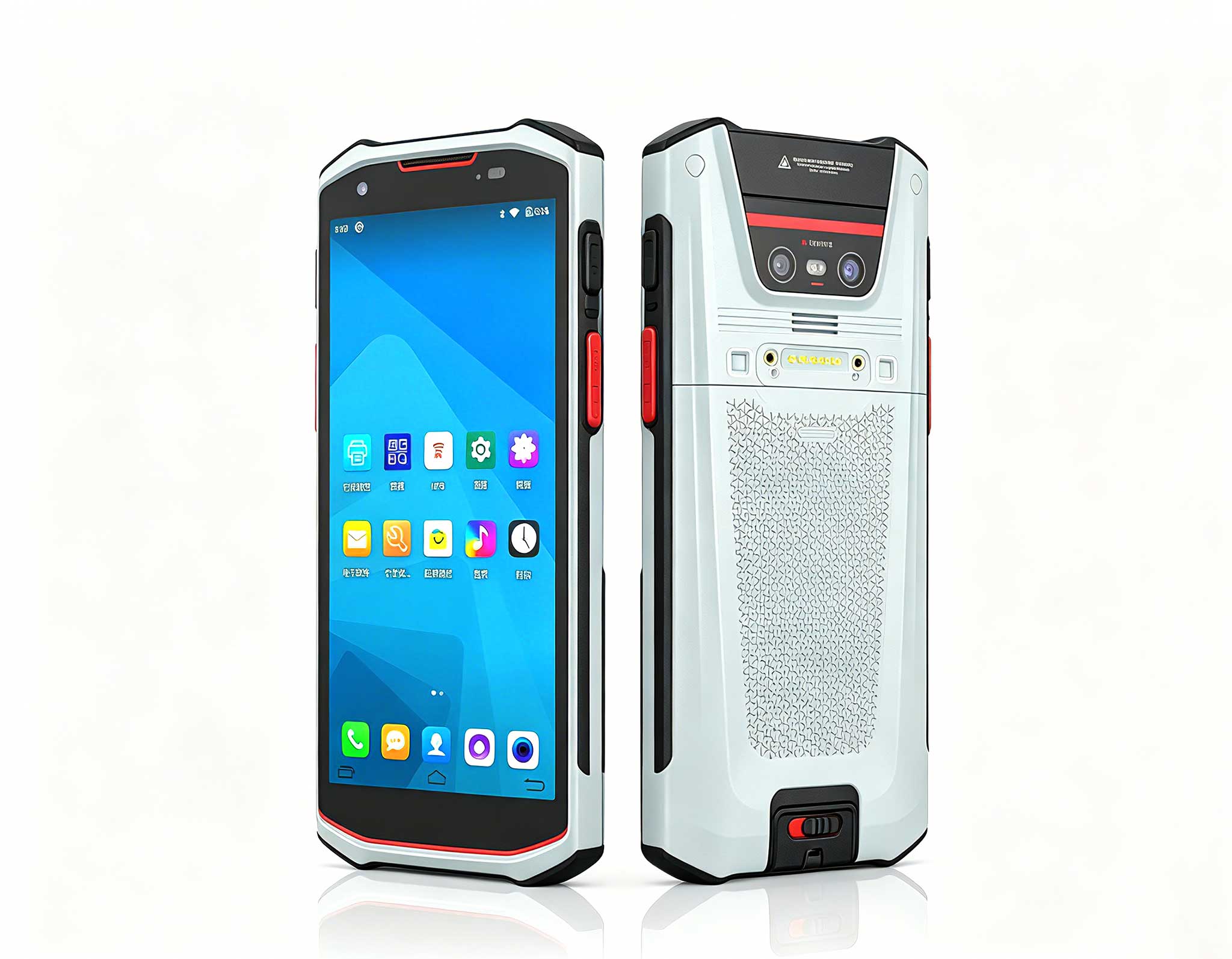
R530C 6.0-inch Industrial PDA | Qualcomm Octa-core...
Technical SpecificationsModel: Palm-sized miniPCTy...
RS51 4G Rugged Handheld Terminal | 6.3" FHD+ ...
The T80 handheld PDA combines advanced barcode sca...
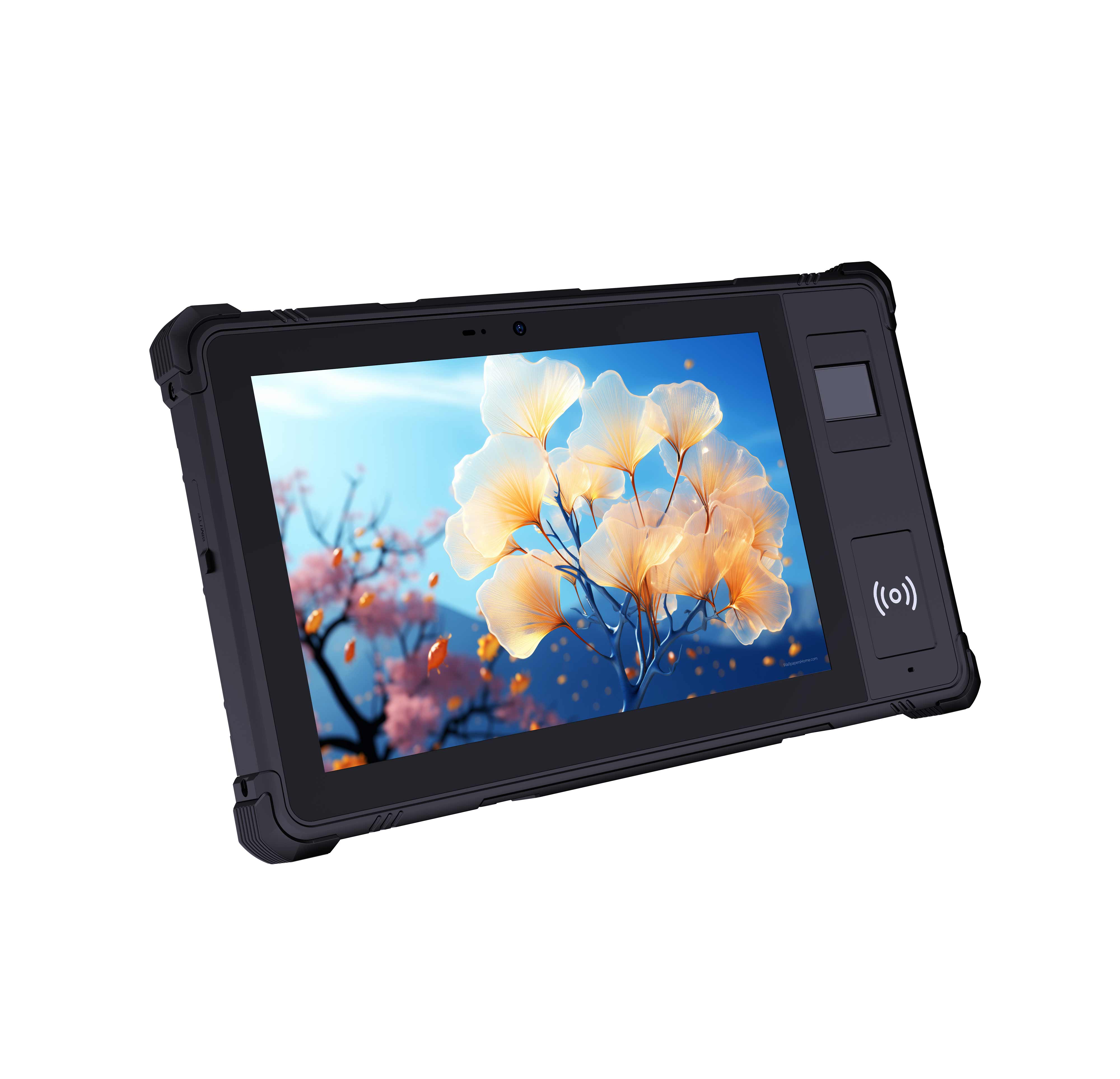
P8 Series 8-Inch Rugged Industrial Tablet PC Mobi...
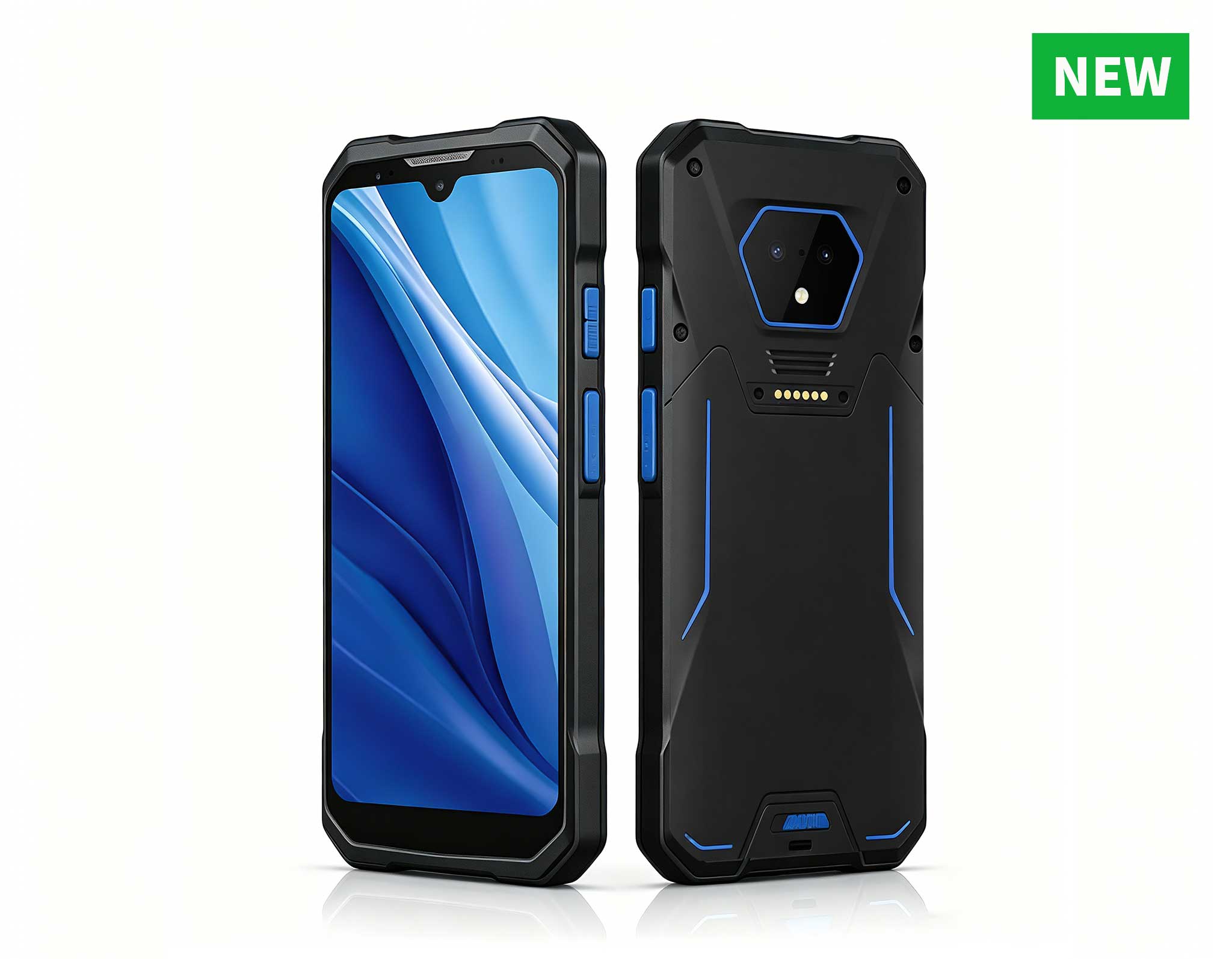
RS50 5G Rugged Handheld Terminal | 6.3" FHD+ ...
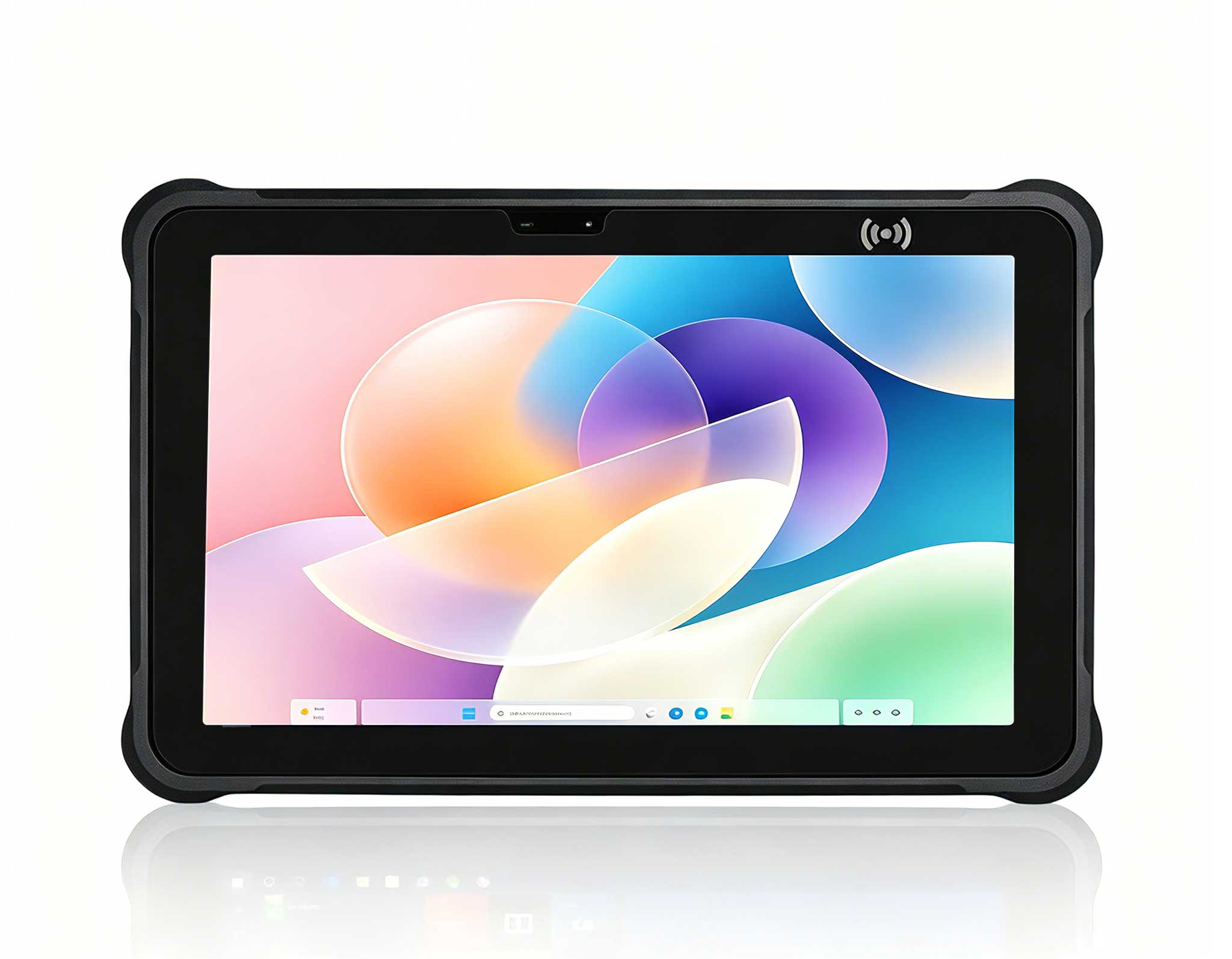
Full SpecificationsModelHotus ST11‑UOSWindows 10 P...
Explore our customized PDA designed for versatile ...
From the unknown so simpleUsed for mobile phones, ...
From my years of specifying hardware for point-of-care environments, I have learned that the tablet on the wall matters as much as the software it runs. A clinic lives or dies on how fast a nurse can pull up a chart at the bedside, and a dusty, cracked consumer tablet simply will not survive the cleaning chemicals and accidental drops of daily care. For readers planning a similar rollout, I have written dedicated medical workstation solutions that cover the hardware shortlist and the cabling behind it. This guide walks through the actual deployment steps I use when putting rugged Windows tablets into a working clinic, from the first wall mount to the last shift-handover checklist.
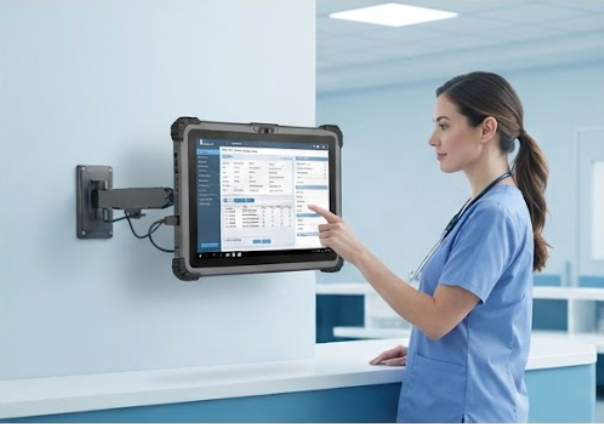
The ST13-U is the unit I reach for when a screen needs to stay put. Its 13.3-inch display and VESA-friendly housing make it a natural fit for a fixed nursing station or a wall arm at the triage desk, where staff pull up records dozens of times per shift. I treat the mount as part of the deployment, not an afterthought: a proper arm keeps the unit clear of splash zones, puts the screen at eye level, and leaves the ports reachable for the occasional cable swap. Because the ST13-U runs full Windows 11 Pro, it drops straight into existing domain policies and clinical applications without a second operating system to manage. If you want the exact build sheet and port layout before you commit, the <a href="https://www.hotusprojector.com/products/rugget-tablet/888.html" title="Hotus ST13-U 13.3" Rugged Industrial Tablet">ST13-U product page carries the current configuration options.
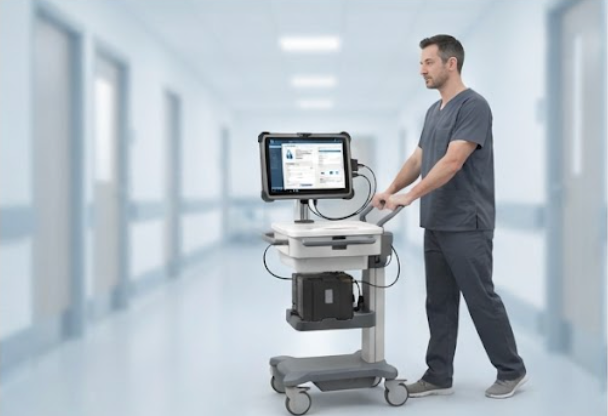
A tablet that dies mid-round is worse than no tablet, so the second deployment decision is power. The ST13-J takes the same 13.3-inch rugged platform and turns it into a mobile workstation on a rolling cart, the kind that follows a clinician from room to room. I spec a hot-swappable battery or a cart-mounted dock so the unit is never offline during a shift change, and I route the charging cable through a strain-relief gland so it survives being yanked across a threshold. The ST13-J keeps the sealed, drop-tested body of the series while adding the runtime a mobile workflow demands, which is exactly why I pair it with the fixed ST13-U at the station rather than mixing brands and management tools.
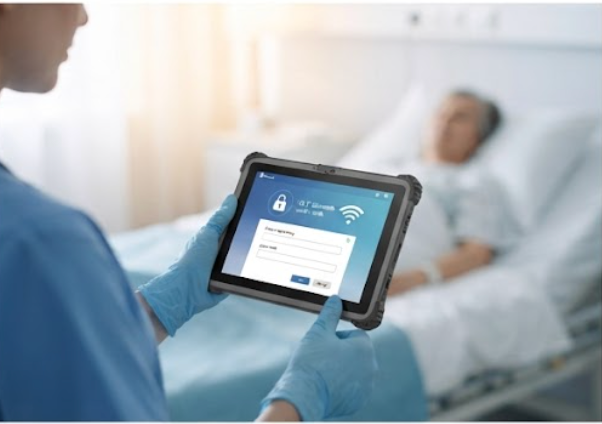
The bedside is where connectivity stops being a nice-to-have. The ST11-J is the smaller 10.1-inch member of the family, and I deploy it as the companion device for patient intake and bedside verification, where a lighter unit is easier to hand over and wipe down. I lock it to the clinic's secure SSID with certificate-based authentication, keep a cellular fallback on units that leave the building, and disable unused radios to trim both attack surface and battery drain. Reliable wireless is what makes the ST11-J useful at the point of care instead of another screen waiting on a spinner, so I verify signal strength in the farthest exam room before signing off the rollout.
| Device | Display | Operating System | Rugged Build | Best Deployment Role |
|---|---|---|---|---|
| ST13-U | 13.3" FHD touchscreen | Windows 11 Pro | IP65 sealed, drop-tested, MIL-STD-810H | Fixed wall or arm workstation, nursing station |
| ST13-J | 13.3" FHD touchscreen | Windows 11 Pro | IP65 sealed, drop-tested, MIL-STD-810H | Rolling cart, mobile workstation |
| ST11-J | 10.1" FHD touchscreen | Windows 11 Pro | IP65 sealed, drop-tested, MIL-STD-810H | Bedside companion, patient intake |
Exact processor, memory, and storage options vary by build, so confirm the current specification with the product page before you order a batch for the whole site.
Disinfection is where most deployments quietly fail. I brief staff to use the clinic-approved wipes and to power the unit down before cleaning, paying attention to the seams around the screen and the barcode or RFID reader if one is fitted. The sealed chassis of this series shrugs off the daily wipe-down that destroys a consumer tablet, but the habit still matters: a unit with a fogged sensor or a loosened port is a unit that slows the next shift. Build the cleaning step into the handover checklist and the hardware lasts for years instead of months, which protects the original budget and keeps clinicians trusting the tools in their hands.
Choosing between the three comes down to where the screen lives. A fixed station wants the larger ST13-U on an arm; a cart that moves with the clinician wants the ST13-J and its longer runtime; a bedside or intake point where weight and frequent sanitizing dominate wants the compact ST11-J. Sizing the device to the task is cheaper than over-specifying every unit, and the rugged device range gives you the three tiers without mixing operating systems or management tools. Walk each room once with a tape measure and a wifi survey, and the right count of each model becomes obvious before you spend a cent.
Start the rollout with one fixed station and one mobile unit, prove the workflow for two weeks, then scale to the bedside. To go deeper on part choices, mounting kits, and the cabling that keeps a clinic tidy, explore our mini PC solutions and the deployment notes published alongside them.