- Select Language
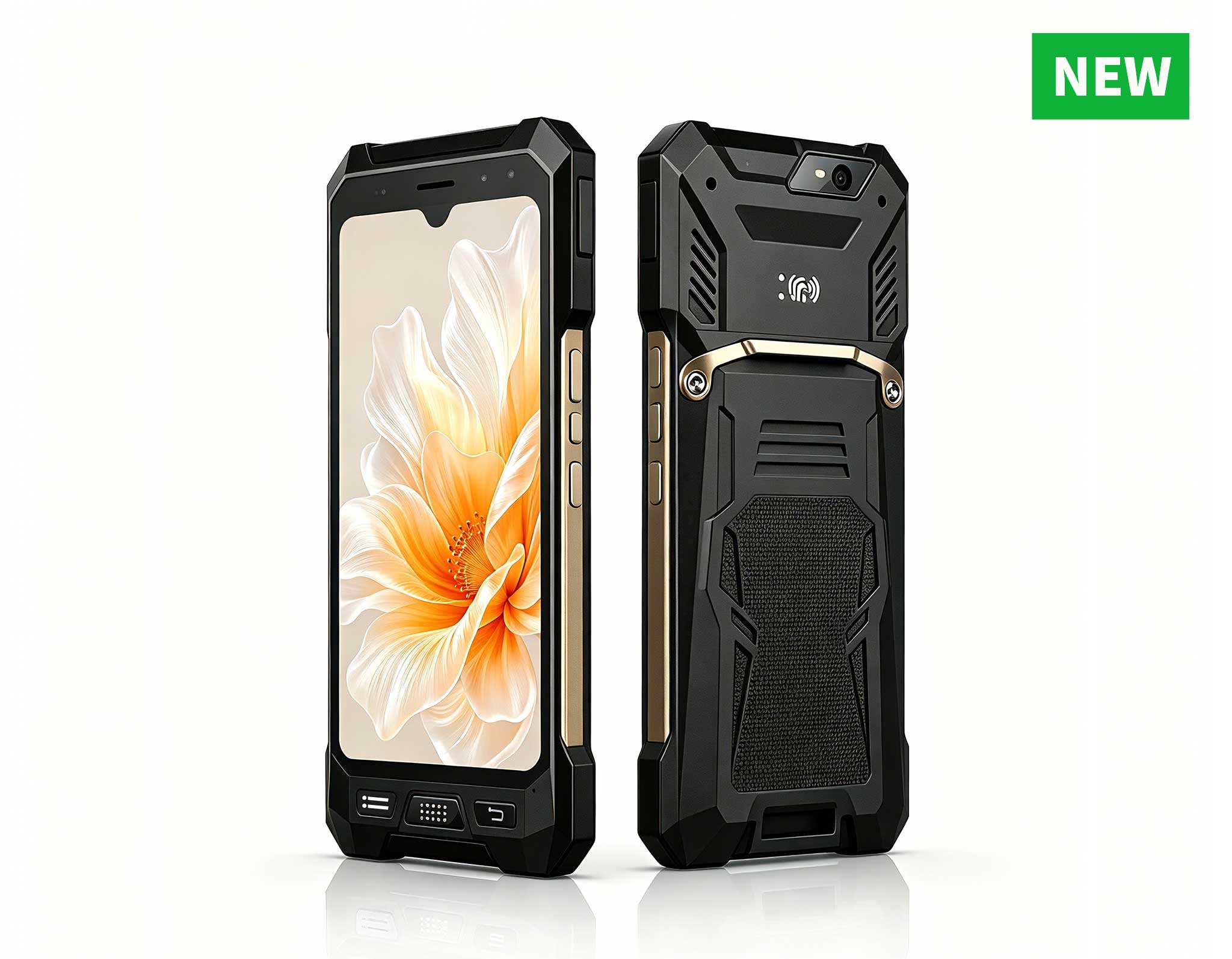
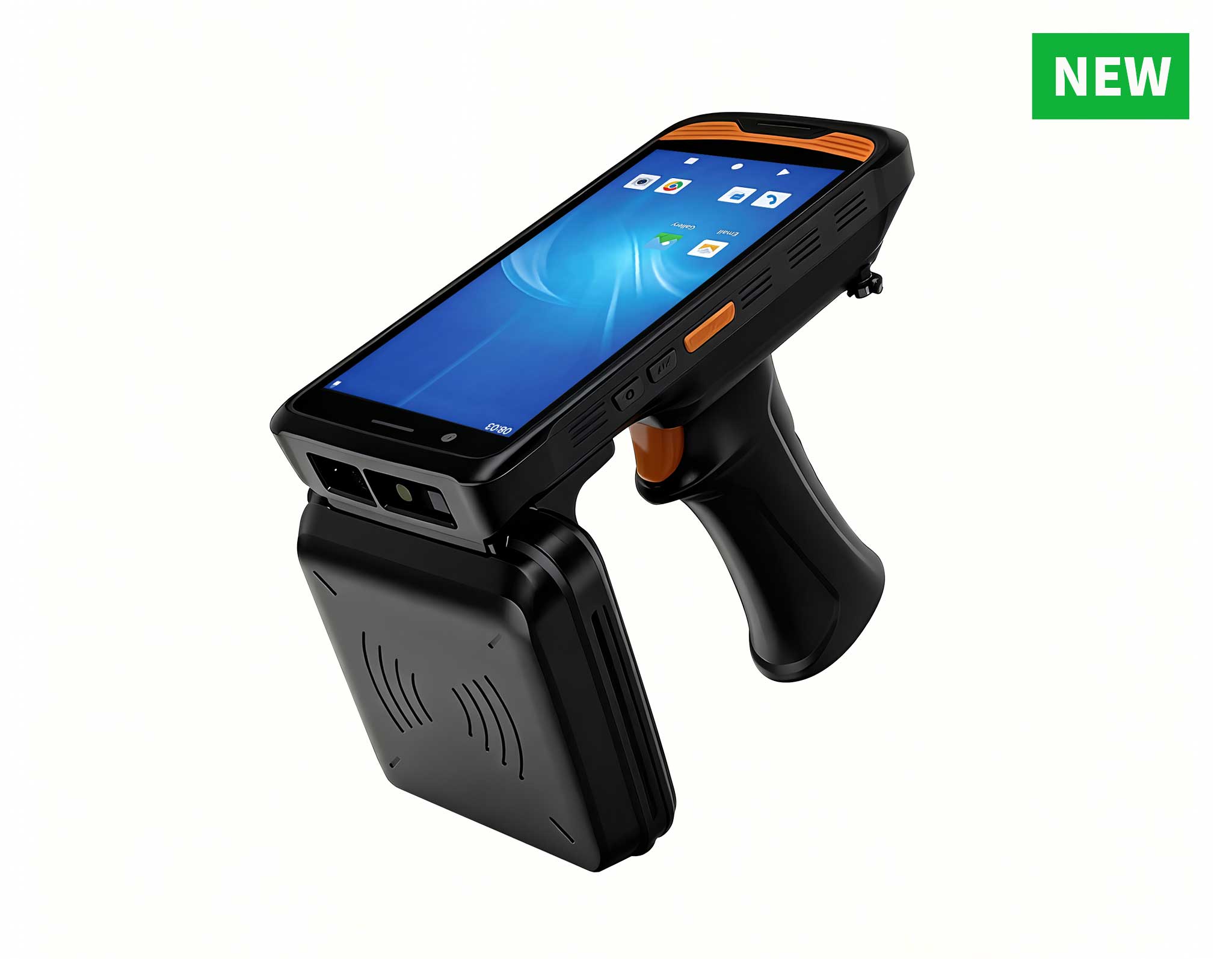
R530C 6.0-inch Industrial PDA | Qualcomm Octa-core...
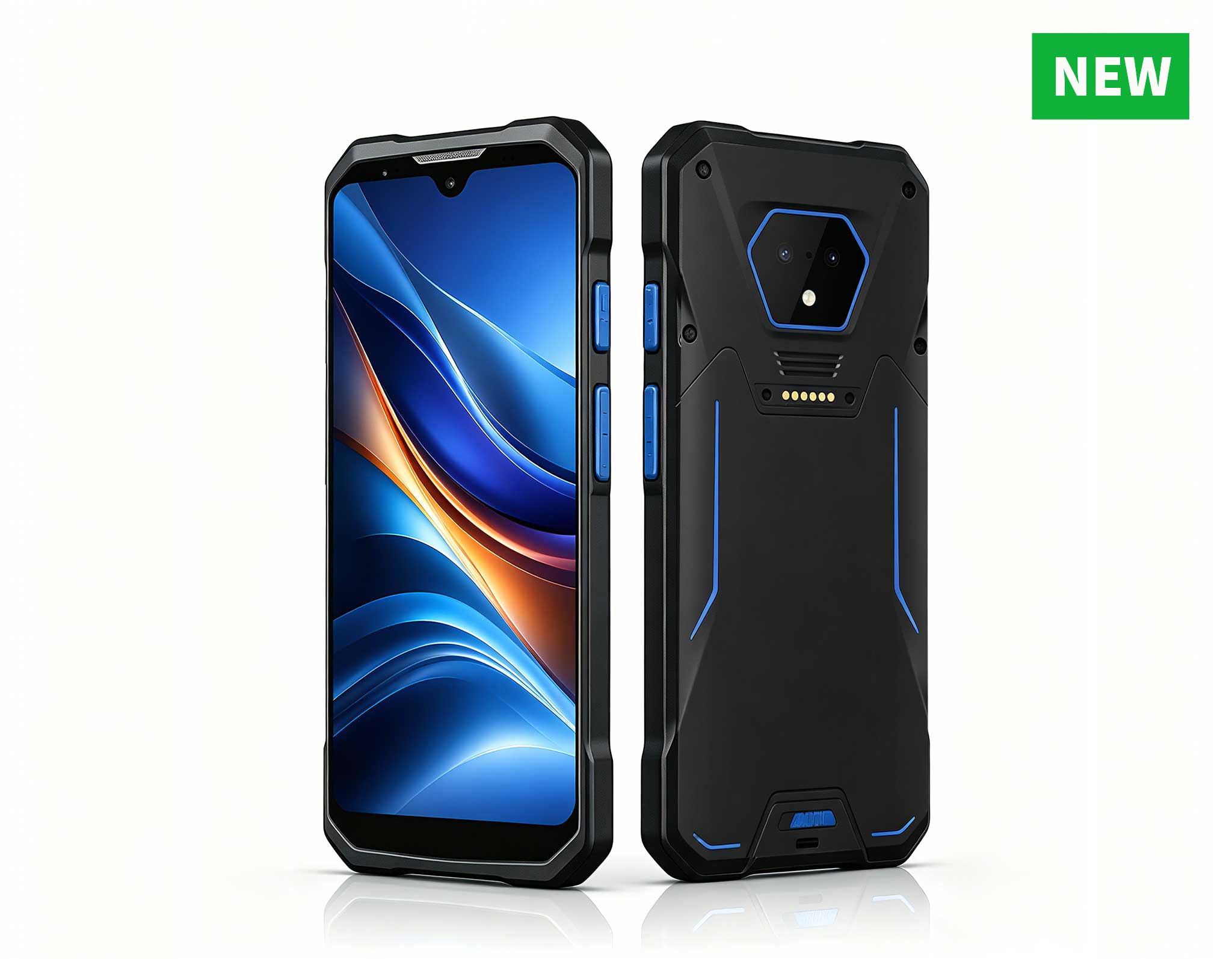
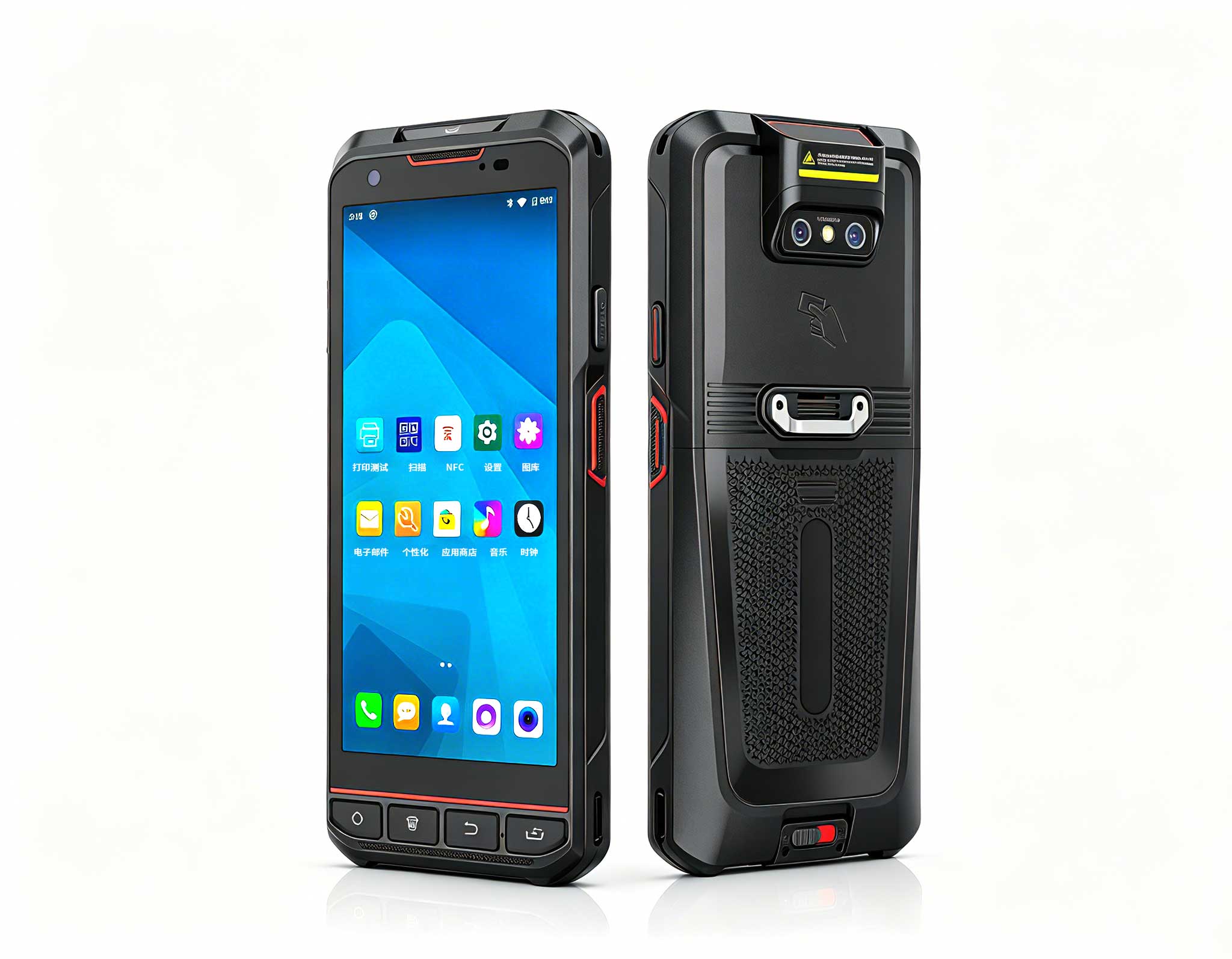
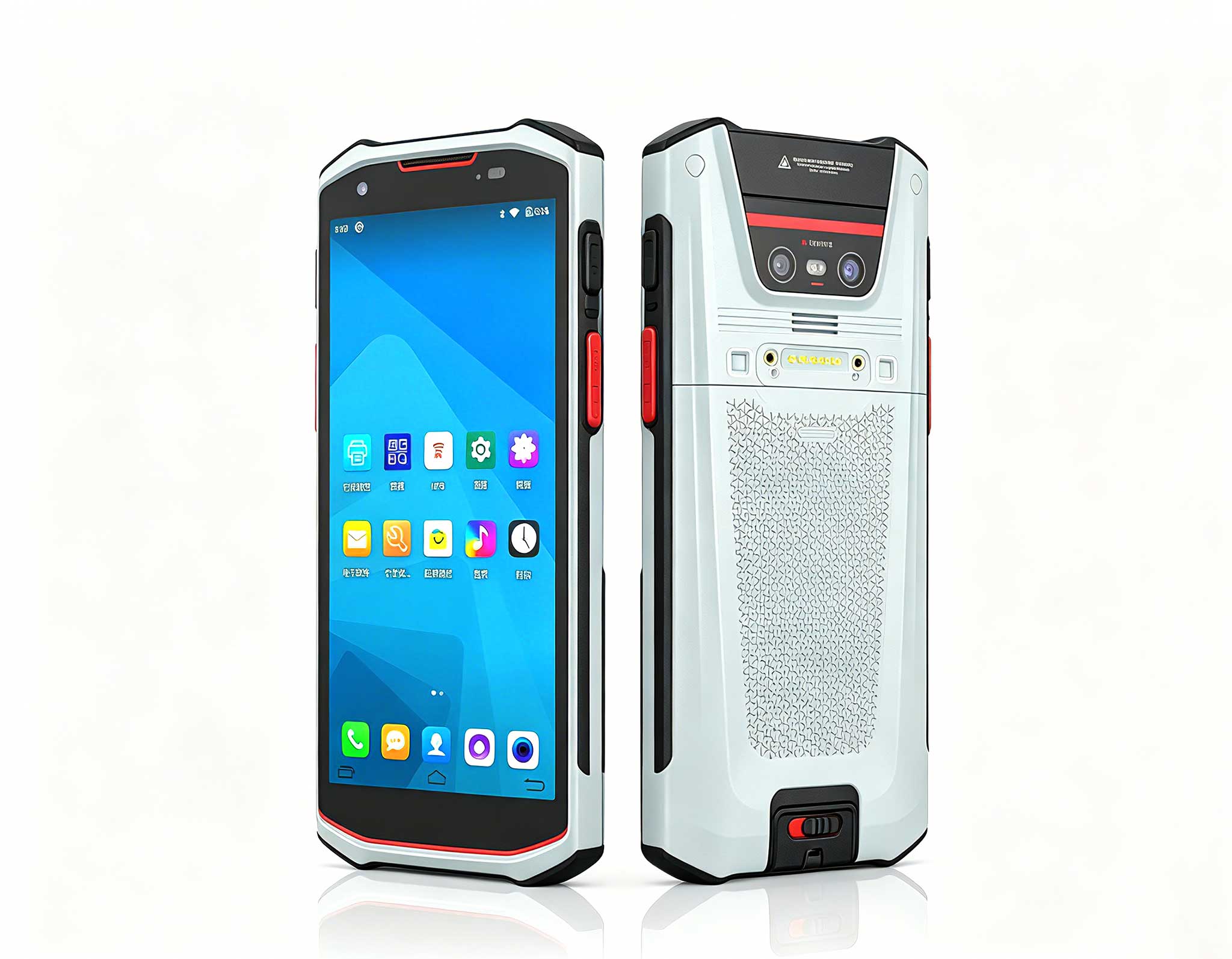
RS51 4G Rugged Handheld Terminal | 6.3" FHD+ ...
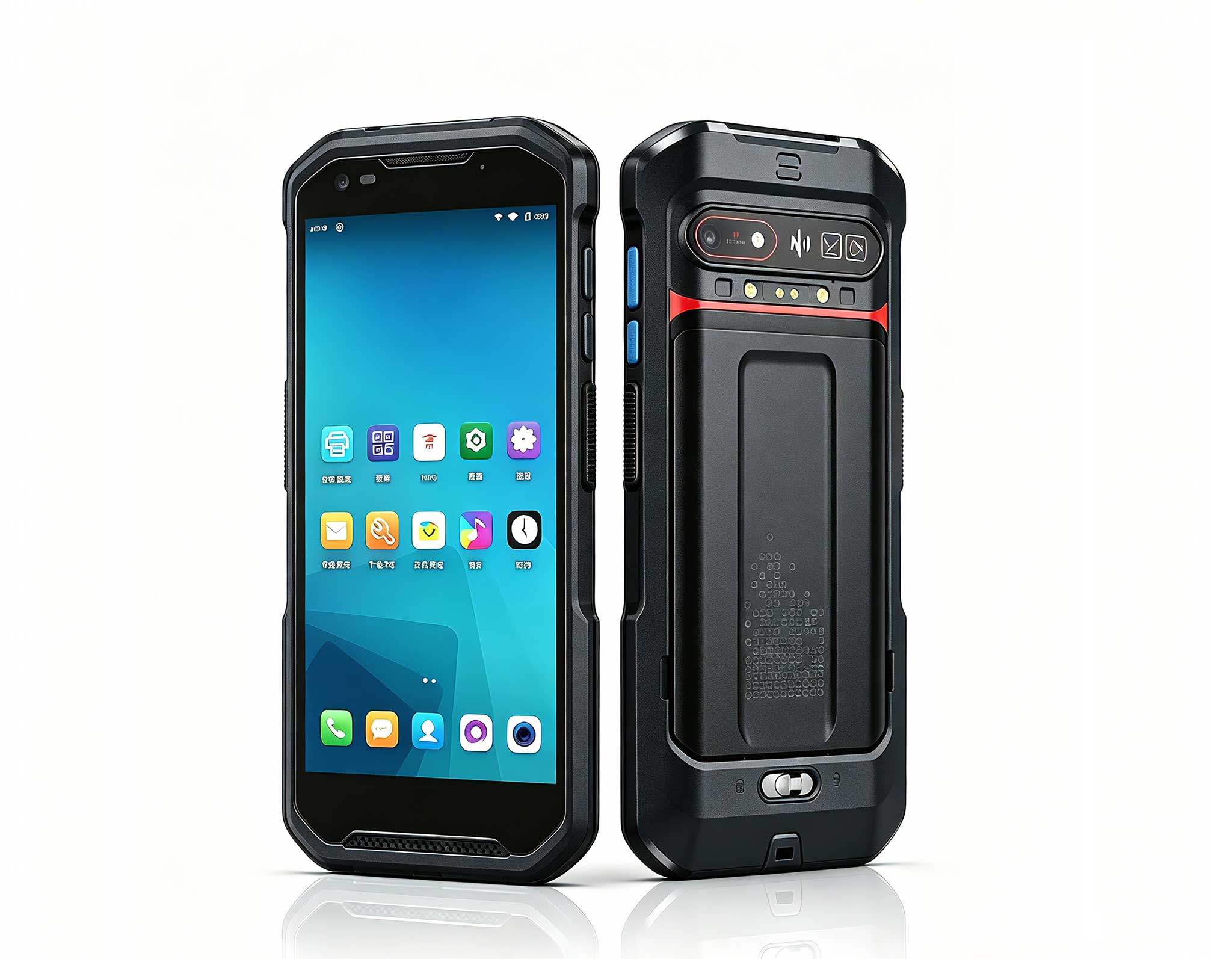
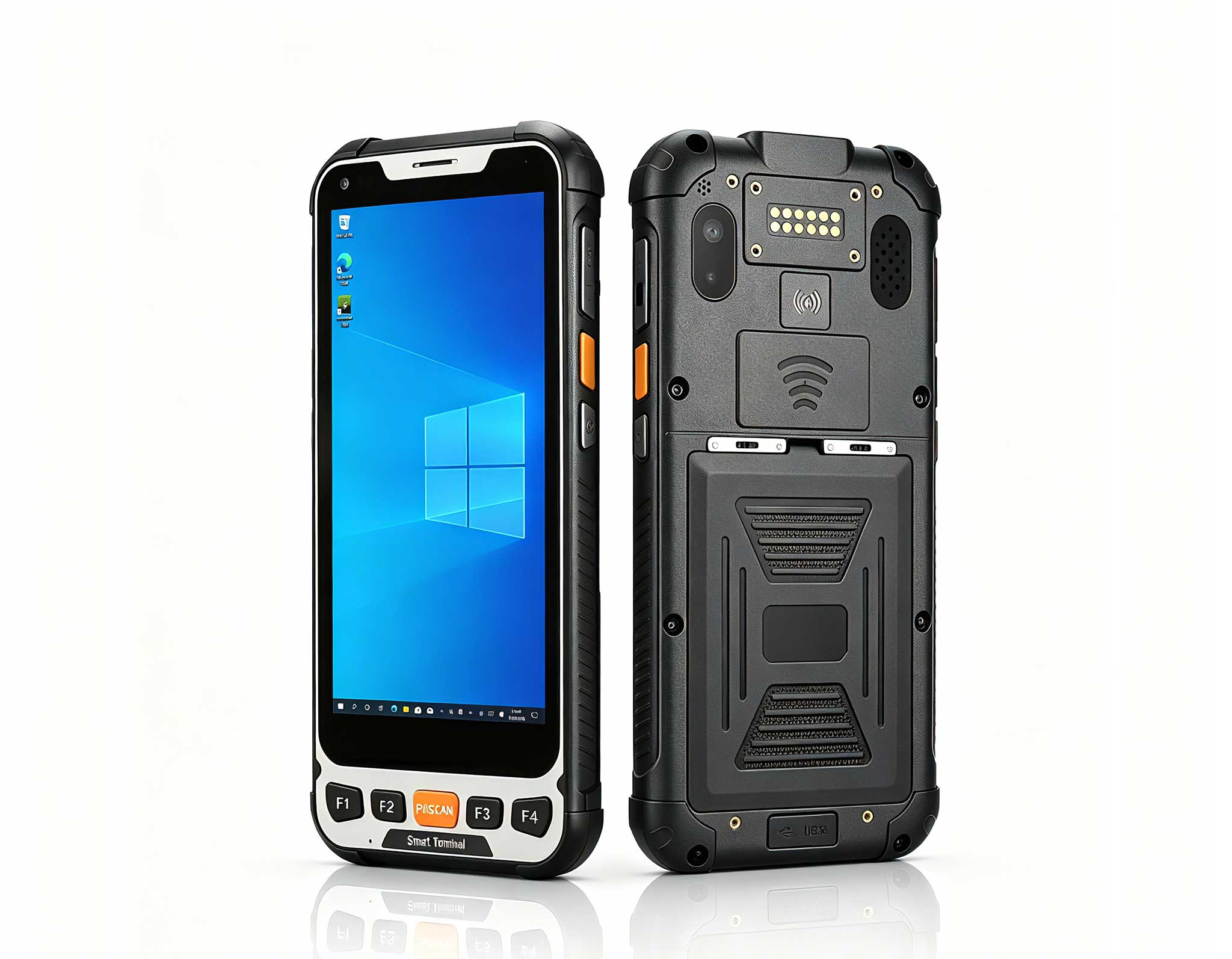
The F505 Handheld PDA is a compact, high-performan...
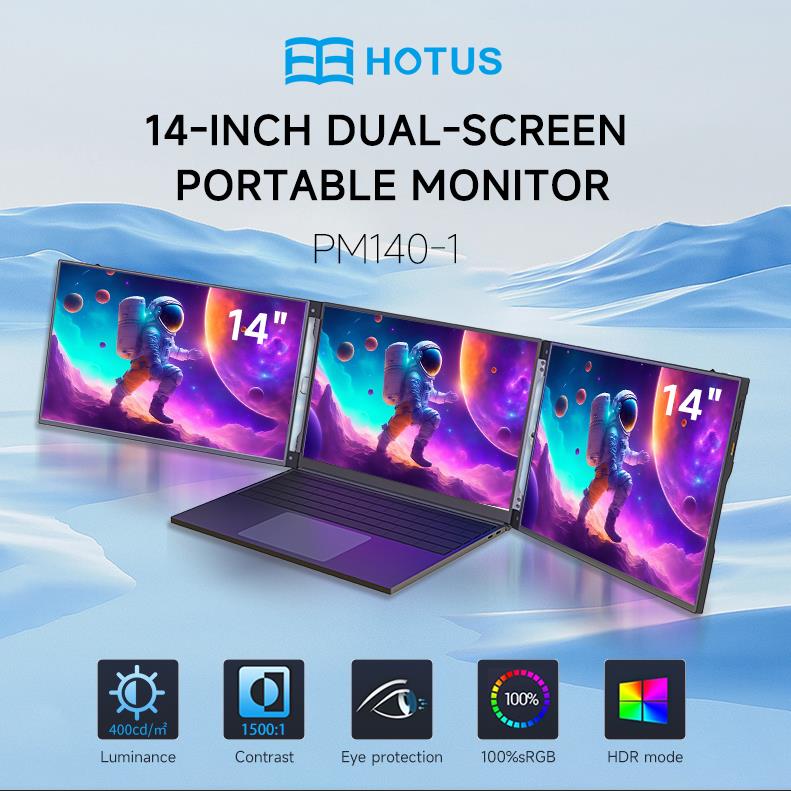
One Device, Dual Functions – A Projector and a Com...
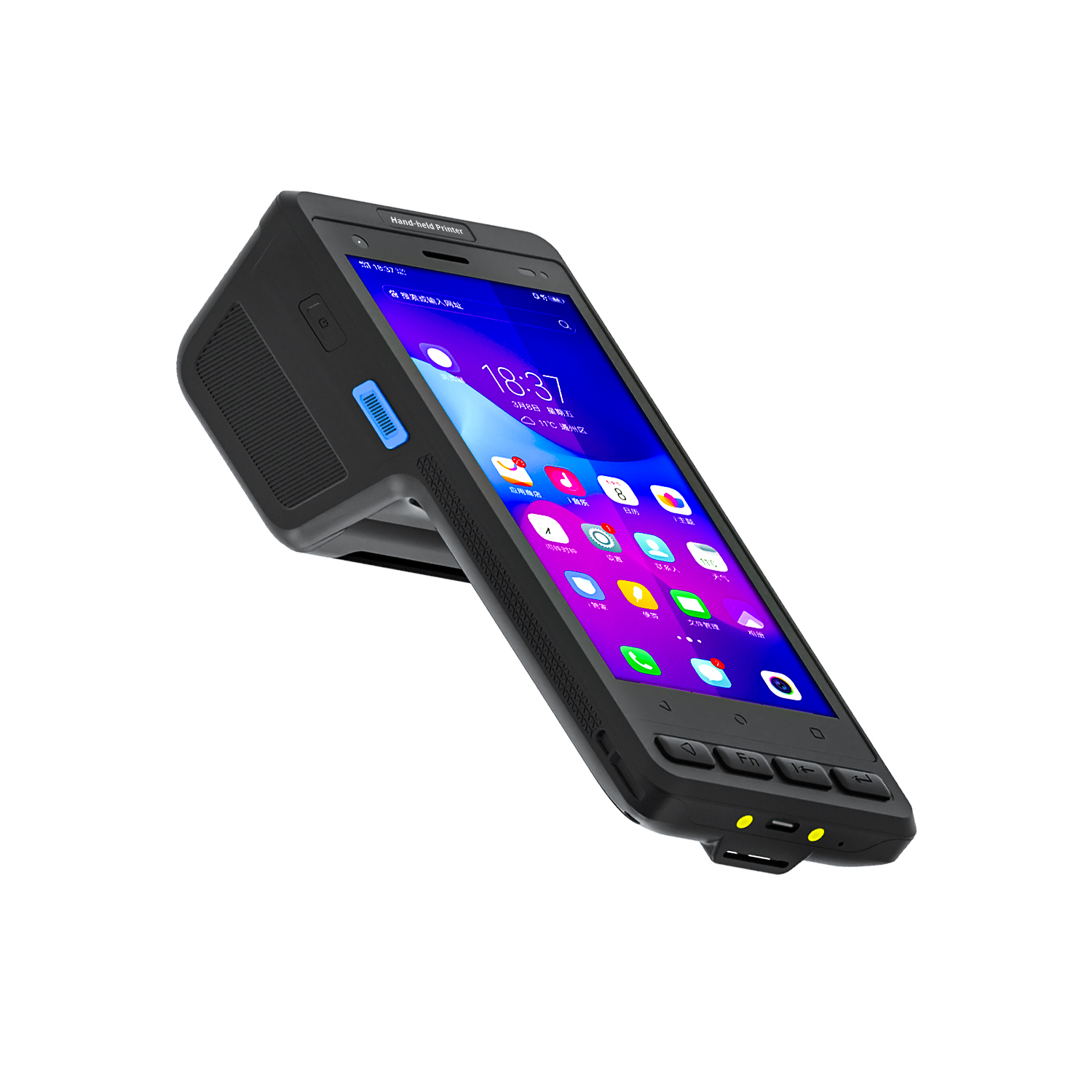
The X501 Handheld PDA combines advanced barcode sc...
Full SpecificationsModel Hotus SH5‑WOperating ...
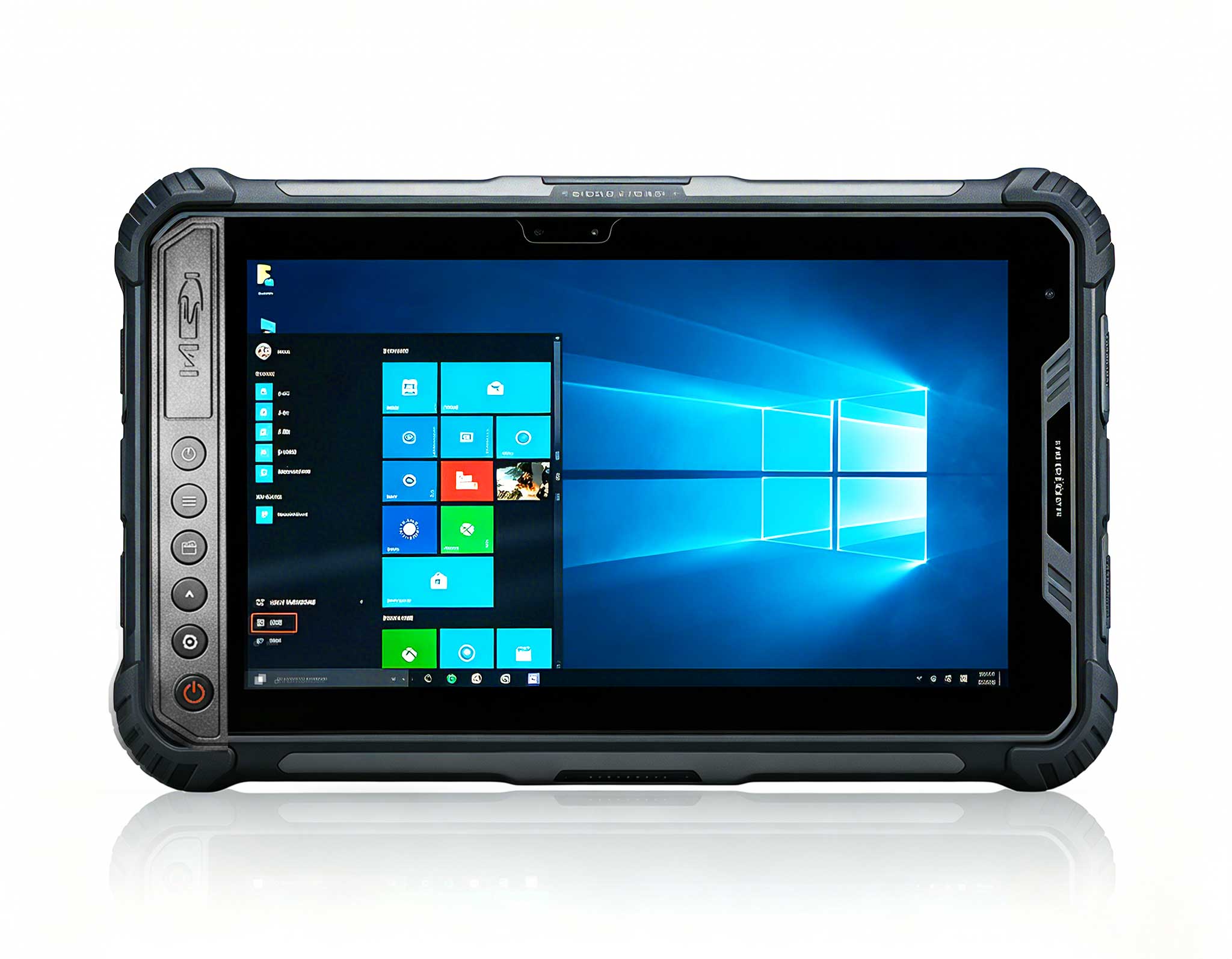
Full SpecificationsModelHotus ST9‑MOSWindows 10/11...
R366C-S 5.5-inch Industrial UHF RFID Reader | Qual...
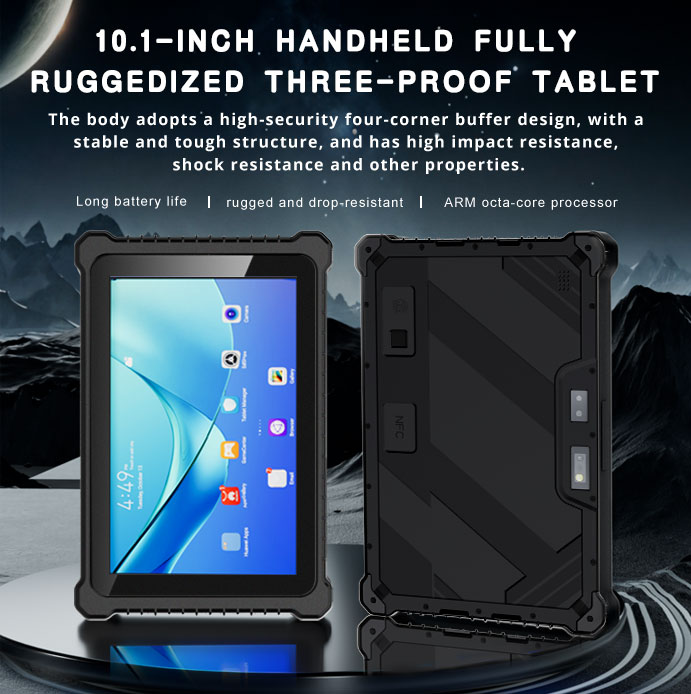
Explore our customized PDA designed for versatile ...
The F505 Handheld PDA is a compact, high-performan...
Building a big-screen gaming session and movie night at home sounds simple until the picture drops, the sound drifts, or the fan screams under load. Over the last few years I have assembled more than a few living-room battle stations, and almost every failure traces back to the same small set of avoidable mistakes in the signal chain. The good news is that the right hardware removes most of these problems before they ever appear. For a compact and repeatable build I keep returning to a small source PC paired with a portable projector, and for readers planning a similar room I have written dedicated gaming entertainment solutions that walk through the parts and the wiring.
A black screen is the most common panic moment. Nine times out of ten the projector is simply waiting on the wrong input, or the source pushed a resolution the display cannot lock. The H2 Mini Portable Projector handles both HDMI and wireless cast, so when the signal vanishes I first confirm the input source on the projector menu, then drop the output to 1080p to re-establish the handshake before stepping back up to 4K.
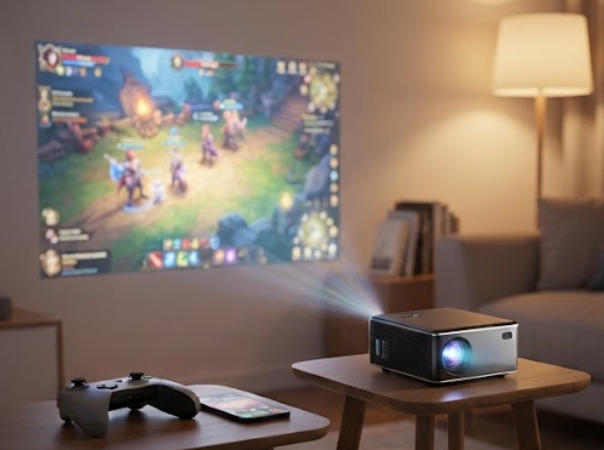
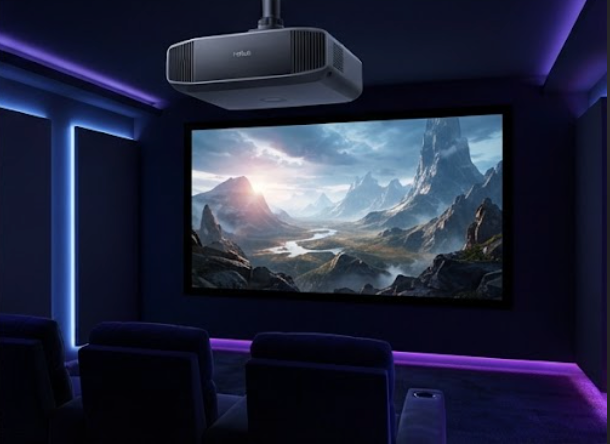
The 4K Home Projector is sharper but less forgiving: it refuses a weak 4K signal and falls back to nothing rather than a lower mode. A certified high-speed HDMI cable and a source that truly outputs 4K solve it. If you are weighing a portable unit against a fixed 4K model, the trade is brightness and throw distance versus pixel density, and both fail the same way when the cable lies about its bandwidth.
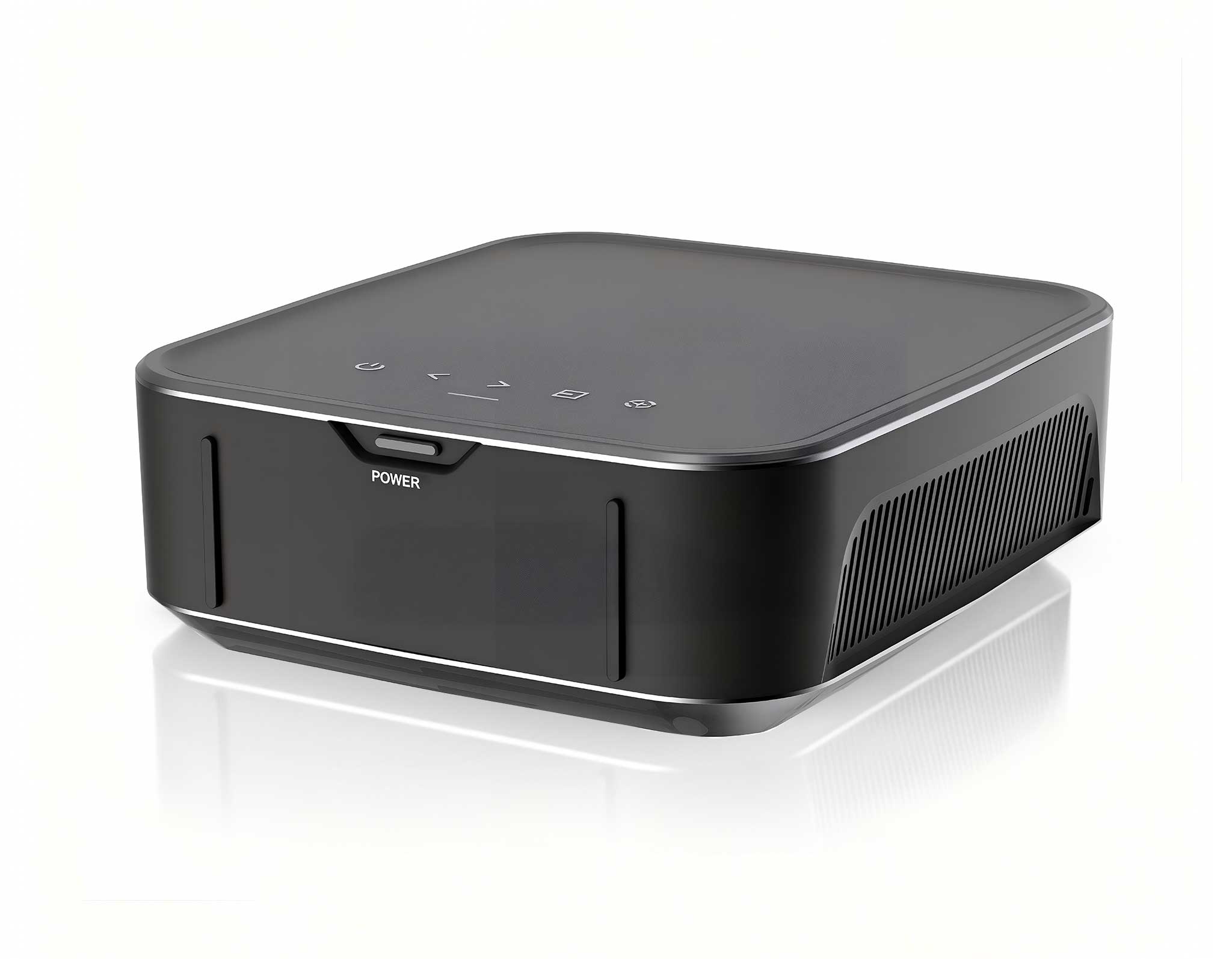
The picture is fine but the lips are not. Audio lag usually means the source selected the wrong playback device, or the Bluetooth path added latency the video path did not carry. The HCAR5000 MI is the brain of this build, an HCAR5000 MI AMD Ryzen 5000H mini PC that runs the games and the streaming apps. I set the default output to the HDMI device, disable exclusive mode in the audio control panel, and keep Bluetooth for headphones only, never for the main speakers.
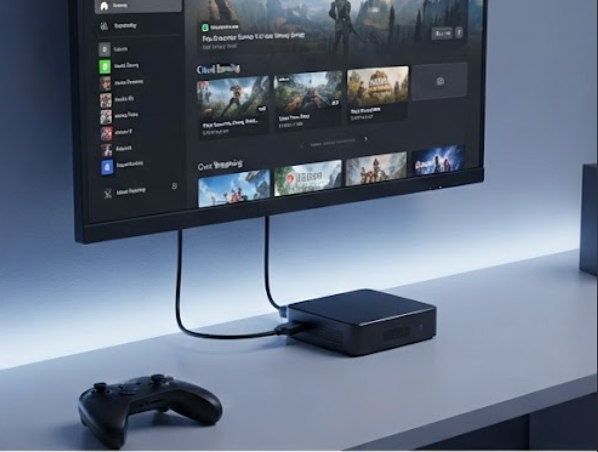
A mini PC pushed through a long gaming session will thermal throttle, and the symptom looks like a network stutter or a frame drop rather than heat. The HCAR5000 MI often sits close to the projector exhaust in a tight cabinet, so I lift it off the shelf, leave two centimeters of air on every side, and clean the intake every couple of months. Stable clocks beat a higher peak that collapses after ten minutes. A small USB fan pointed at the intake removes the last of the spikes during summer sessions.
Soft edges are almost always focus, not resolution. The H2 Mini Portable Projector auto-focuses on power-up, but it can lock onto a nearby wall instead of the screen, so I trigger a manual focus before the movie starts. The 4K Home Projector needs a flat, squared target and a corrected keystone; forced digital keystone steals sharpness, so I physically aim the unit at the wall instead of relying on software correction.
Casting from a phone or laptop is convenient and fine for slides, but for gaming it adds a buffer the display cannot hide. On the H2 Mini Portable Projector I keep wireless cast for casual use and run a short HDMI cable for anything competitive. A 5GHz network with the source in the same room cuts most of the stutter; a crowded 2.4GHz band is the usual culprit when frames arrive late. If the room has thick walls, a wired connection simply wins.
| Device | Role in the build | Main connection | Most common failure | Best for |
|---|---|---|---|---|
| H2 Mini Portable Projector | Portable picture source | HDMI, wireless cast | Wrong input, auto-focus on wall | Casual gaming, movie nights anywhere |
| HCAR5000 MI | Source PC, runs games and apps | HDMI out, USB-C | Audio device pick, thermal throttle | Native gaming, streaming hub |
| 4K Home Projector | Fixed 4K picture source | HDMI, certified cable | 4K handshake fail, keystone blur | Dedicated home theater room |
The chain is only as strong as its weakest link, and the source device decides most of the experience. If you mostly stream and browse, a compact projector alone is enough; if you run games natively you need a real PC behind it, and the Hotus Mini PC range gives you a small, quiet box that hides behind the screen. Match the projector to the room brightness, match the cable to the signal, and the failures above largely stop happening.
Ready to build your own setup? Start from a clear room plan, pick one source and one display, and wire them with margin to spare. To go deeper on part choices and real-world builds, explore our mini PC solutions and the setup guides published alongside them.