What Gets Written Down Between Games
A lift log provides far more practical insight than a technical specification sheet when determining proper sizing for an entertainment environment. A single tally mark indicates a decision executed away from the primary display: verifying a score, updating a playlist queue, transferring control to the next player, or confirming turn order. Across a two-hour session, dozens of such interactions accumulate unevenly, concentrating heavily on the lightest panel while leaving fixed displays untouched.
This distribution shift defines current hardware procurement trends. Multi-screen environments now deploy a spread of form factors where each panel justifies its presence through interaction volume. Two devices weighing 350 g and 1450 g respectively can sit on the same coffee table playing identical media, yet one will be manipulated dozens of times while the other remains static. Designing around physical handling frequency prevents the common pitfall of outfitting a room with heavy displays that users hesitate to reposition.
The tracking card itself functions as a simple index ledger. Rows 01 through 03 are pre-established, and session windows are logged prior to use. Vertical strokes indicate lifts, with directional arrows noting when a unit is handed directly to another participant. Tallying strokes in groups of five at the end of the evening yields clear interaction totals entirely independent of screen brightness or processor speeds.
The Smallest Panel Rarely Sits Still
Row 01 corresponds to the 5.5 Inch Handheld Rugged Tablet PC SH5-W, the lightest unit in the collection at approximately 350 g. Featuring a 5.5-inch display with 5-point touch capability and a Windows 10 Pro desktop environment, it allows users to execute quick checks without leaving their seat. During the tracked 19:40 to 21:50 window, this row accumulated thirty-eight distinct interaction marks. These occurred organically: checking scorelines between competitive rounds, adjusting playlists, passing player rosters along the armrest, and managing turn rotations.
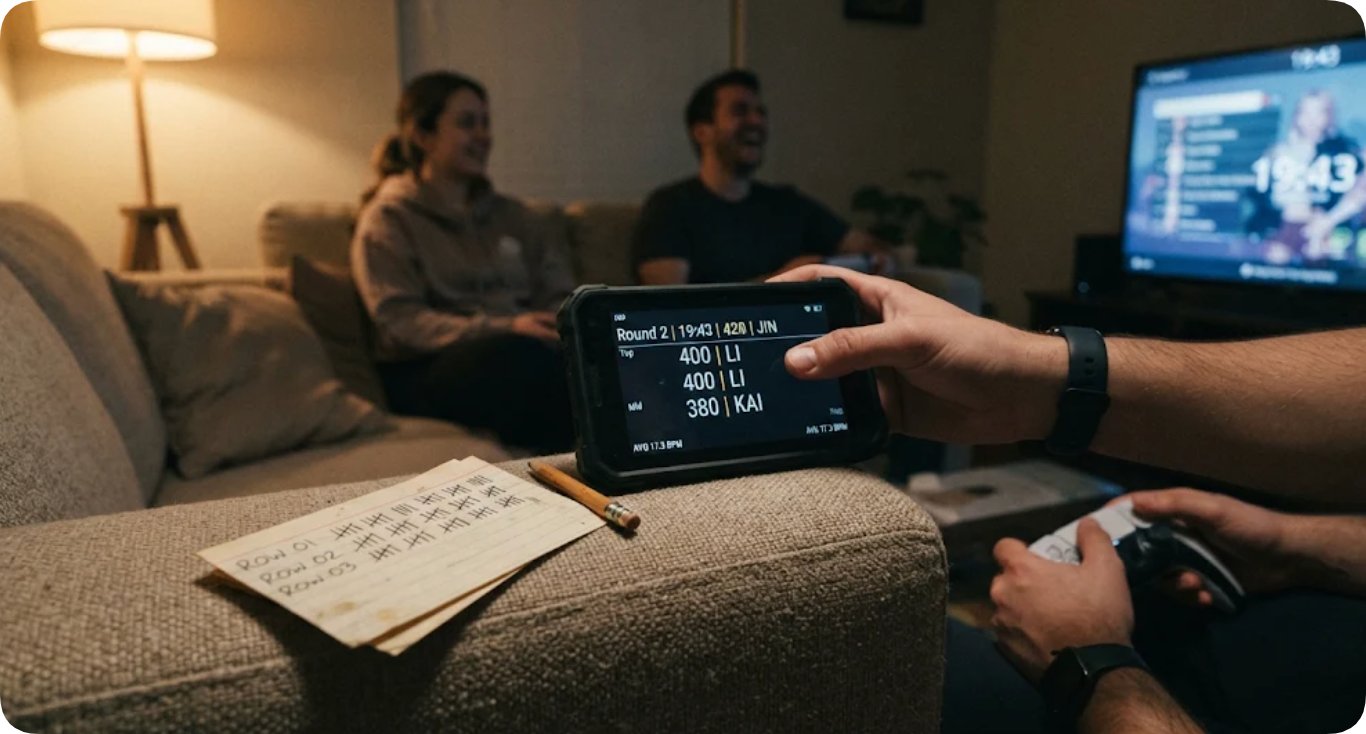
Because these actions are executed rapidly with one hand before the next game phase begins, physical ergonomics—such as thumb reach and touch target responsiveness—outweigh raw pixel density. The lightweight build and responsive touch layer directly answer the core operational requirement: whether the device can be lifted, read, and returned without requiring the user to put down controllers or shift posture.
A Mid-Size Unit Between Rounds
Row 02 represents the 10.1 Inch Windows Rugged Tablet PC ST11-J Supplier, weighing roughly 1150 g and requiring two-handed handling. Equipped with a removable battery pack rated for over eight hours, its session usage remained entirely independent of charging cables. The nine recorded interactions mapped to deliberate administrative milestones: establishing player lineups, modifying room automation profiles, adjusting lighting scenes, and logging closing notes.
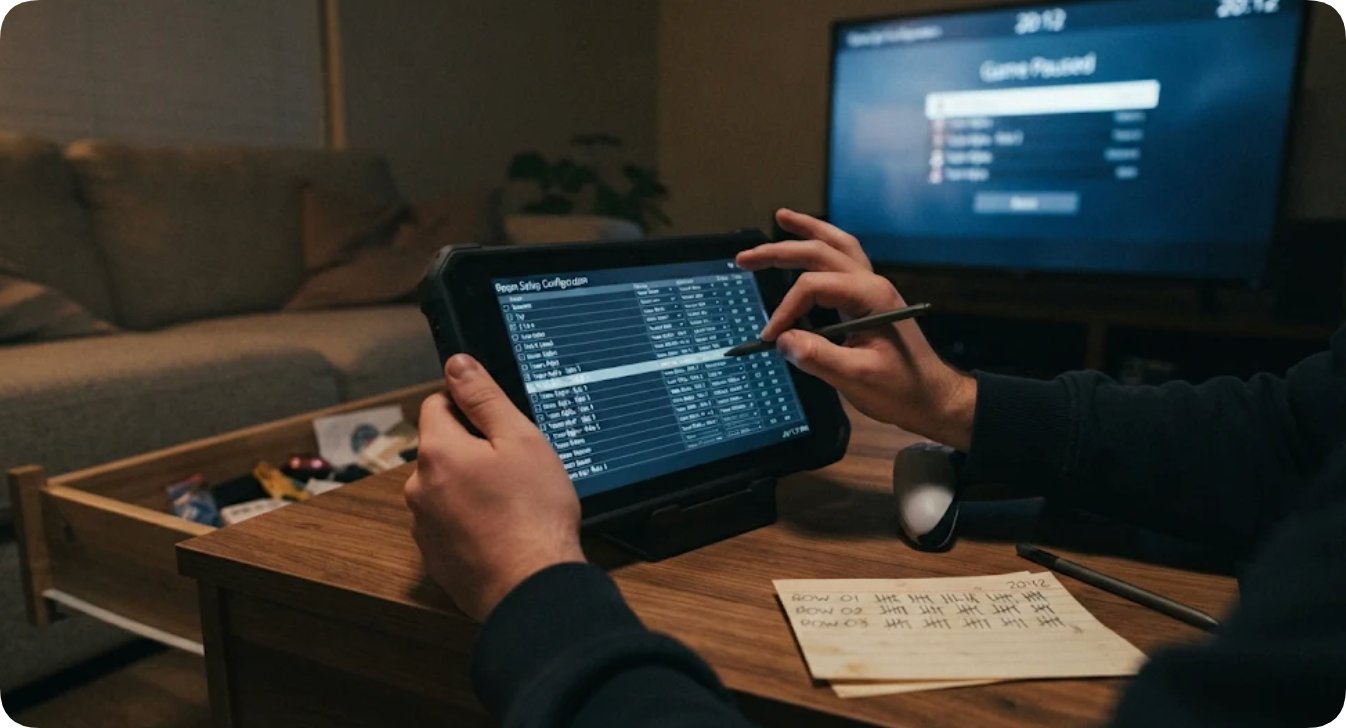
These deliberate lifts occur during transitional boundaries rather than mid-game gameplay. Consequently, expanded screen real estate (1200 x 1920 resolution), precise stylus support, and a 10-point touch layer prove essential for displaying complete tournament brackets or configuration menus without excessive scrolling. The removable power pack ensures the unit remains mobile throughout extended sessions without tethering the user to a wall outlet.
The Wide Panel That Opens and Closes the Night
Row 03 is assigned to the 13.3 Inch Heavy Duty Industrial Tablet ST13-J. Weighing approximately 1450 g, it functions as a stationary fixture rather than a handheld device, recording exactly two interaction marks on the log. The initial entry marked its mounting onto an adjustable eye-level stand prior to the session, while the second noted its removal at the conclusion of the evening. Throughout the event, this display maintained active scoreboards, guest lists, and schedules across its 1920 x 1080 frame for simultaneous group viewing.
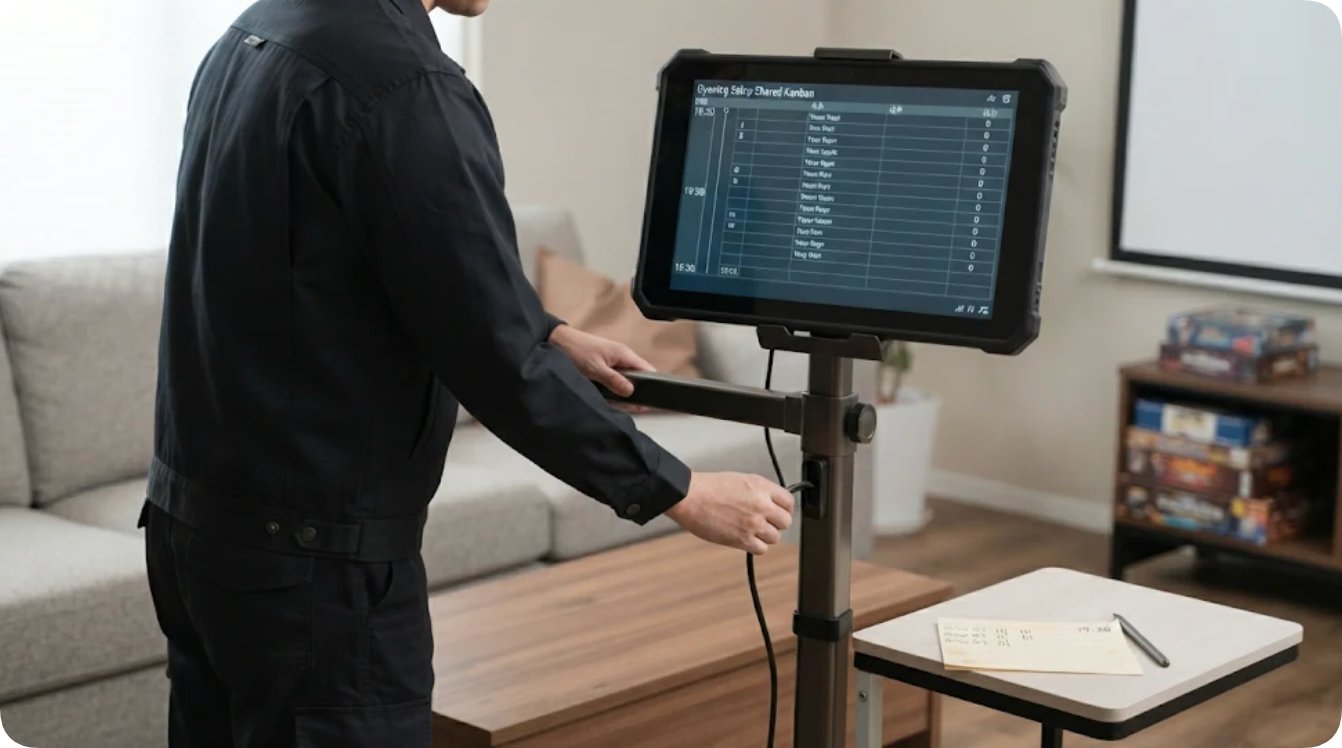
This low manipulation frequency represents an intentional design outcome. Operating as a shared informational board, its substantial weight and broad viewing area eliminate the need to pass devices around the room. Supported by an 8000mAh removable power pack, it anchors the environment during opening configurations and final summaries.
Published Hardware Specifications on a Common Basis
Official documentation across all three Windows rugged tablets highlights shared baseline engineering: IP65 ingress protection, 1.2-meter drop resistance, -20°C to 55°C operating thresholds, dual-band Wi-Fi with Bluetooth 4.2, integrated 4G LTE, and a 3-year limited warranty. Standardized physical dimensions and bare-unit weights allow for direct structural comparison.
| Published Field | SH5-W (Row 01) | ST11-J (Row 02) | ST13-J (Row 03) |
|---|---|---|---|
| Display Panel | 5.5" IPS; 1080 x 1920; 400 nits | 10.1" IPS; 1200 x 1920; 420–450 nits | 13.3" IPS; 1920 x 1080; 260–400 nits |
| Touch Input | 5-point capacitive | 10-point capacitive; stylus & wet-hand | 10-point capacitive; stylus & wet-hand |
| Processor Architecture | Intel Cherry Trail Z8350 quad-core | Intel Celeron N5100 quad-core | Intel Celeron N5100 quad-core |
| Memory & Storage | 4GB RAM; 64GB Storage | 8GB RAM; 256GB Storage | 8GB RAM; 256GB Storage |
| Power Subsystem | 3.8V 5000mAh (19.0Wh) | 7.6V 6000mAh (45.6Wh); removable | 7.6V 8000mAh (60.8Wh); removable |
| Physical Dimensions | 180 x 87 x 20 mm | 268.9 x 176.8 x 18 mm | 331.7 x 203.2 x 19.5 mm |
| Unit Weight | ~350 g | ~1150 g | ~1450 g |
| Operating System | Windows 10 Pro | Windows 10 Pro / Windows 11 Pro | Windows 10 Pro |
Additional customization parameters, such as alternative battery capacities and OS variants, are detailed in the official Hotus Smart Hardware Products Manufacturer Catalog.
Frequently Asked Questions (FAQ)
1. How many screen sizes should a versatile entertainment room maintain?
Three distinct form factors optimize space utility: a 5.5-inch panel for mobile handheld interaction, a 10.1-inch panel for lap-based configuration, and a 13.3-inch panel mounted on a stationary stand. Interaction logs confirm that each size addresses operational demands the other two cannot absorb.
2. Does the largest display panel require the highest battery capacity?
No. The 13.3-inch unit utilizes an 8000mAh removable pack while remaining stationary on a fixed stand throughout the session, whereas the 5.5-inch unit operates effectively on a 5000mAh pack despite being manipulated thirty-eight times. Battery sizing correlates directly with physical repositioning frequency rather than screen diagonal dimensions.
3. What metrics should be recorded on a functional room interaction log?
Logs should capture row identifiers, precise timestamps, and the specific functional trigger for each interaction. Tracking raw tallies without contextual notes prevents differentiation between quick score checks and complex roster adjustments.
4. Which tier should replacement hardware be prioritized for first?
Replacement planning should prioritize Row 01 (the 5.5-inch handheld unit) because it absorbs the vast majority of physical interactions, with every lift representing a streamlined one-handed action essential to the room's workflow.
The video below illustrates rugged handheld tablet usability, touchscreen navigation, and multi-device workstation setups in interactive environments.