A hoist never fails politely. It drifts out of tolerance over weeks — a brake that releases a half-second late, a hook that no longer seats square, a limit switch that needs a second tap — and the paperwork is where those drifts either surface early or stay buried until a certification auditor finds them. A heavy-equipment plant we have supplied for three quarters rebuilt its entire hoist and crane checking routine around exactly this problem last spring, and the redesign had nothing to do with sensors or telemetry. It was a paper-to-tablet migration with one rule attached: whoever performs a check enters it on the spot, on the device, and the day's records close themselves at four o'clock. The fleet that carries the routine is deliberately mixed — two 13.3-inch Windows tablets for the shop floor and a 10.1-inch Android unit for the yard — and the reasons for that mix are the substance of this article. We walk the round in order: the press-shop hoist before first shift, the machine line after coffee, and the yard gate before the transport trucks queue.
What the Plant Runs and What the Forms Ask For
The site builds mobile crushing and screening plant, which means its internal logistics live on overhead hoists, gantry cranes and a yard full of heavy trailers. Statutory checks split into three cycles: a quick visual before each lifting shift, a weekly functional pass on brakes and limit switches, and a documented third-party audit every twelve months. The old paper cards covered the first two badly — half the cards came back at the end of the week with blank boxes the supervisor had to chase — and the annual audit meant two clerks transcribing a shoebox of cards into a spreadsheet.
The redesign moved all three cycles onto one inspection application and gave each checking role a device sized to its work. The two shop-floor roles take large-format Windows units because the forms are dense: fourteen to twenty-two fields per asset, reference load charts, and a signature block that has to render legibly on screen for the auditor. The yard role takes a smaller Android unit because its work is one-handed between trailers, in dust, at arm's length. The hardware mix is deliberately boring: the shop floor runs the ST13-J on the press side and the ST13-U on the machine line, and the yard runs the RT81. Both large units carry the same 13.3-inch 1920 x 1080 IPS touchscreen in a reinforced frame rated IP65 with 1.2-meter drop resistance, and both take a removable 7.6V 8000mAh battery; the yard unit trades screen size for an IP67 rating and a 10,000mAh cell of its own. Plants that want to see how these roles map onto other sites can compare notes in our industrial inspection solutions overview, because the split — dense forms on big screens, quick captures on small ones — repeats across industries more often than any single-device plan.
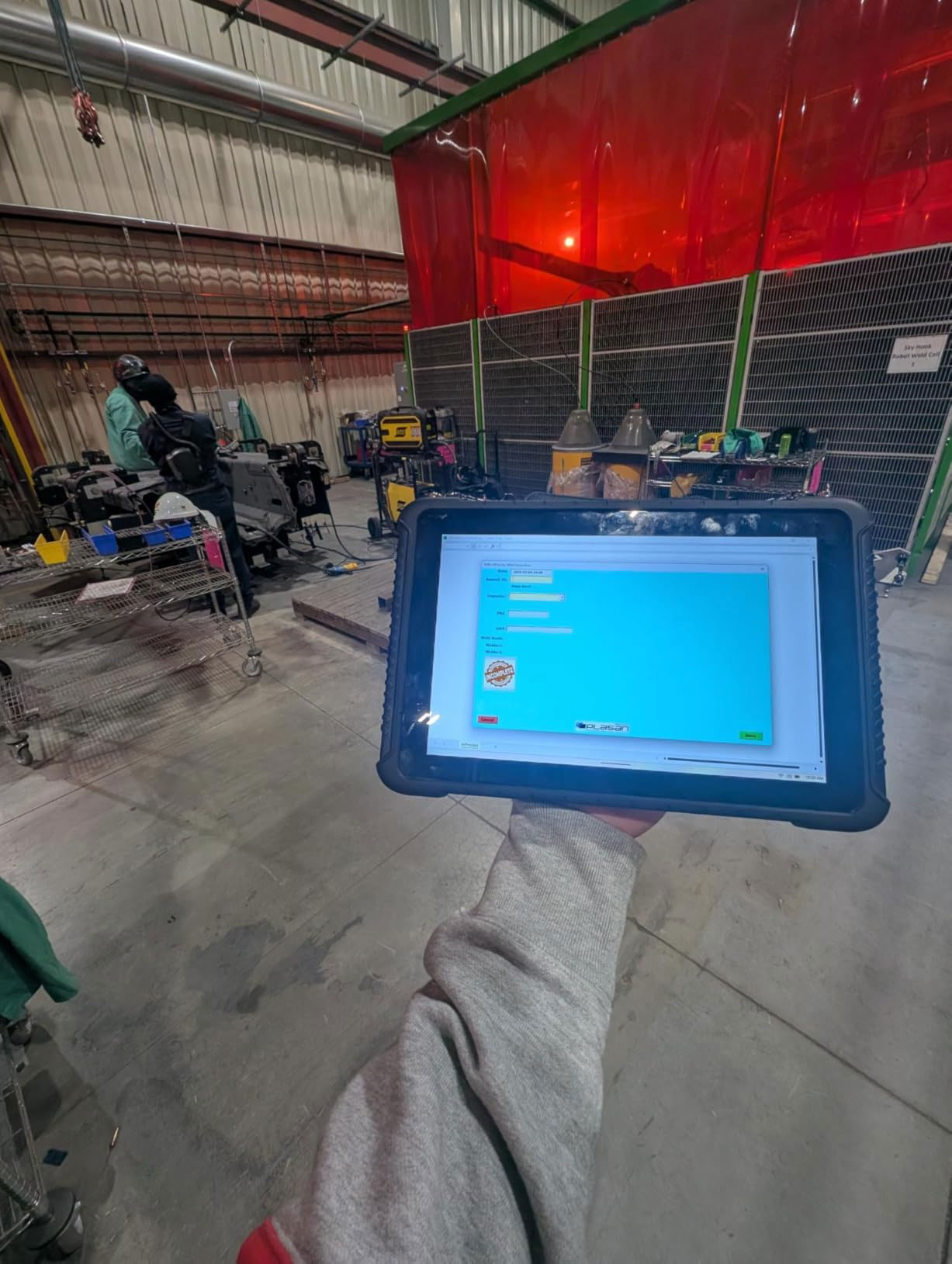
Stop One: the Press-Shop Hoist and Its Load-Test Box
The round starts at 06:40 in the press shop, while the floor is still quiet enough to hear the hoist brake release. The inspector carries the ST13-J flat across the forearm rather than by a handle, which is a habit the safety office pushed for after a near-drop near the press pit — a 13.3-inch glass pane is not something to swing at hip height. The unit weighs about 1.45 kilograms, and the inspector's verdict after a season is that the weight reads as stability rather than burden: the tablet does not flex when pressed against a column while typing, the way lighter office tablets do.
The press hoist is the plant's oldest asset on the checklist and carries the most fields: brake release timing, hook seating, wire-rope strand breaks checked by hand, and the load-test date box that the annual auditor reads first. Fields that used to be free-text on paper are now picklists, which the supervisor insists was the single biggest data-quality gain — a paper card could say "brake OK-ish" and be filed; the tablet form says pass, marginal or fail, and marginal automatically schedules a second look inside seven days. The screen runs at full brightness under the press-shop sodium lights without washing out, and the capacitive touch layer takes a bare finger even when the inspector's hands are lightly oily from rope grease; for the winter weeks when gloves stay on, the shop keeps a cheap capacitive stylus clipped to the case. One habit matters more than any hardware trait here: the inspector photographs the wire rope where it enters the drum, because the 13-megapixel rear camera with flash resolves individual strands at a hand-span's distance, and a dated photo beside each strand-break field has ended the "it looked fine last month" argument for good.
🔋 Stop Two: the Machine Line and a Battery Swap at Coffee
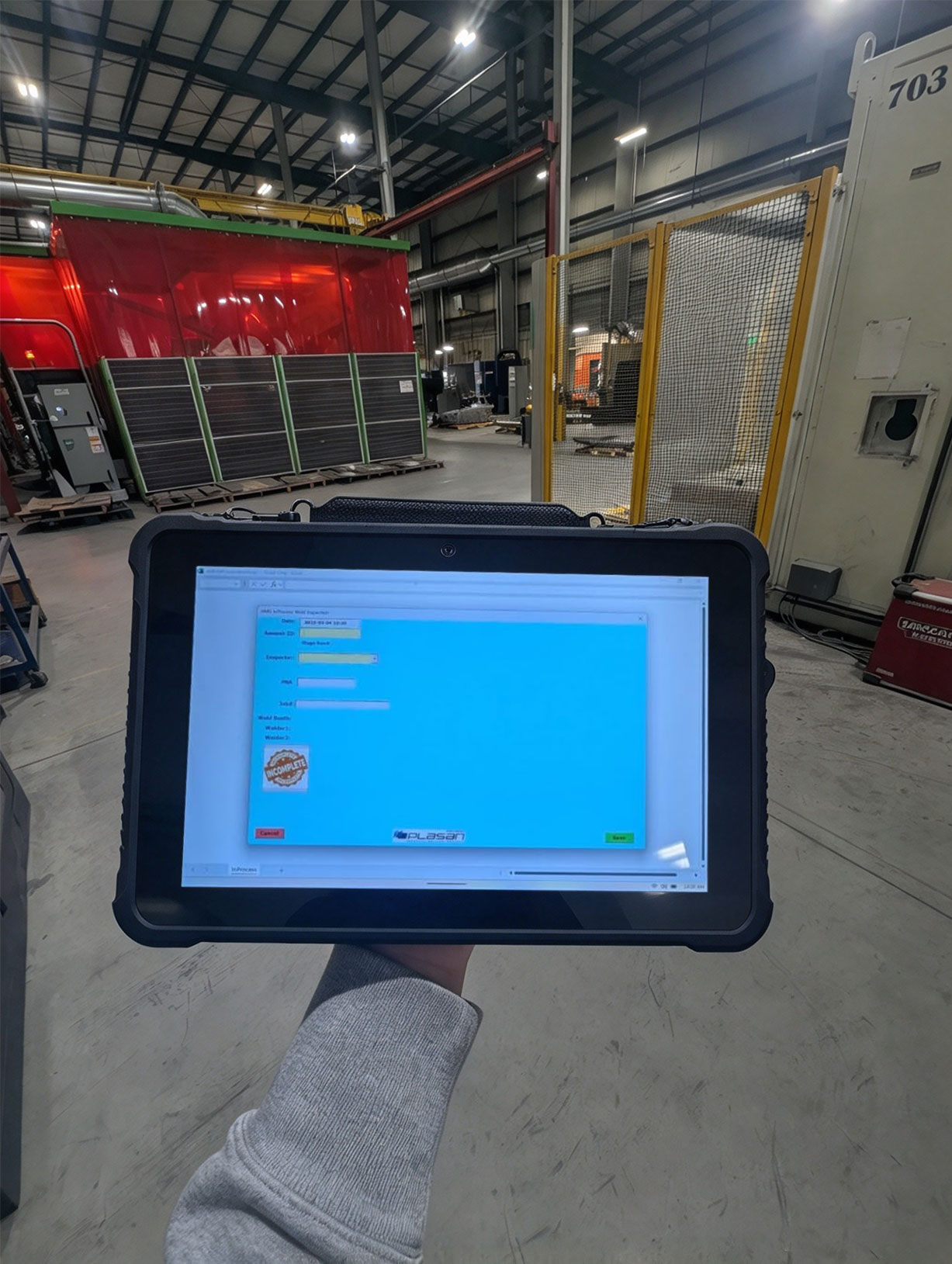
By 09:30 the round has crossed the aisle to the machine line, where the ST13-U takes over. The two 13.3-inch units look identical from two meters, which is intentional — the plant did not want inspectors relearning a second interface mid-round — but the machine-line unit carries a heavier computational load: it also runs the line-side quality forms, so the plant specified the stronger processor option, a twelfth-generation Core i5 with ten cores, alongside Wi-Fi 6 for the office network the quality system lives on. The inspector notices the difference only in one place: switching between the inspection application and the quality suite happens without the two-second wait the press unit occasionally shows, and for a form that gets interrupted a dozen times a morning, that wait was the difference between finishing a field and abandoning it to chase a forklift.
The battery swap happens at the coffee break, and it is worth describing because it defines how the plant schedules charging. Both 13.3-inch units take an 8000mAh pack that slides out of the frame; the plant bought four spare packs, and the swap at 10:00 takes under a minute — latch, slide, latch — without closing the inspection application, because Windows resumes the session where it stopped. A full charge covers roughly a shift and a half of screen-on form work, but the plant does not run packs to empty; the swap-at-coffee rule exists so that no inspector ever faces a low-battery dialog mid-form at 15:00, which the supervisor calls the most expensive dialog in the building. The same logic applies to the removable design's quieter benefit: a pack that swells or dies is replaced by the office in a morning, not by a service depot in a fortnight.
⚖️ Stop Three: the Yard Gate and a Smaller Screen Between Trailers
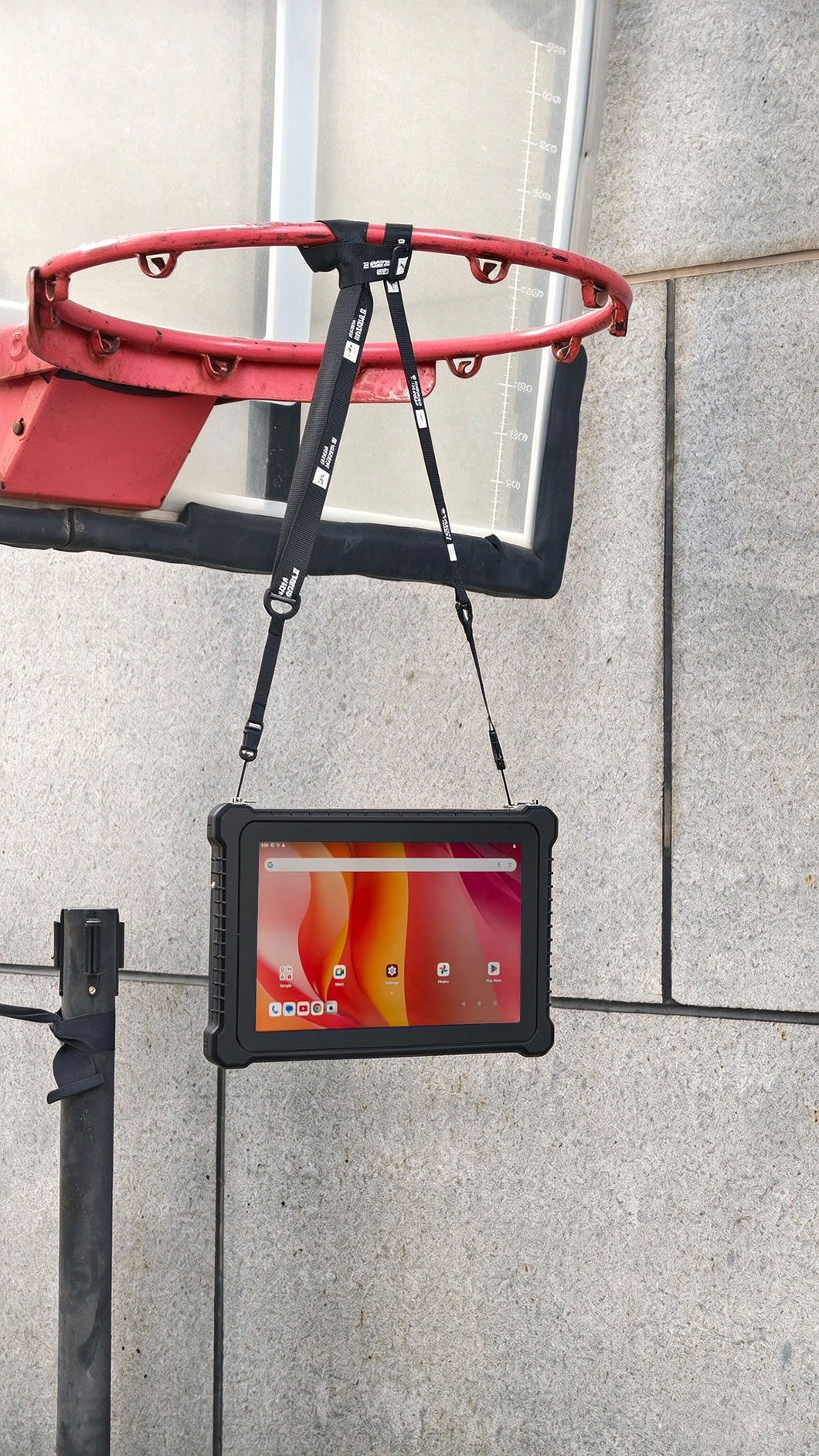
The last leg of the round is outdoors, and the yard is where the large units fail the job description rather than the specification sheet. Checking trailers means walking between drawbars and landing legs with a clipboard-sized object, in gravel dust, often while holding a gate chain; the yard foreman's arms are full before a tablet enters the picture. The RT81 was chosen for this leg precisely because it gives up screen size where size is a liability: 10.1 inches, under 650 grams, and a reinforced frame sealed to IP67 — the yard unit gets rinsed under a hose after a muddy week, which the shop units never are.
The yard form is short — trailer number, deck condition, landing-leg travel, lighting board function, tyre state — and the RT81's smaller screen shows it on one page without scrolling, which the foreman counts as the real ergonomic win. Its 10,000mAh battery lasts the better part of two yard days, and the 12-pin pogo dock on its case means the yard office keeps one charging cradle rather than a drawer of cables. Two fields on this form are photographic: the tyre-state check and the deck condition, both shot with the 20-megapixel rear camera at arm's length. The foreman's one line about the Android unit — that it starts, does its job, and never asks him to think about it — is the review the plant's maintenance office likes best, because yard adoption was the part of the project they expected to fail.
What Went Into the Four O'Clock Export
The redesign's payoff is a single artifact: at 16:00 the maintenance office exports the day's round — every field, photograph and signature timestamped — and attaches it to the asset files. The week's summary table fits on one screen:
| Device | Round leg | Form type | Screen | Rating | Battery approach |
|---|---|---|---|---|---|
| ST13-J | Press-shop hoist | Dense statutory fields, load-test box | 13.3" 1920x1080 IPS | IP65, 1.2 m drop | 8000mAh pack swapped at coffee |
| ST13-U | Machine line | Inspection plus line-side quality forms | 13.3" 1920x1080 IPS | IP65, 1.2 m drop | 8000mAh pack swapped at coffee |
| RT81 | Yard gate trailers | Short capture-heavy checklist | 10.1" 1200x1920 FHD | IP67, 1.2 m drop | 10,000mAh cell, pogo cradle overnight |
Three numbers from the first full quarter tell the migration's story better than the table does. Blank fields per hundred cards fell from thirty-one to effectively zero, because the application refuses to accept an incomplete pass. The annual audit preparation dropped from two clerical days to forty minutes, because the export replaces the transcription step entirely. And the marginal findings scheduled for a seven-day second look — the intermediate state paper cards had no way to express — now run at eleven per quarter, every one of them closed on time. None of those gains required the units to be faster than a laptop; they required the units to be present, sealed and powered at the exact moment a judgment was made.
For plants assembling a similar fleet, the purchasing note worth writing down is that the mix was decided by the forms, not by the catalogue. A single-device fleet would have meant either a large unit rattling around a yard or a small unit scrolling a twenty-two-field form, and both failure modes show up as skipped fields. The same reasoning, applied across other industries and form densities, is what our full hardware range is organised around.
🔮 Habits Worth Copying at the Next Plant
Four practices from this migration transfer cheaply. Size the device to the form, not the user — dense statutory fields want a large screen with a real picklist, and arm's-length capture work wants a unit under 650 grams. Buy spare batteries instead of charging schedules; a swappable pack plus a fixed swap time removes the low-battery dialog from the working day without anyone sacrificing coverage. Make photographs mandatory on the fields that cause arguments, because a dated strand-break photo settles disputes that three paragraphs of text cannot. And pick a sealed rating by washing regime, not by brochure ranking: the yard's IP67 exists because the trailer deck gets hosed, while the shop floor's IP65 reflects a dry, dusty environment where drain ports matter more than submersion. Operators weighing platform choices for mixed fleets will find the platform-level trade-offs set out in our product comparisons, including where Windows forms beat Android capture tools and where the reverse holds. The plant's own closing remark travels well: the tablets did not make the hoists safer — the inspectors did, once the record stopped getting in their way.