- Select Language
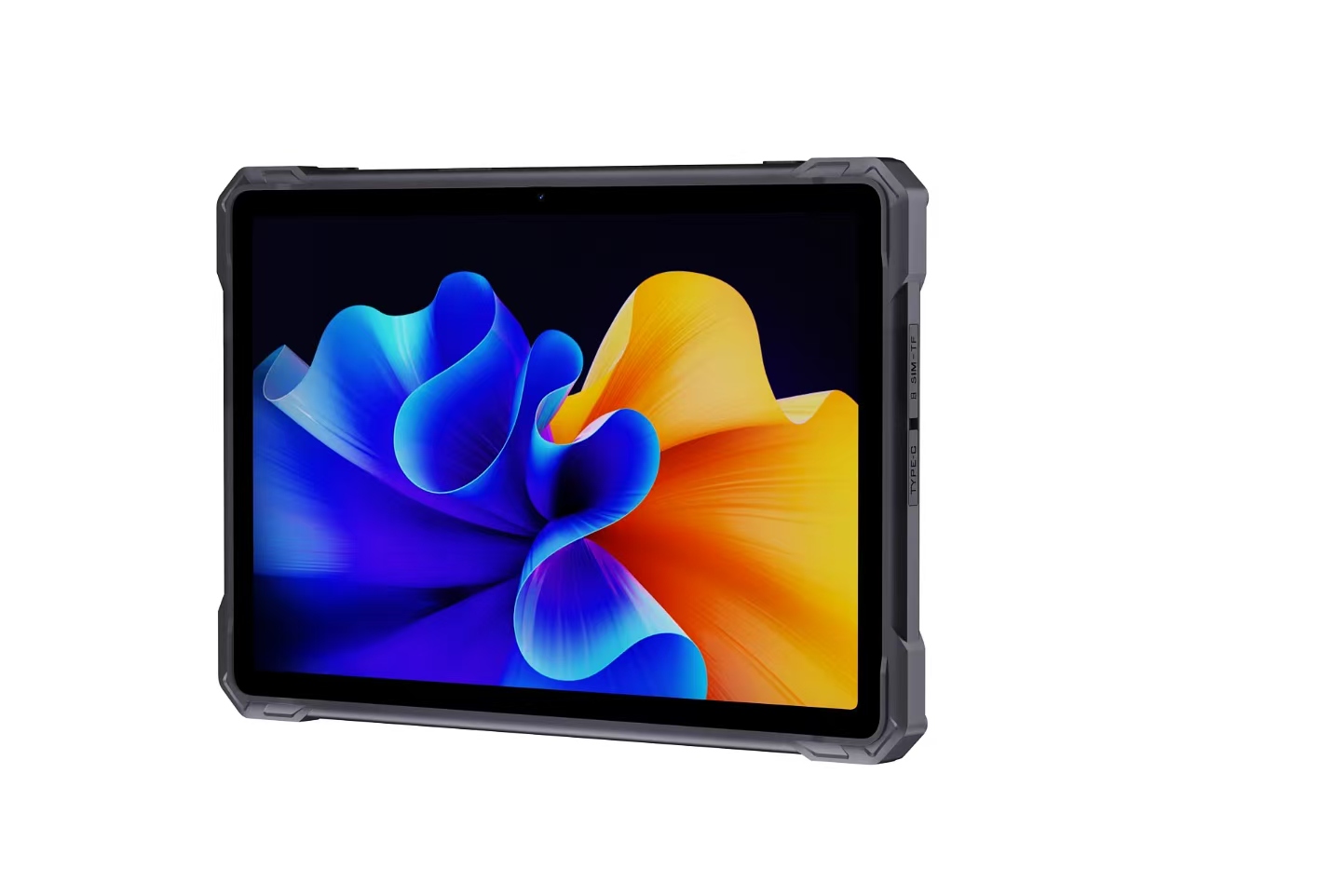
Full SpecificationsModel Hotus SH5‑WOperating ...
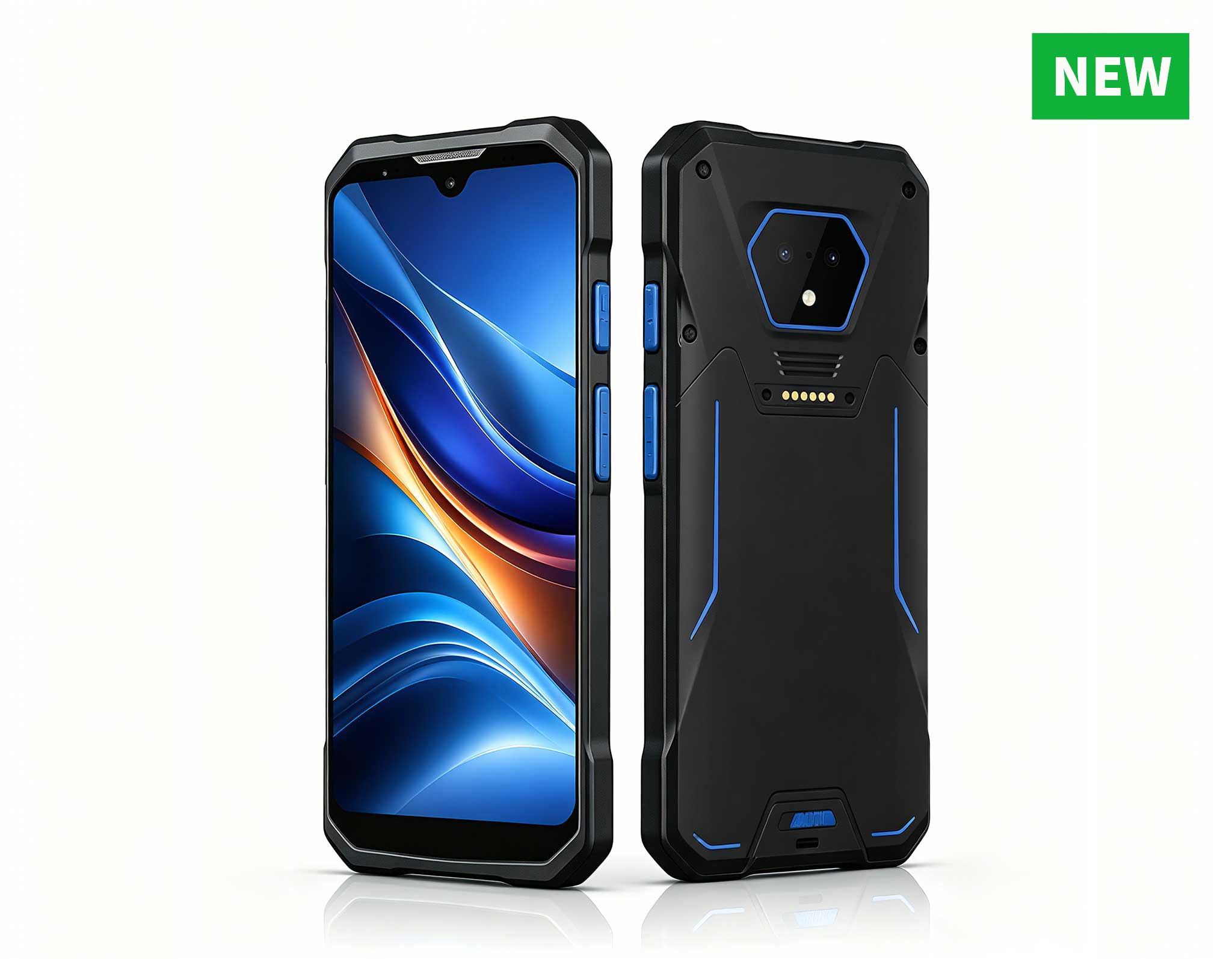
P11 Series Next-Gen Enterprise Rugged Industrial ...
RS51 4G Rugged Handheld Terminal | 6.3" FHD+ ...
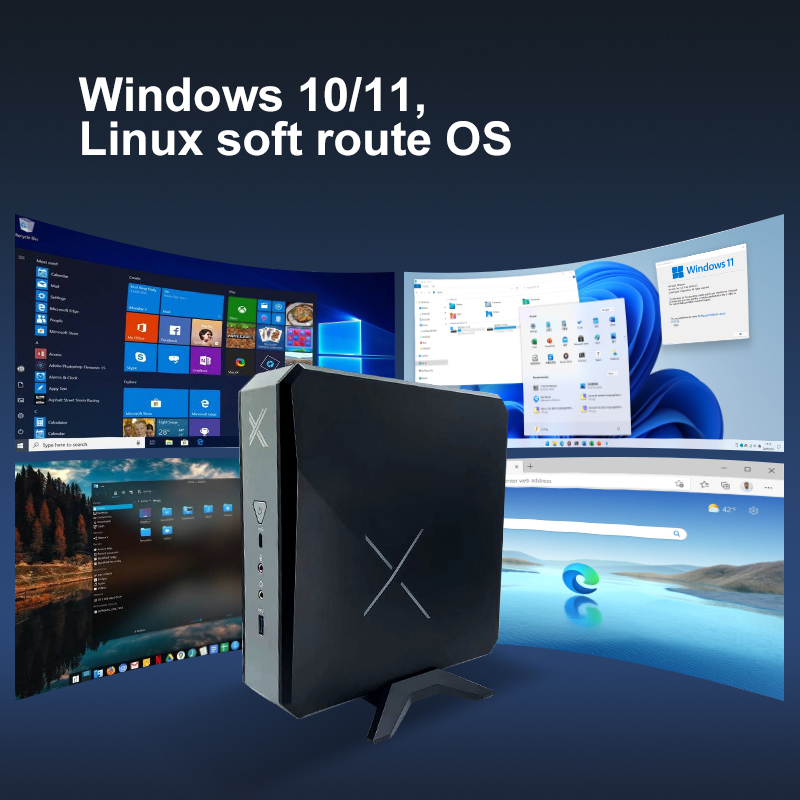
The AMD Mini PC Windows 10 Pro is a compact yet po...
Explore our customized PDA designed for versatile ...
R366-S Thin 5.5-inch Industrial PDA | Qualcomm Oct...
️ X8 Series Handheld Label & Thermal Printing ...
In my years working with commercial display technology, I have seen one truth hold steady: the most brilliant digital signage campaign or the most innovative self-service kiosk is only as good as the hardware running it. A frozen screen in a busy airport or a slow transaction at a retail checkout counter doesn’t just frustrate users—it damages brand credibility. This is why the choice of a computing engine is so critical. For demanding environments where uptime is non-negotiable, you need a solution that is compact enough to hide behind a display yet powerful enough to handle 24/7 operation. That is precisely where Hotus Technology’s line of rugged Mini PC devices comes into play. These machines are not just small computers; they are engineered for the specific rigors of dedicated digital signage kiosk solutions, offering the perfect blend of performance, thermal efficiency, and space-saving design that makes maintenance a breeze.
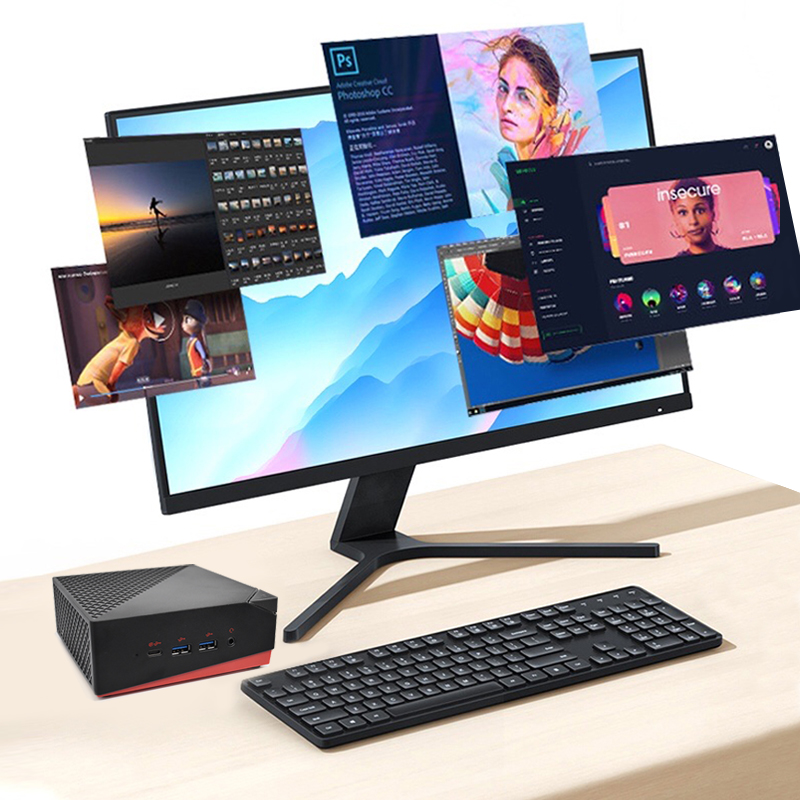
When your primary goal is to drive a single 4K display in a retail pop-up or a corporate lobby, the Palm-sized miniPC is my go-to recommendation. Its defining characteristic is its footprint. You can literally hold it in the palm of your hand, which means it can be mounted directly behind a VESA-compatible screen, eliminating cable clutter and the need for a separate equipment shelf. For maintenance, this design is a godsend. Because it generates minimal heat due to its efficient low-power architecture, it rarely needs active cooling that could collect dust. This model is the ideal choice for simple, static advertising loops or menu boards where reliability and a clean installation are the top priorities.
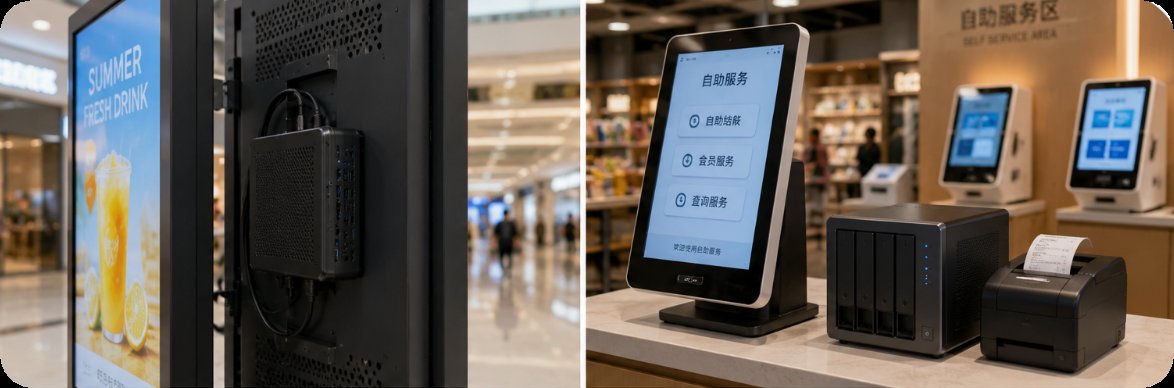
Moving up the complexity ladder, we encounter scenarios like interactive wayfinding kiosks or digital catalogs that require significant local storage. The WTR PRO AMD is my top pick here because it is not just a mini PC; it is also a 4-bay NAS. This dual functionality is a game-changer for maintenance. Instead of relying on a slow network connection to fetch content, you can store high-resolution video assets, software updates, and transaction logs directly on the device. The integrated RAID support adds a layer of data redundancy that is critical for unattended kiosks. If a drive fails, you can swap it out without taking the entire system offline. This model is built for environments where data integrity and local processing power are paramount, such as museum interactive exhibits or hotel check-in kiosks.
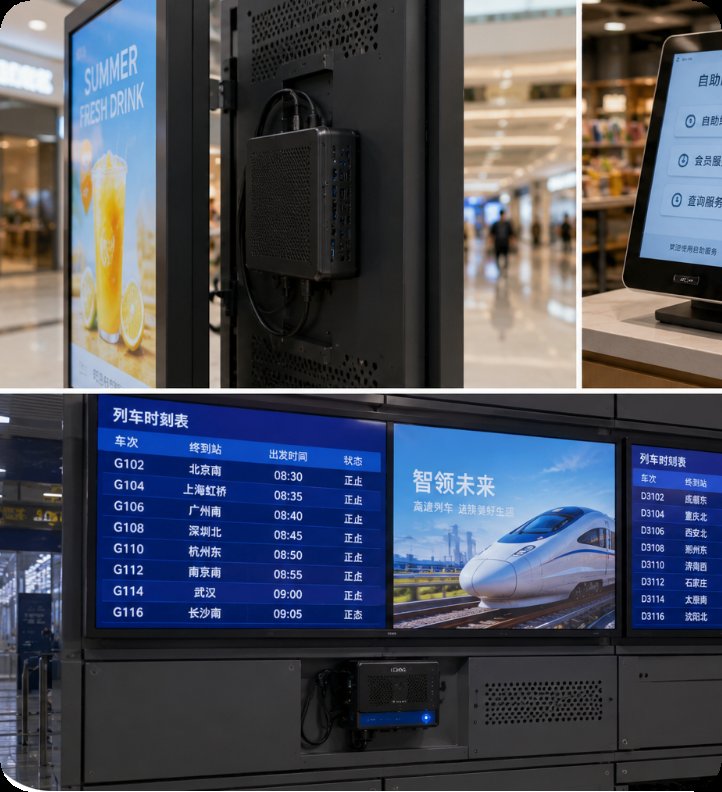
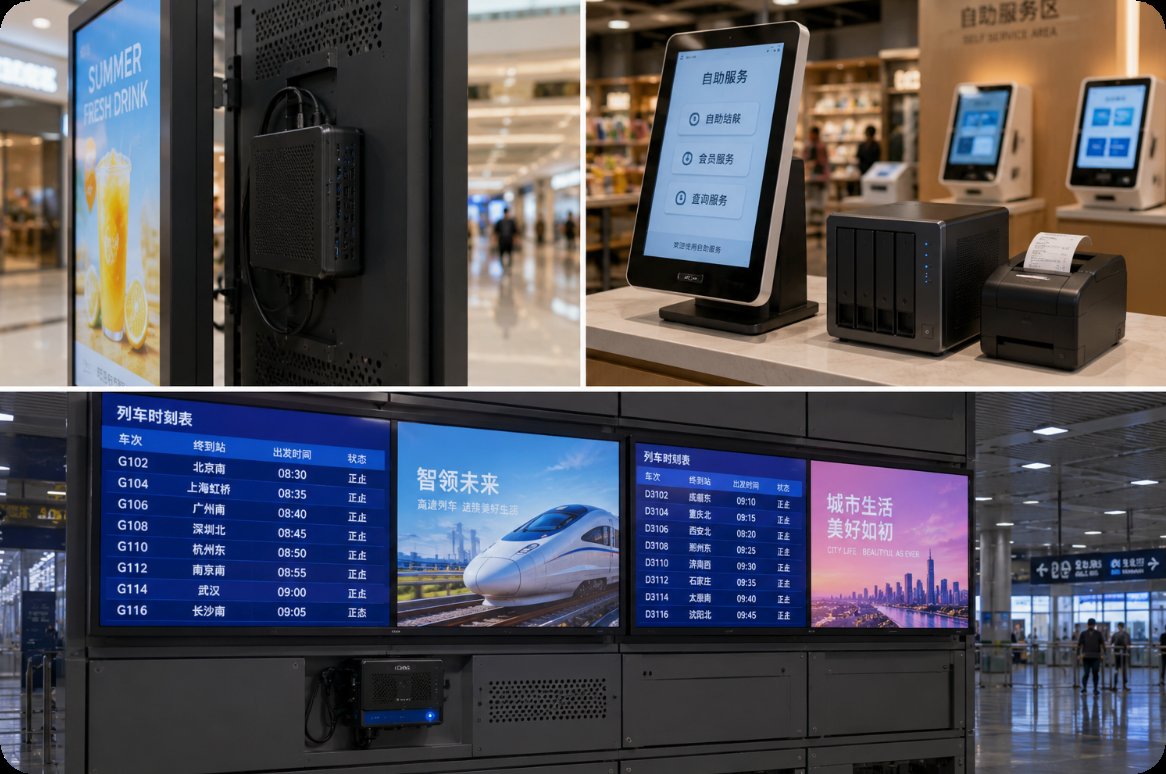
For the most challenging applications—think 4K video walls, AI-powered retail analytics, or multi-touch interactive floors—you need serious processing muscle. The HCAR5000 MI, powered by the AMD Ryzen 5000H Series, delivers exactly that. This is a high-TDP (Thermal Design Power) processor, which means it can handle complex rendering and multi-threaded tasks without breaking a sweat. From a maintenance perspective, the key feature is its advanced thermal management. The chassis is designed with a dedicated heat pipe and fan system that efficiently exhausts hot air, ensuring the CPU can sustain its boost clock speeds for hours on end. For system integrators, this translates to fewer thermal throttling events and a longer operational lifespan, even when the unit is tucked away in a poorly ventilated kiosk cabinet.
| Specification | Palm-sized miniPC | WTR PRO AMD | HCAR5000 MI |
|---|---|---|---|
| Processor | Intel N100 / N305 | AMD Ryzen 7 5825U | AMD Ryzen 7 5800H |
| Memory (RAM) | 8GB / 16GB DDR4 | 16GB / 32GB DDR4 | 16GB / 32GB DDR4 |
| Storage | M.2 NVMe SSD | 4x 3.5" HDD/SSD + M.2 NVMe | M.2 NVMe + 2.5" SATA |
| Video Output | 2x HDMI (4K@60Hz) | 2x HDMI 2.0 | 2x HDMI 2.0 + USB-C DP |
| Cooling Design | Passive (Fanless) | Active Fan + Heat Sink | Active Fan + Copper Heat Pipe |
| Best Use Case | Single-screen menu boards, wayfinding | Data-heavy kiosks, NAS-integrated signage | Video walls, interactive games, AI analytics |
Selecting the right mini PC for your digital signage or self-service kiosk boils down to three key factors: content complexity, environmental conditions, and maintenance strategy. If your content is purely static images or simple HTML5 animations, and your installation is in a clean, air-conditioned office, the Palm-sized miniPC offers the best value with its fanless, zero-maintenance design. For a kiosk that will be placed in a dusty retail floor or a public transit station, you should prioritize the WTR PRO AMD. Its ability to operate with RAID storage means you can pre-load content and run it locally, reducing dependency on a potentially unstable network connection. For a high-traffic interactive installation where users expect instant response, the HCAR5000 MI is the only choice that can guarantee smooth 4K playback and low latency. Remember, the cost of a more powerful unit upfront is often less than the cumulative cost of downtime and field service calls.
Ultimately, the goal of any smart deployment is to set it and forget it. By choosing the right hardware from the start, you drastically reduce the need for physical intervention. Whether you are installing a single menu board or a network of hundreds of self-service kiosks, the Palm-sized miniPC and its siblings in the Hotus lineup are built to deliver consistent performance with minimal upkeep. I encourage you to look beyond just the initial purchase price and consider the total cost of ownership. A well-chosen mini PC will pay for itself through reduced maintenance calls and higher system availability. To learn more about how these systems can be tailored to your specific project, explore our mini PC solutions and discover the difference reliable hardware makes.