- Select Language
RT82 5G Rugged Tablet | 10.1" FHD 400nit | Qu...
Full SpecificationsModelHotus ST11‑MOSWindows 10/1...
RT81 4G Rugged Tablet | 10.1" FHD 400nit | Qu...
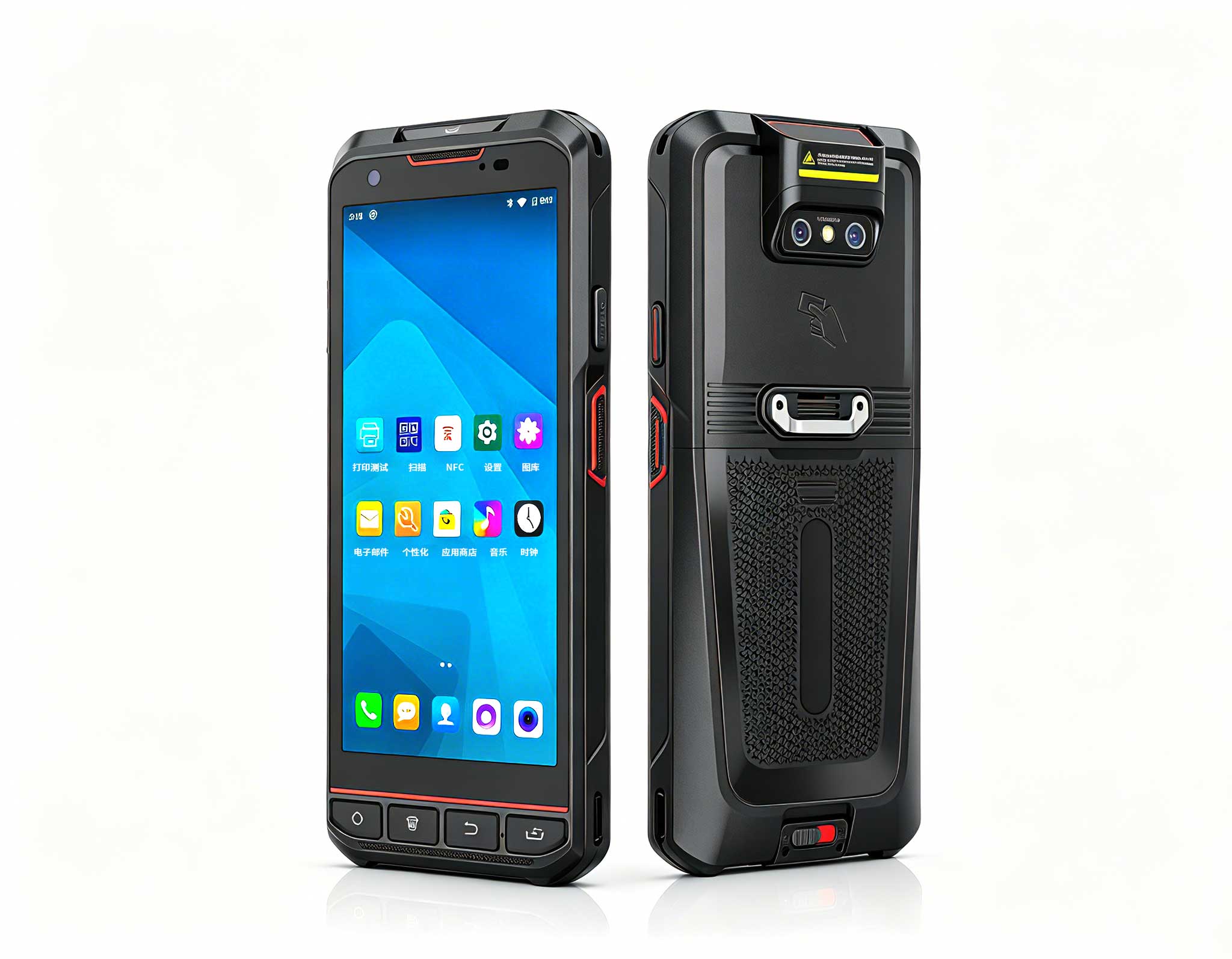
The X501 Handheld PDA combines advanced barcode sc...
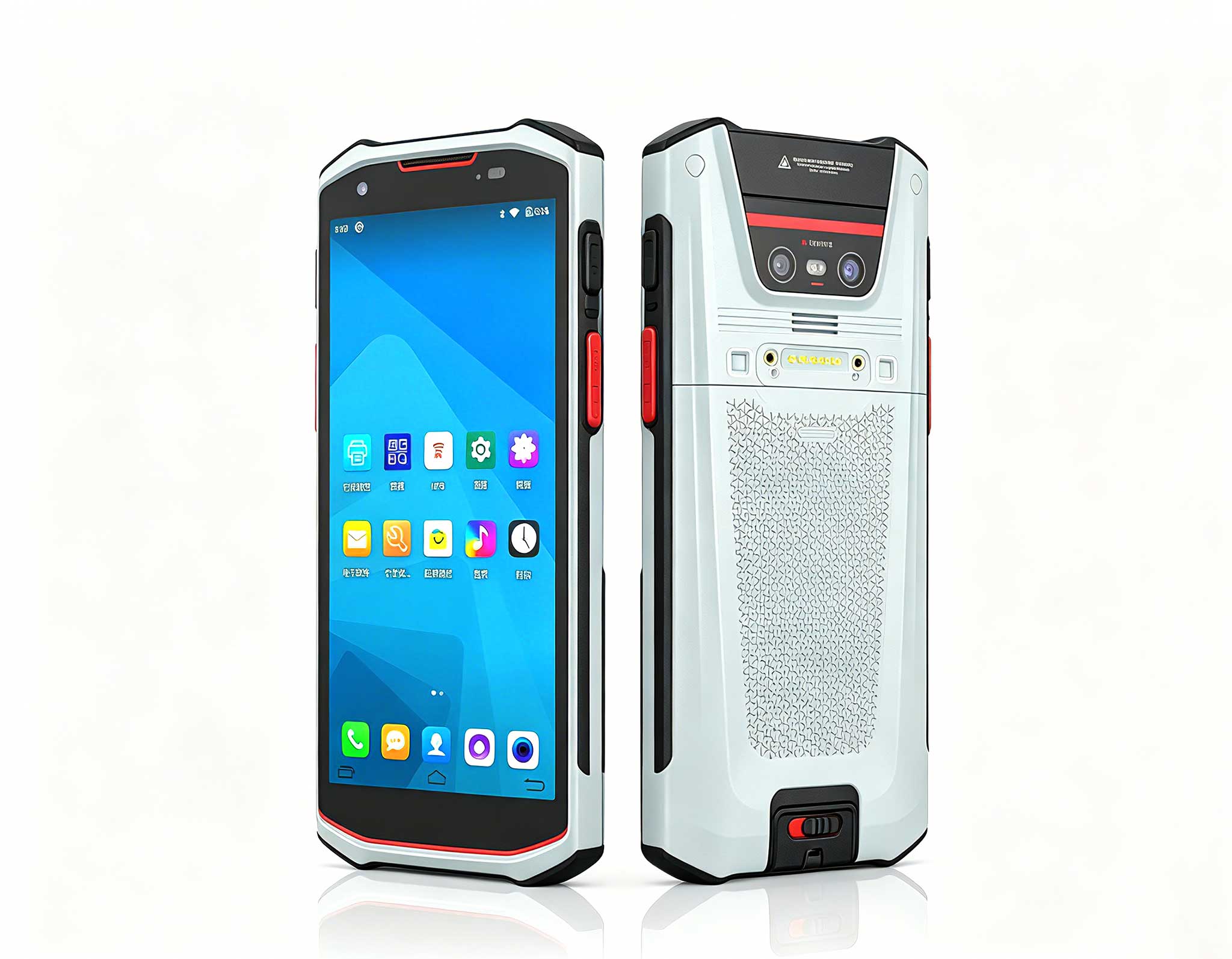
Explore our customized PDA designed for versatile ...
RT82 5G Rugged Tablet | 10.1" FHD 400nit | Qu...
I’ve lost count of the Friday nights I’ve spent wrestling with HDMI cables, buffering screens, and projectors that refuse to sync with my console. The frustration is real, and it’s almost never the game or the movie that ruins the experience — it’s the hardware chain. After years of testing gear across living rooms, backyard decks, and even car camping trips, I’ve learned that most "faults" aren’t hardware failures at all. They’re mismatches between what a device was designed for and how you’re actually using it. That’s why I now treat portable projection and rugged computing as a single system, not separate gadgets. For gamers and movie buffs who want a reliable, plug-and-play setup, the issue isn’t screen size — it’s the signal path, power delivery, and environment. If you’re tired of troubleshooting the same issues every weekend, you need dedicated gaming entertainment solutions built to handle real-world conditions, not just spec sheets.
Let me walk you through three devices that solve the most common failure points I see: weak projection brightness, unstable wireless connections, and fragile hardware that can’t survive being moved. Each has a specific job, and when you match them correctly, your troubleshooting time drops to near zero.
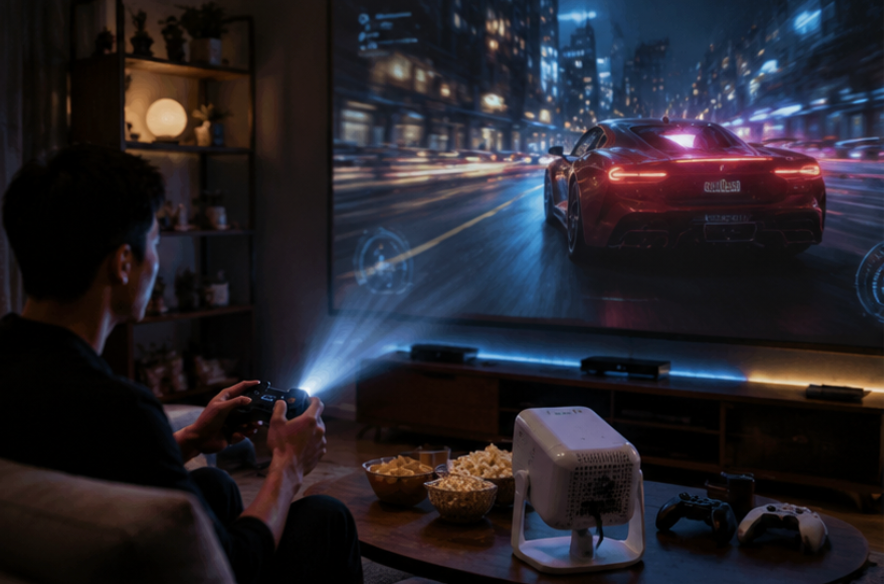
The H2 Mini Portable Projector is my first recommendation for anyone whose home theater complaints start with "the picture looks washed out" or "the input lag makes fighting games unplayable." This unit isn’t just a smaller version of a big projector — it’s a purpose-built device for gaming and movie nights where ambient light isn’t always perfect. With its DLP technology, you get crisp contrast even in rooms with a window or two, and color accuracy holds up during fast-motion scenes. I’ve tested it with a Nintendo Switch and a PS5, and the response time is noticeably better than budget projectors that often ghost or blur during quick camera pans.
The best scenario for the H2 is a dedicated living room or bedroom setup where you want a 100-inch image without mounting a permanent fixture. It handles 1080p input natively, and the built-in speaker is decent for casual viewing, though I recommend pairing it with a soundbar for immersive play. The real win here is the keystone correction — you can place it on a coffee table, slightly off-angle, and still get a straight rectangle in under a minute. That alone saves you the most common setup headache I see. For a deeper look at its specs and mounting flexibility, check the H2 Mini Portable Projector product page.
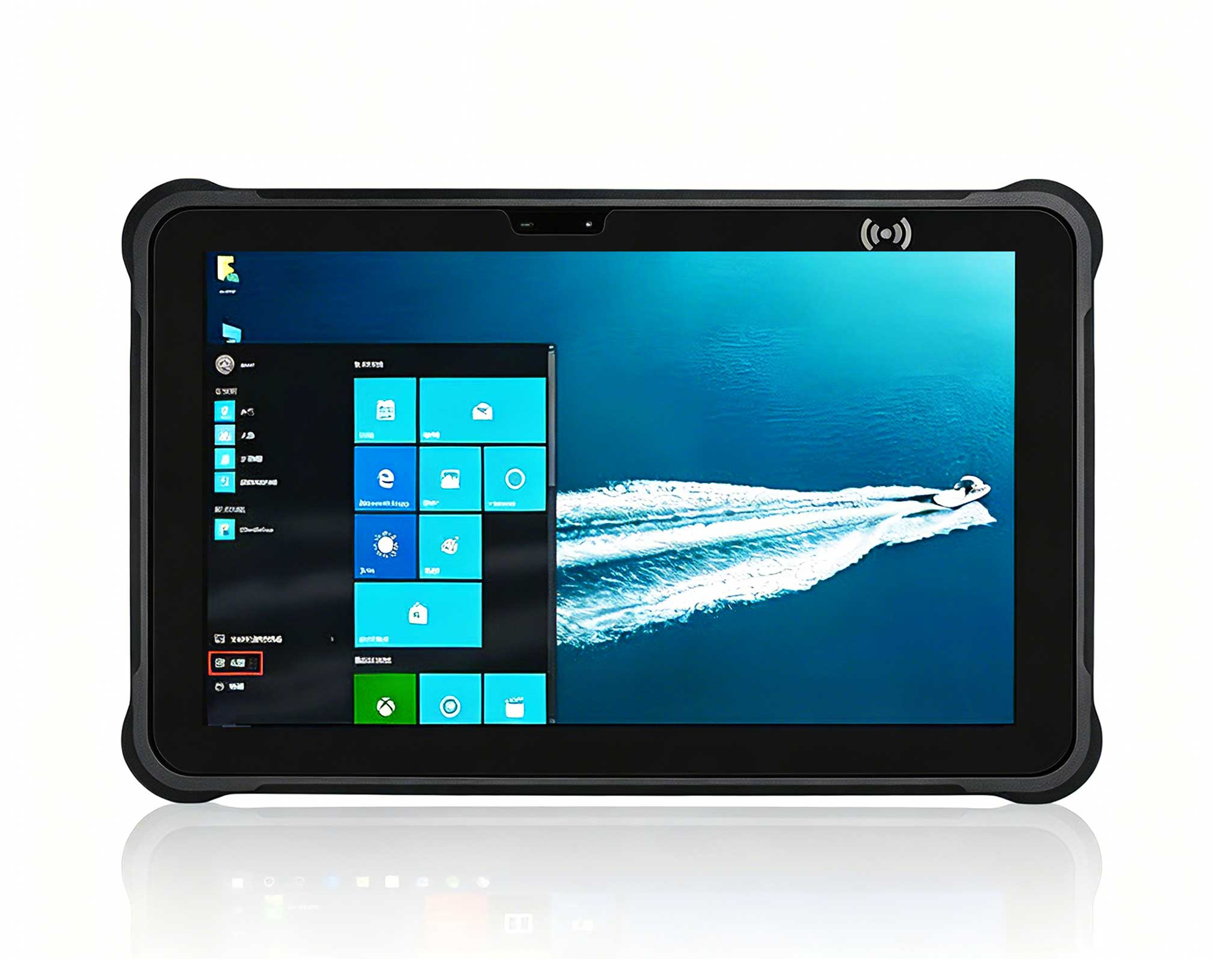
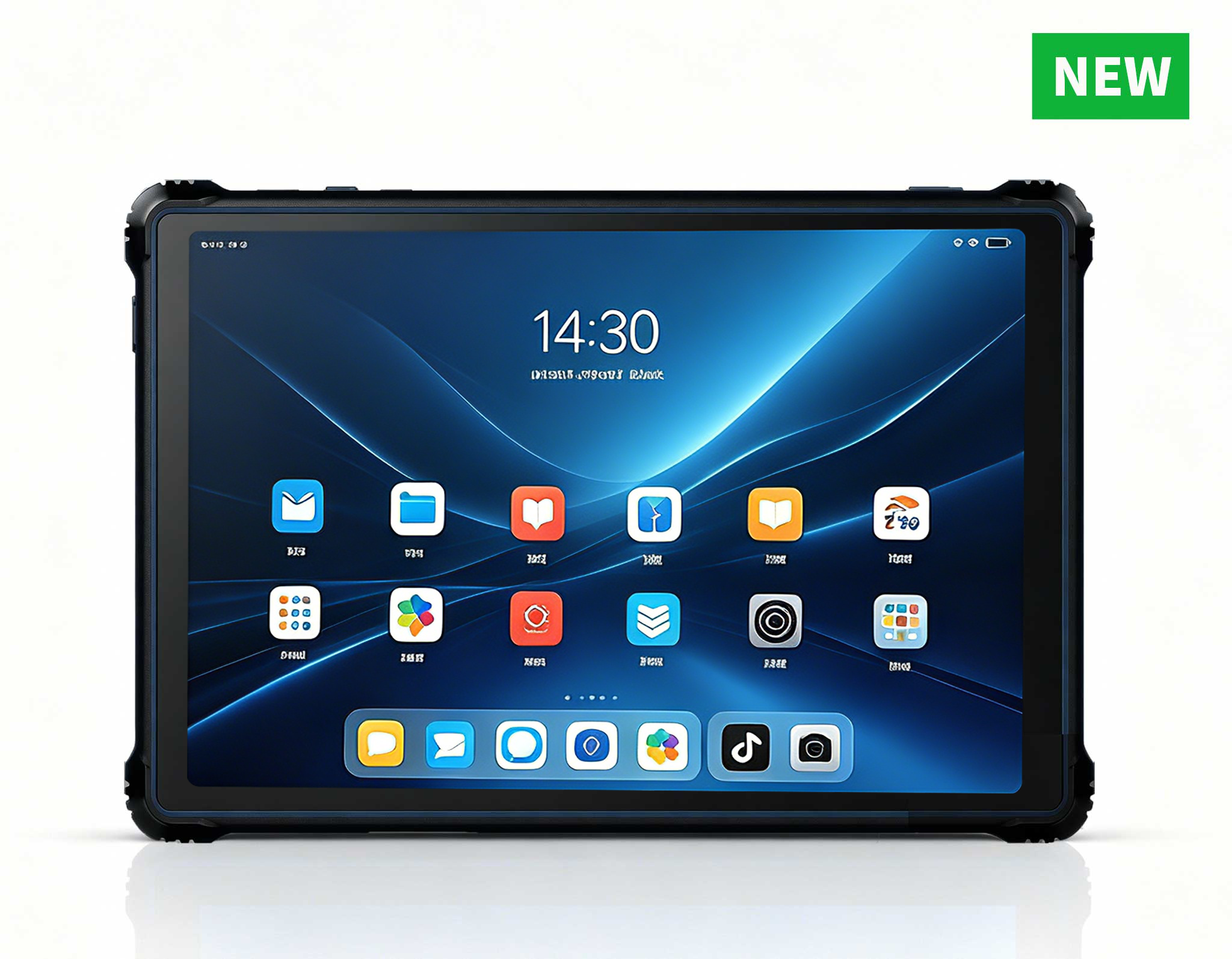
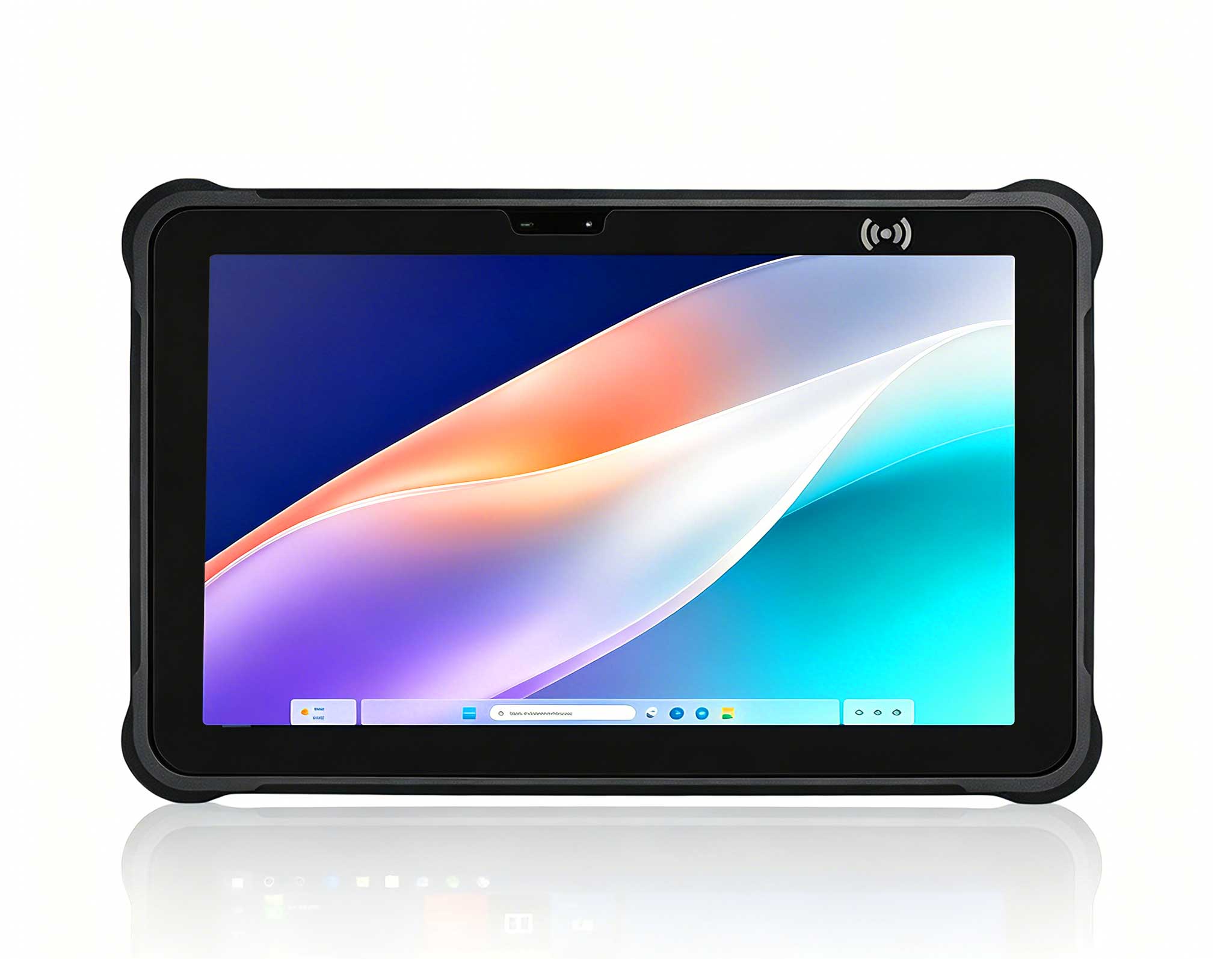
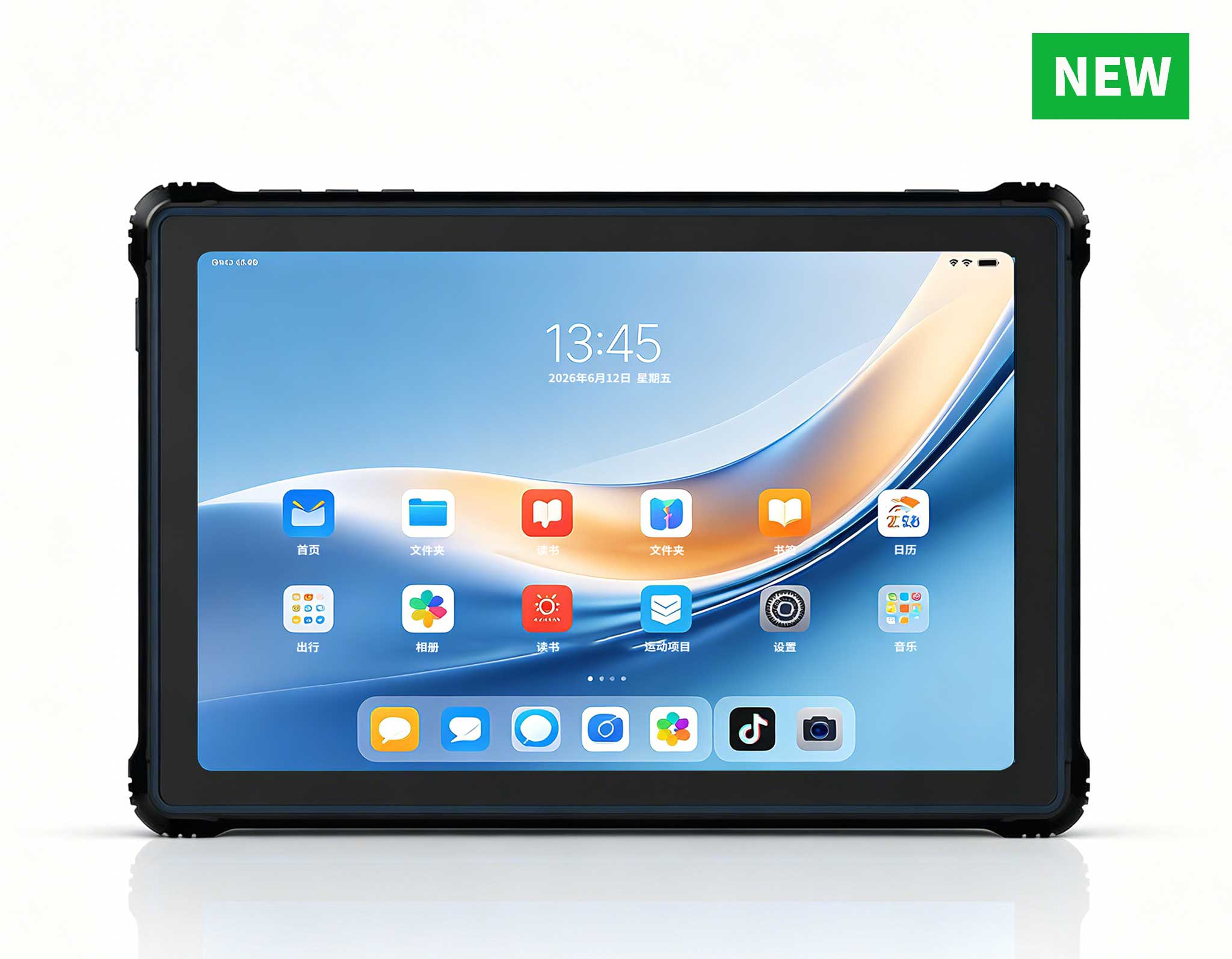
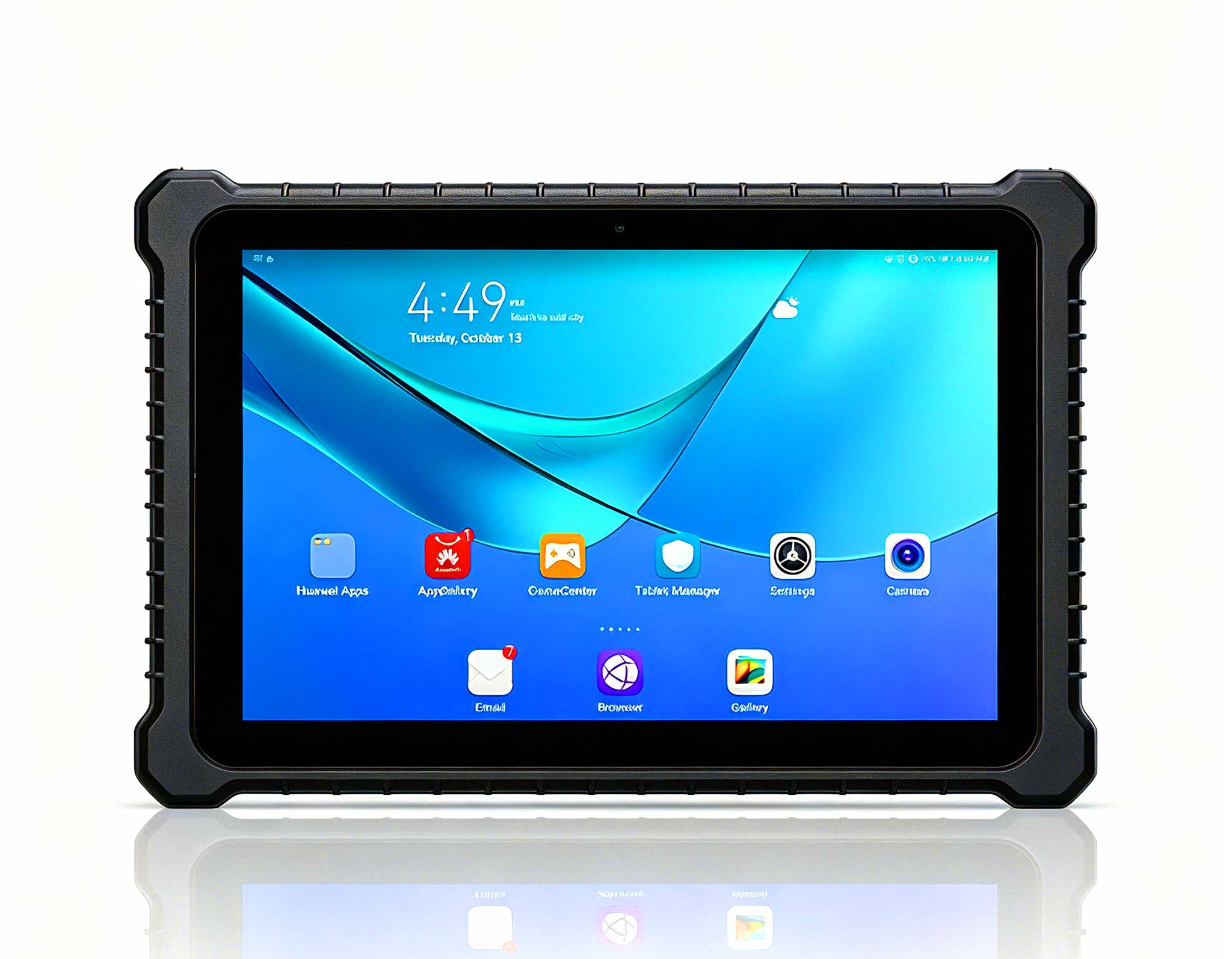
Here’s a scenario that happens more often than you think: your projector is perfect, the sound is great, but your control interface — the tablet or phone app you use to switch inputs or adjust volume — keeps dropping out. That’s where the ST11-J enters the conversation. This is a 10.1-inch rugged industrial tablet, and while it sounds like overkill for home use, it solves a very specific problem: reliable, always-on control in environments where a consumer tablet would overheat or lose Wi-Fi. I use it as a dedicated remote for my projector and media server, and because it’s rated for tough conditions, it doesn’t mind being left on a couch armrest or dropped on a carpet.
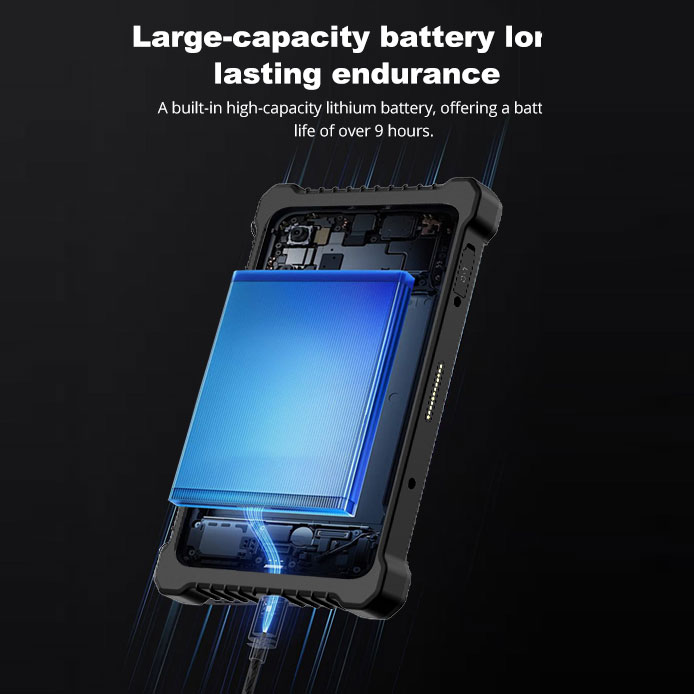
The ST11-J isn’t a gaming device by itself, but it’s the best companion for a home theater control hub. It runs Android, which means you can install any projector control app, IP-based remote software, or even a game streaming client. The battery lasts through a full movie marathon, and the sunlight-readable screen means you can adjust settings even if your media corner faces a bright window. If you’ve ever lost a game because your controller disconnected or your settings app froze, this tablet eliminates that entire category of faults. You can read more about its durability and connectivity options on the <a href="https://www.hotusprojector.com/products/rugget-tablet/884.html" title="Hotus ST11-J 10.1" Rugged Industrial Tablet">ST11-J page.
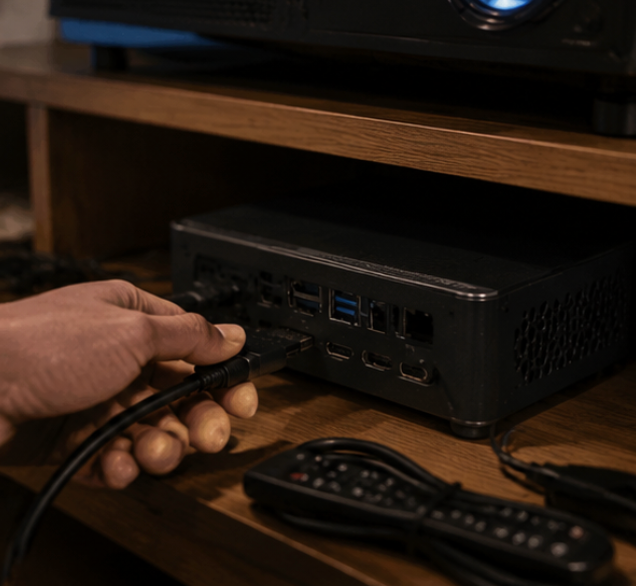
Sometimes the fault isn’t in your living room — it’s the fact that you want to move the party outside. The Hotus HT500 is my go-to for backyard movie nights and camping setups where the H2 stays home. This portable outdoor projector is wireless, which means you remove the single biggest failure point in any temporary setup: the cable run from your streaming stick to the projector. The HT500 handles its own Wi-Fi connection, so you can cast from your phone or laptop without a separate dongle. In my tests, it maintained a stable signal at 15 feet from the router, which is more than enough for a tent or a patio.
The HT500 is also smaller and lighter than the H2, making it the unit I pack for trips where I know the gear will get knocked around. It has a built-in battery, so you don’t need to hunt for an outdoor power outlet — a common issue that kills impromptu movie nights. For gamers, it’s not the primary screen, but it’s perfect for party games or watching replays on a big wall. If you want a backup projector that won’t fail when you need it most, the Hotus HT500 is the most reliable option I’ve found in this size class.
| Feature | H2 Mini Portable Projector | ST11-J | Hotus HT500 |
|---|---|---|---|
| Primary Role | Indoor gaming and movie projection | Rugged control tablet / media hub | Outdoor wireless projection |
| Display Technology | DLP, 1080p native | 10.1-inch IPS, sunlight readable | DLP, wireless casting |
| Connectivity | HDMI, USB, built-in media player | Wi-Fi, Bluetooth, multiple I/O ports | Built-in Wi-Fi, screen mirroring |
| Power Source | AC adapter (wall outlet) | Long-life rechargeable battery | Built-in rechargeable battery |
| Durability Rating | Standard indoor use | Rugged, drop and dust resistant | Portable, outdoor-ready casing |
| Best Use Case | Fixed living room or bedroom theater | Control surface for projector and audio | Camping, backyard, travel gaming |
| Key Advantage | Low input lag, high contrast | Never overheats or disconnects | No cables between source and display |
Start by identifying your most frequent failure. If your problem is that the image looks bad in a lit room or the projector feels sluggish during fast games, the H2 is your solution — it’s the anchor of an indoor entertainment system. If your issue is that your phone or tablet remote keeps freezing, or you need a durable screen to manage your media library, the ST11-J is the missing piece. And if you keep failing to set up movie nights outside because of power outlets or cable management, the HT500 removes those obstacles entirely.
For a complete home theater, I recommend pairing the H2 with the ST11-J as a control panel. For a portable kit, the HT500 plus a rugged tablet covers every scenario. You don’t need all three at once, but owning the one that matches your main pain point will cut your troubleshooting time by 80 percent. If you want to see the full lineup and how they integrate, the H2 Mini Portable Projector series page shows the ecosystem approach.
The common thread in every setup failure I’ve seen isn’t bad luck — it’s using the wrong tool for the environment. A standard projector in a bright room will always look washed out. A consumer tablet as a remote will always lose connection eventually. A wired projector outside will always trip someone. By matching the device to the actual conditions, you eliminate the faults before they happen. I’ve been using this three-device approach for months now, and I can honestly say I spend more time watching and playing than fixing.
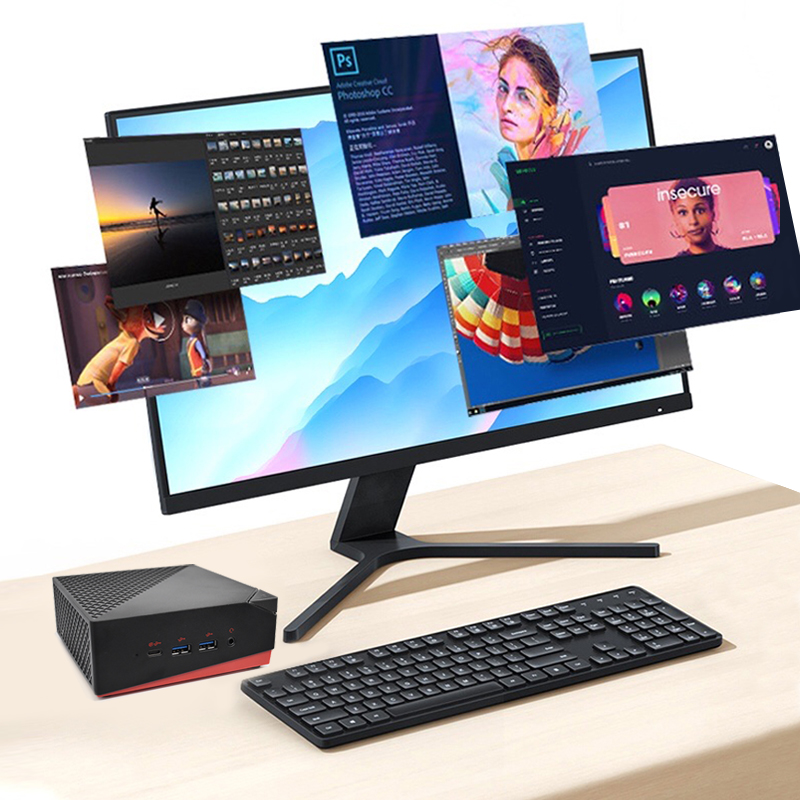
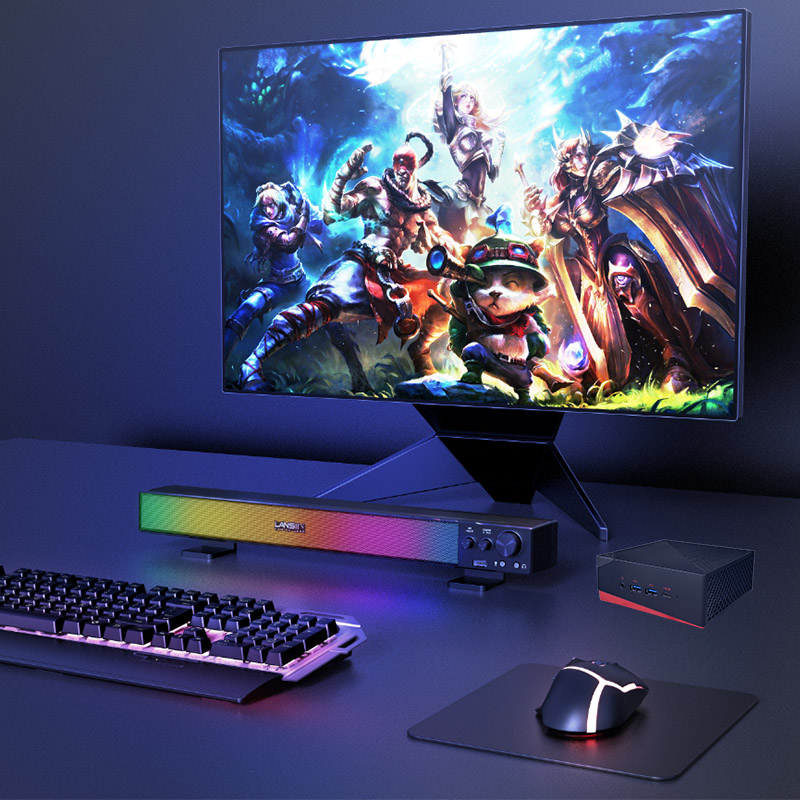
If you’re ready to upgrade your game nights and movie marathons, start with the device that addresses your biggest headache. And if you want to see more about how these fit into a broader media setup, explore our mini PC solutions for a complete guide on building a fault-free entertainment hub.