- Select Language
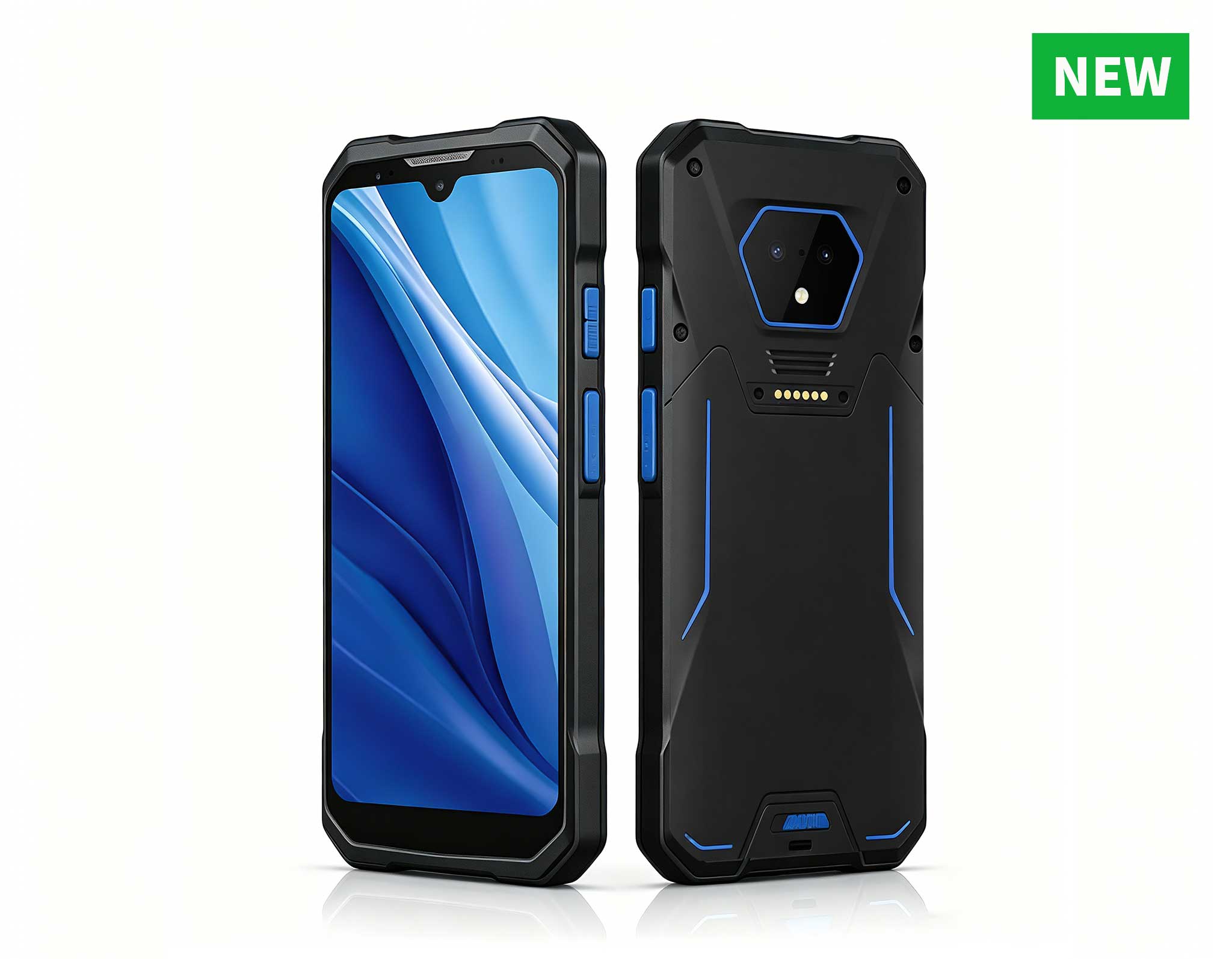
RS51 4G Rugged Handheld Terminal | 6.3" FHD+ ...
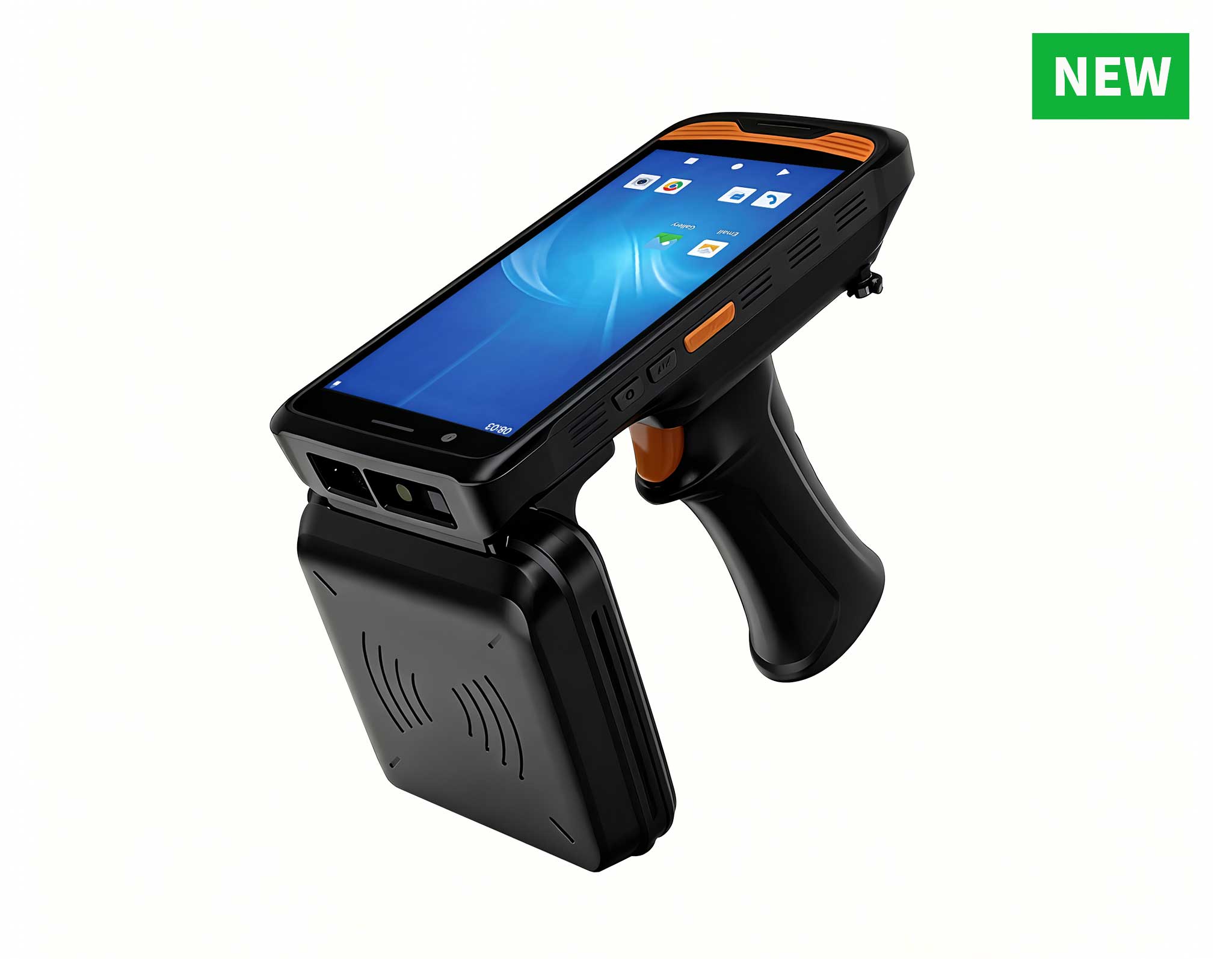
R366C-S 5.5-inch Industrial UHF RFID Reader | Qual...
RS50 5G Rugged Handheld Terminal | 6.3" FHD+ ...
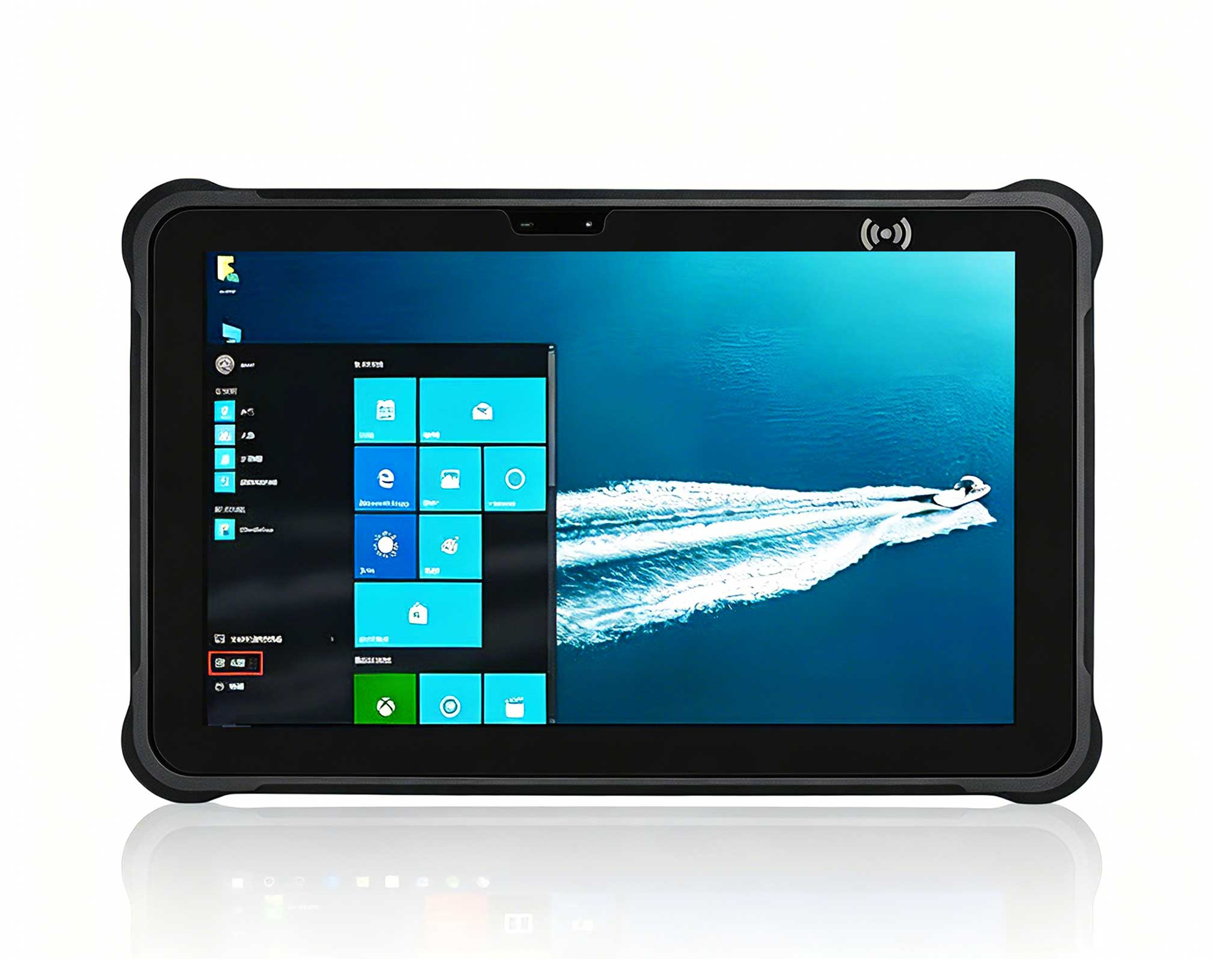
Full SpecificationsModelHotus ST13‑UOSWindows 10 P...
Full SpecificationsModelHotus ST11‑JOSWindows 10 P...
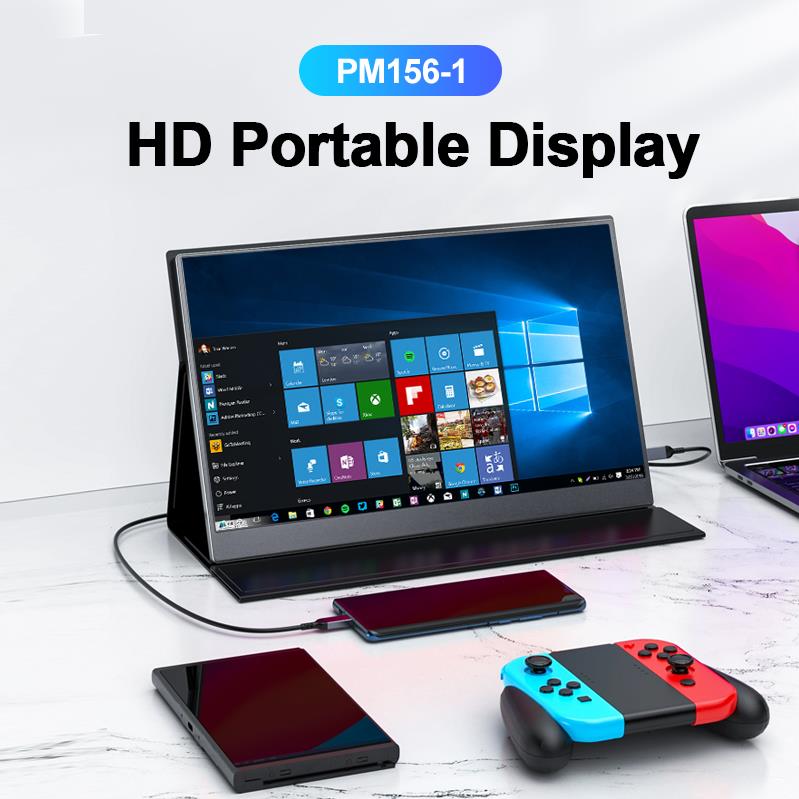
The PM156-1 is a 15.6-inch portable PC monitor fea...
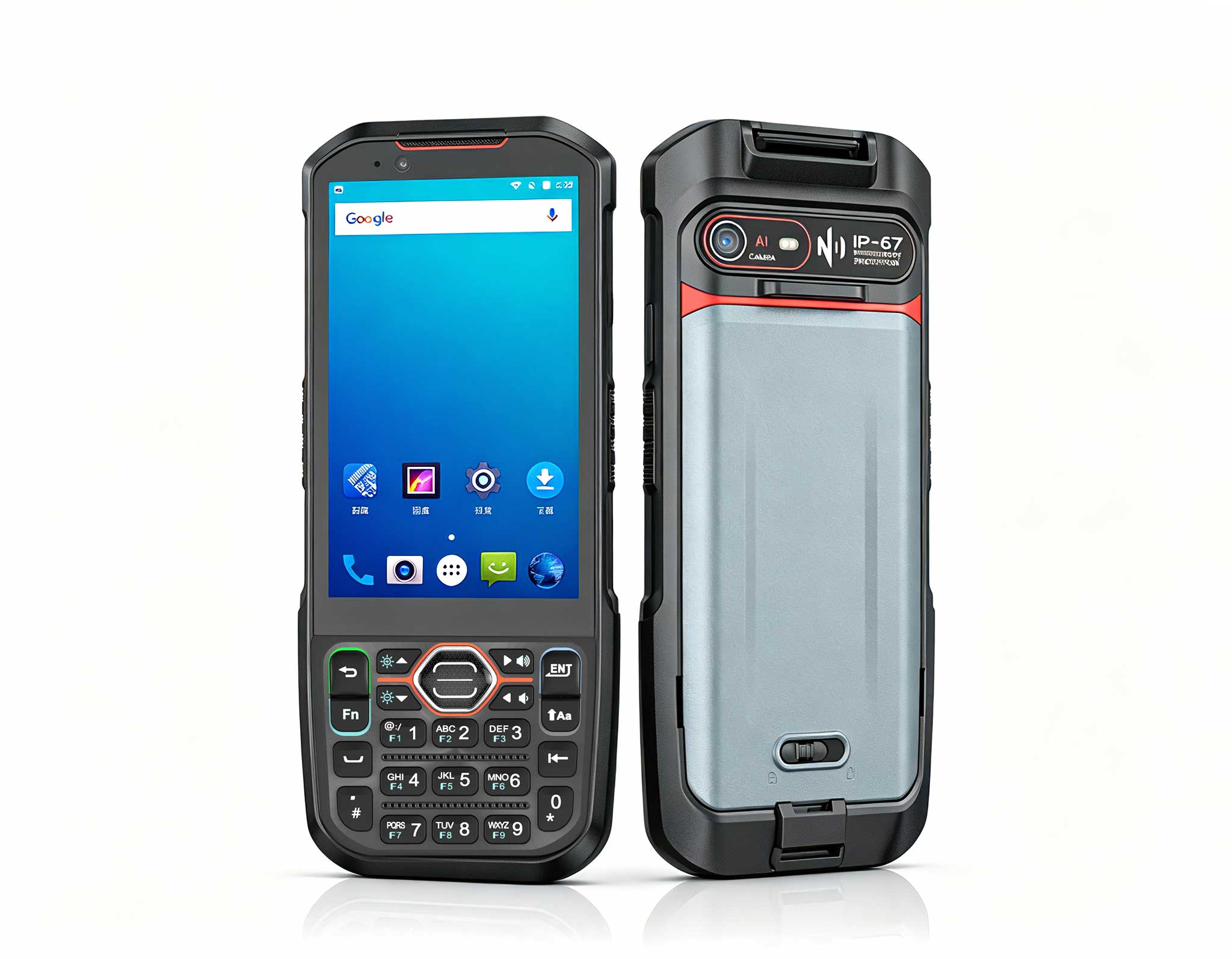
Explore an innovative Personal Digital Assistant f...
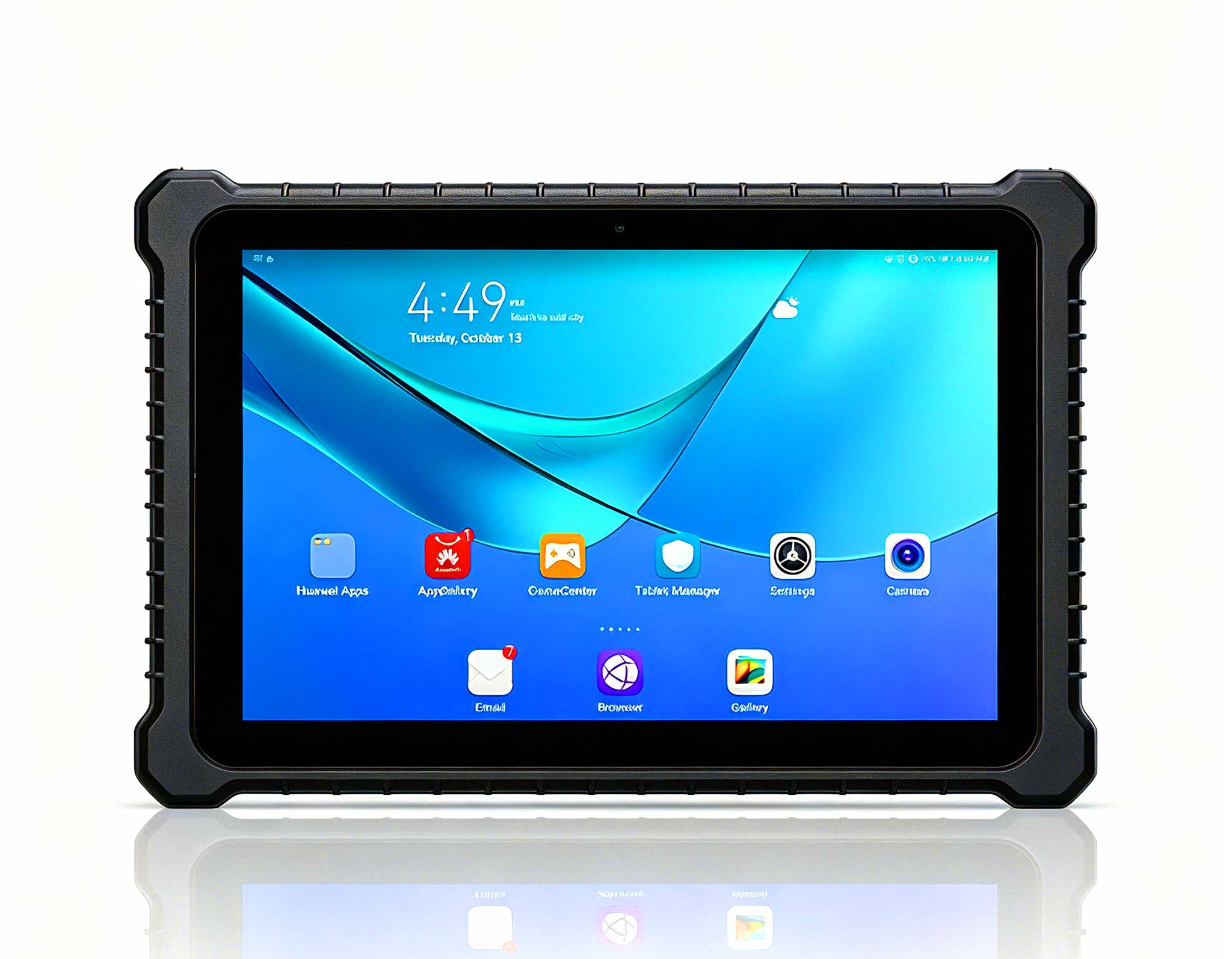
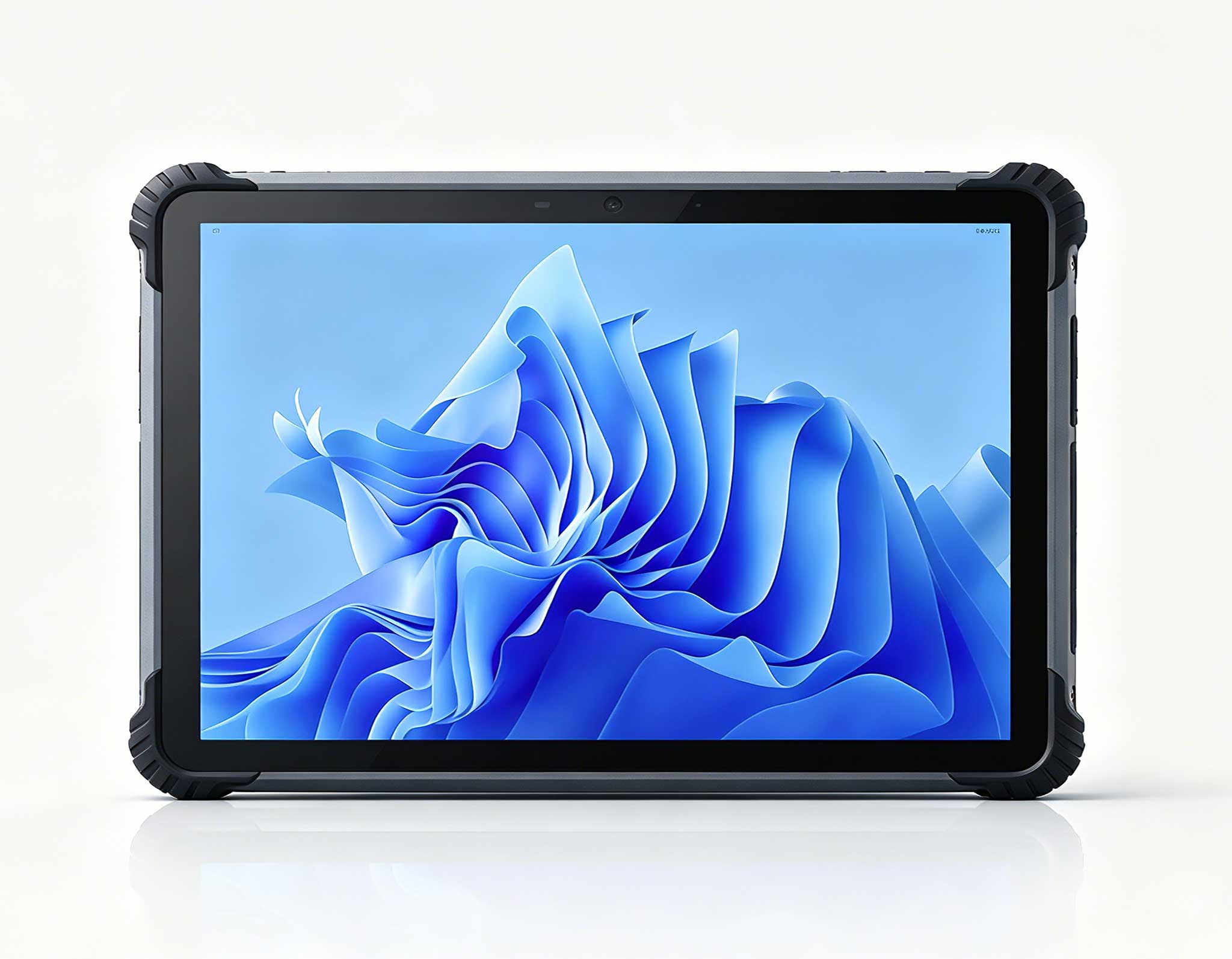
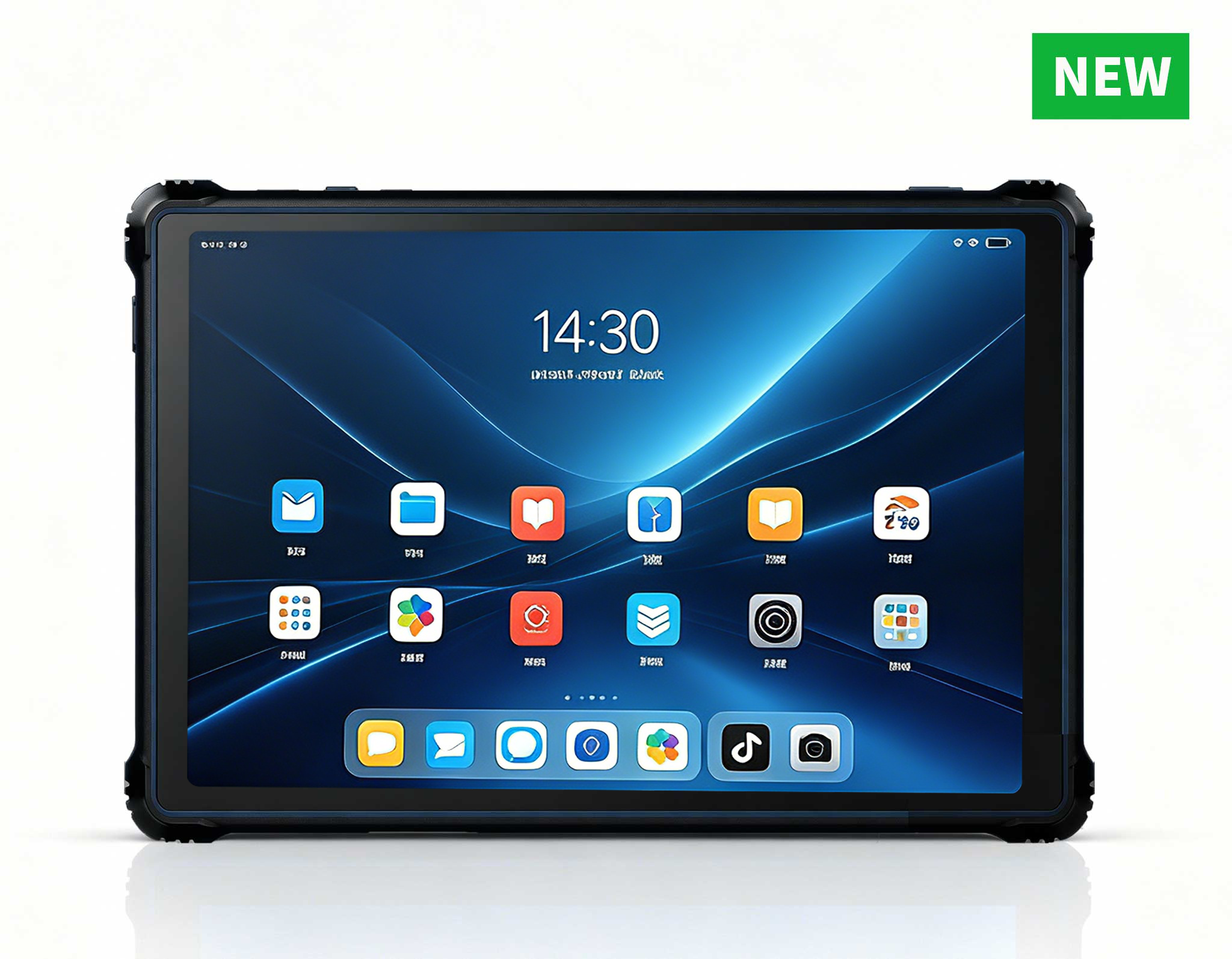
RT82 5G Rugged Tablet | 10.1" FHD 400nit | Qu...
After years consulting on clinical IT infrastructure, I have watched too many practices make the same expensive mistake: rolling out consumer-grade desktops or repurposed office laptops on the clinical floor. On the surface, these look like budget-friendly choices. But once you account for downtime, infection control failures, mounting brackets that don't align, and fans that choke on dust, the total cost of ownership spirals fast. For a busy clinic or a hospital ward, every hour of system downtime directly impacts patient throughput and staff productivity. The real question isn't "what's the cheapest box?" but rather "what's the most cost-effective computing platform over a 5-year lifecycle?" That's precisely why I recommend evaluating dedicated medical workstation solutions engineered for the clinical environment—not merely adapted to it. Let me walk you through a practical ROI analysis of three specific Hotus models that solve distinct problems in this space.
The financial case for purpose-built hardware becomes compelling once you quantify hidden costs. A standard PC at a nurse's station fails to meet IP-rated cleaning protocols, meaning staff must either risk damaging the device with disinfectants or skip proper sanitation—both unacceptable outcomes. Additionally, the physical footprint of a tower PC or the ergonomic compromise of a consumer laptop often forces awkward workstation layouts that waste precious square footage. Over a three-year depreciation cycle, the difference between a $400 consumer device and an $800 medical-grade unit narrows dramatically when you include replacement costs, infection control compliance penalties, and lost clinician hours. The three products I will analyze below—the ST13-J, the HCAR5000 MI, and the ST13-U—each offer a different value proposition for the medical field, and understanding their strengths is essential for any procurement decision.
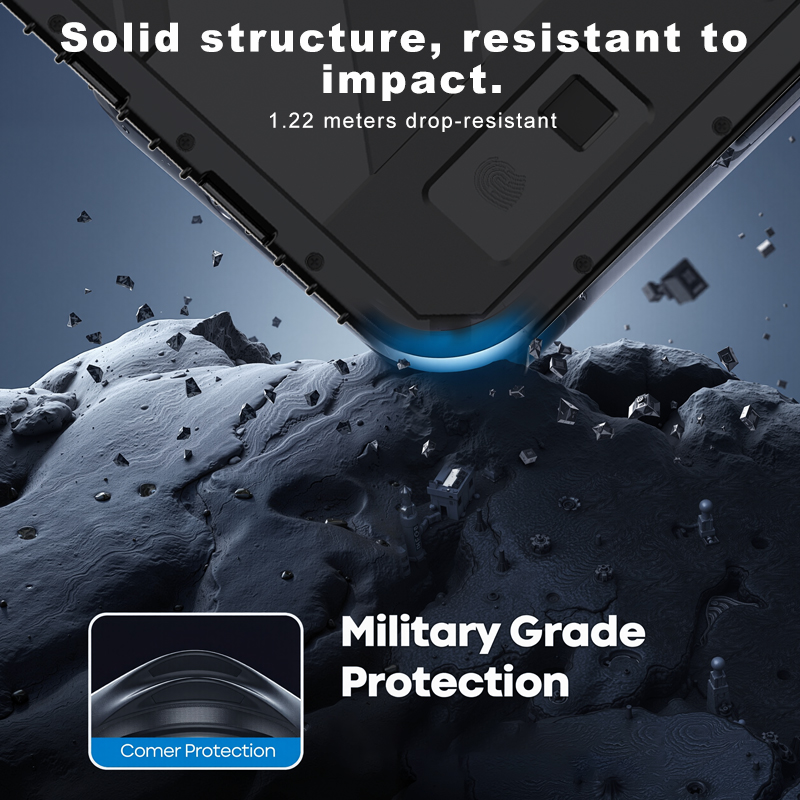
The ST13-J is a 13.3-inch rugged industrial tablet that I frequently recommend for mobile clinical carts and bedside documentation. Its positioning is clear: a lightweight, fanless, fully sealed device that moves with the clinician. The core advantage here is the IP65-rated front bezel, which withstands high-pressure water jets and chemical disinfectants used in daily cleaning protocols. In a hospital setting, this translates directly to ROI by eliminating the need for disposable keyboard covers or plastic bags that hinder usability and often tear, requiring frequent replacement. The device runs on an Intel Celeron processor (up to 11th generation options), which is more than sufficient for EHR navigation, medication administration records, and secure messaging. Its weight—typically under 1.5 kg—reduces the physical strain on nurses who carry it during rounding. The ST13-J also features hot-swappable battery capabilities, enabling continuous operation across shifts without docking downtime.
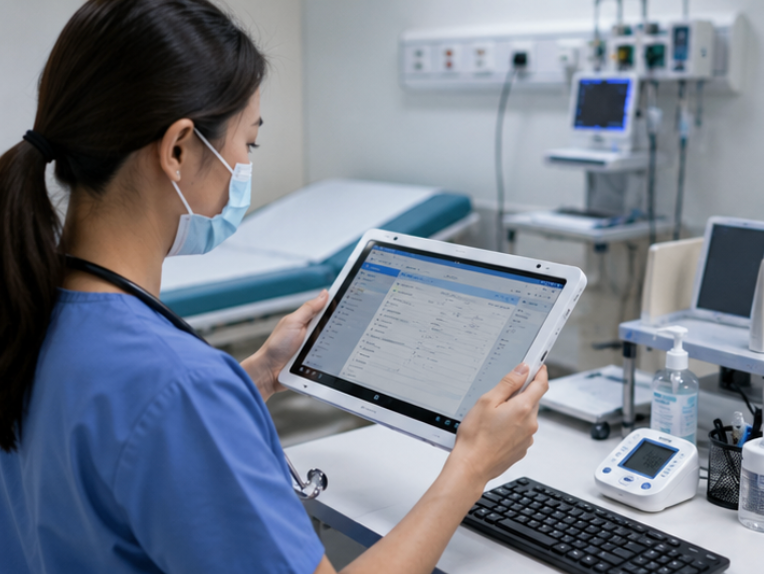
From a deployment ROI perspective, the ST13-J shines in scenarios where mobility is the primary driver. Consider a dialysis center or an oncology ward where patients are treated in chairs, not beds. Clinicians need to update vitals and infusion rates at the point of care, but a stationary workstation is impractical. The ST13-J mounts easily onto IV poles or wall arms using standard VESA patterns, and its rugged construction means it survives the occasional bump against door frames or dropped medical instruments. When comparing this to purchasing a dedicated laptop cart (which can cost $3,000 or more), the ST13-J plus a simple pole mount represents a fraction of that cost while delivering superior sanitation compliance. For clinics that rely on bedside scanning of medication barcodes, the integrated camera and optional barcode reader modules make this a turnkey solution.
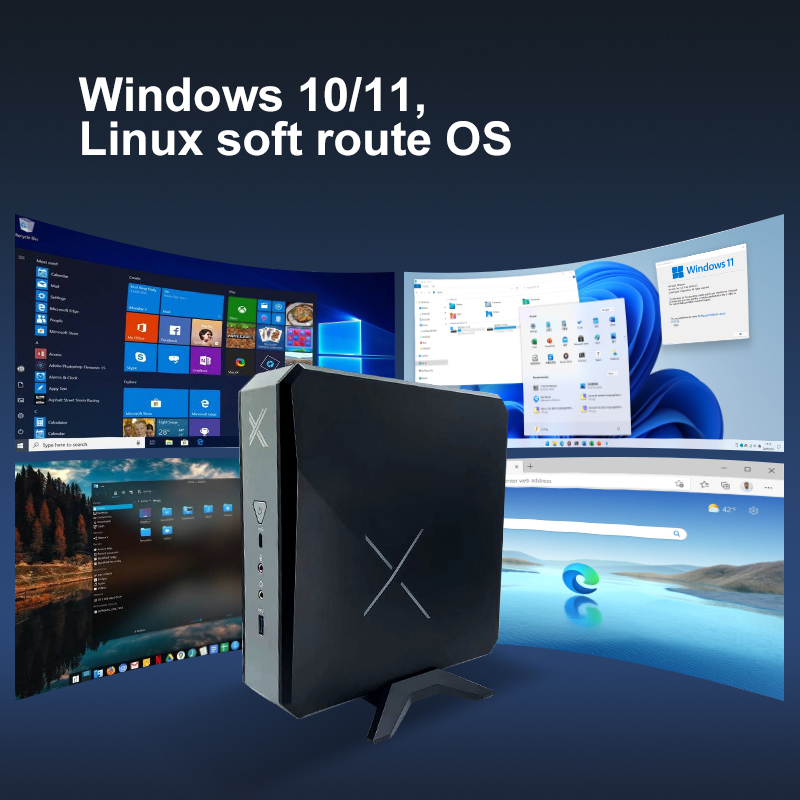
When the workload demands serious processing power, the HCAR5000 MI is the clear winner in this lineup. This mini PC is built around the AMD Ryzen 5000H series processors, offering up to 8 cores and 16 threads. That level of compute is not just for show—it is essential for clinics that run real-time ultrasound image processing, 3D dental reconstruction software, or AI-assisted diagnostic tools. The HCAR5000 MI sits on or under a desk, taking up less than one liter of space, which is a massive advantage in cramped consultation rooms where every square centimeter counts. It supports up to 64GB of DDR4 RAM and dual M.2 NVMe SSD slots, ensuring that large medical image files load instantly and that the system remains responsive even with multiple virtual machines running for different departments.
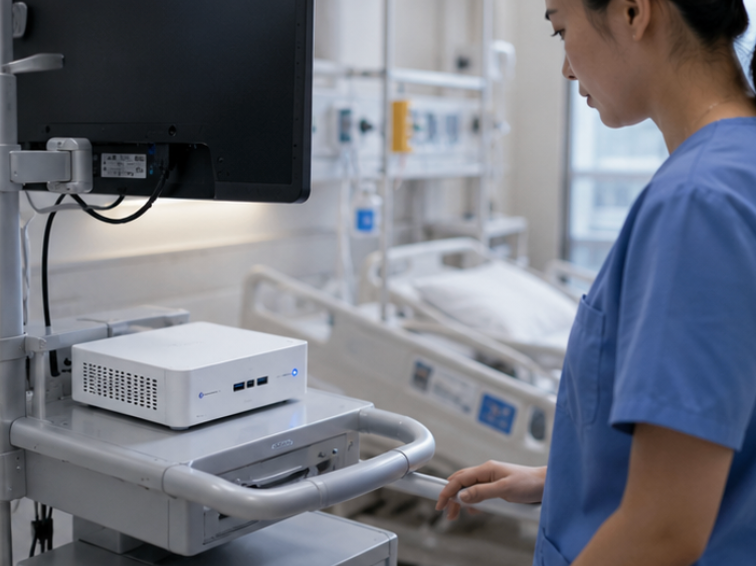
The ROI story for the HCAR5000 MI is about consolidating hardware. In many small clinics, I see a separate PC for the imaging modality, another for the EHR, and yet another for the front desk. Each device requires its own maintenance contract, power draw, and physical space. By deploying the HCAR5000 MI with its robust multi-display support (up to four 4K monitors via USB-C and HDMI), a single unit can drive the reception check-in screen, the physician's diagnostic monitor, and the patient education display simultaneously. This consolidation reduces hardware count by 50-70%, cutting both acquisition costs and annual energy bills. Furthermore, the Ryzen 5000H series includes an integrated Radeon GPU, which accelerates video decoding for telemedicine sessions and provides smooth rendering for 3D anatomical models—features that a standard office PC simply cannot match.
The <a href="https://www.hotusprojector.com/products/rugget-tablet/888.html" title="Hotus ST13-U 13.3" Rugged Industrial Tablet">ST13-U is the sibling of the ST13-J but with a key difference: it offers a capacitive multi-touch screen with higher brightness (typically 1000 nits) and a more flexible I/O configuration. This model is my go-to recommendation for clinics that need a device that can serve as both a stationary wall-mounted terminal and a hand-carried tablet. The ST13-U supports hot-swappable batteries just like the ST13-J, but it also includes an optional RJ45 Gigabit Ethernet port and two RS232 serial ports via an expansion dock. This makes it uniquely suitable for interfacing with legacy medical devices—such as older vital sign monitors or lab analyzers—that still communicate over serial protocols. For a clinic that cannot afford to replace all its existing diagnostic equipment, the ST13-U acts as a modern bridge, enabling data capture from legacy devices and transmitting it securely to the cloud-based EHR.
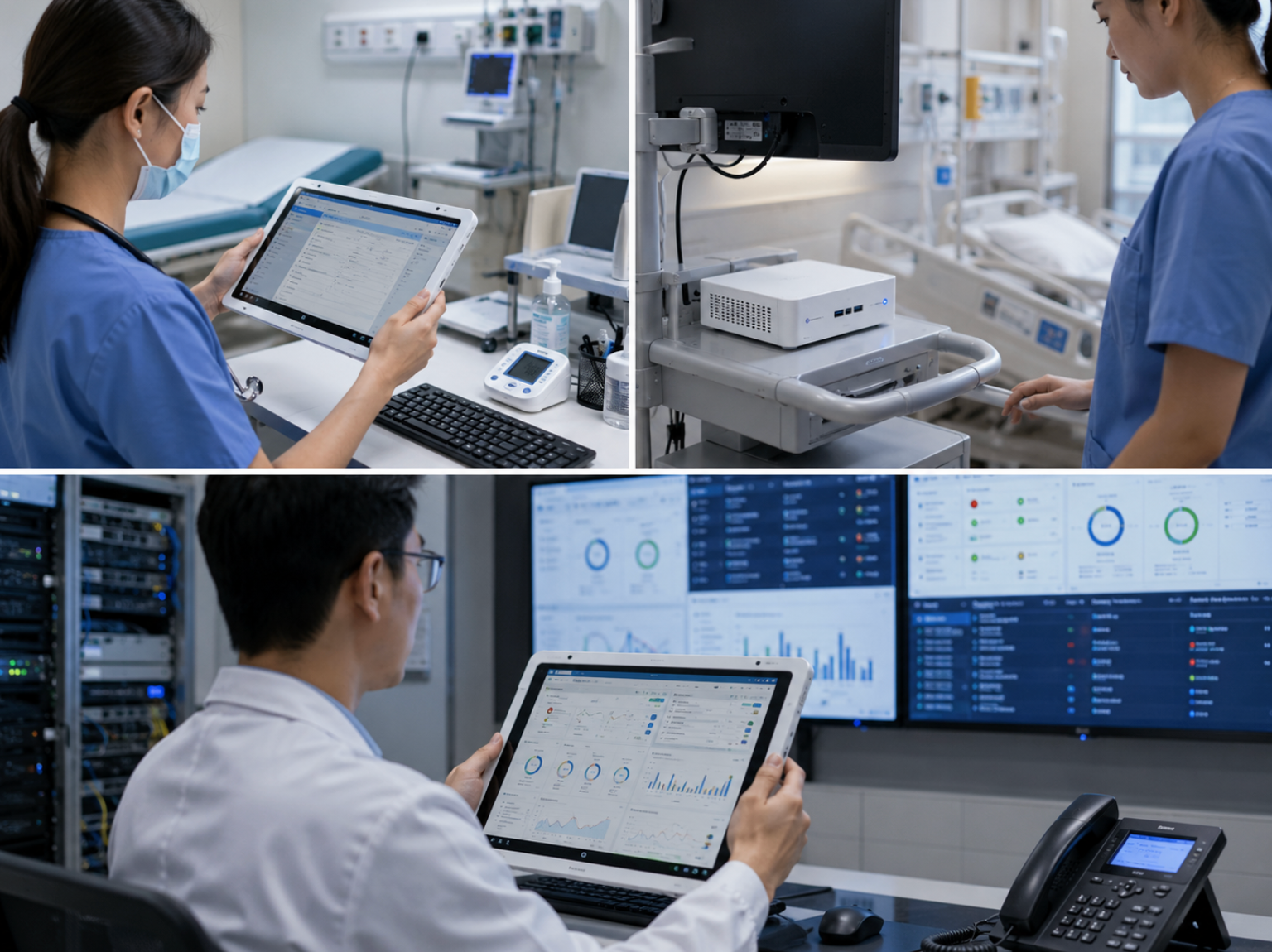
From a return on investment standpoint, the ST13-U reduces the need for multiple specialized devices. Instead of buying a dedicated wall-mounted patient check-in kiosk and a separate handheld tablet for room-to-room rounding, one ST13-U with a docking station can perform both roles. The high-brightness screen is legible even in sunlit waiting areas, and the optical bonding of the glass minimizes reflection, reducing eye strain for both staff and patients. The IP65 rating on the front panel ensures that cleaning with bleach wipes or alcohol sprays will not degrade the touch responsiveness over time. In my experience, the ST13-U is also the preferred choice for anesthesia workstations in outpatient surgery centers, where the combination of serial ports, reliable touch input, and compact mounting options is critical.
| Feature | ST13-J | HCAR5000 MI | ST13-U |
|---|---|---|---|
| Form Factor | 13.3" Rugged Tablet | Mini PC (Under 1L) | 13.3" Rugged Tablet |
| Processor Options | Intel Celeron (11th Gen) | AMD Ryzen 5000H Series (up to 8 cores) | Intel Celeron (11th Gen) |
| Max Memory | 16GB DDR4 | 64GB DDR4 | 16GB DDR4 |
| Storage | M.2 SATA / NVMe | Dual M.2 NVMe SSD | M.2 SATA / NVMe |
| Ingress Protection | IP65 (front bezel) | N/A (indoor desk use) | IP65 (front bezel) |
| Battery | Hot-swappable, dual battery | N/A (AC powered) | Hot-swappable, dual battery |
| Key I/O | USB 3.2, HDMI, optional barcode reader | USB-C, 4x HDMI, 2x GbE, RS232 | USB 3.2, HDMI, optional RS232, RJ45 |
| Best Deployment Scenario | Mobile carts, bedside documentation, IV pole mounting | Imaging suites, telemedicine hubs, multi-display front desk | Wall-mounted kiosks, legacy device bridging, anesthesia carts |
| Relative Cost (Higher = More Expensive) | $$ | $$$ | $$ |
Selecting the right device from the ST13-J series or the HCAR5000 MI requires a clear-eyed assessment of your clinical workflows. First, ask yourself: Does the computing need to travel with the clinician? If the answer is yes—for tasks like medication administration at the bedside or patient intake in a waiting area—then a rugged tablet like the ST13-J or ST13-U is mandatory. The choice between the two then comes down to connectivity. If you have older diagnostic equipment that only speaks RS232, the ST13-U is your only option. If not, the ST13-J offers a slightly lower entry price and the same core sanitation features.
Second, evaluate your processing demands. A standard EHR with voice recognition runs fine on the Intel Celeron platform of the tablets. But if you are deploying AI-based retinal scanning, real-time ECG interpretation with waveform analysis, or 3D volume rendering for radiology, you need the AMD Ryzen power of the HCAR5000 MI. Do not overspend on the mini PC if you do not need that horsepower, but equally, do not under-spec and suffer from laggy performance that frustrates physicians and slows down patient flow. The HCAR5000 MI is also the right call for a central server role in a small clinic, hosting the practice management database and acting as a gateway for remote access.
Third, think about the physical environment. In a general practitioner's office with carpeted floors and dry conditions, the IP rating of the tablet is less critical. However, in an emergency room, a dental surgery suite, or a dermatology clinic where lasers and fluids are present, the sealed design of the ST13-J and ST13-U is non-negotiable. The cost of a single motherboard failure due to liquid ingress—often exceeding $500 in repair plus lost productivity—quickly justifies the slight premium of a rugged device. Also, consider the mounting infrastructure. All three devices support VESA mounting, but the tablets are inherently more flexible for pole-mount or wall-arm configurations. The HCAR5000 MI, being a box, is best tucked under a desk or behind a monitor on a clamp mount.
Finally, consider your total cost of ownership over 36 months. Factor in not just the purchase price, but also the cost of external peripherals. The tablets come with integrated batteries, which eliminates the need for UPS units at the point of care. The HCAR5000 MI, while powerful, requires a reliable power source and ideally a UPS if used for critical imaging tasks. For most clinics, a hybrid approach works best: deploy the HCAR5000 MI as the imaging and data hub, and use the ST13-J or ST13-U as mobile clients that connect to it. This architecture centralizes compute cost while distributing the ergonomic benefits of portable touchscreens. To see the full range of options and understand which configuration fits your budget, explore our mini PC solutions and rugged tablet lineups for more detailed technical datasheets.
In conclusion, the ROI of deploying Hotus medical-grade computing is not measured in the first month—it is measured in the reduced incidence of device failure, the improved compliance with sanitation protocols, and the preserved dignity of patients who see a professional, integrated technology setup in their care environment. The ST13-J offers the best value for high-mobility, low-compute tasks. The HCAR5000 MI delivers the performance headroom for future-proof diagnostic applications. The ST13-U provides the flexibility to bridge old and new systems without a costly equipment overhaul. I strongly recommend that any clinic or hospital IT manager request a demo unit and run a two-week pilot in their busiest ward. The data on staff satisfaction, workflow speed, and maintenance calls will speak for themselves. Do not settle for consumer hardware in a clinical setting—the hidden costs are simply too high.