- Select Language
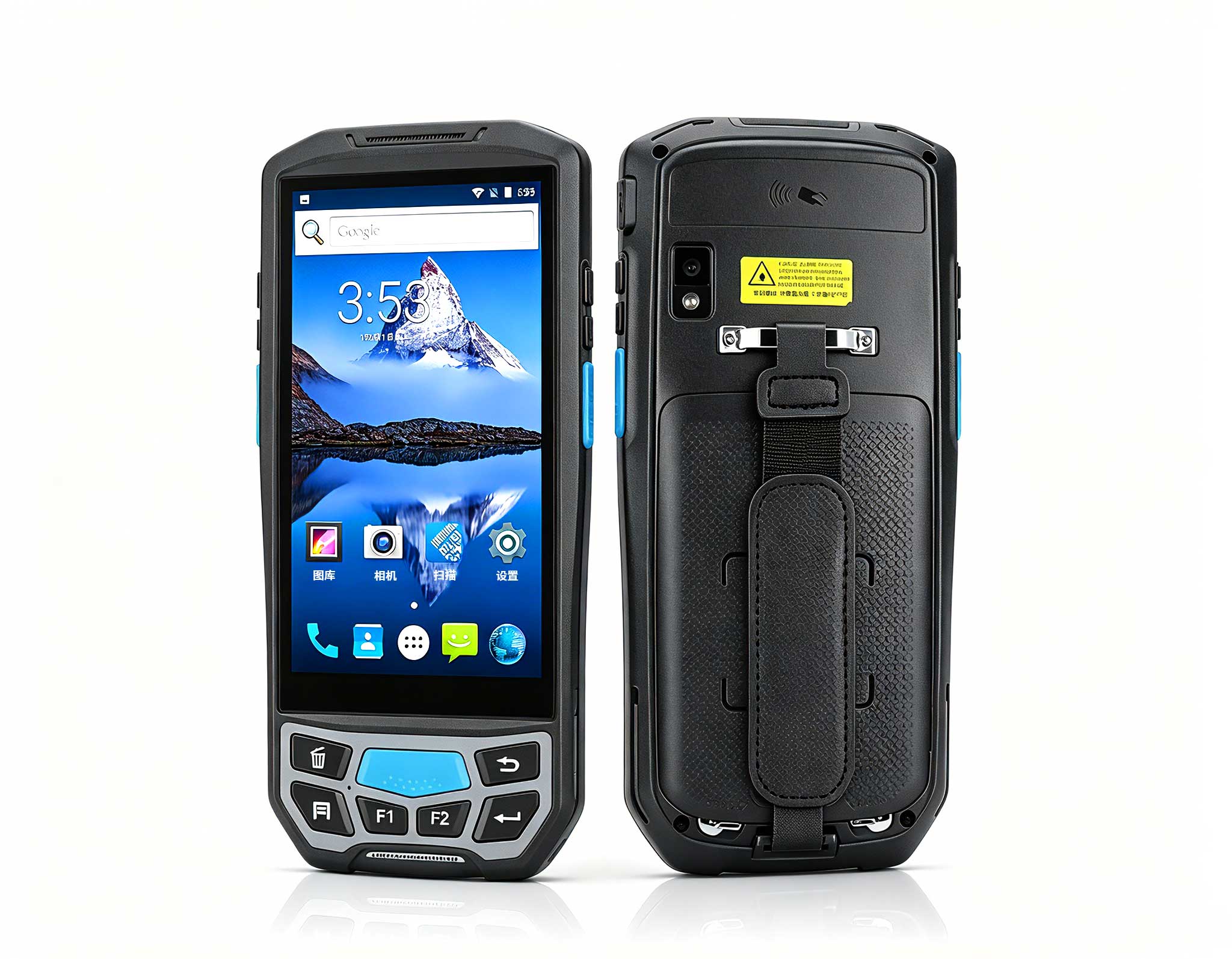
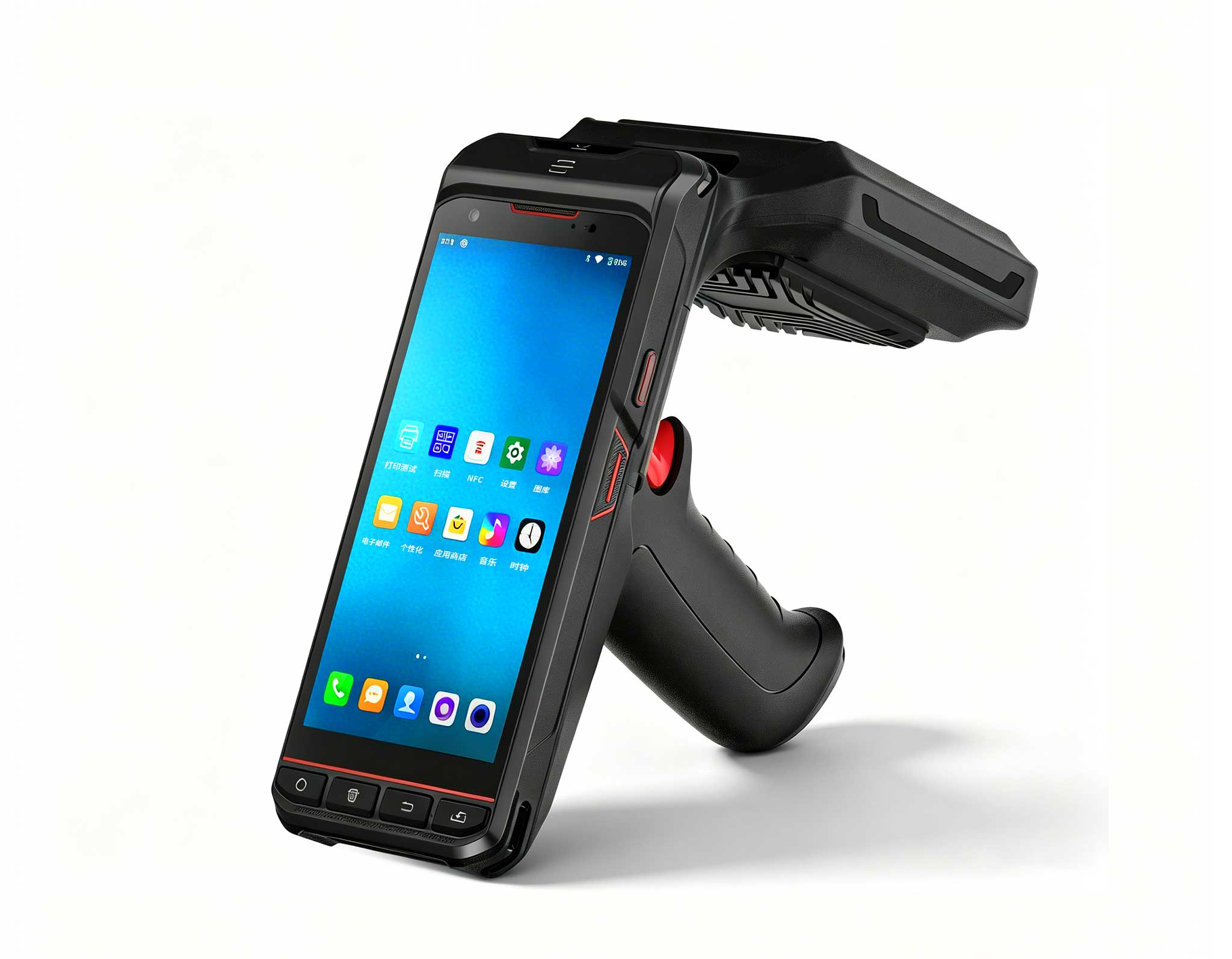
The U9000 handheld PDA combines advanced barcode s...
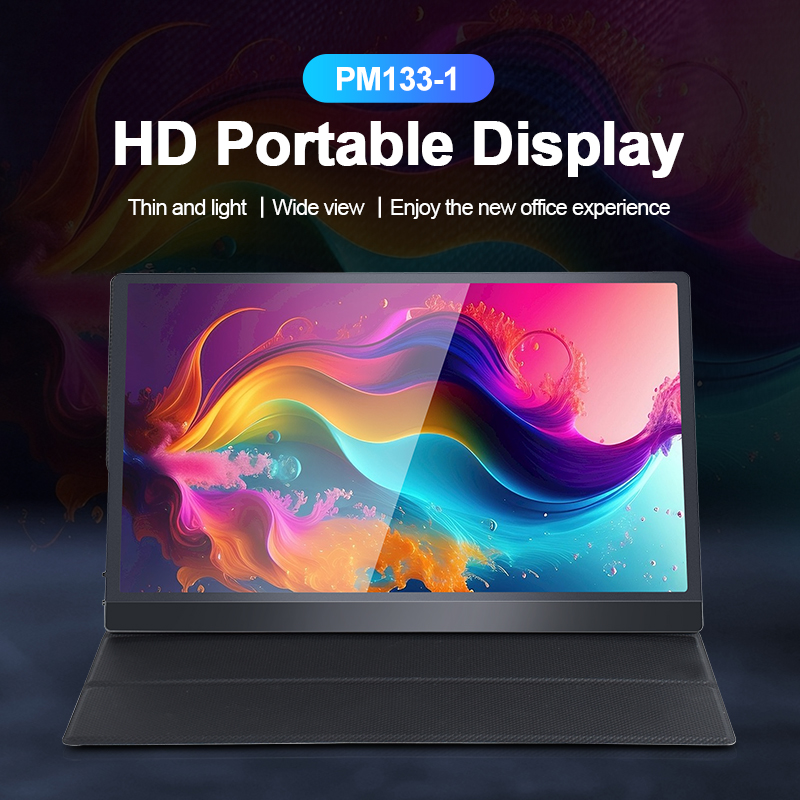
The PM133-2 is a 13.3-inch portable monitor featur...
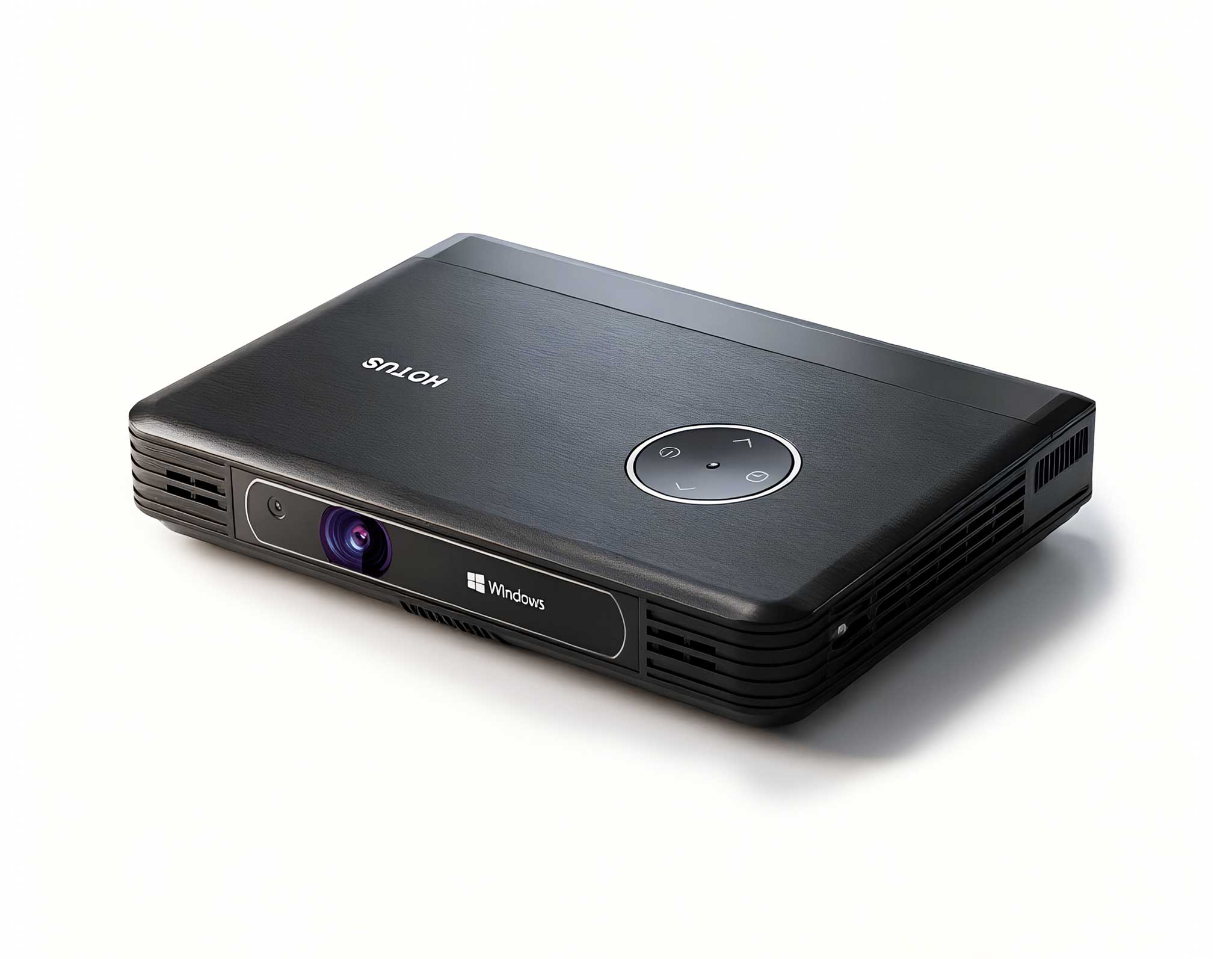
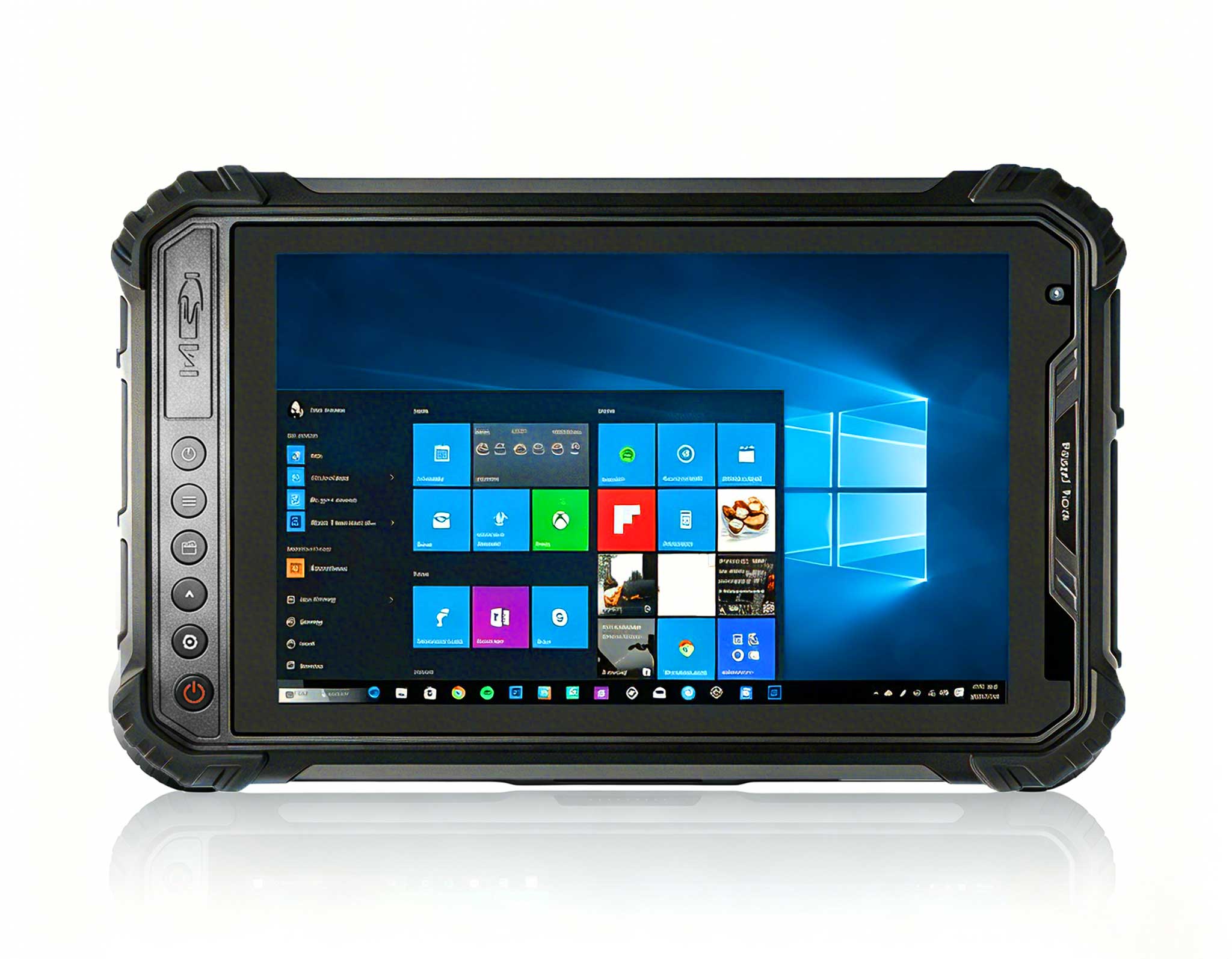
Full SpecificationsModelHotus ST9‑JOSWindows 10 Pr...
This ultra-compact mini PC offers powerful perform...
The R501 PDA combines a powerful MT6762 Octa-Core ...
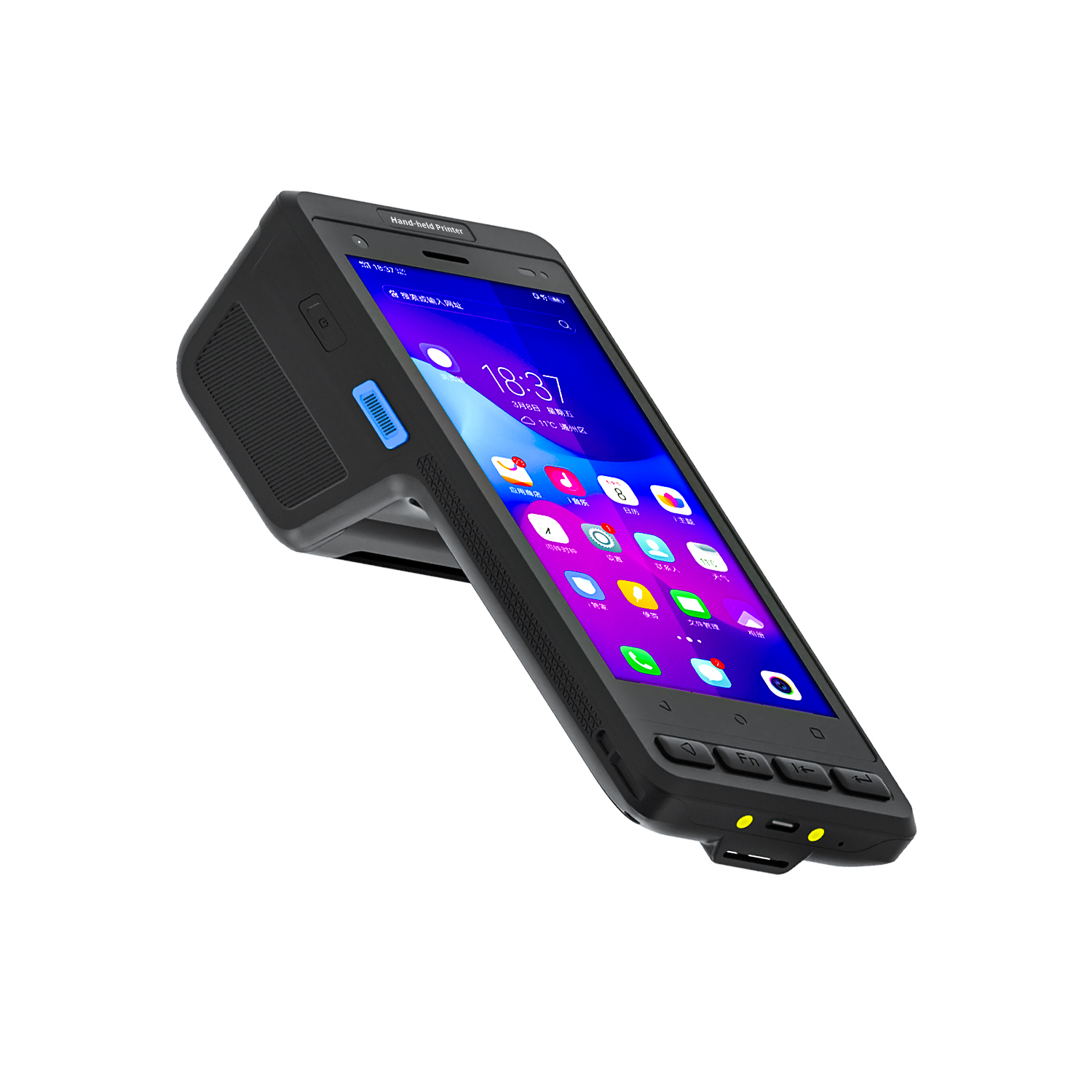
️ X8 Series Handheld Label & Thermal Printing ...
When I walk through retail stores, hospital lobbies, or quick-service restaurants, I keep seeing the same recurring problem: beautifully designed digital signage software running on hardware that simply wasn't built for the job. The result? Overheating units, unresponsive touchscreens, and frustrated maintenance teams. Over the years, I’ve learned that the difference between a smooth kiosk rollout and a costly failure often comes down to one decision—choosing the right computing platform for the specific installation environment. Whether you are mounting a slim display behind a counter or deploying a rugged tablet for field ticketing, the hardware must match the physical realities of the space. For most integrators, the sweet spot lies in purpose-built compact computers and industrial tablets that balance processing power with installation flexibility. If you are evaluating options for your next project, I recommend starting with dedicated digital signage kiosk solutions that are engineered for continuous operation rather than repurposed consumer electronics.
This guide focuses on three Hotus devices that cover the spectrum of digital signage and self-service deployment: the Palm-sized miniPC, the SH5-W rugged handheld, and the HTQ10A Android rugged tablet. Each serves a distinct role in an installation workflow, and understanding their strengths will help you avoid common deployment pitfalls.
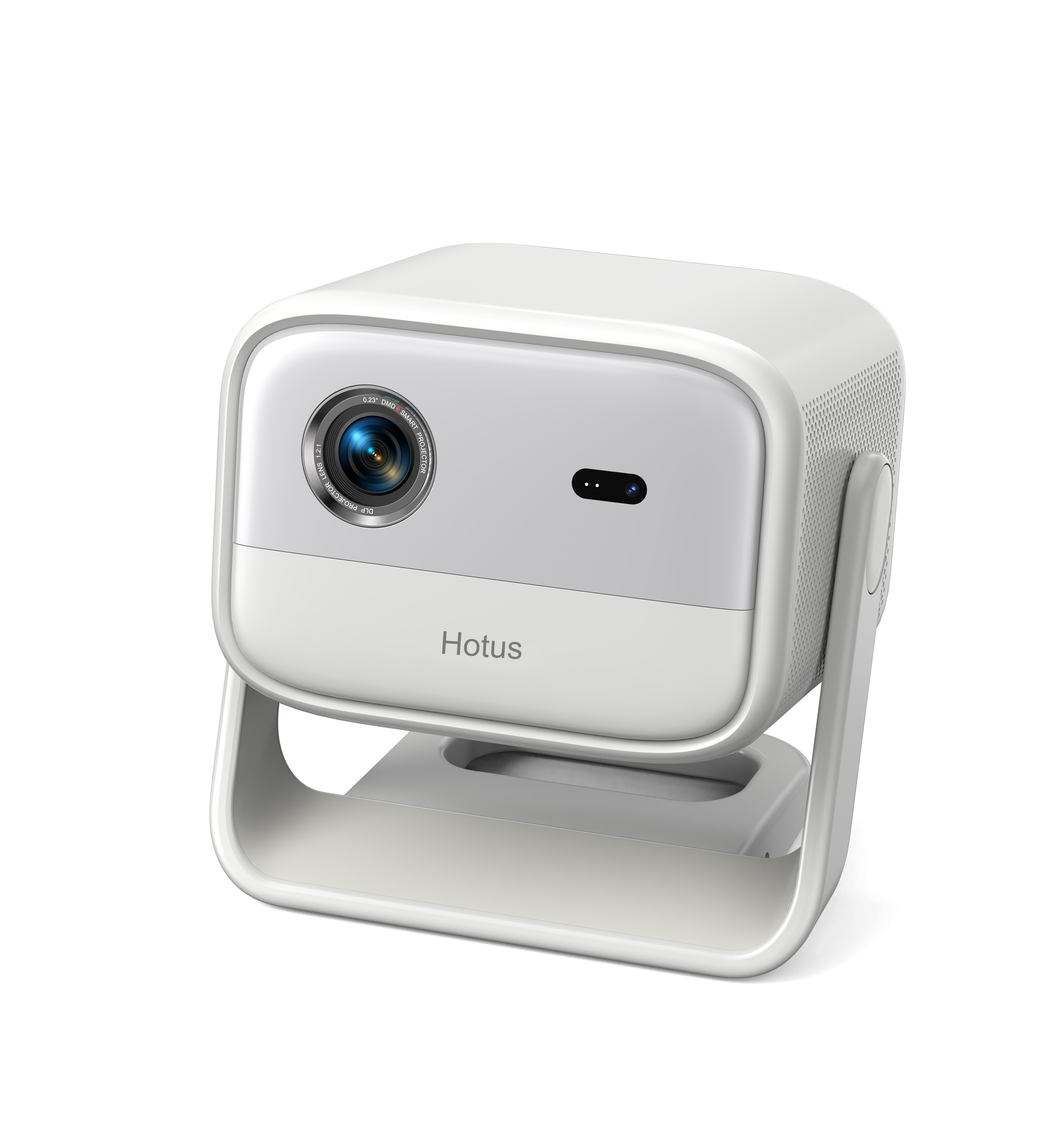
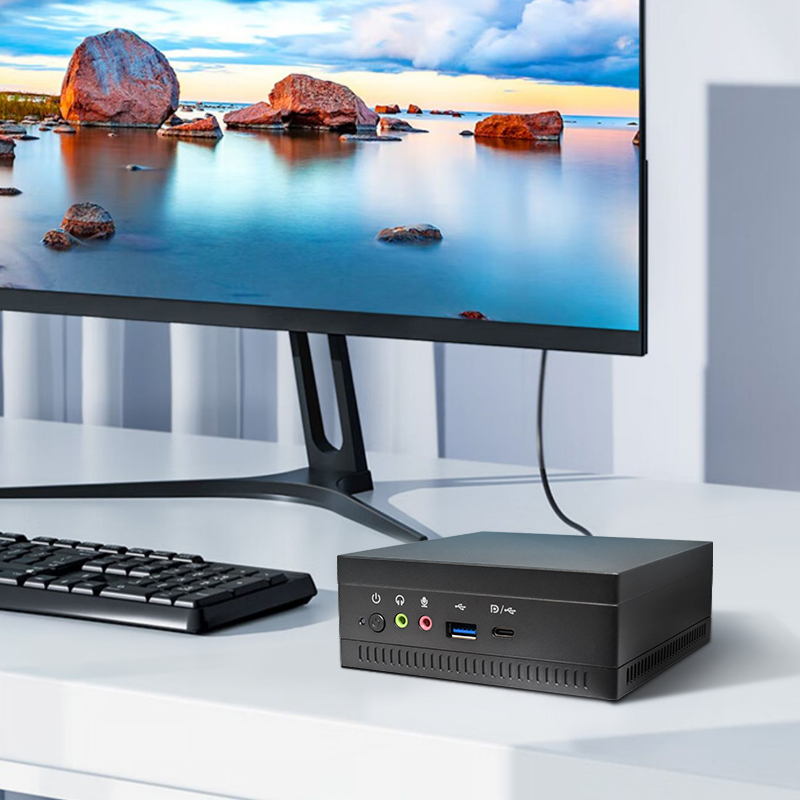
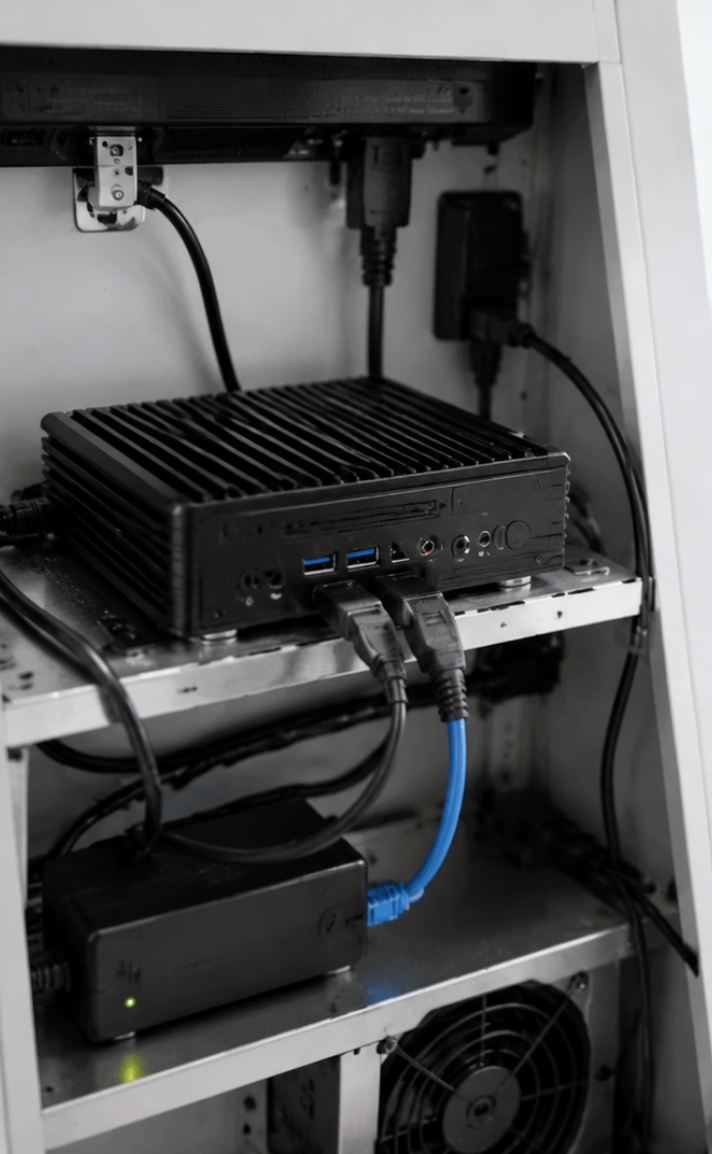
For permanent installations like wayfinding kiosks, menu boards, or ticketing machines, space is always at a premium. The Palm-sized miniPC is my go-to recommendation for integrators who need reliable computing power without sacrificing valuable enclosure space. This unit is designed to be mounted behind a display or inside a kiosk cabinet, which means the physical footprint matters as much as the technical specifications. Its compact chassis fits into tight compartments where a standard SFF desktop would never fit, and it supports VESA mounting, so you can secure it directly to the back of a commercial display for a clean, cable-free installation.
From a performance perspective, this miniPC handles 4K video playback smoothly, which is the baseline for modern digital signage content. It offers multiple USB and HDMI ports, giving you the flexibility to connect peripherals like touch overlays, sensors, or receipt printers without needing a separate hub. For self-service kiosks that run for 12 to 16 hours daily, the low power consumption and passive cooling design are critical advantages—fewer moving parts mean fewer failure points. During installation, the key is to ensure adequate airflow around the device, especially if it sits inside a sealed kiosk cabinet. I always advise integrators to leave at least two centimeters of clearance on each side for heat dissipation.
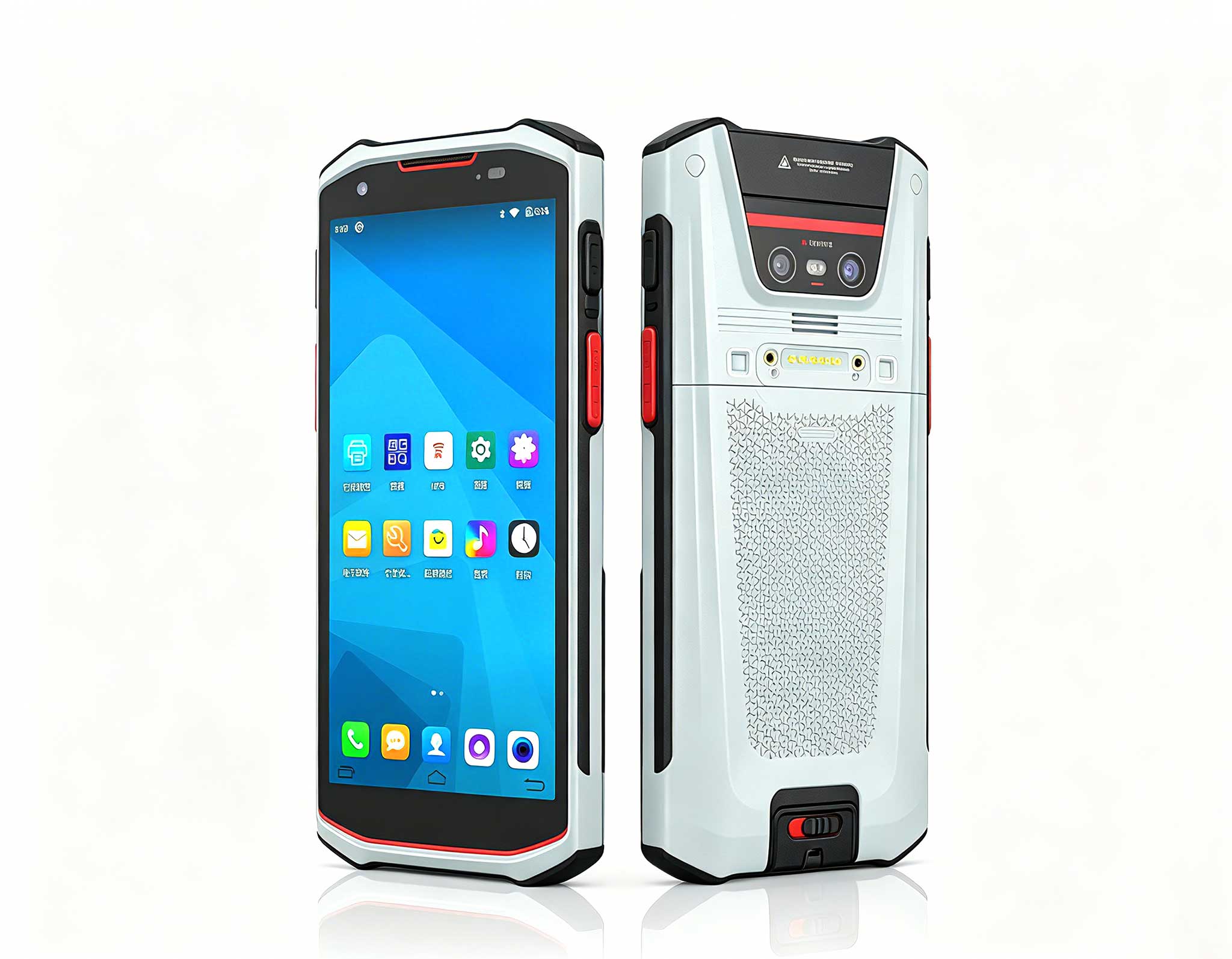
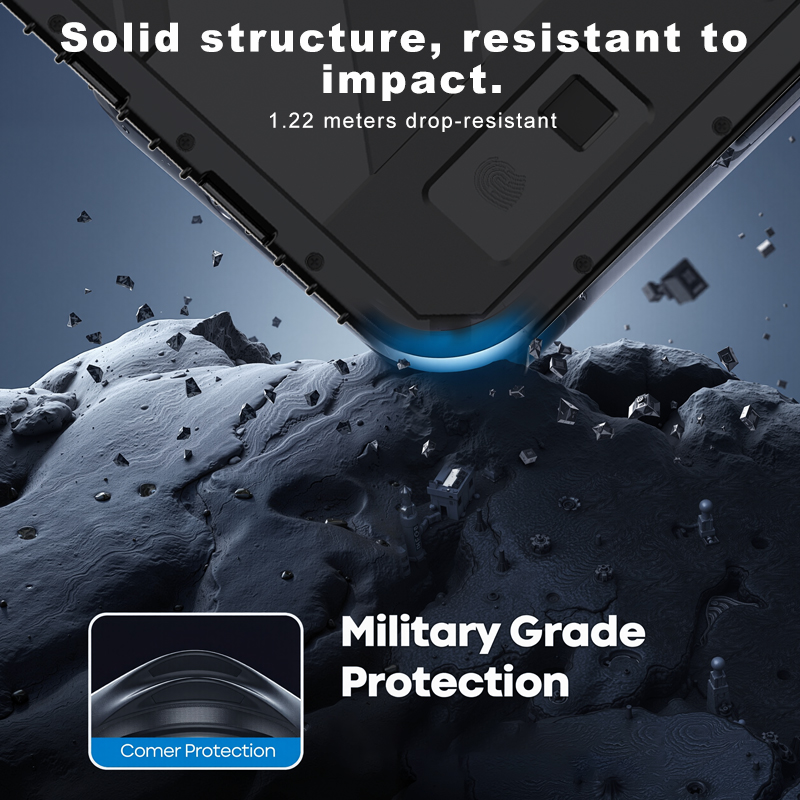
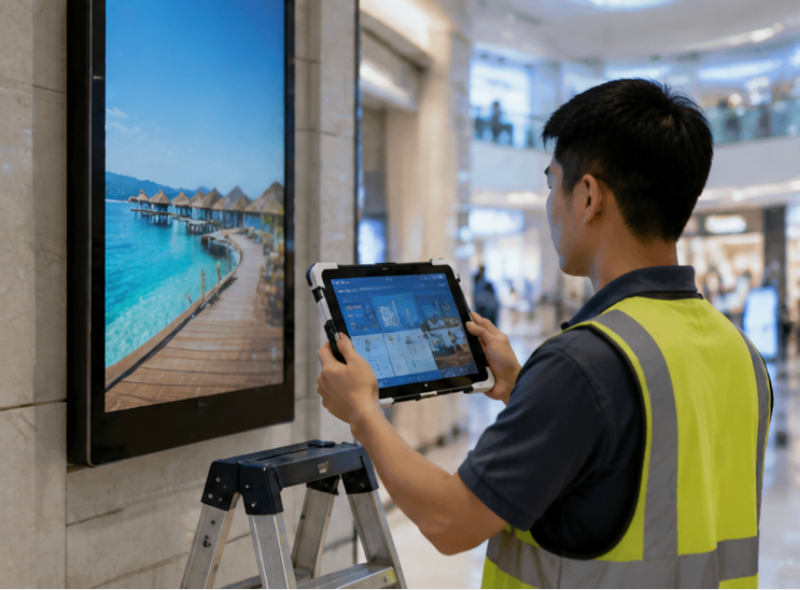
Once your fixed kiosks are deployed, the next challenge is maintenance and on-site configuration. This is where the <a href="https://www.hotusprojector.com/products/rugget-tablet/880.html" title="Hotus SH5-W 5.5" Rugged Handheld Tablet | Compact Industrial Mobile Computer">SH5-W rugged handheld becomes an essential tool in your deployment arsenal. While it is not the primary signage player, the SH5-W serves as a portable diagnostic and configuration device for technicians who need to test network connectivity, update content, or troubleshoot touchscreen responsiveness across multiple kiosk locations. Its 5.5-inch display is compact enough to carry in a tool bag, yet it runs full Android, which means you can install the same remote management apps used for your kiosk fleet.
What makes the SH5-W particularly valuable in an installation context is its IP67-rated protection against dust and water. When you are working on kiosks in dusty retail backrooms, outdoor ticketing areas, or food service environments where spills are common, you do not want to worry about your diagnostic tool failing. The device also includes barcode scanning capabilities, which simplifies asset tracking during large-scale rollouts—you can scan the serial number of each kiosk and log its installation status directly from the field. For technicians who mount displays at heights or in awkward positions, the SH5-W's single-hand operation and glove-friendly touchscreen reduce the risk of drops and accidental input.
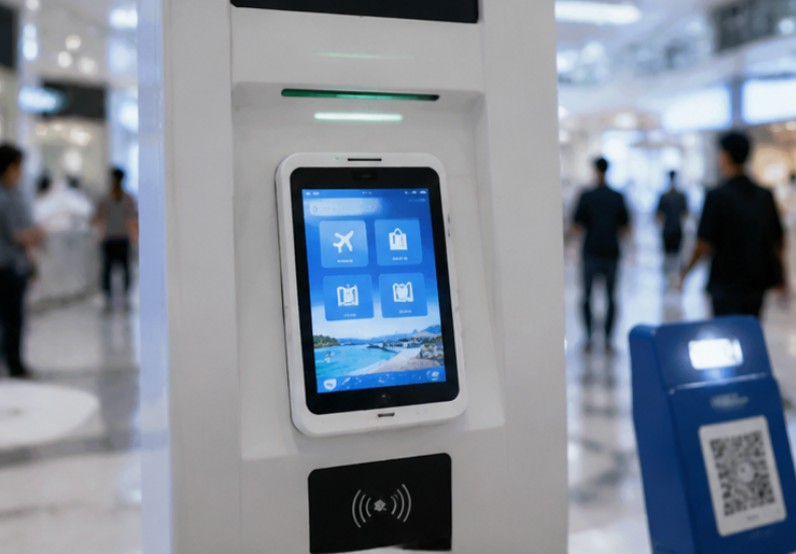
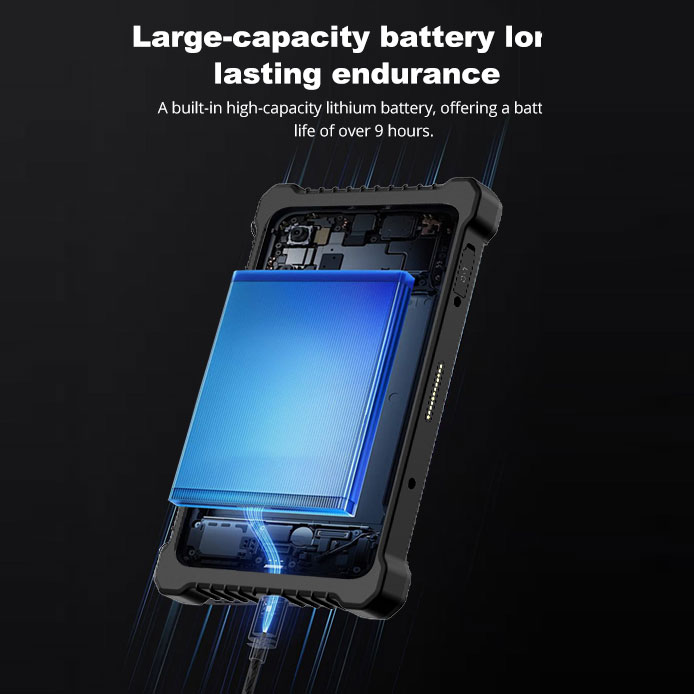
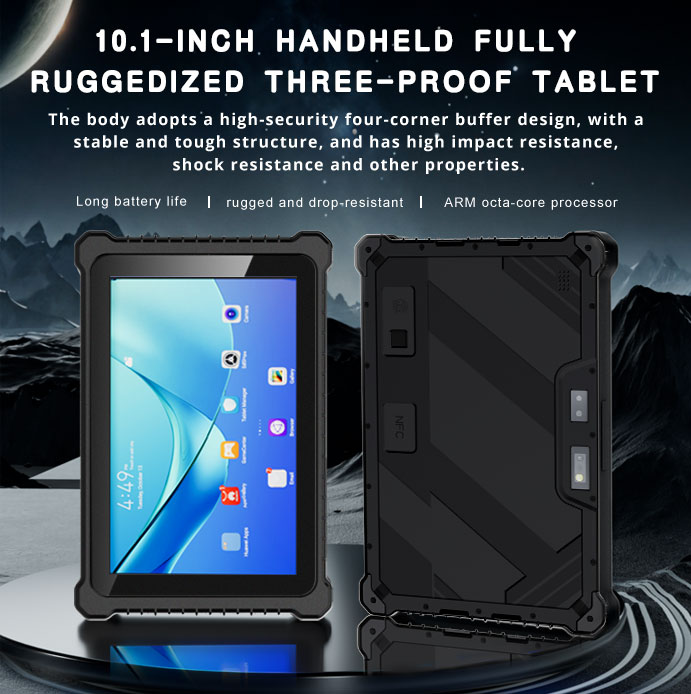
In scenarios where the kiosk itself is the tablet, the HTQ10A Android Rugged Tablet offers a different deployment philosophy. Instead of mounting a separate display and PC, you use a single rugged tablet that serves as both the computing core and the user interface. This approach dramatically simplifies installation—no VESA brackets, no hidden PCs, no cable management. The 10-inch screen size is ideal for self-order kiosks in restaurants, patient check-in stations in clinics, or interactive directories in hotel lobbies. The HTQ10A can be mounted onto a counter stand or wall bracket using standard mounting holes, and the entire installation takes less than ten minutes.
The HTQ10A is built to withstand the wear and tear of public interaction. Its rugged construction meets IP65 standards, protecting it from dust ingress and water jets, which makes it suitable for outdoor self-service terminals like parking payment stations or EV charging interfaces. The sunlight-readable display option is a must-have for any deployment that faces direct or indirect sunlight, as standard consumer tablets become unreadable in bright conditions. From a software perspective, the device runs Android, which gives you access to a wide ecosystem of kiosk lockdown and remote management tools. This reduces the need for custom software development and accelerates your time-to-deployment. For multi-location rollouts, the HTQ10A's consistent hardware profile also simplifies inventory management and spare-part logistics.
| Parameter | Palm-sized miniPC | SH5-W | HTQ10A Android Rugged Tablet |
|---|---|---|---|
| Primary Role | Fixed signage player | Field maintenance tool | Interactive self-service terminal |
| Processor | Intel quad-core (suitable for 4K) | Octa-core ARM for Android | Octa-core ARM for Android |
| Memory / Storage | 8GB RAM / 128GB SSD | 4GB RAM / 64GB ROM | 4GB RAM / 64GB ROM |
| Display Size | N/A (HDMI output) | 5.5-inch touchscreen | 10.1-inch touchscreen |
| Ingress Protection | N/A (internal enclosure) | IP67 | IP65 |
| Mounting Options | VESA, shelf, cabinet | Handheld, holster | Wall mount, counter stand |
| Best Scenario | Menu boards, wayfinding | On-site diagnostics, asset tracking | Self-order, check-in, outdoor kiosks |
Each device in this lineup serves a distinct purpose, but they share a common DNA: industrial reliability and deployment-focused design. When you build your entire kiosk ecosystem around these three devices, you simplify training, spare parts management, and technical support. For a broader look at how the Palm-sized miniPC series extends beyond basic signage into more demanding edge-computing tasks, I encourage you to review the full product line.
Selecting the right hardware is not about picking the most powerful device—it is about matching the device to the physical and operational constraints of your site. For fixed installations where the display is separate from the computer, the Palm-sized miniPC is almost always the right call. It offers the most flexibility in terms of display size and peripheral connectivity. However, if your kiosk design calls for a unified, all-in-one form factor, the HTQ10A eliminates the complexity of integrating separate components and reduces the risk of loose connections over time.
For maintenance teams, the SH5-W is not a secondary thought but a critical investment. Consider the total cost of ownership: a single failed kiosk can cost more in lost revenue and service calls than the price of a rugged handheld. If your deployment spans multiple floors of a hospital or several locations across a city, the SH5-W pays for itself within the first month of operations. Also, think about the environment. Outdoor deployments require at least IP65 protection, so the HTQ10A is the minimum baseline for any weather-exposed installation. Indoor installations with controlled climates can safely use the miniPC, but be cautious about placing it near heat sources like kitchen exhaust or direct sunlight through windows.
Finally, consider your software stack. Android-based devices like the HTQ10A and SH5-W integrate seamlessly with modern cloud-based signage platforms that offer remote monitoring and content scheduling. The Palm-sized miniPC, running Windows or Linux, is better suited for legacy signage software or custom applications that require x86 architecture. Map your software requirements first, then select the hardware that supports them—this order of decision-making prevents costly compatibility issues during deployment.
The gap between a successful digital signage rollout and a problematic one often comes down to hardware that was designed for the real world. The Palm-sized miniPC, SH5-W, and HTQ10A each solve specific installation challenges, from space-constrained enclosures to outdoor durability and field serviceability. If you are planning a new deployment or upgrading an existing one, I recommend starting with a clear inventory of your installation sites and environmental conditions. From there, you can match each location to the appropriate device. To see the full range of options and technical documentation, explore our mini PC solutions and contact our engineering team for a site-specific consultation.