- Select Language
R366-S 5.5-inch Industrial PDA | Qualcomm Octa-cor...
R350C 4-inch Industrial Handheld PDA | Qualcom...
R366-S 5.5-inch Industrial PDA | Qualcomm Octa-cor...
Technical SpecificationsModel: Palm-sized miniPCTy...
P11 Series Next-Gen Enterprise Rugged Industrial ...
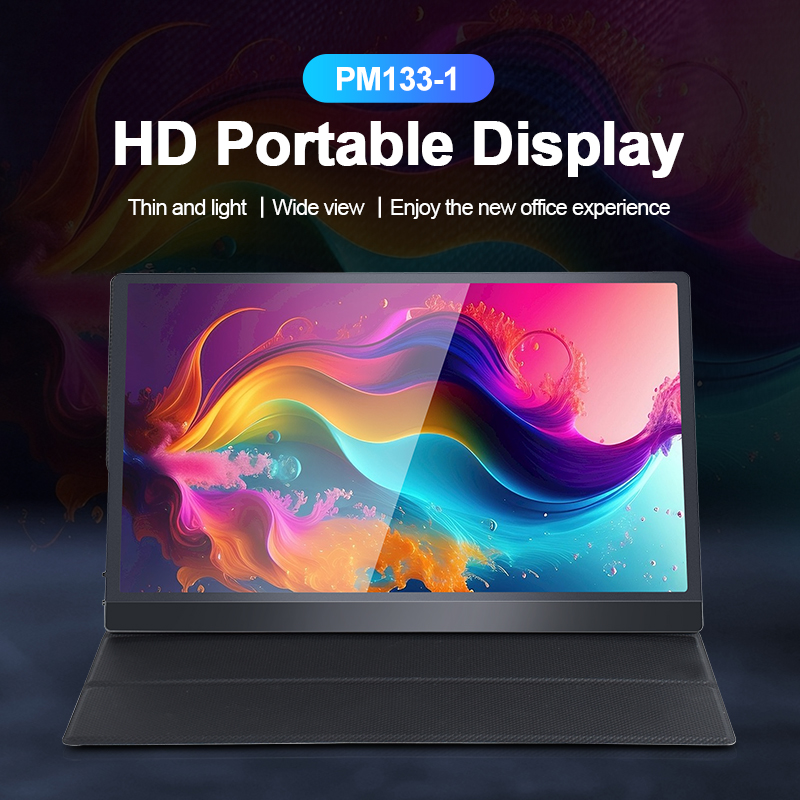
The PM133-2 is a 13.3-inch portable monitor featur...
A virtual desktop floor is usually planned in endpoints. Somebody counts the desks and stations, works out how many screens each needs, and hands the total to whoever writes the roster. The roster is written around the hours when people are working, because that is when the floor has to be useful. Neither step looks at the hour before work starts, and on a floor that draws every session from one image, that hour decides how many people the site actually needs. Terminals are interchangeable once they are running. What is not interchangeable is the preparation that puts them in place.
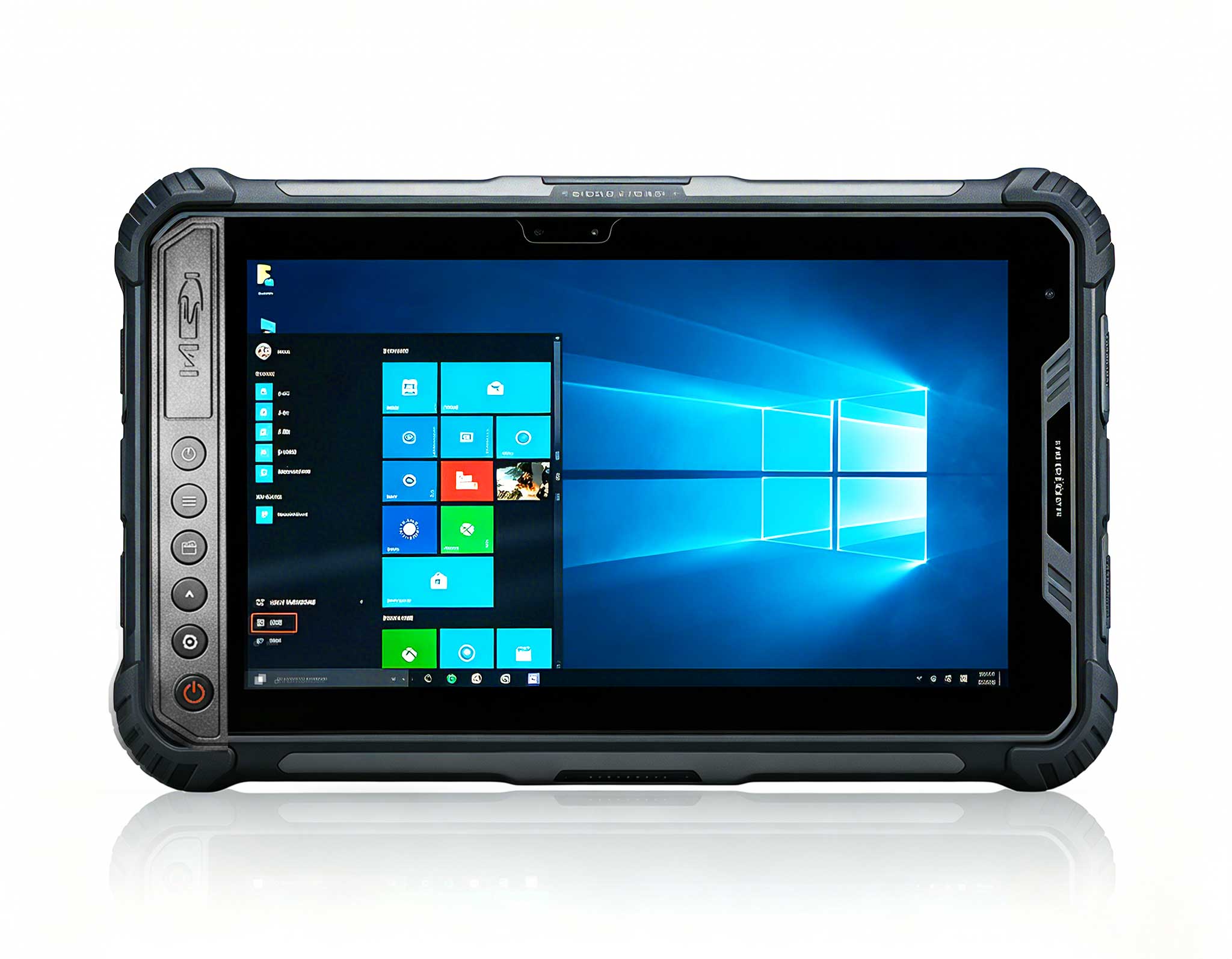
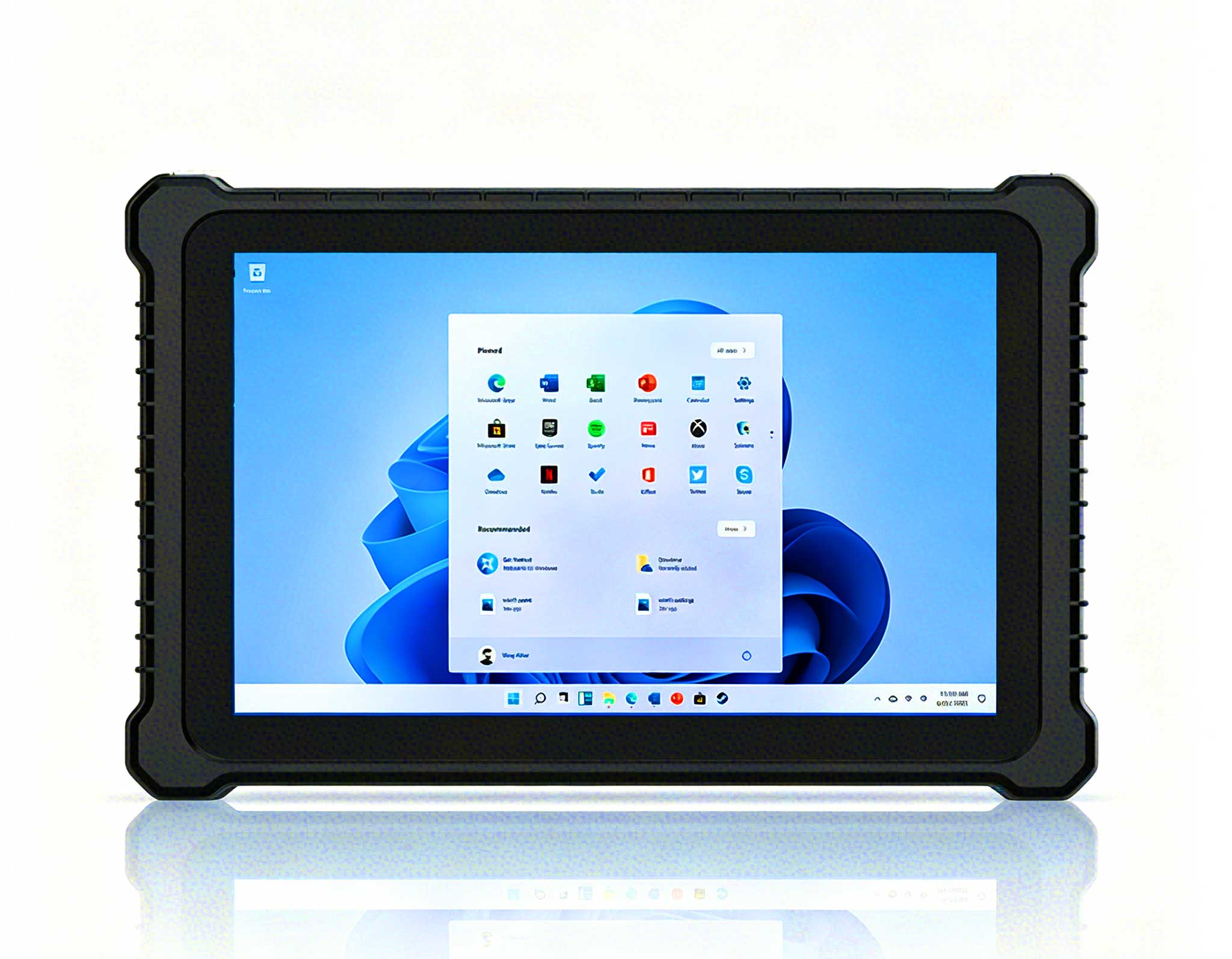
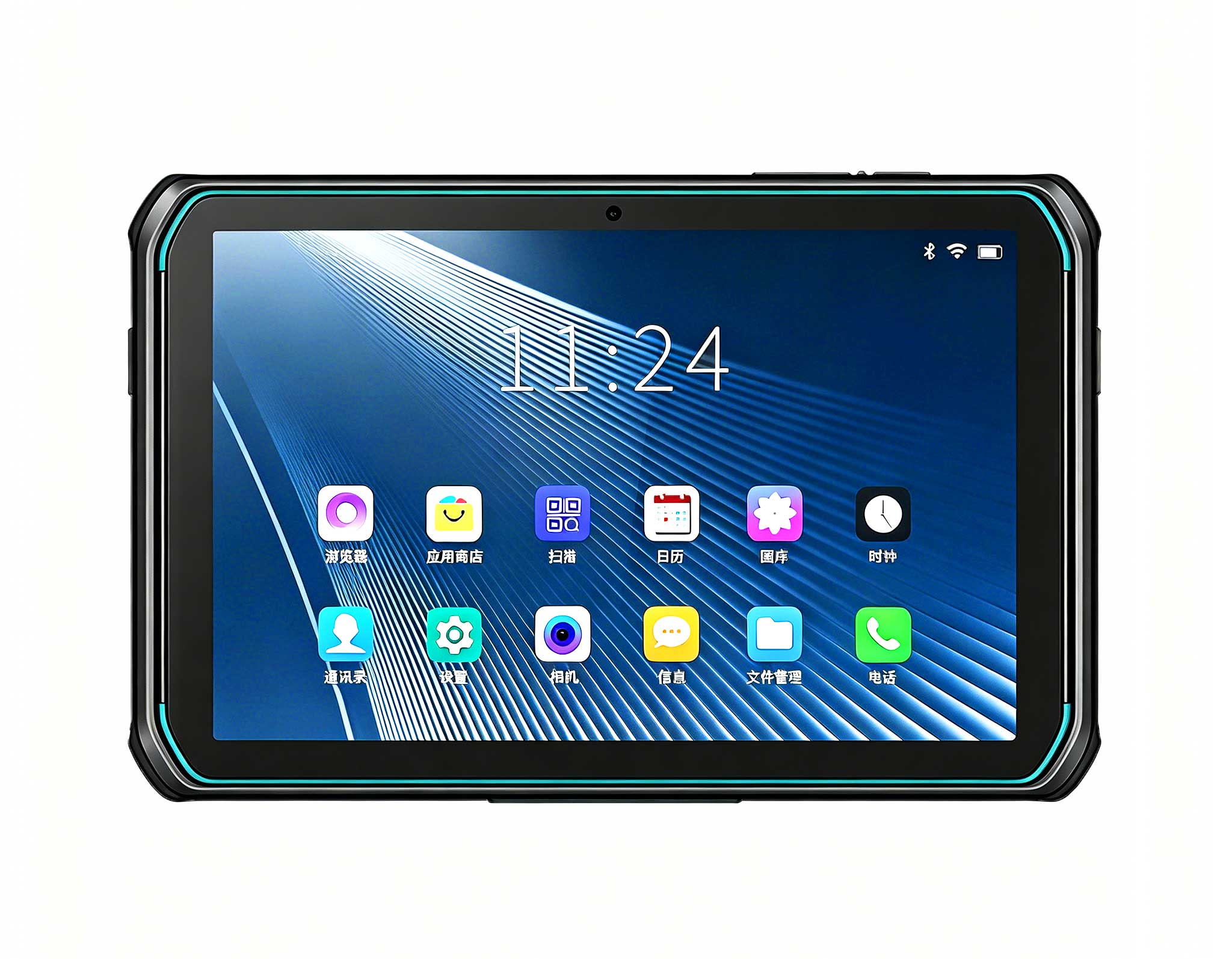
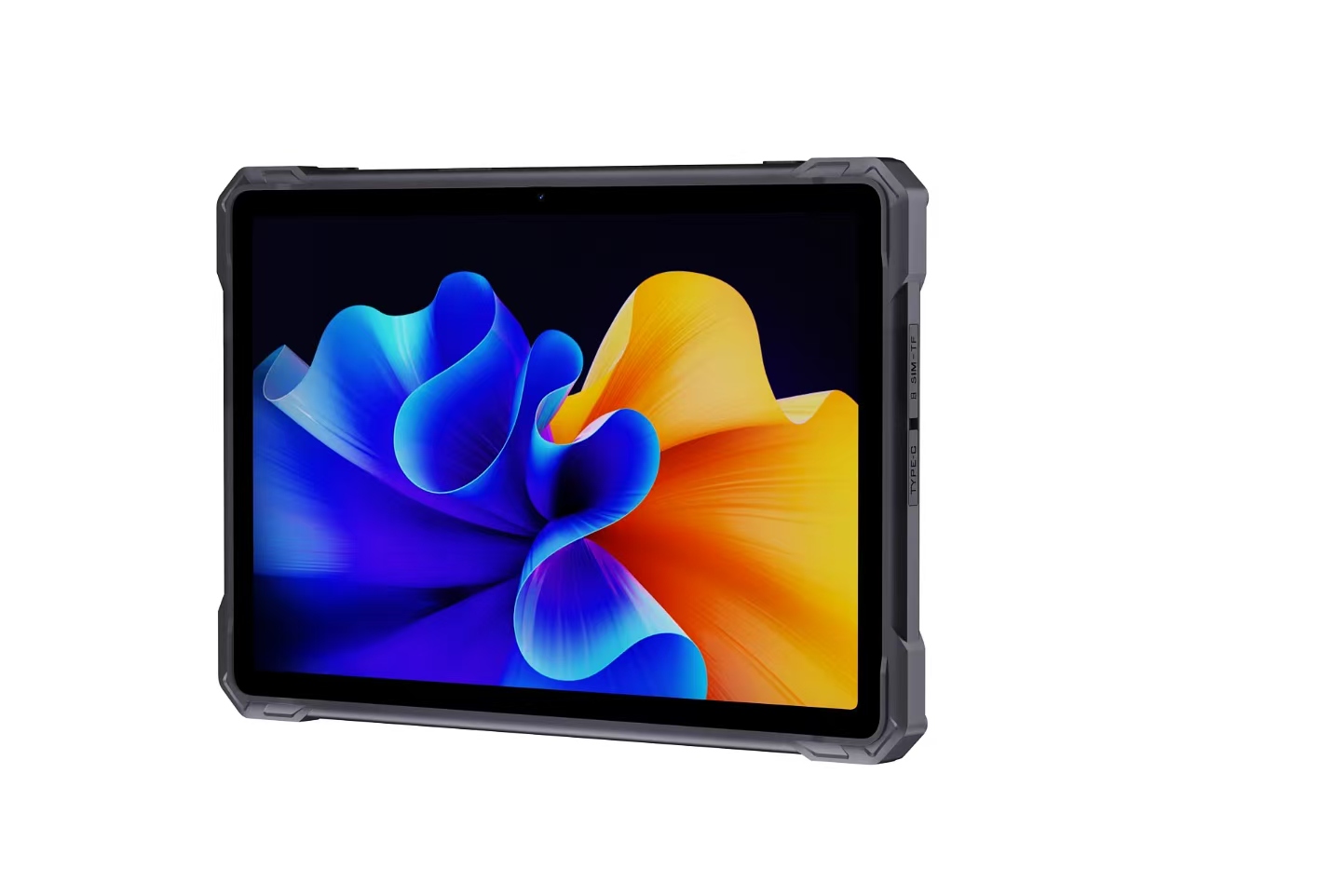
Three rugged industrial tablets cover most of this kind of installation, and they differ by posture rather than by price. ST13-J and ST13-U are both 13.3in units designed to sit in a dock or on a vehicle mount. ST11-J is a 10.1in unit light enough to travel with its user. That split decides which preparation steps must finish before the floor opens, which can be pushed later into the day, and which cannot be handed to a second person at all.
A roster is written around work that has a name: a supervisor, an operator, a technician on call. The preparation that gets a virtual desktop floor live has no such name. Terminals have to be powered, sessions checked, mounts filled with the unit that belongs in them, and anything that failed overnight swapped before somebody sits down at it. None of that appears as a duty line, because none of it is the interesting part of anyone's job. It is still the part that shows when it goes wrong, and the part that has to finish first. A site that counts people against the named work will be short of hands on exactly the mornings when something has already gone wrong.
The ST13-J is the lower-cost of the two large units, and the one that turns preparation into a physical task. Its 13.3in IPS panel runs at 1920×1080, 260 nits as standard with a 400-nit version available, behind a ten-point layer that accepts a stylus and a wet hand. The body measures 331.7 by 203.2 by 19.5mm and weighs 1450±50g, close to a small laptop, and that weight plus a dock option is what fixes a unit in place. A 1450g tablet is not carried in from a store room at the start of a session; it is mounted once, wired once, and prepared where it will be used. Its preparation is therefore the least movable of the three.
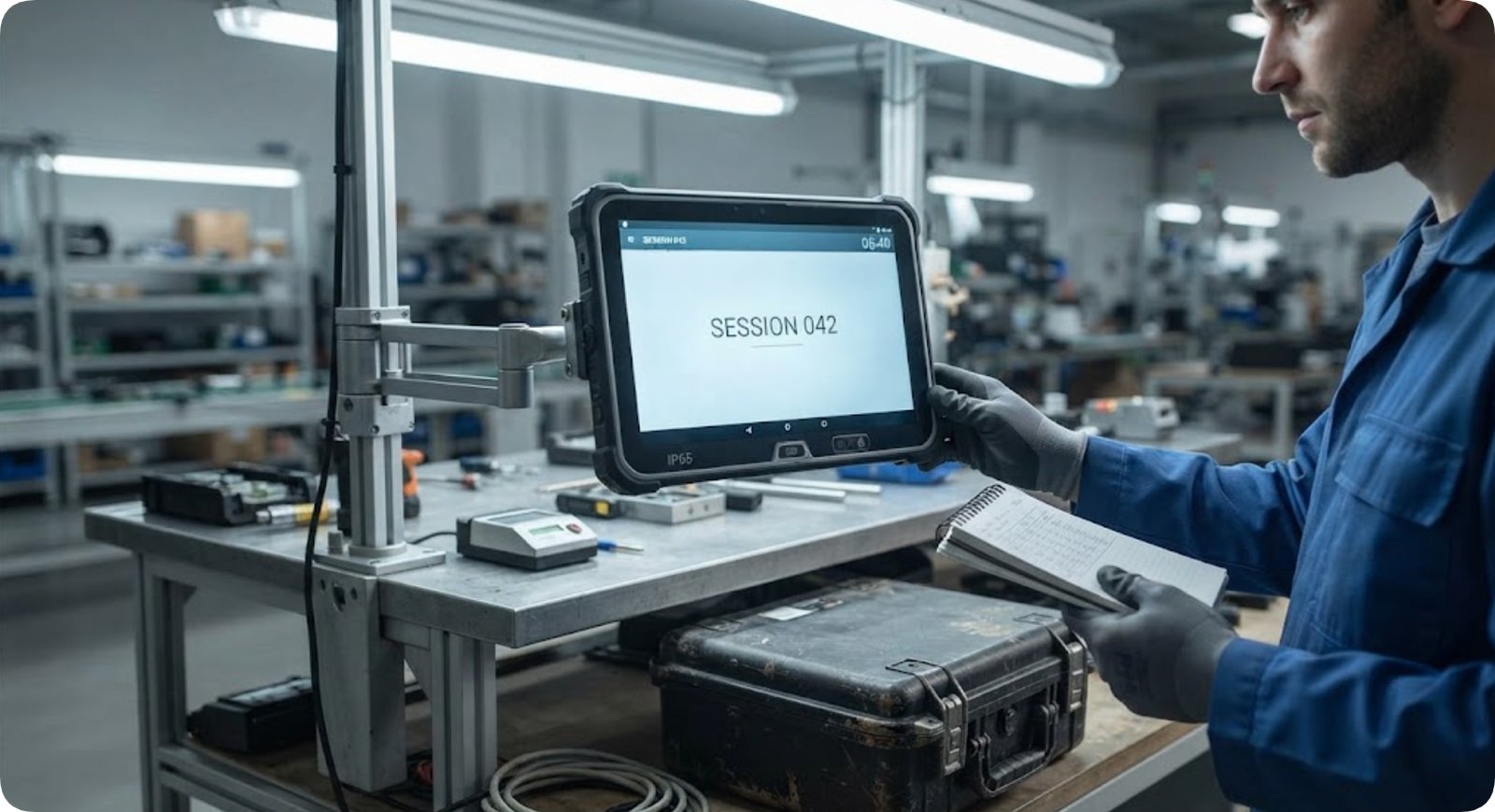
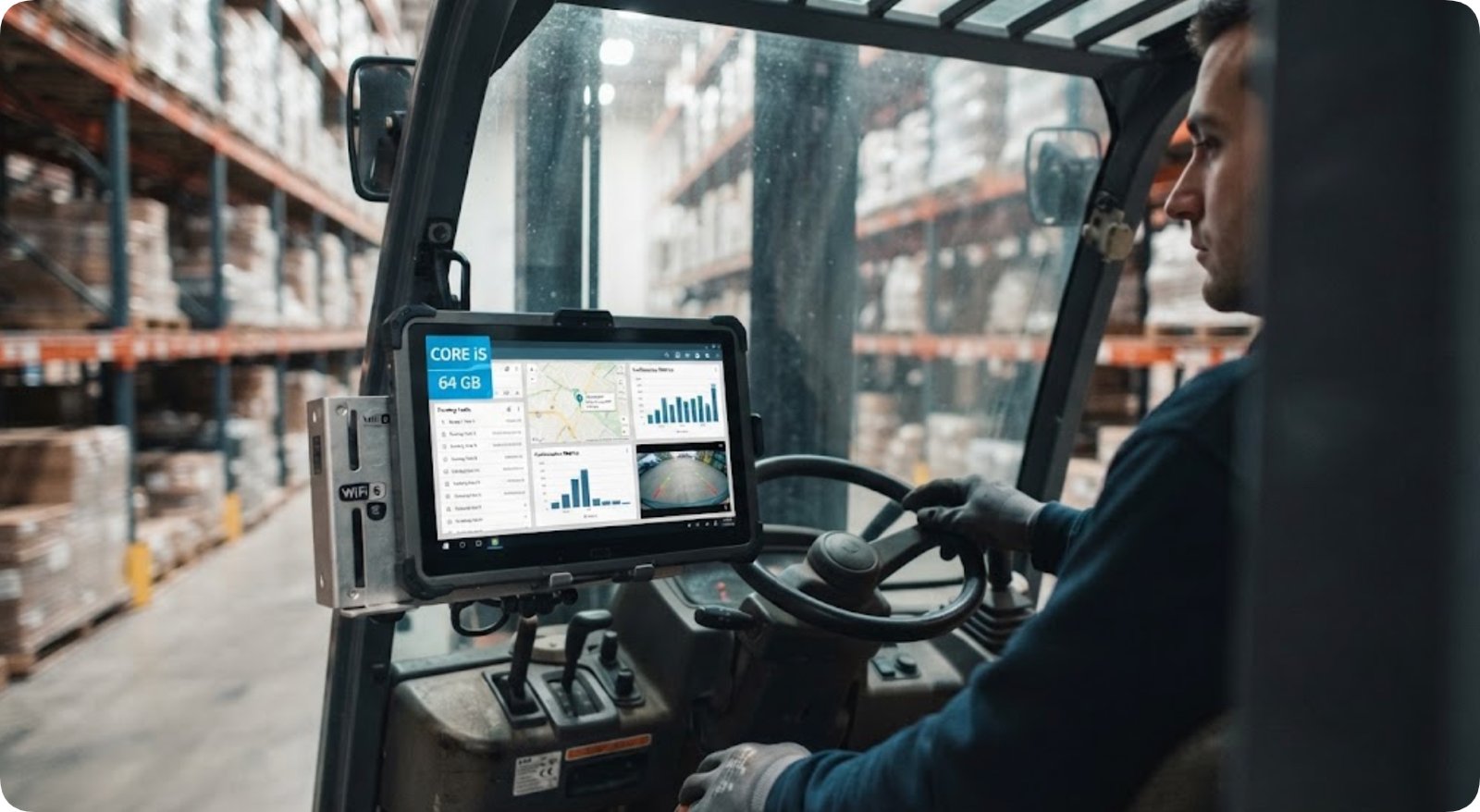
The ST13-U occupies the same footprint and the same 13.3in panel at 1920×1080 and 400 to 450 nits, with the same 8000mAh pack at 7.6V and the same 1450g body. What changes is the compute underneath: an Intel Core i5-1235U or i7-1255U, memory configurable up to 64GB, WiFi 6 in place of WiFi 5, and a protection rating that adds MIL-STD-810G to the shared IP65 sealing and 1.2m drop tolerance. A terminal that can carry local work does not need the same early coaxing as one eased into a session, which reduces what has to be finished before the floor opens.
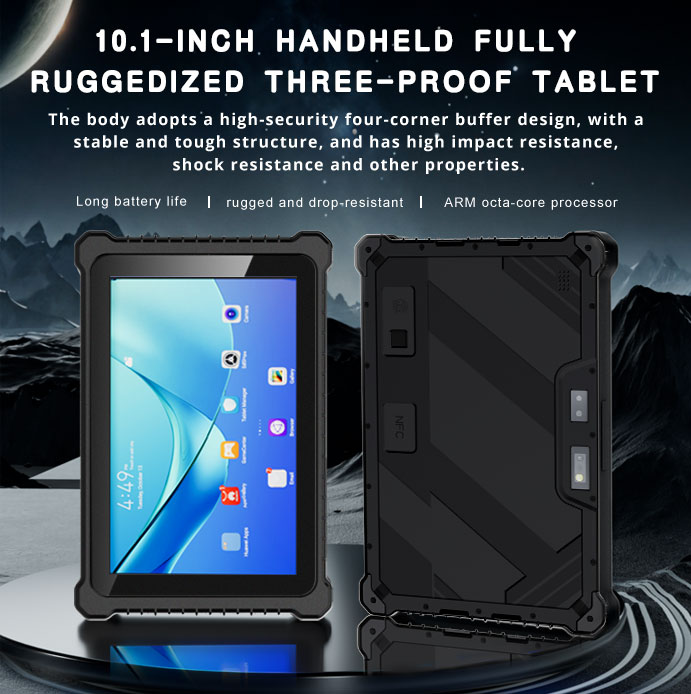
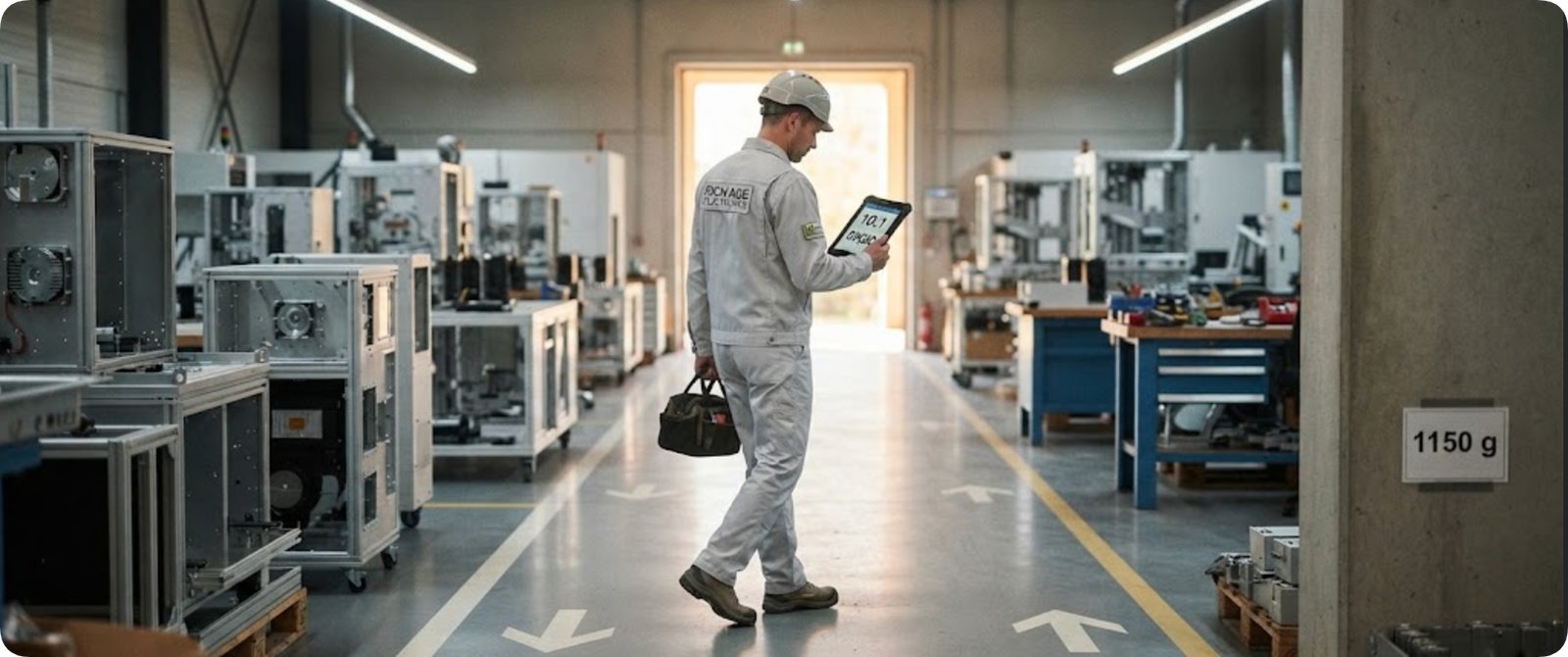
The ST11-J is the one member of the three that is meant to go out of the door. Its 10.1in panel runs at 1200×1920 with a typical brightness of 420 nits, and it is the lightest of the three at 1150±50g, with a 6000mAh pack rated for roughly eight and a half hours. Because it leaves, its preparation can be pushed out of the early window: checked in a corridor, on the way to a job, by the person who will carry it. That battery figure sets a limit the other two do not have, since eight and a half hours is shorter than a long day. At some point someone has to decide whether the unit comes back for a top-up or keeps working, and that is a staffing decision, not a hardware one.
Not every preparation step is limited by how many hands are free. Some are limited by who is permitted to carry them out. A session template, an account, an image, a boot setting: each takes minutes of actual work, and each sits behind a permission that only certain people hold. Adding a second technician to a step like that shortens nothing. The result is one person working and one person waiting, and the waiting person's hours are still on the roster. A plan built on labour hours assumes those hours are interchangeable, and on a floor running from a single image they are not.
Be precise about where the time goes, because the obvious fix is the wrong one. The authorised steps tend to be short: a template is published, an account enabled, an image approved. What stretches them is the wait for whoever is allowed to do it, not the work itself. That leaves two consequences for a roster. The authorisation has to be present in the early part of the day even if nothing else is asked of that person for the rest of the shift. And hiring another pair of hands changes nothing, because the new pair cannot use the permission. What shortens the morning is spreading that permission across the people already there, not adding people who are not allowed to act.
Some preparation follows a strict order, and that is a separate constraint from permission. A terminal cannot be checked before it has power. A session cannot be verified before the account behind it exists. A mount cannot take a unit before that unit arrives from wherever it spent the night. Where steps sit in a chain like this, extra people do not help, because the second step has nothing to work on until the first is finished. The useful question is not how many people the chain needs but how long the chain is, and whether any link can be moved out of the early part of the day. Moving a link is nearly always cheaper than staffing it.
| Specification | ST13-J | ST13-U | ST11-J |
|---|---|---|---|
| Display | 13.3in IPS 1920×1080, 260 nits standard or 400 nits optional | 13.3in IPS 1920×1080, 400 to 450 nits | 10.1in IPS 1200×1920, 420 nits typical |
| Processor | Intel Celeron N5100 quad core | Intel Core i5-1235U or i7-1255U | Intel Celeron N5100 quad core |
| Memory and storage | 8GB with 256GB, 4GB or 512GB optional | Up to 64GB memory, 128GB to 512GB storage | 8GB with 256GB, 4GB or 128GB and 512GB optional |
| Battery | 8000mAh at 7.6V | 8000mAh at 7.6V | 6000mAh at 7.6V, about 8H30 of use |
| Wireless | WiFi 5, BT 4.2, 4G LTE | WiFi 6, BT 5.2, 4G LTE | WiFi 5, BT 4.2, 4G LTE |
| Protection | IP65, 1.2m drop | IP65, 1.2m drop, MIL-STD-810G | IP65, MIL-STD-810G |
| Dimensions | 331.7 by 203.2 by 19.5mm | 331.7 by 203.2 by 19.5mm | 268.9 by 176.8 by 18mm |
| Weight | 1450±50g | 1450g | 1150±50g |
| Mounting and options | Dock, vehicle mount, scanner, TPM2.0 | Dock, vehicle mount, scanner, TPM2.0 | Dock, scanner, UHF, fingerprint |
Read against a roster, the table says something the specification sheet does not. Two of the three units carry the same 8000mAh pack in the same 1450g body, so they take the same time and the same pair of hands to put in place. The operating band is published for those two and not for the third, which is one more reason the handheld reads as the mobile member. The options column matters most, because a dock or a vehicle mount decides whether a unit is prepared where it is used or somewhere else entirely.
Set the three against a thin client morning and the sequence writes itself. The two 13.3in units take the earliest slot, because they are mounted, heavy, and needed the moment the first person sits down. The 10.1in unit takes the last slot, because it can be checked on the way out and topped up later if its eight and a half hours run short. A site running two large units and one handheld is therefore not staffing three identical positions. It is staffing one early position that needs two people and one late position that needs one, and the two are not interchangeable even though the three terminals are.
A floor with three terminals and one shift needs none of this. The early part of the day is short enough for whoever unlocks the building, and the permission question never comes up because the same person holds all of it. What travels to a larger site is the habit rather than the hardware. List the preparation separately from the work that has a name, because a roster will otherwise ignore it. Ask which steps are limited by a permission rather than by labour, since those do not get faster when a second person arrives. Ask which steps sit in a chain, because those cannot be split at all. Hotus builds all three units for the same kind of industrial floor, and those questions decide how many people it needs. They are the questions the comparison notes put to every deployment, whichever model ends up on the mount.