A New Choice for Corporate Office Work: How Mini PCs Help Companies Reduce Costs and Improve Efficiency
Compact, energy‑efficient, and easy to deploy — why mini PCs are becoming the smart alternative to traditional desktops for businesses of all sizes.
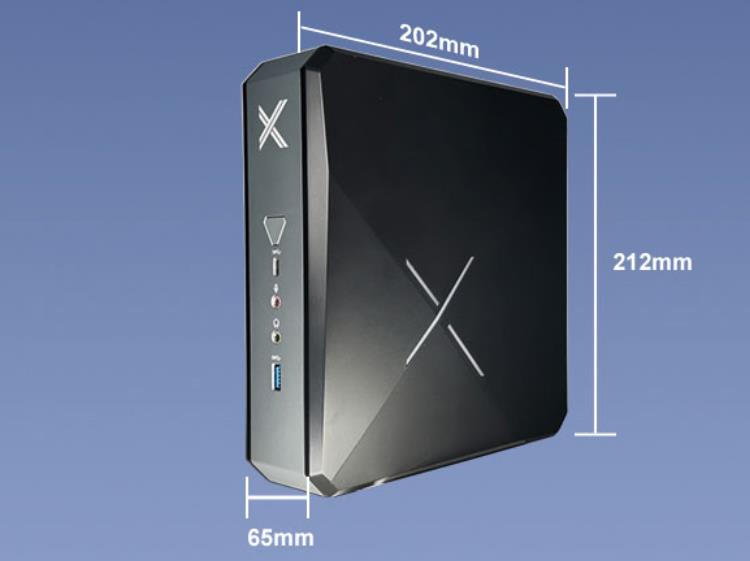
With the rapid development of digital offices, more companies are seeking efficient, flexible, and cost‑effective equipment solutions. Traditional desktop computers offer powerful performance but come with large size, high energy consumption, and significant deployment and maintenance costs. That’s why mini PCs have become a new choice for a growing number of businesses.
1. What Is a Mini PC?
A mini PC is a small but fully functional desktop computer — often palm‑sized — capable of handling daily office tasks, data processing, remote conferencing, information display, and more.
2. Why Mini PCs Are Ideal for Corporate/Office Use
Controllable Costs – Improve IT ROI
- Low purchase cost: Lower overall price than traditional desktops, flexible configurations, ideal for batch deployment.
- Lower energy consumption: Each mini PC typically uses only 10W–30W — long‑term use significantly reduces electricity bills.
- Save space costs: Compact body can be mounted behind a monitor or on the desk edge — no bulky workstations needed.
Easy Deployment and Maintenance – Improve Management Efficiency
- Quick deployment: Plug and play — no complex installation. One person can complete multi‑machine setup.
- Centralized management: Supports unified remote management (Intel vPro, Windows Remote Desktop) for easy enterprise IT maintenance.
- Modular design: Some models support memory and storage upgrades, lowering long‑term maintenance costs.
Uncompromising Office Performance
- Supports daily office software: Office suite, ERP systems, browsers, remote meeting tools (Zoom, Teams).
- Multiple HDMI/DP interfaces support dual‑screen or triple‑screen displays — ideal for finance, design, and operations multitasking.
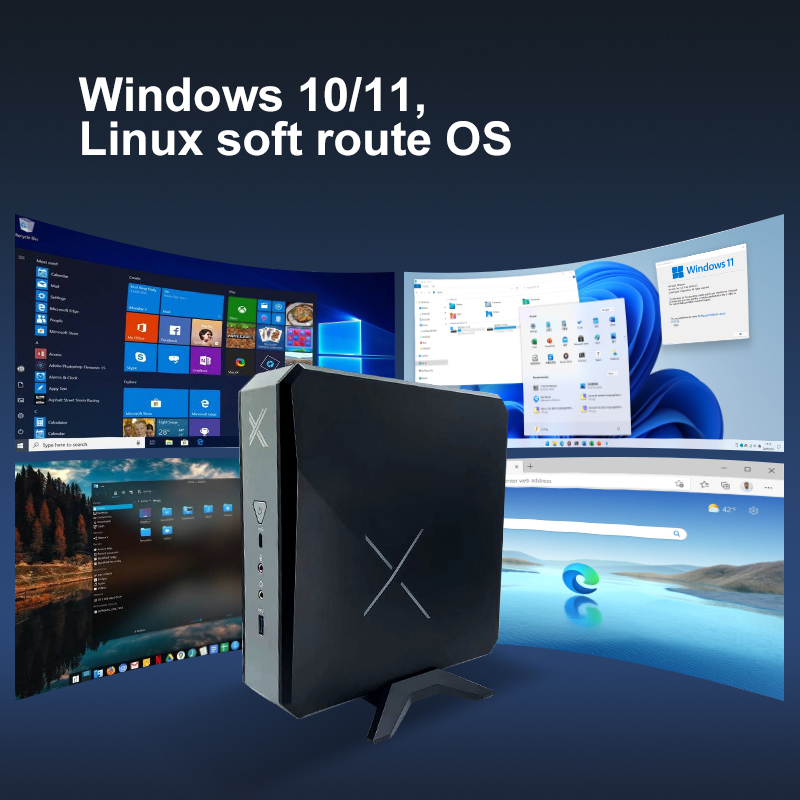
- Supports Windows and Linux dual systems — flexible selection based on corporate needs.
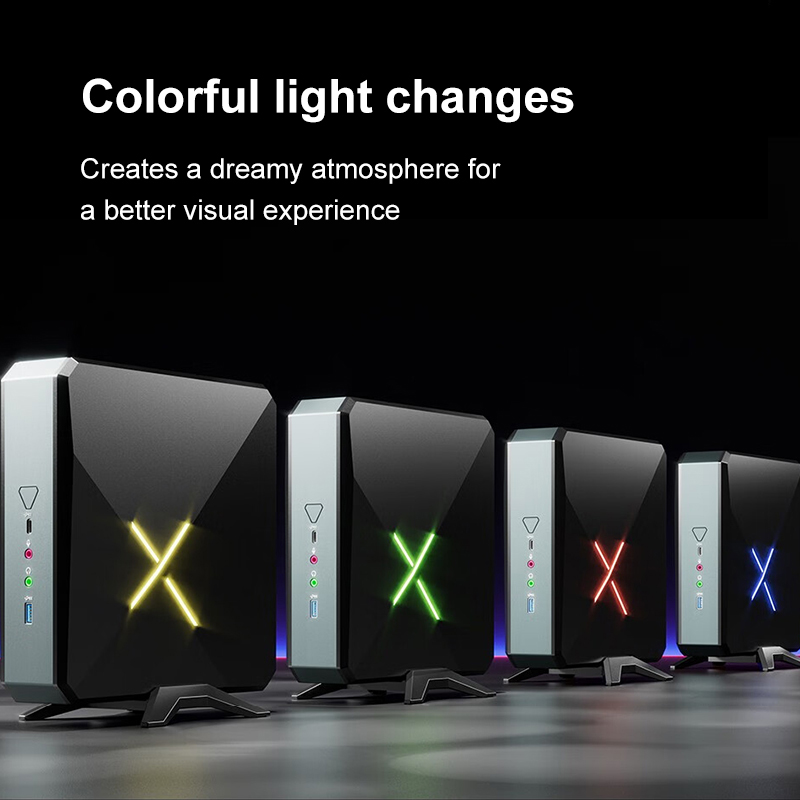
3. Enterprise Office Scenarios Suited for Mini PCs
- Daily office: Document processing, spreadsheets, email — stress‑free.
- Multimedia display: Play corporate promotional videos and advertising content on TVs or monitors.
- Finance/data entry: Dual‑screen support for efficient multitasking.
- Front desk/self‑service terminals: Can be embedded in counters or touch devices — adapted for access control, inquiry, and registration systems.
- Network terminal equipment: Deploy secure access systems with firewall, VPN, and other software.
Looking for a Stable, Energy‑Saving, Easy‑to‑Manage Office Terminal?
If you’re looking for a stable, energy‑saving, and easy‑to‑manage office terminal for your company, explore our mini PC solutions. We provide customized selection advice tailored to your business needs.