When a warehouse control desk goes down, the symptom is always the same — a screen goes dark, a scan stalls, a label never prints — but the cause lives in exactly one of the three boxes under the desk, and sending the wrong one back for service costs the operation a week. This guide takes the opposite approach from a manual: instead of walking each machine from power button to BIOS, it starts from the failures our customers actually report from a control desk built on the mini PC control terminals that anchor this workstation, and works backwards to the box that owns each one.
The division of labor matters because the three hosts are built differently on purpose. The palm-sized miniPC runs the operator-facing triple display. The HCAR5000 MI carries the heavier integration load — the scanner guns, the label printers, the local history database. The WTR PRO AMD does not talk to operators at all; it is the storage and backup node, with four drive bays and dual 2.5G LAN. One desk, three failure domains, and a triage order that resolves most mornings without a single support ticket.
One Desk, Three Hosts, Three Failure Domains
Before any diagnosis, the desk has to be mapped. The Palm-sized miniPC measures 113 by 113 millimeters and weighs 800 grams — light enough that a stuck operator will unplug it and carry it to another desk to test, which is exactly the behavior good triage wants. The HCAR5000 MI is a different animal entirely: 202 by 212 by 65 millimeters and 2455 grams, a box that stays put because moving it means moving its peripherals with it. The WTR PRO AMD sits lowest in the rack, its aluminum chassis barely warm, its drive lights the only conversation it ever has with the room.
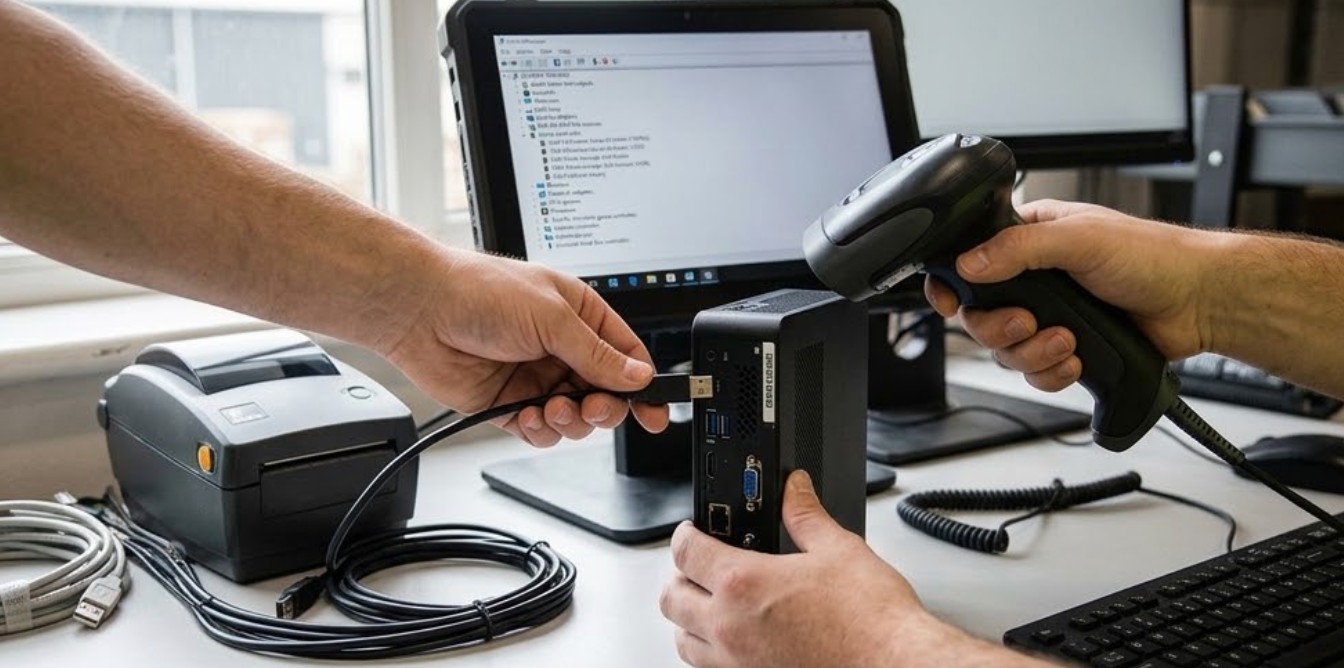
That physical vocabulary is the first diagnostic instrument. A fault that follows the small box when it moves belongs to the small box. A fault that stays with the desk belongs to cabling, power, or the peripherals. A fault that shows up an hour after it happened, in yesterday's files, belongs to the storage node. Everything that follows is a refinement of those three sentences.
🖥️ When a Display Drops, Suspect the Link Before the Box
The most frequent morning call is a monitor that wakes up black while its two neighbors run normally. The palm-sized miniPC drives its triple arrangement over two HDMI 2.1 ports at 4096x2304 and one full-function Type-C at 8K, so a single dead display is almost never the graphics silicon — one failed internal pipeline would take all three down together, not one. The triage sequence the customers settled on takes about four minutes: swap the suspected monitor's cable into a port that is known to work, then move the working monitor's cable into the suspect port, and read the result like a logic table.
If the display follows the cable, the cable is the fault. If it follows the port, the port is the fault — and on this machine that is a warranty replacement, since the ports are not field-serviceable. If the display stays broken on both ports, the monitor itself goes to the bench. What never happens in a disciplined shop is the reflexive step of rebooting the host, because a reboot erases the one piece of evidence the eventual service ticket needs: whether the failure was persistent across ports or only across cables.
🔍 Peripheral Ports Fail in Patterns, Not at Random
The second class of fault announces itself at the printer or the scanner, and the HCAR5000 MI Mini PC owns most of it. The box carries three USB 3.0 ports and two USB 2.0 on its rear panel, plus gigabit RJ45, and the pattern of a failure points at the tier: a scanner that enumerates slowly, or a printer that negotiates down and then times out mid-batch, usually sits on a USB 2.0 port that has degraded. Moving the device to a USB 3.0 port is both the workaround and the confirmation — these customers keep one 3.0 port reserved as a test socket for exactly this reason.

Link Lights Settle the Network Disputes
Network faults at the control desk resolve the same way. The HCAR5000 MI negotiates gigabit over its single RJ45, while the WTR PRO AMD carries dual 2.5G LAN. When file transfers between the two hosts crawl, the link lights tell the truth before any speed test does: a port that has fallen back to 100 megabits shows it, and the usual culprit is a cable crimp that survived months at gigabit but fails at the higher autonegotiation. Replacing the patch cable costs less than the hour of guessing that precedes it.
💾 The Storage Node Speaks Through Its Drive Lights
The WTR PRO AMD NAS Mini PC fails quietly, which is why it gets its own ritual. Four 3.5-inch SATA bays and two M.2 NVMe slots mean a drive can drop out of the array while every operator-facing function on the desk continues normally — the loss is only visible in the node's own lights and in the nightly backup report. The customers who catch these failures early have standardized a fifteen-second glance at shift start: four steady or gently blinking amber activity lights, no unlit bay that should be lit, no bay blinking a fixed error pattern that repeats without file activity.
When a bay does fail, the 7200rpm spare sits in the drawer, and the rebuild is scheduled rather than urgent — which is the entire argument for having a dedicated storage node at the desk at all. A failed database disk on the HCAR5000 MI stops the history writes that warehouse auditors ask for; the same failure on the WTR PRO AMD is a hot-swap between waves. The node also tolerates cable triage badly, so the rule is the reverse of the display rule: never reseat a SATA drive to test it while the array is mid-rebuild, because the rebuild timer and the reseated drive will disagree about who is authoritative.
The Swap Test Settles What the Logs Argue About
Every triage eventually reaches a dispute between two plausible stories, and the swap test ends it. The palm-sized unit's 800 grams exist for this moment: carry it to the adjacent desk, connect it to that desk's displays and network, and run the failing workflow there. If the fault travels with the box, the box is the ticket. If the desk's fault appears with a different host in place, the desk's cabling or power strip goes on the ticket instead. Twenty minutes of carrying saves the two-hosts-shipped-to-service mistake that no warehouse recovers gracefully from.
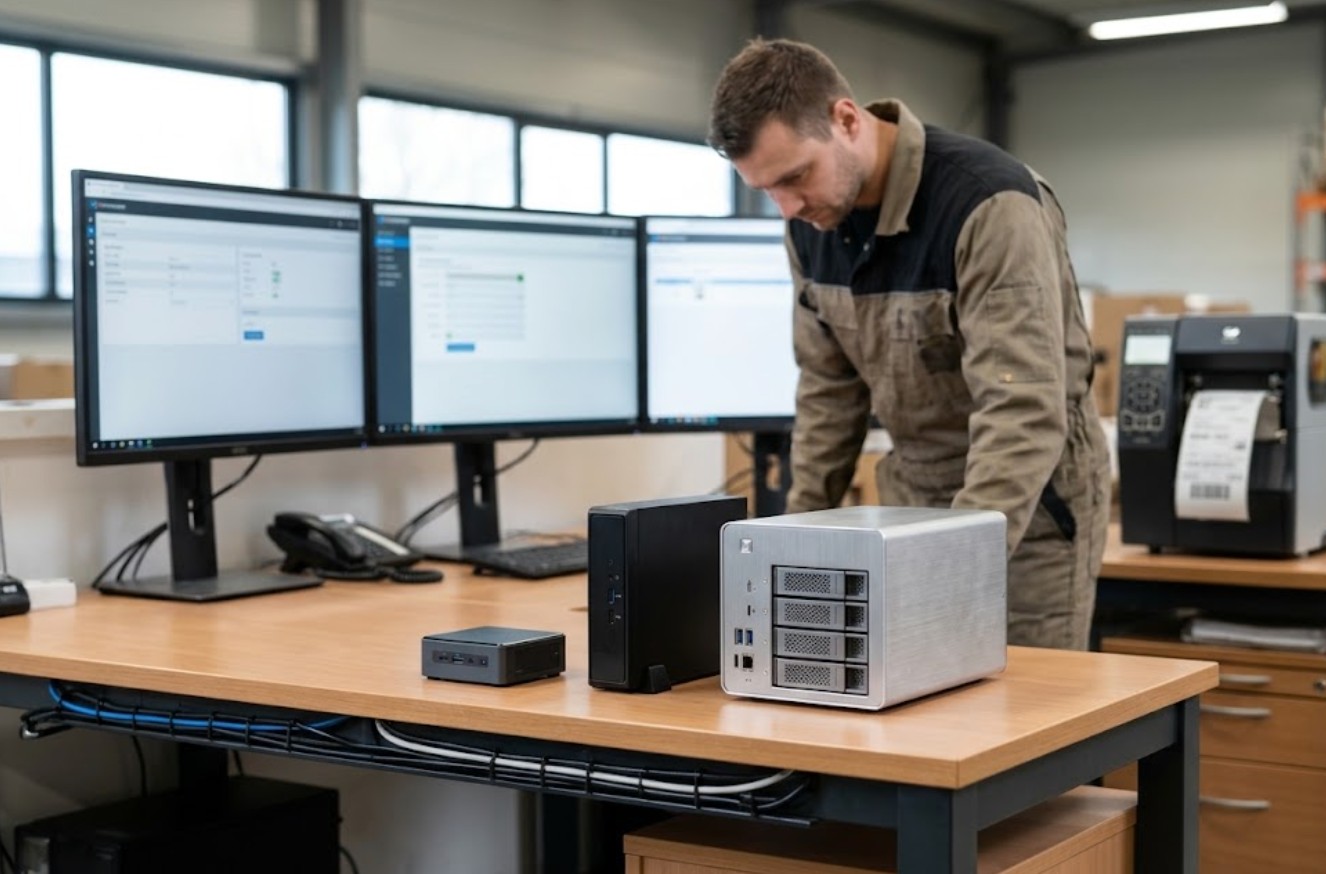
The same logic scales down to components. One memory module swapped between the two AMD hosts converts an intermittent boot failure into a deterministic one, and the DDR4 SO-DIMM that fails in either chassis is simply retired. Customers who keep the two platforms' memory in one pool gain this test for free; customers who treat the boxes as sealed appliances lose it.
Rebuilding the Desk After the Fault Is Found
The triage ends with paperwork, and the sheet that works — the same discipline behind every rugged mobile computing solutions deployment — has three columns: the symptom as the operator described it, the isolation step that localised it, and the disposition — warranty swap, cable retire, drive rebuild, or ticket to the software team. The customers who keep this sheet report a second benefit within a quarter: the fault history starts predicting. Two failed USB 2.0 devices on the same tier means the hub above them is aging; a display fault that recurs each winter points at a heating cycle in the monitor, not the host.
It also ends with the desk returning to its standing configuration, and this is where discipline pays. Test cables get labelled and retired to the drawer, the reserved USB 3.0 test socket goes back to being reserved, the spare drive returns to its static bag, and the palm-sized unit goes back under its monitor arm — because a control desk that drifts between incidents becomes its own fault category. For teams documenting their own variant of this desk, the product comparisons and competitor analysis on our news desk cover how alternative host combinations handle the same triage questions.
| Fault sign at the desk | First suspect | Isolation step | Typical disposition |
|---|---|---|---|
| One of three displays dark | Cable or HDMI/Type-C port | Swap cable across ports, read which element the fault follows | Cable retire, or warranty if the port is dead |
| Scanner or printer drops mid-batch | HCAR5000 MI USB tier | Move device to the reserved USB 3.0 test socket | Re-tier the peripheral, hub aging if repeated |
| Inter-host file transfer crawls | Patch cable at 2.5G LAN | Read link lights for 100Mbps fallback | replace patch cable |
| Backup report shows a missing disk | WTR PRO AMD SATA bay | Fifteen-second light check, then scheduled rebuild | Hot-swap the 7200rpm spare |
| Intermittent boot, no pattern | Shared DDR4 SO-DIMM | Swap memory between the two AMD hosts | Retire the failing module |