- Select Language
Full SpecificationsModel Hotus SH5‑WOperating ...
R350C 4-inch Industrial Handheld PDA | Qualcom...
Full SpecificationsModelHotus ST11‑MOSWindows 10/1...
RS51 4G Rugged Handheld Terminal | 6.3" FHD+ ...
R860-S 5.5-inch Industrial PDA with Thermal Printe...
The R501 PDA combines a powerful MT6762 Octa-Core ...
When I walk into a modern retail space or a busy transit hub, I am always struck by how much we now rely on unattended digital signage and self-service kiosks. These systems are no longer just static displays; they are interactive touchpoints that guide purchasing decisions, streamline check-ins, and provide critical wayfinding information. The challenge for system integrators and IT managers is that the hardware powering these kiosks must operate flawlessly for 12 to 18 hours a day, often in environments with fluctuating temperatures, dust, and accidental impacts. In my experience, a consumer-grade tablet simply cannot handle the thermal load or the physical abuse. This is precisely why the industrial rugged tablet category has become the backbone of modern interactive kiosk deployments. Whether you are building a self-ordering station for a quick-service restaurant or an interactive wayfinder for a museum, the processing power, display quality, and durability of your core device will dictate the longevity of your investment. For those looking to deploy a reliable network of endpoints, exploring dedicated digital signage kiosk solutions is often the first step toward operational stability.
In this article, I want to compare three specific devices from Hotus Technology—the HTQ10A Android Rugged Tablet, the SH5-W, and the SH6. Each of these serves a distinct purpose in the digital signage ecosystem, and choosing between them requires a clear understanding of your physical space and user interaction model. Let’s break down the strengths of each model and determine which one aligns with your specific kiosk architecture.
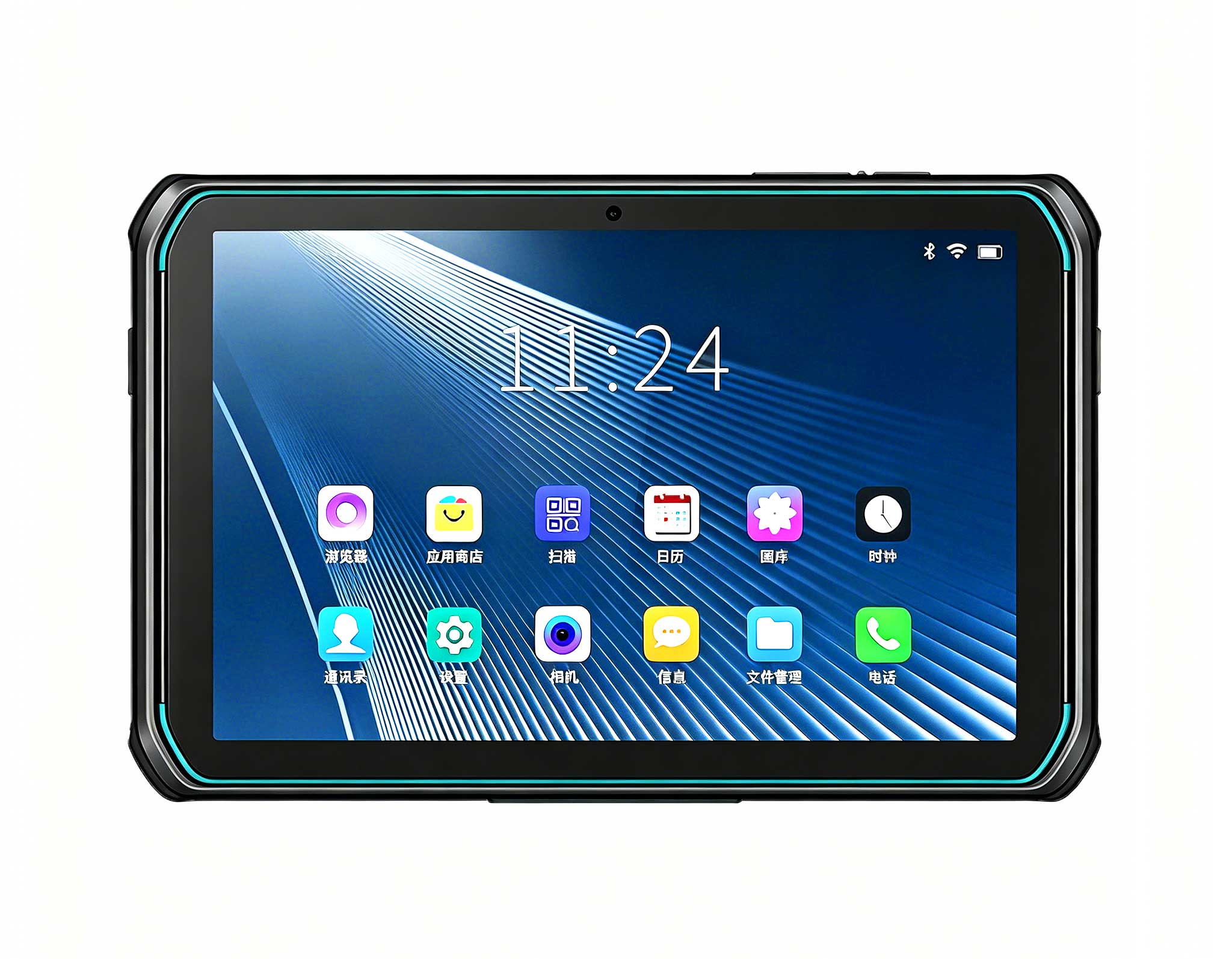
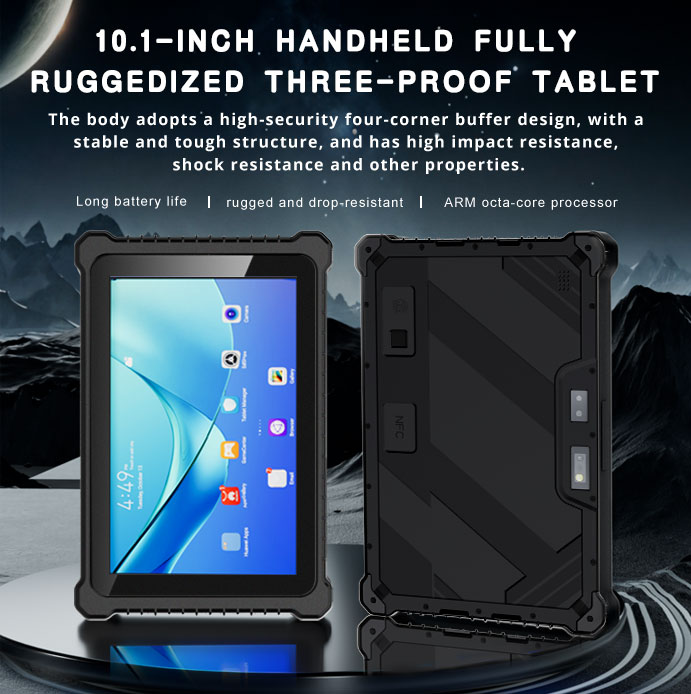
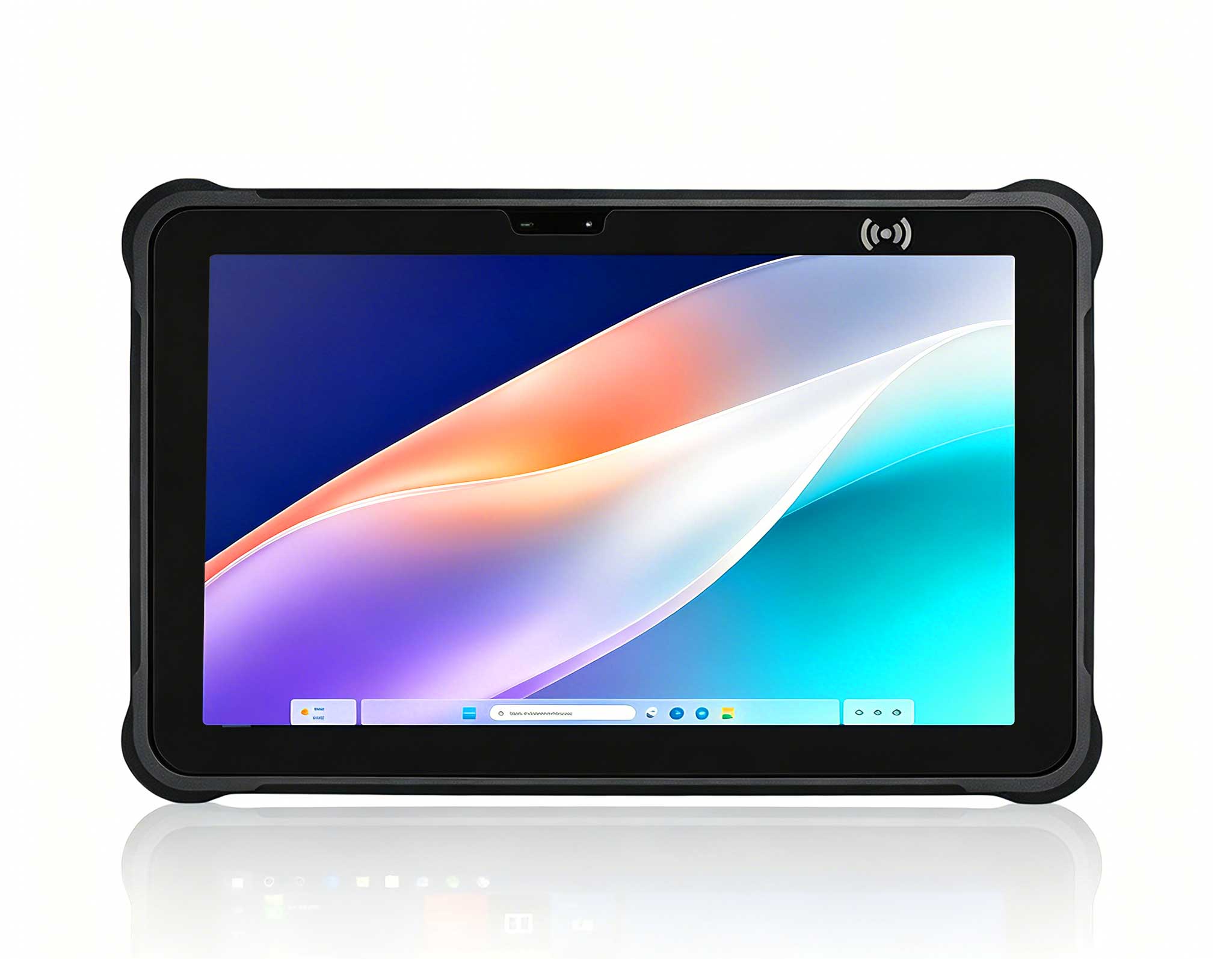
The HTQ10A Android Rugged Tablet is, in my opinion, the most versatile option for high-traffic informational kiosks. With a larger display footprint, this device is designed for scenarios where readability from a distance and touch accuracy are paramount. I have seen this model deployed effectively in lobby directories and product comparison stations where users need to browse multiple pages of content without feeling cramped. The industrial-grade construction ensures that the device remains cool and responsive even when running rich media content in a loop for extended periods. Its lightweight design, relative to its screen size, makes it easy to retrofit into existing kiosk enclosures without major structural modifications. For a project manager looking to standardize hardware across multiple retail branches, the HTQ10A Android Rugged Tablet offers the perfect balance of screen real estate and mounting flexibility.
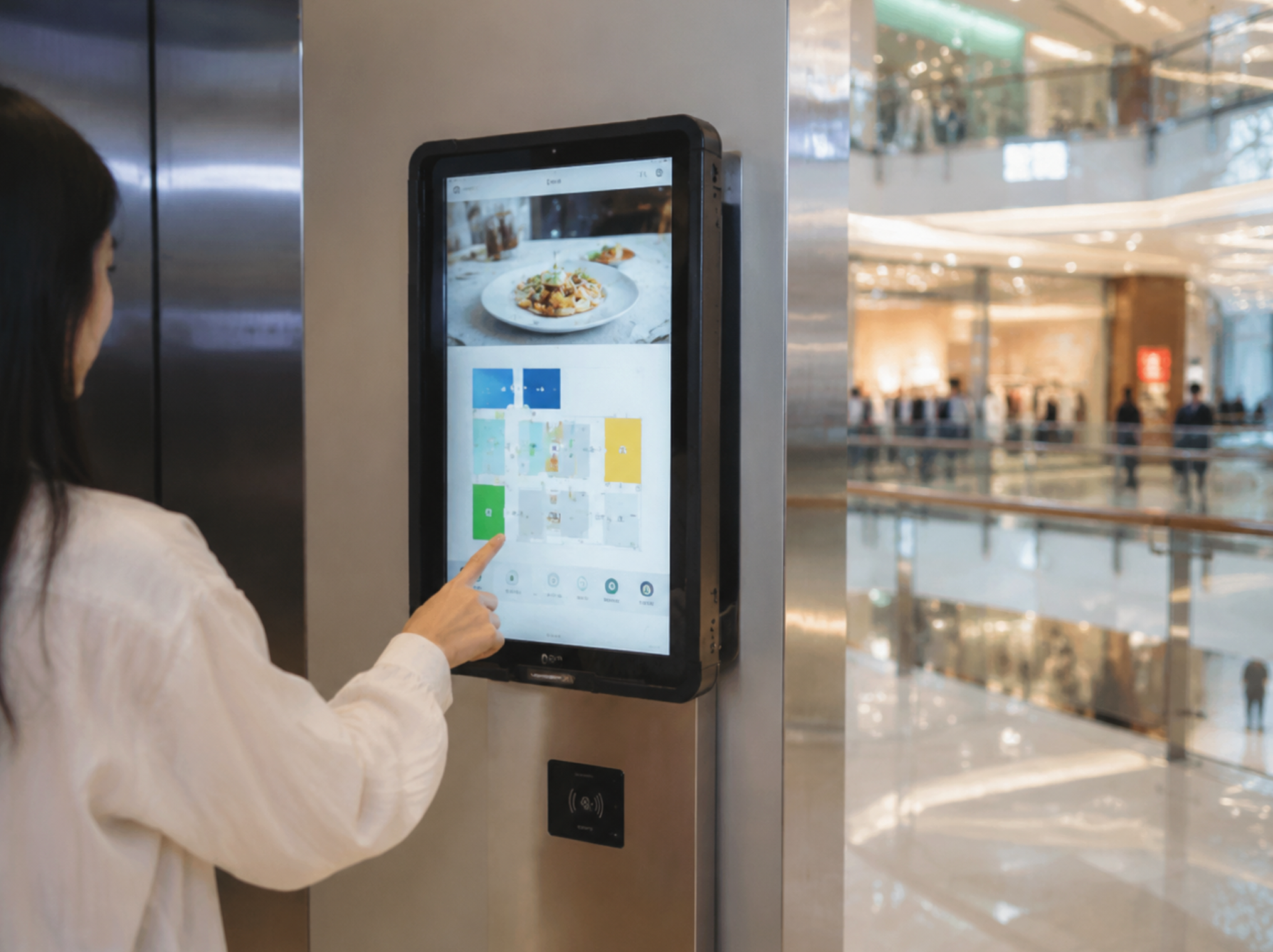
Beyond just the screen size, the HTQ10A excels in interactive wayfinding applications. When mounted vertically, it provides a natural "portrait mode" experience that is ideal for mall directories or campus maps. The processing unit is capable of handling complex vector graphics and smooth panning motions, which are essential for a responsive user experience. I recommend this tablet for fixed installations where the kiosk is the primary source of information. It bridges the gap between a traditional monitor and a handheld device, offering the interactivity of a tablet with the reliability of an industrial panel PC.
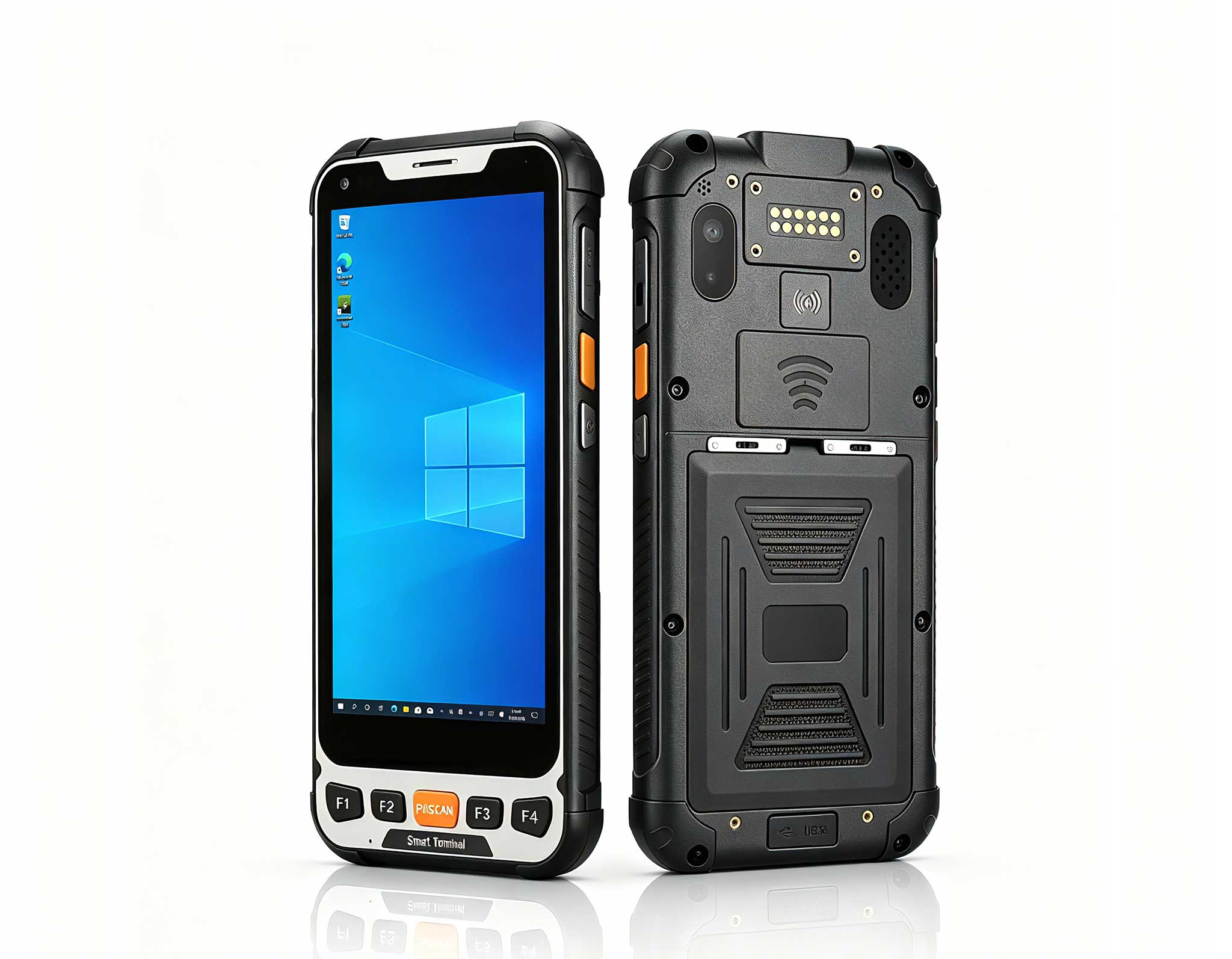
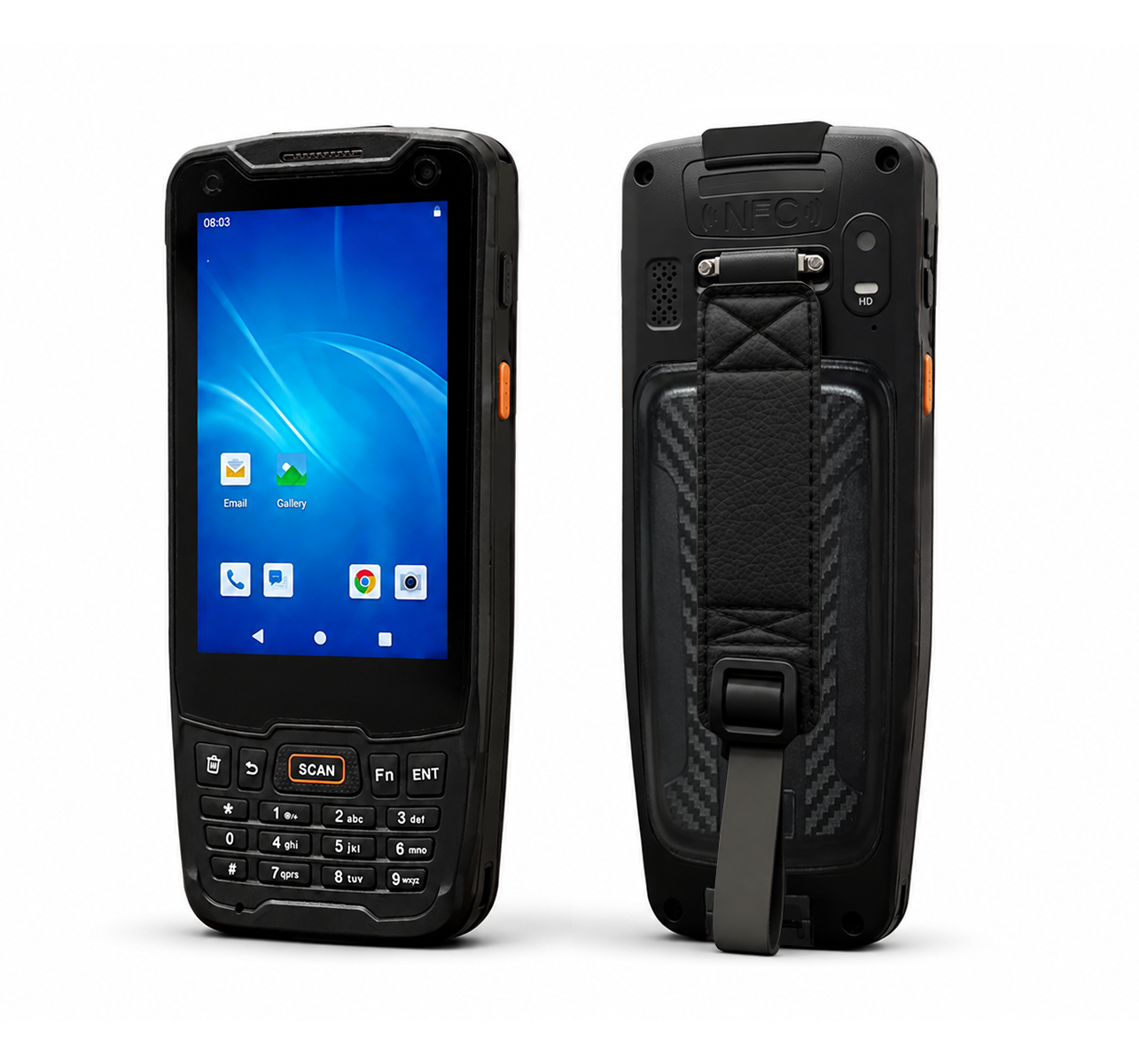
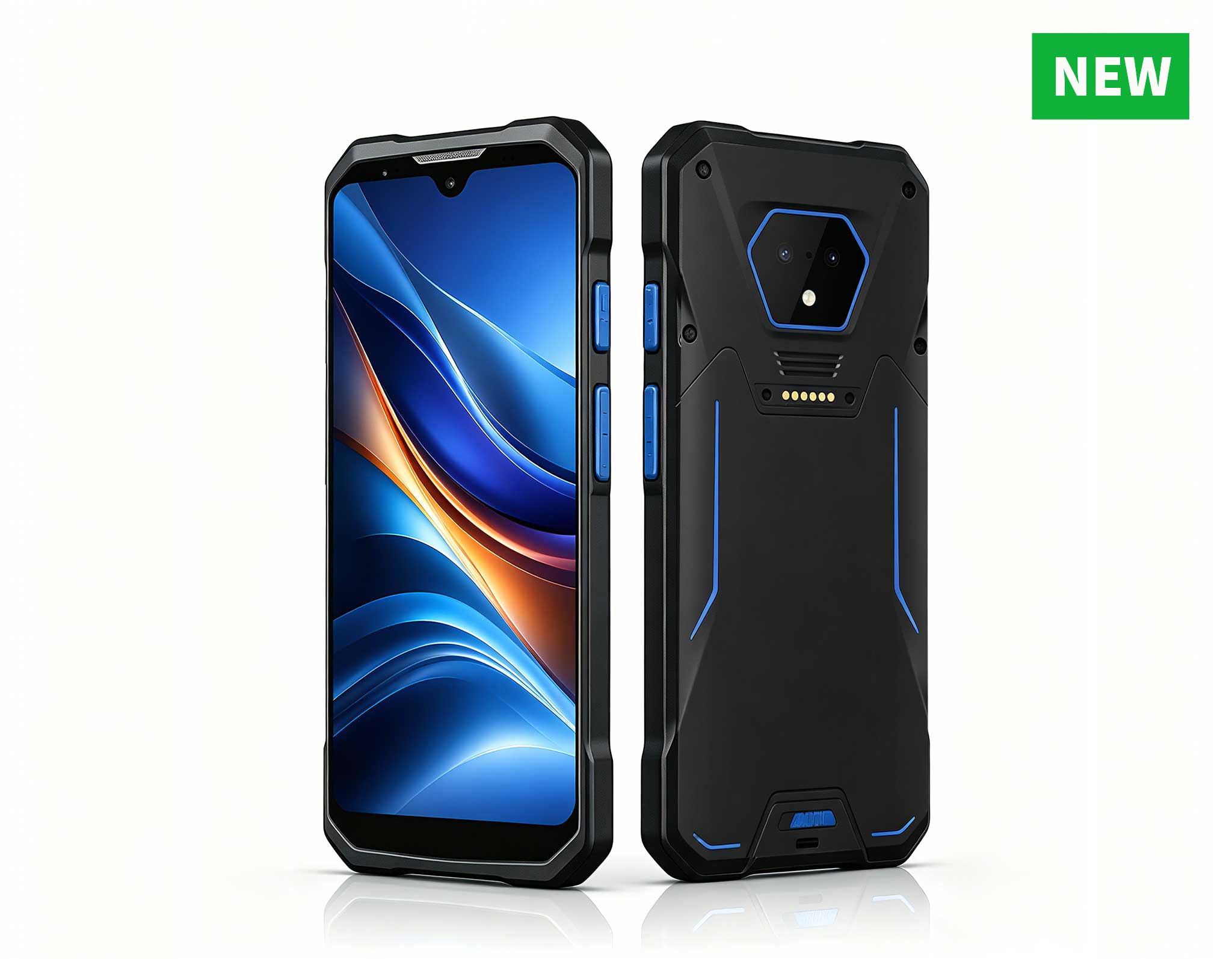
When space is at a premium, the SH5-W comes into its own. This compact rugged handheld is perfect for assisted selling and queue management systems. Unlike the fixed-mount HTQ10A, the SH5-W is designed for mobility within a store environment. I often recommend this device for staff-assisted kiosks where an employee needs to carry the terminal to a customer to process a payment or check inventory levels. Its smaller form factor does not compromise on durability; it is built to withstand drops that would shatter a standard phone. In scenarios like curbside pickup or mobile ticketing validation, the SH5-W is an excellent choice. It integrates seamlessly with existing infrastructure while providing the flexibility that a fixed kiosk cannot offer.
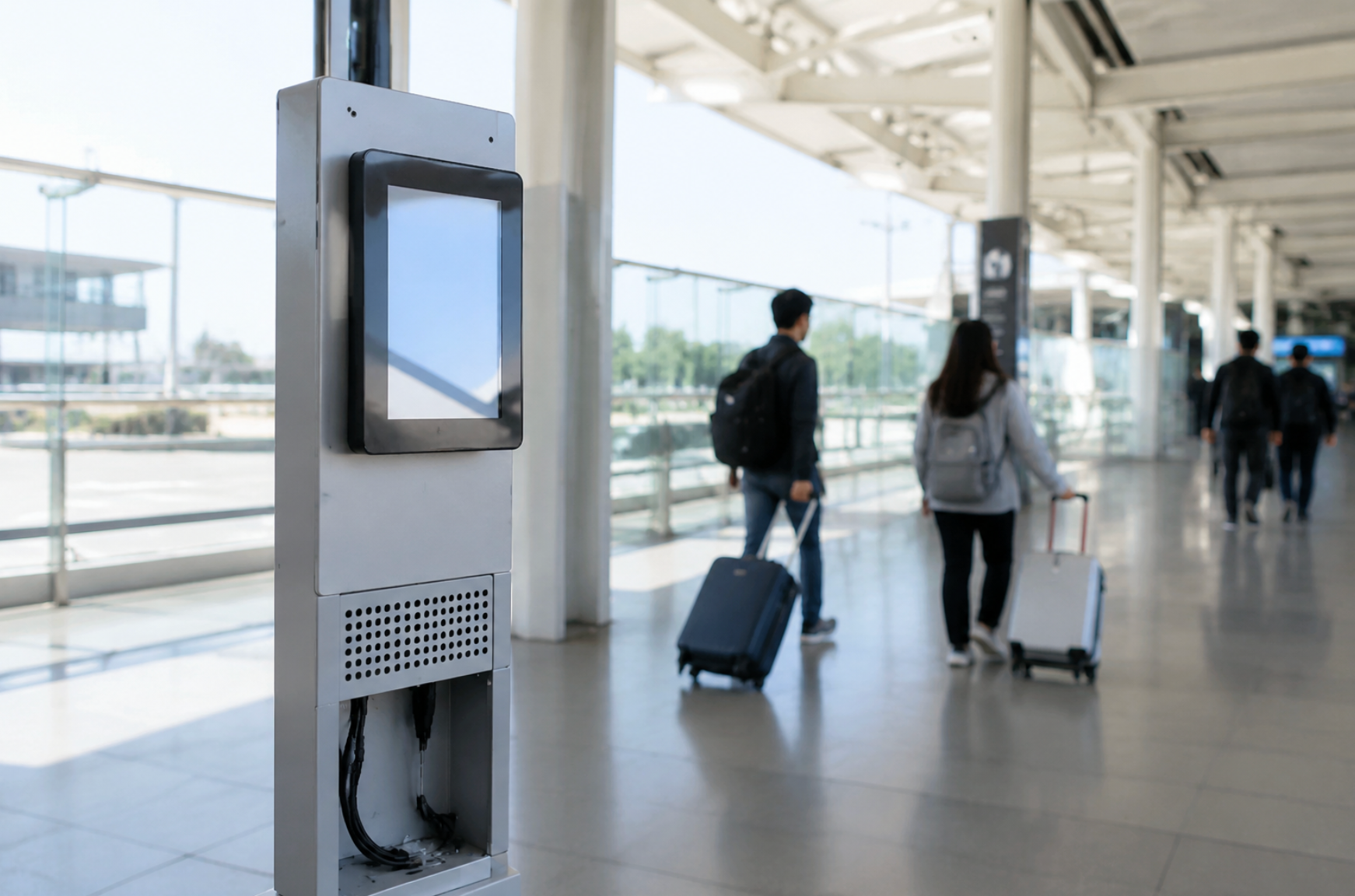
Furthermore, the SH5-W serves as a powerful peripheral in a "hub-and-spoke" kiosk model. The main kiosk can handle the high-volume browsing, while staff members use the SH5-W for quick lookups and transaction finalization. This reduces queue lengths and improves customer satisfaction. For businesses that need a rugged device that can be docked or carried, the <a href="https://www.hotusprojector.com/products/rugget-tablet/880.html" title="Hotus SH5-W 5.5" Rugged Handheld Tablet | Compact Industrial Mobile Computer">SH5-W provides the agility required without sacrificing the ruggedness needed for daily commercial use.
For kiosks that handle sensitive transactions or require heavy application processing, the SH6 is the device I turn to. This unit is positioned as a high-performance rugged handheld that can also be integrated into a kiosk base. Its primary advantage lies in its processing speed and memory capacity, allowing for seamless multitasking. In a self-checkout scenario, for instance, the SH6 can run the payment application, communicate with the peripheral barcode scanner, and update the inventory database simultaneously without lag. This model is particularly effective in environments where the kiosk application is custom-built and demands significant CPU resources. The SH6 is not just a display; it is a full-fledged computing core that can drive complex logic.
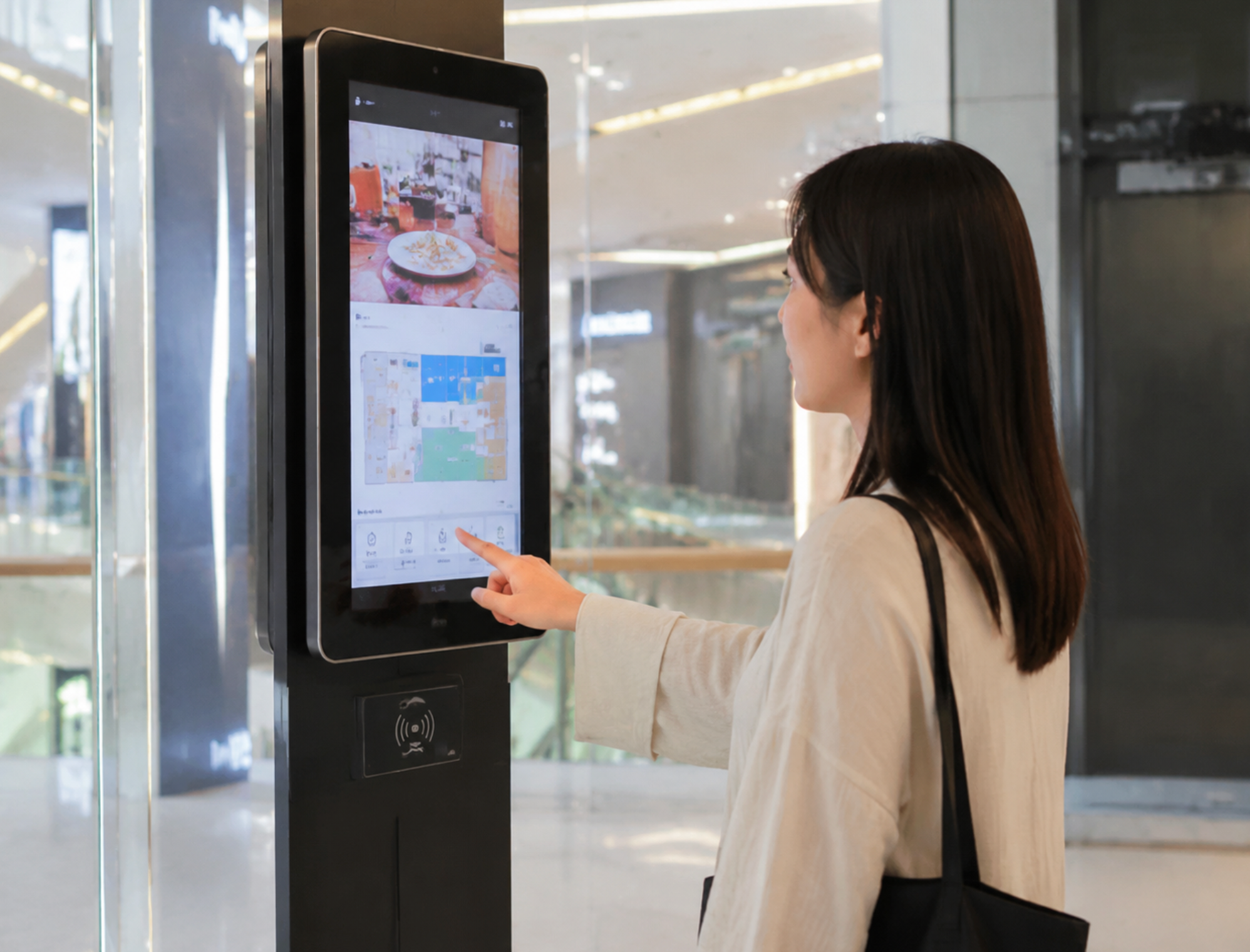
In my view, the SH6 is the optimal choice for unattended payment terminals and ticketing machines. Its robust build ensures that the internal components are shielded from vibration and thermal stress, which are common causes of failure in standard electronics. If your kiosk requires a high level of security certification or needs to support biometric authentication, the SH6 provides the necessary headroom. It represents the upper tier of performance within the Hotus lineup, ensuring that your kiosk remains relevant for years to come as software updates demand more resources.
To help you visualize the differences, I have compiled a core specification table below. This is the quickest way to determine which device aligns with your technical requirements.
| Feature | HTQ10A Android Rugged Tablet | SH5-W | SH6 |
|---|---|---|---|
| Primary Positioning | Large-format interactive display | Compact mobile handheld | High-performance transaction core |
| Screen Size | Large (10-inch class) | Compact (5.5-inch class) | Mid-size (Handheld optimized) |
| Form Factor | Fixed-mount / Wall-mount Kiosk | Portable / Staff-assisted | Portable or Dockable Kiosk |
| Processing Power | Balanced for media playback | Efficient for quick tasks | High-performance for complex apps |
| Durability / Ruggedness | Industrial-grade for continuous use | Drop-resistant for mobility | Reinforced for high vibration |
| Best Application Scenario | Wayfinding, Directories, Product Browsing | Queue Busting, Inventory Lookup, Mobile POS | Self-Checkout, Ticketing, Payment Terminals |
| Weight | Lightweight for panel size | Ultra-light for handheld use | Balanced for secure handling |
This table highlights the strategic divergence between the models. The HTQ10A is your display-first solution, the SH5-W is your mobility-first solution, and the SH6 is your compute-first solution. None of these devices are interchangeable in a one-size-fits-all manner, which is why understanding your specific workflow is critical.
When I consult with clients, I always ask three questions: Where is the device located? Who is interacting with it? And what is the primary function? For a permanent installation in a lobby where customers will stand and browse, the HTQ10A Android Rugged Tablet is the natural leader due to its larger touch targets and superior visual presentation. It reduces user error and enhances the overall aesthetic of the space.
Conversely, if your operation relies on staff roaming the floor to assist customers, the SH5-W is the logical choice. Its compact size allows for one-handed operation, and it can easily be stowed on a belt clip when not in use. It eliminates the need for staff to walk back and forth to a fixed terminal, thereby increasing efficiency and reducing fatigue.
Finally, for unattended transactions where uptime is revenue-critical, I strongly advise investing in the SH6. The cost difference between a mid-range and high-performance device is negligible when compared to the cost of downtime and lost sales. The SH6 ensures that your payment gateway remains responsive and that your kiosk does not become a source of customer frustration.
In terms of ecosystem integration, all three devices run on the Android operating system, which simplifies app development and deployment. However, the hardware differences in memory and processing speed will dictate how many background processes you can run. I suggest evaluating your software's hardware requirements before making a final decision.
Selecting the right rugged tablet for your digital signage project is a strategic decision that impacts user experience and operational efficiency. The Hotus lineup offers a clear path for scalability: start with the HTQ10A for large displays, deploy the SH5-W for mobile staff, and utilize the SH6 for high-stakes transactional kiosks. By aligning the hardware with the specific physical and computational demands of your site, you ensure a smoother rollout and a longer lifespan for your equipment.
If you are still evaluating your options or need assistance with system architecture, I encourage you to explore our mini PC solutions to see how these devices can be paired with back-end computing power for even more robust deployments. Our team is ready to help you specify the exact configuration that fits your budget and performance goals.