- Select Language
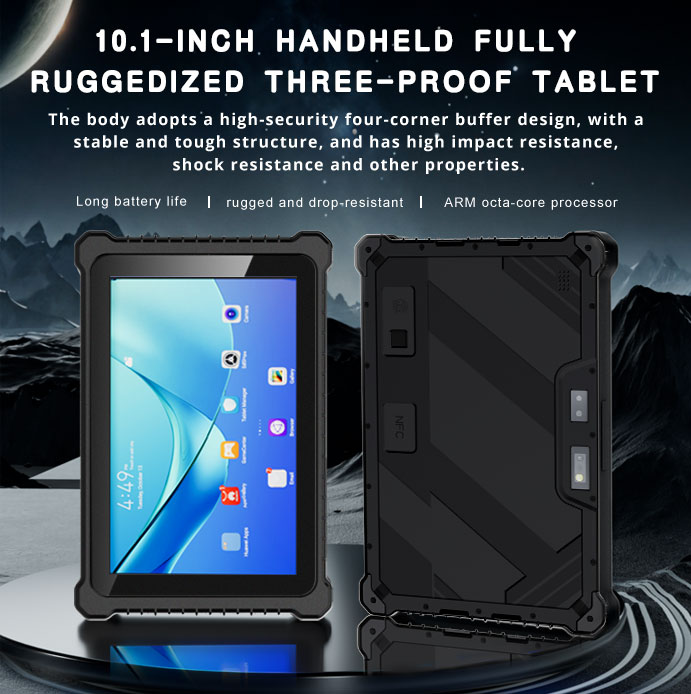
RT80 5G Rugged Tablet | 10.1" FHD 400nit | Un...
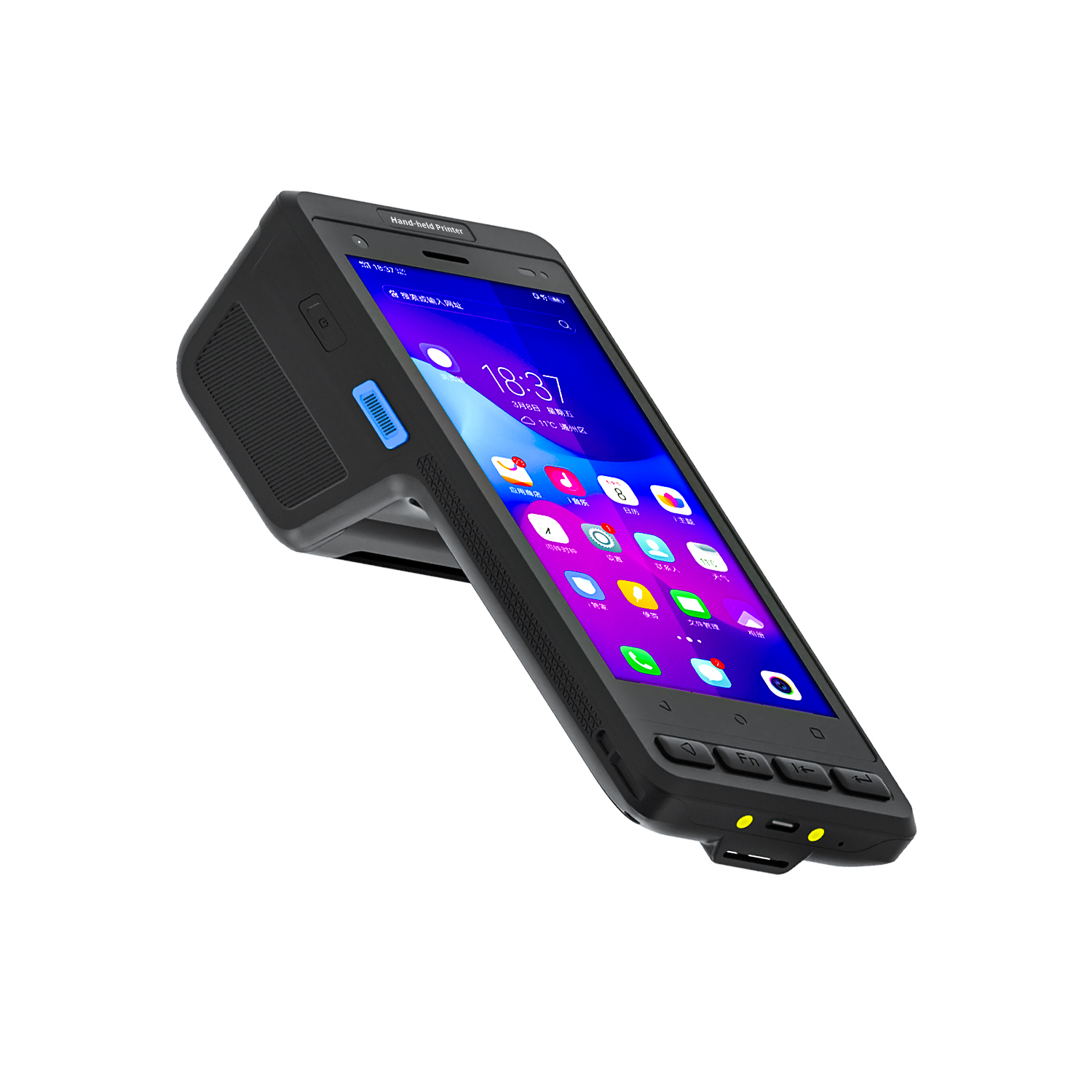
The X501 Handheld PDA combines advanced barcode sc...
️ X8 Series Handheld Label & Thermal Printing ...
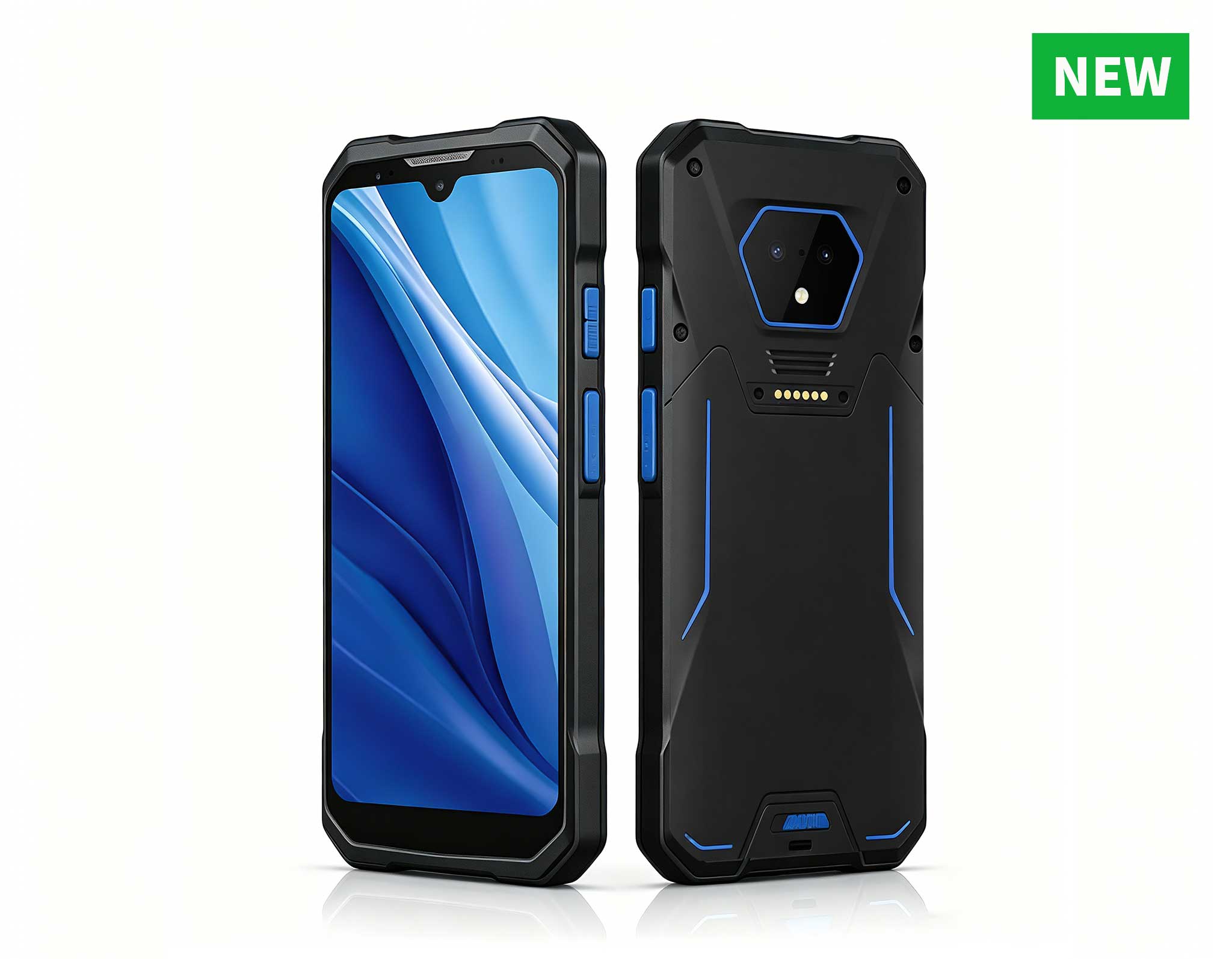
RS50 5G Rugged Handheld Terminal | 6.3" FHD+ ...
The N60 PDA is a cutting-edge device for inventory...
One Device, Dual Functions – A Projector and a Com...
The X501 Handheld PDA combines advanced barcode sc...
Public digital signage kiosks run in demanding environments. Airport terminals, retail floors, museum lobbies, hospital waiting areas, and transit hubs all expect equipment that operates around the clock, often for years at a time, while exposed to dust, temperature swings, humidity, and constant visitor interaction. A failure means a lost transaction, a frustrated visitor, or a costly service call. That is why every hardware layer inside a modern kiosk must meet recognized compliance standards covering electrical safety, electromagnetic compatibility, energy efficiency, and physical durability. This guide explains the certifications that matter most in public deployment and shows how the HTQ10A Android Rugged Tablet, the Palm-sized miniPC, and the HCAR5000 MI fit into a standards-aligned industrial solution for Digital Signage Kiosk.
Compliance is not paperwork, and treating it as such is a mistake that shows up later in the field. Certifications are the engineering discipline that keeps a kiosk safe, stable, and predictable in a public space. A certified system reduces electrical faults, suppresses radio interference, and resists premature failure, which lowers service calls and protects visitors and staff alike. Set against the cost of a product recall or a rejected site inspection, certification is cheap insurance.
A kiosk installed in a public space falls under product safety and electromagnetic compatibility directives that vary by region. In Europe, the CE mark demonstrates conformity with the Low Voltage Directive and the EMC Directive, covering both the mains-side safety of the installation and its electromagnetic behavior. In North America, FCC Part 15 compliance confirms that the device will not cause harmful interference, which matters when a kiosk shares space with Wi-Fi access points, payment readers, or two-way radios. For mains-powered components, UL-type certification of the power supply adds another layer of protection against real-world faults and surges. Beyond certification marks, energy efficiency matters. Low-power hardware reduces heat build-up inside sealed kiosk cavities, extends the life of displays, cuts operating cost across a large network, and helps operators satisfy green building requirements.
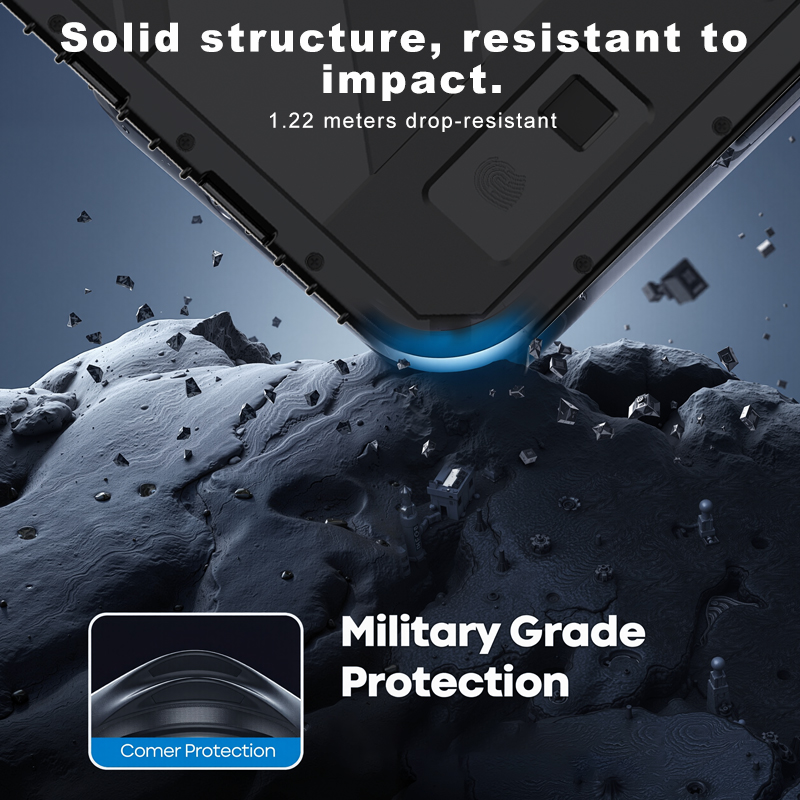
The physical environment matters just as much as the electrical one. Public kiosks contend with dust, humidity, vibration from nearby doors and machinery, and rapid temperature changes between day and night. Hardware rated for extended operating temperatures and protected against dust and splash ingress keeps running where consumer-grade equipment would shut down. This is why the products featured here emphasize industrial construction alongside certification: the marks prove compliance, and the engineering proves survivability.
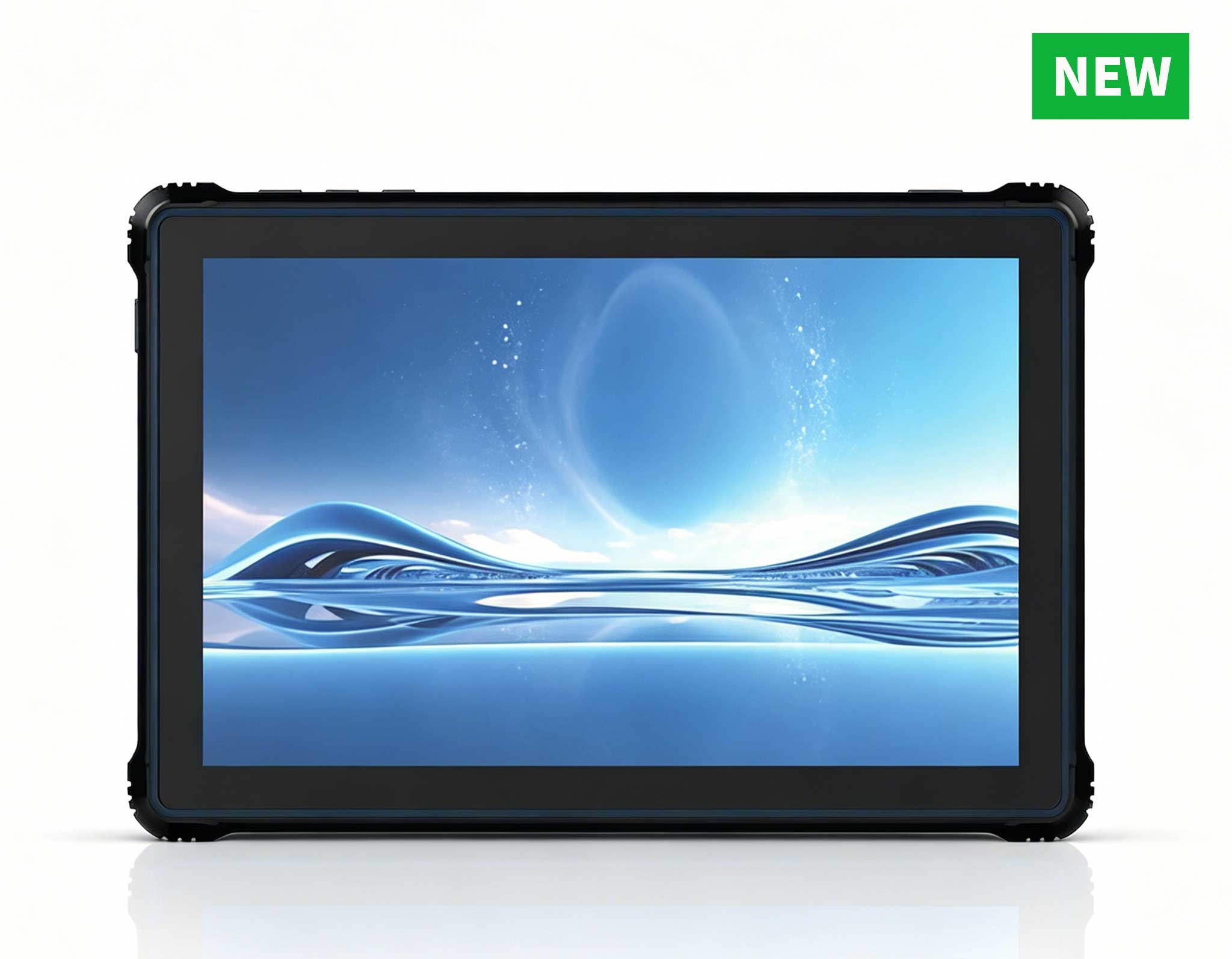
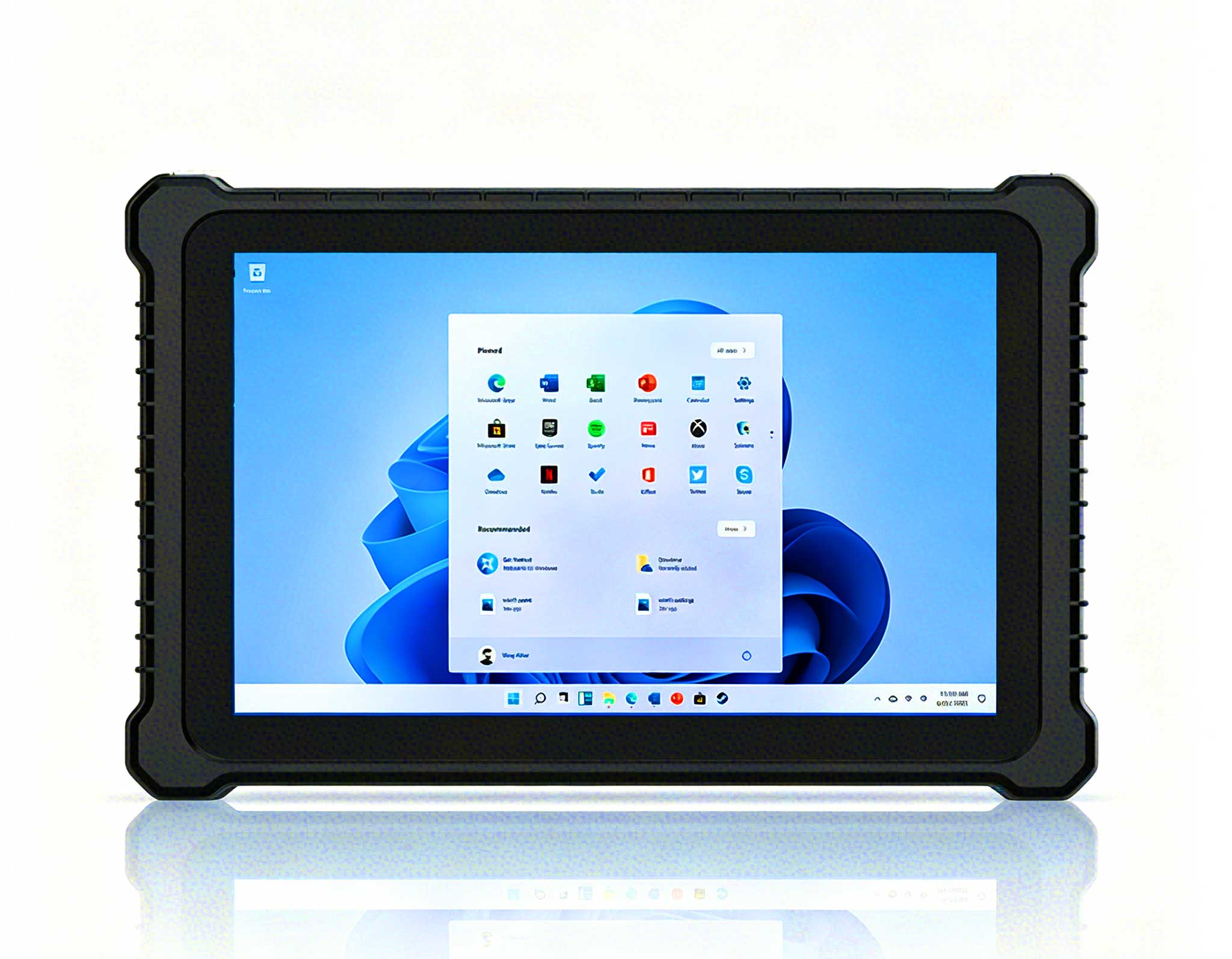
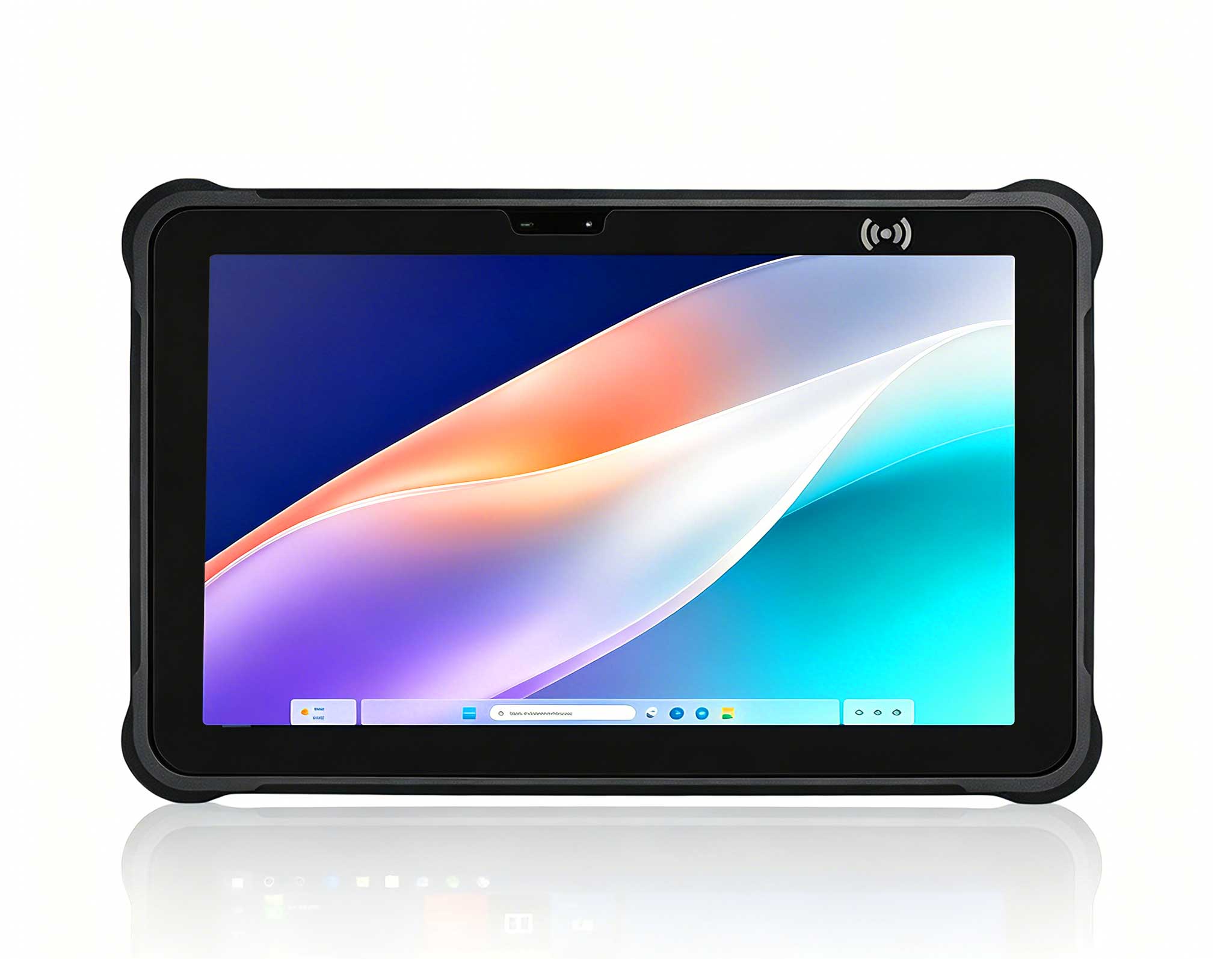
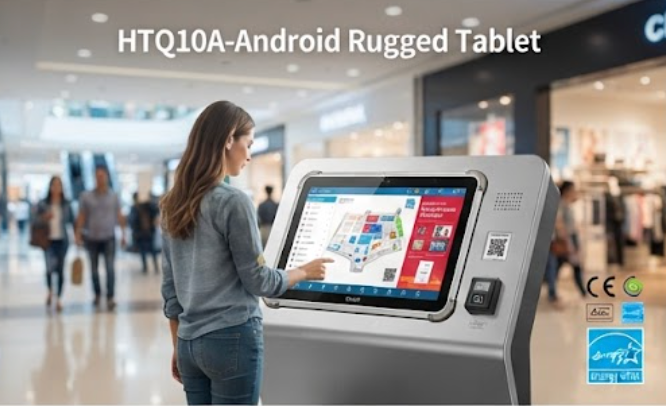
The HTQ10A Android Rugged Tablet serves as the interactive face of the kiosk, handling wayfinding menus, self-service requests, and staff control panels. Its rugged enclosure and sealed construction survive the dust, moisture, and bumps of a busy public setting where a consumer tablet would not last its first week. From a compliance standpoint, it is built for continuous operation. A wide-temperature design keeps it stable through long duty cycles, while Android power management keeps idle draw low and reduces the heat load inside the housing, a real advantage in an enclosed kiosk where every watt becomes heat.
Electrical safety is designed into the HTQ10A as well. The included adapter carries overcurrent protection that prevents hazardous conditions in the event of a fault, and the device itself is tested against FCC and CE requirements so it can operate without interfering with the payment terminals, access readers, or wireless networks that share the same kiosk cavity. For integrators, that means fewer surprises at approval and less troubleshooting in the field.
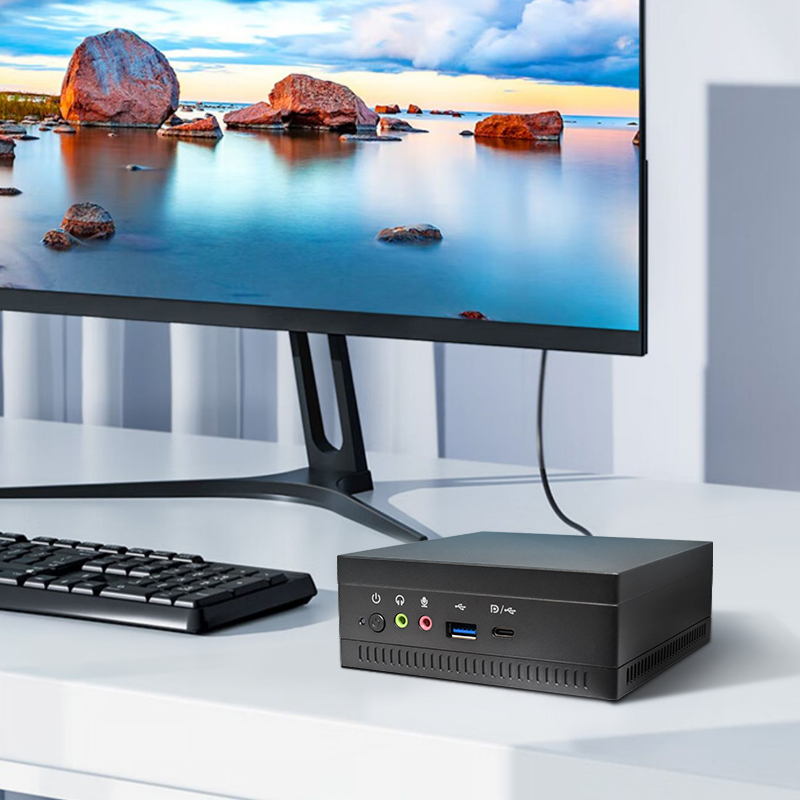
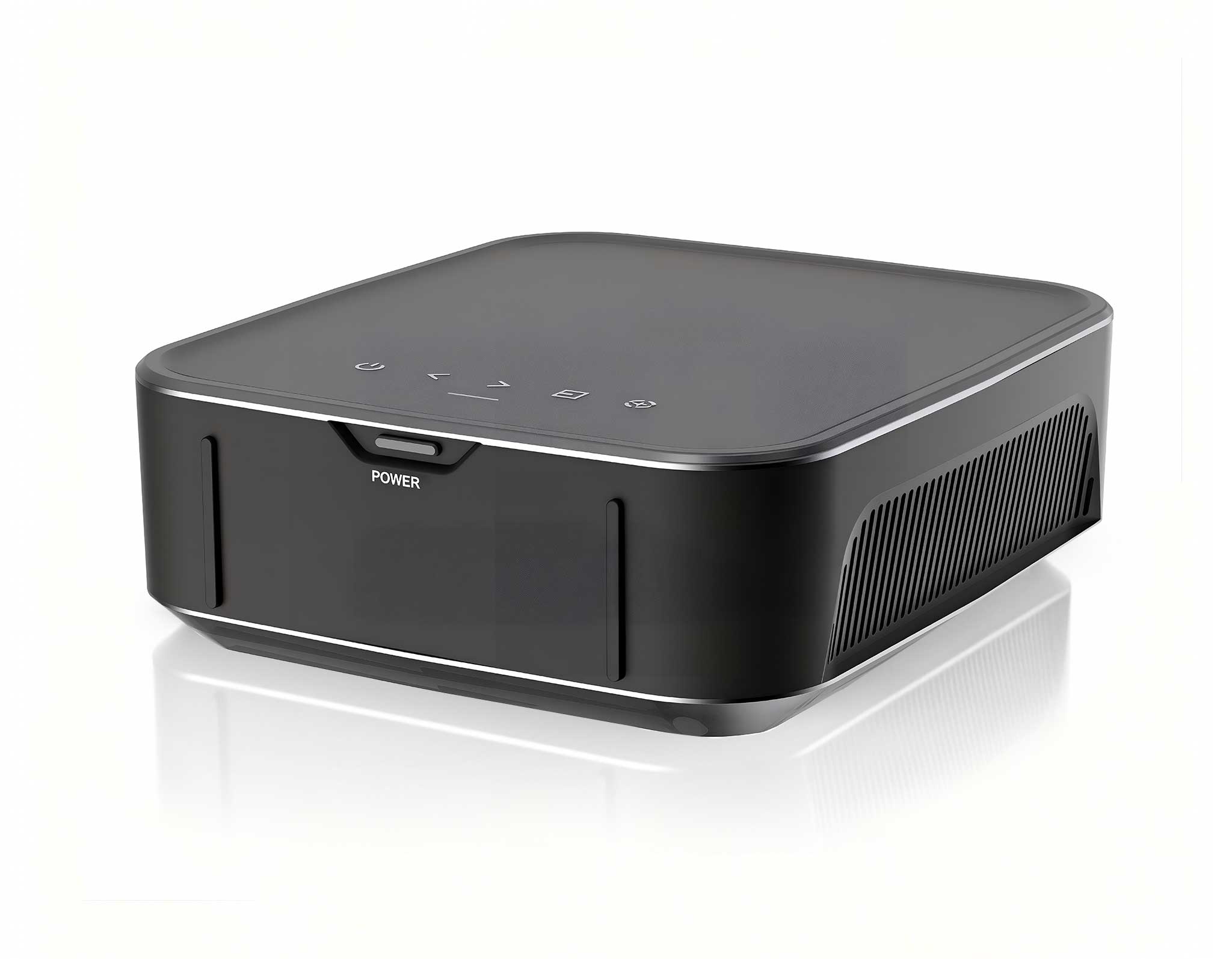
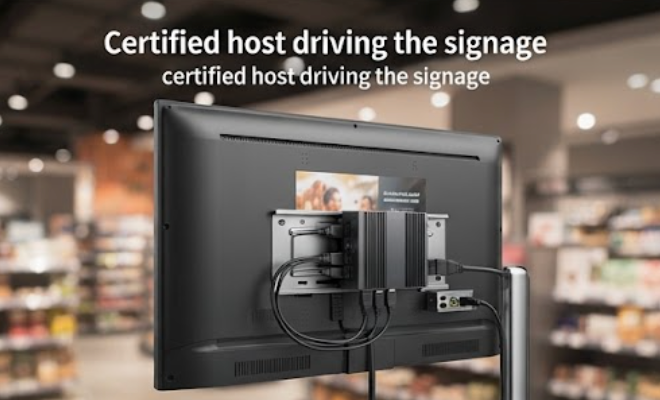
Behind the screen, the Palm-sized miniPC handles content playback, scheduling, and remote device management. Its compact enclosure fits into tight kiosk cavities, and fanless passive cooling removes moving parts that collect dust and fail over time. The low heat output is a double win: displays and power supplies run cooler and last longer, while the enclosure interior stays cleaner and needs less frequent service.
On the compliance side, the Palm-sized miniPC combines low-voltage DC input with CE-marked power delivery and FCC and CE certification for electromagnetic compatibility. Because kiosks often host wireless modules and payment readers in close proximity, a quiet, well-filtered core avoids interference that could interrupt a transaction at the worst moment. The sealed aluminum body further reduces dust ingress in semi-outdoor or back-of-house locations that see heavy foot traffic.
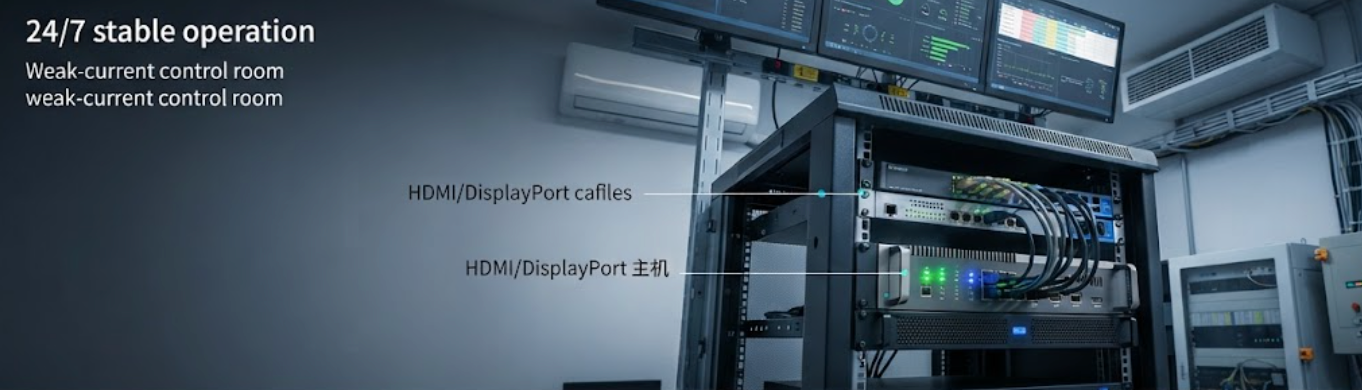
For multi-screen clusters and demanding self-service deployments, the HCAR5000 MI acts as the dependable computing core. It is engineered for sustained workloads, with thermal design and power circuitry that keep performance stable around the clock. Its ruggedized metal construction resists the stress of transport, installation, and ongoing vibration, so it delivers consistent results even after years of service.
Electrical safety is built into the HCAR5000 MI through CE-compliant design and, where required, a grounded power supply option. FCC and CE certification ensures the system coexists with surrounding electronics instead of becoming a source of interference, helping operators demonstrate responsible equipment use before deployment. For project managers, that certified status shortens the sign-off process considerably.
The table below summarizes how the three products line up across the compliance areas that matter most in a Digital Signage Kiosk. Use it as a quick reference when planning your next deployment.
| Compliance Focus | HTQ10A Android Rugged Tablet | Palm-sized miniPC | HCAR5000 MI |
|---|---|---|---|
| Primary Kiosk Role | Interactive operator panel and visitor interface | Fanless media playback engine | High-uptime computing core |
| Form Factor | 10-inch rugged tablet with industrial housing | Palm-sized, VESA-mountable enclosure | Compact metal chassis |
| Electrical Safety | CE-compliant adapter, overcurrent protection | CE-marked low-voltage DC input | CE-compliant design, grounded PSU option |
| EMC and Radio Standards | FCC and CE tested for public operation | FCC and CE compliant | FCC and CE compliant |
| Thermal Design | Wide-temperature tolerant for 24/7 use | Fanless passive cooling, low heat output | Extended airflow design for continuous load |
| Energy Efficiency | Android power management, low idle draw | Ultra-low power consumption | Optimized efficiency at sustained load |
| Enclosure Durability | IP-rated, dust- and splash-resistant | Sealed aluminum body | Ruggedized metal construction |
| Typical Use | Wayfinding, self-service, staff control | Digital menu boards, ad playback | Multi-screen signage clusters |
Deploying a standards-aligned kiosk is a straightforward process, and most of the work happens before a unit is mounted. Start by listing the certifications required in your region, including CE, FCC, and local electrical safety checks. Next, choose hardware that carries the relevant marks, such as rugged mini PC solutions and tablets with documented EMC test results, so the approval path stays short and predictable.
Then design the enclosure with ventilation, cable routing, and grounding in mind. Fanless or passively cooled components reduce interior heat, while protected power inputs and grounded connections improve site safety. Finally, run a full walkthrough that simulates real usage: cycle the content schedule, test the touch interface, and verify signal stability over a prolonged session. Keep the compliance paperwork organized before the kiosk goes live, and close with a brief orientation for the maintenance team.
Which certifications should a kiosk component carry? At minimum, CE for European markets and FCC for North America, with UL-listed power supplies where mains power is involved. Do rugged components cost more to certify? Certification is a one-time investment that pays back through lower failure rates and fewer site rejections. Can compliant hardware still be energy efficient? Yes; products such as the Palm-sized miniPC and the HTQ10A combine low idle draw with certified electrical design, keeping both energy cost and heat output in check.
How long does a compliant system last in a public kiosk? With rugged enclosures, wide-temperature components, and passive cooling, these systems are designed for long service life and reduced maintenance. What about outdoor kiosks? For semi-outdoor or weather-exposed units, look for components with dust and splash protection plus wide operating temperature ranges.
A standards-aligned kiosk delivers measurable improvements. Visitors enjoy stable, responsive self-service without interruption, protecting revenue and brand reputation. Staff spend less time on maintenance and troubleshooting. Management gains reliable uptime data and simplified compliance audits, making it easier to scale a network with confidence. The combined result is a more professional, safer, and more efficient public operation.
Ready to build your next deployment on certified hardware? explore our mini PC solutions to match the right player, tablet, and controller to your compliance checklist. The HTQ10A Android Rugged Tablet, Palm-sized miniPC and HCAR5000 MI provide a complete lineup engineered for 24/7 public use.