- Select Language
Explore an innovative Personal Digital Assistant f...
R366C-S 5.5-inch Industrial UHF RFID Reader | Qual...
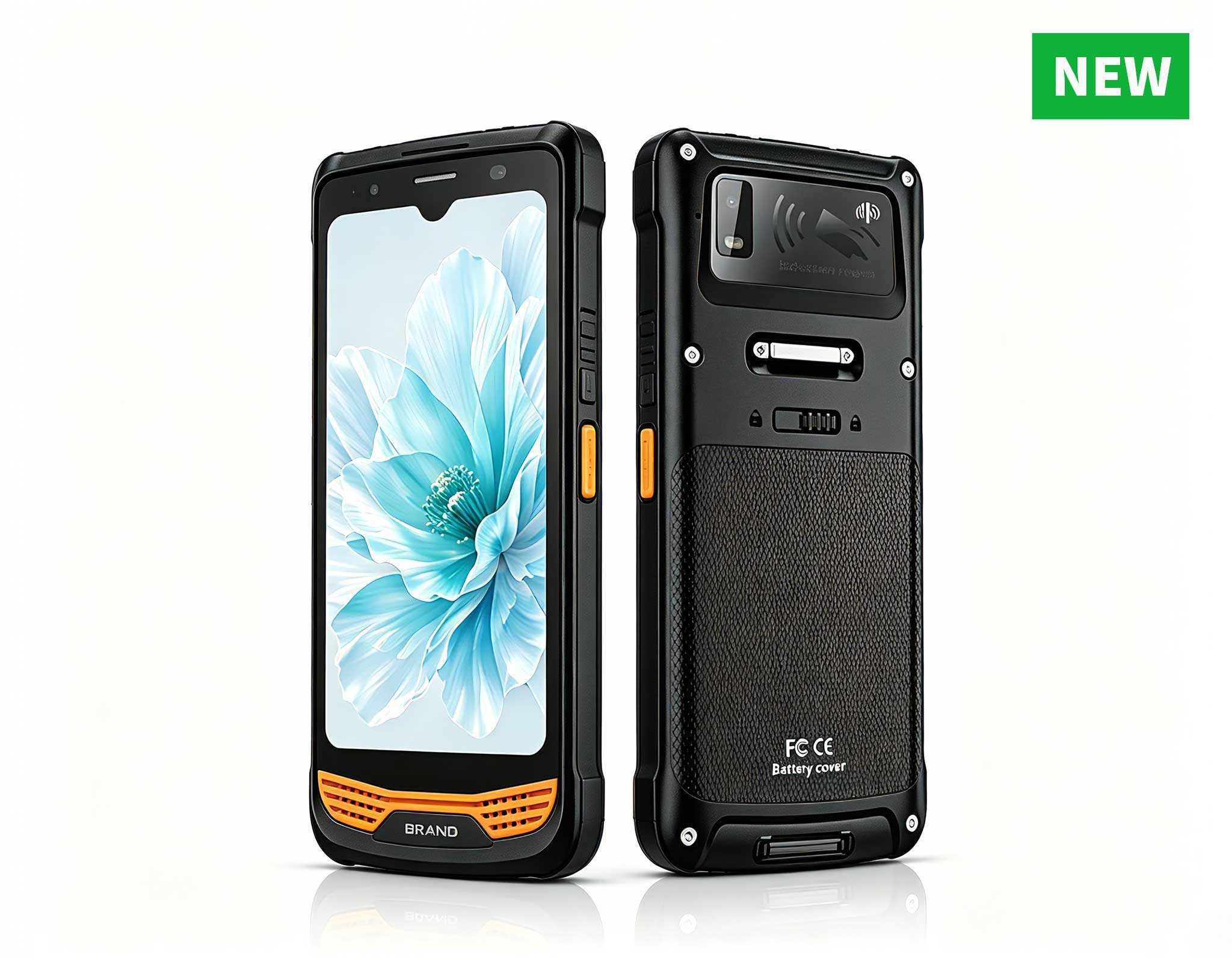
Enterprise Flagship SeriesEngineered for mission-c...
R366-S Thin 5.5-inch Industrial PDA | Qualcomm Oct...
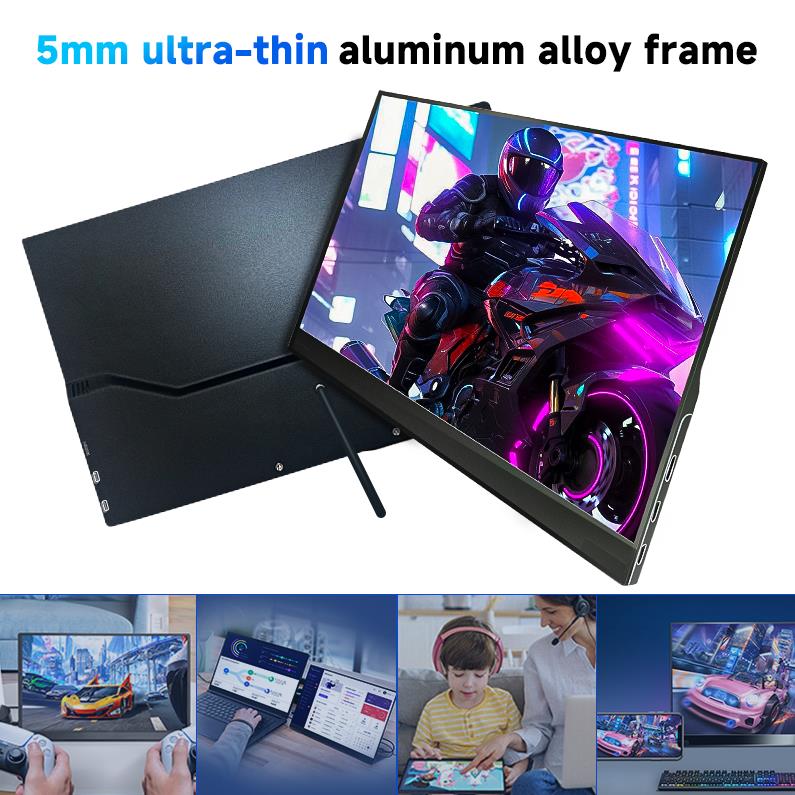
The PM133-2 is a 13.3-inch portable monitor featur...
Maintenance instructions: Store at room temperatur...
Explore an innovative Personal Digital Assistant f...
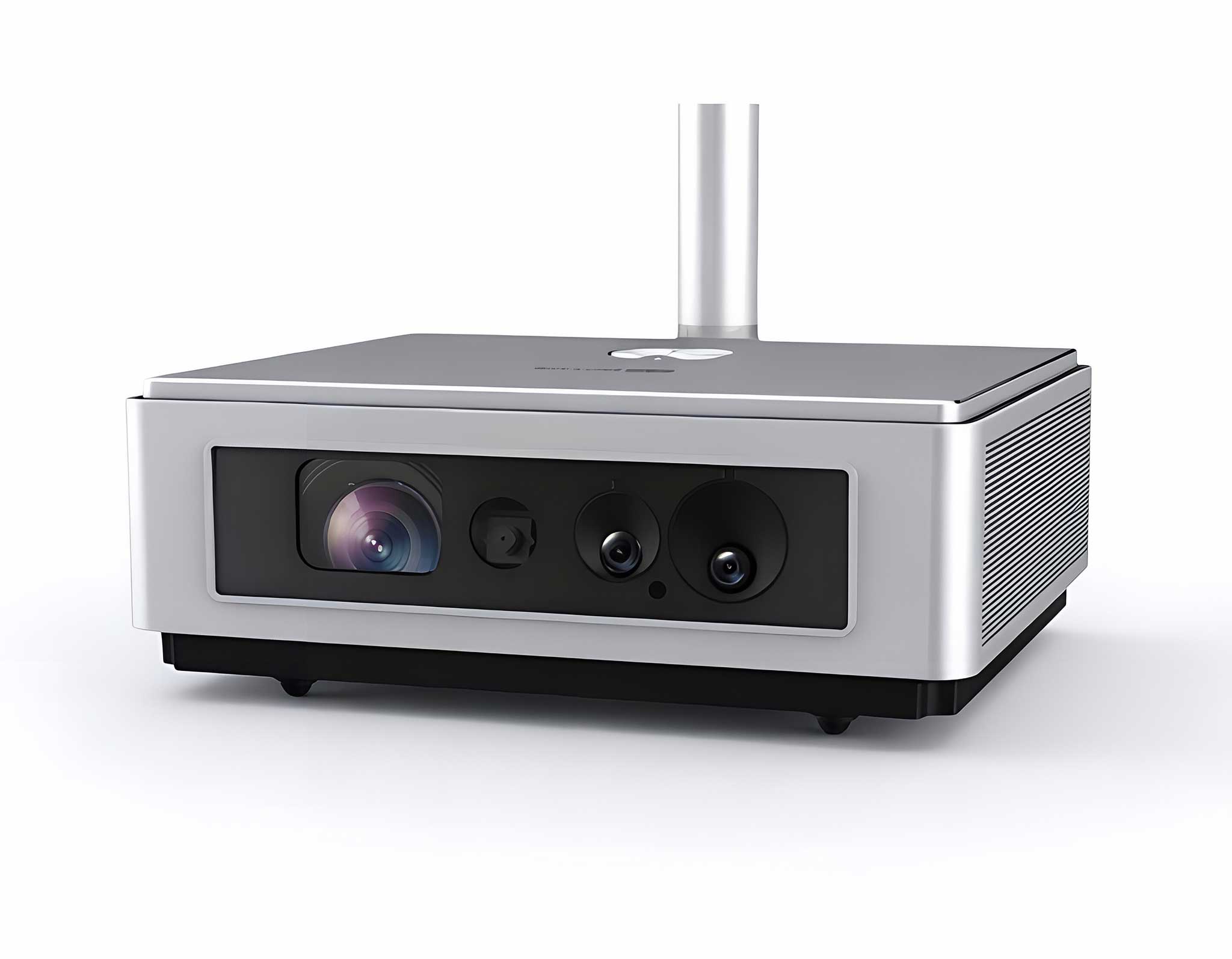
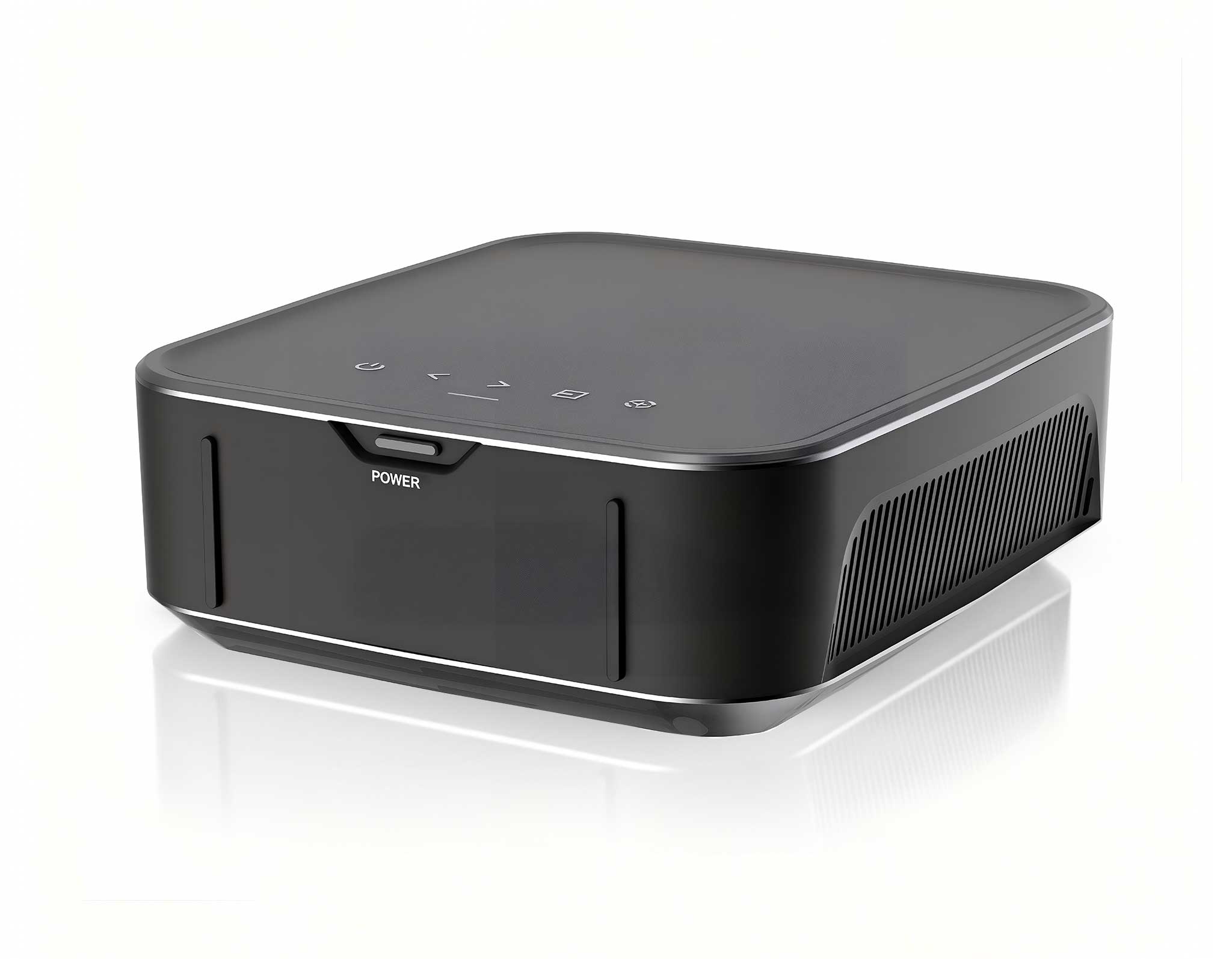
One Device, Dual Functions – A Projector and a Com...
A bus depot that decides to digitize its maintenance checks usually buys the hardware first and discovers the deployment questions second. Where does the large screen go, who carries what, and how do scanned parts actually reach the maintenance records? The ST13-U, the SH6 and the F505 form a natural three-tier answer — a fixed station for the service bay, a handheld for walk-around inspections, and a scanning terminal for parts — but only if they are installed in the right order, because each tier depends on the one before it. This guide walks through the deployment as an installer would actually do it: mount the bay station first, configure the handheld second, commission the data terminal last, and connect all three to the network and power before the first shift relies on them. Depots that follow this order typically reach a working pilot in a single night; depots that improvise it tend to spend weeks rediscovering why the order matters.
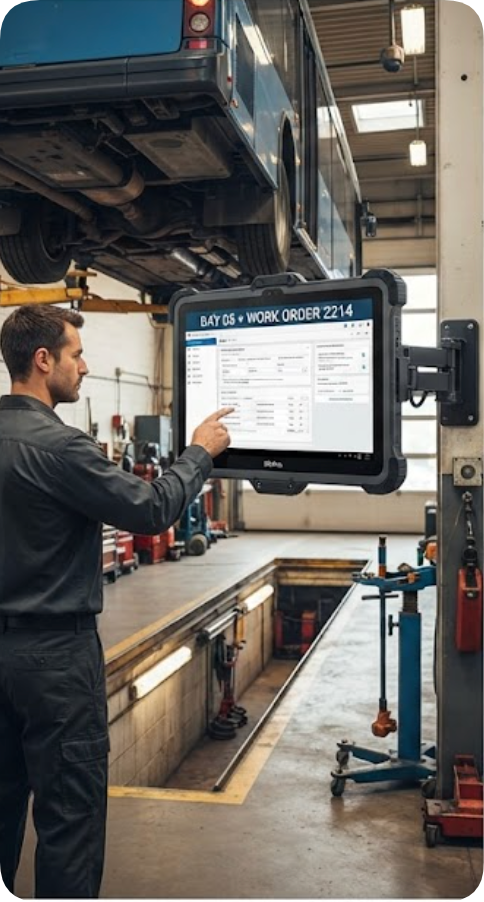
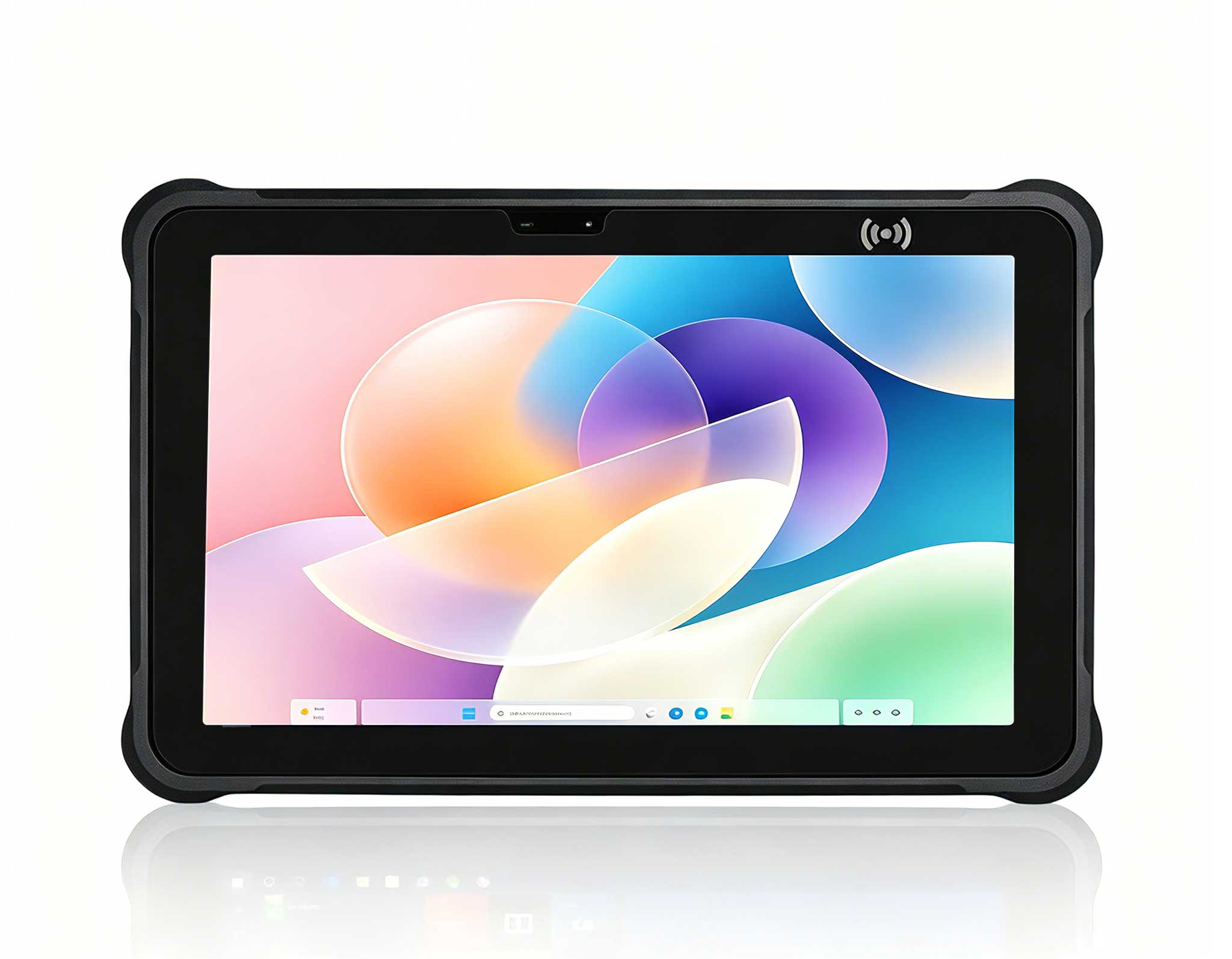
The deployment starts by assigning each device to a physical anchor, because the most common installation failure is asking one device to serve two masters. The ST13-U is the bay station: a 13.3-inch Windows 11 Pro tablet with an Intel Core i5-1235U or i7-1255U, a 1920×1080 IPS panel at 400–450 nits, and a product brief that explicitly names vehicle mounts and fixed stations as its intended home. It lives where the work instructions live — bolted near the maintenance pit or on the bay wall, running the depot's maintenance software on a screen large enough to read schematics from arm's length. The SH6 is the inspector's device: a 6.5-inch handheld at 460 grams with an N100 quad-core processor, IP65 sealing against 1.2-meter drops, and a 5000mAh battery rated up to 4.5 hours, meant to move with the technician around the vehicle. The F505 is the parts terminal: an Android data collector built around a 1D/2D scanning engine and a high-sensitivity RFID module for multi-tag batch reads, which lives at the parts counter and the stockroom door. Three anchors, three jobs, no overlap — and the installation order follows directly from them.
Fixed hardware goes in first for a practical reason: everything after it synchronizes against it. Mounting the ST13-U at the service bay involves four decisions. Position: at eye height beside the pit entrance or on the bay's side wall, close enough that a mechanic can touch the screen without leaving the wheel, far enough from the lift's travel envelope that no bus door or mirror can reach it. Power: the tablet runs from the bay's DC supply through its vehicle-mount power path, on the -20℃ to 55℃ operating envelope that unheated depots demand in winter. Network: the station takes the depot's wired or Wi-Fi connection and becomes the point every handheld syncs against. Software: the maintenance platform is installed, licensed, and loaded with the fleet's inspection templates before any handheld is paired. A bay station that goes live last forces every handheld to be reconfigured twice; one that goes live first makes the handheld setup a single exercise. Installers should also photograph the finished mount — position, cable route and label — because the photo becomes the reference every subsequent bay copies, and the difference between a fleet-wide standard and eleven individual improvisations is usually one documented first installation.
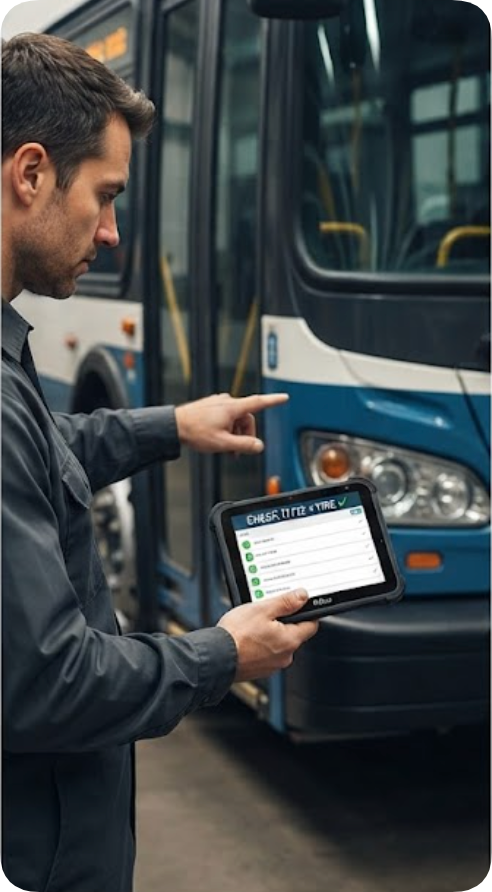
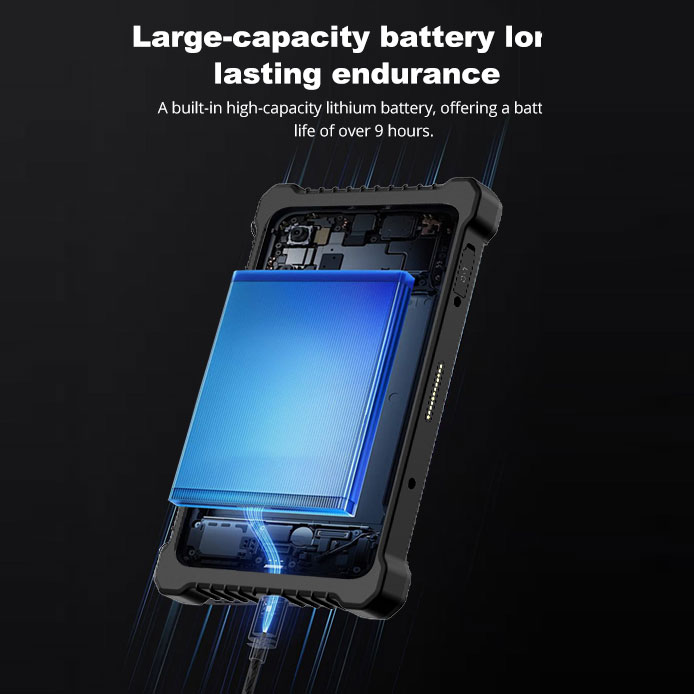
The SH6 configuration is where the deployment meets gloved hands. Each inspector's unit should be kitted with the same profile: the depot's check app pinned to the home screen, the 6.5-inch HD+ display set to a brightness the 380-nit panel sustains in the yard's daylight, and the 10-point capacitive touch layer verified with the gloves the crews actually wear in winter. The device's wireless stack — WiFi 6, Bluetooth 5.2 and 4G LTE on global bands — is enrolled against the depot network, and its positioning receivers (GPS, BeiDou, GLONASS) are confirmed working so that every inspection record carries a location stamp without manual entry. The 4.5-hour battery figure deserves honest scheduling: a full shift of continuous walk-around checks outlasts one charge, so the standard kit includes the charging dock and a swap ritual at the mid-shift break rather than a mid-inspection rescue. Units should also be serialized into the asset register at this step, with the NFC reader — 13.56MHz, ISO14443A — reserved for vehicle checkpoints so a tap against a bus-mounted tag opens that vehicle's history automatically. The operating envelope deserves a line in the kitting sheet as well: the SH6 is rated from -20℃ to 55℃, which covers a winter yard, but batteries held at the charger overnight should come back to room temperature before a cold-weather shift swaps them, because a cold battery delivers its hours unevenly no matter what the label promises.
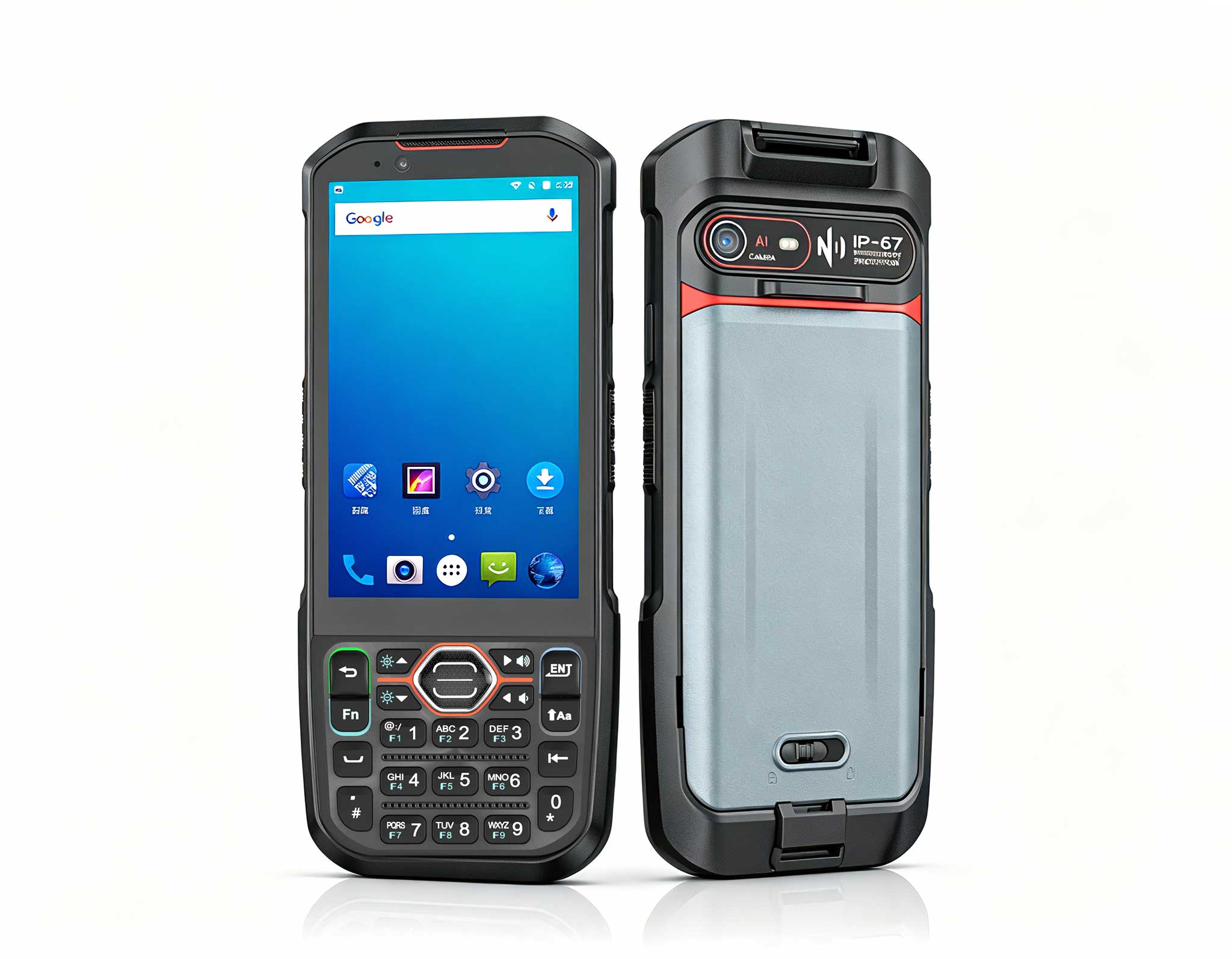
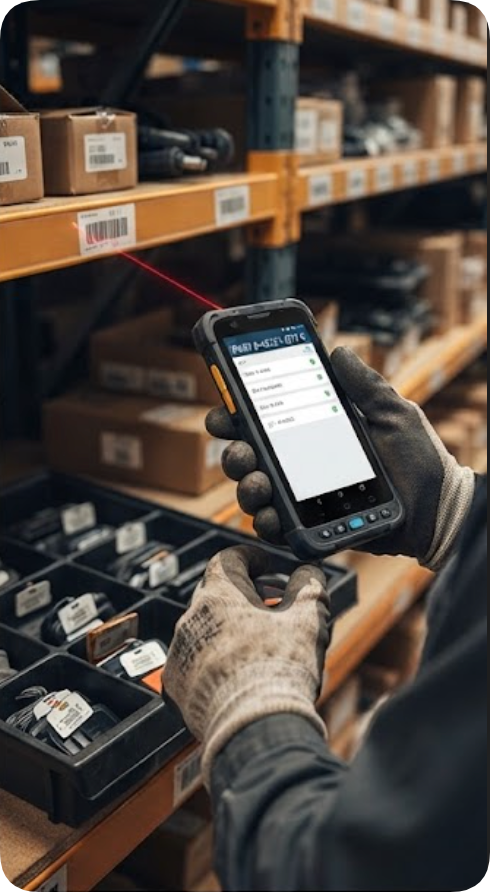
The F505 is deliberately last because its value depends entirely on data the first two tiers produce. At the parts counter, the Android terminal's 1D and 2D scanning engines handle the labeled components moving in and out of stock, while the RFID module performs the batch reads that make a quarterly parts audit an afternoon's work instead of a week of line-by-line scanning. Its dual-band Wi-Fi (2.4GHz and 5GHz) joins the same depot network as the bay station, so a scan performed at the stockroom door appears in the maintenance platform the bay tablet is running. The terminal's sealed housing and impact-resistant touchscreen are specified for exactly this environment — a parts counter is the dustiest, busiest surface in the depot — and its glove-and-moisture operability matters at the wash-down bay where components return from under the bus. Commissioning consists of binding the device to the inventory module, test-reading both a barcode label and an RFID tag batch, and confirming the records land against the right vehicle in the maintenance system.
Two infrastructure checks belong to the installation, not to any single device. Coverage: the yard, the pits, the wash bay and the stockroom must all hold a usable signal, because the SH6's 4G LTE fallback is a safety net for the road, not an excuse for dead zones at home — records that queue offline defeat the point of live fleet data. Power discipline: the ST13-U's mount takes permanent power, the SH6 docks get shelf space beside the shift supervisor's desk, and the F505's charger lives at the parts counter, each with a named owner. Depots that skip the ownership step routinely find one tier drained on Monday morning, and a three-tier system with a dead tier behaves worse than a paper system, because nobody trusts partial data.
The installation ends with a controlled pilot, and the recommended shape is a single night shift on a single vehicle. One bus receives a full inspection through the new chain — walk-around checks on the SH6, work instructions read on the ST13-U, replaced parts scanned out on the F505 — and the paper record for the same bus is filled in parallel. If the two records agree by morning, the fleet rollout proceeds bay by bay; if they diverge, the divergence is almost always in the templates or the sync path, and it costs one night to fix instead of one hundred buses' worth of bad records. From there, expansion is mechanical: another mount, another kitted handheld, another bound terminal, in that order, until every bay runs the same night. The paper parallel run is worth keeping for the first week of fleet rollout rather than a single night, because it catches the slower failure mode — a template that forces inspectors to type what a scan should have filled — before habit buries it, and retiring the paper copy becomes a small ceremony the crews actually trust.
The summary table collects the published figures for the three units, using the current product pages:
| Tier | ST13-U (bay station) | SH6 (handheld) | F505 (parts terminal) |
|---|---|---|---|
| OS / CPU | Win11 Pro, i5-1235U / i7-1255U | Win11 Pro, Intel N100 quad-core | Android with native SDK |
| Display | 13.3" IPS, 1920×1080, 400–450 nits | 6.5" HD+, 380 nits | Capacitive touch, impact-resistant glass |
| Scanning | — | NFC 13.56MHz, ISO14443A | 1D/2D engine + RFID batch reads |
| Battery | Vehicle-mount power | 5000mAh / 7.6V, up to 4.5h | High-capacity, counter-charged |
| Protection | Rugged large-format build | IP65, 1.2m drop, 460±20g | Sealed housing, multi-direction shock |
| Wireless | Depot network (wired/Wi-Fi) | WiFi 6, BT 5.2, 4G LTE; GPS/BDS/GLONASS | Dual-band Wi-Fi, 4G LTE, Bluetooth |
Installers planning a depot rollout can review the industrial PDA and scanning terminals used in fleet maintenance, or the ST13-U rugged industrial tablet, SH6 rugged handheld tablet and Handheld PDA F505 product pages, along with the full HOTUS product range and additional product comparisons and competitor analysis.