Highway maintenance teams do not get to choose their office. The workstation is a guardrail, a lane closure or the shoulder two kilometres from the nearest hard shoulder, and the tablet that survives there has to earn its place on the truck. Buying one is therefore less about chasing the longest feature list and more about matching a short list of decisions to the way a survey day actually runs. The three devices compared here cover the realistic spread: the ST11-J as the value-oriented Windows baseline, the ST11-M as its higher-headroom sibling, and the RT80 as the always-connected 5G option. Work through the checkpoints below in order and the right choice usually announces itself before the last row. For a wider view of the tablet family behind these three models, browse the full rugged tablet range.
Start With the Workday, Not the Spec Sheet
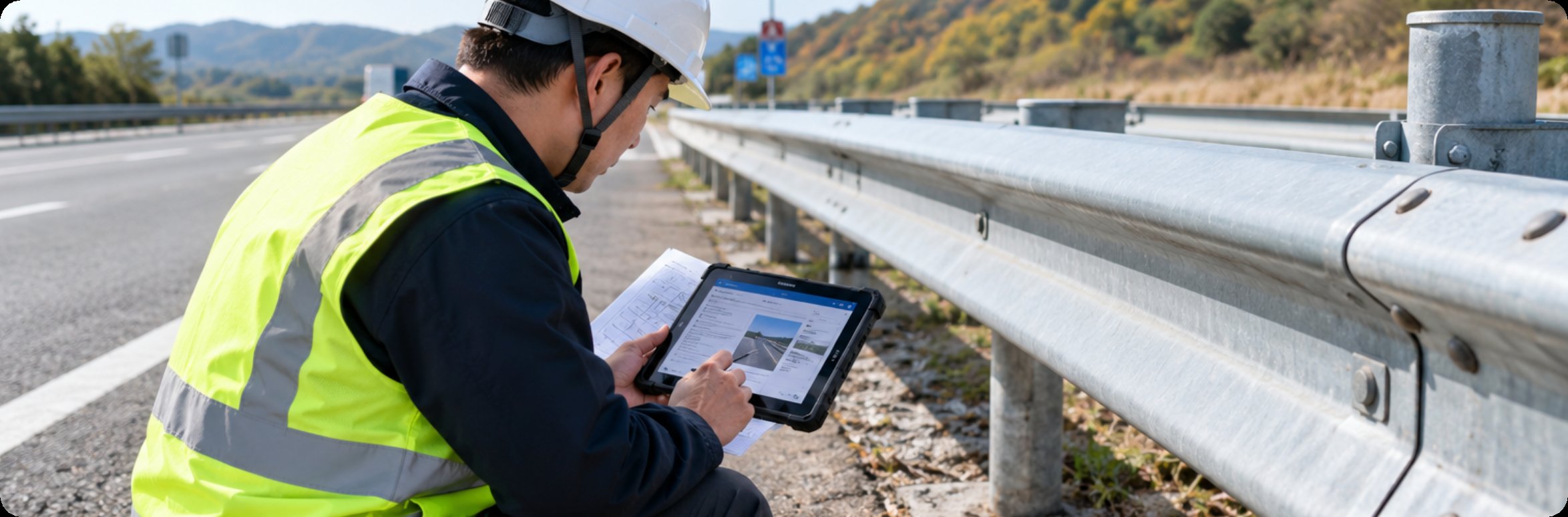
Before comparing processors, write down what a survey shift actually demands. A pavement condition round means photographs, a forms application, and sync at the depot. A structures inspection adds markup over drawings and longer stretches without a vehicle nearby. A traffic-management survey adds live coordination with the office. Each of those profiles stresses a different part of the hardware, and none of them requires the same machine. Teams that skip this step tend to overbuy on processing power and underbuy on the two things that actually end deployments: battery logistics and sealing. The checklist below is ordered deliberately, because the earlier rows eliminate more candidates than the later ones.
🖥️ Screen Brightness and the 10.1-Inch Panel Question
All three devices carry a 10.1-inch IPS touchscreen at 1200 x 1920, which keeps the comparison honest: the panel is not the deciding row. What still differs in practice is how each crew uses it. Gloves in winter, glare at midday and mounting in the cab all push the same conclusion: at this size, readability is a mounting and workflow problem more than a resolution problem. Choose the 10.1-inch class if crews mark up drawings or fill forms for most of the shift; step down to a handheld only if the job is mostly scanning and tapping. Every decision made at this row removes one branch of the later trade-offs, which is why the panel question belongs near the top despite being identical across all three candidates.
⚖️ Computing Headroom: N5100 Versus i5-8200Y
The ST11-J runs an Intel Celeron N5100 quad-core at 1.10GHz with 8GB of RAM and 256GB of storage, which is enough for forms, photography and map work without drama. The ST11-M steps up to an Intel Core i5-8200Y at 1.30GHz on the same 8GB plus 256GB configuration, and that extra headroom matters when the crew keeps a full CAD viewer, a GIS layer and a browser open at once, or when video evidence is part of the record. Neither machine asks the buyer to manage storage anxiety, so the decision is purely about application weight. A practical test during trial: open your worst-case morning workload on both and watch which one hesitates. Crews evaluating the ST11-M rugged tablet are usually paying for snappiness across a long shift rather than for any single capability the ST11-J lacks.
⚖️ The RT80 Difference: Cellular Data Where the Crew Actually Stops
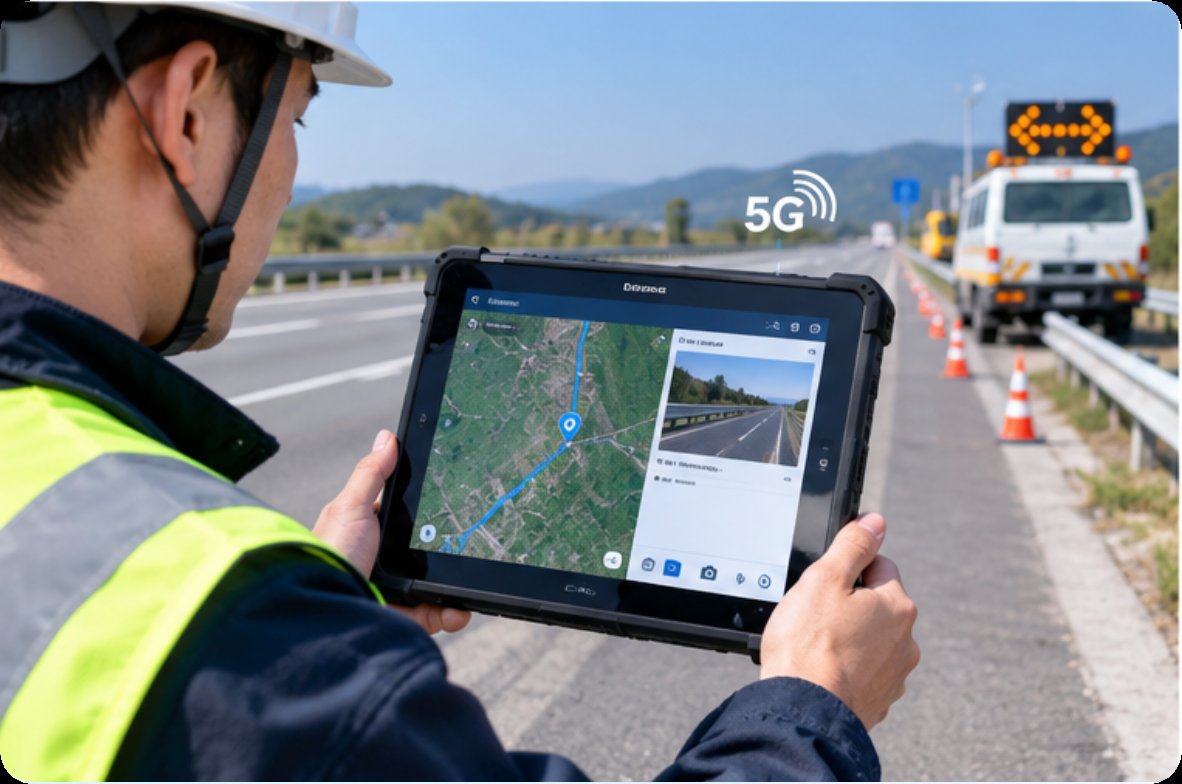
The RT80 answers a different question entirely. Its UNISOC UIS7885 octa-core processor at 2.7GHz carries a built-in 8T NPU, paired with 5G SA/NSA dual-mode connectivity, Android 13 with optional Harmony or Linux builds, 8GB of RAM and 128GB of storage expandable to 512GB. The 48MP camera and AI compute make it the pick when the job involves photographing defects for automated classification, or when the office needs positions and photos flowing back in near real time instead of at end-of-day sync. The trade is deliberate: IP67 sealing in a 251mm x 170mm x 14.6mm body rated -10°C to 50°C, a built-in 10000mAh battery instead of swappable packs, and 128GB rather than 256GB. Teams whose survey points sit inside coverage and value one-device simplicity will find the RT80 5G rugged tablet closes decisions the other two cannot.
🔋 Battery Swaps, Sealing and the Winter Curve
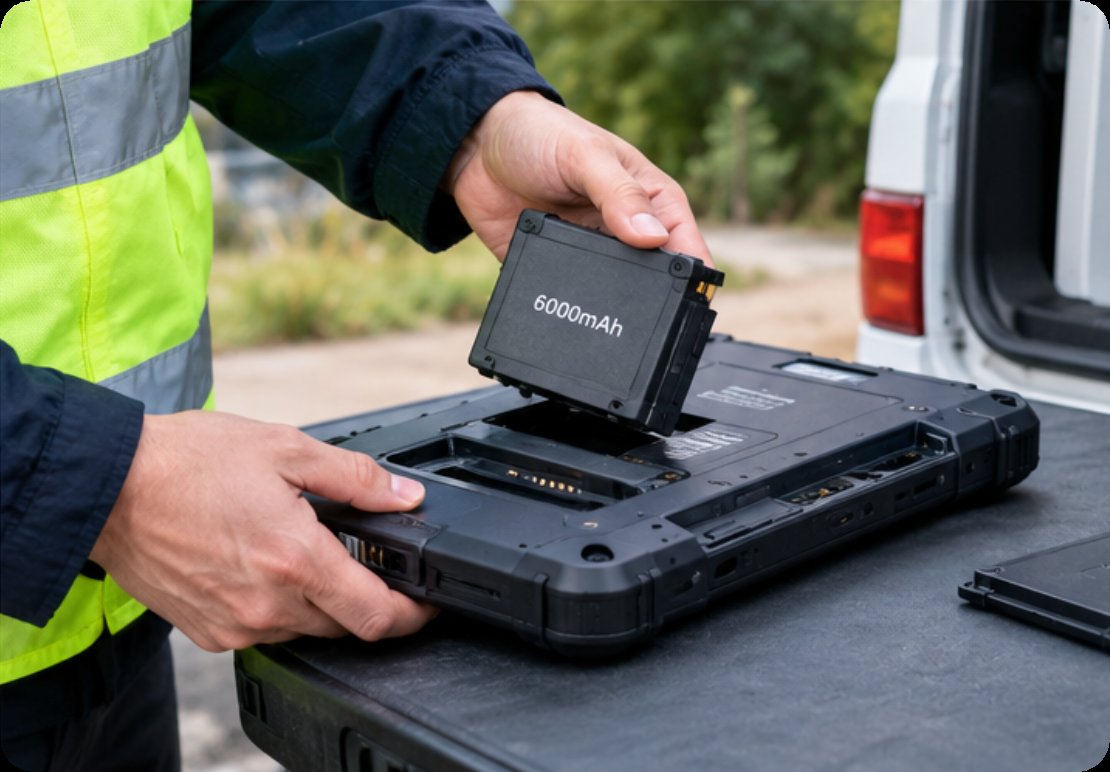
This is the row that quietly decides most purchases. Both ST11 models carry a 7.6V 6000mAh removable lithium pack (45.6Wh) rated from -20°C to 55°C, so a crew that carries two spares never visits a charger until the depot, and cold-morning starts do not kneel the schedule. The RT80 counters with a 10000mAh built-in cell that supports power delivery through the shift, but a built-in pack means the truck needs a charging window at lunch or a USB-C bank in the cab, and its -10°C floor needs to be checked against your winter routes. On sealing, both ST11 models carry an IP65 dustproof and waterproof build with MIL-STD-810G certification, which covers rain, dust and vibration on the truck rack; the RT80's IP67 goes one step further and shrugs off a drop into a flooded gutter. Match the rating to the worst day you actually plan to work, not the worst day imaginable.
The Checklist Table: Seven Questions Before the PO
| Checkpoint | ST11-J | RT80 | ST11-M |
|---|---|---|---|
| Processor path | Celeron N5100 quad-core | UIS7885 octa-core + 8T NPU | Core i5-8200Y dual-core |
| Storage | 8GB + 256GB | 8GB + 128GB (TF to 512GB) | 8GB + 256GB |
| Connectivity | Windows Wi-Fi workflow | 5G SA/NSA dual-mode | Windows Wi-Fi workflow |
| Battery logistics | 6000mAh removable, spares friendly | 10000mAh built-in, PD charging | 6000mAh removable, spares friendly |
| Sealing | IP65 + MIL-STD-810G | IP67 | IP65 + MIL-STD-810G |
| Cold floor | -20°C | -10°C | -20°C |
| Camera tasking | 5MP + 13MP autofocus | 48MP + AI classification | 5MP + 13MP autofocus |
Run the table left to right and cross out any cell that disqualifies a device for your routes; most crews are down to one candidate by the cold-floor row. Buyers who want the two Windows options documented side by side before a trial order can compare the ST11-J industrial tablet against its sibling on the same page, and fleet purchasers weighing the whole class against alternatives will find the published comparisons collected under the comparison news section.
🏟️ Verification as a Team Habit, Not a Spec Claim
Whatever the purchase order says, the last checkpoint is behavioural. Put the shortlisted device in the hands of the crew that will carry it, on a real route, in the worst weather the season offers, and score the day honestly: did the battery plan hold, did the screen stay readable at noon, did sync happen where the schedule needed it. A device that passes that day belongs on the truck regardless of which column it came from, and the discipline of testing before fleet-wide rollout costs nothing compared with re-fitting a whole depot. Teams that want to see how these tablets behave across other field roles before committing can review the manufacturer's product lines and match references from similar crews.