Before seasonal respiratory spikes begin, hospital facility teams print physical inspection sheets directly from the central asset register. Every infusion pump, ventilator, and medical refrigerator has a dedicated row detailing its location, service history, and next maintenance date. While the printout seems comprehensive, it carries an inherent flaw: it cannot account for temporary equipment wheeled in later during bed expansion. These loaner units arrive without asset tags or maintenance histories, yet their operational round starts immediately.
Paper inspection rounds handle unregistered arrivals poorly. Traditional checklists require an established asset ID before accepting findings, leaving newly arrived equipment completely unrecorded. While procurement planners often start by evaluating hardware on product comparisons and competitor analysis portals, the immediate operational challenge remains administrative: how to log an active device before it exists in the database. This article explores that logging gap across receiving bays, biomedical benches, and overflow wards, evaluating how three rugged tablets handle data entry at each stage.
💡 Why Busy-Week Inspection Rounds Begin with Empty Lines
The asset register lists owned inventory; surge planning covers temporary equipment needs. Because these two datasets differ structural layout, discrepancies emerge first at the receiving bay. A delivery arrives with a transport slip, power cables, and a vendor tag—not an internal service schedule. If an intake sheet mandates a permanent asset ID, receiving staff cannot log the unit, forcing it into clinical wards without a baseline safety check. An empty line on a printed sheet represents a device lacking documented history.
Field operations solve this by categorizing records by verifiable facts. For instance, a public safety patrol sorted by three records separates event, device, and personnel data. Hospital rounds can apply this same logic: track provisional equipment using arrival timestamp, receiving location, and sign-off personnel. These three data points exist upon delivery, ensuring complete intake records while permanent registration catches up.
Essential Data Required on Intake Sheets Before Scanning
Provisional equipment logs should remain separate from the primary asset registry, focusing on four core fields rather than serial numbers: receiving staff identity, destination ward, initial visual inspection results, and vendor return protocols. Expanding a wider product range does not alter these operational requirements. Because intake staff rarely handle device discharge, log sheets must remain clear and intuitive for any shift worker.
Receiving bay personnel, technicians, and porters require concise log formats. Short four-line entry forms maintain high compliance, whereas complex technical forms often result in incomplete data entry. Table 1 details these essential lines and designated responsibilities. Assigning tasks to roles rather than individual names ensures operational continuity during shift changes or agency staffing.
| Intake Sheet Field | Surge Period Impact | Responsible Role |
|---|---|---|
| Temporary Identifier | Units arrive prior to asset database indexing | Receiving bay staff |
| Initial Visual Inspection | Absence of baseline maintenance history | Biomedical engineering desk |
| Inspection Location | Temporary wards reallocate across floors dynamically | Ward Charge Nurse |
| Disposition Status (Keep/Return) | Loaned units may depart before round completion | Equipment management office |
Initial Inspection Workflows at the Biomedical Bench
Initial safety inspections should occur on dedicated equipment office benches rather than active hallways. The HTYJ10A rugged tablet accommodates bench work via built-in I/O options, including RJ45 Gigabit Ethernet, Mini HDMI, USB Type-A, Type-C, and a 12-pin pogo-pin connector. Direct Ethernet connectivity provides reliable database access in areas with weak wireless coverage, while the 19V 3.42A power input supports fixed-bench operation.
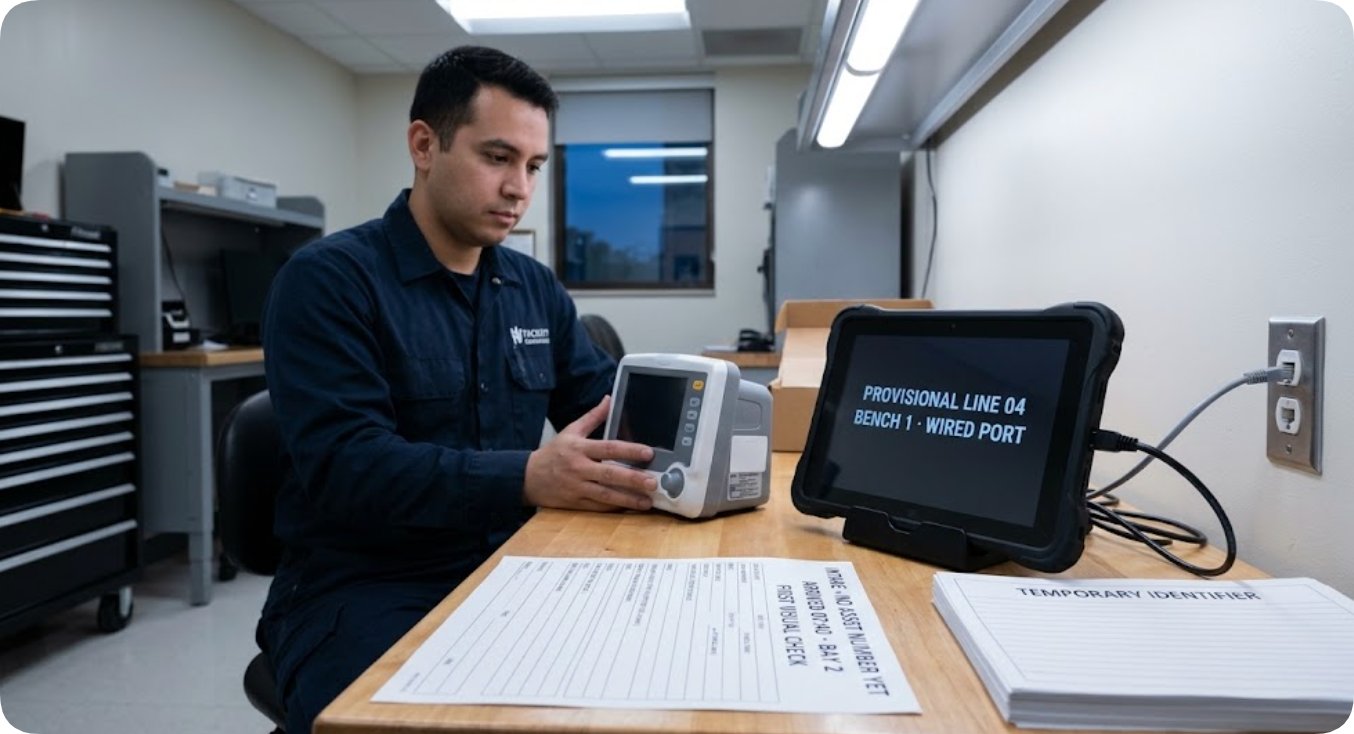
Bench intake begins by photographing device nameplates and recording baseline physical conditions. The 560-nit display ensures legibility under overhead fluorescence, while the native Windows 10/11 Pro environment integrates seamlessly with biomedical management software. Additional features—such as the 7.6V 3500mAh swappable battery and IP67-rated enclosure—support field processing without requiring an active asset tag during initial registration.
High-Brightness Display Requirements for Loading Bays
Receiving operations often encounter challenging lighting conditions around exterior loading doors. The HTXUK10A-55 rugged tablet addresses outdoor glare with a 10.1-inch IPS display (1200 x 1920) delivering 550 nits of brightness, alongside active stylus support and wet-glove touch capabilities. Its 7.6V 6000mAh (45.6Wh) battery and Windows 10/11 Pro OS ensure uninterrupted data compatibility between outdoor receiving areas and indoor workstations.
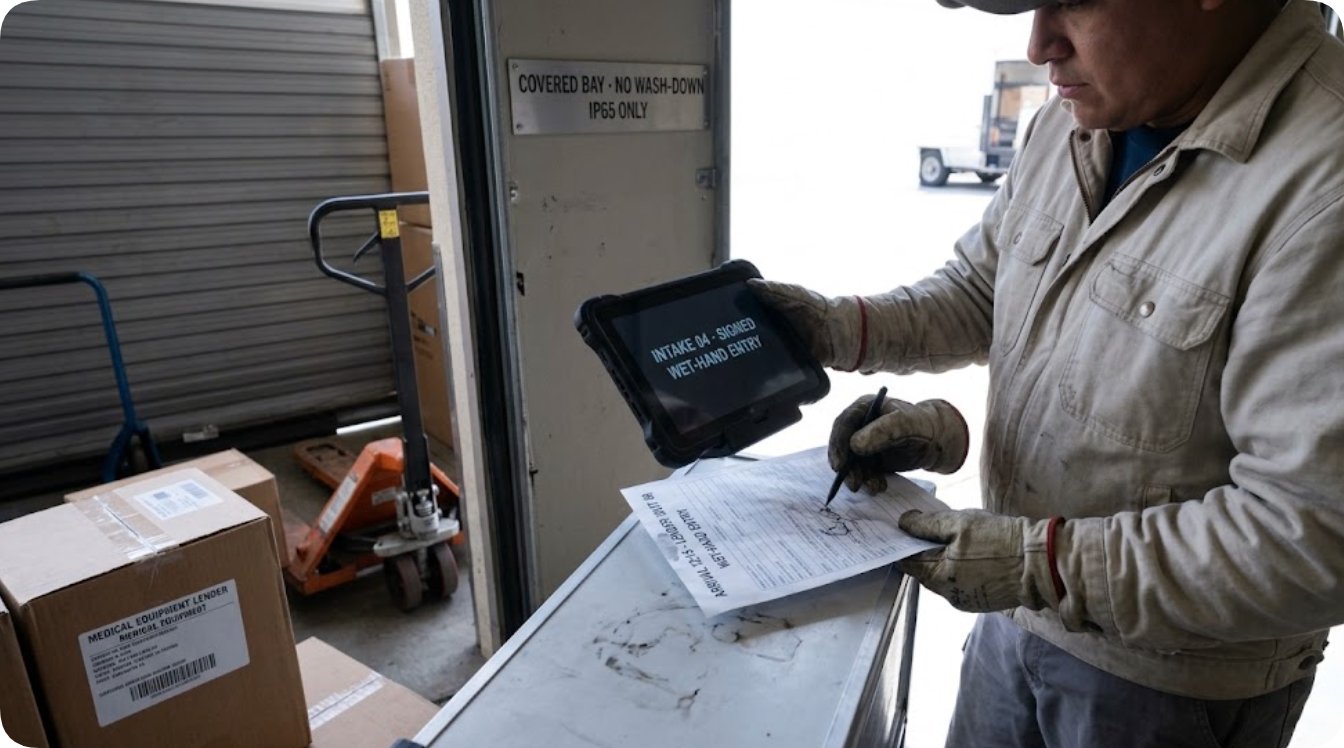
Deployment plans should account for hardware ingress protection. The HTXUK10A-55 features an IP65 rating suitable for covered loading bays, whereas IP67-rated devices are recommended for high-moisture wash-down zones. Clear operational boundary guidelines help rotating personnel select the correct hardware for each facility environment.
5G Connectivity for Temporary Overflow Wards
Converting auxiliary spaces into patient care units often extends operations beyond standard Wi-Fi coverage. The RT80 rugged tablet integrates 5G SA/NSA, 4G LTE, dual-band Wi-Fi, and Bluetooth 5.0, enabling continuous data sync over cellular networks when local networks are unavailable. Its integrated 48MP rear camera allows staff to log clear images of serial plates, cable tags, and pre-existing physical wear directly to provisional records.
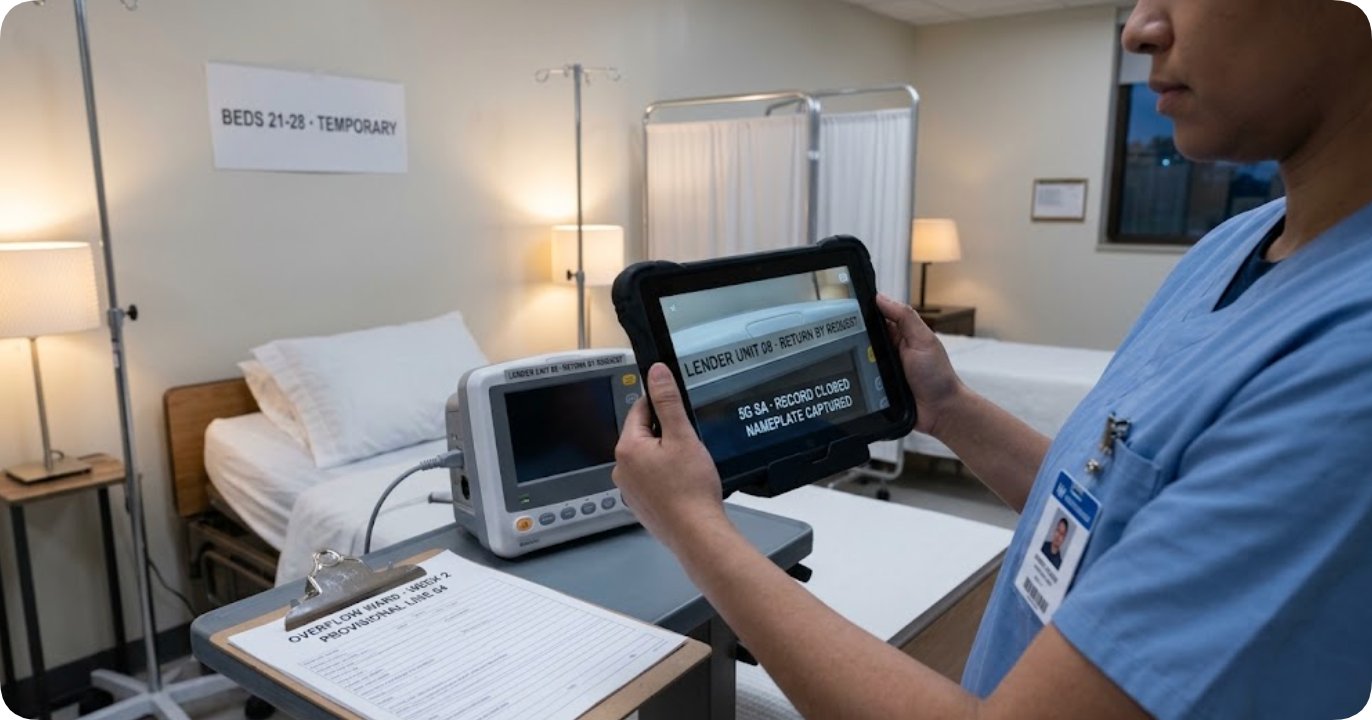
With a 400-nit screen brightness, the RT80 is optimized primarily for indoor ward use rather than bright outdoor environments. Operating on Android 13.0 or HarmonyOS 6.1, it utilizes dedicated web forms or mobile client apps to sync intake data with central Windows servers. Weighing under 650g, it provides an ergonomic option for long rounds across temporary patient areas.
Hardware Specifications Comparison
Table 2 outlines standardized technical specifications across all three tablet models to assist facility planners in matching device capabilities to specific inspection environments.
| Specification | HTYJ10A | HTXUK10A-55 | RT80 |
|---|---|---|---|
| Display & Luminance | 10.1in IPS (1200 x 1920); 560 nits | 10.1in IPS (1200 x 1920); 550 nits | 10.1in IPS (1200 x 1920); 400 nits |
| Operating System | Windows 10 Pro / Windows 11 Pro | Windows 10 Pro / Windows 11 Pro | Android 13.0 / Harmony OS 6.1 |
| Battery Configuration | 7.6V 3500mAh removable | 7.6V 6000mAh removable (45.6Wh) | 3.8V 10000mAh (PD Fast Charge) |
| Durability Ratings | IP67; MIL-STD-810G; 1.22m drop | IP65; MIL-STD-810G; 1.2m drop | IP67 |
| Camera Systems | 5MP front; 8MP rear AF | 5MP front; 13MP rear AF | 8MP front; 48MP rear AF |
| Wireless Connectivity | Wi-Fi 6; Bluetooth 5.0; 4G LTE | Dual-band Wi-Fi; Bluetooth; 4G LTE | 5G SA/NSA; 4G; Wi-Fi 802.11ac; Bluetooth 5.0 |
Battery ratings reflect nominal manufacturer specifications based on operating voltages (3.8V vs 7.6V). Similarly, ingress protection and drop-test certifications adhere to published test standards for each respective chassis design.
Field Exclusions in Provisional Logging
Certain hardware variables are intentionally omitted from basic intake sheets. Dimensions and shipping weights vary based on packaging configurations and accessory options; precise measurements should be verified directly via primary product specification sheets.
Processor details and specific environmental thresholds are omitted where manufacturer documentation presents multiple platform configurations. Omitting unverified fields prevents data discrepancies during busy intake periods.
At the conclusion of peak operational periods, provisional records separate into two categories: assets formally integrated into the main database and temporary units returned to vendors. Tracking both paths ensures complete equipment accountability before devices reach patient care areas. Facilities optimizing their intake workflows can review the full rugged tablet range to align hardware with operational requirements.