Wireless Bluetooth Mouse Can Boost Your Productivity
Ditch the trackpad. A Bluetooth mouse saves USB ports, switches between devices instantly, reduces wrist strain, and keeps your home office quiet and efficient.
In Europe, America, and the Asia‑Pacific, working from home has become the new normal. Laptop keyboards and trackpads are convenient for short tasks, but long hours of editing documents, filling forms, designing, or joining video calls make inefficiency and wrist soreness common complaints. A wireless Bluetooth mouse solves these pain points while adding flexibility to your daily workflow.
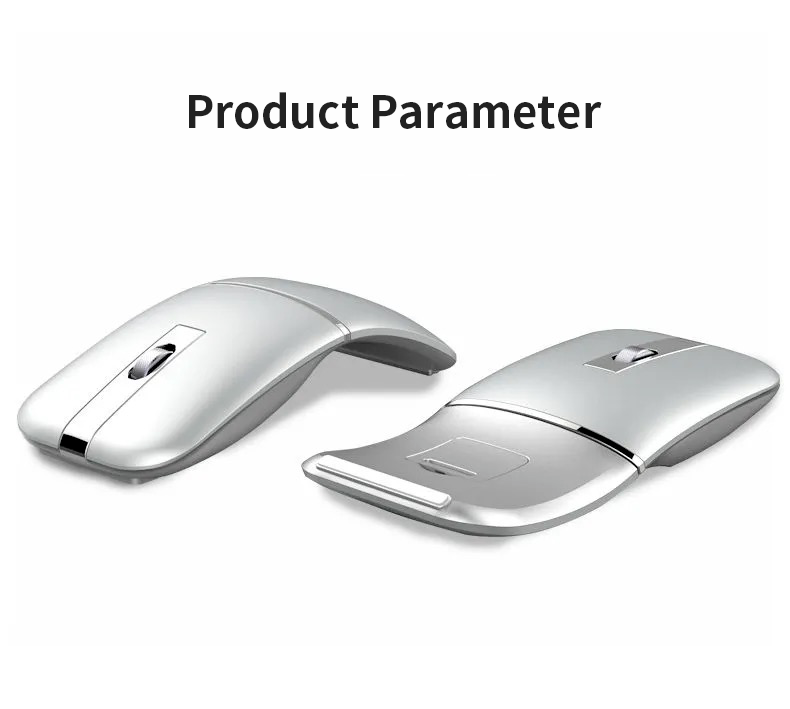
What a Wireless Bluetooth Mouse Solves
No USB Ports Taken – Clean Desktop
Bluetooth connects directly to your laptop or tablet without a dongle. No receiver to lose, no precious USB‑C or USB‑A port occupied. Perfect for ultrabooks and iPads with limited connectivity.
Effortless Cross‑Device Switching
A quality Bluetooth mouse remembers multiple paired devices (laptop, tablet, phone). Switch between them with a single button press — ideal for hybrid workflows where you jump from a PC to an iPad or even an Android phone.
Better Posture, Healthier Neck and Shoulders
Using an external mouse naturally encourages you to sit back, use a standing desk, or position your keyboard tray correctly. No more hunching over a built‑in trackpad for hours. Combined with a laptop stand, it transforms your ergonomics.
Silent Clicks – No Family Disturbance
Many modern Bluetooth mice feature silent switches. Clicking won’t wake a sleeping child or interrupt a partner’s online meeting. Peaceful productivity at home.
How Real Users Choose the Right Model
- Low latency — Look for Bluetooth 5.0 or higher. Response time should feel instant, even for graphic design or casual gaming.
- Adjustable DPI — Switch between slow precision (editing photos) and fast cursor movement (large monitors). 1200–2400 DPI range covers most needs.
- Strong connection range — Reliable operation from 8–10 meters even with obstacles.
- Ergonomic shape — If budget allows, choose a contoured mouse that supports your hand’s natural posture. The comfort improvement is immediately noticeable.
Smart Buying Tips
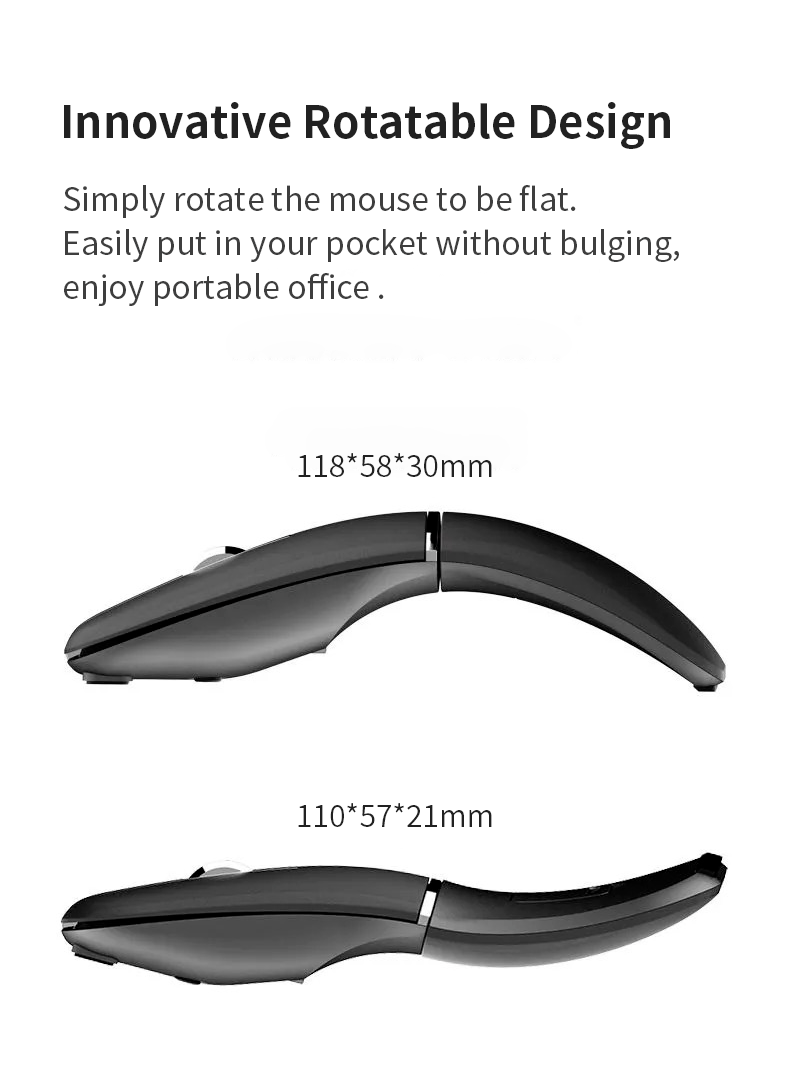
- Match the size to your hand — A mouse that’s too small causes cramping; too large feels clumsy. If possible, test or check length/width specs.
- Battery life matters — Aim for 30+ days of continuous use on a single charge or AA batteries. Some models last up to 12 months.
- Choose a reputable brand or OEM — Overseas buyers value quality assurance, consistent build, and after‑sales support. Established manufacturers offer better long‑term reliability.
- Mute switch is worth the extra cost — If you share a home office or work late, silent clicks are a game‑changer.
Small Upgrade, Big Difference
Working from home is here to stay. A small wireless Bluetooth mouse can make you more efficient, improve your sitting posture, and reduce daily frustrations. It’s an affordable tool that pays back in comfort and speed every single day.