- Select Language
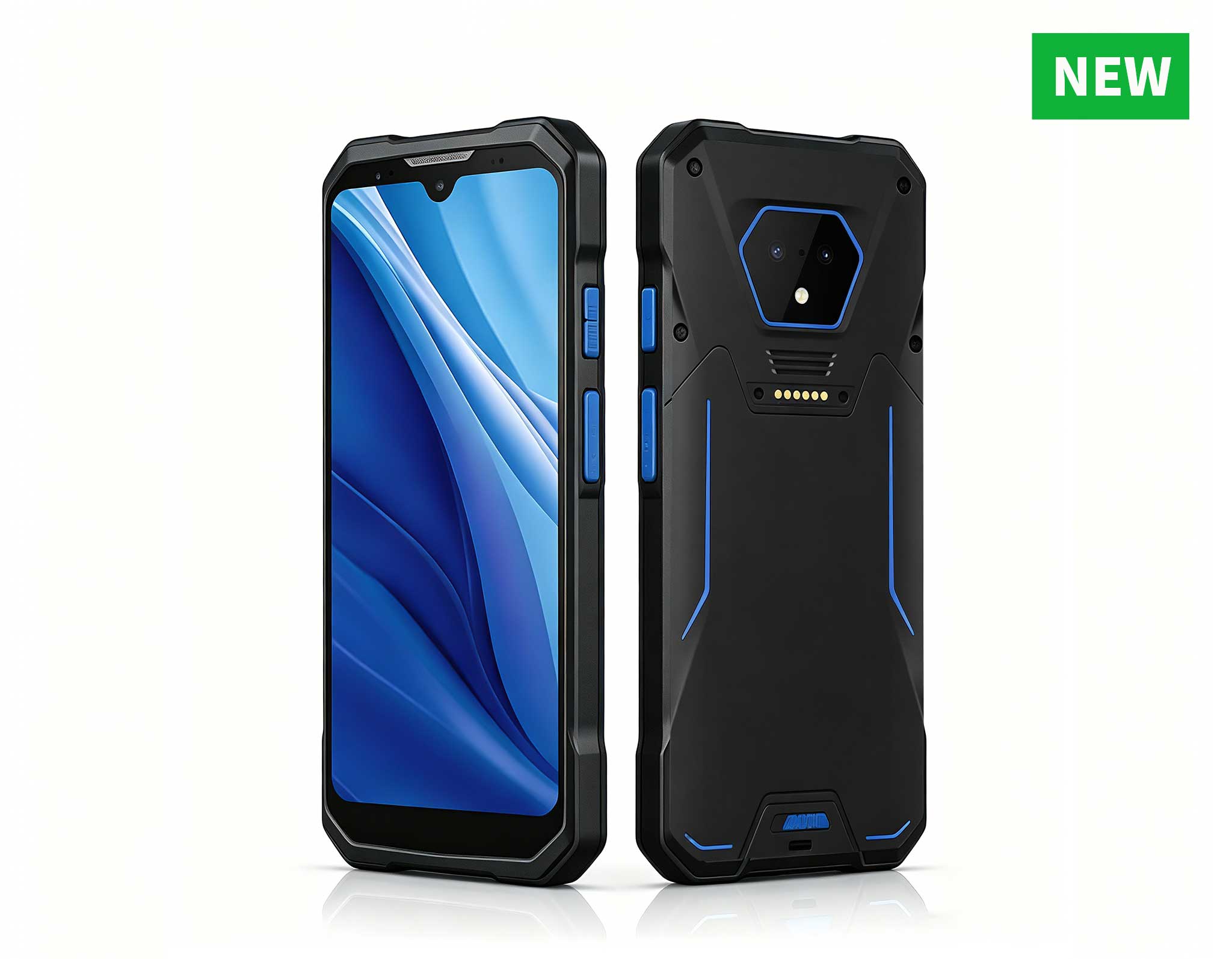
RS50 5G Rugged Handheld Terminal | 6.3" FHD+ ...
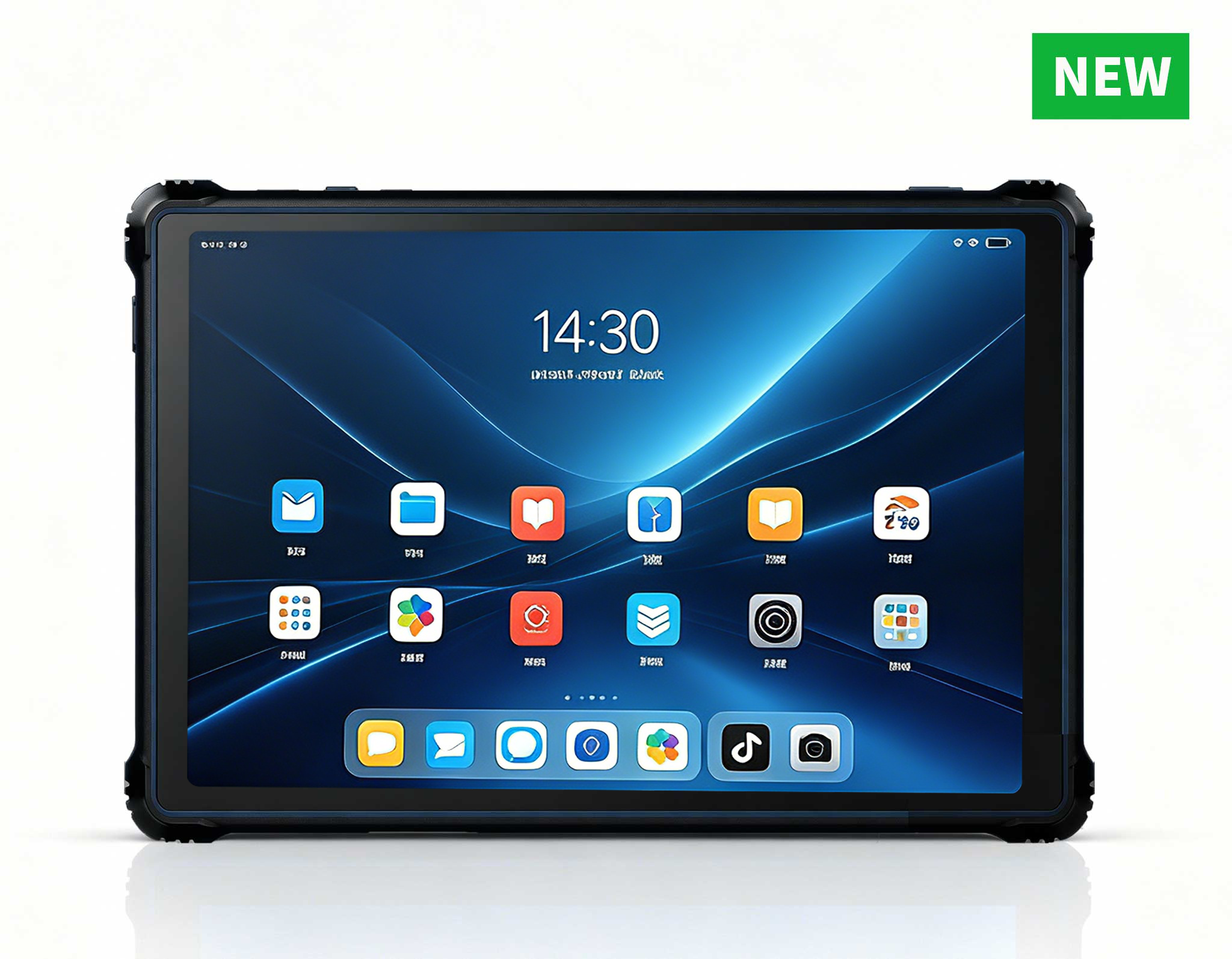
RT82 5G Rugged Tablet | 10.1" FHD 400nit | Qu...
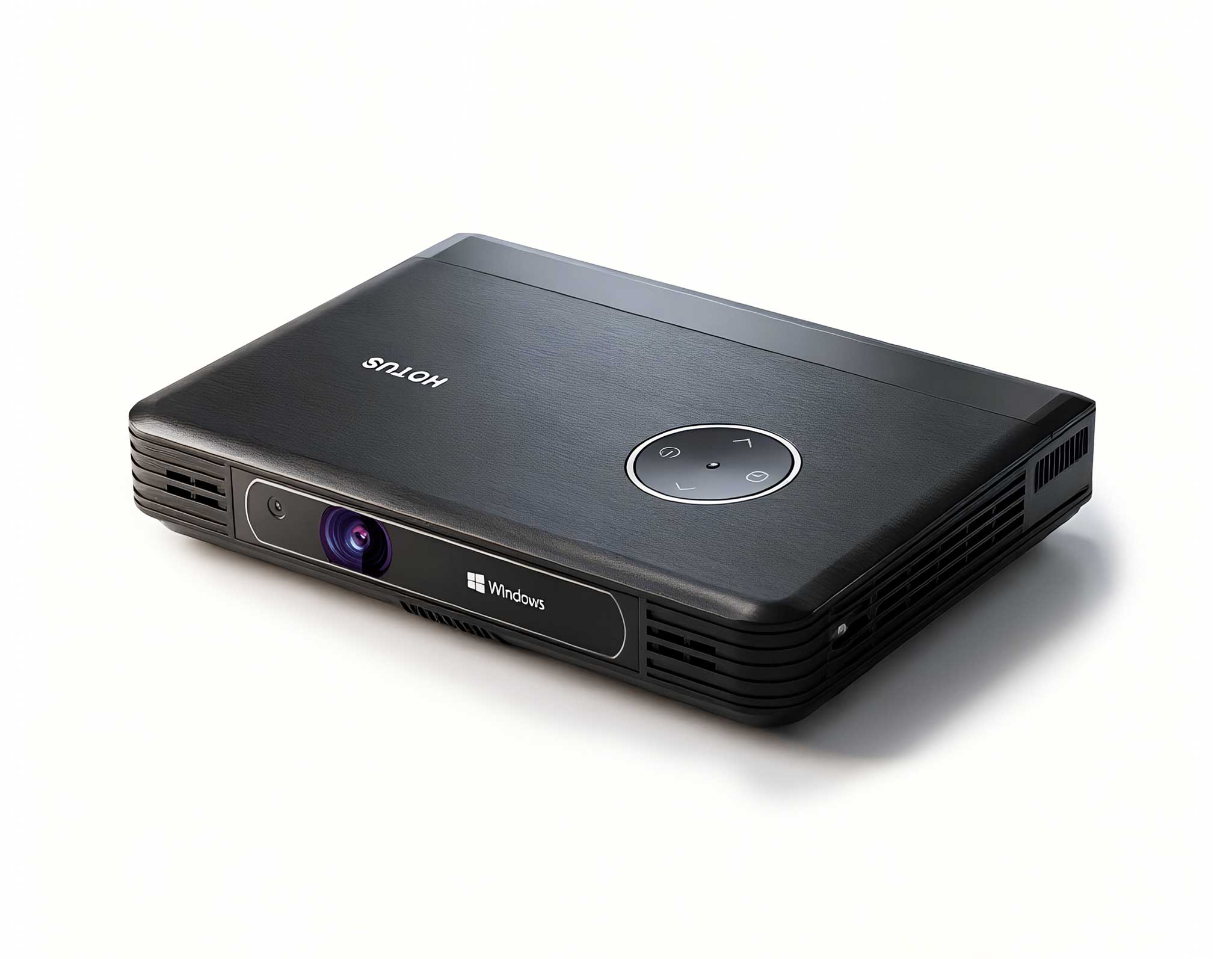
The U9000 handheld PDA combines advanced barcode s...
RT80 5G Rugged Tablet | 10.1" FHD 400nit | Un...
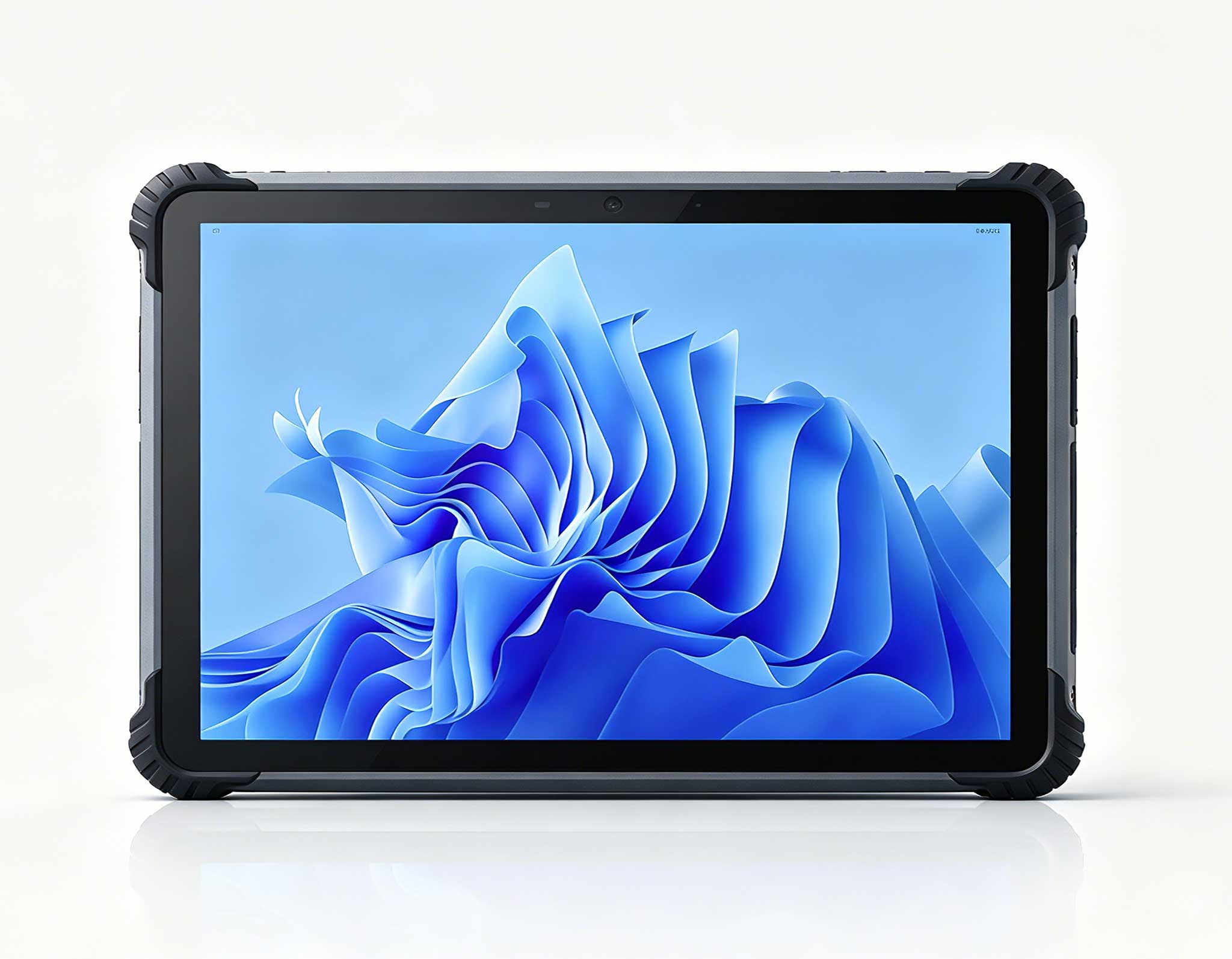
RT81 4G Rugged Tablet | 10.1" FHD 400nit | Qu...
️ X8 Series Handheld Label & Thermal Printing ...
The F505 Handheld PDA is a compact, high-performan...
From my experience working with school IT administrators, the biggest pain point in education is not the lack of technology, but the hidden cost of maintaining it. A standard computer lab with bulky desktops seems like a one-time investment, but when you factor in electricity bills, cooling, physical space, and the labor required to swap out failed power supplies, the total cost of ownership skyrockets. For K-12 and higher education institutions looking to modernize without breaking the bank, the answer lies in compact, energy-efficient hardware. That is why I recommend exploring dedicated education solutions that prioritize longevity and low power draw. The shift to Mini PC solutions is not just about saving desk space; it is about reallocating funds from maintenance back into learning outcomes.
In this article, I will break down the deployment ROI of three specific models from Hotus Technology: the HCAR5000 MI, the WTR PRO AMD, and the Palm-sized miniPC. Each serves a distinct role in a computer lab, and understanding their differences can save your school thousands of dollars over a three-year cycle.
The HCAR5000 MI is built around the AMD Ryzen 5000H series processor, which is a mobile-class chip that punches well above its weight. In a computer lab context, this means it can handle resource-intensive applications like CAD software, video editing, and basic AI model training without the thermal throttling you often see in standard desktops. The unit supports up to 64GB of DDR4 RAM and dual NVMe SSDs, making it ideal for a specialized STEM lab where students need to compile code or run simulations.
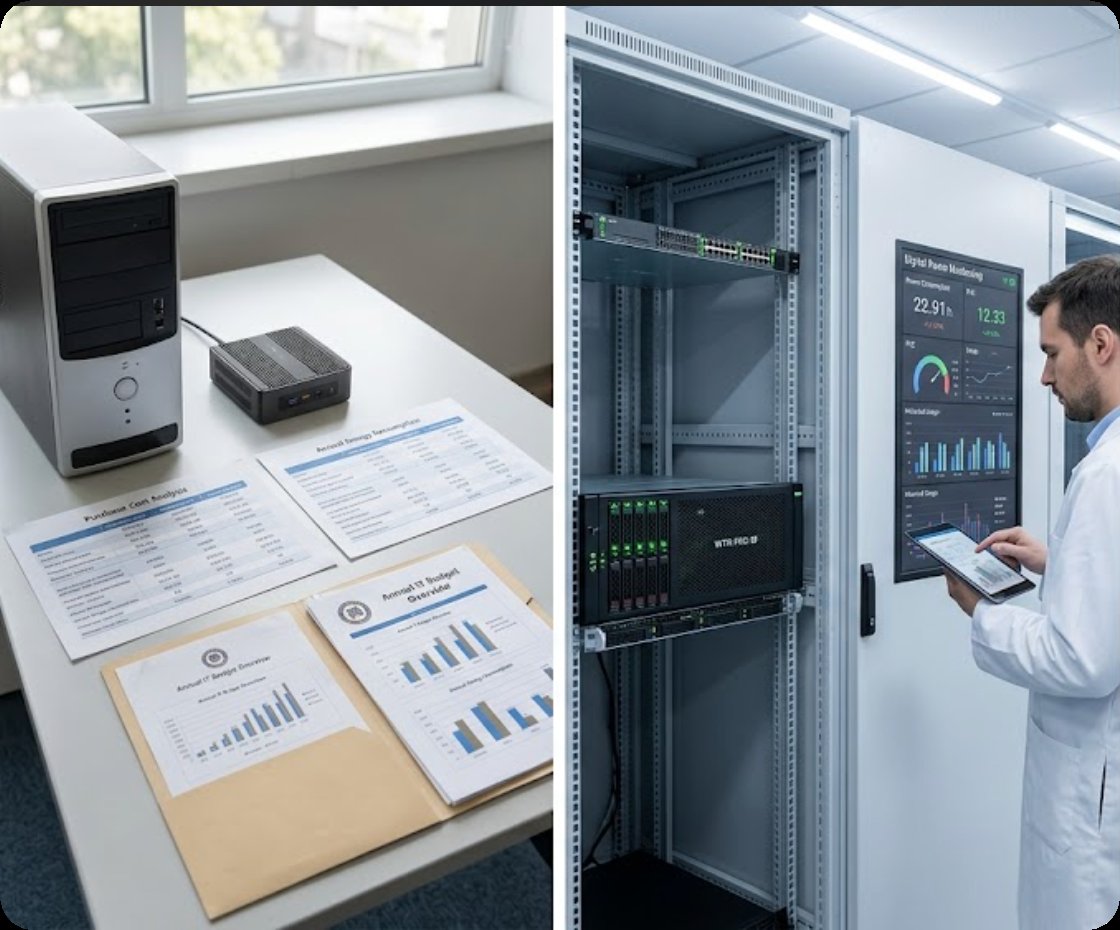
From an ROI standpoint, the HCAR5000 MI consumes roughly 65W under load compared to a traditional desktop that might pull 150W or more. Over a lab of 30 units running 8 hours a day, 200 days a year, that difference alone can cover the cost of the hardware within 18 months. Additionally, its fanless chassis design (in certain configurations) reduces dust ingress and fan failures, which are common failure points in school environments. This is the model you choose when performance is non-negotiable, but the budget for electricity and replacement parts is tight.
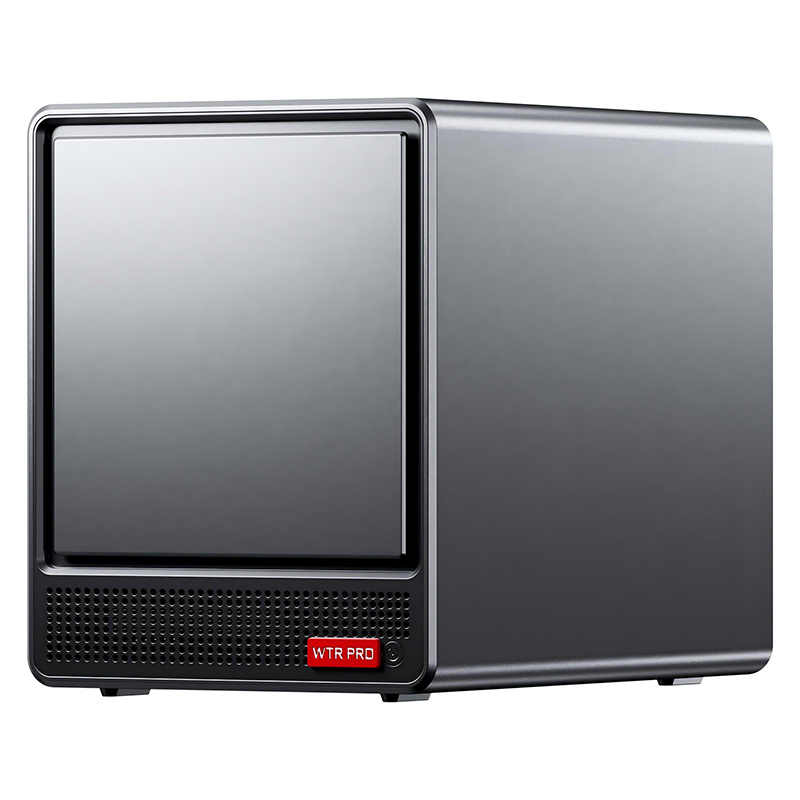
One of the most overlooked costs in a computer lab is data storage and backup. The WTR PRO AMD solves this by combining a powerful mini PC with a 4-bay NAS enclosure. This device is not just a client computer; it can function as a local file server, a backup node for student projects, or a PXE boot server for diskless workstations. With AMD Ryzen processing power and support for up to 32GB of RAM, it runs Windows 11 Pro smoothly while managing RAID arrays for data redundancy.
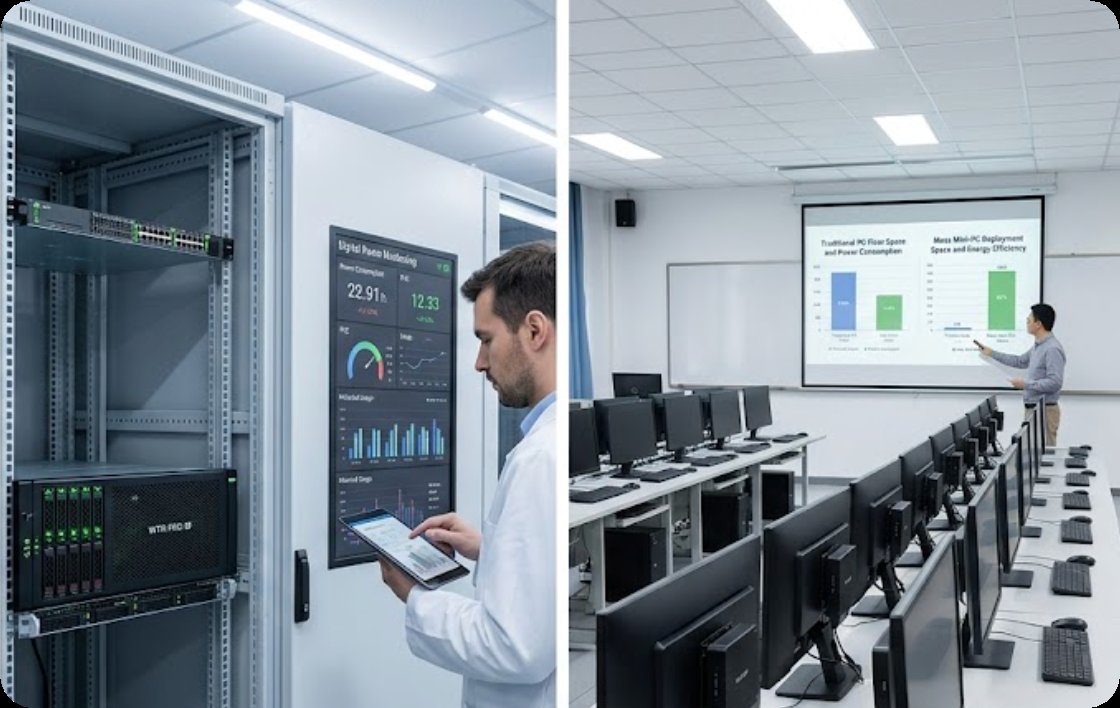
For a school IT manager, the ROI here is twofold. First, you eliminate the need for a separate NAS appliance, which typically costs $500-$800 on its own. Second, by centralizing storage on the WTR PRO AMD, you reduce the risk of data loss from student USB drives and lower the time spent on manual backups. In a classroom of 30 students, this single unit can serve as the backbone for a collaborative learning environment, allowing students to access their work from any seat in the lab. It is the most versatile option in the lineup, especially for schools that are expanding their digital curriculum.
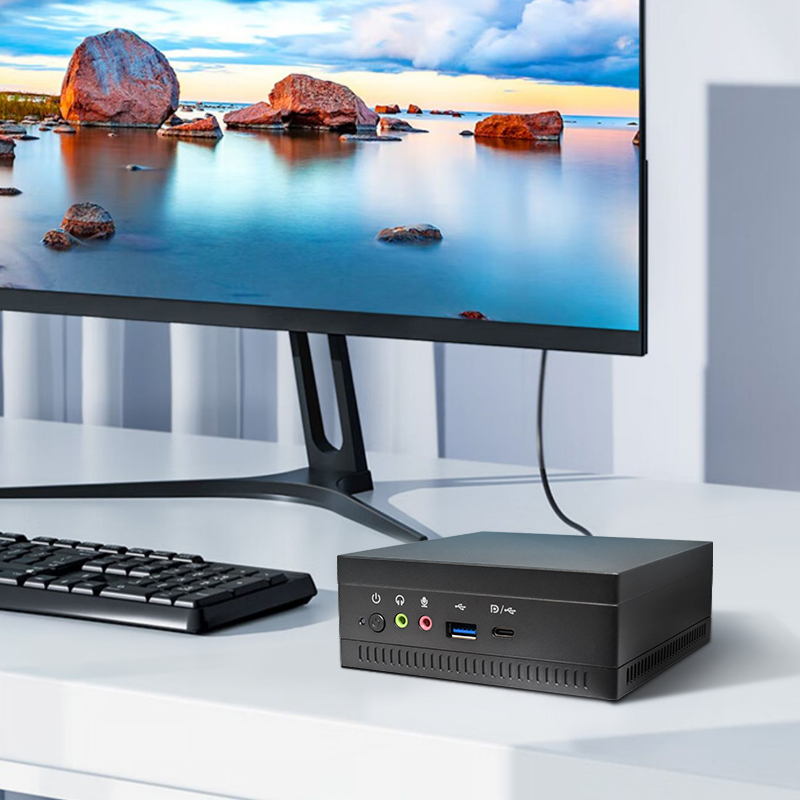
When I talk to school districts with limited budgets, the Palm-sized miniPC is often the most exciting discovery. Weighing less than a pound and small enough to fit in a teacher’s desk drawer, this device is designed for pure cost efficiency. It typically runs on low-power Intel or AMD processors, and its passive cooling means zero moving parts. For a standard computer lab focused on web browsing, office applications, and cloud-based learning tools like Google Classroom or Microsoft 365, this is all you need.
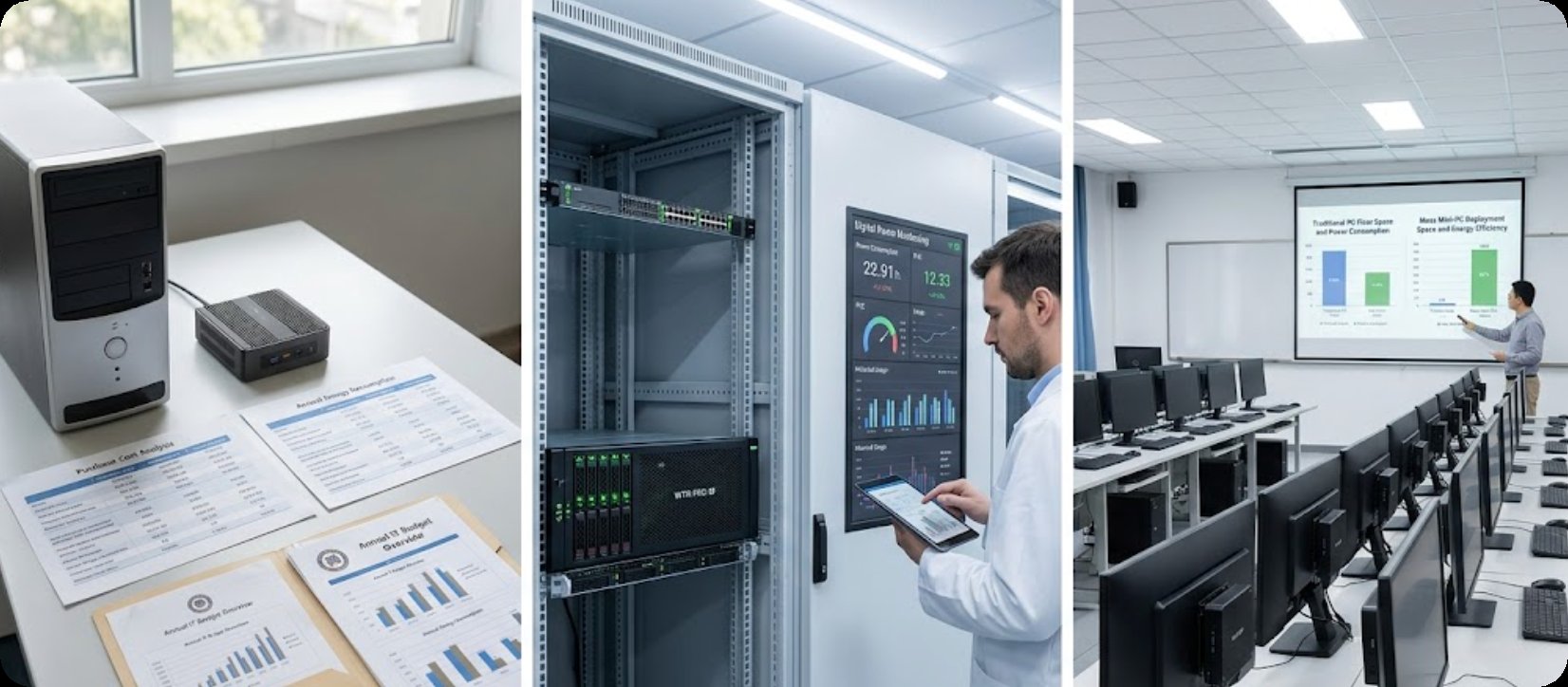
The financial argument is simple. At a fraction of the purchase price of a traditional desktop, the Palm-sized miniPC also uses less than 30W of power. Over a five-year deployment, the total cost of ownership for a lab of 40 units can be less than 40% of a comparable desktop setup. Furthermore, its small footprint allows for creative mounting options—behind monitors, under desks, or even on VESA mounts—which reduces the need for large, expensive lab furniture. For schools that are transitioning to a 1:1 device model or running thin-client-like environments, this is the most scalable solution.
| Model | Processor | Max Memory | Storage Support | Cooling Type | Power Consumption (Typical) | Best Use Case |
|---|---|---|---|---|---|---|
| HCAR5000 MI | AMD Ryzen 5000H Series | 64GB DDR4 | Dual NVMe SSD | Active Fan (Advanced Thermal) | 65W | STEM labs, CAD, video editing |
| WTR PRO AMD | AMD Ryzen (Mobile Series) | 32GB DDR4 | 4-Bay NAS + M.2 SSD | Active Fan (Server Grade) | 45W-55W | File server, backup, collaborative labs |
| Palm-sized miniPC | Intel/AMD Low-Power | 16GB DDR4 | Single M.2 SSD / eMMC | Passive (Fanless) | 15W-30W | Basic computing, cloud-based classrooms |
Start by assessing your curriculum demands. If your lab is used for programming, 3D modeling, or heavy data analysis, the HCAR5000 MI is the clear winner. Its processing power and memory capacity ensure that students are not waiting on hardware, which directly improves lesson flow and student engagement.
If your challenge is more about data management and network infrastructure, the WTR PRO AMD should be your first purchase. It can serve as the central hub for a cluster of cheaper clients, reducing the need for high-spec machines at every seat. This is a strategic move for schools that want to implement a hybrid model of local and cloud storage.
For the majority of general-purpose labs where the primary tools are word processors, browsers, and educational apps, the Palm-sized miniPC offers the fastest payback period. Its low upfront cost and near-zero maintenance requirements make it ideal for large-scale deployments, especially in districts where per-student funding is limited.
Finally, consider your physical environment. Computer labs in older buildings often have poor ventilation, and dust is a constant problem. In such cases, the passive cooling of the Palm-sized miniPC will outlast any fan-cooled system. Conversely, a well-ventilated modern lab can easily support the higher performance of the HCAR5000 MI.
Choosing the right hardware for your computer lab is a decision that affects both student outcomes and your annual budget. Whether you need raw performance, centralized storage, or extreme cost efficiency, Hotus Technology has a mini PC that fits the bill. I encourage you to explore our mini PC solutions to see detailed specifications and case studies from other educational institutions. Contact our sales team for a customized quote or to request a demo unit for your lab. The future of education is compact, efficient, and affordable—and it starts with a smart hardware choice.