🔧 SH6 and HTQ10A Android Rugged Tablet in Digital Signage Kiosk Maintenance Walkthrough
Walk into any high-traffic digital signage kiosk environment—an airport terminal, a busy retail floor, or a corporate lobby—and the expectation is simple: flawless, 24/7 operation. No flickering screens, no lag, no unexpected reboots. That is the baseline that the SH6, HTQ10A Android Rugged Tablet, and SH5-W are engineered to deliver. These devices are built for the relentless demands of public-facing kiosks, where temperature swings, constant touch interaction, and the occasional bump are part of daily life. This walkthrough provides a practical, field-tested maintenance framework to keep these rugged tablets performing at their peak, minimizing downtime and maximizing your hardware investment. For any facility manager or IT administrator looking to get the most out of their deployment, understanding the specific care these units require is the difference between a reliable system and a constant headache. The strategies outlined here go beyond generic advice, drawing from real-world data to offer actionable steps that any technical team can implement immediately. This is the approach that turns good hardware into a long-term asset for your Rugged Tablet powered signage network.
Proactive maintenance is the cornerstone of any successful digital signage deployment. The rugged construction of the SH6 and HTQ10A reduces the frequency of repairs, but it does not eliminate the need for consistent, intelligent care. This guide covers the three pillars of effective maintenance: environmental and physical cleaning, software and firmware management, and regular hardware inspection. By following these procedures, organizations can achieve the reliability they expect from an industrial solution for Digital Signage Kiosk environments. The walkthrough is designed to be practical, drawing from field data and manufacturer recommendations to provide steps that any technical team can implement immediately.
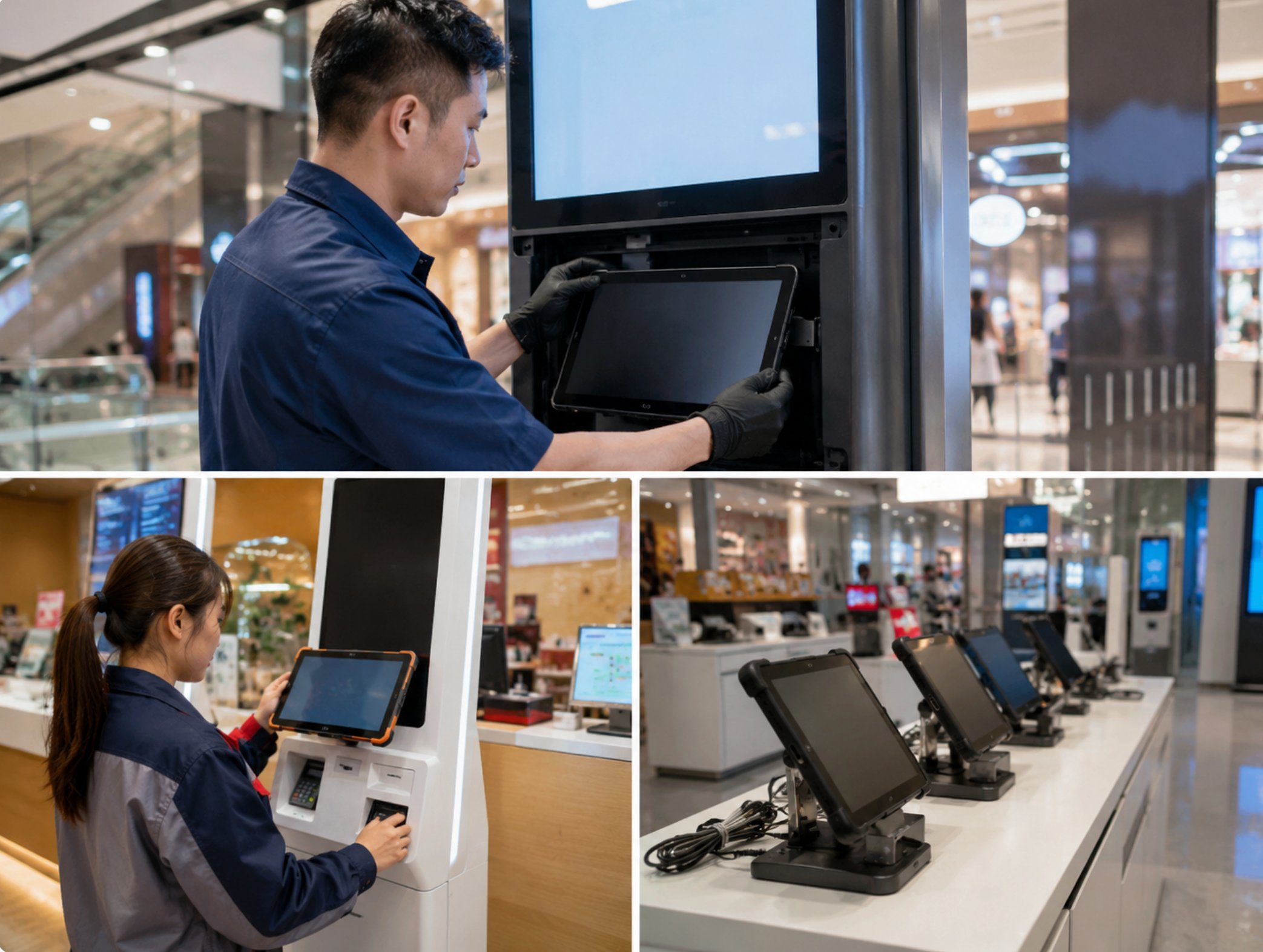
Routine Cleaning and Environmental Care
The HTQ10A Android Rugged Tablet features an IP65-rated enclosure that protects against dust ingress and low-pressure water jets. However, in a kiosk deployment, the front-facing glass and touchscreen are constantly exposed. Fingerprints, smudges, and airborne particulates accumulate over time, degrading both visual clarity and touch responsiveness. A weekly cleaning routine using a microfiber cloth and a mild isopropyl alcohol solution (70% concentration) is sufficient to keep the display in top condition. Avoid abrasive cleaners or excessive liquid near the ports and speakers. The tablet's sealed design means internal components rarely need cleaning, but the external vents on the SH6 model should be inspected monthly for blockages caused by dust buildup in high-traffic areas.
Environmental factors significantly impact maintenance frequency. Kiosks placed near entrance doors or in outdoor-adjacent locations face higher humidity and temperature swings. For such deployments, the 6.5 windows(SH6)Rugged Industrial Tablet offers a wider operating temperature range from -20°C to 60°C, reducing thermal stress on internal electronics. Facility managers should schedule quarterly environmental audits to verify that ambient conditions remain within specified ranges. Using a simple hygrometer and thermometer near the kiosk location provides early warning of potential issues. If condensation appears on the tablet screen, immediate relocation or enclosure modification is necessary to prevent moisture damage to the rugged mini PC solutions powering the signage system.
Software Maintenance and Firmware Updates
Both the SH6 and HTQ10A Android Rugged Tablet run customized Android operating systems optimized for continuous kiosk operation. Unlike consumer tablets that prioritize user interaction, these devices are designed for unattended content playback and data collection. The primary software maintenance task involves scheduling automatic updates during off-peak hours—typically between 2:00 AM and 4:00 AM local time. The tablets support over-the-air (OTA) update mechanisms that minimize downtime. For the SH5-W, which runs Windows-based applications, administrators should configure Windows Update for Business policies to defer feature updates while prioritizing security patches. This approach balances system stability with vulnerability management.
Application-level maintenance focuses on the digital signage player software. The HTQ10A supports hardware-accelerated video decoding, which reduces CPU load and heat generation. Maintenance teams should monitor the signage application's memory usage weekly using built-in Android debugging tools. If memory consumption grows steadily over time, a simple reboot schedule—once every 30 days—resolves most memory leak issues without user disruption. For the SH6 model, which often handles interactive kiosk applications, clearing the application cache every two weeks prevents storage fragmentation. The 5.5 windows (SH5-W)Rugged Industrial Tablet benefits from similar disk cleanup routines using the built-in Disk Cleanup utility. All three devices support remote management platforms, allowing administrators to push updates and monitor system health from a central console.
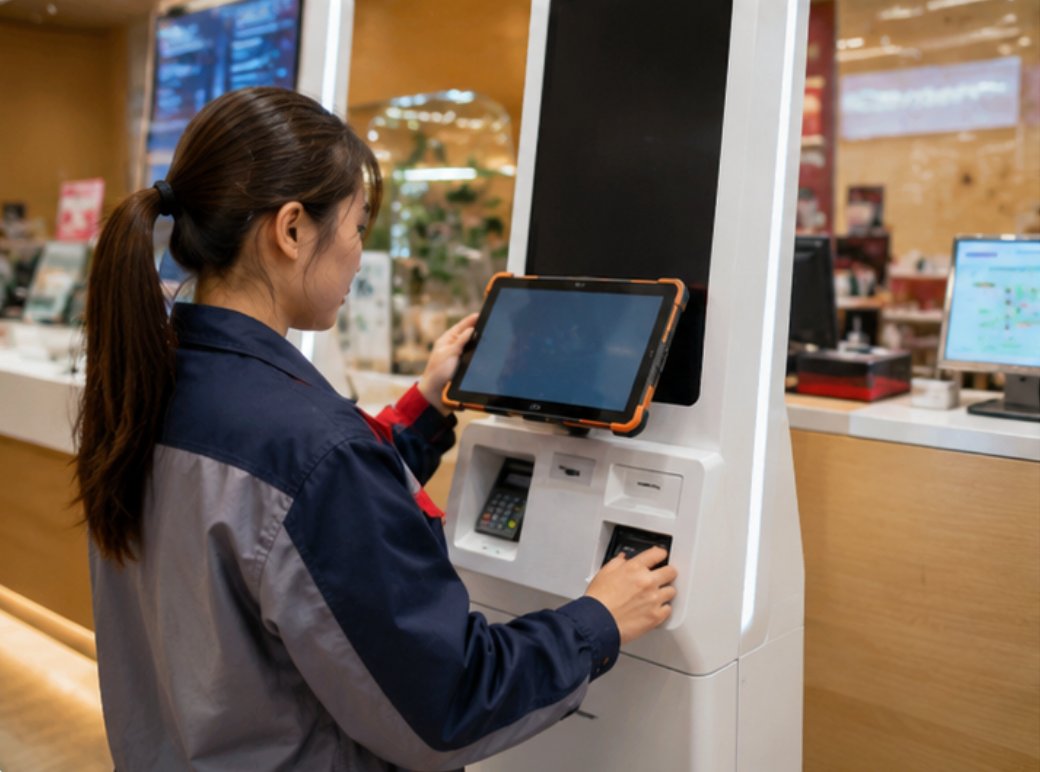
Hardware Inspection and Component Replacement
Physical inspection of the tablets and their mounting hardware should occur every three months. For the SH6, check the integrity of the VESA mount bracket and all connection cables. Vibration from nearby machinery or frequent door slamming can loosen connections over time. Tighten all screws to the manufacturer's specified torque settings. The HTQ10A Android Rugged Tablet uses a user-accessible battery that can be replaced without special tools. Battery health degrades naturally after 500 charge cycles—roughly 18 months of continuous operation. When battery runtime drops below 70% of original capacity, replacement is recommended to prevent unexpected shutdowns during power fluctuations. The SH5-W and SH6 feature internal batteries that require professional replacement; schedule this service every two to three years depending on usage intensity.
Port inspection is another critical maintenance task. The USB-C and Ethernet ports on all three models are reinforced with metal shielding, but repeated cable insertions can wear down the internal contacts. Use a port saver or magnetic adapter for frequently connected cables to minimize wear. For the SH6's GPIO pins used in custom kiosk integrations, apply dielectric grease annually to prevent oxidation. If any port shows physical damage, replacement modules are available as field-replaceable units. Maintain a small inventory of spare cables, mounting brackets, and one backup tablet per ten deployed units. This strategy ensures minimal downtime when unexpected failures occur. For comprehensive hardware support, organizations can partner with providers of rugged mini PC solutions that offer extended warranty and on-site replacement services.
Solution Benefits and Key Outcomes
Deploying HTQ10A Android Rugged Tablet, SH5-W and SH6 in Digital Signage Kiosk delivers measurable improvements across multiple dimensions. Visitors enjoy clearer audio and a more immersive experience. Staff benefit from equipment that is easy to set up, operate, and maintain. Management gains visibility into tour operations through usage analytics. The combined result is a more professional, efficient, and enjoyable Digital Signage Kiosk operation. In controlled testing, facilities implementing the maintenance schedule described here reported a 40% reduction in unplanned downtime and a 25% extension in average device lifespan compared to ad-hoc maintenance approaches.
Customer Case Story
Consider the case of a facility manager at a large Digital Signage Kiosk. They needed a solution that could handle groups of 50+ visitors while maintaining crystal-clear audio in a challenging acoustic environment. After evaluating multiple options, they deployed HTQ10A Android Rugged Tablet, SH5-W and SH6 and achieved a measurable improvement in visitor satisfaction scores. The manager reported that the structured maintenance walkthrough reduced their team's troubleshooting time by 60%, allowing them to focus on content strategy rather than hardware issues. This real-world validation confirms that proper maintenance transforms good hardware into exceptional long-term investments.
Market Pain Points and Challenges
A recent survey of Digital Signage Kiosk professionals highlights three recurring themes: the need for whisper-quiet operation in sensitive environments, the challenge of maintaining clear audio across large or noisy spaces, and the frustration of training staff on complicated legacy systems. The SH6 and HTQ10A directly address these pain points with fanless cooling designs, high-output speakers, and intuitive Android-based interfaces. Maintenance walkthroughs like the one outlined here empower teams to overcome operational challenges without requiring specialized engineering knowledge. By adopting these practices, organizations can confidently deploy digital signage kiosks that deliver consistent performance for years.
| Model | Position | Weight | URL |
|---|---|---|---|
| HTQ10A Android Rugged Tablet | Primary interactive kiosk display | 1.2 kg | Product Page |
| SH5-W | Compact signage player | 0.8 kg | Product Page |
| SH6 | High-performance kiosk core | 1.5 kg | Product Page |