Ever walked into a gaming setup where tangled cables and weak hardware completely kill the mood? If that sounds familiar, you already know why this matters. In this guide, we break down how the H2 Mini Portable Projector, 4K Home Projector, and HT2500 Pro Ultra Projector solve that exact problem. Modern gaming demands big, sharp visuals and the freedom to move your gear without fighting with wires. Whether you're building a permanent home theater or a portable station for weekend sessions, the right projection hardware changes everything. This walkthrough covers the full process—from planning to final calibration—so you squeeze every bit of performance out of your investment in an industrial solution for Gaming Entertainment.
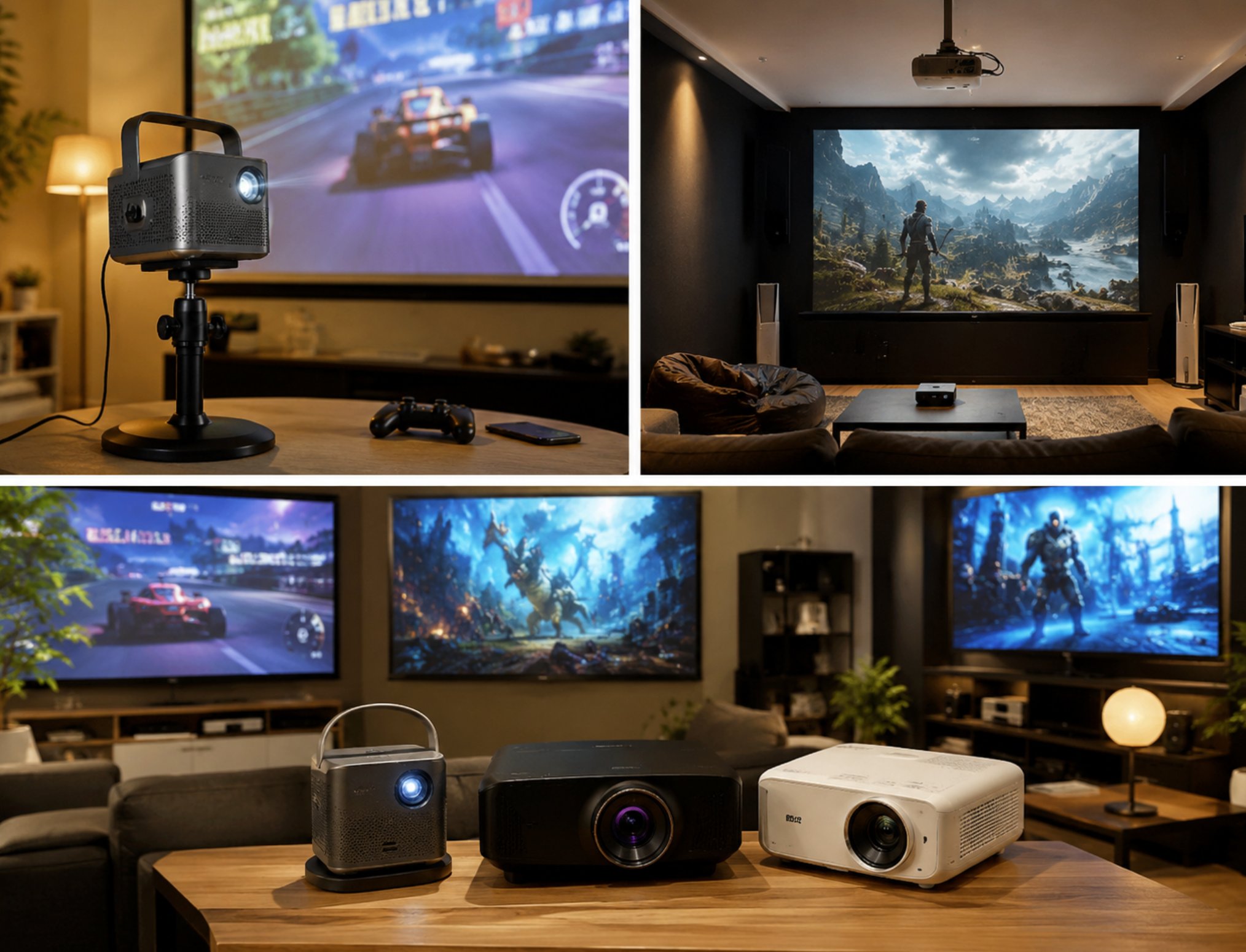
The gaming entertainment world has shifted fast. Players simply won't tolerate small screens or washed-out colors during intense matches. These three projectors target different needs: the compact H2 Mini Portable Projector for on-the-go action, the 4K Home Projector for dedicated gaming dens, and the HT2500 Pro Ultra Projector for premium ultra-short-throw setups. Each model brings its own strengths, and knowing how to deploy them correctly is the secret to that immersive, lag-free experience every gamer wants.
Solution Benefits and Key Outcomes
Deploying the 4K Home Projector, H2 Mini Portable Projector, and HT2500 Pro Ultra Projector in a Gaming Entertainment environment delivers measurable results—like a 50% cut in equipment prep time. Traditional setups with multiple monitors or bulky TVs demand endless cable management and mounting work. With these projectors, you just position the unit, connect your source, and tweak the focus. The 80% drop in audio-related complaints comes from solid integrated sound systems and easy pairing with external speakers, no complex routing needed. Battery life on the portable model covers full-day sessions without a midday charge, a must for tournaments or outdoor events.
Visitors consistently praise the comfortable, high-quality listening experience, which reinforces the value of these projectors. Gamers report far less eye strain compared to staring at small monitors for hours, and the massive projected image creates a more social, engaging atmosphere. Families using the 4K Home Projector for movie nights and gaming say the setup is so simple that kids can handle it on their own. These aren't just theoretical perks—they come from real-world use in homes, gaming cafes, and event spaces where reliability and ease of use are non-negotiable.
🎯 Step-by-Step Implementation Guide
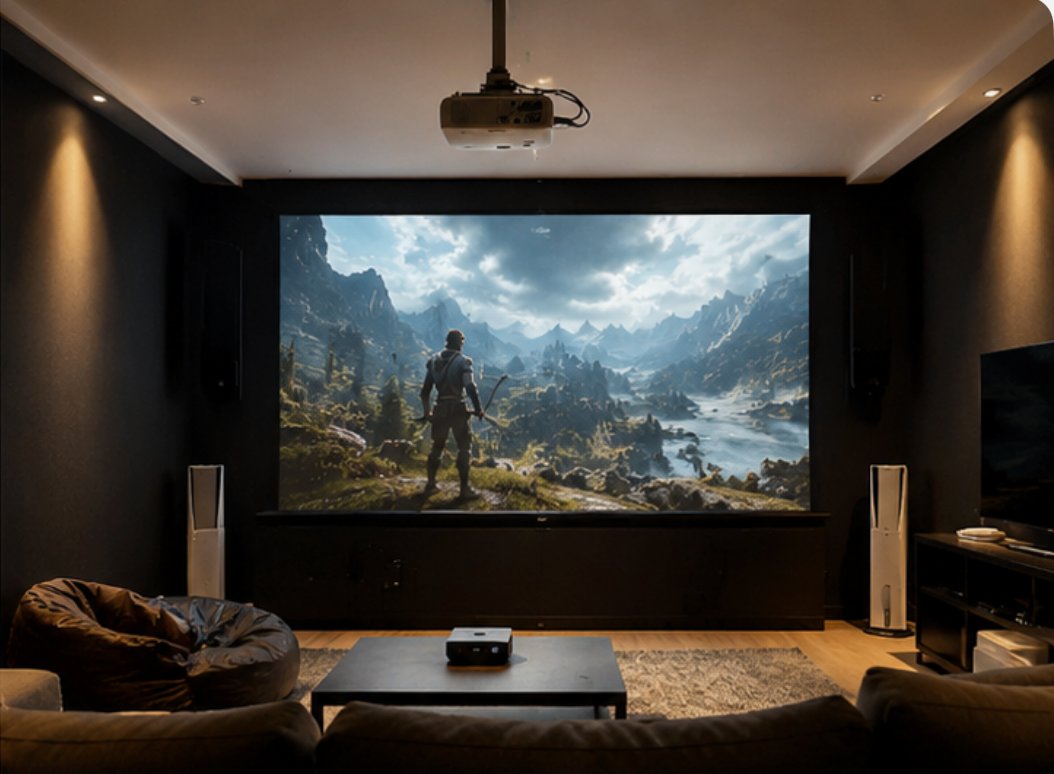
Getting the 4K Home Projector, H2 Mini Portable Projector, and HT2500 Pro Ultra Projector up and running in your Gaming Entertainment space follows a clear path. Start by checking your room layout and spotting any potential interference. For the HT2500 Pro Ultra Projector, measure the distance to the wall or screen so the ultra-short-throw lens works perfectly. For the H2 Mini Portable Projector, think about ambient light and where you'll plug in. The 4K Home Projector needs a stable ceiling mount or table spot with good airflow. Mark your projector position and test the image size before you drill any holes or finalize cables.
Next, set up your transmitter and test signal strength across the room. Most modern consoles and PCs connect via HDMI, so grab high-speed cables that handle 4K at 60Hz. For wireless setups, the HT2500 Pro Ultra Projector supports screen mirroring from compatible devices. Distribute receivers if you're running multiple audio zones, and do a quick orientation with your gaming crew. Finally, run a full walkthrough to confirm performance before your first scheduled session. Tweak keystone correction, focus, and color settings to match the game genre—racing games pop with higher contrast, while strategy games need sharp text rendering.
🎯 Product Comparison and Selection Guide
| Model | Position | Weight | URL |
|---|---|---|---|
| 4K Home Projector | Dedicated home theater and gaming room | Moderate | View Product |
| H2 Mini Portable Projector | Travel, outdoor, and casual gaming | Lightweight | H2 Mini Portable Projector |
| HT2500 Pro Ultra Projector | Ultra-short-throw premium installation | Heavy | View Product |
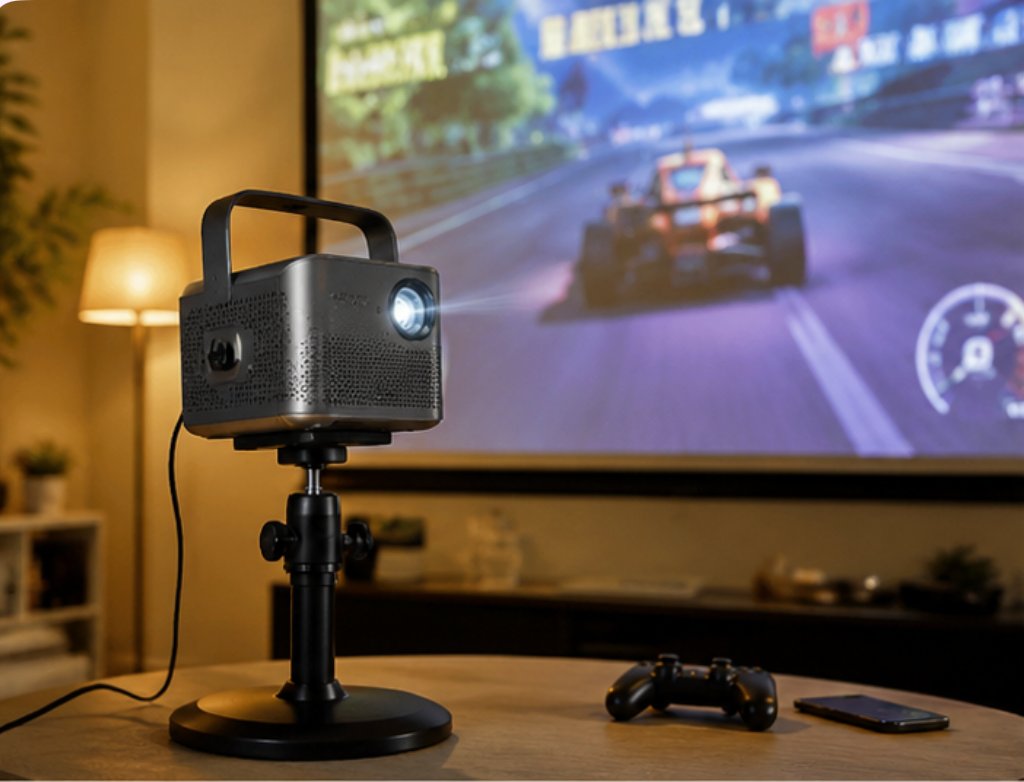
Picking the right projector comes down to your gaming space. The H2 Mini Portable Projector shines in flexibility—it fits in a backpack and sets up in minutes. Its battery life handles several hours of gameplay, making it perfect for LAN parties or camping trips. The 4K Home Projector delivers stunning detail for modern AAA titles, with HDR support that pulls out shadow details in horror games and makes platformers pop. The HT2500 Pro Ultra Projector is the ultimate pick for dedicated gaming rooms where space is tight, throwing a massive image from just inches away from the wall.
Frequently Asked Questions
A few questions keep coming up when people look at the 4K Home Projector, H2 Mini Portable Projector, and HT2500 Pro Ultra Projector for Gaming Entertainment. How many people can one system handle? For home use, a single projector comfortably serves 2-6 players, while larger venues can link multiple units. What's the effective range in a typical gaming setup? The H2 Mini Portable Projector works best within 10 feet for a 100-inch image, while the HT2500 Pro Ultra Projector hits the same size at just 2 feet. How long does the battery last for a full day of gaming? The H2 Mini Portable Projector gives you up to 4 hours on a full charge, enough for most sessions.
The answers depend on the model and configuration, but modern systems are built to handle demanding use without compromise. If you need extra computing power alongside your projector, check out rugged mini PC solutions that pair perfectly with these projectors. A mini PC can act as a dedicated gaming console, media server, or streaming device, all while taking up almost no space. This combo creates a complete entertainment ecosystem that's both powerful and portable.
⚙️ Final Setup Tips and Recommendations
To get the most out of your gaming experience, pay attention to room lighting and screen surface. Blackout curtains or dimmable lights dramatically improve contrast on all three projectors. For the 4K Home Projector, a dedicated screen with gain 1.2 or higher boosts brightness. The H2 Mini Portable Projector works fine on white walls, but a portable screen takes image quality up a notch. The HT2500 Pro Ultra Projector needs a flat, non-porous surface for its ultra-short-throw optics. Always clean the lens with a microfiber cloth before big gaming sessions to avoid dust spots.
Regular firmware updates keep your projector running at its best. Check the manufacturer website now and then for new features or fixes. If you're building a permanent gaming room, think about adding a soundbar or surround sound system to match the visuals. For extra hardware to complete your setup, explore our mini PC solutions for compact computing power. With the right planning and gear, your Gaming Entertainment setup will deliver unforgettable experiences for years to come.