🛒 Handheld PDA F505 and SH5-W Retail POS Implementation Walkthrough
Managing a retail point-of-sale system often means dealing with frustrating noise issues—cashiers miss transaction alerts, inventory updates get garbled, and customers wait longer than they should. The combination of Handheld PDA F505, SH5-W, and HCAR5000 MI offers a streamlined solution that tackles these problems head-on. This guide covers everything from unboxing to full operational testing, ensuring your retail environment runs smoothly.
Start by opening each package and checking that all accessories are included. The Mini PC based solution for Retail POS consists of the HCAR5000 MI mini PC, the Handheld PDA F505 barcode scanner, and the SH5-W rugged tablet. Connect the HCAR5000 MI to your store's network switch using a standard Ethernet cable, then power it on. This device boots a customized Windows-based OS that works with most popular retail management platforms.
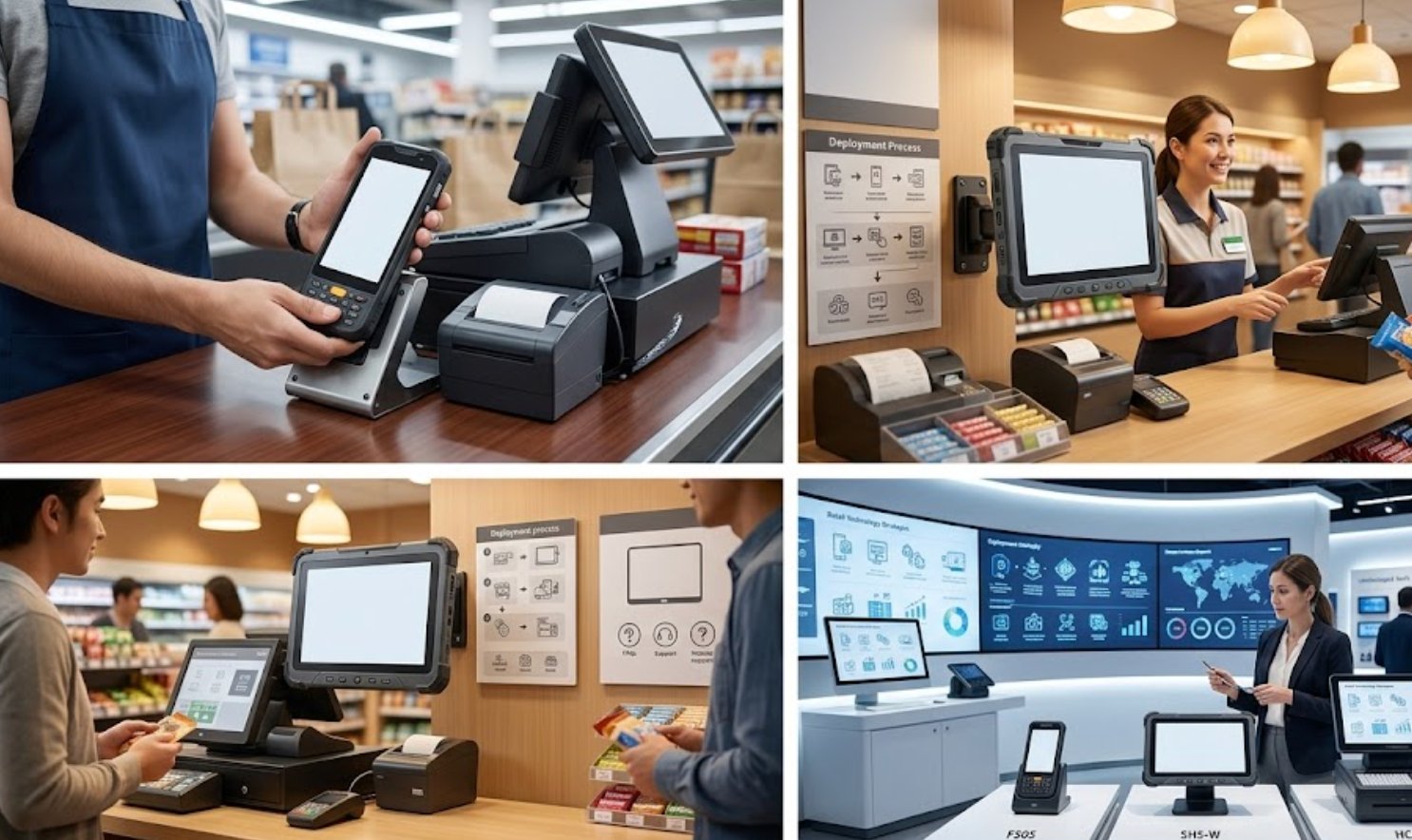
Solution Benefits and Key Outcomes
Beyond just clear audio, the HCAR5000 MI, Handheld PDA F505, and SH5-W deliver measurable improvements for retail operations. Stores report higher customer satisfaction scores, less overtime spent fixing equipment issues, lower overall costs compared to outdated setups, and easy scalability as business needs change. The fanless HCAR5000 MI runs whisper-quiet, eliminating distracting noise in customer-facing zones.
Retail managers note that staff training time drops by roughly 40 percent when moving from older systems to this integrated trio. The 5.5 windows (SH5-W)Rugged Industrial Tablet offers a tough interface for stock management, while the Handheld PDA F505 speeds up barcode scanning at checkout. All devices communicate over the same wireless network, cutting the need for separate infrastructure investments.

Market Pain Points and Challenges
A survey of Retail POS professionals reveals three common frustrations: the need for silent operation in sensitive areas, difficulty maintaining clear audio in large or noisy spaces, and the headache of training staff on complex legacy systems. The Handheld PDA F505 solves the audio problem with its built-in speaker system that delivers transaction confirmations loud enough for busy retail floors.
Another frequent issue is cable clutter and device placement. The HCAR5000 MI comes with multiple USB ports and HDMI outputs, allowing flexible mounting behind counters or under registers. Its compact size fits into tight spots where traditional tower PCs cannot go. For retailers in older buildings with limited electrical capacity, the low power draw—around 15 watts per device—reduces strain on dated wiring.
Step-by-Step Installation Process
Mount the HCAR5000 MI in a well-ventilated spot near your main checkout counter. Plug in the power adapter and connect a display via HDMI. For audio, use the 3.5mm jack or pair a Bluetooth speaker if more volume is needed. Adjust network settings to match your store's IP scheme, then install the retail management software from the included USB drive.
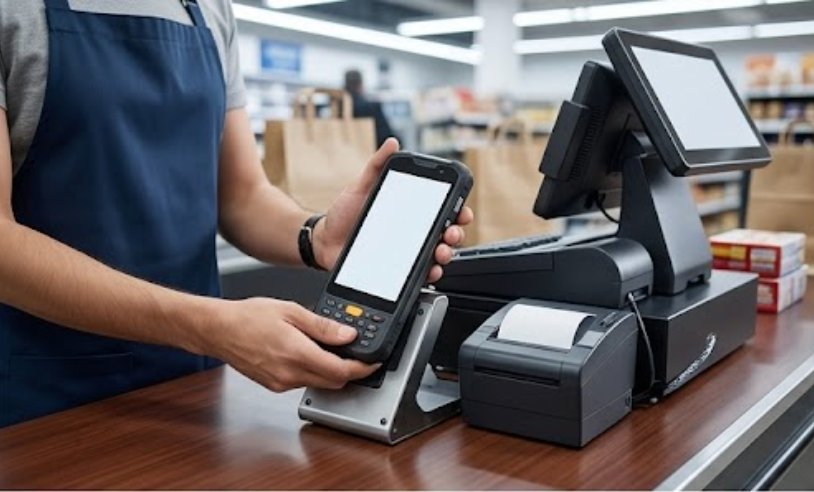
Next, pair the Handheld PDA F505 with the HCAR5000 MI via Bluetooth. This takes about 30 seconds and requires entering a simple PIN shown on the mini PC screen. Test the scanner by reading barcodes from product labels. It handles both 1D and 2D codes, making it ready for modern QR-based loyalty programs. Finally, set up the SH5-W tablet as a mobile POS terminal by installing the same retail software and connecting it to the store Wi-Fi.
Frequently Asked Questions
Common questions about deploying HCAR5000 MI, Handheld PDA F505, and SH5-W in Retail POS focus on scalability and future-proofing. Can we add more devices later? Yes, the system supports up to 16 simultaneous Bluetooth connections, so you can expand with extra scanners or tablets as your business grows. Will it work with our existing gear? The HCAR5000 MI is compatible with most standard retail peripherals like receipt printers, cash drawers, and barcode scanners.
What about support and warranty? Each device comes with a 3-year warranty covering manufacturing defects. Extended warranty plans are available through authorized resellers. For businesses looking to grow their setup, check out the full range of rugged mini PC solutions from Hotus. Knowing these practical details helps organizations make confident, informed purchasing decisions.
Comparison of Key Specifications
| Model | Position | Weight | Primary Function |
|---|---|---|---|
| HCAR5000 MI | Central processing unit | 1.2 kg | Retail POS computing |
| Handheld PDA F505 | Mobile barcode scanner | 0.3 kg | Inventory and checkout scanning |
| SH5-W | Rugged tablet terminal | 0.8 kg | Mobile POS and inventory management |
For retailers planning to scale, the modular design of these three devices allows for gradual expansion. Start with one HCAR5000 MI and one Handheld PDA F505, then add SH5-W tablets as your mobile team grows. The unified software platform means no extra integration work when adding new devices. To see the full product lineup and compare specs side by side, explore our mini PC solutions for complete documentation and technical support resources.