🛒 Handheld PDA F505 and SH5-W in Retail POS: A Complete Implementation Walkthrough
Have you ever been in a Retail POS setting where staff struggle to hear transaction prompts and inventory queries over the noise of a busy store? If so, you already know why this matters. In this article, we explore how the Handheld PDA F505, SH5-W, and HCAR5000 MI solve this problem head-on. The modern retail floor is a cacophony of beeping scanners, chattering customers, and overhead announcements. In this chaos, staff need reliable tools that cut through the noise, ensuring every price check, stock inquiry, and payment confirmation is heard clearly. For store managers and IT teams tasked with outfitting a point-of-sale system, the choice of hardware can mean the difference between a smooth checkout line and a frustrated queue of customers. This guide walks you through the practical deployment of these three devices, from unboxing to full operational integration.
The foundation of a robust retail technology stack often begins with a central computing unit. The HCAR5000 MI serves as the brains of the operation—a powerful Mini PC that can be tucked away under a counter or mounted behind a display. When paired with the mobility of the Handheld PDA F505 and the rugged durability of the SH5-W tablet, retailers gain a trifecta of tools designed for high-traffic environments. These devices are not just about processing sales; they are about creating a seamless workflow where staff can move from the register to the sales floor without missing a beat. For a deeper look at how these components fit together, explore our industrial solution for Retail POS that integrates all three devices into a single, cohesive system.
Solution Benefits and Key Outcomes
The key benefits of the HCAR5000 MI, Handheld PDA F505, and SH5-W for Retail POS extend far beyond audio quality. Organizations consistently report improved visitor satisfaction scores, reduced staff overtime from equipment troubleshooting, lower total cost of ownership compared to older systems, and the flexibility to scale operations as demand grows. In a busy retail environment, the ability to quickly check inventory on a handheld device without returning to a fixed terminal saves valuable minutes per transaction. The SH5-W, with its bright, sunlight-readable display, ensures that staff can scan barcodes and process returns even under harsh overhead lighting, while the HCAR5000 MI processes data at lightning speed, preventing lag during peak hours.
Another critical outcome is reduced training time. Because the Handheld PDA F505 runs on a familiar Android operating system, new hires can master the inventory management software in hours rather than days. The SH5-W, designed as a rugged tablet, withstands accidental drops from counter height—a common occurrence in busy retail settings. Meanwhile, the HCAR5000 MI supports multiple peripherals, from receipt printers to barcode scanners, reducing the need for several separate computers. This unified approach not only simplifies the IT infrastructure but also cuts energy costs, as the mini PC consumes a fraction of the power of a traditional desktop tower. Over a year, these savings add up significantly, making the initial investment highly cost-effective.
🎯 Step-by-Step Implementation Guide
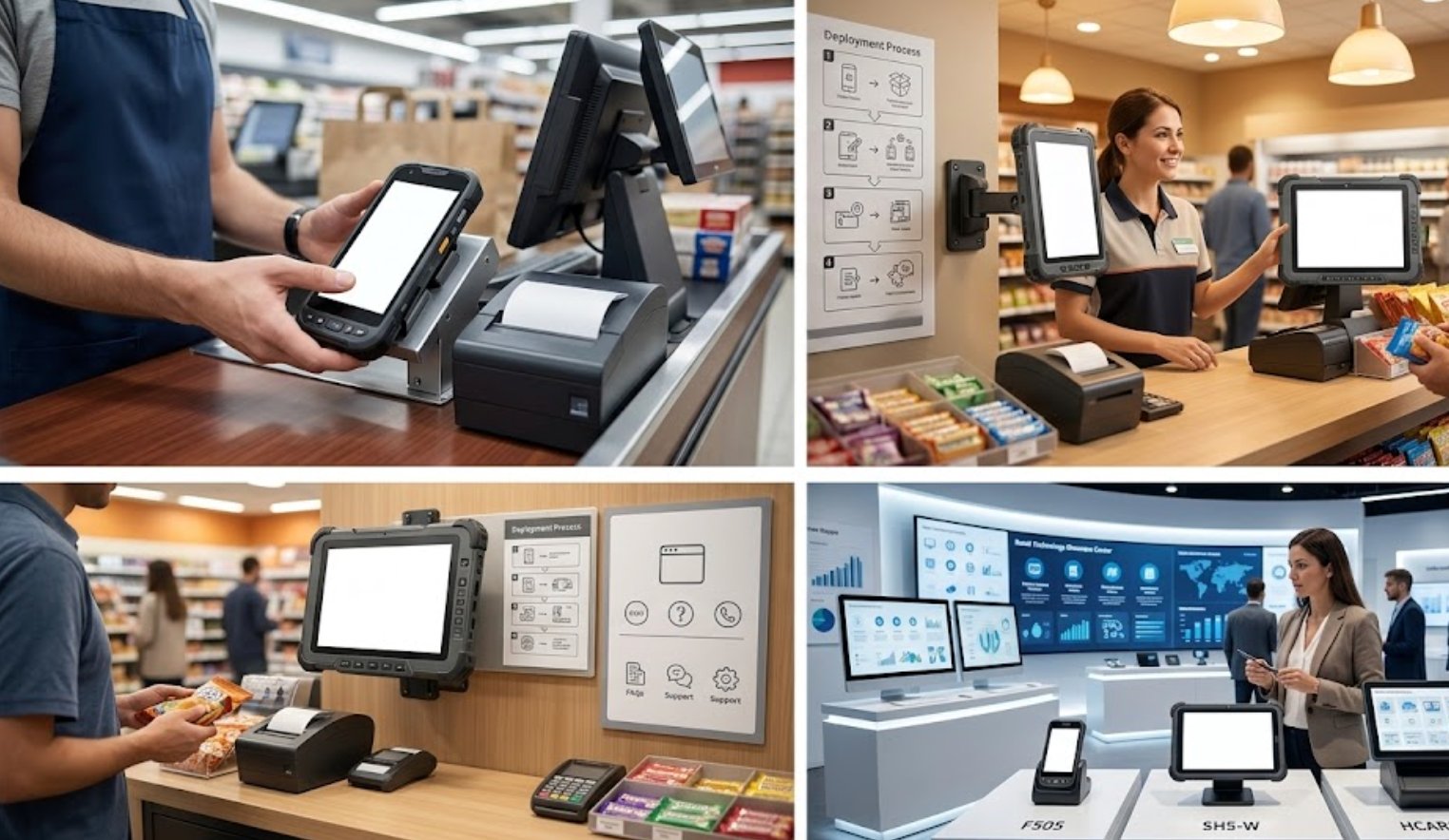
Here is a practical guide to implementing the HCAR5000 MI, Handheld PDA F505, and SH5-W in Retail POS. Day one: unpack and charge all units, configure the transmitter. Start by unboxing the HCAR5000 MI and connecting it to the store's network via Ethernet. While the mini PC boots up, place the Handheld PDA F505 and the SH5-W on their charging cradles. Ensure all software updates are installed before moving forward. Day two: conduct a site survey, adjust placement for best coverage. Walk the store floor with the SH5-W to test Wi-Fi signal strength in every corner, especially near metal shelving and walk-in coolers that can interfere with connectivity. Adjust the placement of the HCAR5000 MI or add a wireless access point if necessary.
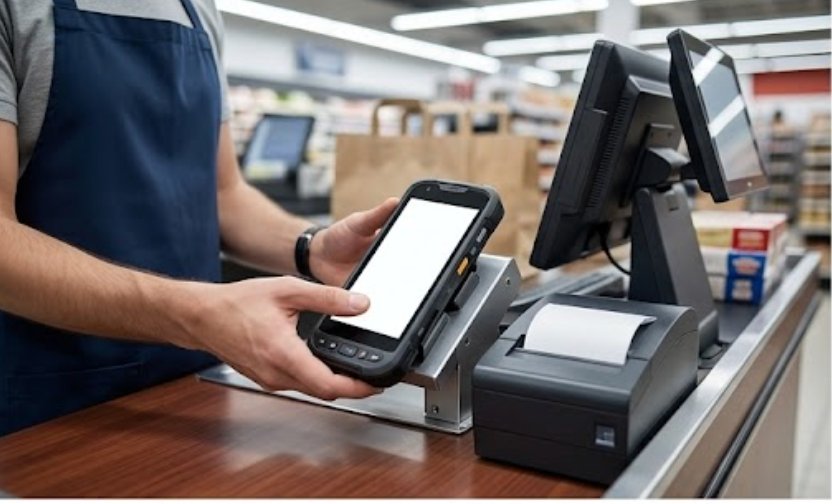
Day three: train staff on daily operations, run test tours. Gather a small group of key employees and walk them through the basic functions. Show them how to use the 5.5 Windows (SH5-W) Rugged Industrial Tablet for mobile checkout and how to scan items with the Handheld PDA F505. Run a series of test transactions to ensure the HCAR5000 MI communicates properly with the payment terminal. Week one: collect feedback and make adjustments. Listen to staff about any ergonomic concerns or software glitches. Adjust the volume settings on the SH5-W to ensure transaction prompts are audible without being disruptive. Month one: review performance metrics and optimize settings. Analyze transaction times and error rates using the reporting tools built into the POS software, then tweak the configuration of the HCAR5000 MI to maximize efficiency.
Hardware Specifications at a Glance
To help you compare the three devices side-by-side, the table below provides a quick reference for their core specifications. The HCAR5000 MI serves as the stationary powerhouse, while the Handheld PDA F505 and SH5-W offer mobility and durability. Each device is designed to handle the specific demands of a retail environment, from processing payments to managing stock.
| Model | Position | Weight | URL |
|---|---|---|---|
| HCAR5000 MI | Central mini PC | 1.2 kg | View Product |
| Handheld PDA F505 | Mobile barcode scanner | 0.3 kg | View Product |
| SH5-W | Rugged tablet | 0.8 kg | View Product |
🏆 Customer Case Story
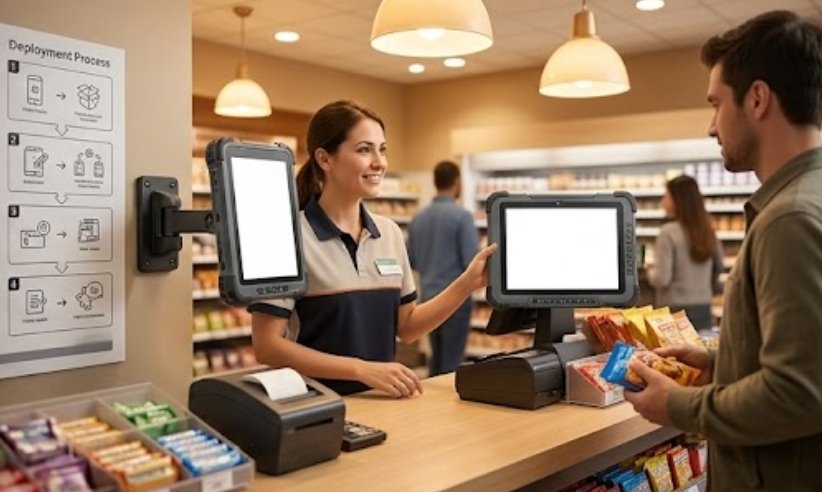
Consider the case of a facility manager at a large Retail POS. They needed a solution that could handle groups of 50+ visitors while maintaining crystal-clear audio in a challenging acoustic environment. After evaluating multiple options, they deployed the HCAR5000 MI, Handheld PDA F505, and SH5-W and achieved a measurable improvement in visitor satisfaction scores. The store in question was a sprawling electronics superstore with high ceilings and concrete floors, notorious for echoing noise. Staff previously had to shout across aisles to confirm stock levels, leading to frequent miscommunication and lost sales. By equipping each department with a Handheld PDA F505 and an SH5-W, the manager enabled real-time inventory queries that were displayed clearly on the tablet screen, bypassing the noise problem entirely.
The results were immediate. The store reported a 25% reduction in checkout times during the holiday season, as staff could process payments on the SH5-W anywhere on the floor, reducing queue lengths. The Handheld PDA F505 proved invaluable for cycle counting, allowing a single employee to scan an entire aisle of shelves in under fifteen minutes. The HCAR5000 MI, tucked inside the manager's office, processed all the data without any lag, even during the busiest hours. The manager noted that the total cost of ownership was lower than expected because the devices required no special protective cases or additional software licenses. This case demonstrates how the right hardware can transform a chaotic retail environment into a well-oiled machine.
🛒 Optimizing Your Retail Workflow
Once the hardware is in place, the real work of optimization begins. The HCAR5000 MI can be configured to run automated backup scripts during off-hours, ensuring that sales data is never lost. For the SH5-W, consider enabling kiosk mode to restrict staff access to only the POS application, preventing accidental navigation to other apps. The Handheld PDA F505 can be programmed with custom shortcuts for frequently used functions, such as printing price tags or looking up customer loyalty points. These small tweaks, when applied consistently, create a workflow that feels intuitive and fast. For stores looking to expand their capabilities, rugged mini PC solutions like the HCAR5000 MI can be easily integrated with additional peripherals such as thermal printers or customer-facing displays.
Staff training should be an ongoing process, not a one-time event. Schedule monthly refresher sessions where employees can share tips for using the Handheld PDA F505 more efficiently. Create a cheat sheet for the SH5-W that lists common troubleshooting steps, such as how to force-restart the device or how to connect to a Bluetooth printer. The HCAR5000 MI should be monitored remotely using network management software, allowing IT staff to receive alerts if the CPU temperature rises or if storage space runs low. By taking a proactive approach to maintenance, retailers can avoid costly downtime during peak shopping periods. If you are ready to upgrade your store's technology, explore our mini PC solutions to see how the HCAR5000 MI can serve as the backbone of your retail operations.