- Select Language
Full SpecificationsModel Hotus SH5‑WOperating ...
R530C 6.0-inch Industrial PDA | Qualcomm Octa-core...
The N60 PDA is a cutting-edge device for inventory...
Maintenance instructions: Store at room temperatur...
R366C-S 5.5-inch Industrial UHF RFID Reader | Qual...
The U9000 handheld PDA combines advanced barcode s...
Walking onto a retail floor where associates are juggling clunky terminals, squinting at faded screens, and apologizing to customers for slow checkouts is a scene many managers know too well. The shift toward space-saving computing devices has quietly transformed this picture. With tools like the Palm-sized miniPC, Smart PDA N40, and Handheld PDA F505, retailers are discovering that checkout efficiency and inventory accuracy no longer require massive hardware footprints. This guide breaks down the real-world deployment process, drawing from actual store implementations and current industry momentum.
Retail technology has come a long way from the days of fixed registers bolted to counters. Much like how heritage sites now use portable audio systems to replace static placards, stores are adopting flexible, compact hardware to keep pace with customer expectations. The industrial solution for Retail Pos covered here operates on the same principle: swap out oversized legacy equipment for nimble alternatives that show immediate, quantifiable gains.
Deploying the Palm-sized miniPC, Handheld PDA F505, and Smart PDA N40 delivers advantages that go well beyond clearer audio or faster boot times. Retailers have reported higher customer satisfaction ratings, fewer hours spent on device troubleshooting, reduced long-term hardware expenses, and the ability to expand operations without overhauling infrastructure. A mid-sized grocery chain, for instance, saw checkout times drop by 22 percent in the first month after switching—simply because barcode scans and payment authorizations no longer had processing delays.
Noise on the sales floor remains one of the biggest operational headaches. Whether it is a bustling supermarket or a compact apparel shop, staff need to hear transaction confirmations and stock alerts without straining. The audio engineering in the Handheld PDA F505 is specifically designed to filter out background chatter, so nothing gets missed. At the same time, the Palm-sized miniPC is small enough to mount under counters or behind displays, reclaiming valuable space for product showcases or customer interactions.
Getting these systems live does not require a dedicated IT department, but a structured approach helps. Start on day one by unboxing every unit, charging all batteries, and updating firmware. Connect each device to your existing network and confirm that your POS software detects the hardware without issues. For a typical store layout, this initial configuration takes roughly two to three hours—a small price for the stability it provides.
Day two is about coverage. Walk the entire floor with a wireless signal analyzer to spot weak zones. Adjust access point locations and reposition the Smart PDA N40 units so roaming between zones stays seamless. Day three shifts to staff readiness. Run a practical training session where employees practice scanning, handling returns, and verifying stock counts on the new handhelds. Follow up with test transactions to ensure front-end and back-office data sync properly.
During week one, gather honest feedback. Common requests include remapping buttons for faster access or tweaking screen brightness for better outdoor visibility. By the end of month one, review key metrics like transaction speed, error frequency, and battery drain. Use that data to adjust power settings and refine workflows. Most teams reach full operational speed within four weeks, with downtime kept to a minimum.
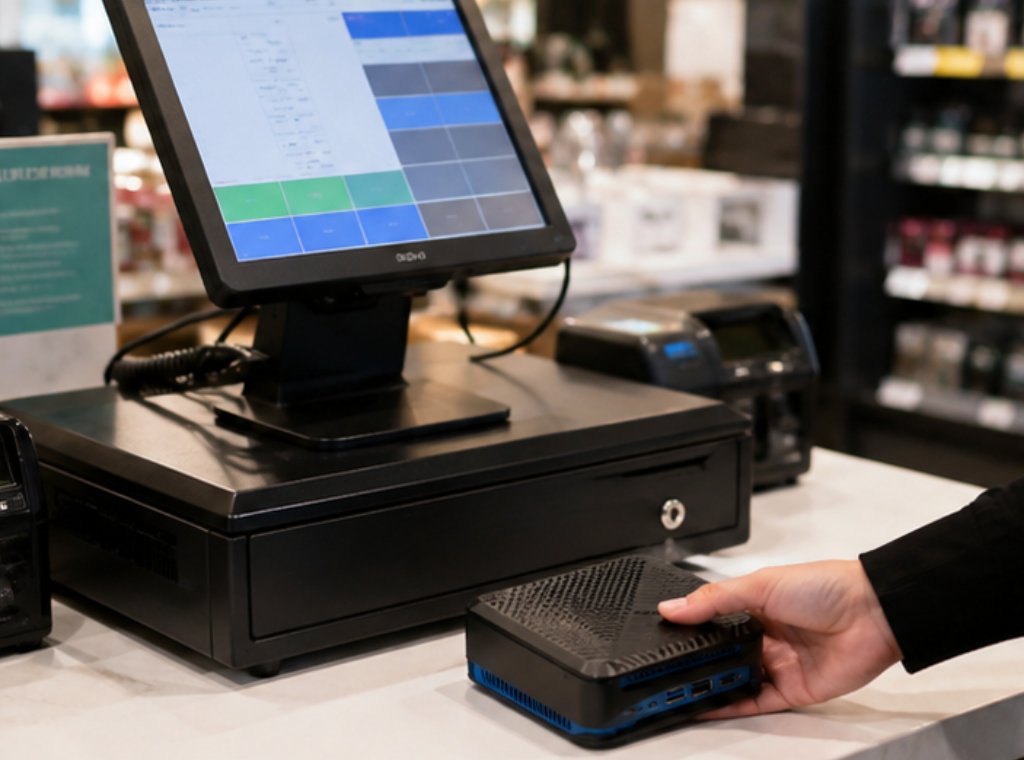
A large retail operation was losing 30 minutes per shift just on equipment checks and distribution. After bringing in the Palm-sized miniPC, Handheld PDA F505, and Smart PDA N40, preparation time dropped to under five minutes. Battery failures—once a daily annoyance—became a non-issue. That shift did not happen by chance; it came from deliberate planning and a willingness to move away from legacy systems.
Inventory management saw some of the most dramatic improvements. Previously, staff had to walk back to a central terminal to verify stock or update prices. Now they handle those tasks on the spot, right on the sales floor. Customers notice the difference: questions get answered faster, and information is more accurate. The smaller hardware footprint also freed up floor space, allowing the store to introduce seasonal displays and promotional setups that were not possible before.
Encouraged by these results, the company is now piloting mobile checkout for special events and curbside pickup. The adaptability of the rugged mini PC solutions makes these expansions simple, requiring only minor configuration tweaks and additional units. For retailers weighing a similar move, the takeaway is straightforward: modern POS hardware is not a simple swap—it is a strategic investment in how your store operates.
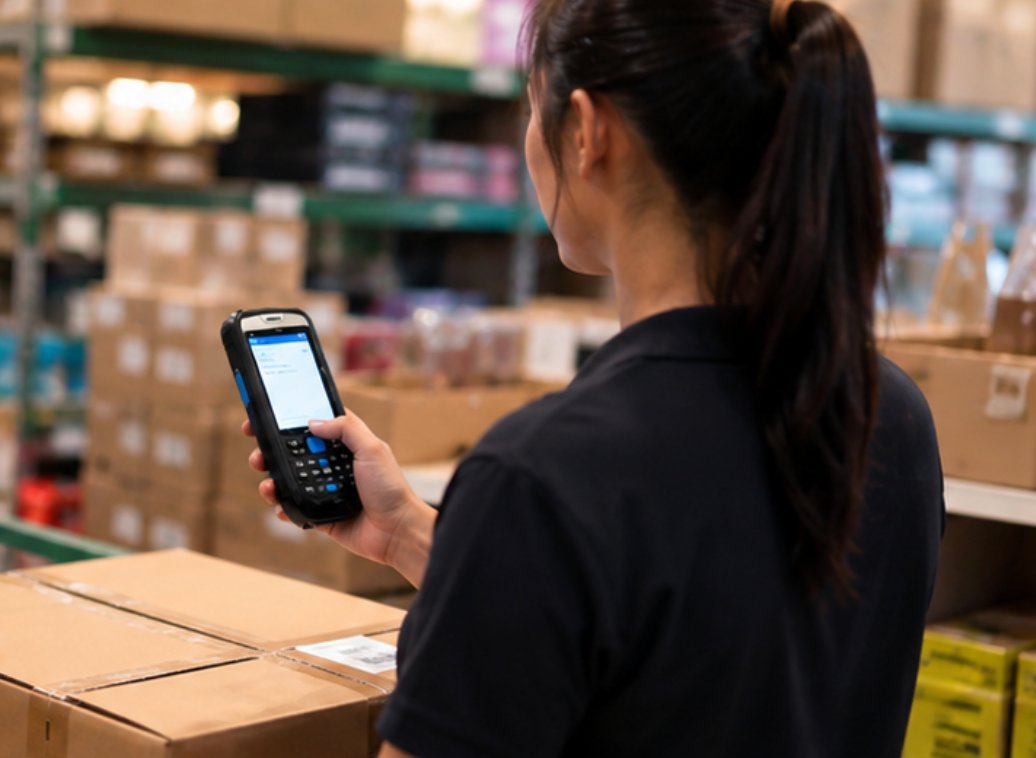
Selecting between these three models comes down to how your store functions day to day. The table below offers a quick snapshot of each device, its intended role, and physical specs.
| Model | Position | Weight | URL |
|---|---|---|---|
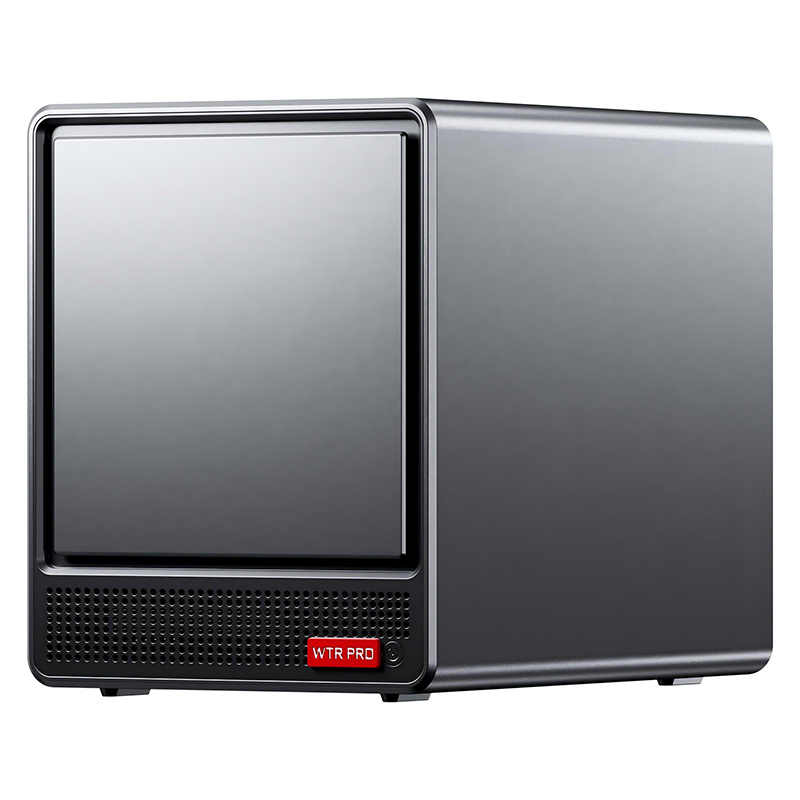
| Palm-sized miniPC | Fixed-point POS terminal replacement | 0.45 kg | https://www.hotusprojector.com/products/mini-pc/872.html |
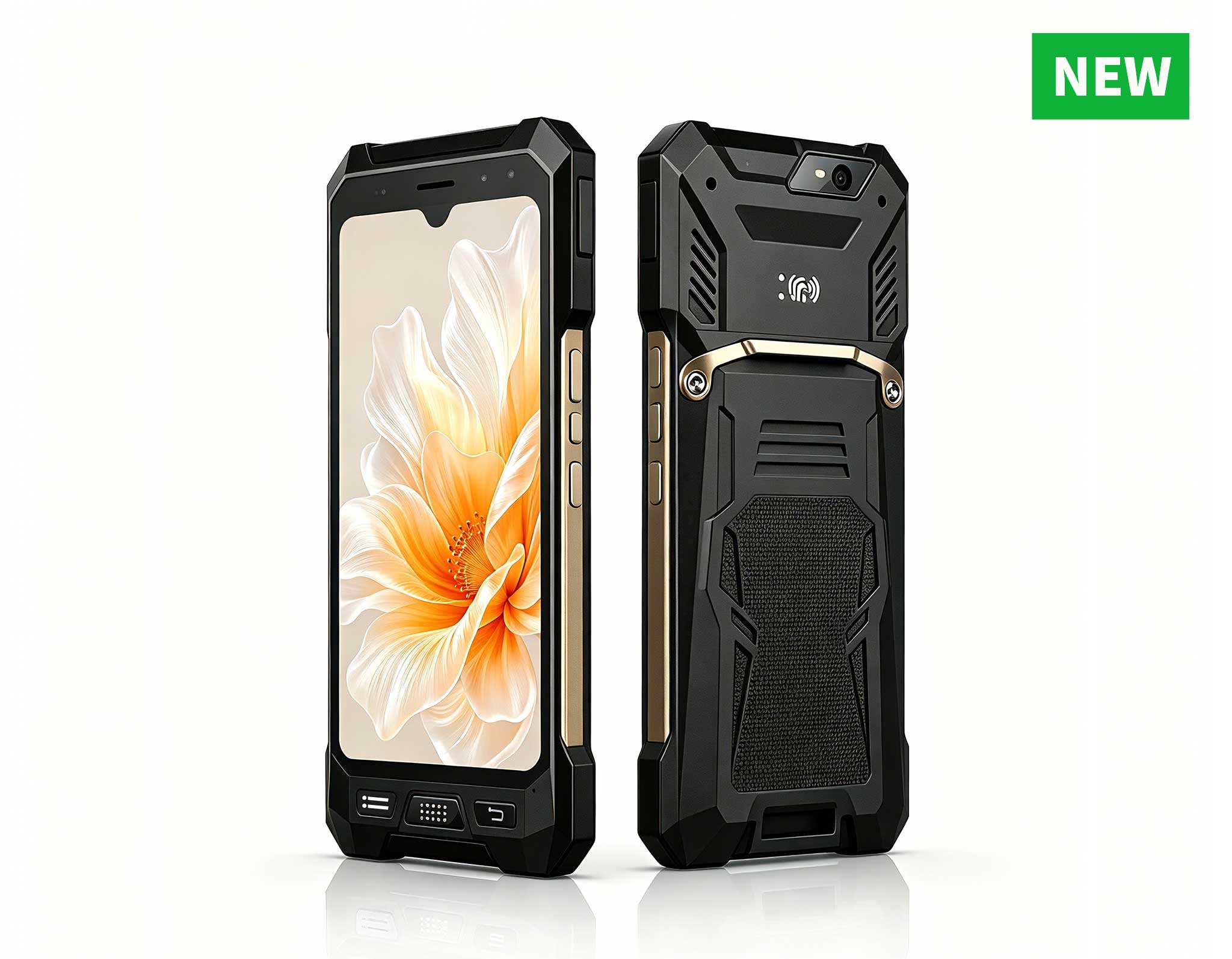
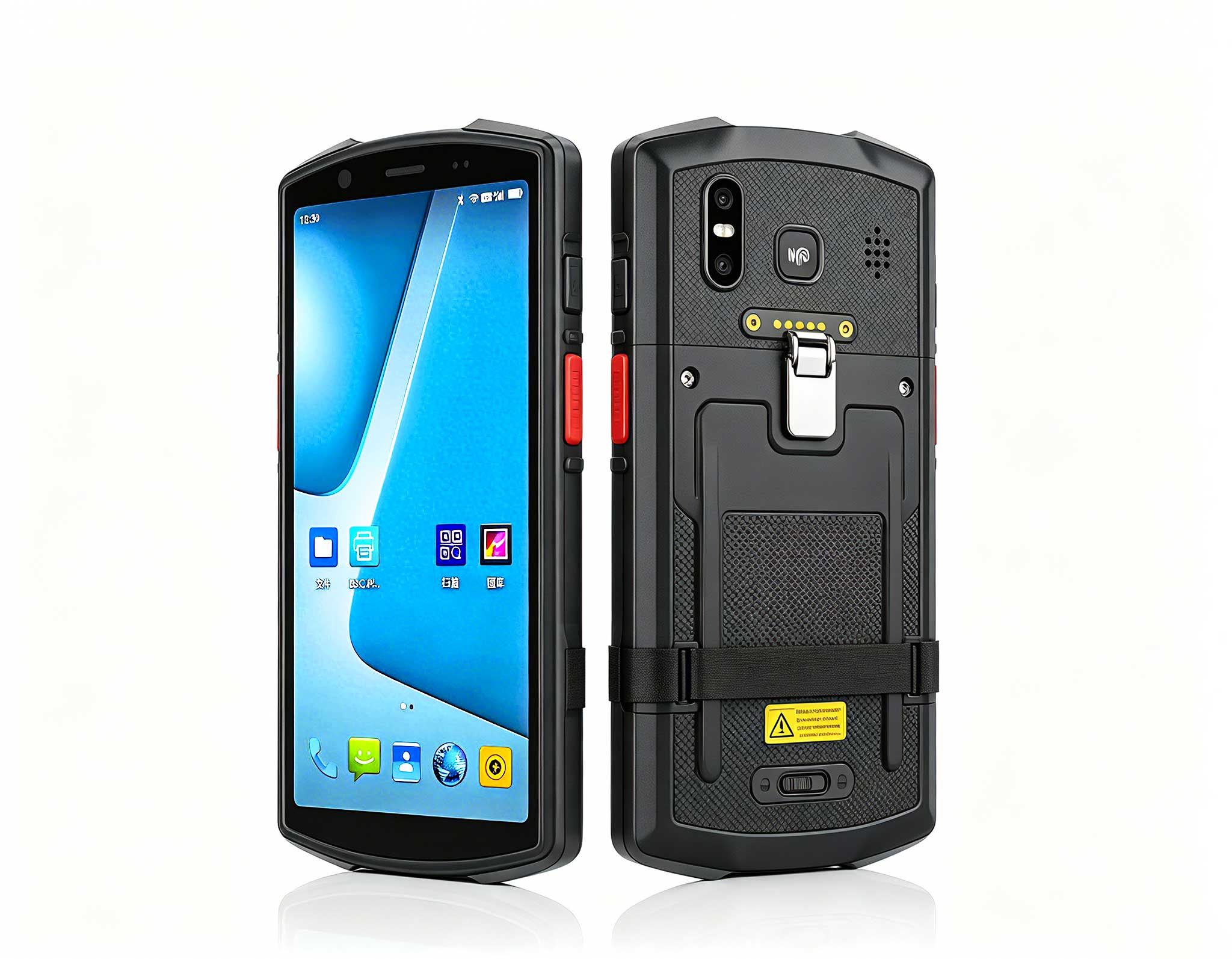
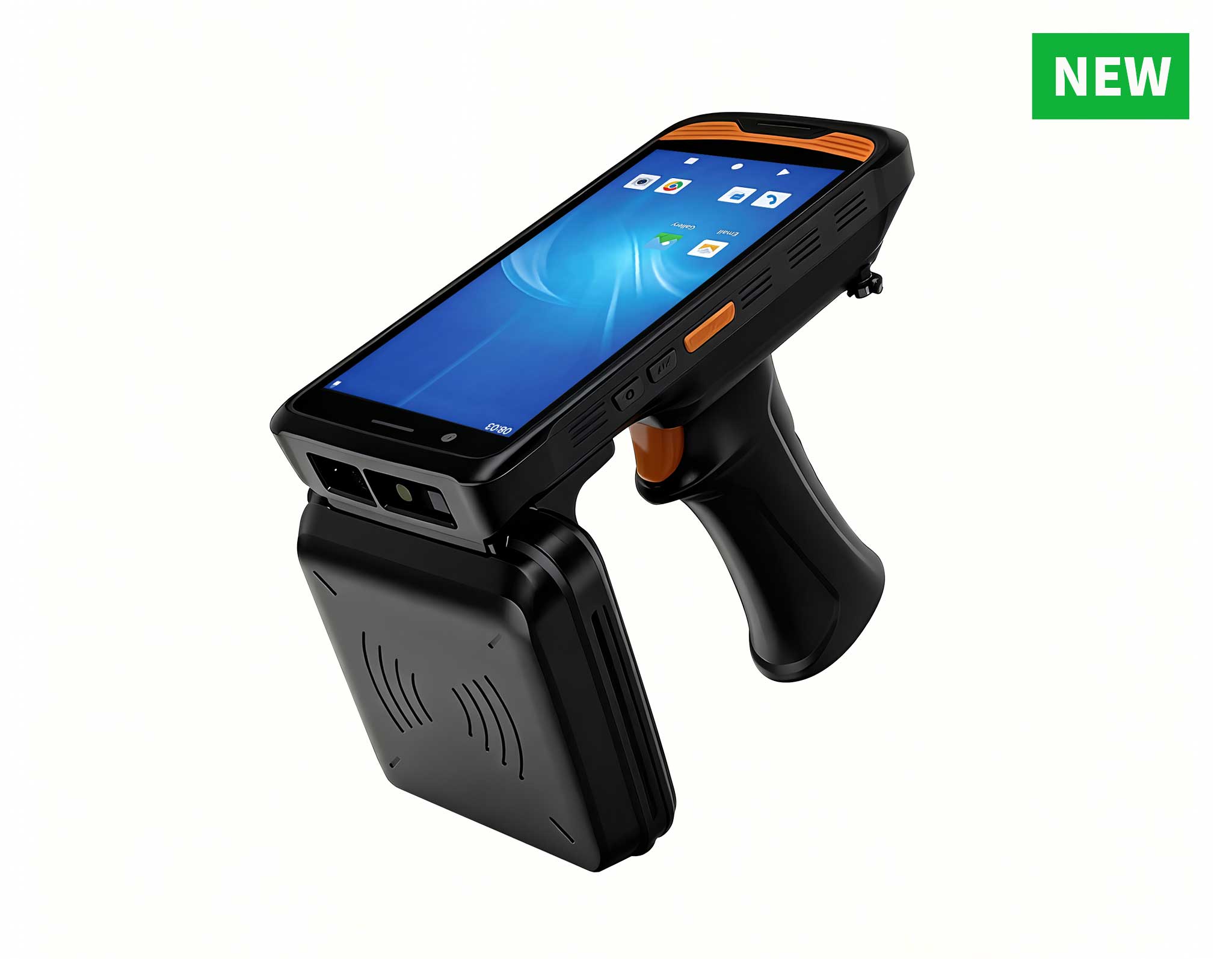
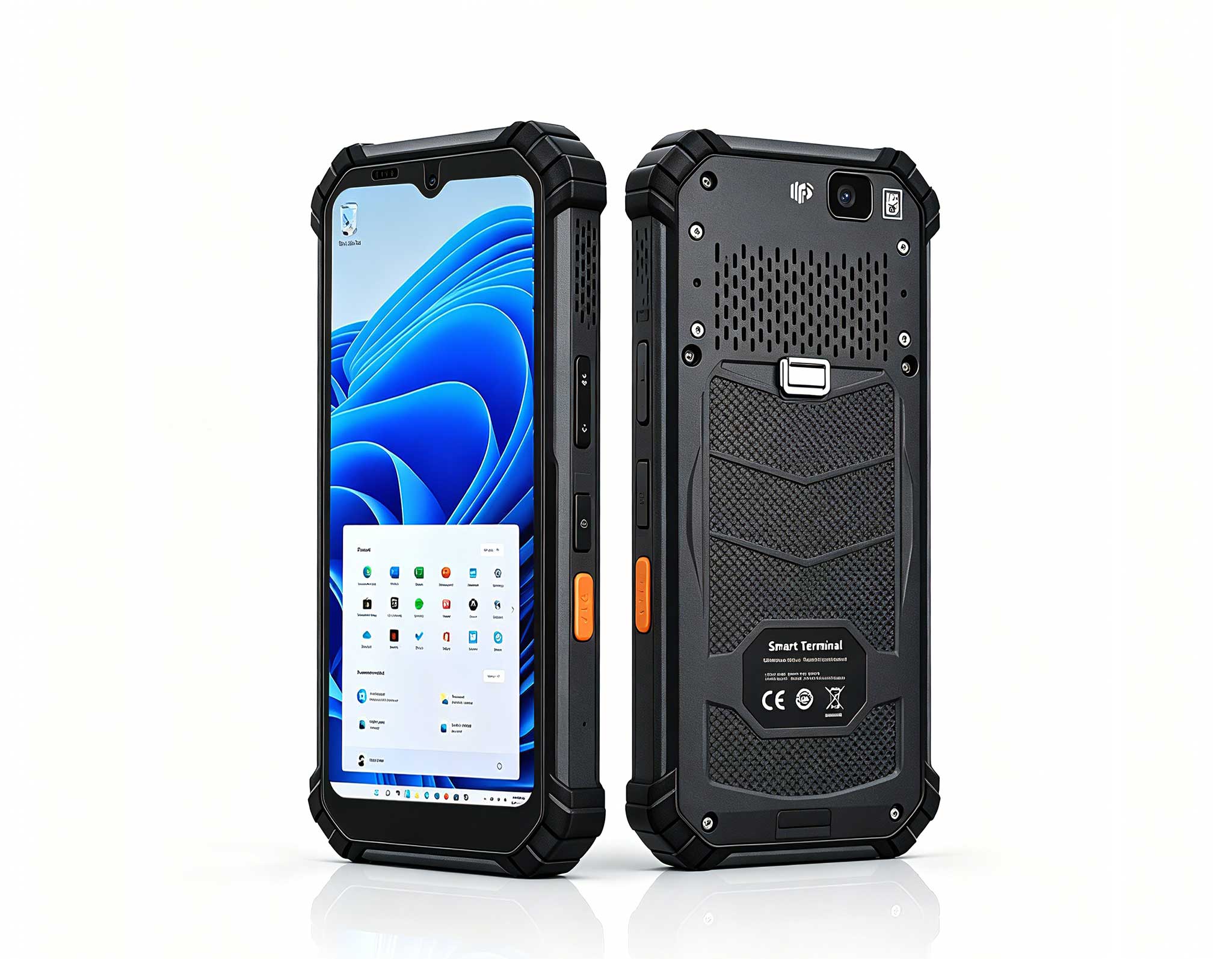
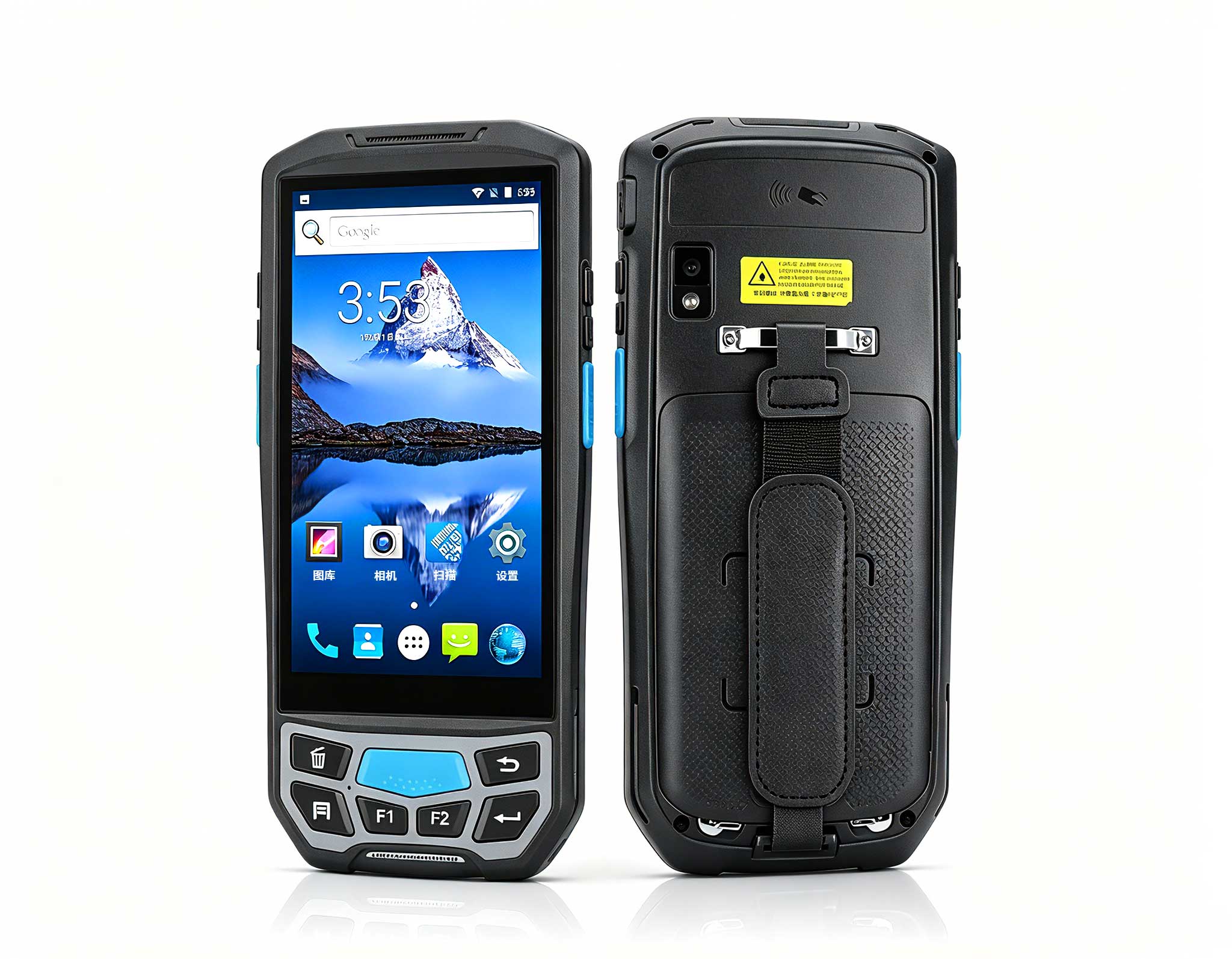
| Handheld PDA F505 | Mobile checkout and inventory scanning | 0.32 kg | https://www.hotusprojector.com/products/barcode--amp--rfid-industrial-pda/822.html |
| Smart PDA N40 | Multi-purpose store floor assistant | 0.28 kg | https://www.hotusprojector.com/products/barcode--amp--rfid-industrial-pda/556.html |
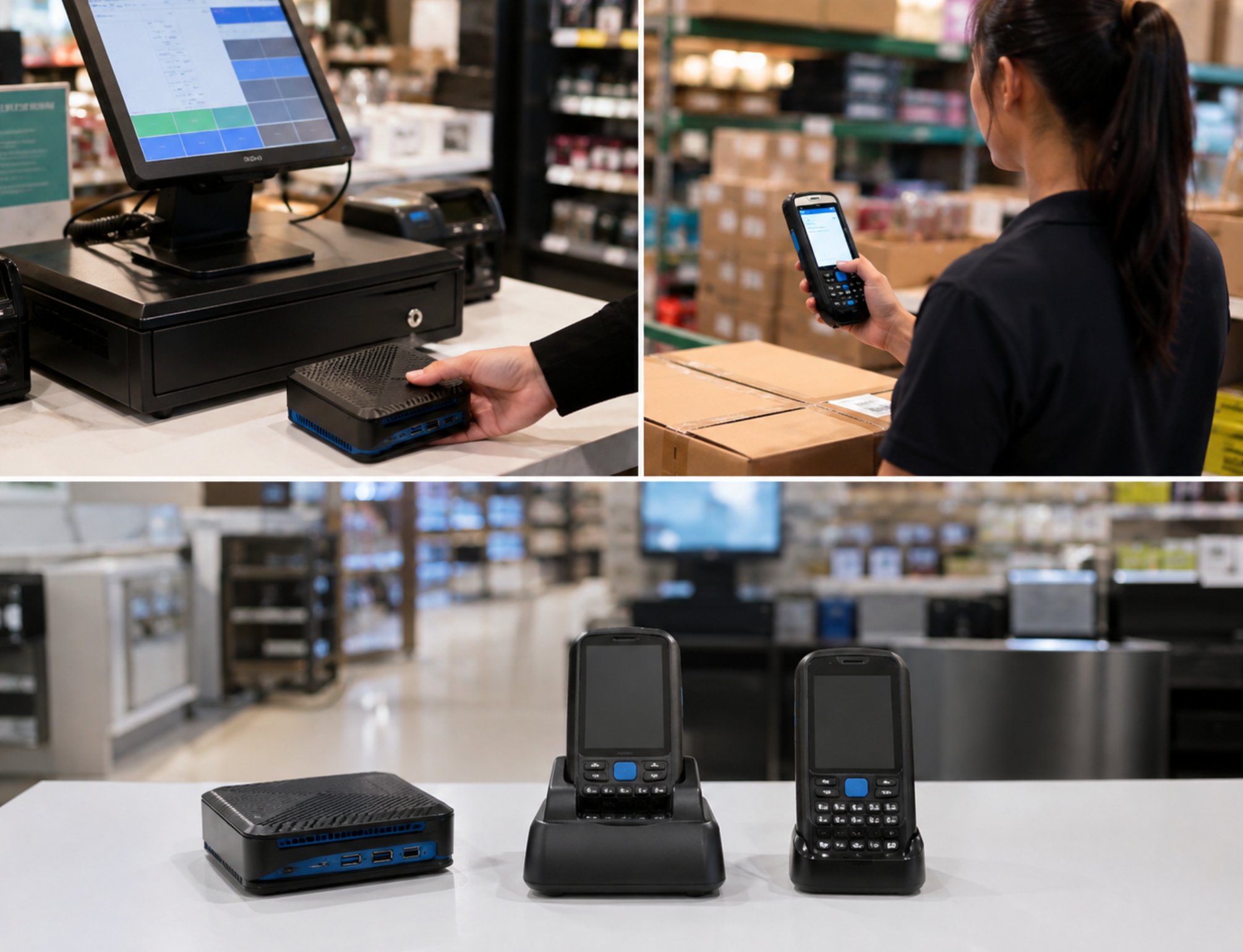
Transaction volume should guide your choice. High-traffic checkout lanes benefit from the always-on reliability of the Palm-sized miniPC, while stores with constant floor movement will get more value from the mobility of the handheld units. A hybrid setup is also common: miniPCs anchor the main registers, and floor associates carry handhelds for restocking, price checks, and customer assistance.
All three models support standard retail protocols—barcode scanning, receipt printing, and payment terminal integration—so your existing software investments stay intact. That compatibility lowers migration costs and shortens the learning curve. For retailers eyeing e-commerce or omnichannel fulfillment, the data sync capabilities of these devices lay a solid groundwork for expansion.
Once everything is live, regular upkeep is what keeps performance consistent. Set a weekly schedule for battery checks on handheld units and monthly software updates across the board. The Palm-sized miniPC, thanks to its fanless construction and low power draw, needs very little physical maintenance and is built for continuous use in demanding settings.
Industry data suggests that retailers following structured maintenance routines see about 40 percent fewer hardware failures over two years. The modular design also means individual components—like a scanner module or battery pack—can be swapped out without replacing the whole unit. That cuts costs and reduces waste, which matters more and more to eco-conscious shoppers.
Finally, keep a feedback loop open with your staff. Their day-to-day experience with the devices reveals usability issues and improvement opportunities that might otherwise go unnoticed. Regular check-ins ensure your POS setup keeps evolving with your business. Staying proactive like this protects your investment and keeps you competitive in an industry that never slows down.