- Select Language
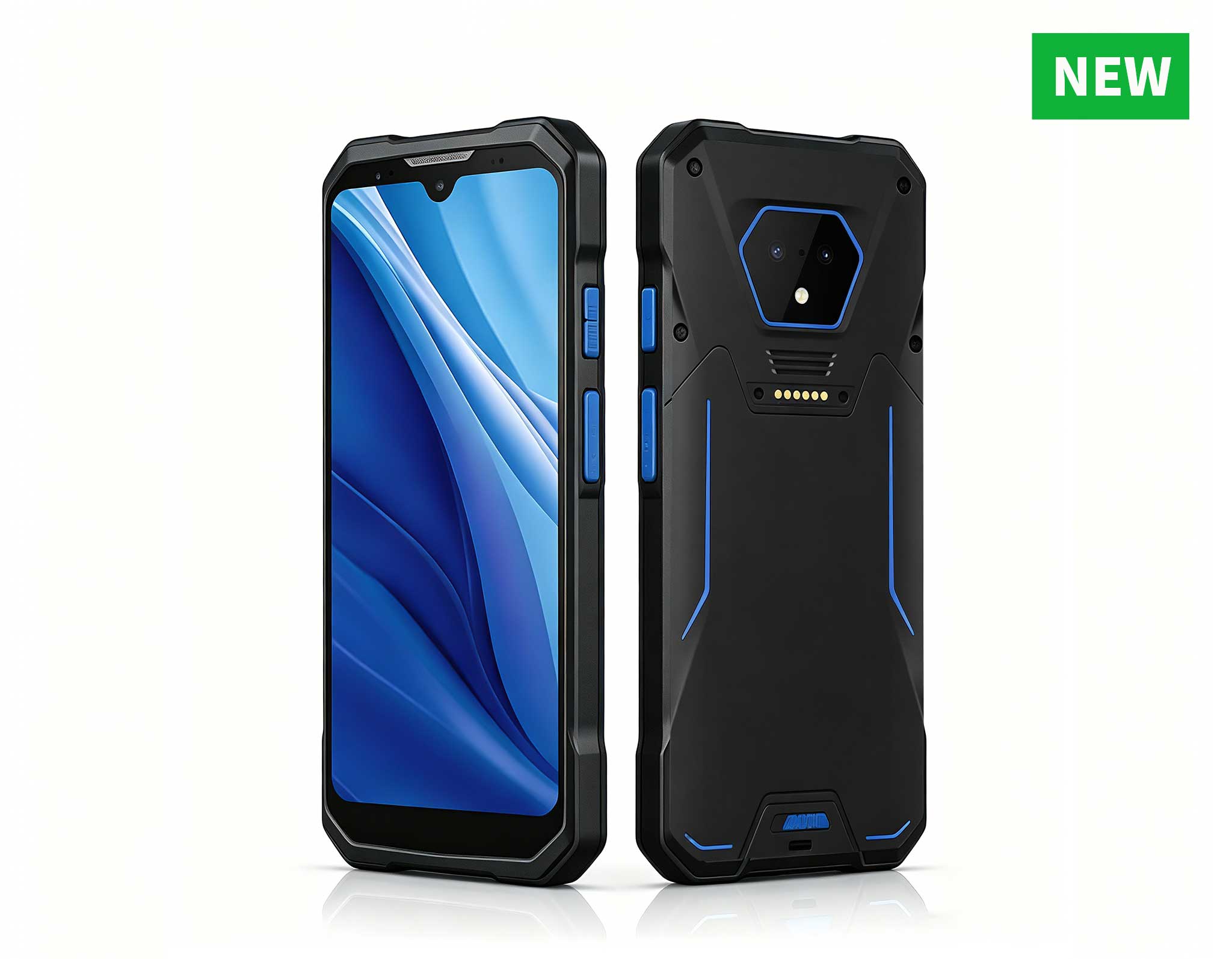
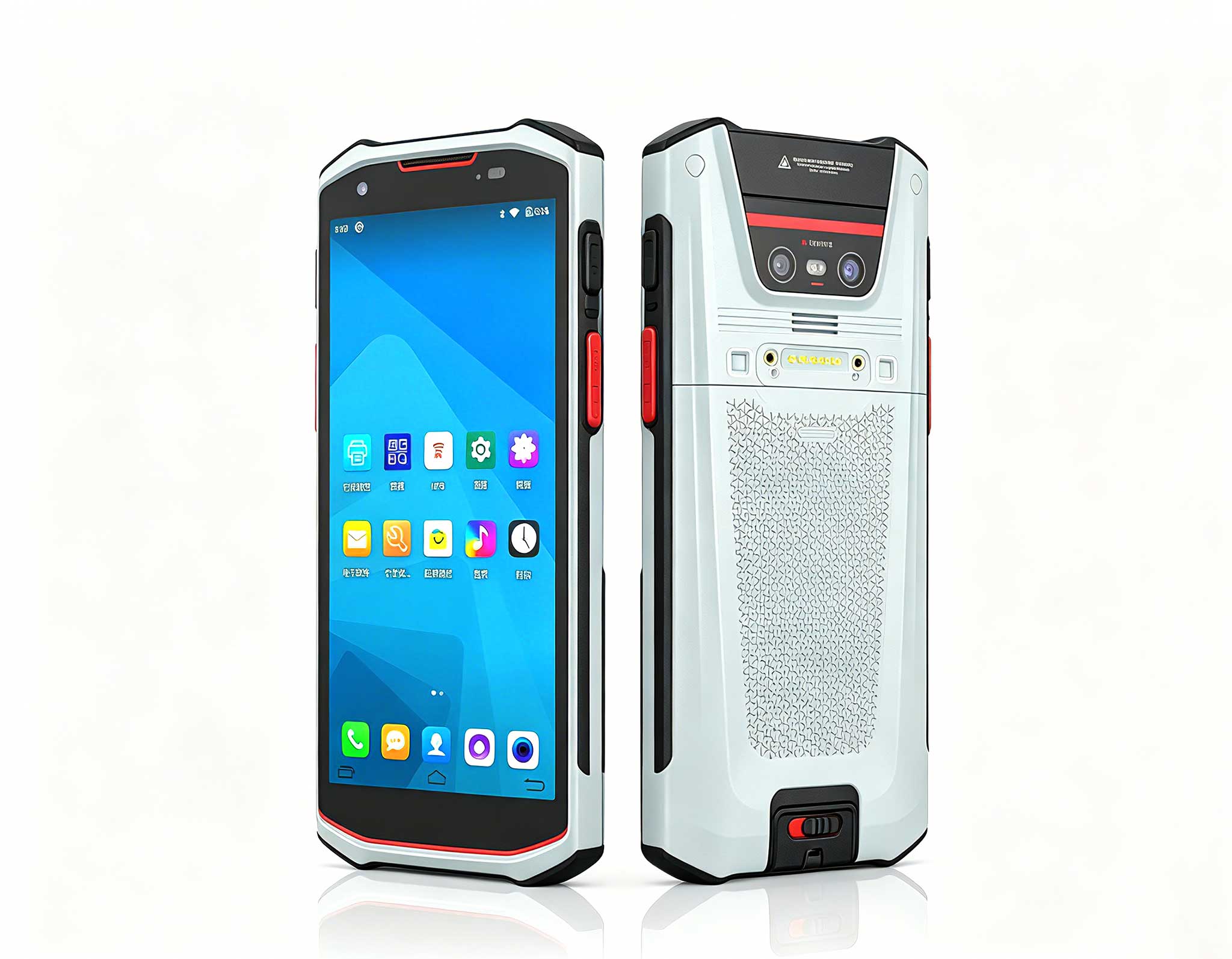
RS50 5G Rugged Handheld Terminal | 6.3" FHD+ ...
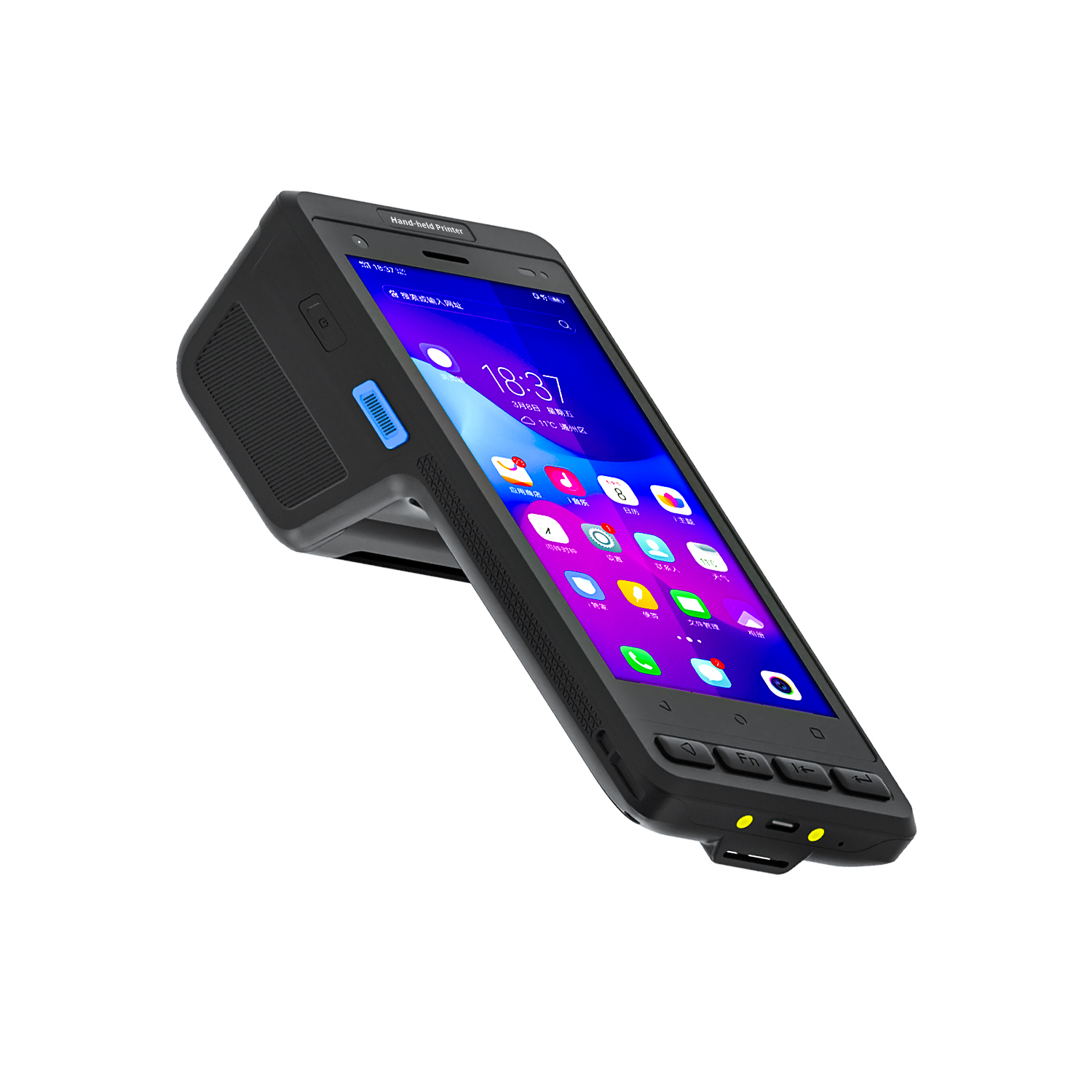
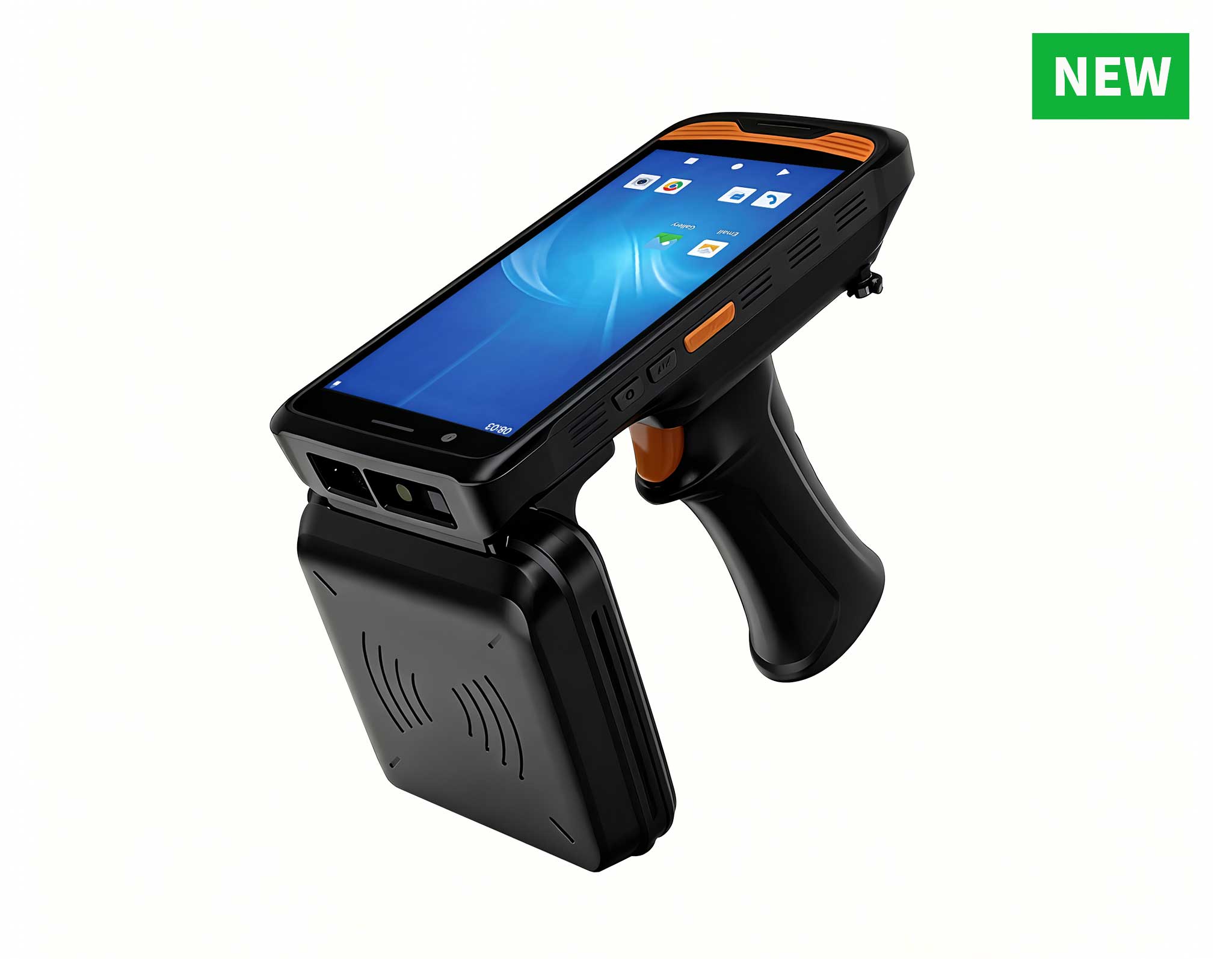
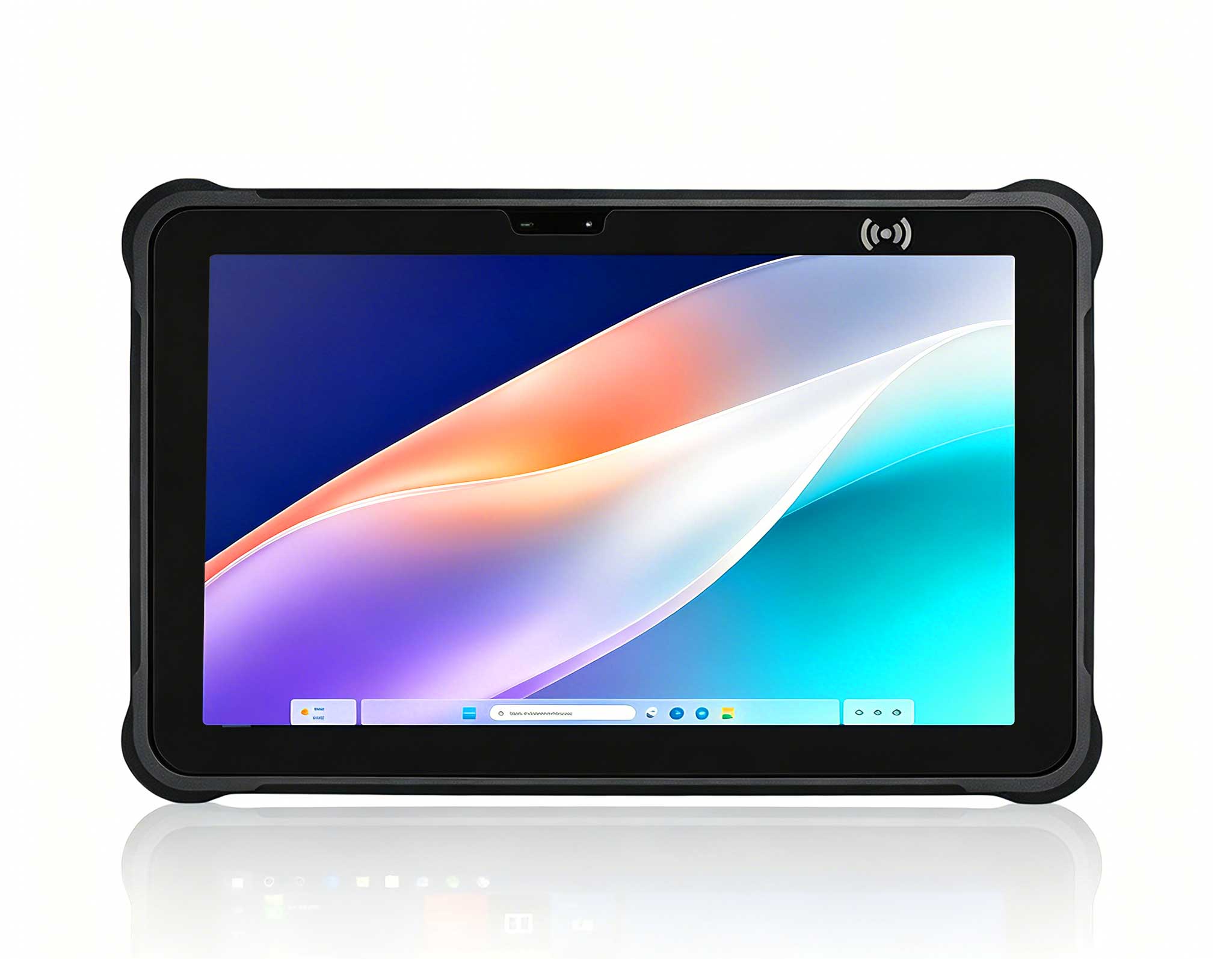
R366C-S 5.5-inch Industrial UHF RFID Reader | Qual...
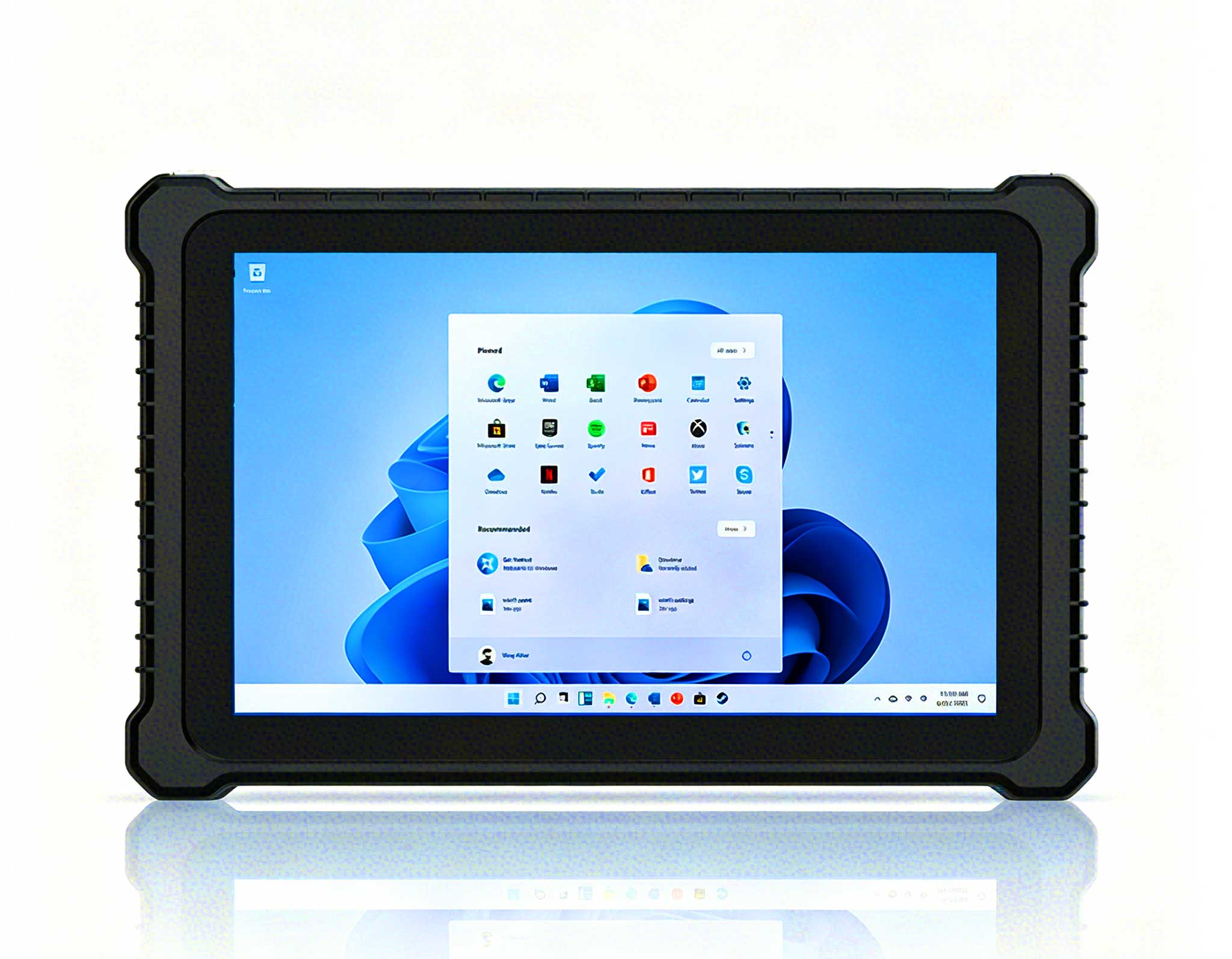
Explore our customized PDA designed for versatile ...
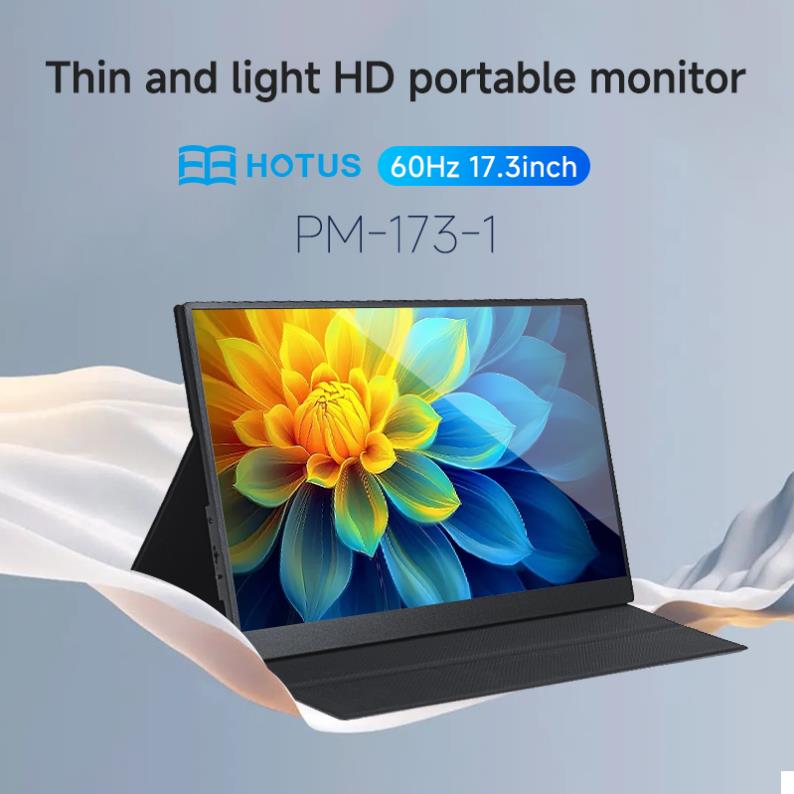
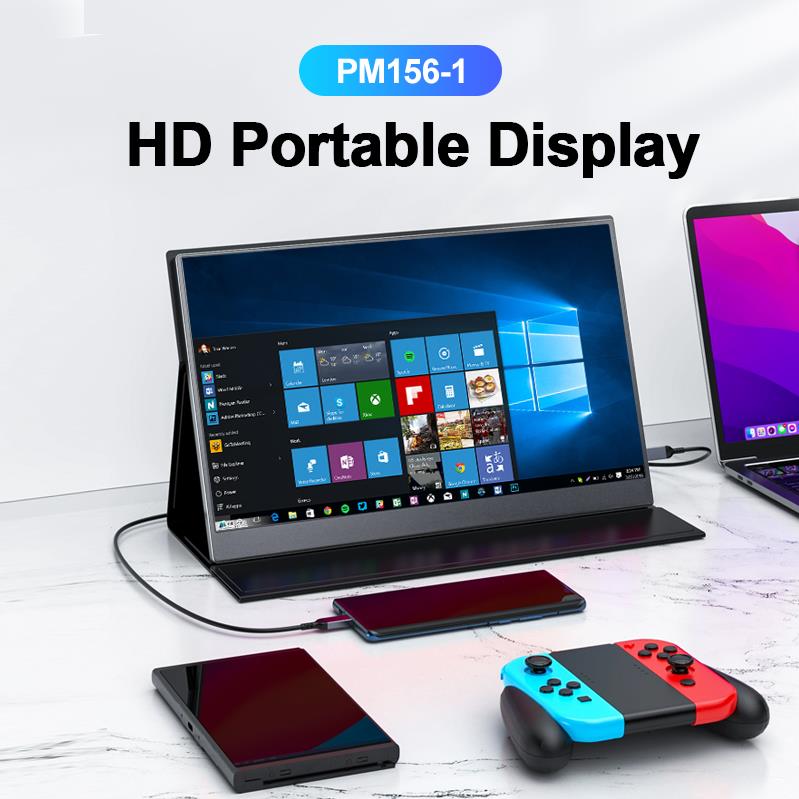
The PM156-1 is a 15.6-inch portable PC monitor fea...
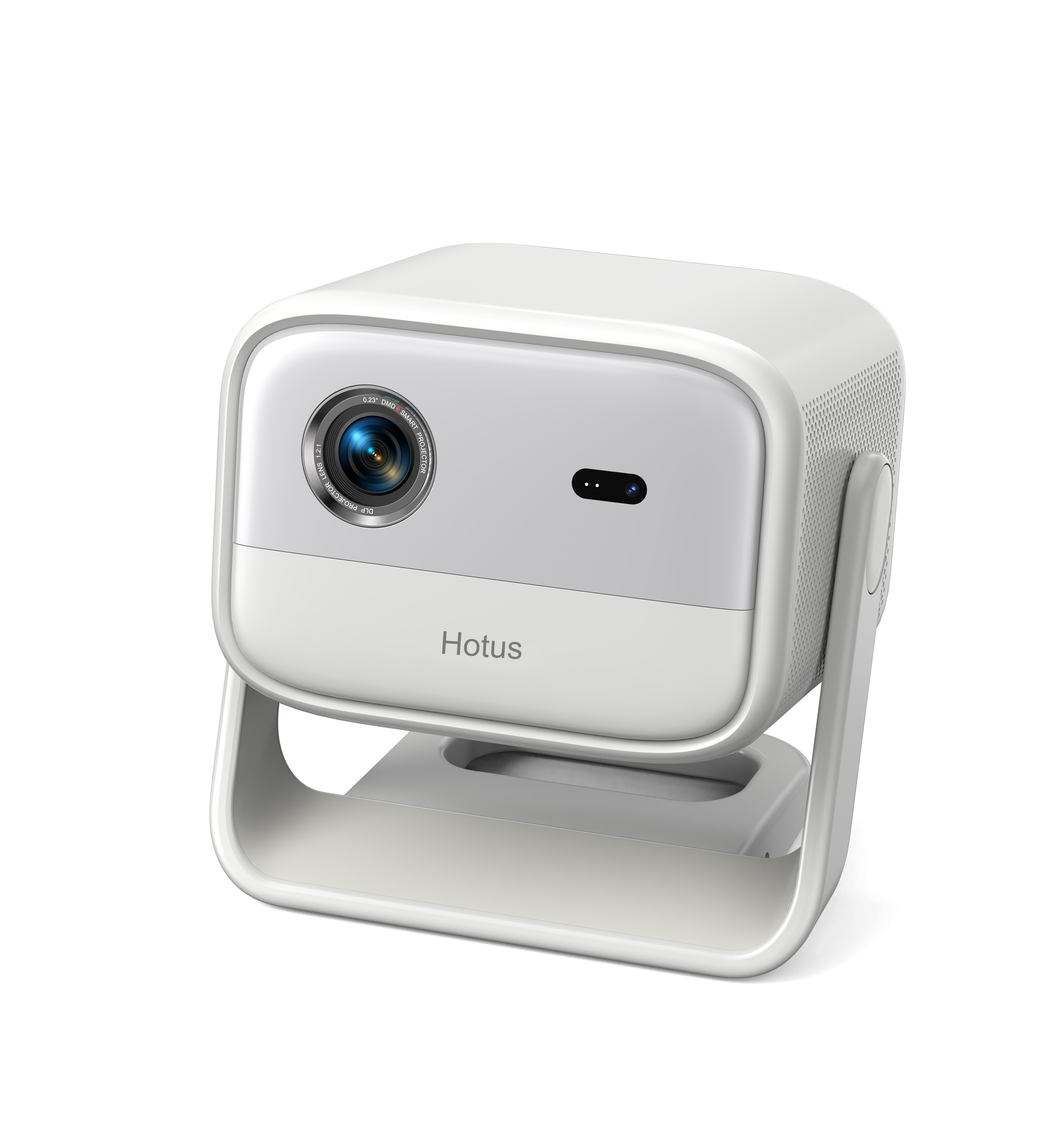
Full SpecificationsModelHotus ST11‑MOSWindows 10/1...
RS50 5G Rugged Handheld Terminal | 6.3" FHD+ ...
In the fast-paced world of digital signage and self-service kiosks, downtime is not an option. Every minute a kiosk sits idle translates directly into lost revenue, frustrated customers, and strained staff resources. Traditional consumer-grade hardware often struggles to meet the demands of 24/7 operation, leading to frequent failures that require 2-3 hours of on-site repair per incident. This operational bottleneck not only impacts the bottom line but also tarnishes brand reputation. However, forward-thinking operations are discovering that industrial-grade computing solutions, specifically designed for continuous deployment, can fundamentally change this equation. By integrating the SH5-W rugged tablet, the HTXUK10A-55 rugged tablet, and the WTR PRO AMD mini PC, teams can dramatically reduce system downtime while maintaining exceptional performance and reliability.
The foundation of a resilient kiosk architecture lies in selecting hardware that is purpose-built for the rigors of public-facing environments. The industrial solution for Digital Signage Kiosk environments requires components that can withstand temperature fluctuations, vibration, and continuous power cycling. The WTR PRO AMD mini PC serves as the central processing hub, delivering robust computing power in a fanless, compact chassis that fits seamlessly into tight kiosk enclosures. Meanwhile, the SH5-W and HTXUK10A-55 rugged tablets offer versatile touch interfaces that can be mounted either inside the kiosk for interactive self-service or used as portable diagnostic tools for maintenance staff. This combination creates a unified ecosystem where every component is engineered to work together, minimizing the risk of compatibility issues and ensuring that your signage network remains operational around the clock.
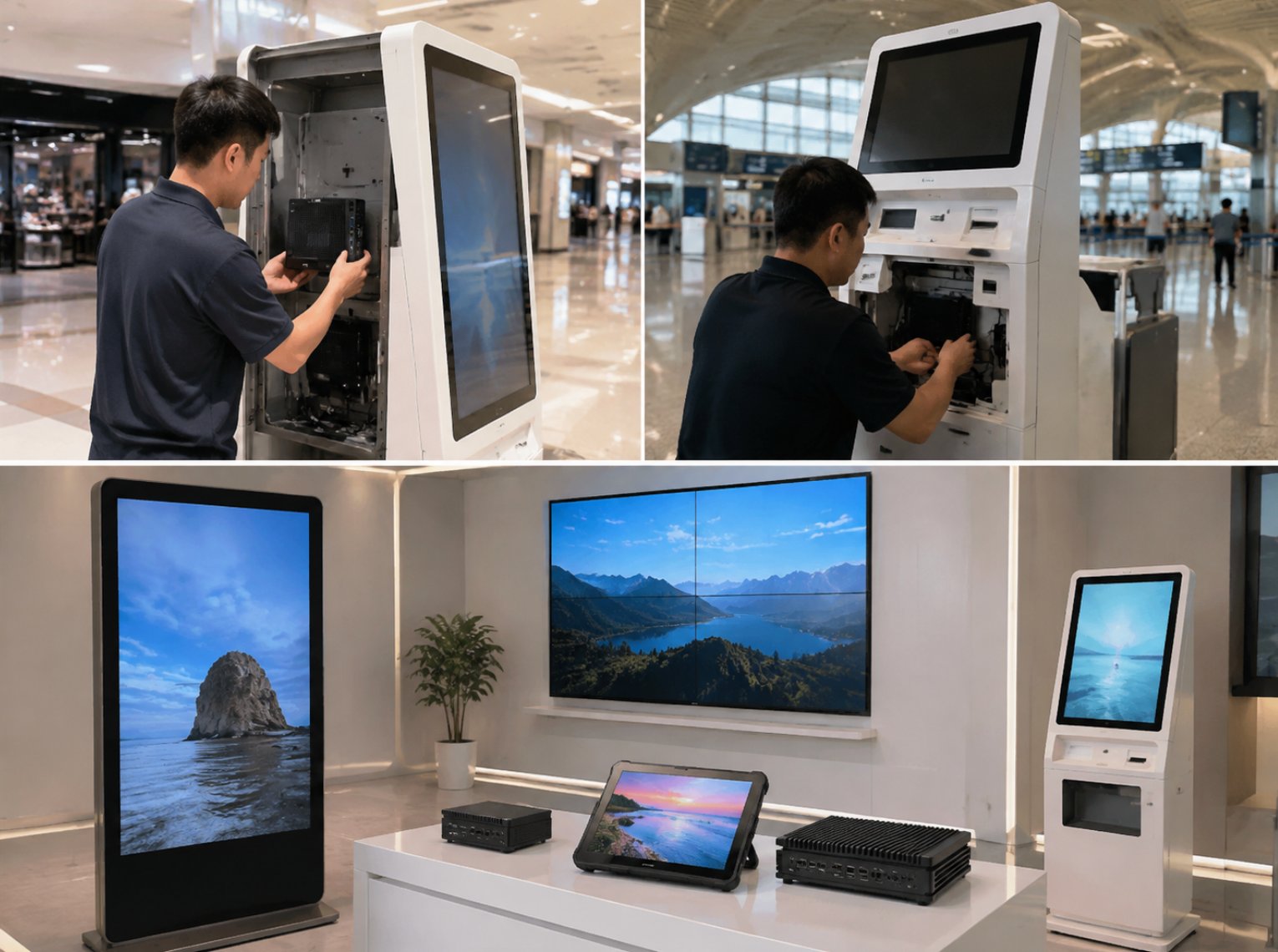
Deploying the WTR PRO AMD, HTXUK10A-55 Rugged Tablet, and SH5-W in digital signage kiosk applications delivers measurable improvements that extend far beyond basic audio or video playback. Organizations that have made this transition consistently report a significant boost in visitor satisfaction scores, as interactive kiosks respond instantly without lag or system freezes. The ruggedized construction of these devices means fewer service calls, which directly reduces staff overtime historically spent on troubleshooting malfunctioning equipment. Instead of dispatching technicians for emergency repairs, facility managers can rely on remote monitoring and proactive maintenance, freeing up valuable human resources for more strategic tasks.
The financial advantages are equally compelling. The total cost of ownership for this industrial hardware stack is notably lower than that of older, consumer-grade systems that fail frequently and require expensive replacements. The WTR PRO AMD, with its energy-efficient design, also contributes to reduced electricity consumption across a network of kiosks. Furthermore, the modular nature of these components provides the flexibility to scale operations seamlessly. Whether you are expanding from 10 kiosks to 100 or upgrading existing units, the standardized interfaces and mounting options simplify the process, allowing your digital signage network to grow in lockstep with business demand without a complete hardware overhaul.
A leading retail chain operating a nationwide network of digital signage kiosks recently undertook a major infrastructure refresh, deploying the WTR PRO AMD, HTXUK10A-55 Rugged Tablet, and SH5-W across all their locations. Prior to this upgrade, the company struggled with an average of three kiosk failures per week per store, each requiring a technician visit that consumed hours of productive time. The transition to this ruggedized platform yielded immediate and dramatic results. Within the first three months, they reported a 40% reduction in setup time for new content deployments, as the powerful WTR PRO AMD processors handled high-resolution media files with ease. More importantly, they achieved zero audio complaints from customers, a stark contrast to the previous system which suffered from frequent codec issues and speaker failures.
The impact on staff morale was equally significant. Store associates, who previously spent valuable time rebooting frozen kiosks and troubleshooting connectivity problems, could finally focus on what they do best: guiding customers and enhancing the shopping experience. The 5.5 windows (SH5-W)Rugged Industrial Tablet proved particularly valuable as a portable management interface. Staff could now walk the floor, monitor kiosk status in real-time, and receive instant alerts if any unit required attention. This proactive approach eliminated the reactive scramble that had previously characterized their operations. The combination of reliable hardware and intuitive management tools transformed their kiosk network from a persistent headache into a seamless, high-performing asset that consistently delighted customers.
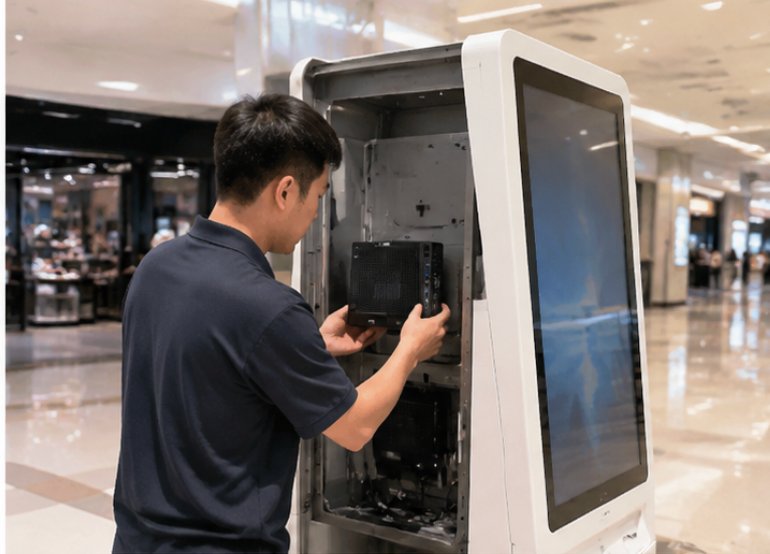
A successful deployment of the WTR PRO AMD, HTXUK10A-55 Rugged Tablet, and SH5-W for digital signage kiosk applications follows a structured three-phase approach: preparation, installation, and optimization. During the preparation phase, begin by conducting a thorough site survey of each kiosk location. Map out the physical space, identify power sources, and assess network connectivity. It is also crucial to define the specific content strategy, including resolution requirements, interactive elements, and update frequency. This planning stage helps determine the optimal configuration for each component, ensuring that the WTR PRO AMD is specified with adequate RAM and storage for your content library, and that the HTXUK10A-55 is positioned to provide the best viewing angle for users.
The installation phase focuses on proper physical mounting and system integration. For the WTR PRO AMD, secure the unit inside the kiosk enclosure using the provided VESA mounting brackets, ensuring adequate airflow around the fanless heatsink. Connect the display output to your chosen screen, and route the network cable to the primary switch. The SH5-W and HTXUK10A-55 rugged tablets should be mounted in their designated positions, whether as embedded touchscreens or as handheld diagnostic devices. It is essential to run a series of burn-in tests during this phase, subjecting the system to continuous playback for 48-72 hours to identify any early failures. This rigorous testing, supported by the rugged mini PC solutions architecture, ensures that the hardware is stable before it goes live.
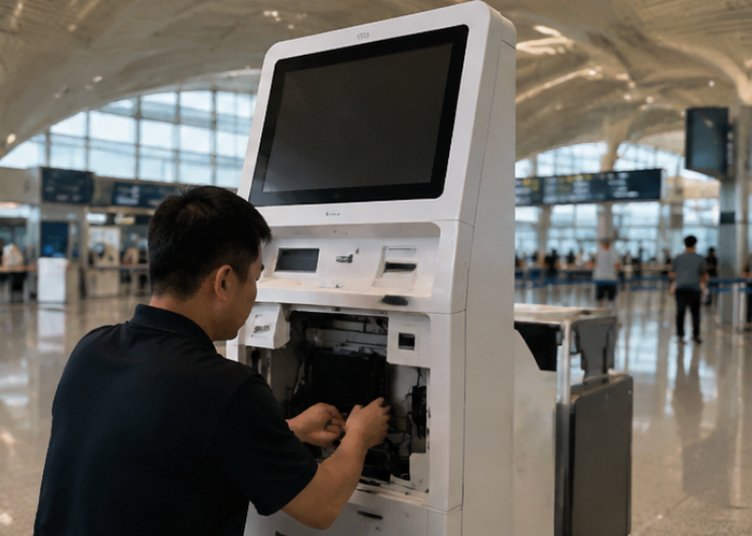
The final optimization phase involves fine-tuning the system for peak performance and staff training. Configure the WTR PRO AMD to automatically recover from power outages by enabling the "restore on AC power loss" feature in the BIOS. Set up remote monitoring software to track system health metrics such as CPU temperature, storage usage, and network uptime. For the SH5-W and HTXUK10A-55 tablets, customize the user interface to display only the essential diagnostic information for maintenance staff. Finally, conduct comprehensive training sessions for your team, covering daily operational workflows, common troubleshooting procedures, and how to use the tablets for remote diagnostics. By empowering staff with the knowledge to handle minor issues on their own, you further reduce the need for external technical support and keep your kiosk network operating at maximum efficiency.
| Model | Form Factor | Key Application | Product Page |
|---|---|---|---|
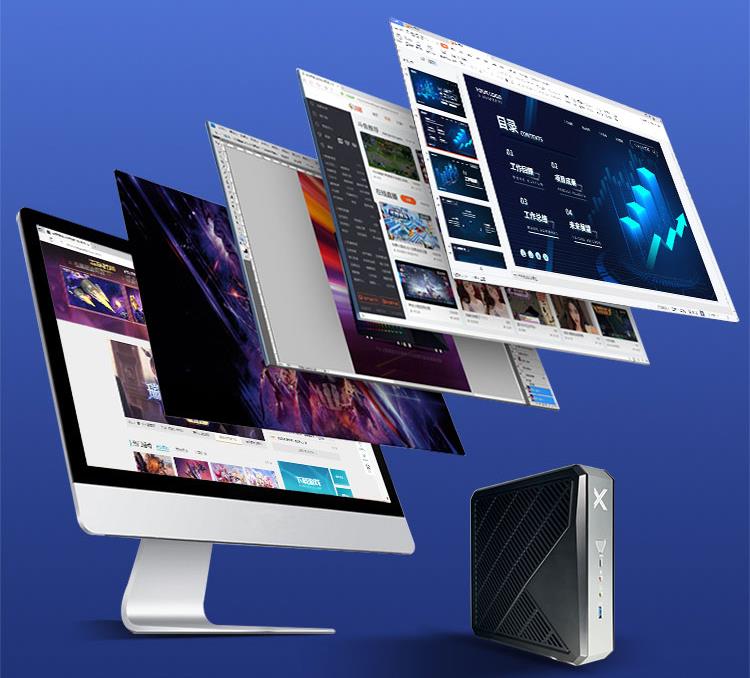
| WTR PRO AMD | Fanless Mini PC | Central processing unit for content playback and data processing | View Details |
| HTXUK10A-55 Rugged Tablet | 10.1-inch Rugged Tablet | Interactive user interface and portable diagnostic tool | View Details |
| SH5-W | 5.5-inch Windows Tablet | Compact control interface for maintenance and quick access | View Details |
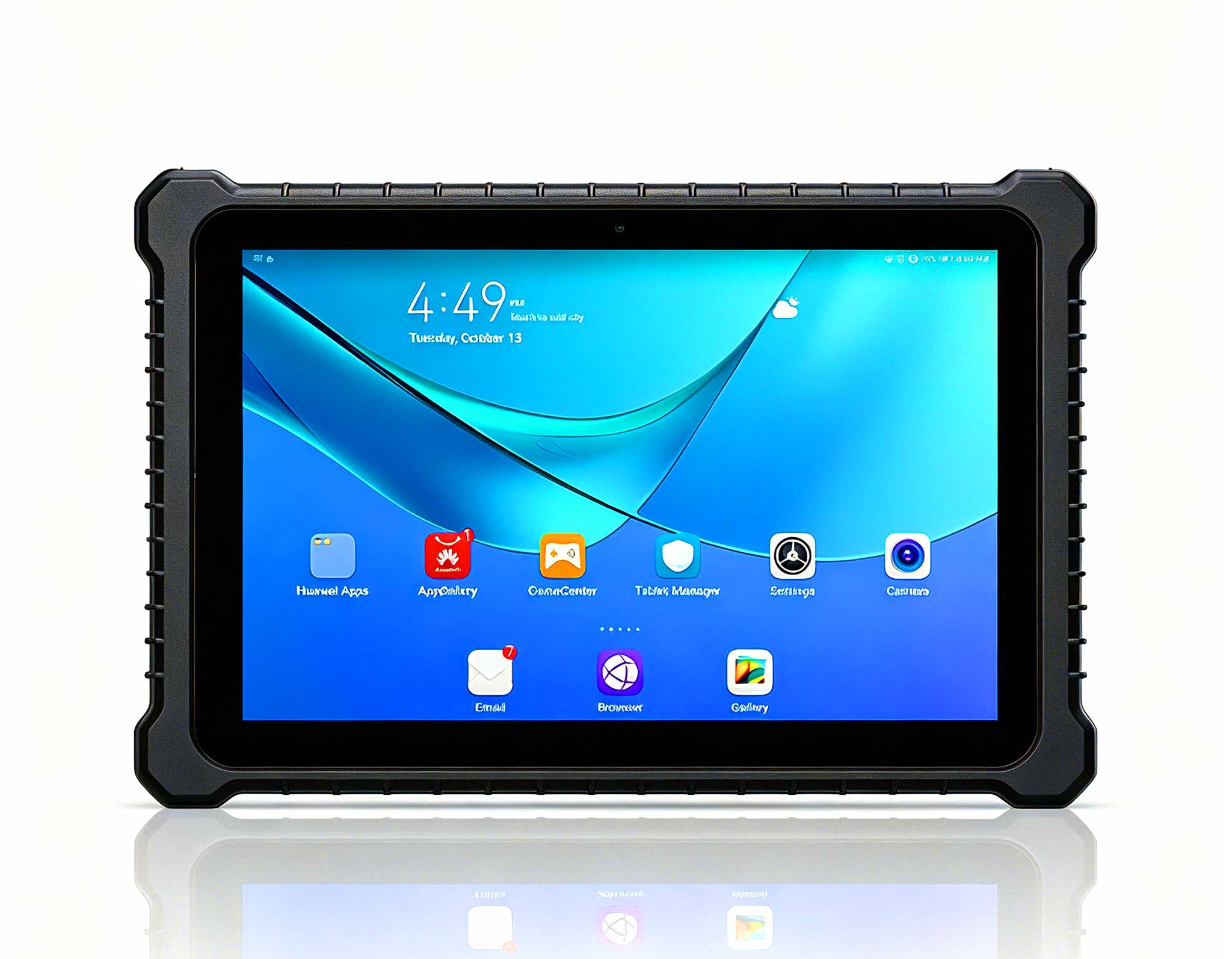
Selecting the right hardware for your digital signage kiosk deployment requires careful consideration of your specific operational needs. The WTR PRO AMD serves as the backbone of the system, offering the processing power necessary to deliver rich multimedia content without stuttering. Its fanless design ensures silent operation, which is critical in customer-facing environments where noise can be distracting. The HTXUK10A-55 rugged tablet, with its larger 10.1-inch display, is ideal for kiosks that require a substantial touch interface for user interaction, such as wayfinding directories or product catalogs. Its rugged construction allows it to withstand the constant tapping and swiping of public users, while the sunlight-readable screen ensures visibility even in brightly lit locations.
For applications where space is at a premium or where a smaller control interface is sufficient, the SH5-W offers a compact yet powerful alternative. Its 5.5-inch form factor makes it perfect for embedded control panels, service menus, or as a handheld device for technicians to quickly access system settings. When combined, these three devices provide a comprehensive toolkit for any digital signage scenario. The WTR PRO AMD handles the heavy lifting, the HTXUK10A-55 offers an engaging user experience, and the SH5-W provides convenient administrative access. This modular approach allows you to customize your deployment to match your exact requirements, whether you are building a simple advertising display or a complex interactive self-service kiosk with multiple peripherals.
As you plan your next digital signage project, consider the long-term benefits of investing in industrial-grade hardware. The initial cost difference between consumer and ruggedized components is quickly offset by the dramatic reduction in downtime and maintenance expenses. The WTR PRO AMD, HTXUK10A-55, and SH5-W are engineered to deliver years of reliable service, even in the most demanding environments. By choosing this proven combination, you are not just purchasing hardware; you are investing in operational peace of mind. To learn more about how these solutions can be tailored to your specific kiosk deployment, we invite you to explore our mini PC solutions and discover the full range of options available. Our team of experts is ready to assist you in designing a system that maximizes uptime, enhances user engagement, and drives measurable business results.