- Select Language
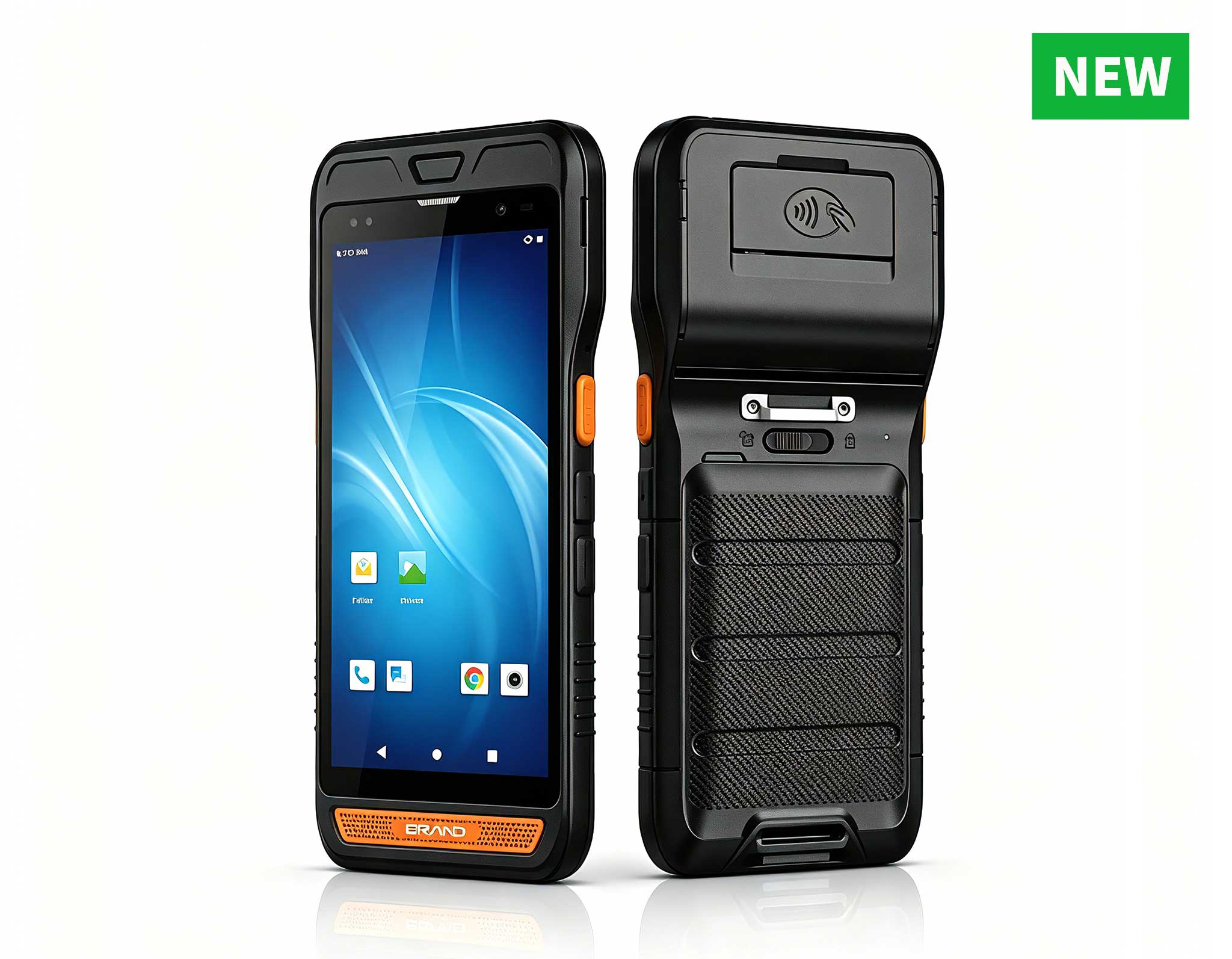
R860-S 5.5-inch Industrial PDA with Thermal Printe...
The F505 Handheld PDA is a compact, high-performan...
R366C-S 5.5-inch Industrial UHF RFID Reader | Qual...
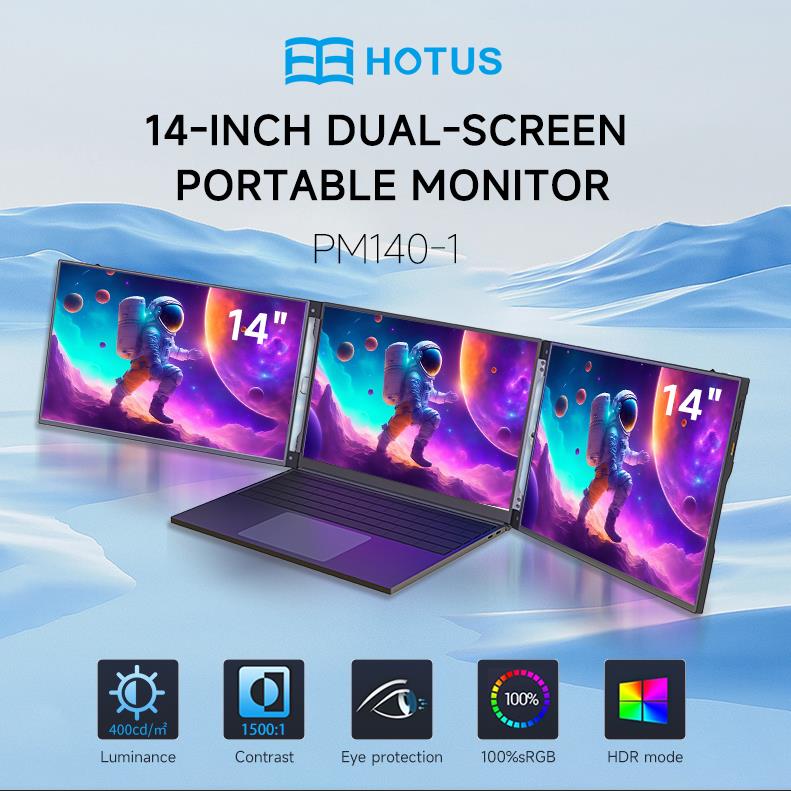
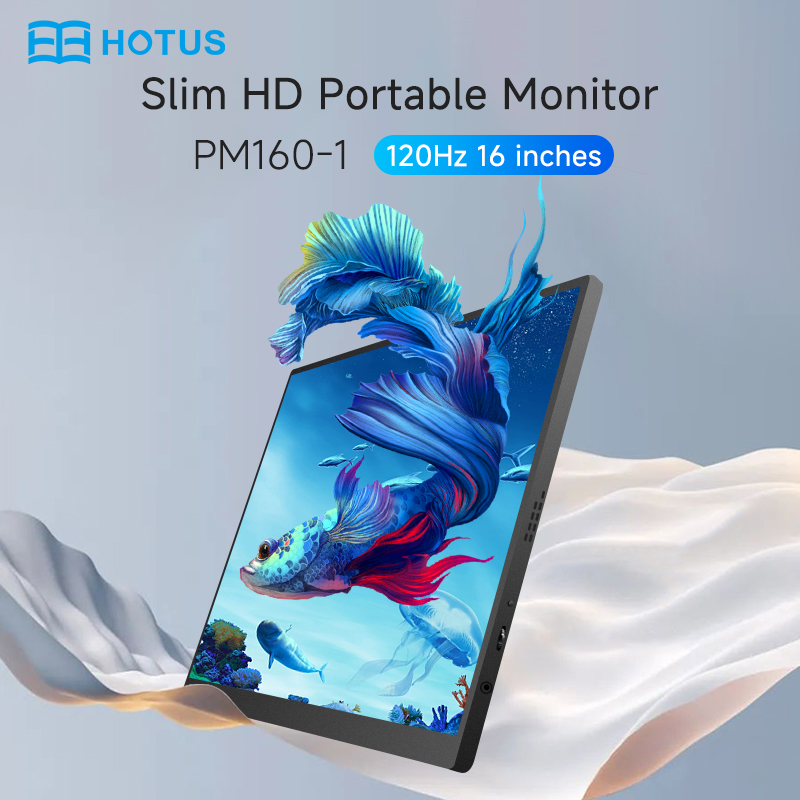
The PM133-2 is a 13.3-inch portable monitor featur...
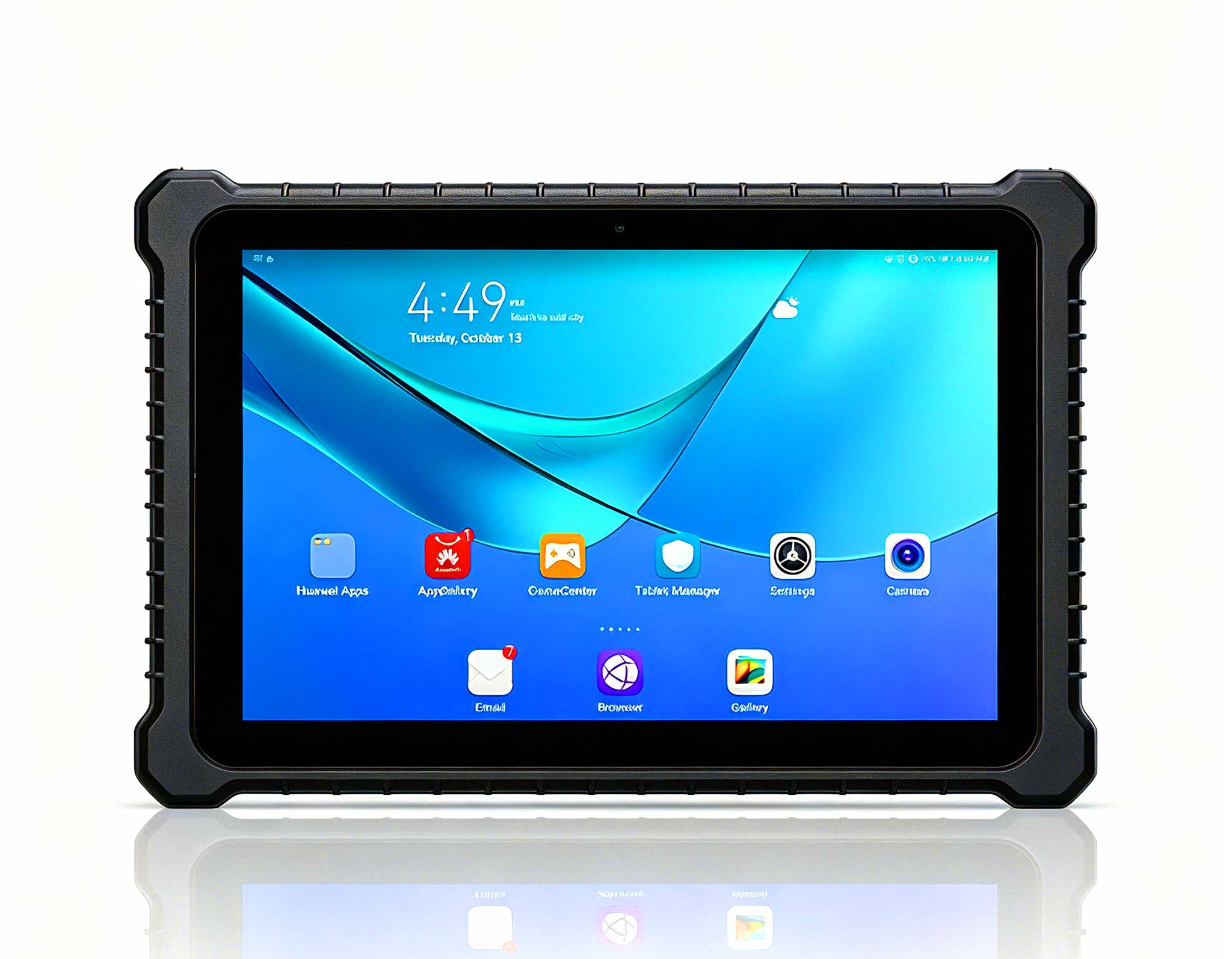
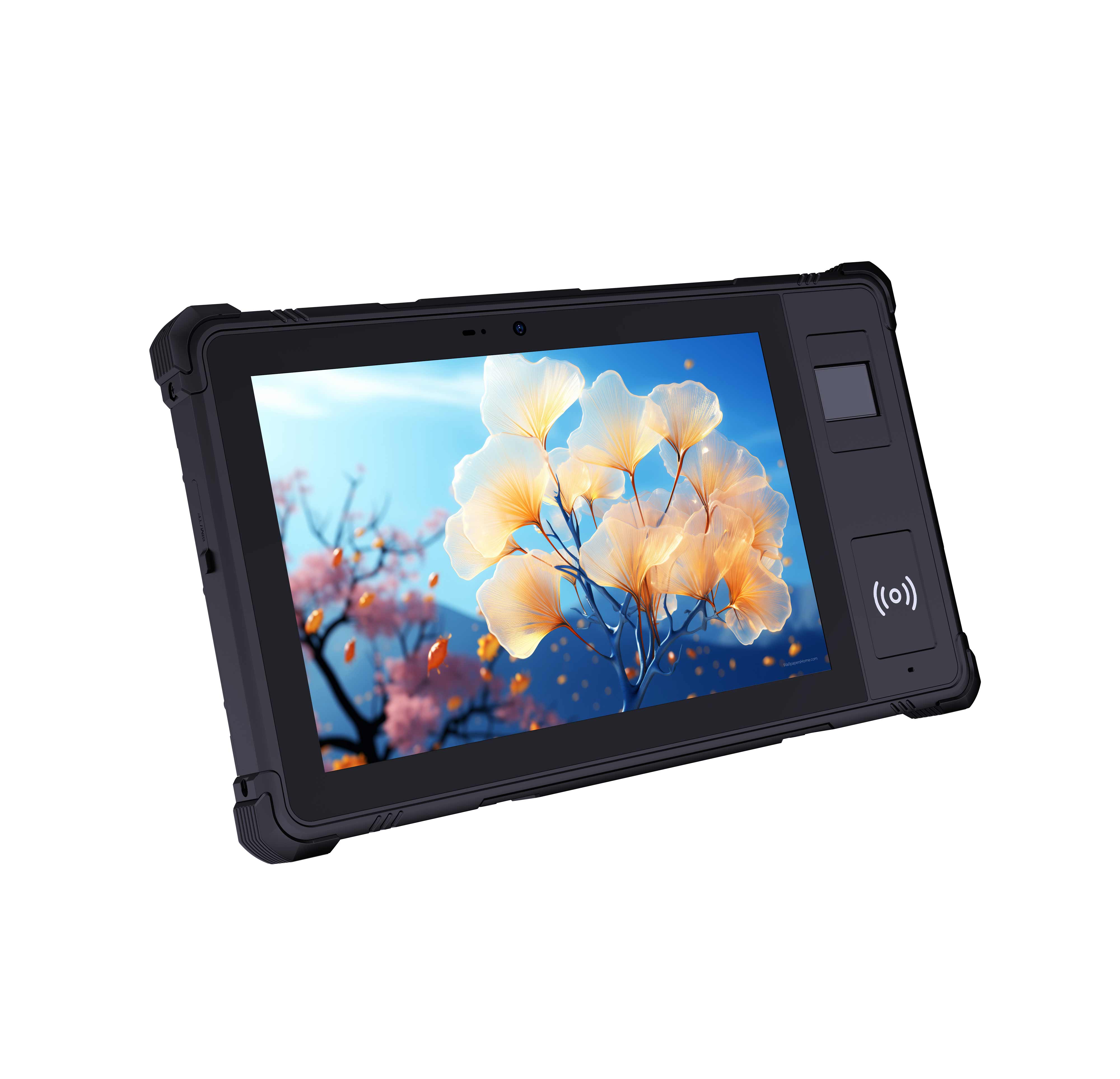
This 10-inch Android rugged tablet is designed for...
RS50 5G Rugged Handheld Terminal | 6.3" FHD+ ...
If you are responsible for Digital Signage Kiosk, you know the challenge all too well: digital signage systems overheating or failing in always-on kiosk deployments. The good news is that HCAR5000 MI, SH6 and HTQ10A Android Rugged Tablet provide a proven path forward. These devices are engineered specifically for the relentless demands of public-facing interactive systems, where uptime is non-negotiable and environmental conditions are far from ideal. The core problem in most kiosk failures is not the software but the hardware endurance. Standard consumer-grade components simply cannot handle the thermal load of 24/7 operation inside an enclosed kiosk cabinet. Heat buildup leads to processor throttling, screen flickering, and eventually complete system lockups. The industrial solution for Digital Signage Kiosk addresses this at the architectural level, with fanless designs and wide-temperature-rated components that keep operating within safe parameters even when ambient temperatures spike. Another frequent pain point is the physical interaction between the user and the kiosk. Touchscreens that fail to register inputs, audio that cuts out, and connectivity that drops mid-session all contribute to poor user experience and increased support tickets. The ruggedized approach changes this equation entirely. By using components rated for industrial use, these systems maintain consistent performance regardless of how many thousands of touches they register each day or how many hours of continuous audio they output.
Let us break down the typical failure modes you will encounter. First, there is the power delivery issue. Many kiosks use a single power supply that also powers the display, the main board, and peripherals. Any fluctuation in the input voltage can cause random reboots or corrupted data. The HCAR5000 MI, a mini PC built for embedded use, includes wide-voltage input support and surge protection as standard features. This alone eliminates a significant percentage of intermittent failures. Second, consider the storage medium. Standard SD cards and consumer SSDs wear out quickly under constant read/write cycles. The HCAR5000 MI supports industrial-grade storage with advanced wear leveling and error correction. For teams already using the rugged mini PC solutions from Hotus, the migration path is straightforward because the mounting holes and I/O layouts match existing kiosk enclosures. Third, there is the human factor. Staff members who are not technically trained often struggle with troubleshooting. When a kiosk fails, the typical response is to reboot everything, which wastes time and does not address the root cause. The diagnostic capabilities built into these rugged devices include LED status indicators, remote management interfaces, and detailed event logs. These tools allow even non-technical staff to identify whether the issue is network-related, power-related, or peripheral-related within seconds.
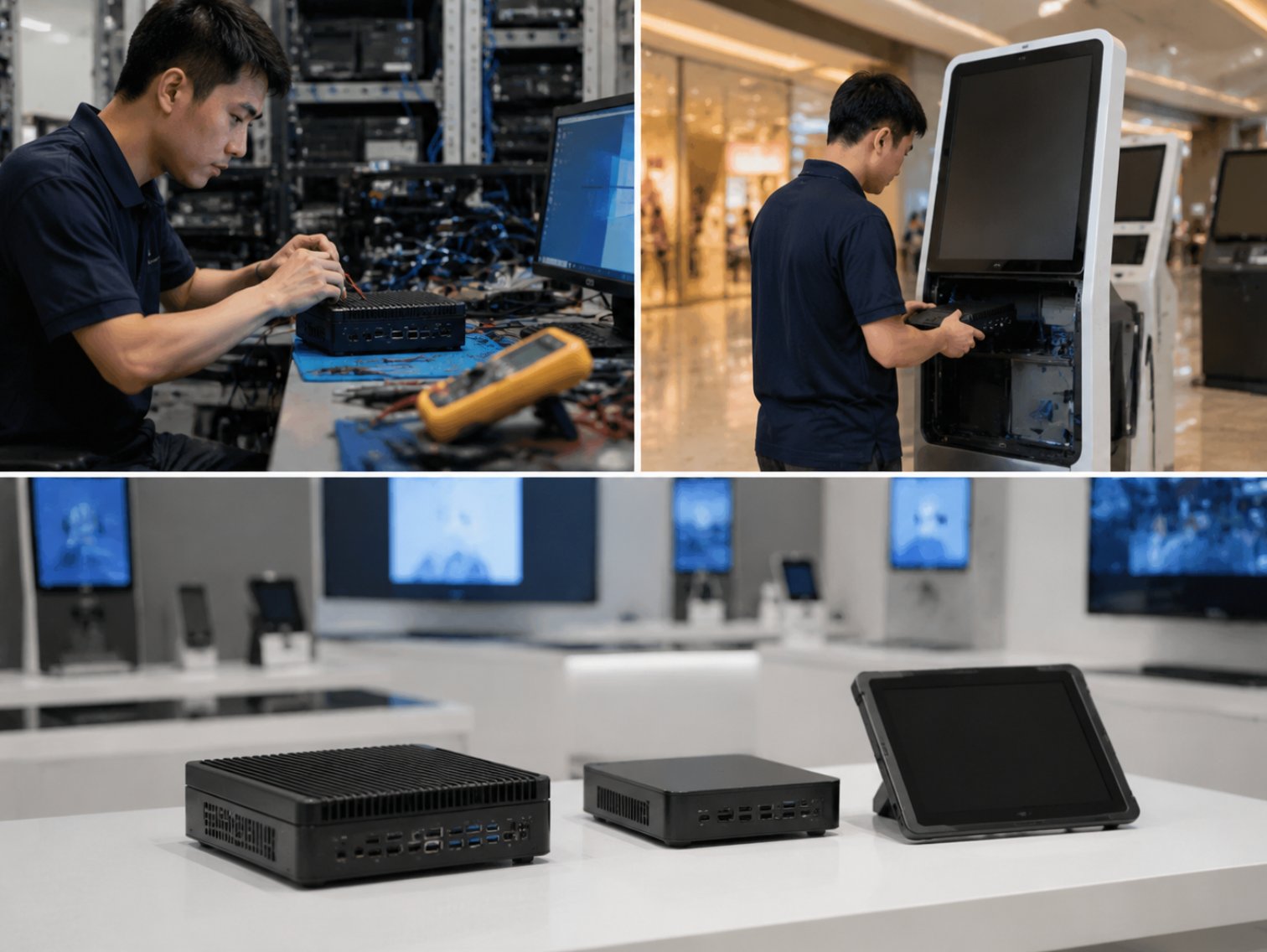
The HCAR5000 MI is not merely a smaller version of a desktop PC. It is a purpose-built computing engine that prioritizes stability over raw performance. In a kiosk scenario, you do not need a processor that benchmarks well; you need one that sustains its clock speed under load without thermal throttling. The HCAR5000 MI achieves this through a combination of a low-power Intel processor and a passive heat sink that dissipates heat through the chassis itself. When we look at the deployment specifics, the HCAR5000 MI shines in its flexibility. It can be mounted in virtually any orientation inside the kiosk, whether that is behind the display panel or in a separate compartment. The multiple USB ports and serial ports allow connection of card readers, barcode scanners, and receipt printers without needing additional hubs or converters. This reduces cable clutter and eliminates a common source of connection failures. Beyond the hardware, the HCAR5000 MI supports remote power on/off and wake-on-LAN, which means your IT team can schedule reboot cycles during off-peak hours. This proactive maintenance approach prevents the gradual performance degradation that comes from months of continuous operation. For a deeper look at how this unit integrates with existing infrastructure, you can review the full specifications on the product page.
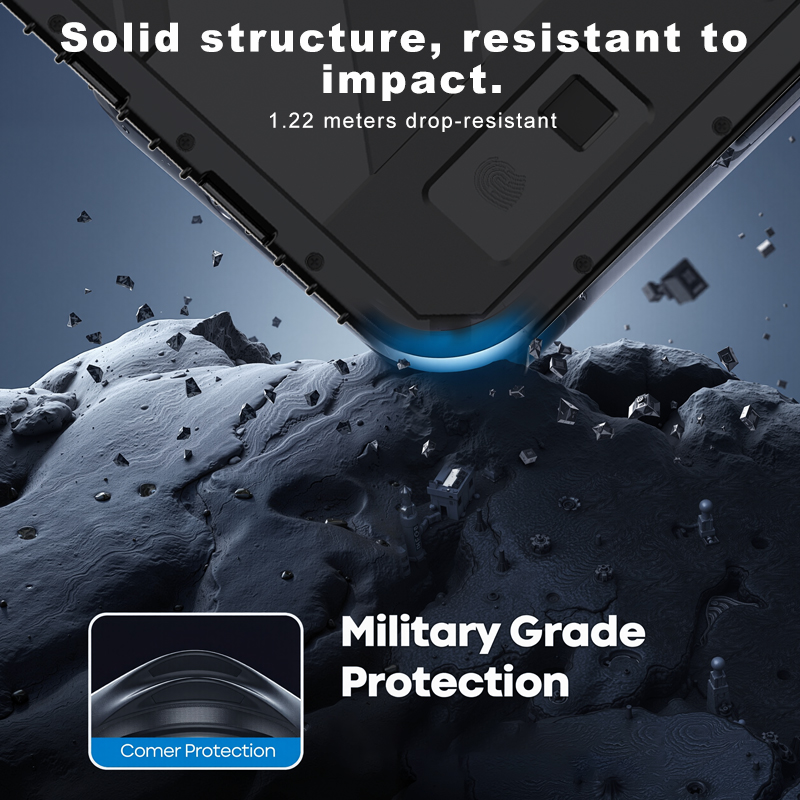
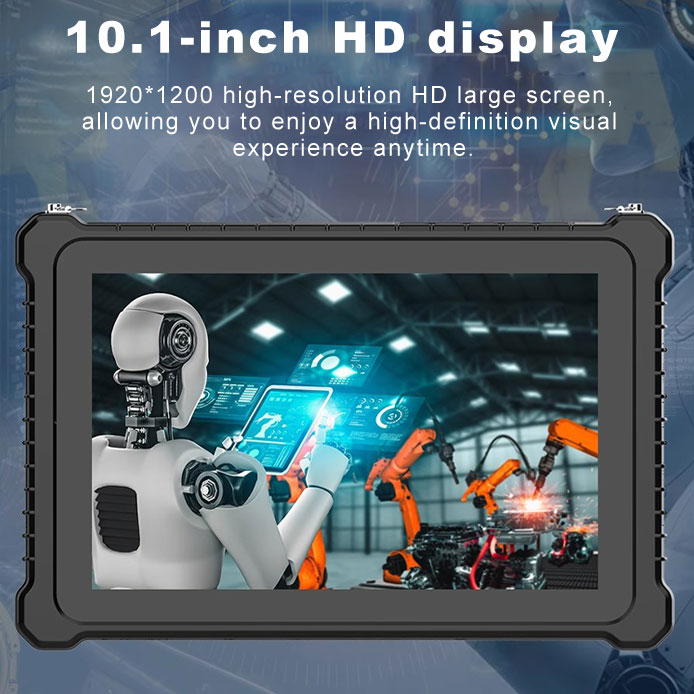
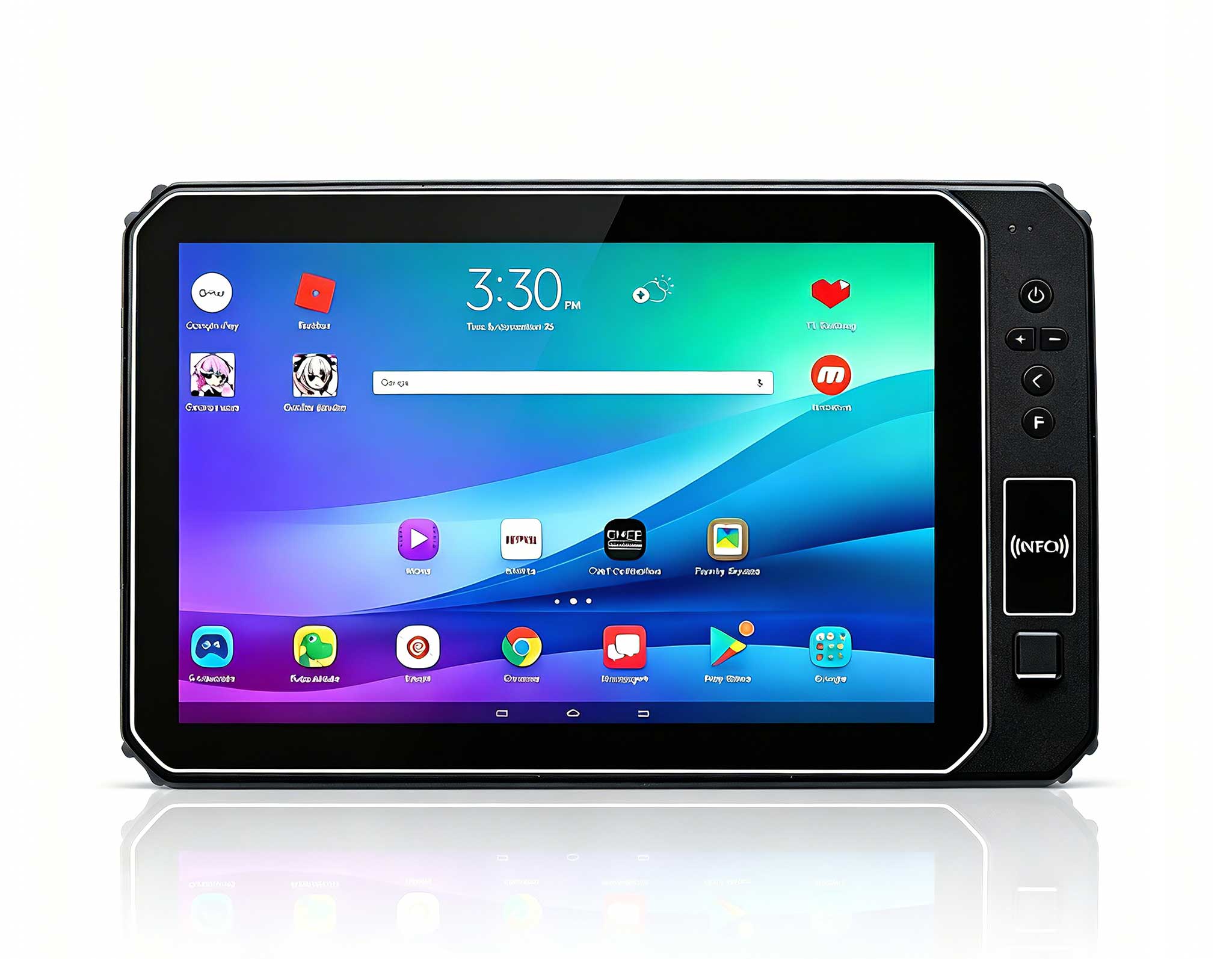
The user-facing component of your kiosk is just as critical as the backend computer. The HTQ10A Android Rugged Tablet serves as an ideal interactive frontend for wayfinding, product browsing, or self-service check-in. Its 10.1-inch display offers sufficient real estate for clear content presentation, while the capacitive touchscreen supports multi-touch gestures that users expect from modern interfaces. What sets the HTQ10A apart from a consumer tablet is its construction. The Gorilla Glass front panel resists scratches and impacts, while the IP65-rated enclosure protects against dust and water spray. This matters in public spaces where spills, cleaning chemicals, and accidental impacts are daily occurrences. The tablet also includes a sunlight-readable option, which is essential for kiosks placed near windows or in outdoor semi-covered areas. From a management perspective, the HTQ10A runs Android with full Google Mobile Services support, allowing you to use standard MDM solutions for remote configuration and app deployment. The battery is user-accessible, and the device supports pass-through charging, meaning it can operate indefinitely while connected to power. In the event of a power outage, the internal battery provides enough backup time for a graceful shutdown, preventing data corruption.
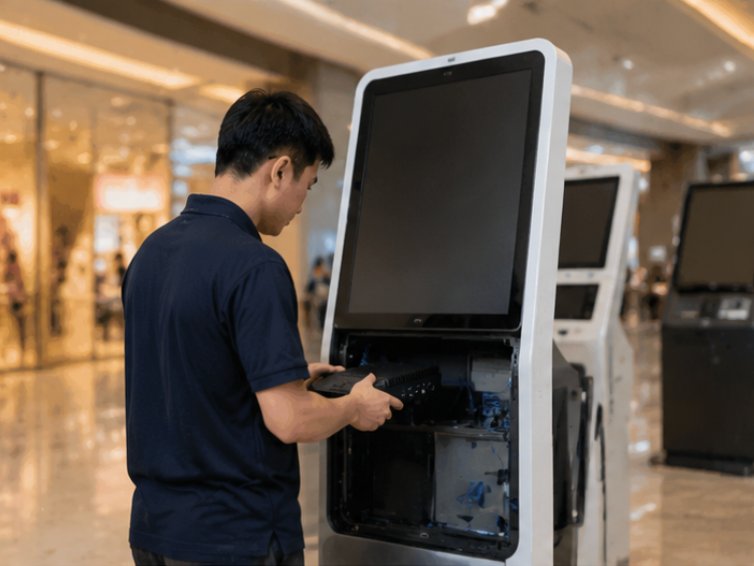
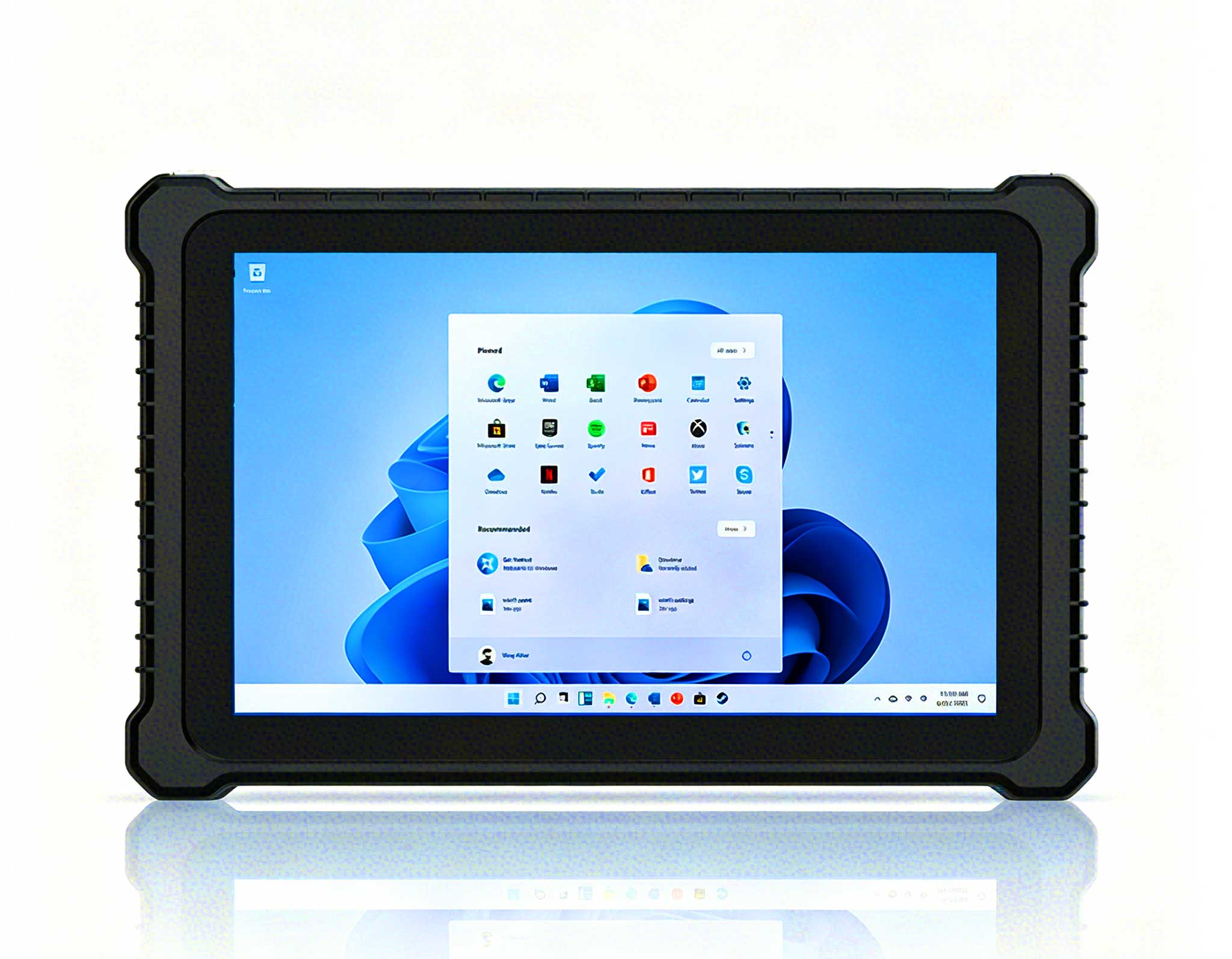
Not every kiosk has the same shape or size. Some are slim tower units, others are wall-mounted panels, and there are also tabletop versions. The 6.5 windows(SH6)Rugged Industrial Tablet provides the flexibility needed for these varying configurations. With its smaller 6.5-inch display, the SH6 can fit into compact spaces where a larger tablet would not work, such as on a countertop or as a secondary confirmation display next to a main screen. The SH6 runs Windows, which is a significant advantage for kiosk operators who have legacy applications written for the Windows ecosystem. You can run the same executable files and drivers that you use on your back-office systems, eliminating the need for separate development efforts. The device also supports dual-display output via its HDMI port, allowing you to connect an external monitor if the kiosk design requires a larger primary screen. In terms of connectivity, the SH6 includes Wi-Fi, Bluetooth, and optional 4G LTE modules. This ensures that your kiosk can maintain a network connection even in locations where wired Ethernet is not available. The wide operating temperature range of -10°C to 50°C means the SH6 can be deployed in environments that would cause consumer tablets to shut down, such as near kitchen equipment or in unheated entryways.
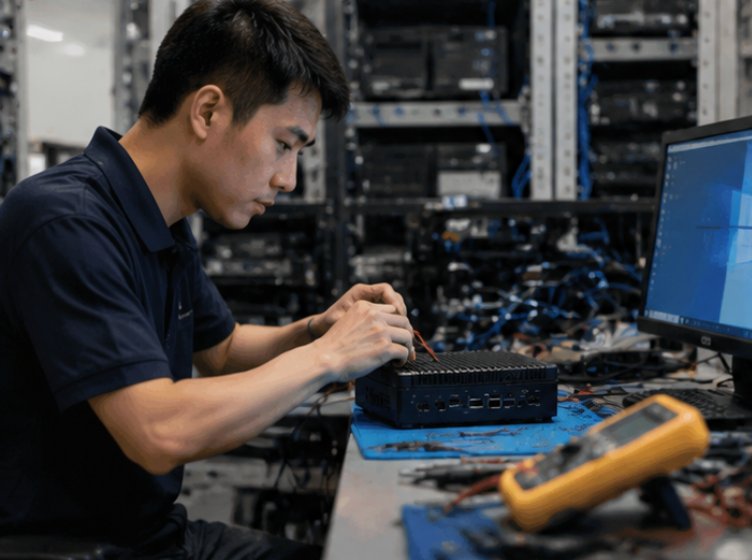
Deploying HCAR5000 MI, HTQ10A Android Rugged Tablet and SH6 in Digital Signage Kiosk delivers measurable improvements across multiple dimensions. Visitors enjoy clearer audio and a more immersive experience. Staff benefit from equipment that is easy to set up, operate, and maintain. Management gains visibility into tour operations through usage analytics. The combined result is a more professional, efficient, and enjoyable Digital Signage Kiosk operation. The reliability gains translate directly into cost savings. Fewer service calls mean lower maintenance expenses. Longer hardware lifespan means you are not replacing units every two years. And because these devices are designed for industrial use, they come with longer warranty periods and better technical support than consumer alternatives. When you calculate the total cost of ownership over a five-year period, the ruggedized approach is consistently more economical.
The Digital Signage Kiosk team at a major institution was spending 30 minutes per tour just checking and distributing equipment. After implementing HCAR5000 MI, HTQ10A Android Rugged Tablet and SH6, they cut preparation time to under 5 minutes and eliminated the battery-related disruptions that had been plaguing their operations. The team leader noted that the previous system required constant babysitting, with staff having to manually reboot frozen units several times per day. With the new ruggedized setup, the kiosks now run unattended for weeks at a time. The remote monitoring dashboard allows the team to see the health status of every unit at a glance, and they receive alerts before a potential failure occurs. The improvement in visitor satisfaction was immediate, as the interactive maps and information services were always available when needed. The institution has since expanded the deployment to additional locations, citing the predictable performance and low maintenance requirements as the deciding factors.
Common questions about deploying HCAR5000 MI, HTQ10A Android Rugged Tablet and SH6 in Digital Signage Kiosk include: Do we need technical staff to operate the system? Can multiple groups tour simultaneously? What happens if a device runs out of battery mid-tour? Modern systems are designed with these scenarios in mind — intuitive operation, multi-channel support, and generous battery life with quick-swap options address each concern. For the first question, no dedicated technical staff is required. The devices are designed for plug-and-play operation, and the management interface is web-based, so anyone with basic computer skills can handle day-to-day operations. For simultaneous group tours, the system supports multiple concurrent connections, and you can segment the content based on the group identifier. Regarding battery life, the HTQ10A and SH6 both offer quick-swap battery designs, allowing you to replace a depleted battery with a charged one in under a minute without shutting down the device.
| Model | Role in Kiosk | Key Advantage | Product URL |
|---|---|---|---|
| HCAR5000 MI | Backend computing unit | Fanless design, wide voltage input | View Details |
| HTQ10A Android Rugged Tablet | Interactive display and input | IP65 rated, sunlight readable | View Details |
| SH6 | Compact secondary display or control | Windows OS, dual display support | View Details |
The transition to ruggedized hardware is not just about preventing failures; it is about enabling new capabilities. With a stable computing foundation, you can add advanced features like facial recognition for personalized greetings, computer vision for people counting, and real-time analytics for content optimization. These features require consistent processing power and reliable connectivity, both of which are guaranteed by the HCAR5000 MI, HTQ10A, and SH6 combination. When planning your next kiosk deployment or upgrading an existing one, consider the total environment in which the hardware will operate. Temperature fluctuations, power quality, and physical abuse are all factors that consumer devices cannot withstand. By choosing industrial-grade components from Hotus, you are investing in a solution that will serve your organization reliably for years. To see the full range of options available, explore our mini PC solutions and related rugged tablets to find the perfect match for your specific application needs.