- Select Language
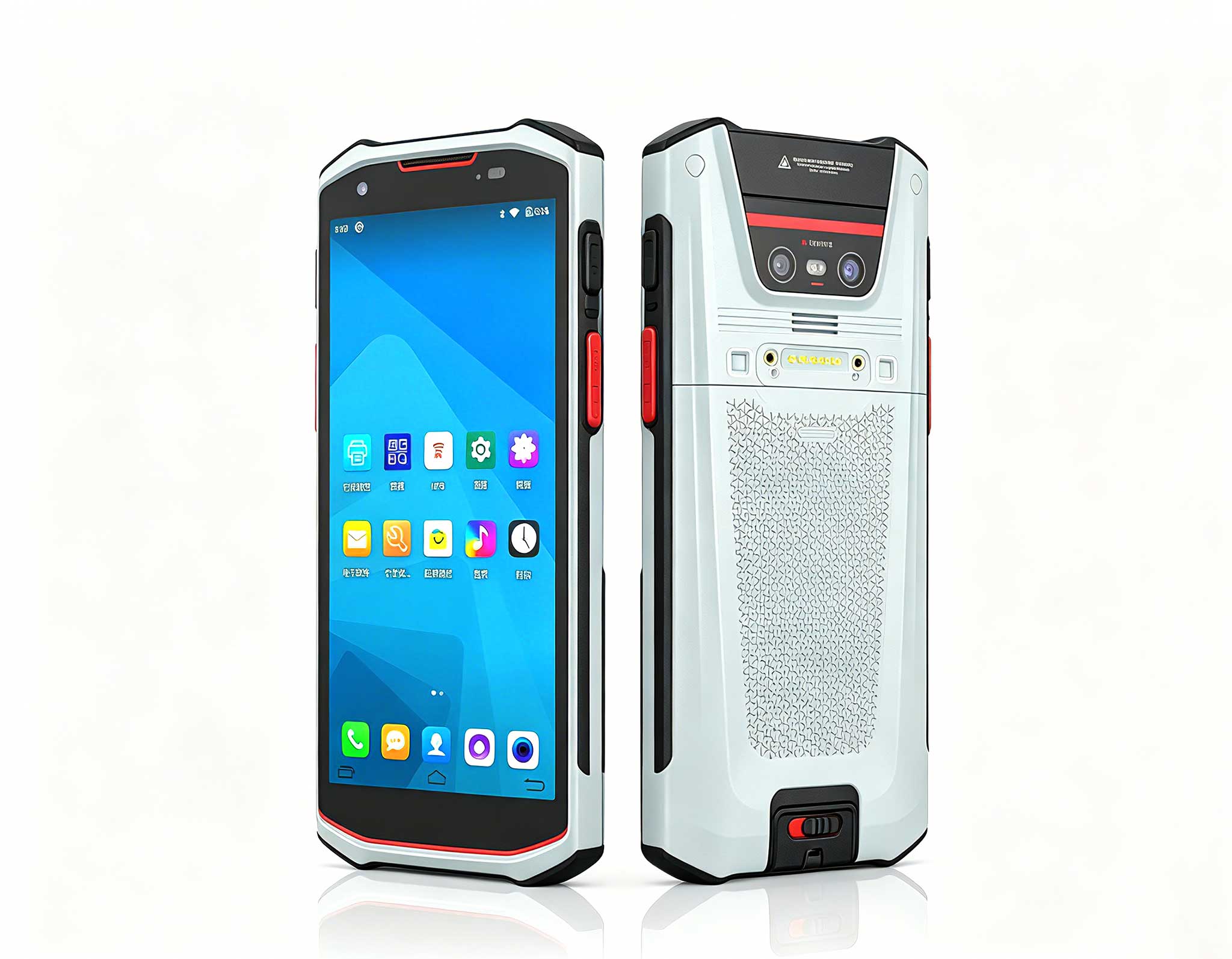
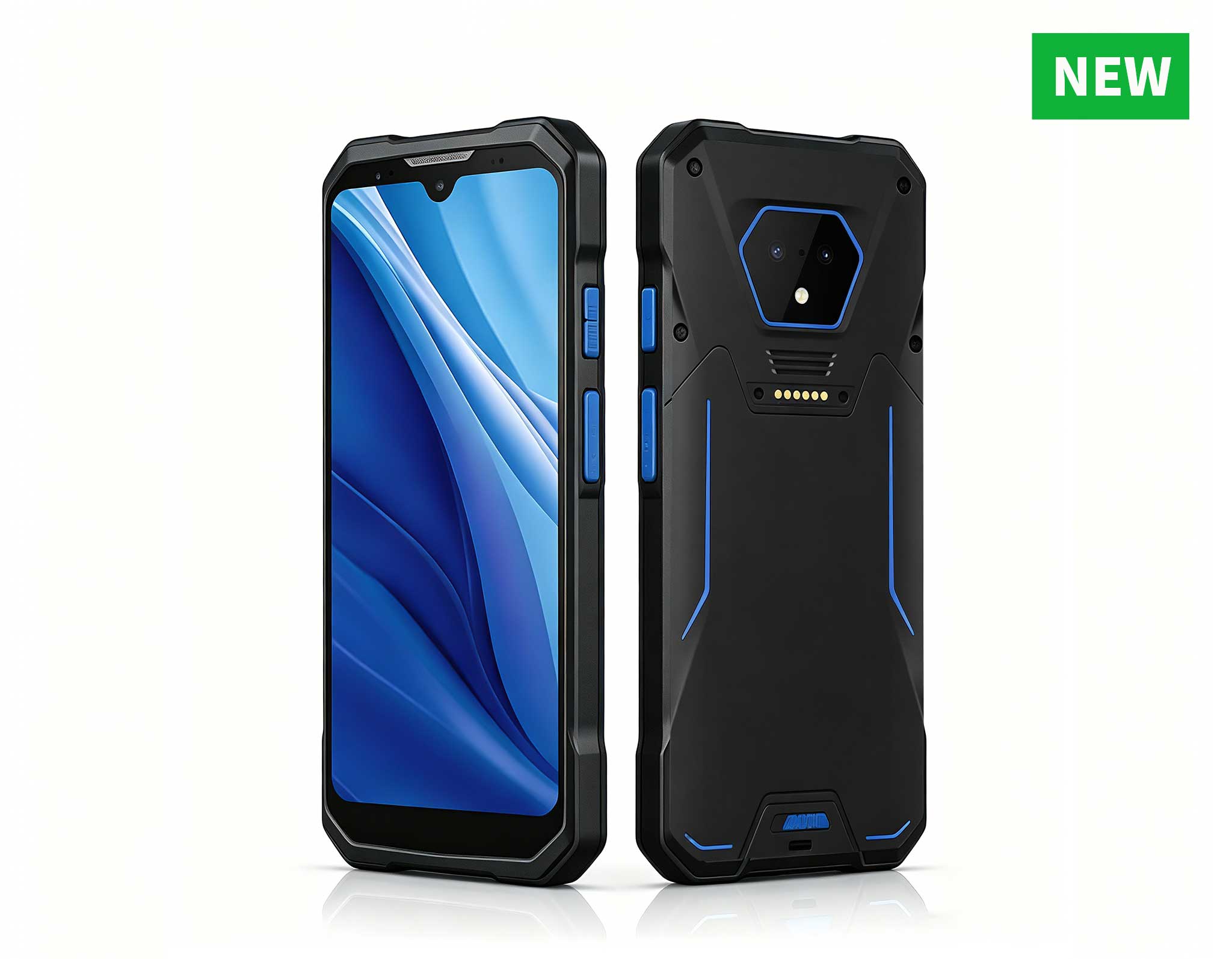
R366-S Thin 5.5-inch Industrial PDA | Qualcomm Oct...
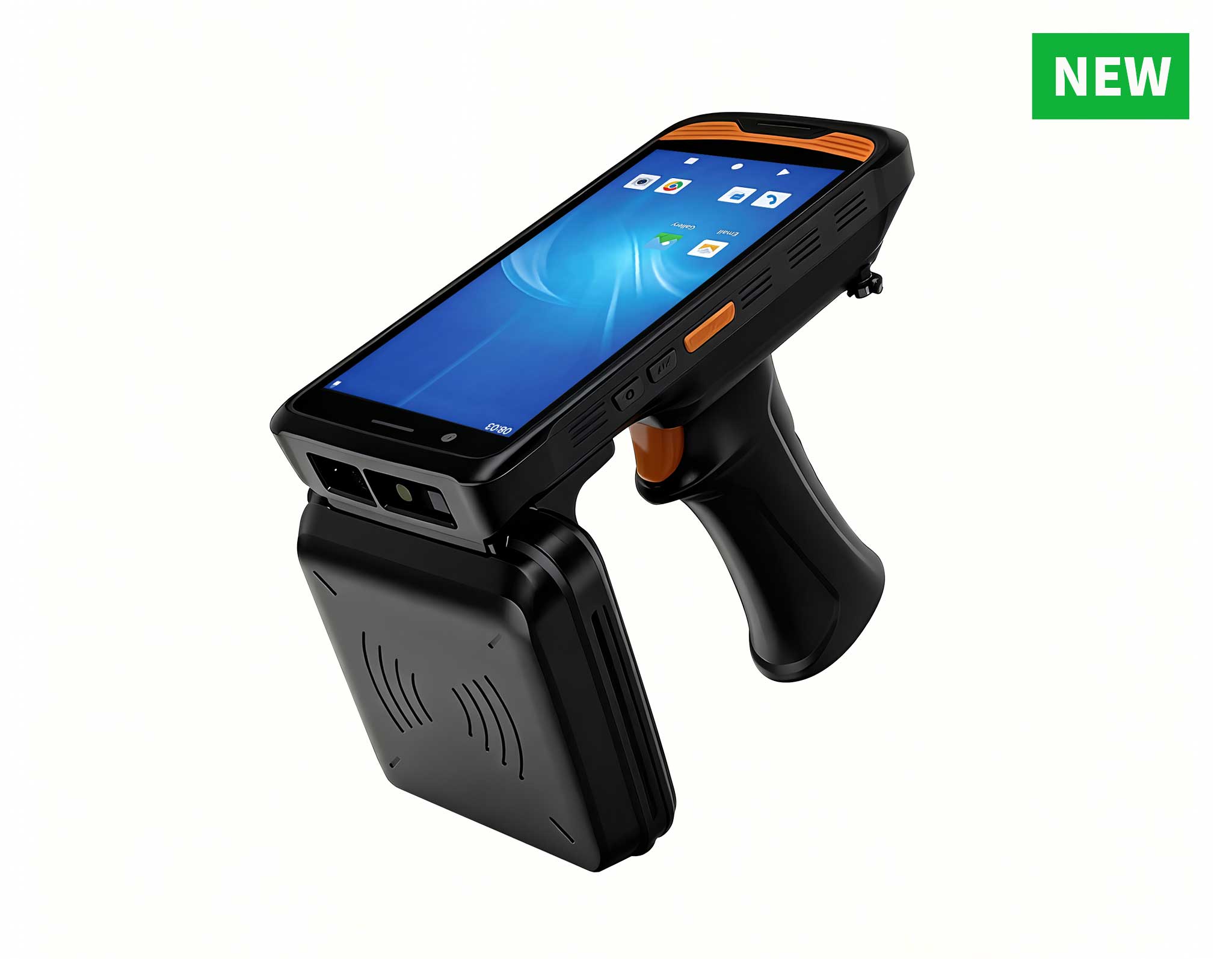
R366C-S 5.5-inch Industrial UHF RFID Reader | Qual...
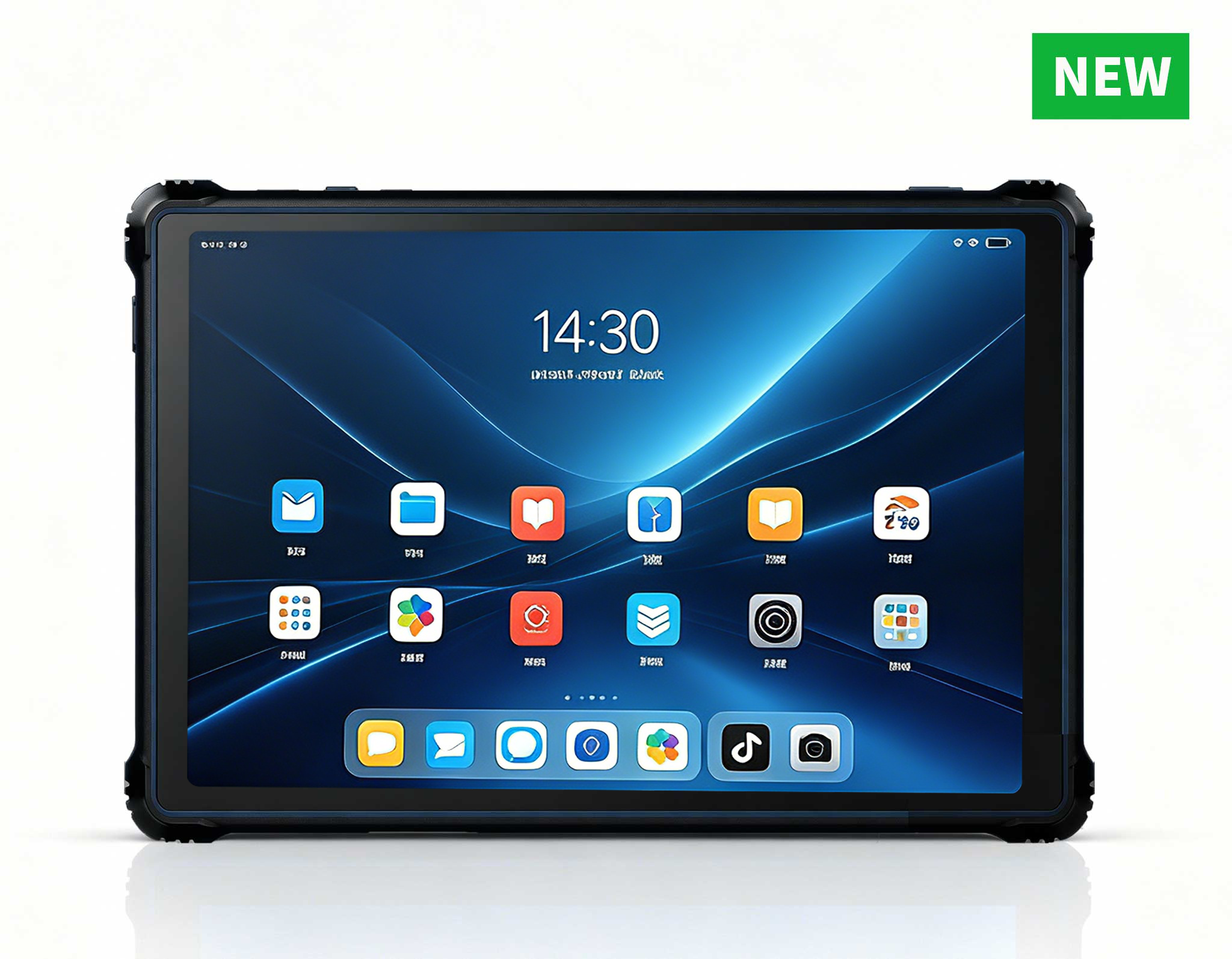
RT82 5G Rugged Tablet | 10.1" FHD 400nit | Qu...
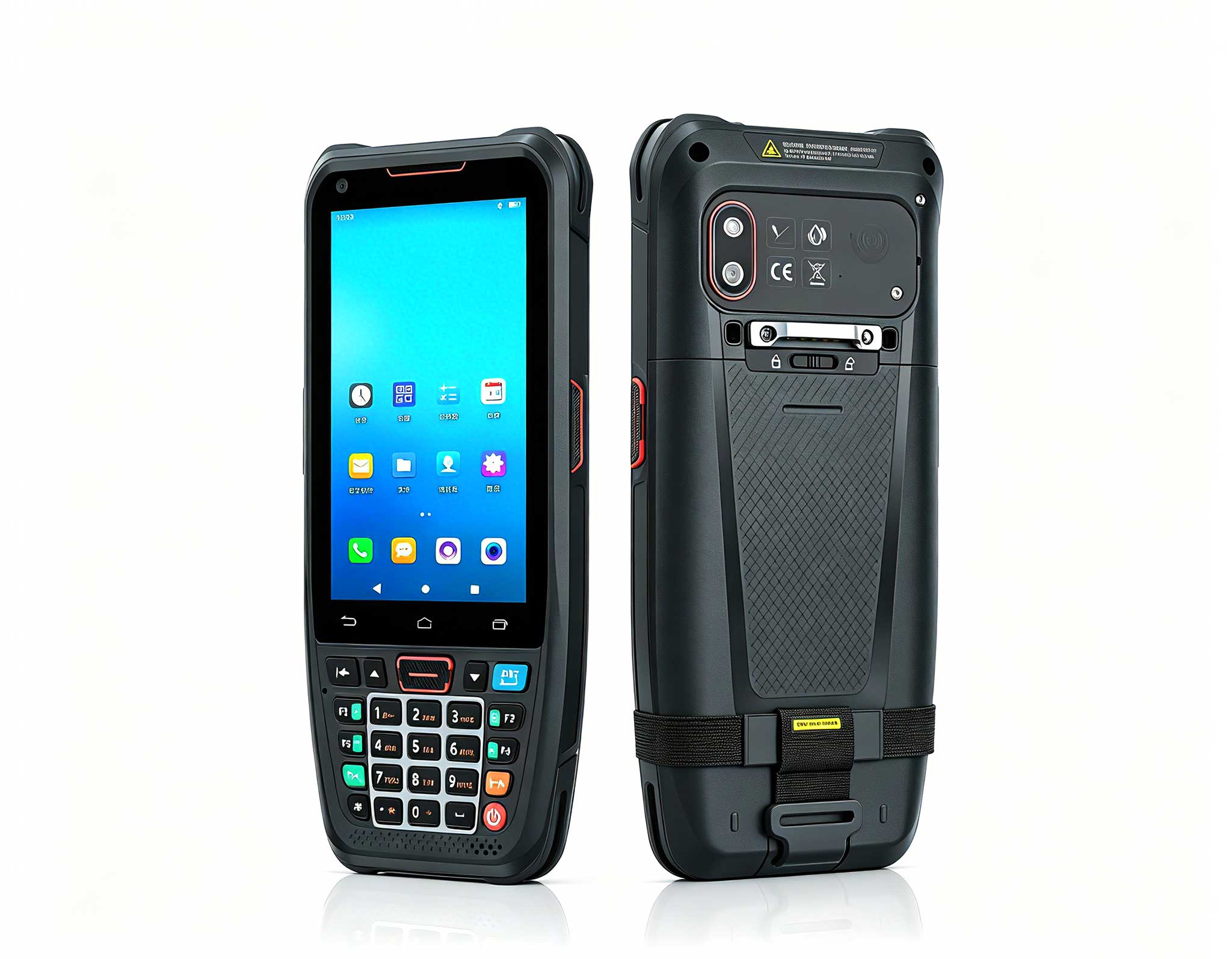
The N40 Android smart PDA features a Cortex-A53 qu...
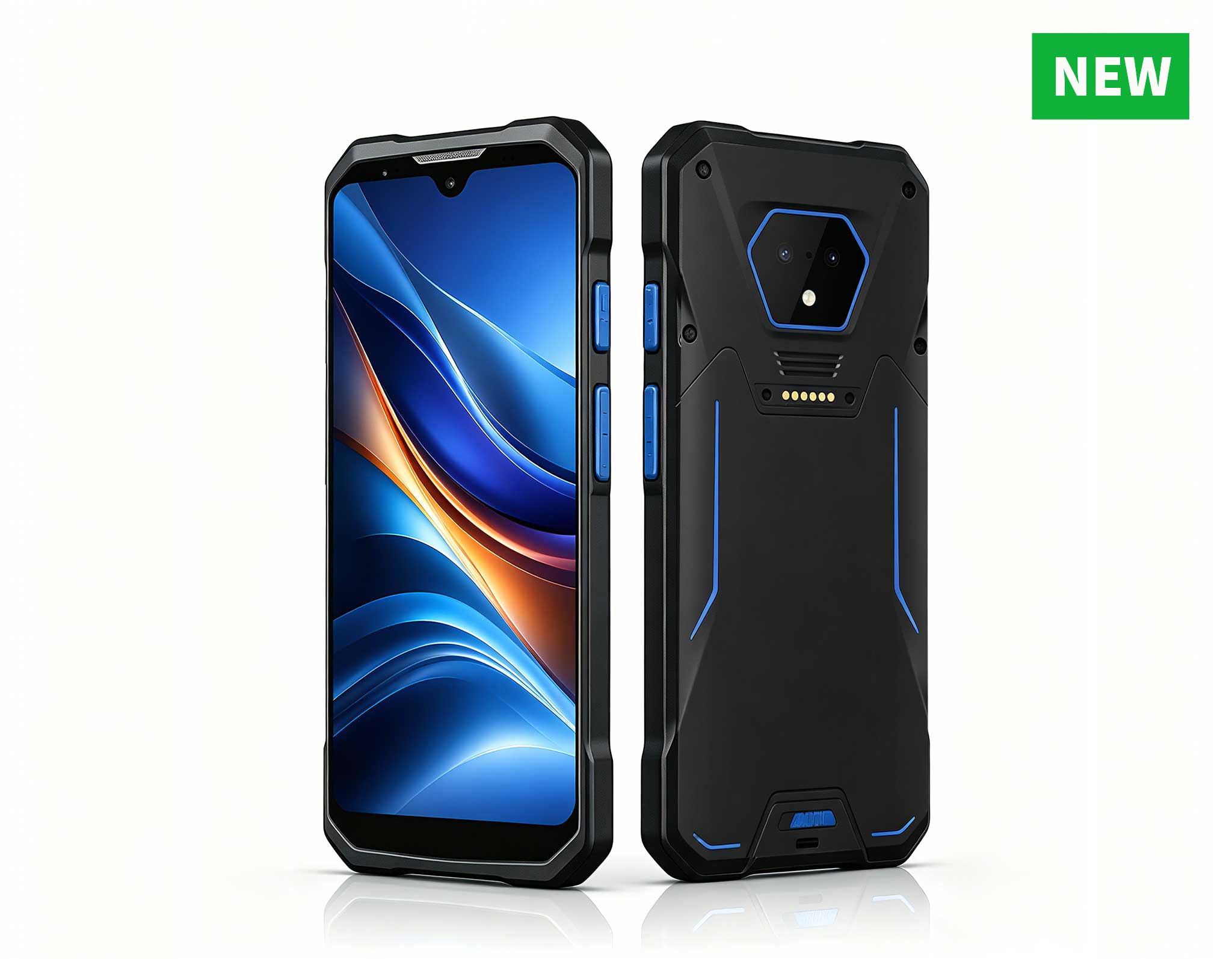
RS50 5G Rugged Handheld Terminal | 6.3" FHD+ ...
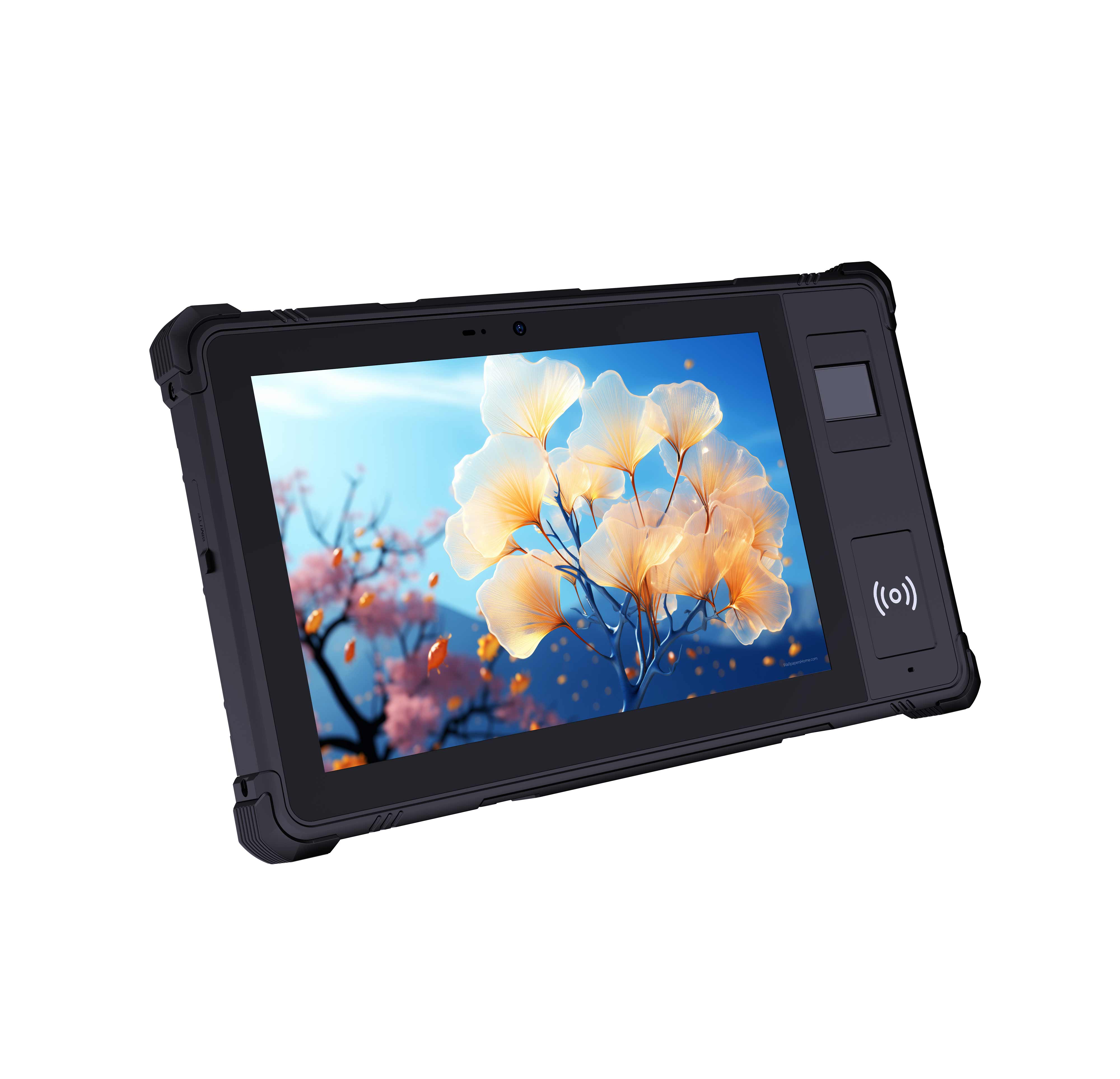
P8 Series 8-Inch Rugged Industrial Tablet PC Mobi...
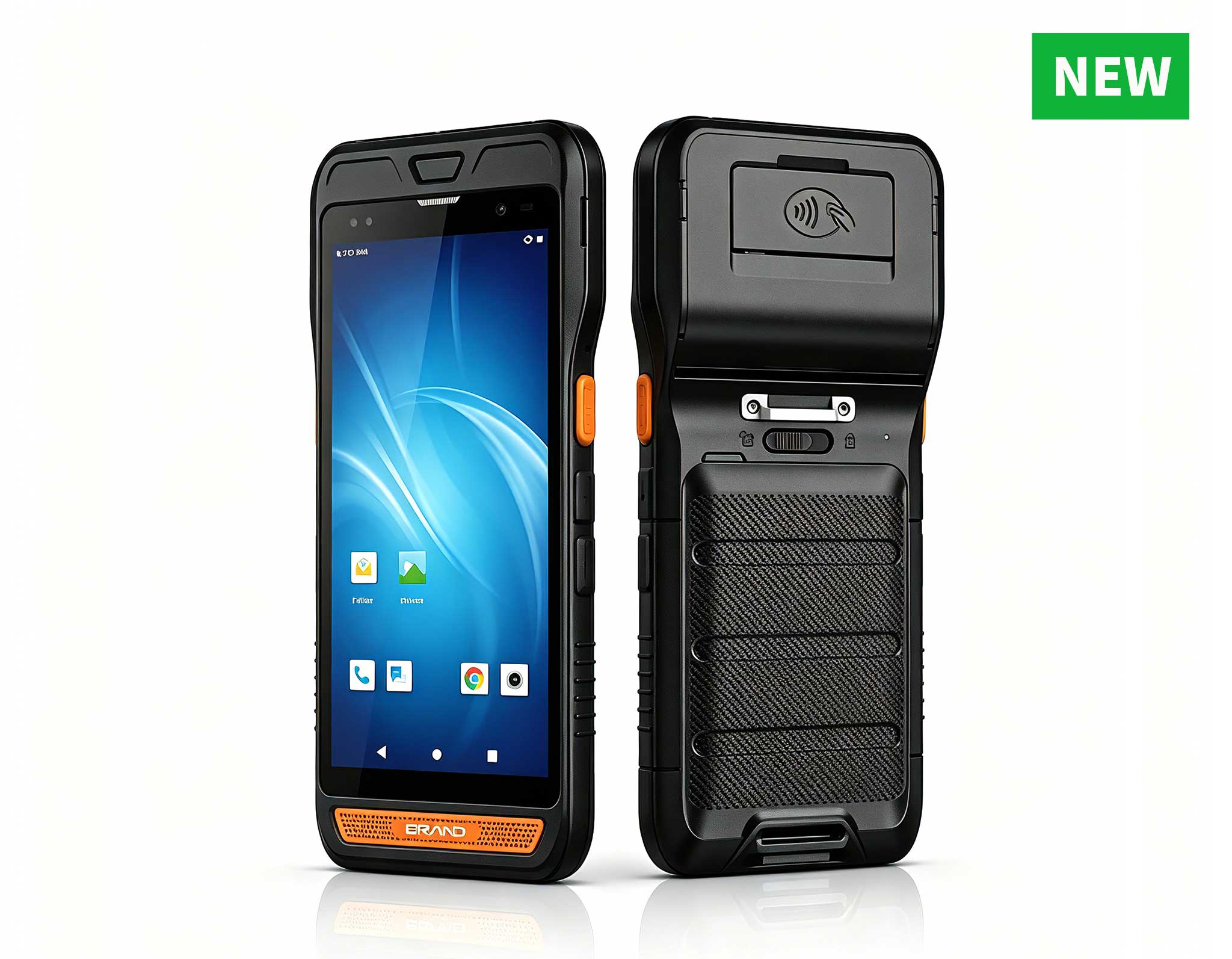
R860-S 5.5-inch Industrial PDA with Thermal Printe...
R366C-S 5.5-inch Industrial UHF RFID Reader | Qual...
RT82 5G Rugged Tablet | 10.1" FHD 400nit | Qu...
RS51 4G Rugged Handheld Terminal | 6.3" FHD+ ...
The U9000 handheld PDA combines advanced barcode s...
Full SpecificationsModel Hotus SH5‑WOperating ...
Operating an always-on digital kiosk presents a unique set of hurdles, with hardware reliability and environmental endurance topping the list. Many operators find themselves wrestling with overheating components or system lockups that frustrate users and demand constant attention. This guide examines a robust deployment strategy built around three industrial-grade devices—the HCAR5000 MI mini PC, the HTQ10A Android Rugged Tablet, and the SH5-W—that together offer a dependable architecture for self-service terminals and interactive information points.
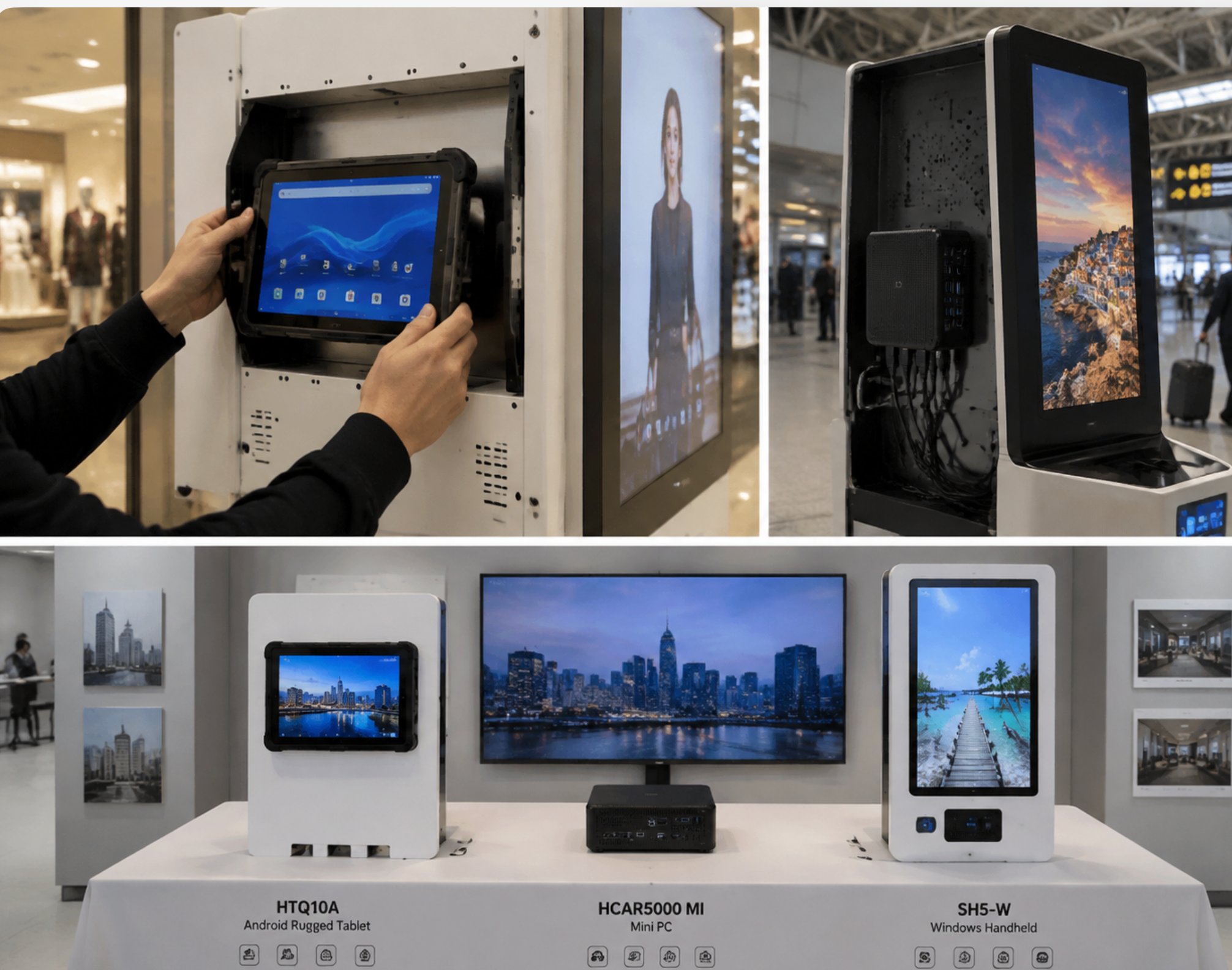
At the core of this configuration sits the HCAR5000 MI, a fanless mini PC engineered for continuous duty cycles. Paired with the HTQ10A, a 10.1-inch rugged touch panel, the duo delivers both processing muscle and a resilient user interface. The SH5-W rounds out the lineup as a compact Windows-based touch device suited for space-constrained installations. Each unit shares a common design philosophy: industrial-grade construction, wide thermal tolerances, and resistance to dust and vibration. This makes them a natural fit for public environments where consumer electronics typically struggle. The industrial solution for Digital Signage Kiosk leverages this hardware combination to maintain uninterrupted playback and responsive touch interaction.
Proper physical placement is the first step toward a successful installation. The HCAR5000 MI features standard VESA mounting holes, allowing it to be secured directly behind a display panel, safely hidden from curious hands. The HTQ10A, with its IP65-rated front bezel, can be embedded flush into a kiosk cabinet or surface-mounted as a standalone touch interface. Meanwhile, the SH5-W's compact chassis fits neatly into narrow compartments where larger panels won't go. All three units accept a wide range of DC input voltages, simplifying integration into kiosks destined for different global markets.
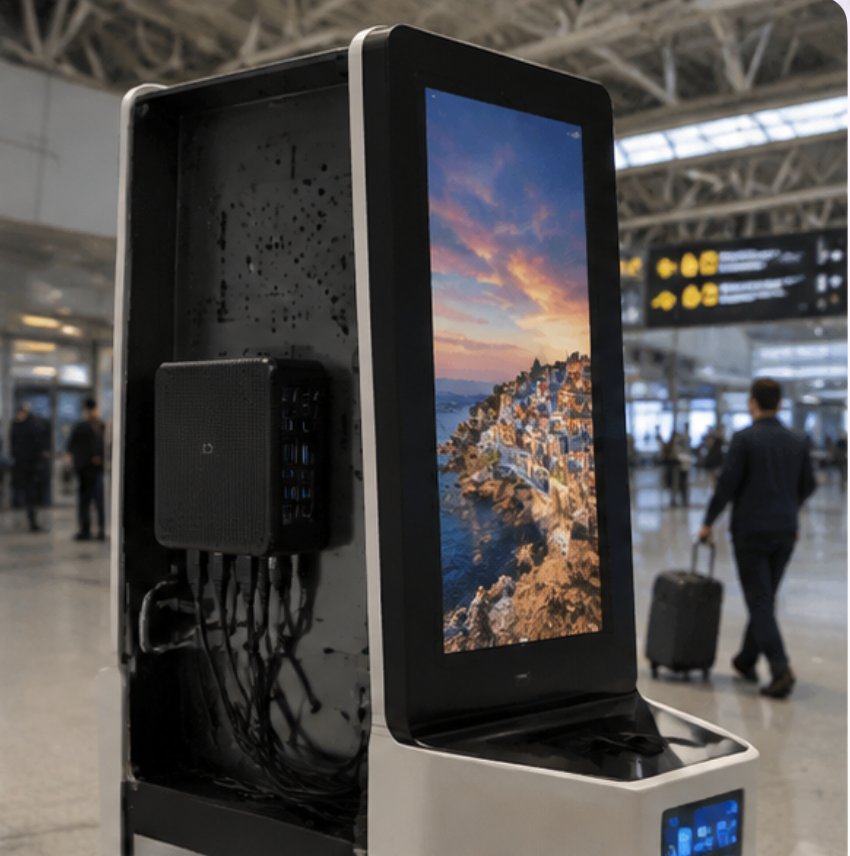
Start with the HCAR5000 MI since it acts as the central content engine. Unbox the unit and review the rear I/O: an HDMI output, several USB 3.0 ports, a Gigabit Ethernet jack, and a DC power input. For a standard kiosk arrangement, run an HDMI cable from the mini PC to either a commercial display or directly to the HTQ10A if it is being used in monitor mode. If your HDMI cable has locking screws, use them—constant footfall or nearby machinery can cause standard connectors to wiggle loose over time.
Network configuration comes next. While the HCAR5000 MI offers both wired and wireless connectivity, a hardwired Ethernet connection is the recommended choice for kiosks that demand high availability. A wired link provides consistent bandwidth for HD video streaming and facilitates dependable remote diagnostics. After connecting to the network, install your chosen operating system—Windows or Linux are both supported—and then load your content management software. Be sure to disable any power-saving features like sleep mode or screen blanking so the kiosk stays active throughout the business day.
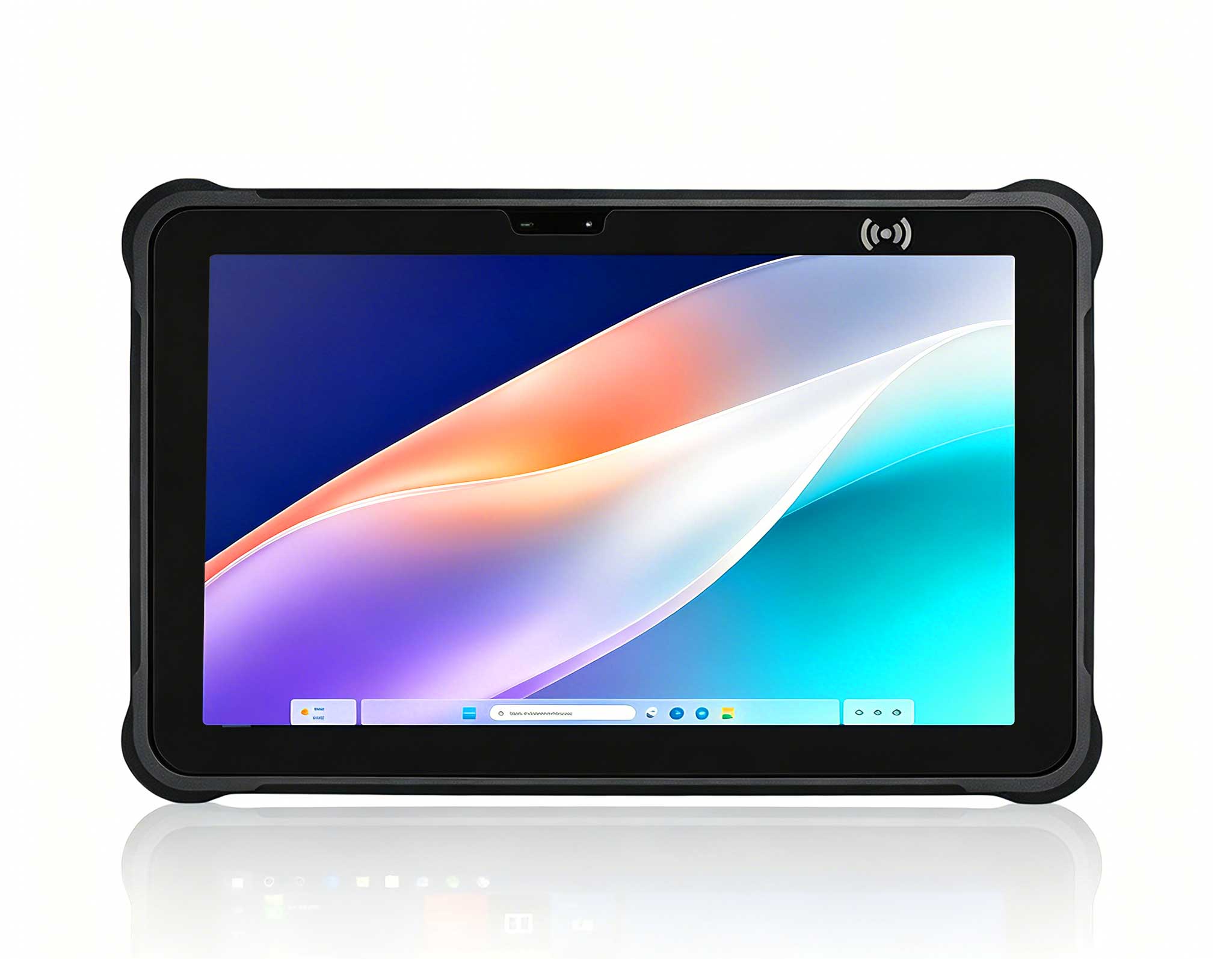
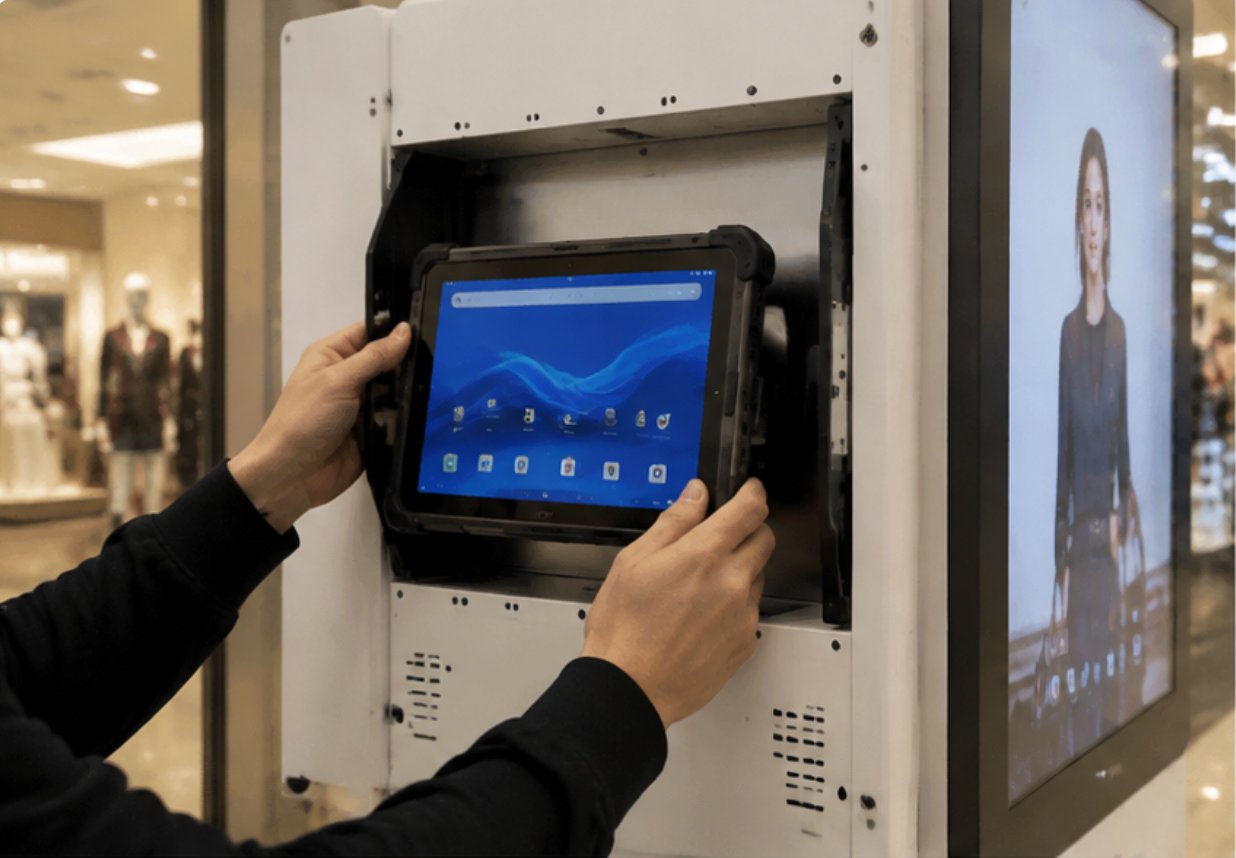
With the mini PC running, the HTQ10A adds the interactive layer. This 10.1-inch tablet features a capacitive touchscreen and runs Android, enabling both content display and direct user engagement. Mounting is handled via a versatile bracket that supports both landscape and portrait orientations. Its operational range of -20°C to 60°C opens the door for outdoor kiosk deployments, and an optional sunlight-readable panel keeps the screen legible under harsh lighting.
Linking the HTQ10A to the HCAR5000 MI can be done over USB or through the network. In a display-only scenario, the tablet runs a companion app that pulls content from the mini PC. Conversely, the tablet can operate independently, running Android-native signage apps while the HCAR5000 handles heavy-duty processing or acts as a fallback. An optional PoE module simplifies cabling by delivering both power and data over a single Ethernet cable. For operators favoring a unified Android environment, the HTQ10A Android Rugged Tablet also supports centralized device management, letting IT push updates and monitor system health from a single console.
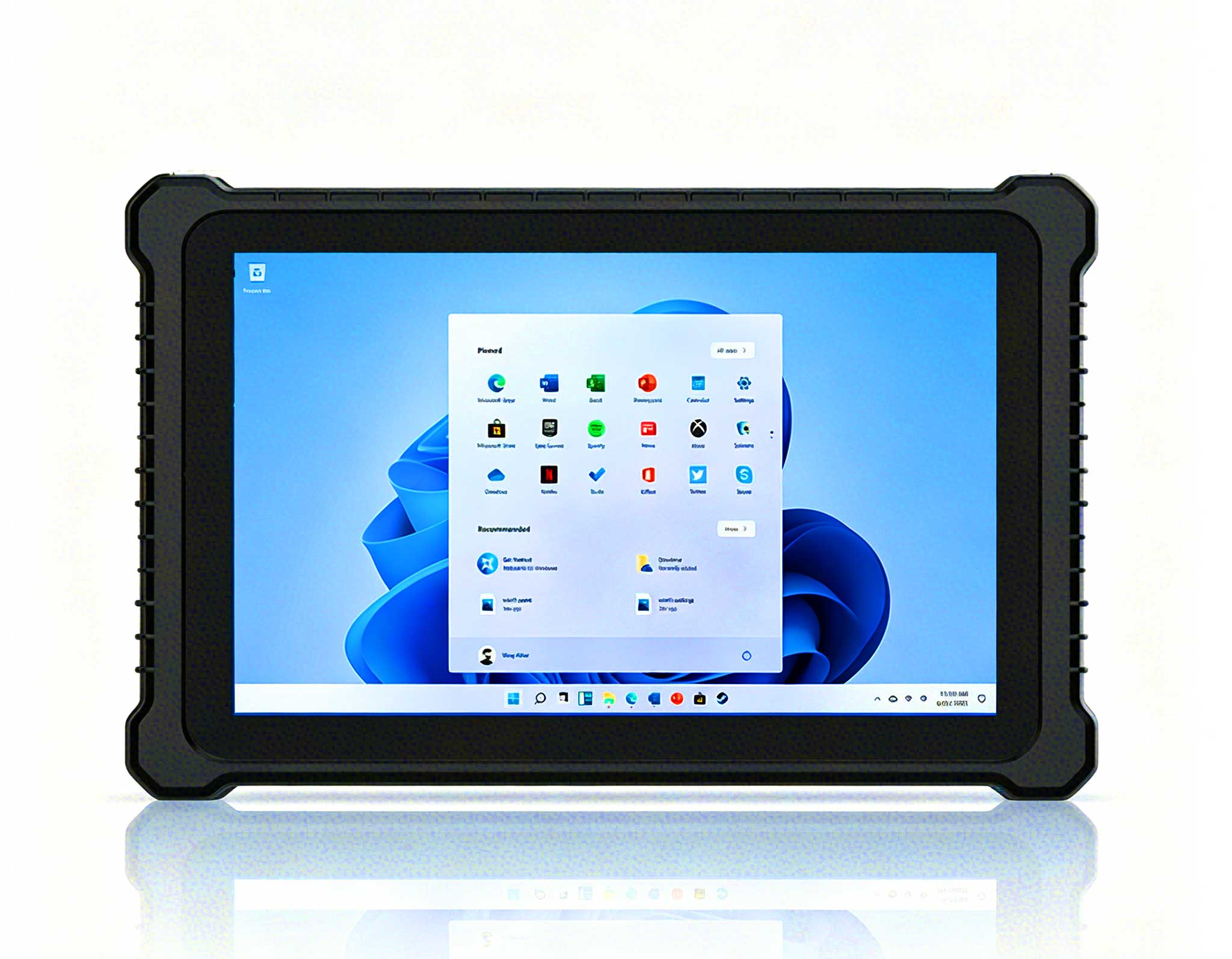
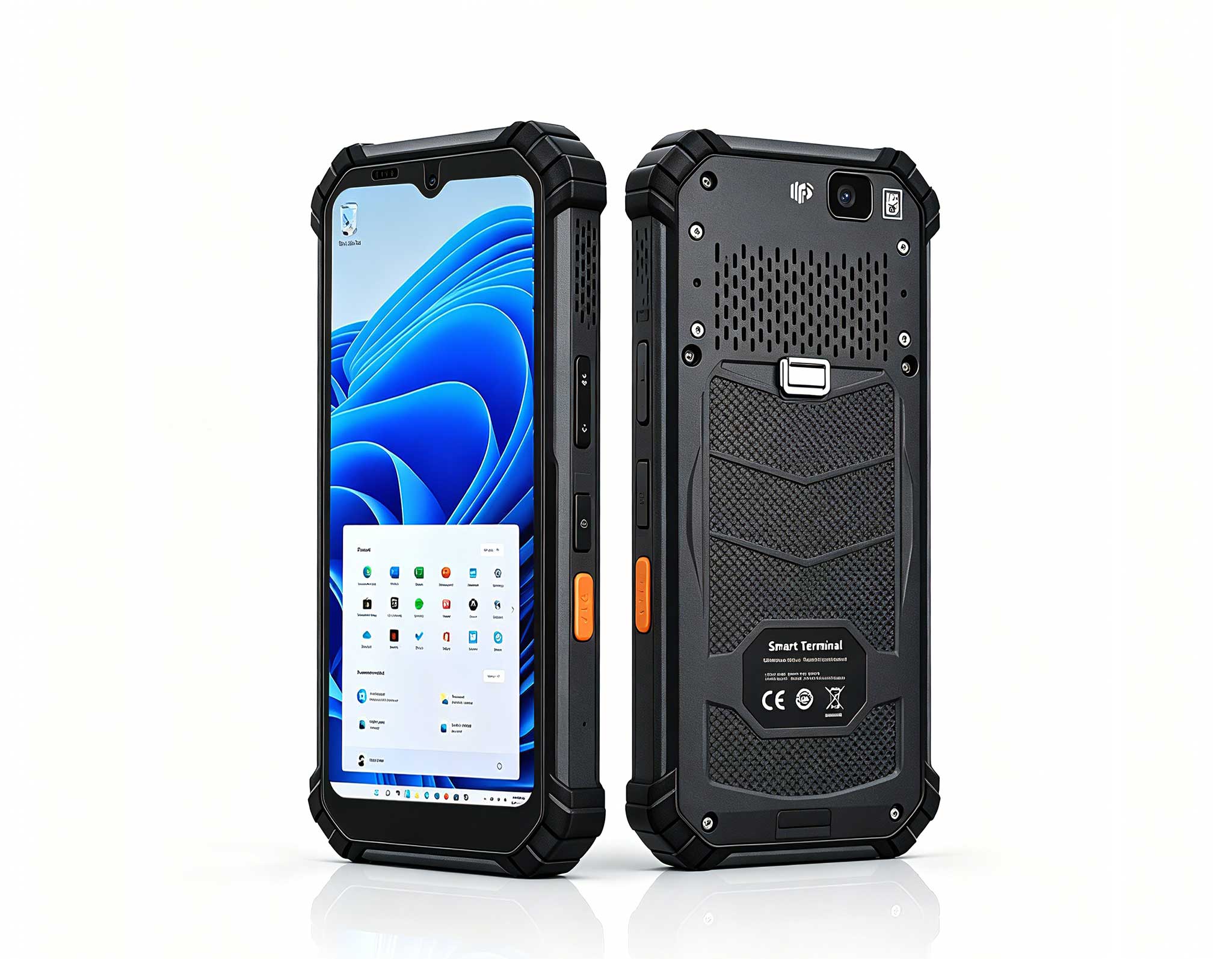
When floor space is scarce, the SH5-W provides a 5.5-inch Windows-powered touch panel that works as a secondary display, a control surface, or a fully self-contained micro-kiosk. Despite its diminutive size, it shares the same rugged DNA as its larger siblings. Running Windows 10 IoT Enterprise, the SH5-W can execute the same signage applications as the HCAR5000 MI, ensuring a uniform experience across different screen sizes. This 5.5 windows (SH5-W)Rugged Industrial Tablet fits well for queue management boards, interactive wayfinding aids, or as a call-button station for service requests.
Setting up the SH5-W is quick: attach the VESA-compatible backplate, connect power, and configure the network. Since it runs Windows, you can integrate it into an existing domain for streamlined policy enforcement. The device also comes with dual-band Wi-Fi and Bluetooth, offering wireless flexibility where running cable is impractical. For those aiming to standardize across all kiosk touchpoints, the rugged mini PC solutions in the same product family provide a consistent hardware and software baseline.
Thermal control is a make-or-break factor for any always-on system. The HCAR5000 MI uses a fanless chassis with advanced heat-dissipation technology, enabling operation in ambient temperatures up to 70°C without performance drops. The HTQ10A and SH5-W also rely on passive cooling, removing the risk of fan-related failures. When designing the kiosk interior, allow for natural airflow and avoid sealing the units in airtight compartments. The HCAR5000 MI accepts a 9-36V DC input range, making it compatible with industrial power supplies that offer surge suppression and battery backup.
For added resilience, pair the kiosk with an uninterruptible power supply (UPS). The HTQ10A can be set to perform a graceful shutdown upon power loss, protecting data integrity. In PoE-powered setups, a PoE-enabled UPS on the network switch can keep the tablet running during brief outages. This multi-tiered power strategy ensures that short interruptions won't disrupt kiosk operations or harm the hardware.
Once the hardware is in place, focus shifts to software configuration. On the HCAR5000 MI, configure the system to boot directly into the signage application via Windows Startup or a scheduled task. For Android devices like the HTQ10A, enable kiosk mode to restrict the interface to a single app, blocking access to underlying system functions. Both the HCAR5000 and the HTQ10A support remote monitoring, giving you real-time visibility into CPU temperature, disk usage, and network status. Configure alerts for anomalies like overheating or lost connectivity to facilitate proactive troubleshooting.
Schedule content updates during off-peak hours to minimize bandwidth contention. The HCAR5000 MI can cache content locally, so playback continues seamlessly even if the network drops. For the SH5-W, opt for a lightweight signage player to preserve system resources. Regular firmware updates are essential for security and stability. The explore our mini PC solutions page offers detailed guides and firmware files for the HCAR5000 MI series.
Integrating the HCAR5000 MI, HTQ10A, and SH5-W into a kiosk setup yields tangible benefits across the board. Users experience clearer audio and smoother visuals, while staff appreciate the straightforward installation and low-maintenance design. Managers gain valuable insights through usage analytics, creating a more polished and effective kiosk operation.
From an engineering standpoint, the fanless architecture of all three devices prevents dust ingress and eliminates mechanical wear, boosting the mean time between failures (MTBF) to over 50,000 hours. Their wide operating temperature ranges permit installation in unheated outdoor enclosures, and the IP65-rated front panels on the tablets guard against water and dust. These attributes translate into a lower total cost of ownership, as the frequency of on-site repairs and component swaps drops dramatically.
A cultural institution's kiosk team previously spent about 30 minutes per tour preparing and distributing devices. After adopting the HCAR5000 MI, HTQ10A, and SH5-W, preparation time fell to under 5 minutes, and battery-related interruptions became a thing of the past. The team noted a 40% drop in helpdesk tickets tied to display failures, a direct result of the rugged components holding up under constant use.
In another instance, a transit authority deployed the HTQ10A as a pole-mounted wayfinding terminal. The tablet's anti-glare screen and touch sensitivity that works with gloves allowed commuters to navigate maps in bright sunlight and cold weather. The HCAR5000 MI, secured in a weatherproof housing, processed route queries and delivered real-time updates to the display. Passenger feedback highlighted the interface's clarity and the system's quick response, underscoring the value of a well-coordinated hardware setup.
Kiosk operators often face recurring issues: hardware that fails under demanding conditions, frequent battery swaps disrupting service, and connectivity gaps that leave users without access. The HCAR5000 MI tackles the first with its industrial-grade parts and extended temperature range. The HTQ10A addresses battery concerns with an optional hot-swappable battery module, enabling continuous operation. For signal reliability, the SH5-W's robust Wi-Fi antenna and external antenna support ensure strong connectivity across large facilities.
Integrating older systems with new hardware is another frequent obstacle. The HCAR5000 MI includes multiple serial ports and GPIO pins, allowing it to interface with existing sensors, scanners, or payment terminals. This reduces the need for custom adapters and eases the upgrade path for legacy kiosks. The HTQ10A also supports USB OTG, enabling it to control peripherals directly, which expands its usefulness in complex setups.
Finally, think about the long-term viability of your kiosk hardware. The HCAR5000 MI, HTQ10A, and SH5-W are all built for a minimum five-year production lifespan, with spare parts guaranteed for a decade. This ensures that your investment remains sound, and any replacement units will match the originals exactly, eliminating the need to redesign your enclosure or software. For complete specifications and purchasing details, visit the product pages for the HCAR5000 MI, the HTQ10A Android Rugged Tablet, and the SH5-W.
| Model | Position | Weight | URL |
|---|---|---|---|
| HCAR5000 MI | Main processing unit for content playback and control | 1.2 kg | https://www.hotusprojector.com/products/mini-pc/466.html |
| HTQ10A Android Rugged Tablet | Interactive display and input interface | 0.8 kg | https://www.hotusprojector.com/products/rugget-tablet/823.html |
| SH5-W | Compact secondary display or standalone mini kiosk | 0.4 kg | https://www.hotusprojector.com/products/rugget-tablet/880.html |