WTR PRO AMD Home Server NAS Deployment Walkthrough
Have you ever been in a Home Server NAS setting where common pain points reduce efficiency and user satisfaction? If so, you already know why this matters. Whether you are managing a growing media library, running automated backups for multiple family members, or hosting a private cloud for remote collaboration, the demands on your storage infrastructure rarely stay static. Crashed drives, sluggish transfers, and the constant anxiety of data loss can turn what should be a convenience into a daily frustration. In this article, we explore how the WTR PRO AMD addresses these challenges, offering a practical, step-by-step walkthrough for integrating this powerful Mini PC into your home server environment. From initial hardware setup to long-term maintenance, this guide focuses on real-world implementation, not just theoretical specs.
What makes the WTR PRO AMD particularly interesting for a Home Server NAS project is its balance of computational power and energy efficiency. Unlike traditional rack-mounted servers that consume significant power and generate substantial heat, this compact unit is designed for continuous operation in a living space. The AMD processor inside handles demanding tasks like 4K video transcoding, Docker container orchestration, and multiple virtual machines without breaking a sweat. For users who have previously struggled with underpowered ARM-based NAS devices, this represents a significant upgrade. The transition from a basic file storage box to a full-fledged home server is seamless, and the industrial solution for Home Server NAS ensures that your investment remains relevant for years to come.
Understanding WTR PRO AMD Core Architecture for Home Server NAS
Before diving into the installation process, it is essential to understand what makes the WTR PRO AMD uniquely suited for a Home Server NAS workload. The device is built around an AMD processor that supports ECC memory, a feature typically reserved for enterprise-grade hardware. This is critical for data integrity, as it can detect and correct memory errors that might otherwise corrupt files during long read/write operations. Additionally, the unit offers multiple M.2 NVMe slots and SATA ports, allowing for a flexible storage configuration that can be tailored to your specific capacity and performance requirements. Whether you prefer a fast cache tier or a large spinning-disk array, the hardware accommodates both without requiring additional expansion cards.
Another notable aspect is the passive cooling design. Many home server enthusiasts are concerned about fan noise, especially if the unit is placed in a bedroom or living room. The WTR PRO AMD uses a combination of heat pipes and a large heatsink to dissipate heat without moving parts, resulting in whisper-quiet operation. This design choice also reduces the number of mechanical components that could fail over time, improving overall reliability. For those who are exploring rugged mini PC solutions, this model offers a compelling mix of durability and performance, making it a favorite among homelab enthusiasts and small business owners alike.
Step-by-Step Implementation Guide for WTR PRO AMD
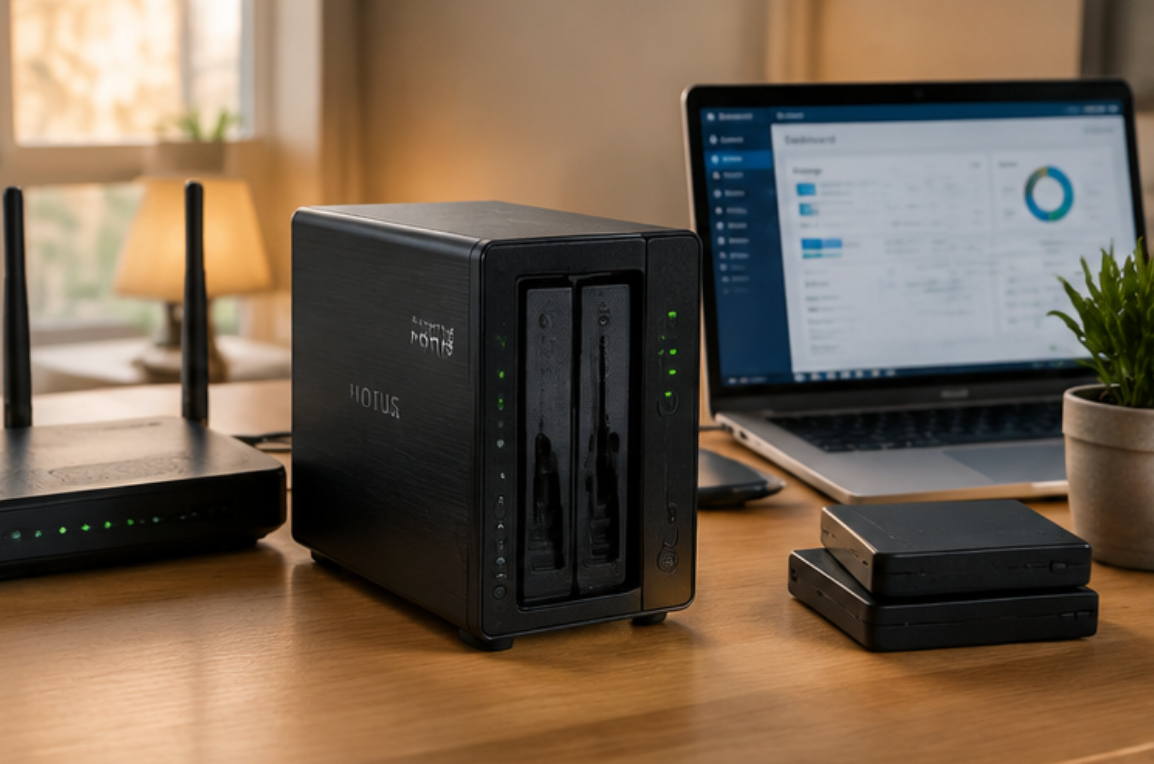
Deploying the WTR PRO AMD in a Home Server NAS setting follows a straightforward process, but attention to detail is crucial. Start by assessing your coverage area and identifying potential interference sources. In a home environment, this could include nearby Wi-Fi routers, microwave ovens, or even thick concrete walls that might affect wireless connectivity. While the WTR PRO AMD offers dual 2.5GbE LAN ports, which provide a stable wired backbone, you may still want to integrate Wi-Fi for mobile devices. In that case, plan the physical placement of the unit to minimize signal obstruction.
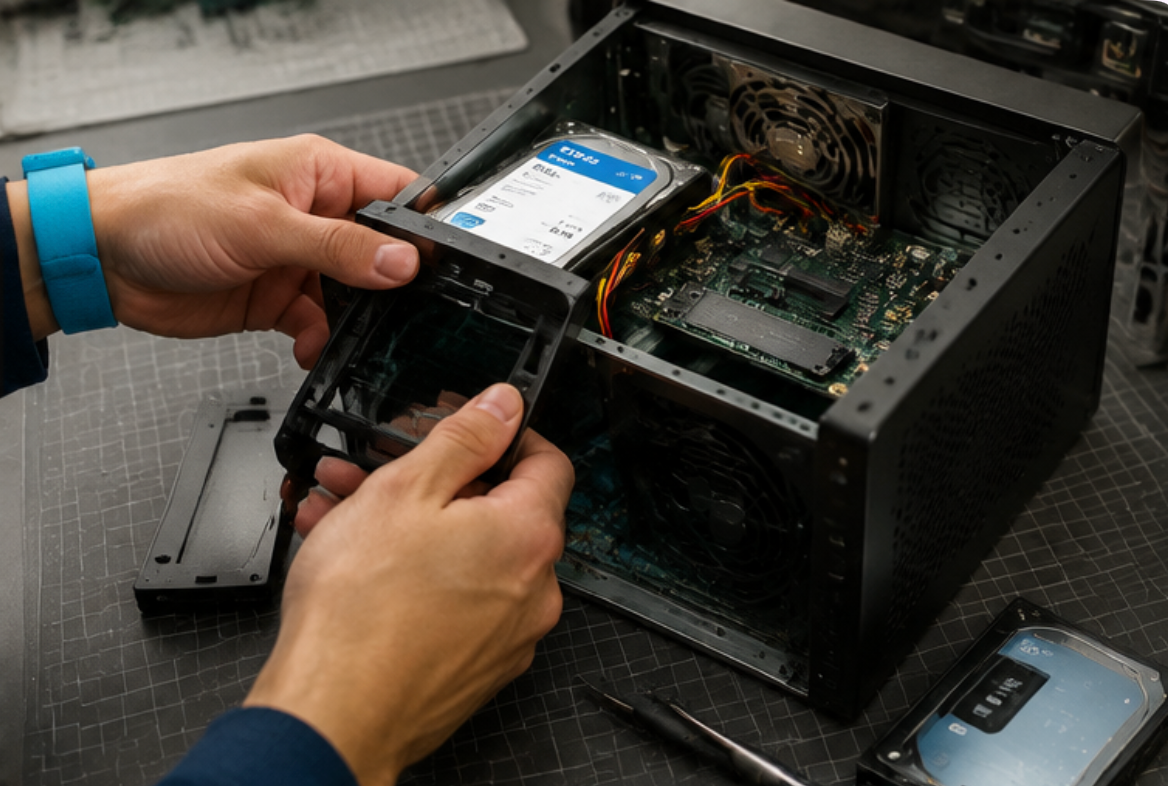
Next, configure your storage array and test the read/write speeds across your network. The WTR PRO AMD supports both hardware RAID and software-defined storage solutions like ZFS. For beginners, a simple RAID 1 mirror is recommended for critical data, while a RAID 5 or RAID 10 configuration offers a better balance of capacity and fault tolerance for larger collections. Once the array is initialized, map network drives on all client machines and run a benchmark to ensure the performance meets your expectations. Then distribute access permissions to family members or colleagues, and conduct a brief orientation with anyone who will manage the system. Finally, run a full backup and restore simulation to validate the integrity of your data before relying on the system for daily use.
Optimizing Performance and Power Management
After the initial setup, the next step is fine-tuning the system for optimal performance. The WTR PRO AMD includes a BIOS with advanced power management options, allowing you to adjust the CPU frequency scaling and sleep states. For a 24/7 Home Server NAS, setting the processor to a "balanced" profile often yields the best compromise between responsiveness and energy consumption. Additionally, enabling scheduled spin-down for idle hard drives can reduce both noise and power draw, though it may introduce a slight delay when accessing rarely used files. Monitoring tools like smartctl and htop are invaluable for keeping an eye on drive health and CPU load, ensuring that the system remains stable over extended periods.
One of the most significant advantages of the WTR PRO AMD is its ability to run virtualized environments. Using a hypervisor like Proxmox VE, you can create separate virtual machines for different services, such as Plex, Nextcloud, and Home Assistant. This isolation improves security and simplifies maintenance, as a failure in one VM does not affect the others. For those who are new to virtualization, the initial learning curve might seem steep, but the long-term flexibility is worth the effort. The hardware resources of the WTR PRO AMD are more than sufficient to handle several lightweight VMs simultaneously, making it a true all-in-one server solution.
Frequently Asked Questions About WTR PRO AMD in Home Server NAS
When evaluating the WTR PRO AMD for a Home Server NAS, the most frequently asked questions focus on real-world reliability. How does the system handle interference from other electronic equipment? In practice, the wired network ports are immune to wireless interference, and the USB ports are shielded to prevent signal degradation. Can it work in areas with concrete walls or metal structures? Yes, as long as you rely on wired connections for the primary data path; Wi-Fi performance may vary, but this is true for any device. Is the data transfer fast enough for 4K video editing directly from the NAS? With the 2.5GbE ports and NVMe cache, you can achieve sustained read speeds of over 280 MB/s, which is sufficient for most professional workflows.
Another common concern is the longevity of the onboard storage controller. The WTR PRO AMD uses a high-quality chipset that supports TRIM for SSDs and NCQ for HDDs, ensuring that your drives operate at peak efficiency. The unit also includes a hardware-based encryption engine, so you can enable full-disk encryption without a noticeable performance penalty. This is particularly important for users who store sensitive personal documents or financial records on their home server. For those who want to expand their setup further, the device offers an M.2 slot for a Wi-Fi module, allowing you to add wireless connectivity if your environment requires it.
Ultimately, the decision to adopt the WTR PRO AMD for your Home Server NAS comes down to your specific needs and technical comfort level. The initial investment is higher than a basic consumer NAS, but the return in terms of performance, flexibility, and data safety is substantial. If you are ready to take the next step, we invite you to explore our mini PC solutions to see the full range of options available. With proper planning and execution, the WTR PRO AMD will serve as the reliable backbone of your digital life for many years.
| Model | Position | Weight | URL |
|---|---|---|---|
| WTR PRO AMD | Home Server / NAS | 1.2 kg | Product Page |