- Select Language
R366-S 5.5-inch Industrial PDA | Qualcomm Octa-cor...
RT81 4G Rugged Tablet | 10.1" FHD 400nit | Qu...
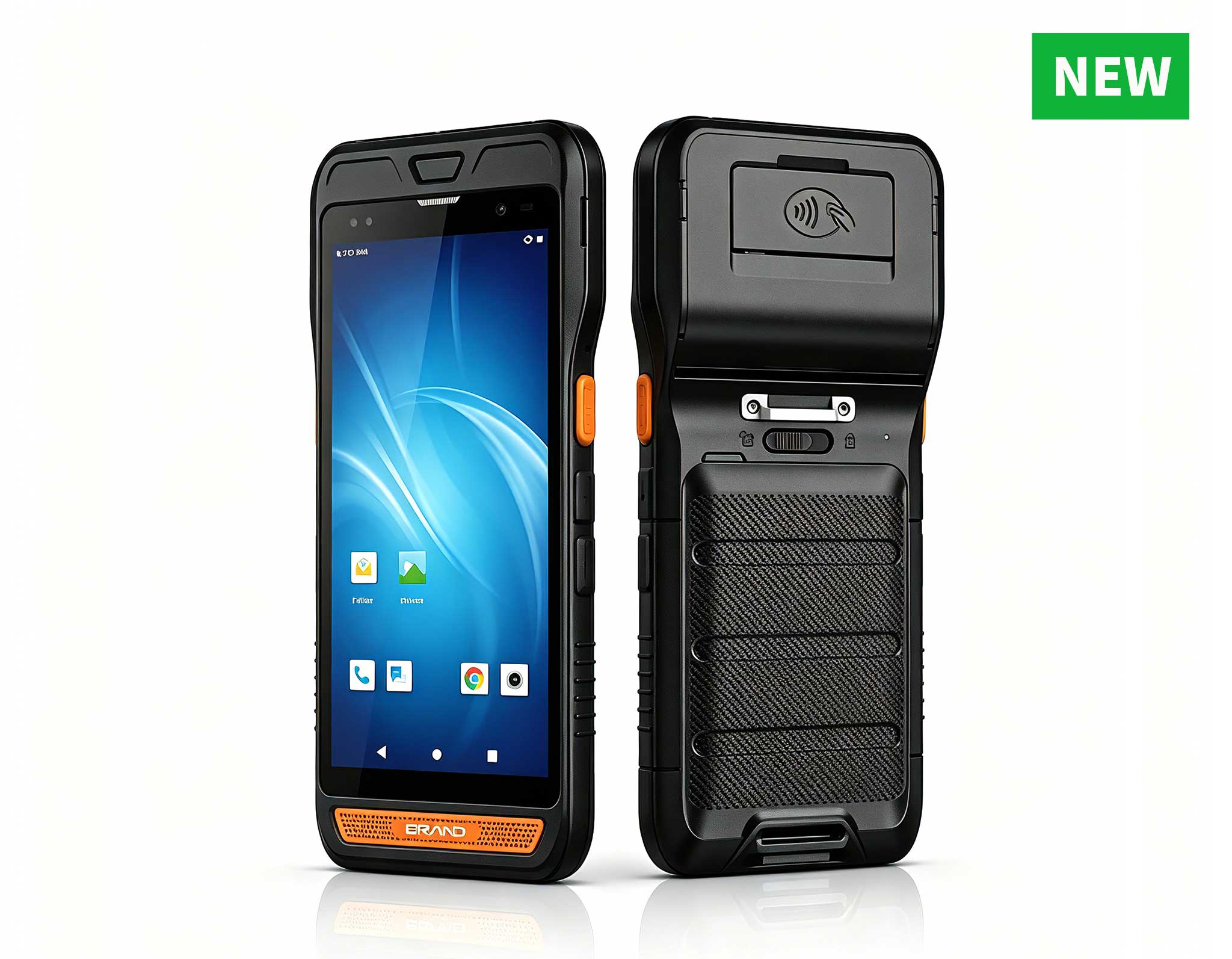
R860-S 5.5-inch Industrial PDA with Thermal Printe...
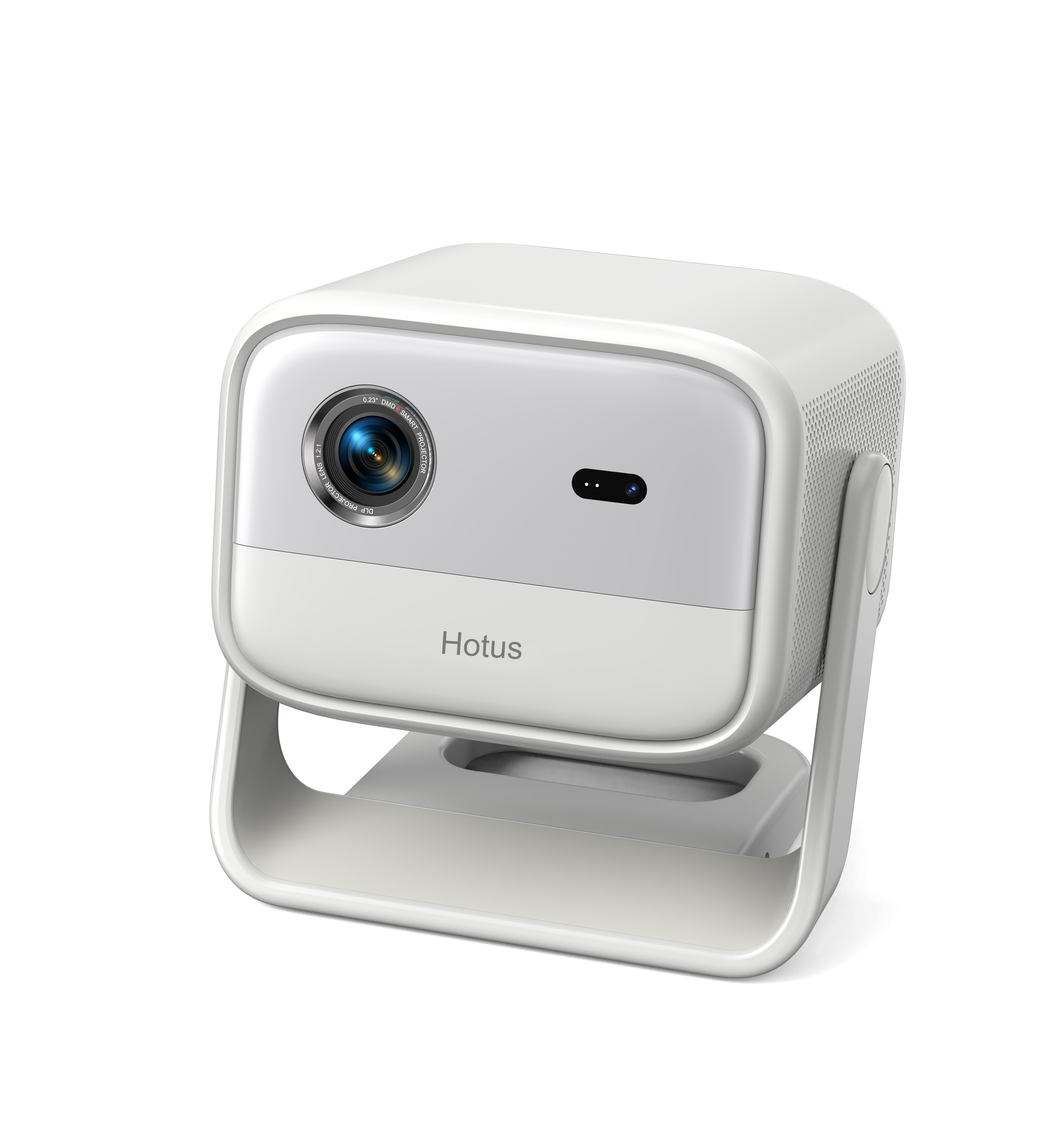
One Device, Dual Functions – A Projector and a Com...
️ X8 Series Handheld Label & Thermal Printing ...
Full SpecificationsModel Hotus SH5‑WOperating ...
RT80 5G Rugged Tablet | 10.1" FHD 400nit | Un...
Digital signage and self-service kiosks rarely get a break. A mall directory, a ticketing terminal, or a wayfinding stand runs around the clock in a public space where heat, dust, fingerprints, and constant touch push ordinary desktop PCs to an early grave. When a screen goes dark, the cost is not just the hardware. It is a frustrated visitor, a stalled queue, and a service ticket that pulls staff away from real work. The cheapest insurance against that scenario is a preventive maintenance plan built on rugged hardware from day one. This guide explains why fanless mini PCs and rugged tablets earn their keep in always-on kiosk duty, walks through a real 24/7 deployment, and gives you a maintenance checklist any technician can follow.
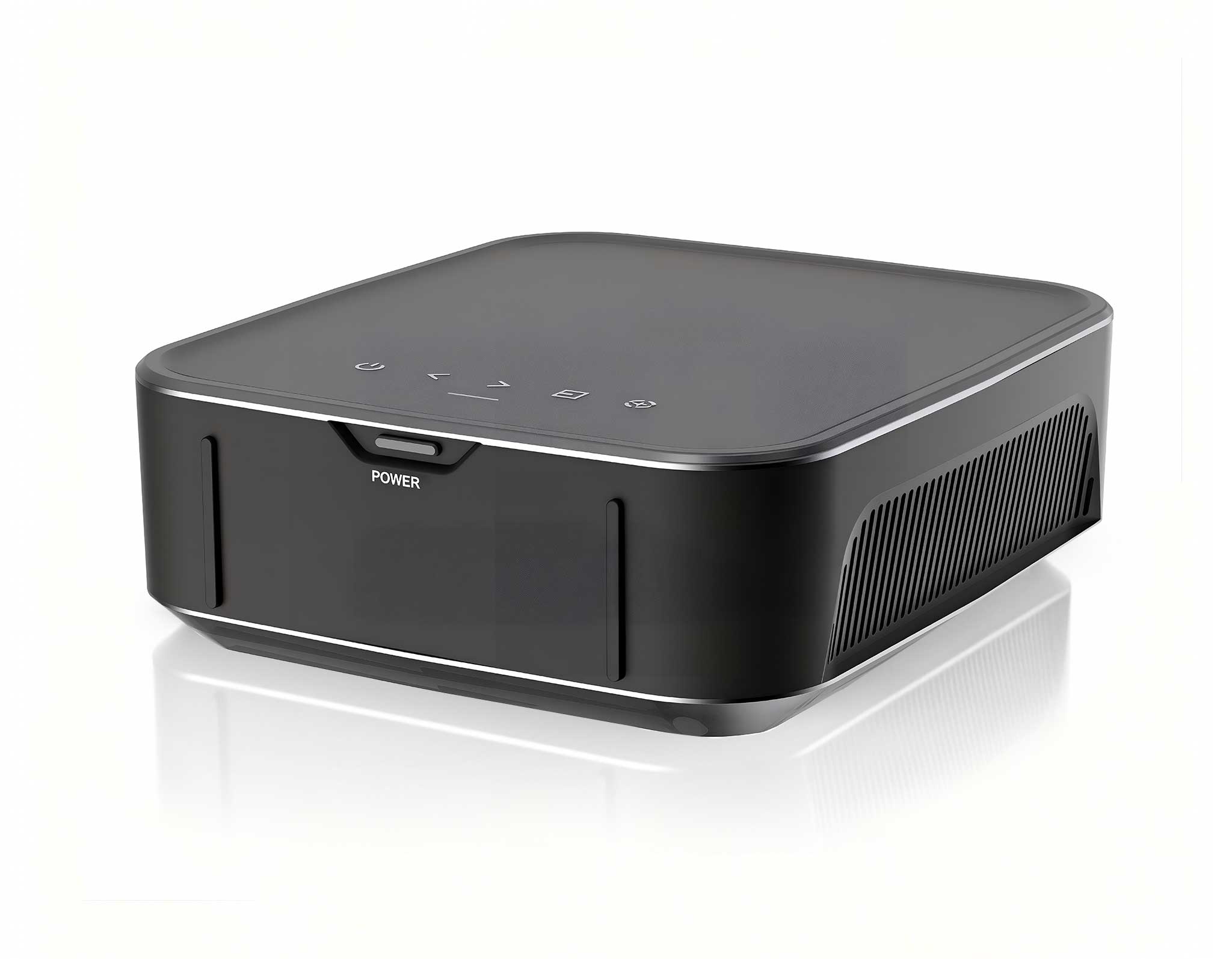
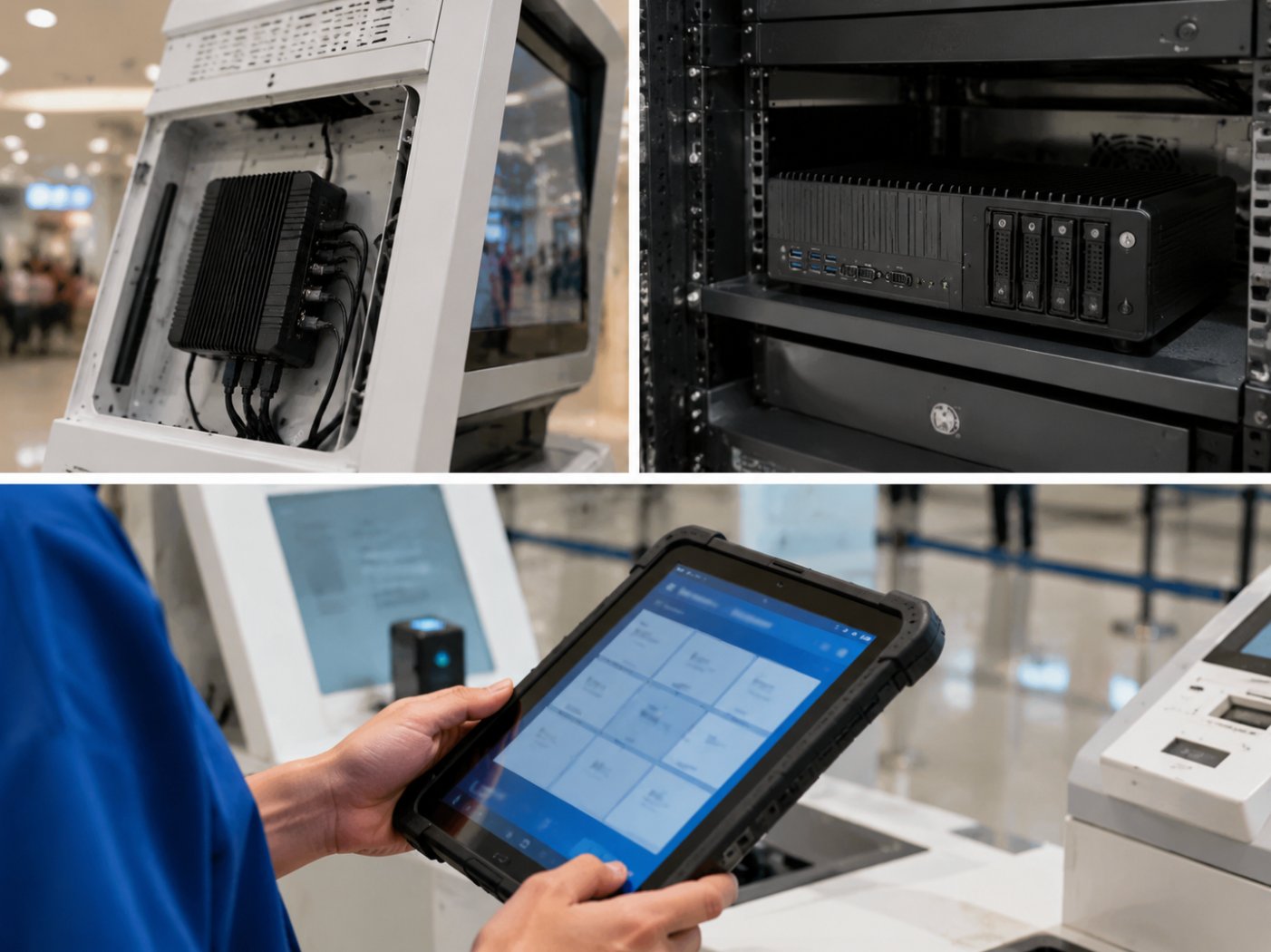
Many kiosk enclosures leave almost no room behind the display. That is exactly where the Palm-sized miniPC earns its name. It is a fanless, pocket-format PC that mounts cleanly behind a panel or inside a slim pedestal. Because it has no spinning fan, there is no blade to clog with dust and no bearing to wear out, which removes two of the most common causes of kiosk failure. The industrial solution for Digital Signage Kiosk deployments we see most often pair this compact player with a commercial-grade touch display and a managed power supply, so the whole unit stays thin enough to sit in a corridor without blocking foot traffic.
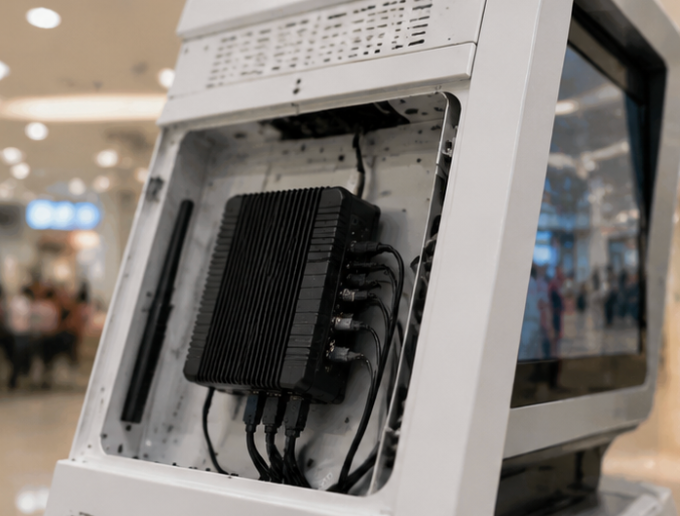
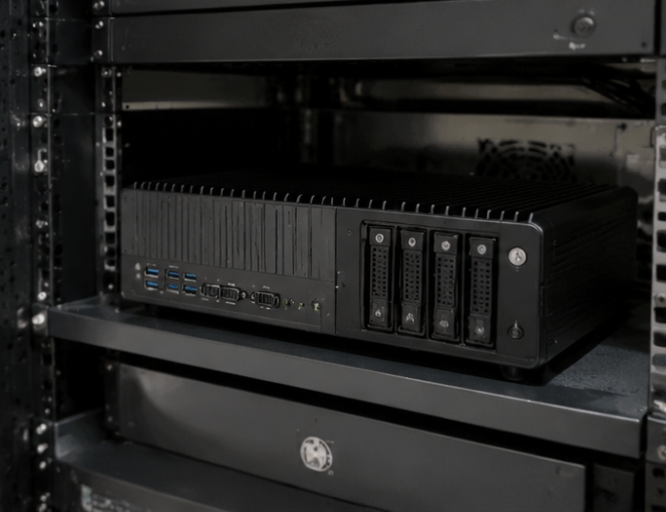
When a kiosk needs more than a thin client, such as local content caching, video wall output, or on-device analytics, the WTR PRO AMD steps in. Built on an AMD Ryzen-class platform with a fanless industrial chassis, it is designed for continuous duty rather than office peaks. The 4-bay layout also makes it a tidy home for local storage, so a network hiccup never leaves the signage player staring at a blank rectangle. Running Windows 11, it drops into existing device-management tools without a fork-lift upgrade, which keeps the maintenance team inside the systems they already know and shortens every troubleshooting call.
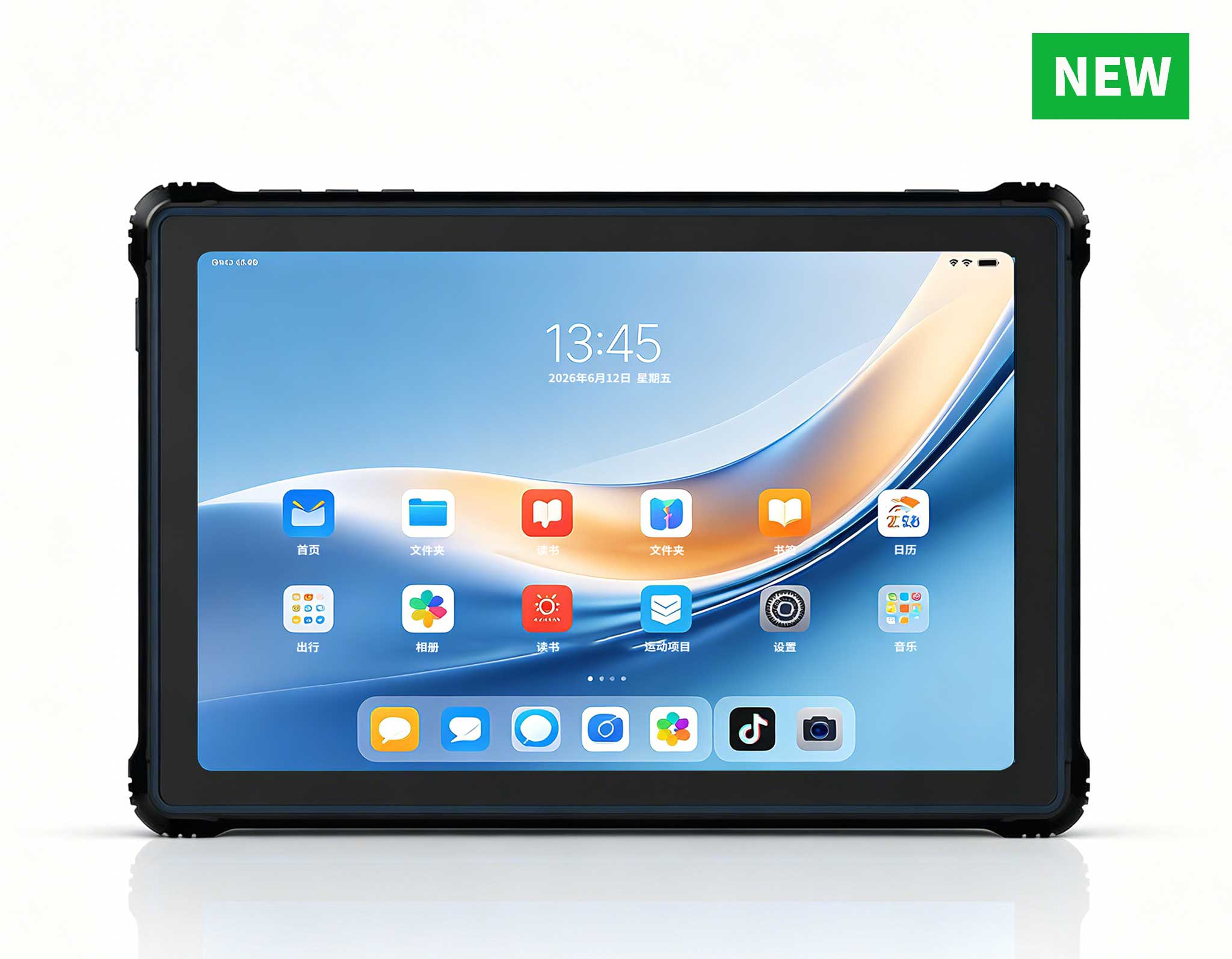
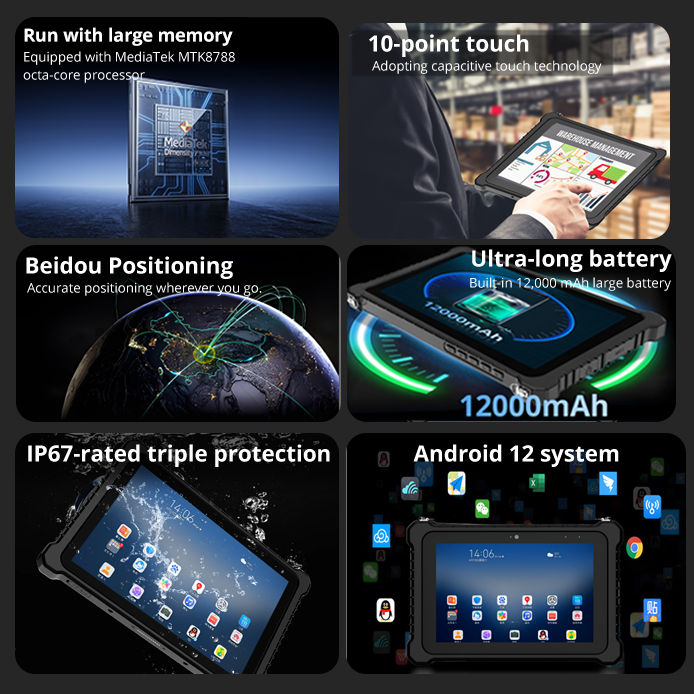
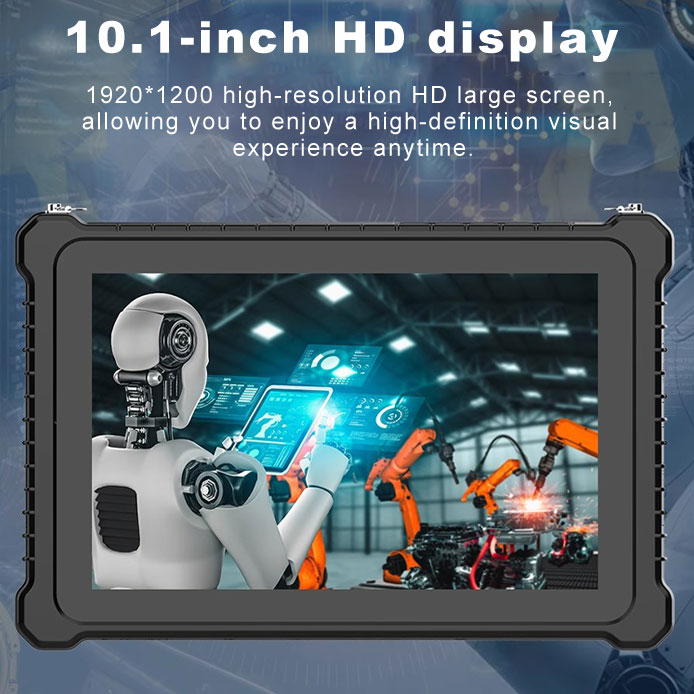
Not every kiosk interaction happens on a fixed screen. Staff-assisted terminals, check-in desks, and queue-busting helpers often pair the main display with a handheld. The HTQ10A Android Rugged Tablet is industrial-grade, lightweight, and built to survive public handling and the occasional drop. A 10-inch panel stays readable under lobby lighting, and the Android base keeps the app footprint small and easy to lock down. For maintenance, that means fewer broken screens and a device your team can actually carry between floors instead of wheeling a cart through the building.
Rugged hardware cuts failure rates, but it does not remove the need for a routine. A simple three-tier schedule keeps most kiosks alive for years and turns emergencies into planned visits that never surprise your team.
Spend thirty seconds at each unit. Confirm the screen is alive, the touch input responds, and the enclosure is not hot to the touch. A quick glance catches most problems before a customer does, and a paper or digital log builds the uptime history you will need when deciding which site to service next.
Even fanless fins collect dust. Wipe the vents and the display with a microfiber cloth, check that cables have strain relief, and confirm the remote-management heartbeat is still reporting. Catching a unit that has quietly gone offline saves a site visit and keeps a small issue from becoming a dark screen on a busy weekend.
Push OS and signage-player updates inside a maintenance window, then review uptime logs for units that reboot too often. Rotate a spare from the shelf so it is proven before you need it, and if an enclosure runs consistently warm, revisit airflow or move the player to a cooler mounting point. This is also the moment to verify the local cache on backend units is healthy and that no drive is showing early warning signs.
| Model | Role in Kiosk | Cooling | OS and Base | Maintenance Note |
|---|---|---|---|---|
| WTR PRO AMD | Backend player, local cache | Fanless industrial | Windows 11 | Clean fins quarterly and verify drive health |
| Palm-sized miniPC | Slim enclosure player | Fanless | Windows | No fan service, just dust the chassis |
| HTQ10A Rugged Tablet | Staff or secondary terminal | Passive tablet | Android | replace screen protector and check port covers |
Rugged hardware does not eliminate maintenance, but it changes the math. By choosing fanless mini PCs like the WTR PRO AMD and the Palm-sized miniPC, plus a rugged tablet such as the HTQ10A for staff-facing tasks, you remove the moving parts most likely to fail and make every service call shorter. Pair that with a daily, weekly, and monthly checklist and a spare on the shelf, and your digital signage stays lit long after the cheap desktop behind the competition has been recycled. For a closer look at the full lineup, explore our rugged mini PC solutions.