- Select Language
RS50 5G Rugged Handheld Terminal | 6.3" FHD+ ...
One Device, Dual Functions – A Projector and a Com...
The N40 Android smart PDA features a Cortex-A53 qu...
Explore an innovative Personal Digital Assistant f...
The X501 Handheld PDA combines advanced barcode sc...
The AMD Mini PC Windows 10 Pro is a compact yet po...
This dual touchscreen gaming laptop combines cutti...
Explore our customized PDA designed for versatile ...
The R501 PDA combines a powerful MT6762 Octa-Core ...
A room build looks like a list of purchases until the first day on site, when it becomes a sequence of decisions that close behind you. This client had a floor of ordinary meeting rooms and one brief: let a hybrid call, a whiteboard review and a project team share the same room without rebuilding it in eighteen months. What follows is not a product tour but the record of the three points where that build stopped being reversible. The layouts we work from are collected under enterprise collaboration solutions pages.
The room was not broken. It hosted eight people, held a screen on a trolley, and ran video calls badly because the camera sat under the display and showed the ceiling. Every option was still open the morning the contractor arrived: the display could move, the table could turn, the camera could be raised. What changed that day was a single hole in a load-bearing wall, and from that point the room had a direction.
The client's own summary is worth keeping: the expensive part of a rebuild is rarely the equipment and almost always the order in which it is fixed. Anything decided after the first fixing has to be built around it.
The ceiling here could take lighting tracks but not a suspended projector, so the choice fell to an ultra-short-throw unit on a shelf against the presentation wall. The unit specified was the HT2500 Pro Ultra Projector, a 0.233 throw-ratio laser display producing a 100-inch image from 7.2 inches off the wall, at 3000 ANSI lumens with HDR10 4K UHD and an 80 to 120 inch range. The light source is rated at 25,000 hours, and the chassis carries a 60W Harman Kardon soundbar with dts-HD and Dolby audio.
The throw ratio is the number that closed the first door. Once the shelf sits 7.2 inches off that wall, that strip becomes unavailable for cabinets, noticeboards or cable trays, and the display cannot be re-aimed at another wall without moving the shelf and repainting the one behind it. Nobody argued about the picture. They argued about the strip.
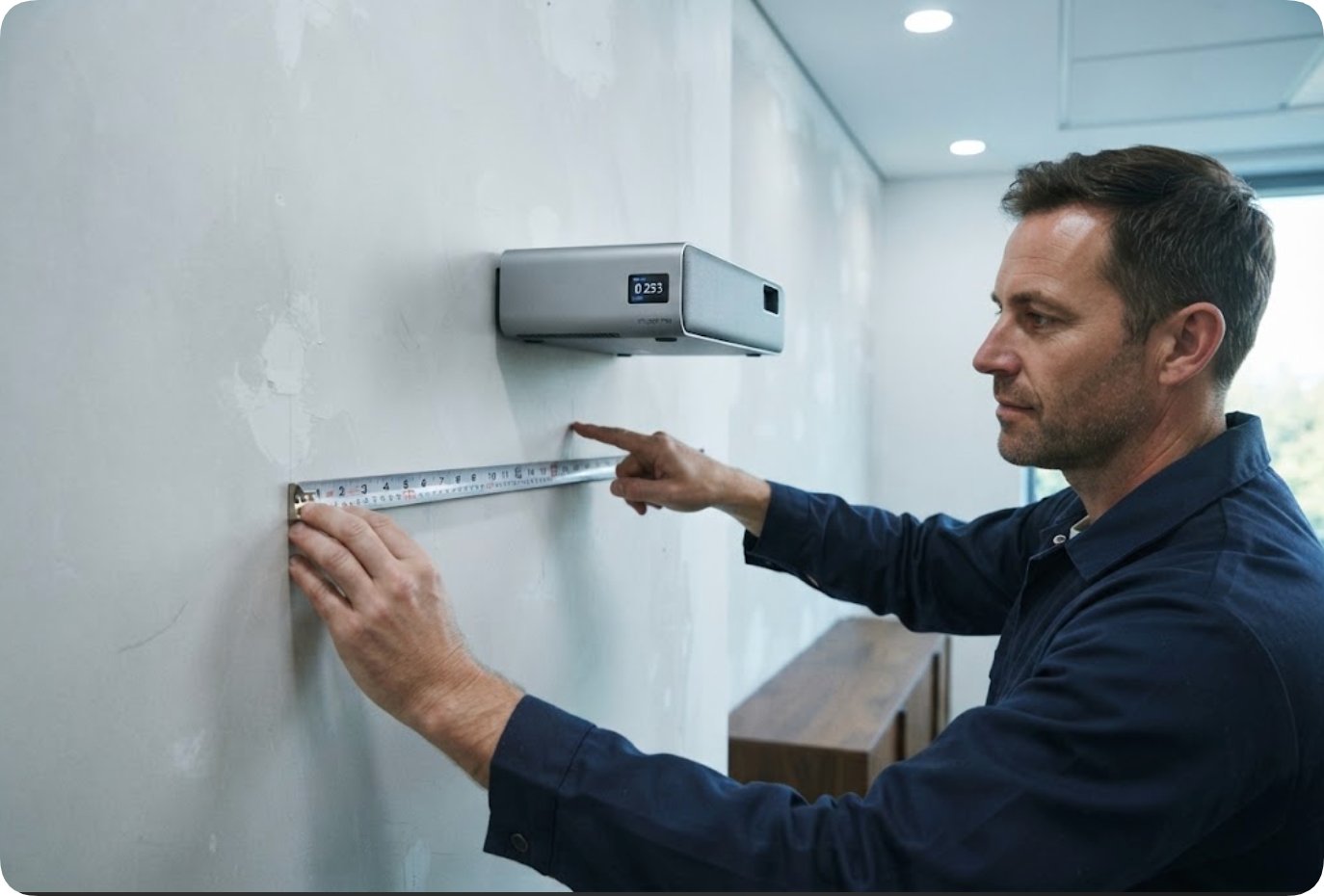
The install order ran downhill from the projector. The shelf position set the image centre, that set which wall the table faced, the table facing set where the floor boxes could be sunk, and the floor boxes set the joinery line along one side. Each step was cheap as a drawing and irreversible as a fixing.
This is the part schedules usually miss. A suspended projector can be unbolted in an hour, but a shelf height that has been plastered, filled and painted around takes a week to reconsider, because reopening it means making good the wall as well as moving the bracket. The order of operations matters more than the length of the equipment list.
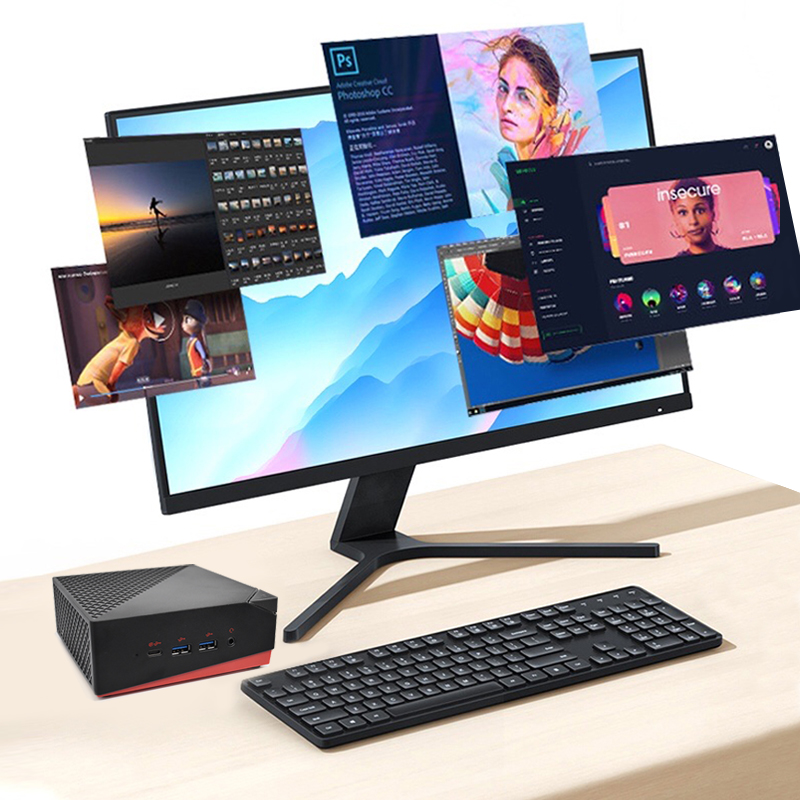
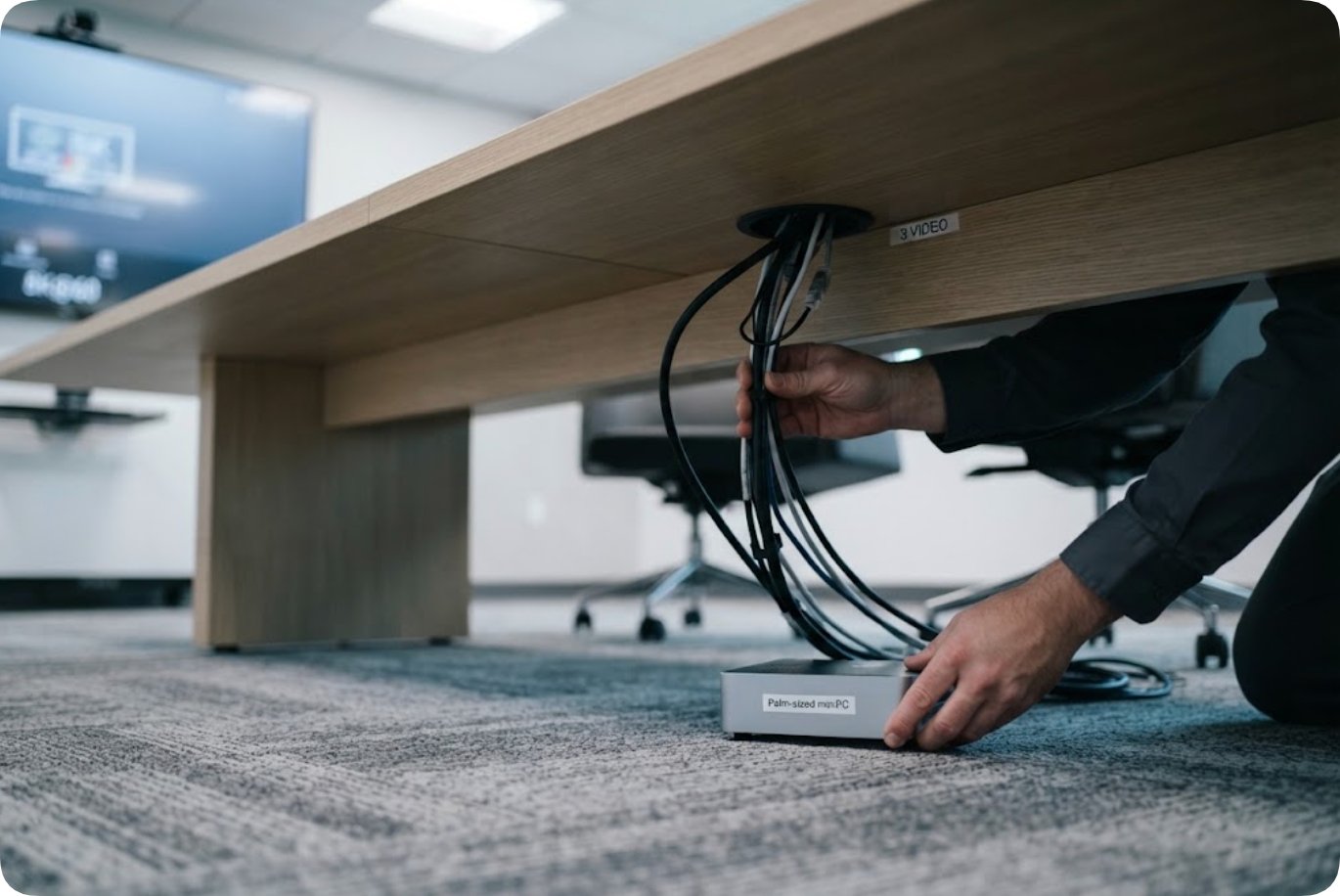
The table was never the constraint. The computer under it was. The client wanted one machine driving the room display, a pair of monitors for whoever was sharing a screen, and a spare output for a guest laptop: three simultaneous video paths. The unit chosen was the Palm-sized miniPC, an 800 g desktop on Intel 12th Gen Core low-power processors from an i3-1215U up to an i9-12900HK, with up to 12 cores and 16 threads and turbo speeds from 4.4 to 5.0 GHz.
Memory is dual-channel, DDR4 3200 or DDR5 5200, up to 64 GB with user access, and storage runs to two M.2 2280 NVMe slots plus two 2.5 inch SATA bays: 4 TB of NVMe and 8 TB of SATA. Display output is triple 8K through two HDMI 2.1 ports and a Type-C port, alongside five USB 3.2 Type-A ports, a 2.5G Ethernet port, Wi-Fi 6 and Bluetooth 5.2, on Windows 11 or Linux in a PC plus ABS case.
Three video paths plus a network run plus power do not disappear into a desk. They either go through a cut opening in the surface or run along the floor to a wall, and both decisions get made the same afternoon the table arrives. The 800 g chassis is easy to move later. The 60 mm hole is not.
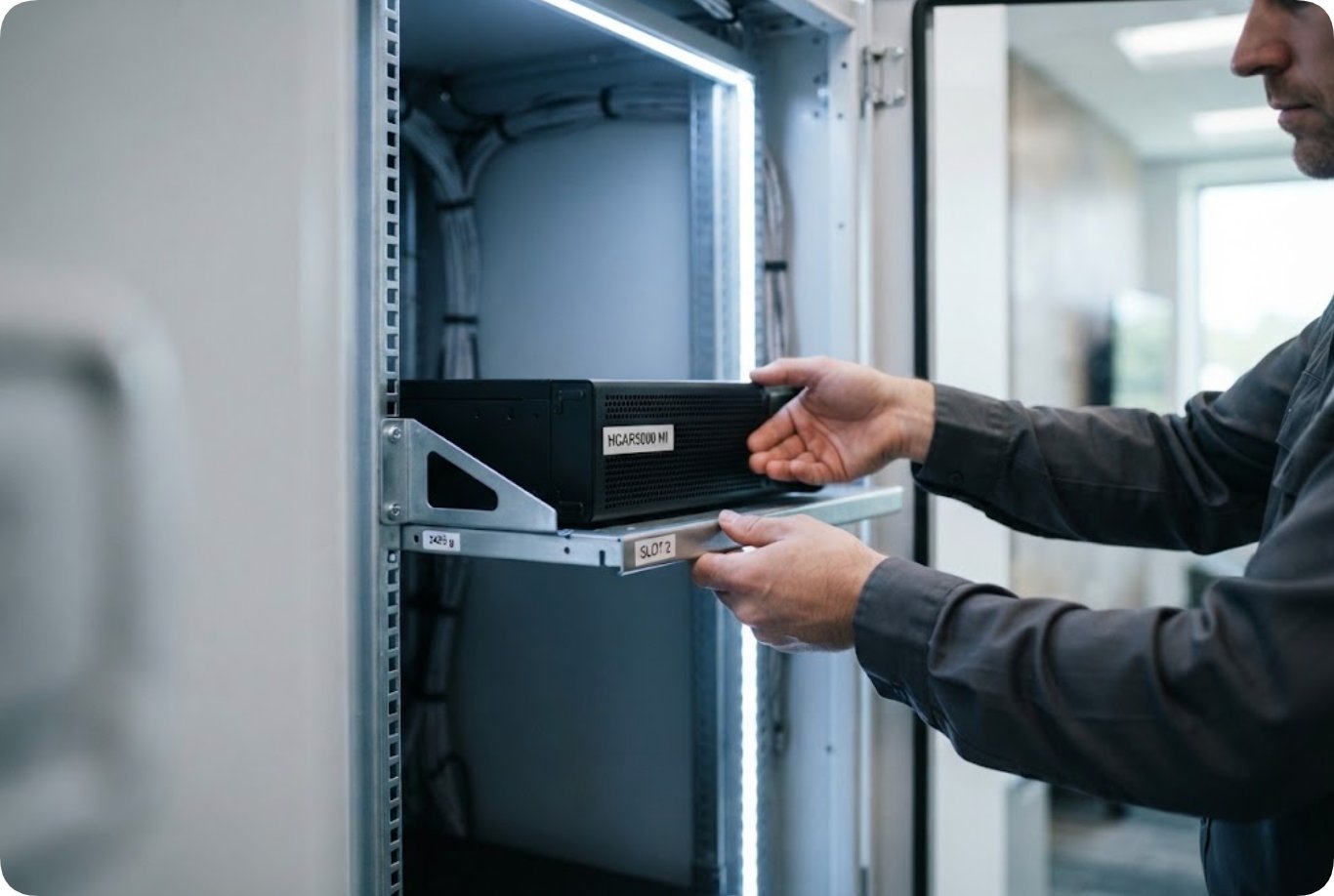
The third fixing was the least visible and hardest to undo. Behind a service door sat a two-tier cabinet holding the room controller, the audio amplifier and a small server the client wanted on site rather than in the shared rack. The machine assigned to that shelf was the HCAR5000 MI, a compact desktop on AMD Ryzen 5000H series processors in 5900HX, 5800H or 5600H with Radeon Vega10 graphics, up to 64 GB of DDR4 3200 memory, and storage from 128 GB to 1 TB SSD or a 500 GB or 1 TB 7200 rpm drive.
Its connectivity is set out for fixed installation rather than desk use: RJ45, three USB 3.0 ports, two USB 2.0 ports, DisplayPort 2.0b, a 3.5 mm audio jack, twin 3.5 mm combo ports for microphone and audio, and a Type-C port that carries video, running Windows 10 or 11 or a Linux soft-router build. The chassis measures 202 by 212 by 65 mm and weighs 2455 g.
Two details decided the cabinet. The 2455 g weight ruled out the thin shelf it came with and forced a braced one, and the 65 mm height plus the vent spacing fixed how much clear air the slot above it could give up. A cabinet slot does not look permanent until a braced shelf is drilled into position and the cable bundles dressed to length around it.
Asked which decision they would revisit, the client did not name a product. They named the survey. The room had been drawn for a 100 inch image because that was the size on the first quote, and the back row was placed by eye. When the shelf went up the picture measured comfortably, but that row sat close to the rear wall and the camera still cut off the end of the table.
The fix was a two metre slide of the table and a re-aimed camera, which cost a morning and a new floor box. Had the seating distance been measured before the shelf height was set, the same drawings would have carried a 110 inch image on the same wall, with the same 7.2 inch strip behind the shelf. The irreversible item was not the projector but the seating plan nobody put on the drawing.
Three fixings in this build closed three options, and the cost of reopening each one is not proportional to the price of the device that caused it.
| Fixing | What it closed | Cost to reopen |
|---|---|---|
| Shelf height for the projector | The 7.2 inch strip and the choice of presentation wall | Wall made good, repaint, shelf re-set, image re-aligned |
| Desk opening for the mini PC cabling | The position of the table and the line of the floor box | New top or a patched one, floor box relocated, floor refinished |
| Cabinet shelf and vent gap | The slot height and the cable dressing length | Cabinet emptied, shelf re-braced, bundles re-cut and re-labelled |
Read the table by column rather than by row. The device price sits in none of it. Every reopening cost is labour in a finished room, which is why the client's advice to the next site was to treat the survey as the first fixing.
What stayed moveable is worth listing next to what did not. The Palm-sized miniPC can be swapped for a different specification in an afternoon, and its memory and storage stay user-accessible. The HCAR5000 MI can be replaced without touching the cabinet frame. The HT2500 Pro Ultra Projector can be exchanged for another ultra-short-throw unit at the same throw ratio without moving the shelf, because the shelf was set by the ratio rather than by the model.
What cannot move is the strip, the opening and the slot. Those three are the build. Equipment in a business room is a consumable on a three to five year cycle, and all three devices will be replaced at least once before the walls are touched again. The discipline is simple: settle the fixings first, with the seating and ventilation plans in front of you, and only then pick the boxes that fit the gaps. Specifications for the full range are on our products pages, and comparisons in this class sit under comparisons.