- Select Language
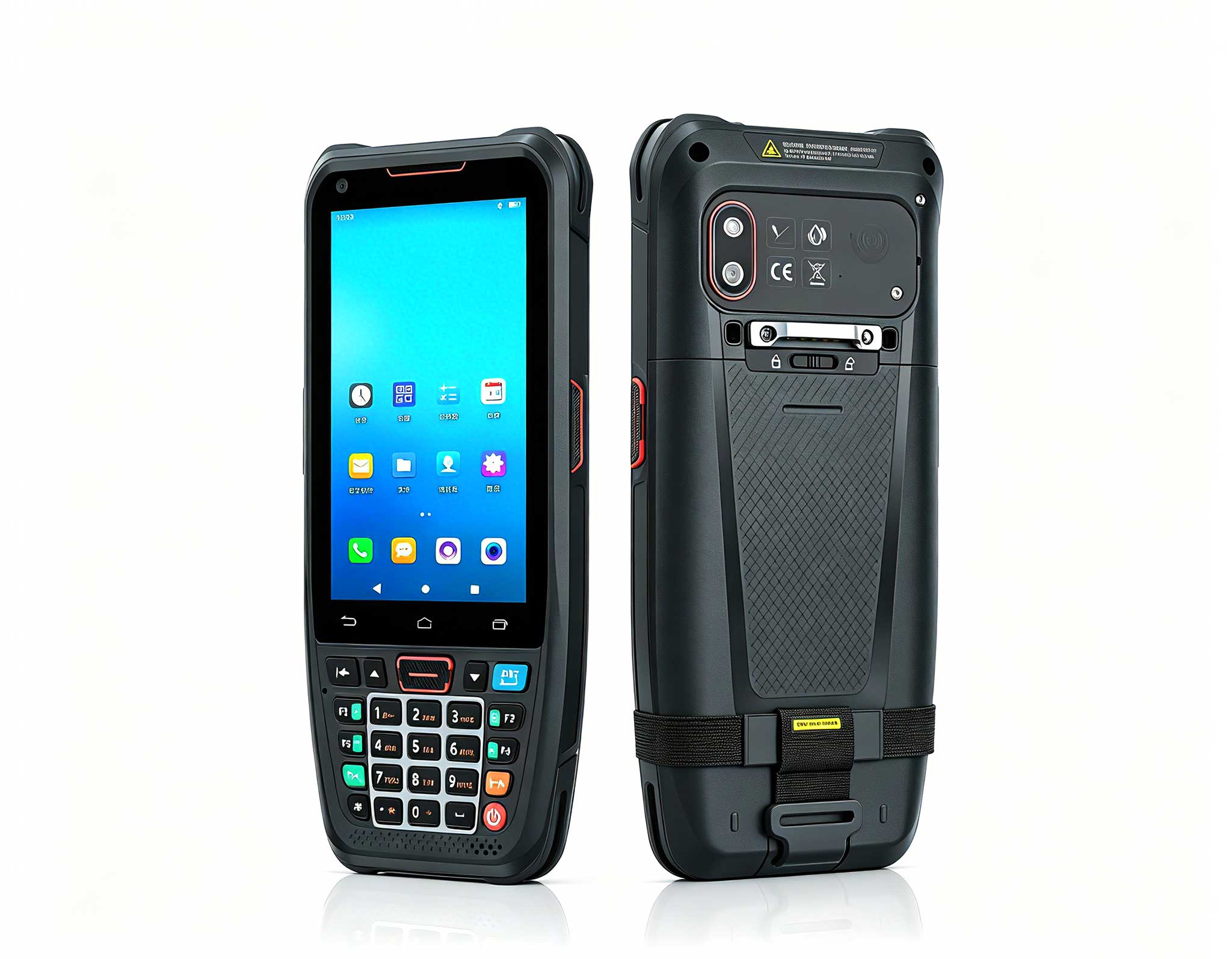
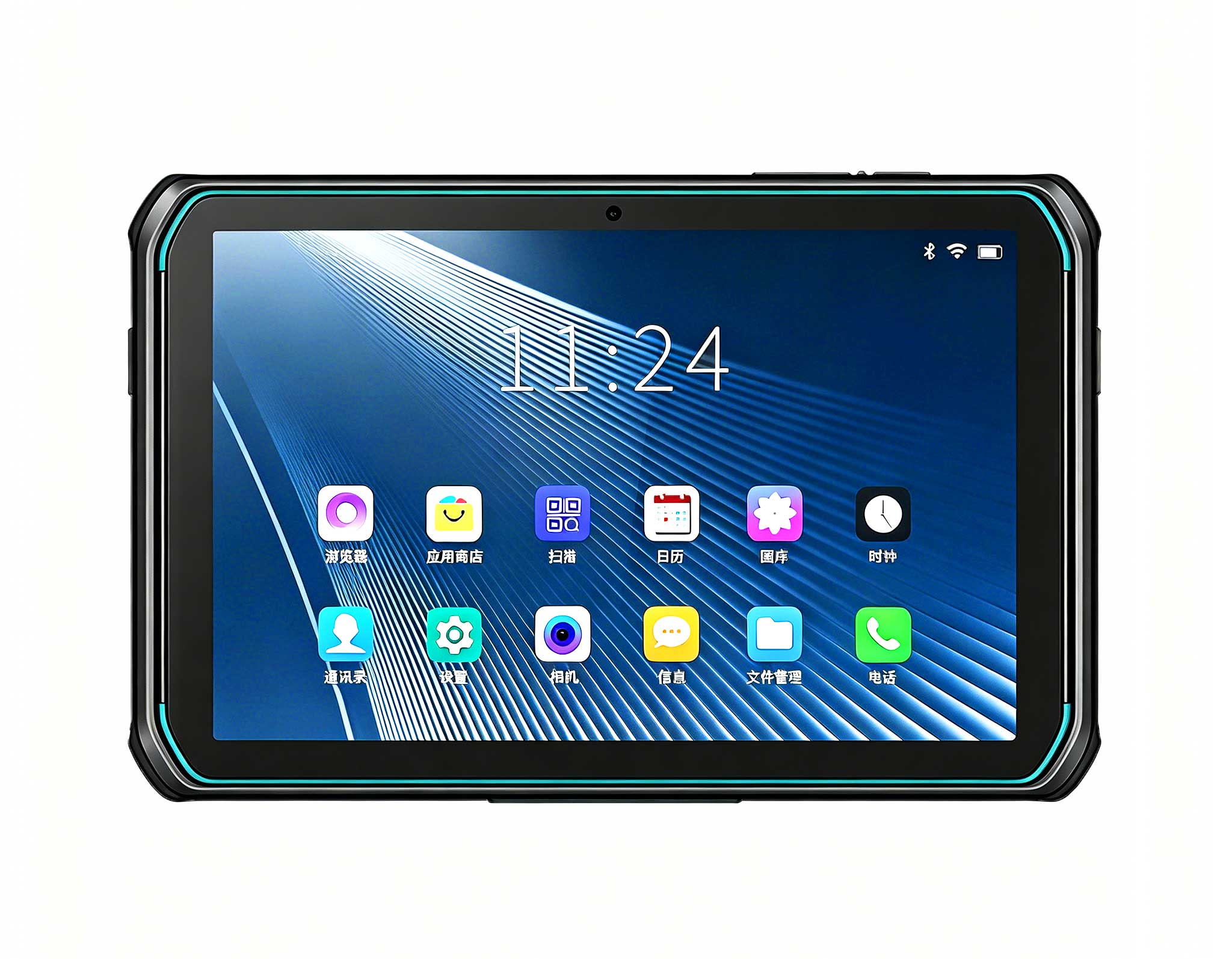
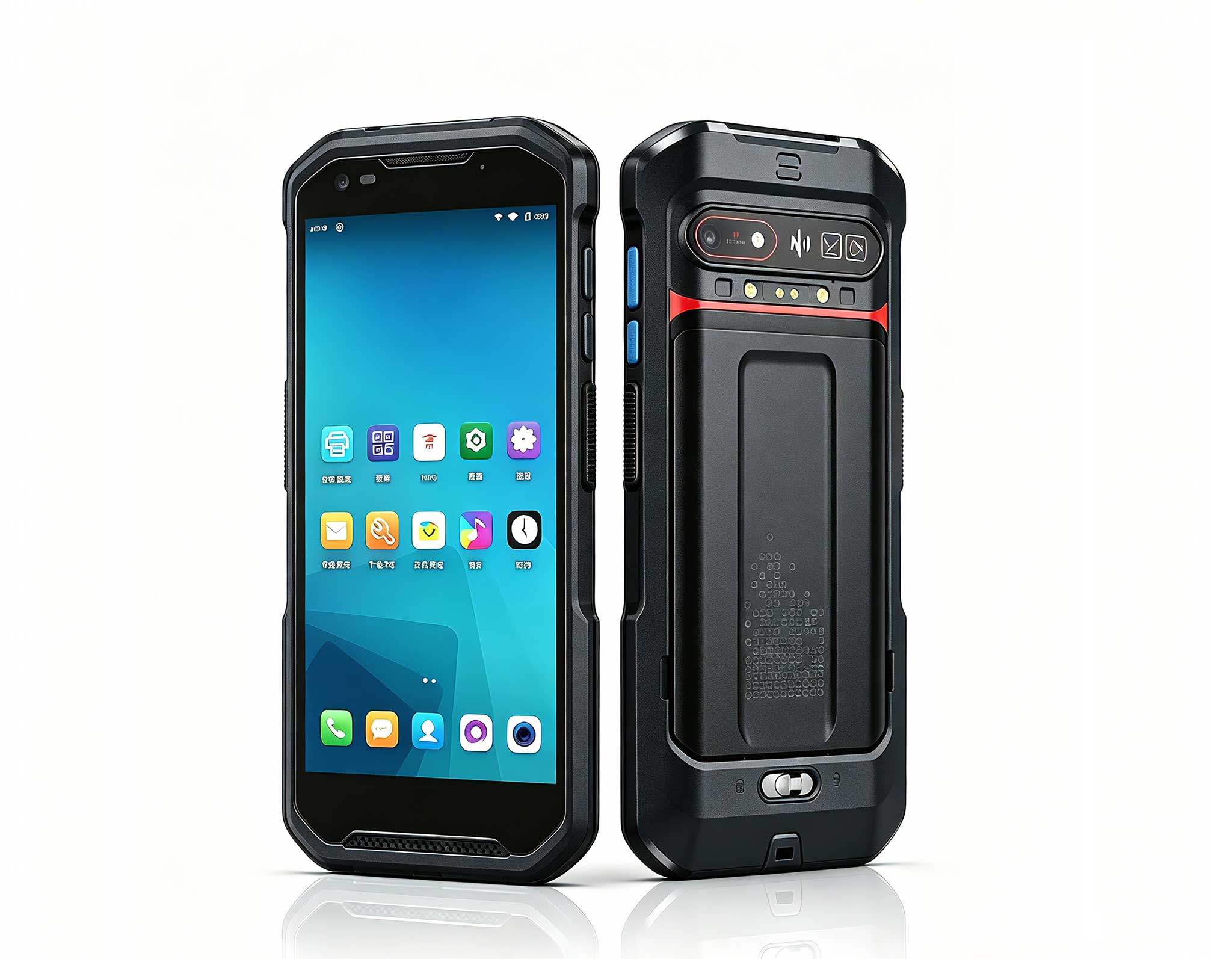
The N40 Android smart PDA features a Cortex-A53 qu...
Full SpecificationsModel Hotus SH5‑WOperating ...
The T80 handheld PDA combines advanced barcode sca...
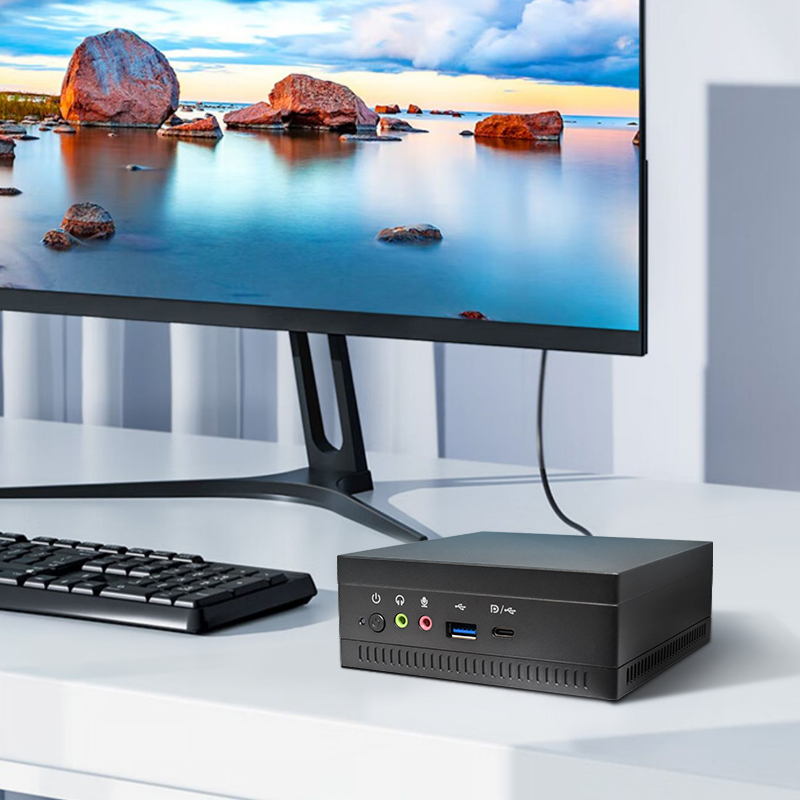
Technical SpecificationsModel: Palm-sized miniPCTy...
The F505 Handheld PDA is a compact, high-performan...
This ultra-compact mini PC offers powerful perform...
Maintenance instructions: Store at room temperatur...
A collaboration room is normally tested the way it is written up. The equipment is laid out, each item is run against its own sheet, and the numbers are compared. That method answers a narrow question. It tells you whether a unit works, not whether several units can work in the same hour. The pressure in a real conference space rarely comes from one device reaching its limit. It comes from how many things want the same screen at the same moment. This test keeps the hardware fixed and varies only the source count. Three runs: one, two and four.
With only one source, everything on the bench looks capable, and the specification sheet stops discriminating. What separates equipment arrives with the second source. A room normally has one screen, and that screen is unique. The moment two people want it inside the same window, questions appear that have nothing to do with how fast either unit is. Who decides which feed is live? How long does the decision take? Whose keystrokes count while that decision is being made? None of those questions belongs in a datasheet, because none of them is a property of a device. They are properties of the arrangement around the devices. So the first step is not choosing hardware. It is fixing how many sources will compete before the first cable goes in.
At one source, the Palm-sized miniPC has both HDMI 2.1 outputs and its Type-C output sitting idle, with a single path carrying signal. Its 2.5G Ethernet link has nothing to negotiate against, and the Wi-Fi 6 radio faces no rival on the band. The SH6, held in one hand, sits on one network while its 4G LTE fallback stays asleep. The ST13-J puts one picture on its 13.3-inch panel, and its ten-point touch layer receives input from one finger at a time. None of this is a fault. All of it is a caution. A single-source run can establish that a device functions. It cannot establish anything about contention, because contention is not present to observe.
The second arrival is where the first genuine cost appears, and the cost is authority. Someone has to decide which feed is on the screen now. If the answer depends on a person walking to the hardware and pressing something, then a changeover stops being a keystroke and becomes a wait. What can be measured at this stage is modest but honest: the number of steps between plugging in the second source and the picture actually changing. That count differs by position in the chain. On a hub with two HDMI ports and one Type-C port the route is short, because the paths are physical rather than negotiated. At the portable end the route grows, because a newcomer must be admitted to a session already in progress.
Beyond four sources, the first thing to degrade is not the image. The picture stays sharp and the audio stays clean. What slips is ownership. Whose keyboard is live, and whose pointer is on screen? A familiar scene is a presenter who has changed while the cursor still rests in the previous window. That is not a broken device. It is an arrangement with no place reserved for a handover. The same run also separates failures that look alike on a wall. A delay caused by a hub switching inputs looks identical to one caused by a laptop still hunting for the network. Only two facts tell them apart: the number of steps the changeover took, and where the queue formed while it was taking them.
| Sources in the room | What the run still shows | Where it stops being informative |
|---|---|---|
| One | A unit that operates when nothing competes with it | Anything at all about contention |
| Two | Who holds the right to the panel, and for how long | Behaviour once a second meeting begins |
| Four | Which layer absorbs the delay when changeovers stack | The identity of whoever was kept waiting |
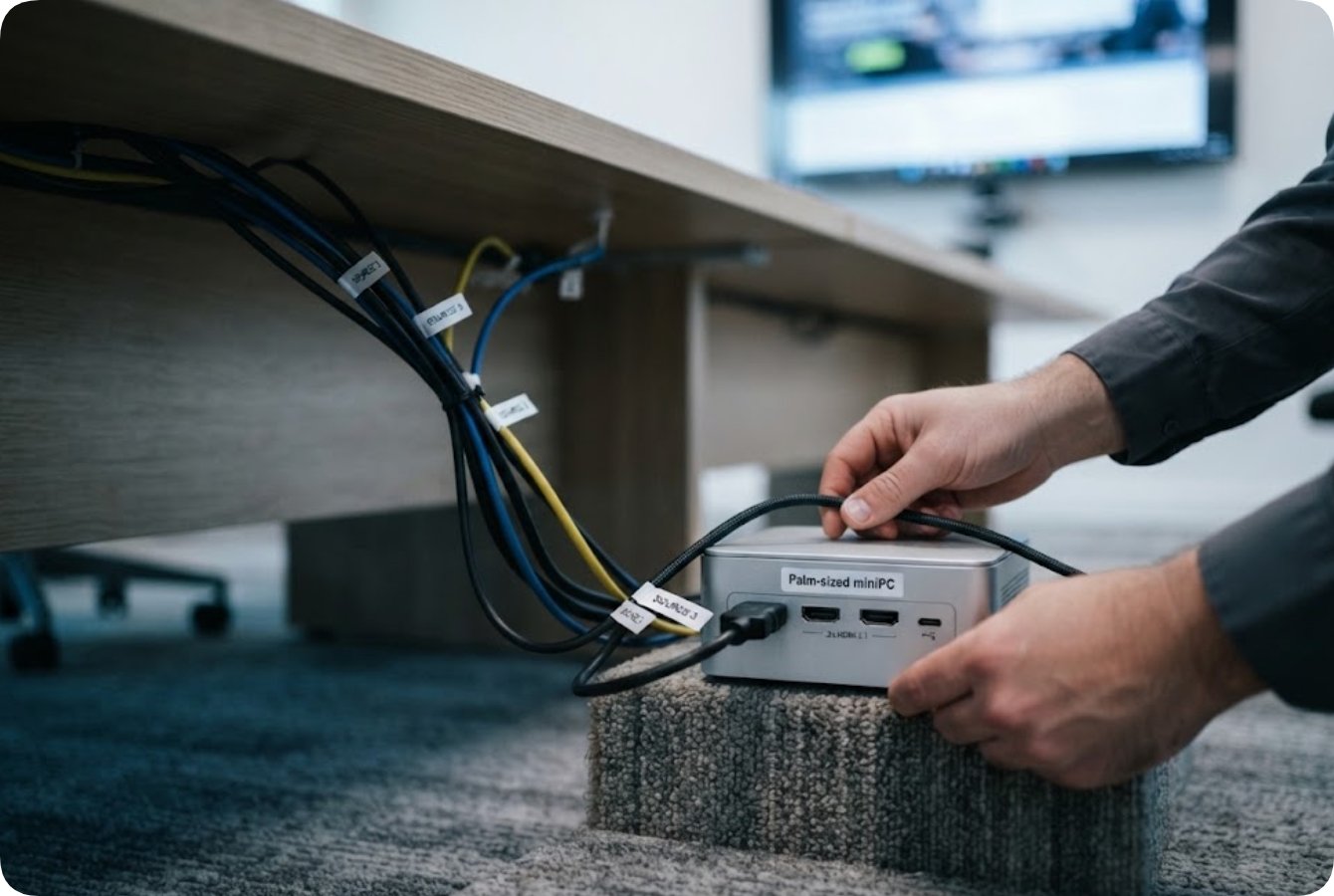
The hub is where a room's arithmetic is decided. The Palm-sized miniPC carries Intel 12th Gen Core processors from the i3-1215U up to the i9-12900HK, with up to 12 cores and 16 threads and turbo clocks up to 5.0 GHz. Memory is dual-channel, DDR4 3200 or DDR5 5200, expandable to 64GB. Storage runs to two M.2 2280 NVMe slots plus two 2.5-inch SATA bays, up to 4TB and 8TB respectively. Output is triple 8K through two HDMI 2.1 ports and one Type-C port, and five USB 3.2 Type-A ports wait for the peripherals a shared room accumulates. The chassis is PC plus ABS and weighs 800 grams.
In the chain, this position decides three things. It fixes how many feeds can be live at once, it fixes the step count of a changeover, and it carries the session state that software clients depend on. The 800 grams matter for an unglamorous reason: a unit that can sit under a table or inside a cabinet does not consume desk space, and desk space is itself a contested resource in a room built for one panel and many users.
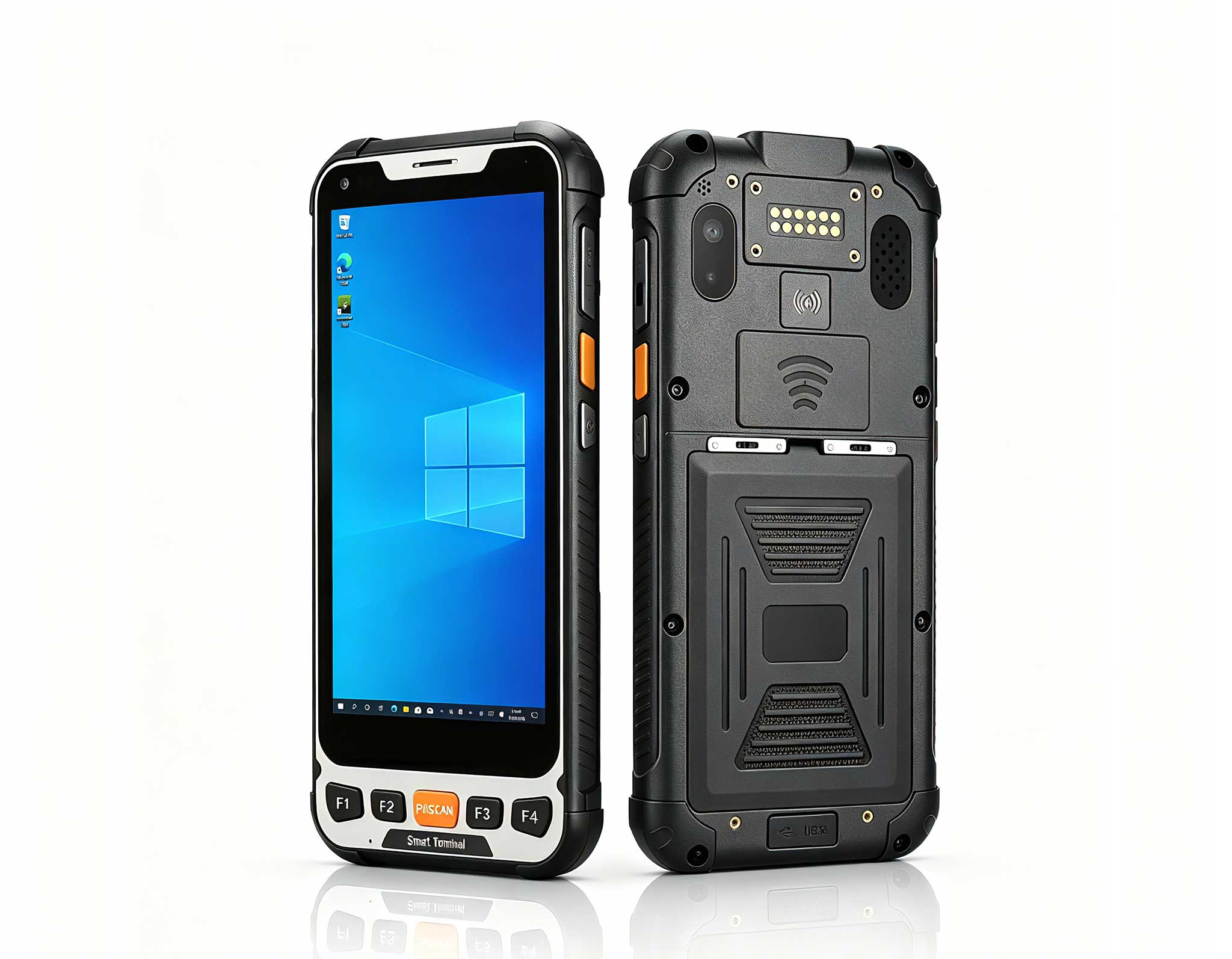
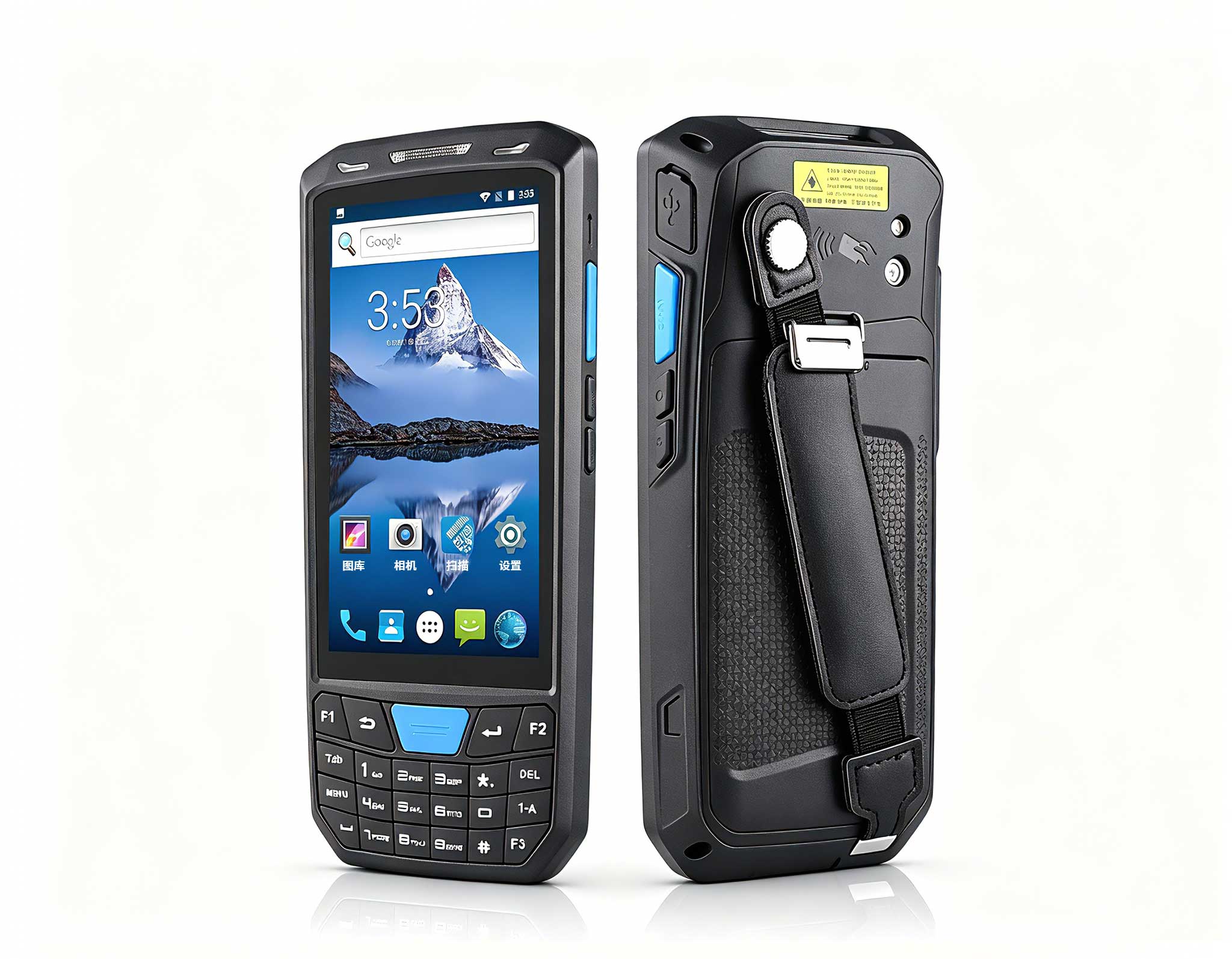
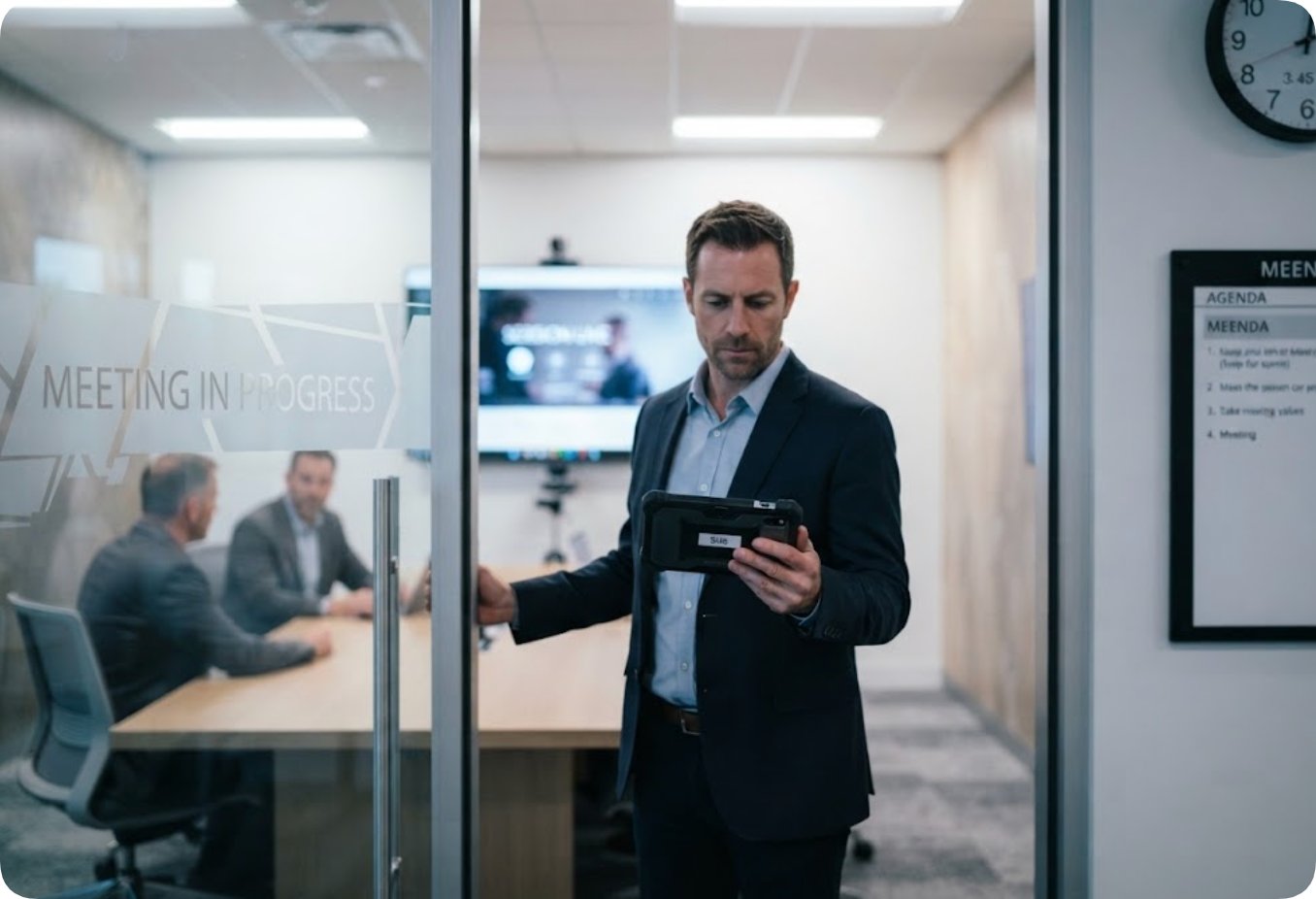
The portable end has a different problem, and it is rarely tested. The session is forty minutes old when a person walks in carrying the unit. What matters is not peak performance but whether that unit can be admitted without stopping the meeting. The SH6 addresses that with a 6.5-inch HD+ panel at 380 nits and ten-point capacitive touch, an Intel N100 quad-core processor, and 8GB of memory with 256GB of storage, expandable to 16GB and 512GB. Its 5000mAh battery at 7.6V runs to 4.5 hours.
Connectivity is where a latecomer is either admitted or refused. The SH6 carries Wi-Fi 6 and Bluetooth 5.2 alongside 4G LTE on global bands, plus GPS, BDS and GLONASS positioning and NFC at 13.56MHz. The shell is IP65 and survives a 1.2-metre drop, and the unit measures 178.3 x 83 x 23 mm at 460 grams, light enough to hold in one hand while a room is already in use.
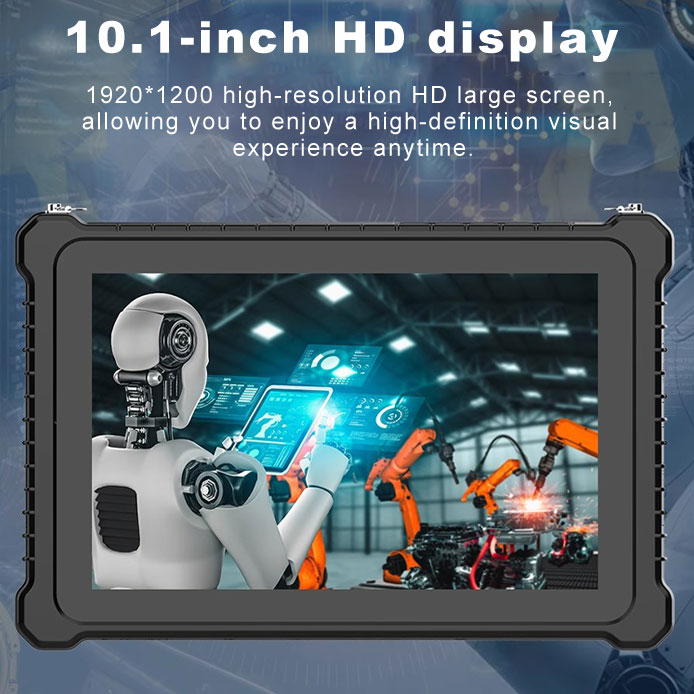
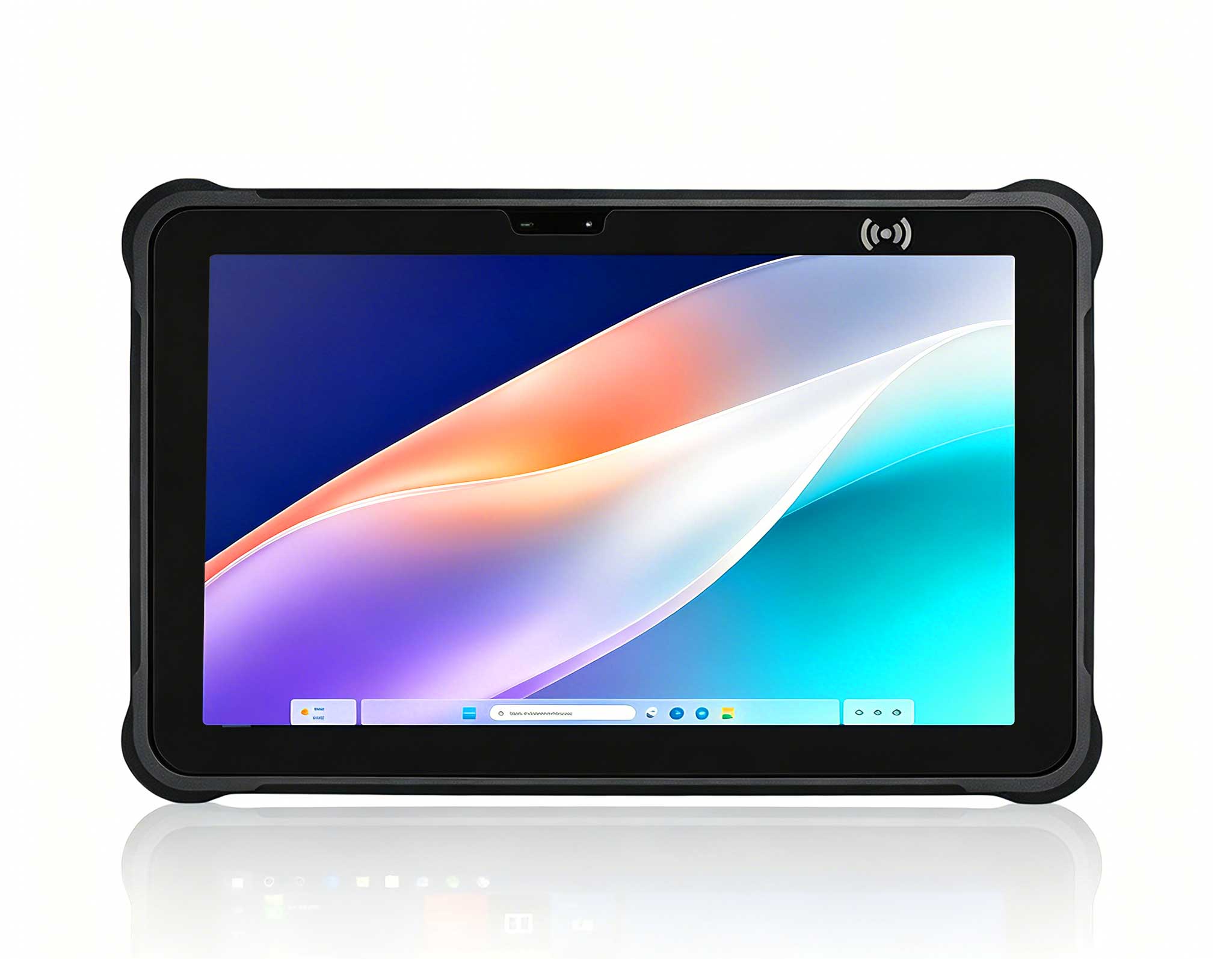
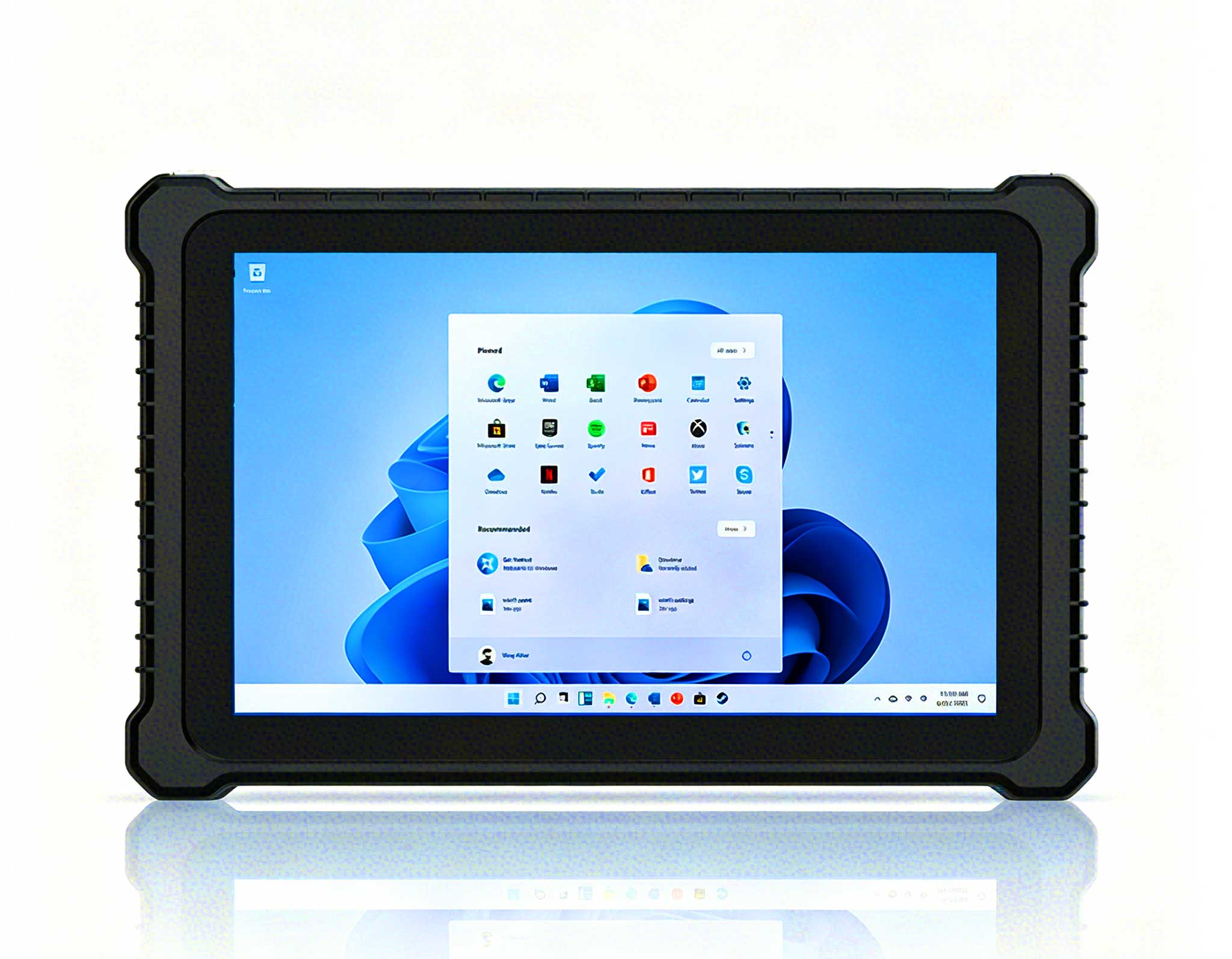
A screen mounted at the front of a room cannot give way the way a handheld can. Its position, its cabling and its viewing angle are all fixed. The ST13-J is built for that kind of permanent placement: a 13.3-inch IPS panel at 1920 x 1080, offered at either 260 or 400 nits, with ten-point touch that accepts a stylus and a wet hand. Inside sits an Intel Celeron N5100 quad-core processor with 8GB of memory and 256GB of storage, configurable down to 4GB and 128GB or up to 512GB.
An 8000mAh battery at 7.6V lets it run without a wall socket, and the unit measures 331.7 x 203.2 x 19.5 mm at 1450 grams, which suits a dock or a vehicle mount rather than a lap. Wi-Fi 5, Bluetooth 4.2 and 4G LTE keep it on the network, and TPM 2.0 is available where it is required. Its difficulty is never whether it can display something. The difficulty is where it retreats to when a second person also needs the panel. The choice between 260 and 400 nits is really a question about daylight, not a case for the higher figure.
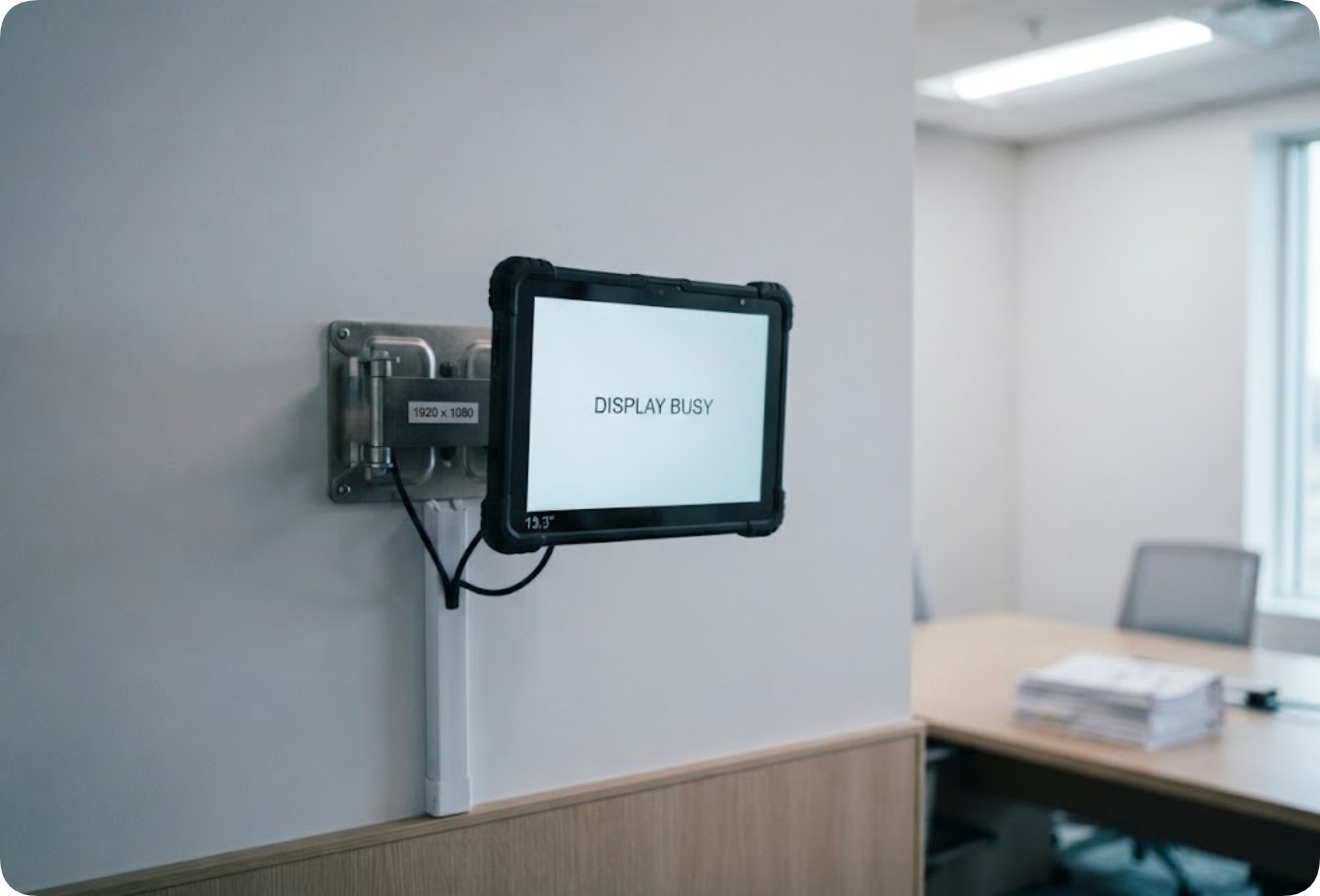
The three runs become useful when they are fixed in sequence. Start at one source and record the baseline. Add the second and record the changeover. Add two more and record where the queue forms. At each step, write down three things only: who held control, how many steps the changeover took, and whether anyone was left waiting. Those three entries predict how the room behaves at full load far better than any single throughput figure.
Fix the order and the numbers become comparable; change it and they describe nothing you can act on.
| Position in the chain | Model | What it settles before the first meeting |
|---|---|---|
| Hub | Palm-sized miniPC | How many feeds can be live, and the step count of a changeover |
| Portable end | SH6 | Whether a latecomer is admitted without a halt in the session |
| Fixed end | ST13-J | Where the front panel can and cannot retreat to |
If a multi-source room is being specified, the arrangement is easier to read in two passes. First look at the broader enterprise collaboration solutions to see how the layers are meant to sit together. Then check each unit against the position it will hold, which is the only way to tell whether the Palm-sized miniPC, the SH6 and the ST13-J are being asked for the right job. The full Hotus hardware range covers the remaining positions, and earlier comparison articles show how the same question was answered in other rooms.