- Select Language
R530C 6.0-inch Industrial PDA | Qualcomm Octa-core...
RS51 4G Rugged Handheld Terminal | 6.3" FHD+ ...
The U9000 handheld PDA combines advanced barcode s...
This dual touchscreen gaming laptop combines cutti...
Enterprise Flagship SeriesEngineered for mission-c...
P11 Series Next-Gen Enterprise Rugged Industrial ...
The AMD Mini PC Windows 10 Pro is a compact yet po...
The R501 PDA combines a powerful MT6762 Octa-Core ...
A digital signage network rarely fails all at once. One panel goes black in a transit concourse, another keeps looping last month's promo, and a third reboots itself every morning at a fixed time. Each of those symptoms writes its own line onto an invoice: an impression the advertiser will not pay for, a technician's drive across town, a replacement unit rushed out of storage. Reading a deployment as a cost chain, rather than as a stack of hardware prices, changes what you actually buy. The three Hotus units in this piece each sit on a different link of that chain, and our digital signage network approach starts from exactly that question: where does the money leak first?
The chain itself is short. A panel stops, somebody notices, somebody diagnoses, somebody travels, somebody swaps a unit. Five steps, and only the last one involves hardware. Everything before it is time, and time on a signed advertising contract is the expensive kind.
Consider what happens after a player quits in an airport corridor. The screen stays lit but shows nothing, or shows a frozen frame, and nobody claims it at first. The advertiser's impressions quietly stop accruing while the monthly fee keeps running. When someone finally reports it, the network operator pays for a diagnosis they cannot perform remotely, then for the trip, then for the fix. A signage failure is therefore never a single expense; it is a sequence of smaller charges that arrive under different names. Operators who only budget for the screen and the player tend to discover the other entries one invoice at a time. The useful move is to treat notice, diagnosis, travel and repair as separate cost centers, and then ask which device compresses which center. Framed this way, the chain also tells you what not to overbuy: gold-plating the player does nothing for detection, and a faster processor does not shorten the drive.
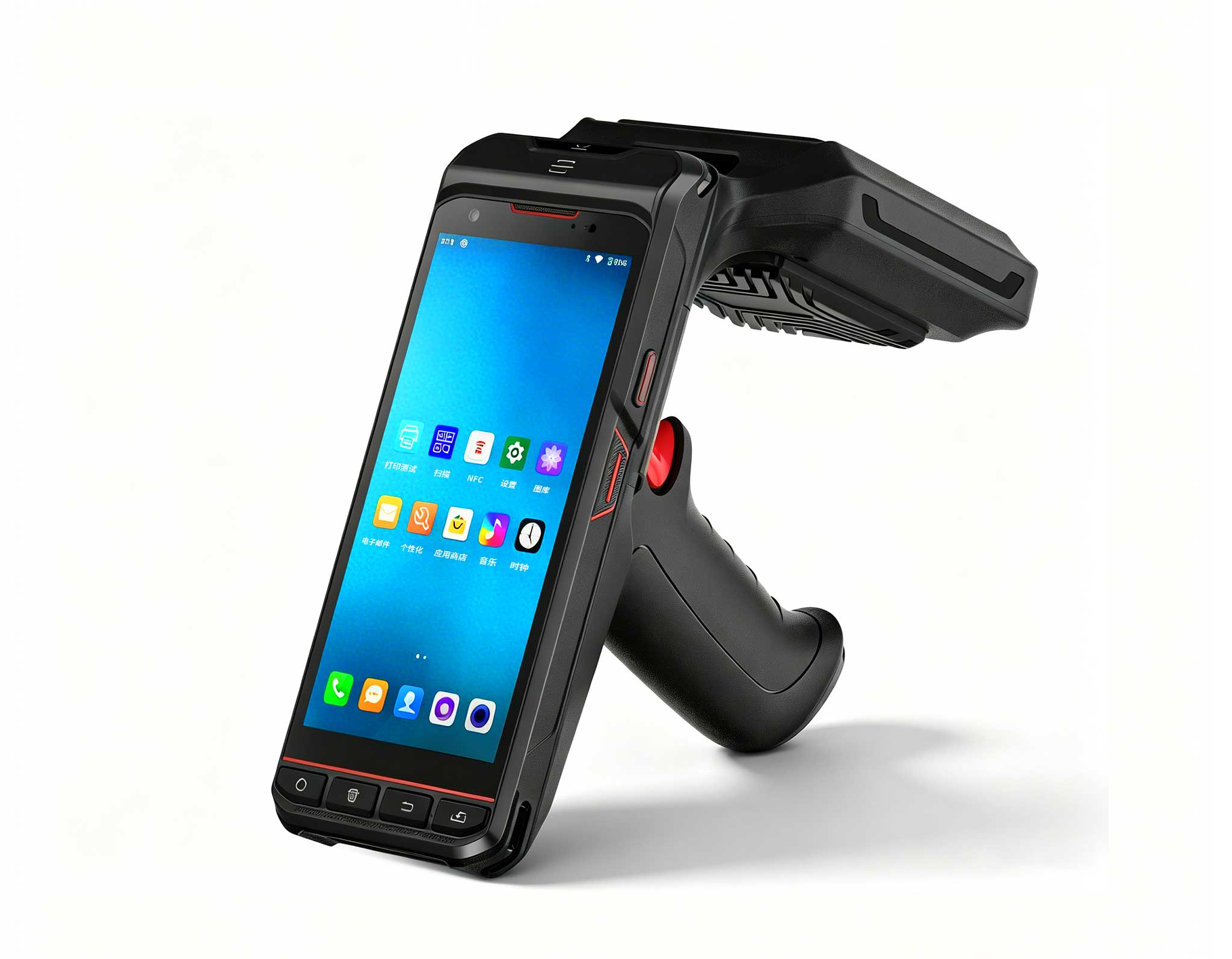
Detection is the cheapest link to fix, because the patrol staff already exist. What they lack is a tool that turns "I think screen four is stuck" into a verifiable record. The SH5-W fits that role: a 5.5in handheld of 350±20g that operates one-handed along a concourse, rated IP65 against the dust and splash exposure of nightly cleaning rounds. Its optional 1D/2D scanner reads the asset label on each bezel, so the report attaches to the right panel instead of the nearest one. GNSS positioning on GPS, BDS and GLONASS stamps where the observation was made. The 5000mAh battery runs up to 5.5 hours of working time, which covers a typical patrol shift without a mid-round recharge. A walkaround backed by scanned evidence shortens the notice link from days to one round, and nothing about it requires new headcount.

The quietest failure in a signage network is not a black panel; it is a player that runs perfectly while looping content that should have been replaced three weeks ago. That failure is billed as advertiser trust, and it never appears on a hardware warranty claim. The ST11-U is built for this link: Windows 11 Pro on an Intel Core i5-1235U or i7-1255U, with memory and storage configurations up to 64GB+512GB, drives a content management client and its scheduler without stutter. The 10.1in IPS panel at 450 nits stays readable behind glass in a bright atrium. Mounted at the back of a screen cabinet, its IP54 enclosure and 1.2m drop resistance handle the dust and handling of installation day, and the operating window of minus 20°C to 55°C fits cabinets that warm up under continuous playback. The 6000mAh 7.6V battery rides through brief power blips, so a utility flicker does not reboot every player into a mid-loop restart at once.
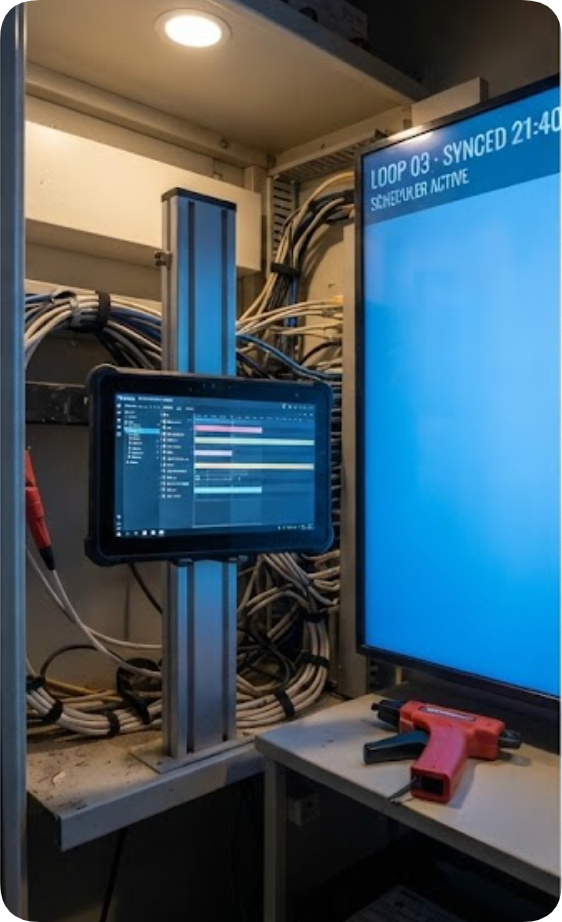
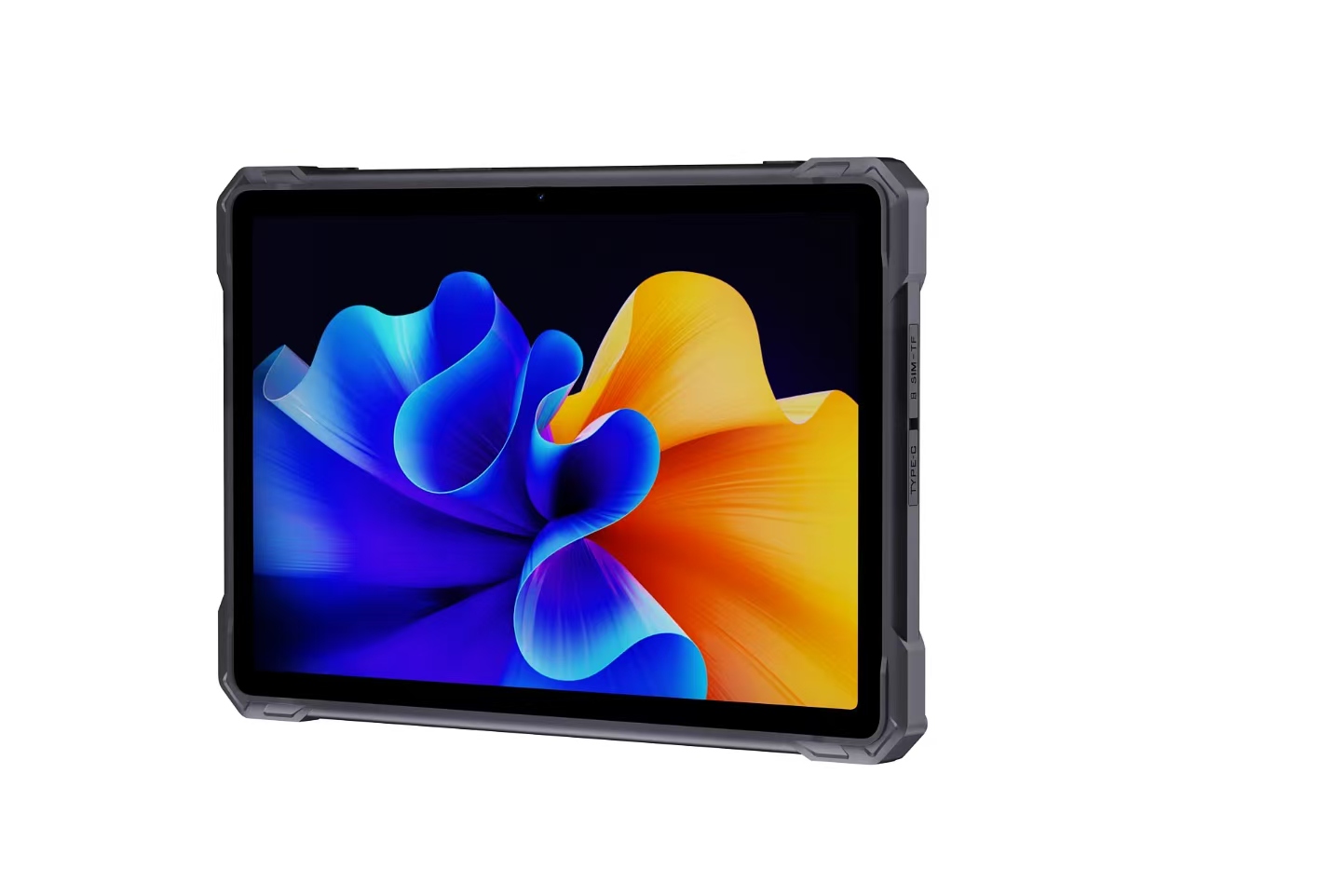
Most "dead" panels reported by the public are not dead. The player has dropped off the network, the video handshake has stalled, or the device is waiting on a scheduled reboot. Dispatching a van for any of those is the most avoidable charge on the whole invoice. The RT81 moves that first trip onto a display: an Android 13 tablet on a Qualcomm SM6115 octa-core platform, with dual-band Wi-Fi and 4G LTE on dual nano-SIM, so the technician can reach a player's status page from the curb in front of the site. Its 10.1in FHD screen at 400 nits renders the dashboard in daylight, and the 10000mAh battery outlasts a full round of remote checks. IP67 sealing with 1.2m drop tolerance matters because this unit lives in the van, on loading docks and beside outdoor kiosks. When the diagnosis says power-cycle or re-push a playlist, the fix lands before anyone drives.

Protection ratings are easier to price when each grade is matched to the failure it prevents. IP54, as on the ST11-U, assumes a closed cabinet indoors: dust arrives, splashes do not, and the rating is sufficient for mall and lobby installations. IP65, as on the SH5-W, adds tolerance for wash-down areas, transit platforms cleaned with hoses, and doorway positions where weather leaks in. IP67, as on the RT81, is the grade for outdoor kiosks and curb-side hardware that rain reaches directly. The temperature windows split the same way: the two Windows units tolerate minus 20°C to 55°C, while the RT81 operates from minus 10°C to 50°C and stores down to minus 40°C. A grade matched to its environment removes an entire class of site visits; a grade underspecified by one level tends to convert the same cabinet into a recurring service ticket every season.
On a procurement sheet the three units resolve to one row each, and the columns make their roles hard to confuse.
| Unit | Role on the chain | Display | Battery | Protection | Connectivity |
|---|---|---|---|---|---|
| RT81 | Remote diagnosis in the van | 10.1in FHD, 400 nits | 10000mAh 3.8V | IP67, 1.2m drop | 4G LTE dual SIM, dual-band Wi-Fi, BT, GNSS |
| ST11-U | Content player and scheduler | 10.1in IPS, 450 nits | 6000mAh 7.6V | IP54, 1.2m drop | Wi-Fi ac, BT 5.2, 4G LTE |
| SH5-W | Patrol detection handheld | 5.5in IPS, 400 nits | 5000mAh 3.8V | IP65, 1.2m drop | 4G LTE, Wi-Fi 5, BT 4.2, GNSS |
None of the rows competes with the others. A network that runs all three carries detection, playback and diagnosis on separate hardware, so one flat battery never takes out two links of the chain at the same time.
Spare sizing is a mechanism, not a guess. For each failure class the operator cannot tolerate idle — a dark flagship panel, a silent scheduler, a missing patrol device — the question is how long the swap takes compared with how long the repair takes. Where a repair turnaround is measured in days, a swap unit positioned on site converts that wait into minutes; where the vendor exchange is same-day, a central stash shared across sites is cheaper than one per location. Storage preparation matters as much as the count: the RT81 accepts a TF card up to 256GB, which carries a cloned diagnostic image, and the ST11-U's top 64GB+512GB configuration lets a spare hold the full content cache before it ever reaches a cabinet. Cradles and docks keep those units charged, because a spare that is flat when needed simply adds a fifth link to the chain. Labeling closes the loop: a spare shelved without its image, its cables and a printed checklist is inventory, not insurance.
Cutting the chain is an ordered exercise. Detection comes first because it is the cheapest: a handheld on rounds that already happen costs nothing new and removes the longest silent gap. Diagnosis comes next, and a 4G tablet in the van pays for itself the first time a "dead" screen turns out to be a sleeping player. Travel and hardware sit last, since they are the links with capital attached. Operators who work the chain in this order usually find that the expensive entries shrink on their own. To see how these three units compare across the wider line-up, review our product comparisons and competitor analysis, or browse the full range of rugged mobile computing solutions before planning the next rollout.