- Select Language
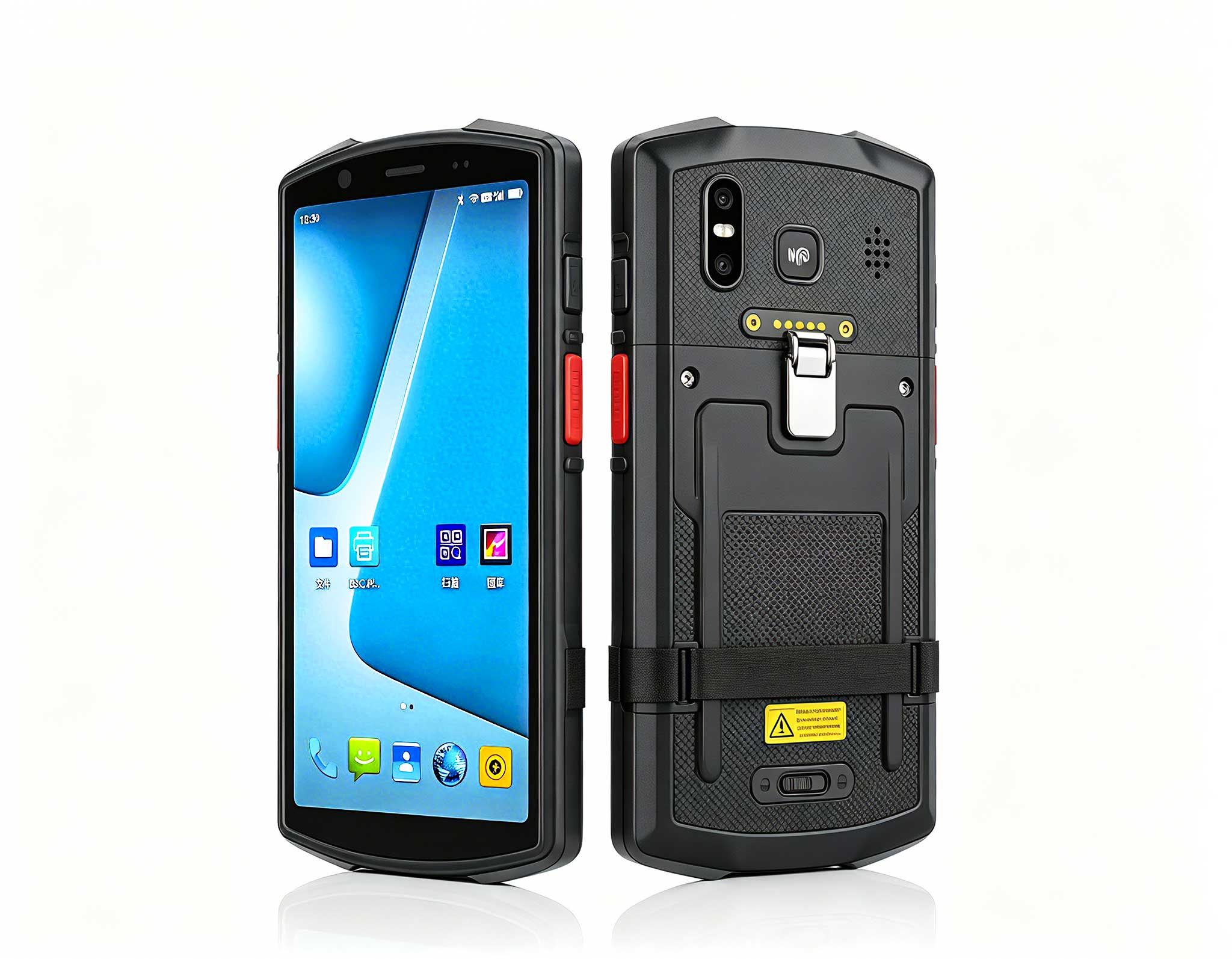
RS51 4G Rugged Handheld Terminal | 6.3" FHD+ ...
The F505 Handheld PDA is a compact, high-performan...
The N60 PDA is a cutting-edge device for inventory...
R366-S Thin 5.5-inch Industrial PDA | Qualcomm Oct...
Full SpecificationsModelHotus ST13‑JOSWindows 10 P...
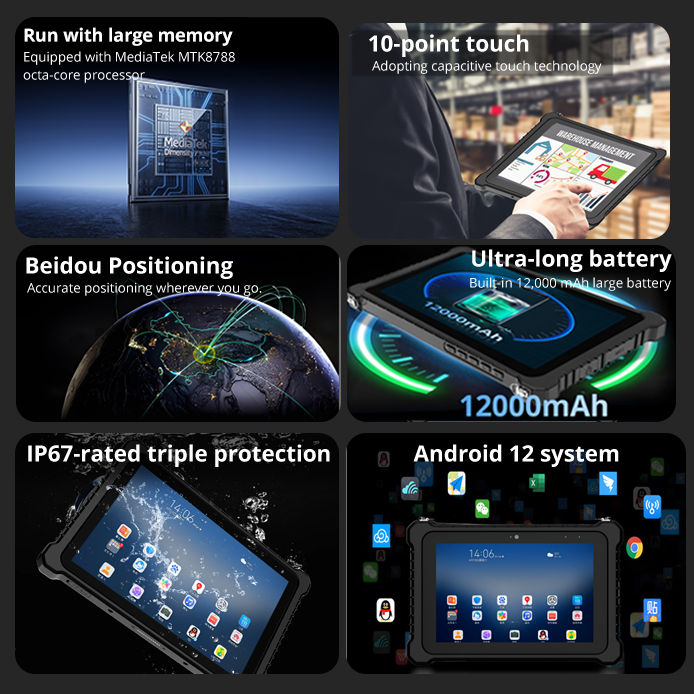
P8 Series 8-Inch Rugged Industrial Tablet PC Mobi...
Full SpecificationsModel Hotus SH5‑WOperating ...
R860-S 5.5-inch Industrial PDA with Thermal Printe...
A property sales gallery lives or dies by its model table. The miniature city lights up, a film sweeps across the wall screen, and the visitor decides within minutes whether this developer has its act together. Three Hotus machines keep that scene running: a compact host family built for exactly this kind of always-on duty, where one unit drives the show, one stores it, and one works behind the scenes.
The trap in a showroom is that every failure looks identical to the people watching. A frozen frame, a dead lamp zone, a film stuck on its first second — the sales team sees one thing: the model is broken. In practice a gallery runs three separate layers, and each of the three machines owns one of them. Learning which layer failed turns a panicked call into a five-minute fix.
Sit with a gallery team for a month and the reported problems collapse into a short list. The picture on the wall stops moving while the model lights keep running. The film that should greet every visitor plays last month's version, or nothing at all. Or the units above the ceiling tile start humming loudly by mid-afternoon, long before closing time. Each of those calls points at a different machine, and none of them requires opening a toolbox to diagnose. The pattern matters because galleries that lack the split tend to reboot everything at once, which hides the real cause behind a restart that would have happened anyway. A restart also erases the evidence: the fan curve resets, the failed sync attempt disappears from view, and the crew walks away believing the fault is gone. When the same call comes back two days later, the split-by-layer card is what turns a recurring annoyance into a one-time fix.
The most dramatic call — a black display over the model — is usually the least serious. The presenter unit, a Palm-sized miniPC, pushes the gallery's visuals through two HDMI 2.1 ports and a Type-C that carries 8K video, so a single cable knock from a cleaner's trolley can take one of three feeds down without touching the other two. When one zone dies and the rest of the show continues, the host itself is almost never the problem.
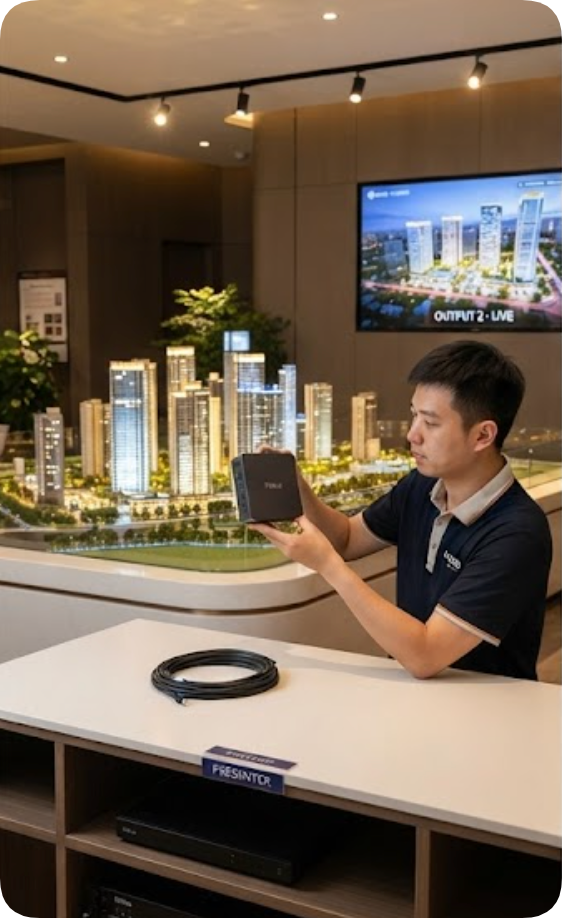
The check takes one minute at the back of the unit: confirm which output went dark, reseat that cable, and watch the desktop re-extend. The 800g chassis lifts off its shelf with one hand, which matters when the alternative is climbing behind a cabinet during business hours. Its PC+ABS shell runs cool to the touch, so there is no wait for it to cool down before handling. Keep a spare HDMI lead taped inside the cabinet and the fix becomes a swap rather than a search; the cable that fails is almost always the one visitors' chairs and trolleys can reach. Note the date of each reseating on the card, because a lead that needs attention twice in a quarter should simply be retired before it fails during a viewing.
The second call is subtler and far more common: the welcome film plays, but it is the old edit, with last quarter's pricing or a floor plan that no longer exists. That content library does not live on the presenter at all. It lives on a WTR PRO AMD, whose four SATA drive bays hold the gallery's full media set — the master films, the per-tower walkthroughs, the rendered flyovers — ready to push to the presenter whenever the marketing team uploads a new cut.
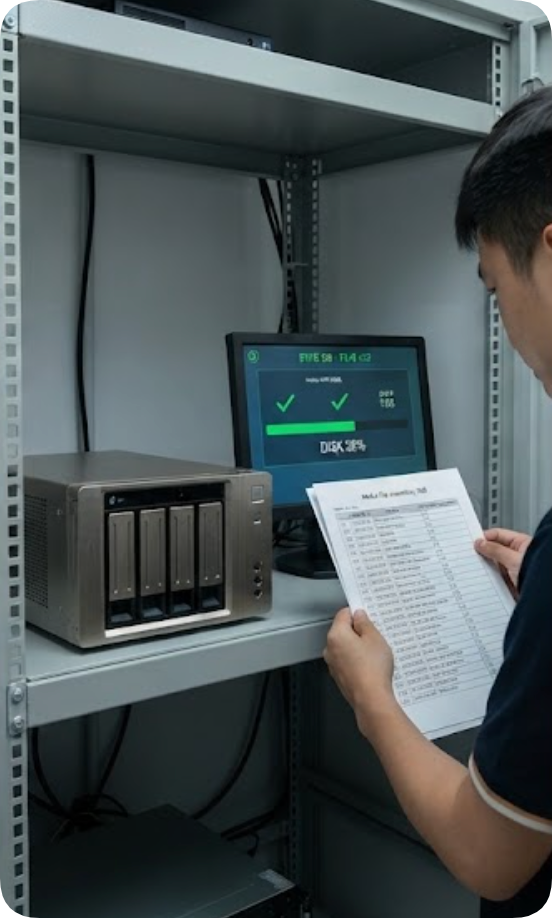
Failures here are administrative, not electronic: a sync job that was never scheduled, a drive filled past its comfortable margin, a file named in a way two people read differently. The metal body of the unit sheds heat well, but the real maintenance is a standing rule that every new master film lands in one folder, with a date, and the sync log gets a glance each morning. Its dual 2.5G Ethernet ports make that push to the presenter fast enough to run during the lunch break rather than overnight.
The third call arrives as sound, not picture: a low hum that grows through the afternoon. It comes from the HCAR5000 MI, the larger unit — 2455g of chassis against the presenter's 800g — that runs the gallery's background work such as the visitor register and the reporting dashboard. Tucked into a cabinet beside the model, it intakes air from floor level, and floor level in a sales gallery means dust from daily foot traffic.
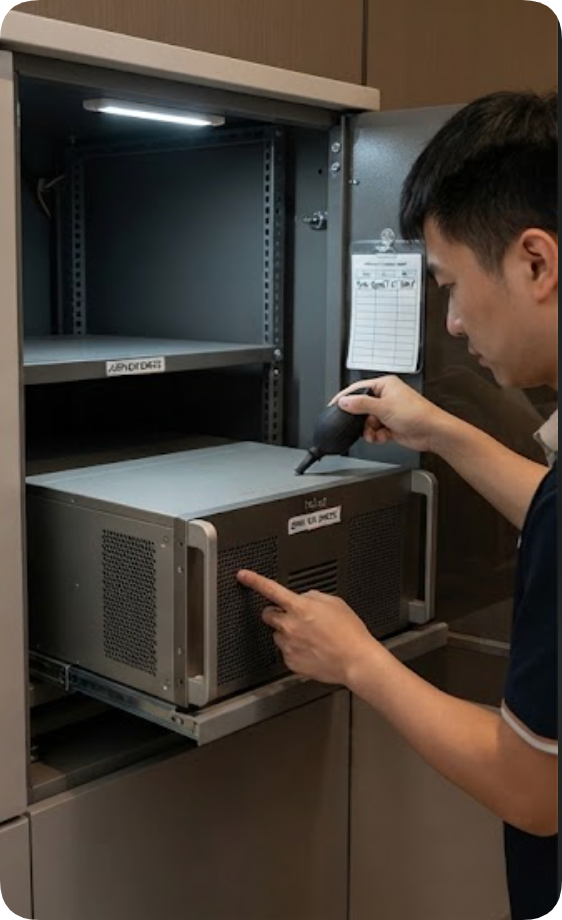
Its care is seasonal rather than daily. A Ryzen 5000H-series processor inside has thermal headroom to spare, but a blocked intake will defeat any cooler. Once a month, the unit comes forward on its shelf, the intake grille gets a pass with low-pressure air, and the fan curve gets listened to at boot — a clean unit spins up quietly and settles. The AMD platform offers memory up to 64GB of DDR4, so there is no performance excuse for the background load; when the noise returns within days of a cleaning, the cause is almost always a schedule of tasks that no longer belongs on that machine.
Write the three layers onto one card and the gallery stops guessing. The card does not care which model failed first; it asks what the visitor noticed, and routes from there.
| What You Notice | Layer | Which Unit First | What Settles It |
|---|---|---|---|
| One display dark, show otherwise running | Signal path | Presenter | Reseat that output's cable |
| Film plays the old edit | Content | Media store | Check the sync log and folder |
| Film missing entirely | Content | Media store | Confirm the push, then the drive margin |
| Hum builds through the afternoon | Airflow | Background unit | Clear the intake, listen at boot |
The product pages back this division of labor up. Each machine was chosen for the layer it holds, and the published figures make the reasoning visible.
| Unit | Display Output | Network | Storage |
|---|---|---|---|
| Palm-sized miniPC | 2x HDMI 2.1 plus Type-C, triple 8K | 2.5G Ethernet | 2x M.2 NVMe and 2x 2.5in SATA bays |
| WTR PRO AMD | Triple 4K via HDMI, DP and Type-C | Dual 2.5G Ethernet | 4x SATA bays |
| HCAR5000 MI | DP 2.0b plus Type-C with video | RJ45 | 128GB to 1TB SSD, or 500GB/1TB HDD |
Weight and memory ceilings differ too much to share a column — the background unit publishes 2455g where the presenter publishes 800g — but those figures belong to the earlier sections anyway. What the table shows is the port arithmetic: the presenter carries the display burden, the store carries the disk burden, and the two never compete for the same resource.
None of this needs a technician on site daily. The five-minute close-down happens after the last viewing, not during business hours, and it follows the same order every evening so it becomes muscle memory rather than a checklist someone has to remember. It looks like this: glance at the sync log on the store, confirm the presenter's three outputs are all live on the desktop, and rest a hand near the background unit's exhaust — warm is normal, hot is a note for tomorrow. Once a week, the store's drive margins get checked, because a media library that grows without limit is the only fault on this list that announces itself weeks late.
Once a month, the background unit gets its air pass and its boot-listen, and the presenter gets its cables reseated whether they need it or not. Preventive contact with the connectors costs nothing and eliminates the most frequent call on the list. Write the result of each check on the same card as the layer table, so the next person inherits a record rather than a mystery: what was cleaned, what was reseated, and which drive margin was noted. A gallery with that paper trail can hand over in an afternoon, because the incoming crew already knows which machine to touch first and which one to leave alone.
Hand this article's logic to whoever manages the gallery next and the machines will outlast the fit-out. The full Hotus lineup covers galleries of every size, and the same layer-split applies whether the model table is five square meters or fifty. More deployment notes like this one are collected in the news and comparisons section, including earlier maintenance routines for signage and conference rooms that borrow the same three-layer habit.