- Select Language
RT82 5G Rugged Tablet | 10.1" FHD 400nit | Qu...
The T80 handheld PDA combines advanced barcode sca...
RT80 5G Rugged Tablet | 10.1" FHD 400nit | Un...
The PM158-1 is a 15.6-inch portable touchscreen mo...
The T80 handheld PDA combines advanced barcode sca...
R366-S 5.5-inch Industrial PDA | Qualcomm Octa-cor...
Industrial sites used to organize their computing around the network diagram: a server room, some cabling, devices scattered wherever work happened. Walk a modern plant or utility depot today and the organizing unit has quietly changed. It is not a rack and it is not a floor plan. It is the cradle by the door where a tablet lands between rounds, and the ninety seconds it spends there. Whatever happens in that window — sync, charge, verify, hand off — decides whether the next crew starts with a working fleet or a pile of surprises. This piece follows that pattern through three devices built for exactly this rhythm: a ten-inch control tablet, an eight-inch floor tablet, and a bench machine that never moves at all.
Most fleets fail slowly, and they fail between tasks rather than during them. A unit that leaves the shelf at 06:00 with a half-charged battery does not announce itself; it simply dies at 14:00 in the middle of an inspection round. A device that missed the overnight data pull forces its operator to work from stale records until someone notices. None of this shows up as an incident report. It shows up as a slow tax on every crew that follows. Sites that treat the return-to-cradle moment as a formal checkpoint — device seated, contact made, data moving — catch these failures while they are still free to fix. Sites that treat it as parking get to rediscover the same problems every morning. The pattern also explains why fleets that look identical on paper behave so differently in their second year. Two plants can buy the same tablets and run opposite outcomes, and the difference usually traces to whether the return moment was designed or merely allowed. A designed return moment has a named owner, a fixed location and a pass condition; an allowed one drifts toward whatever corner socket is free that week.
The physical contract behind that checkpoint is the pogo connector. Both the HTYJ10A and the HTNJ08B route power and data through a 12-pin POGOPIN interface, which means a single deliberate seating action reconnects everything at once: charging contacts, data lines, no fiddling with a separate cable that someone walked off with yesterday. Around that core connector, each tablet still carries the full spread a site needs — Type-C, Type-A, Mini HDMI, RJ45, TF and SIM slots, plus audio and a dedicated DC input. The RJ45 port matters more than it looks: when a dock sits on a bench wired into the site network, a returning tablet can sync over wire without touching the wireless spectrum the floor is already arguing over. The optional charging dock turns that seating action into the default way a unit rests.
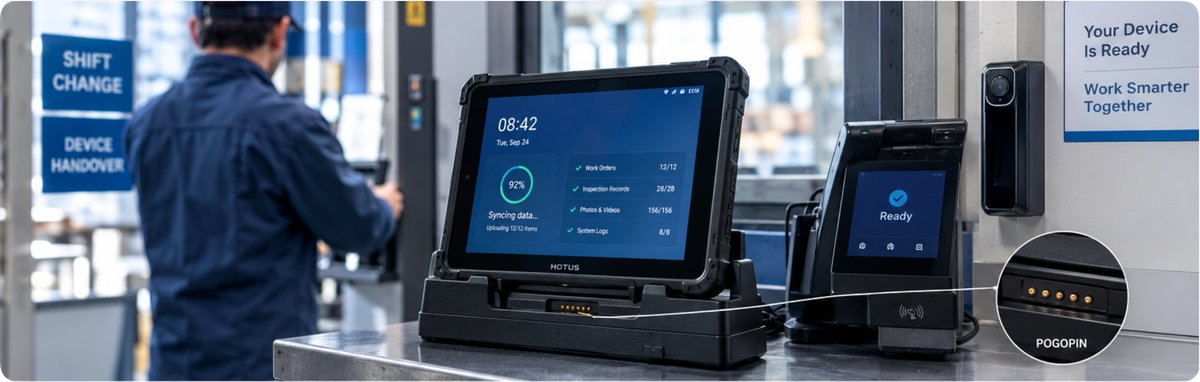
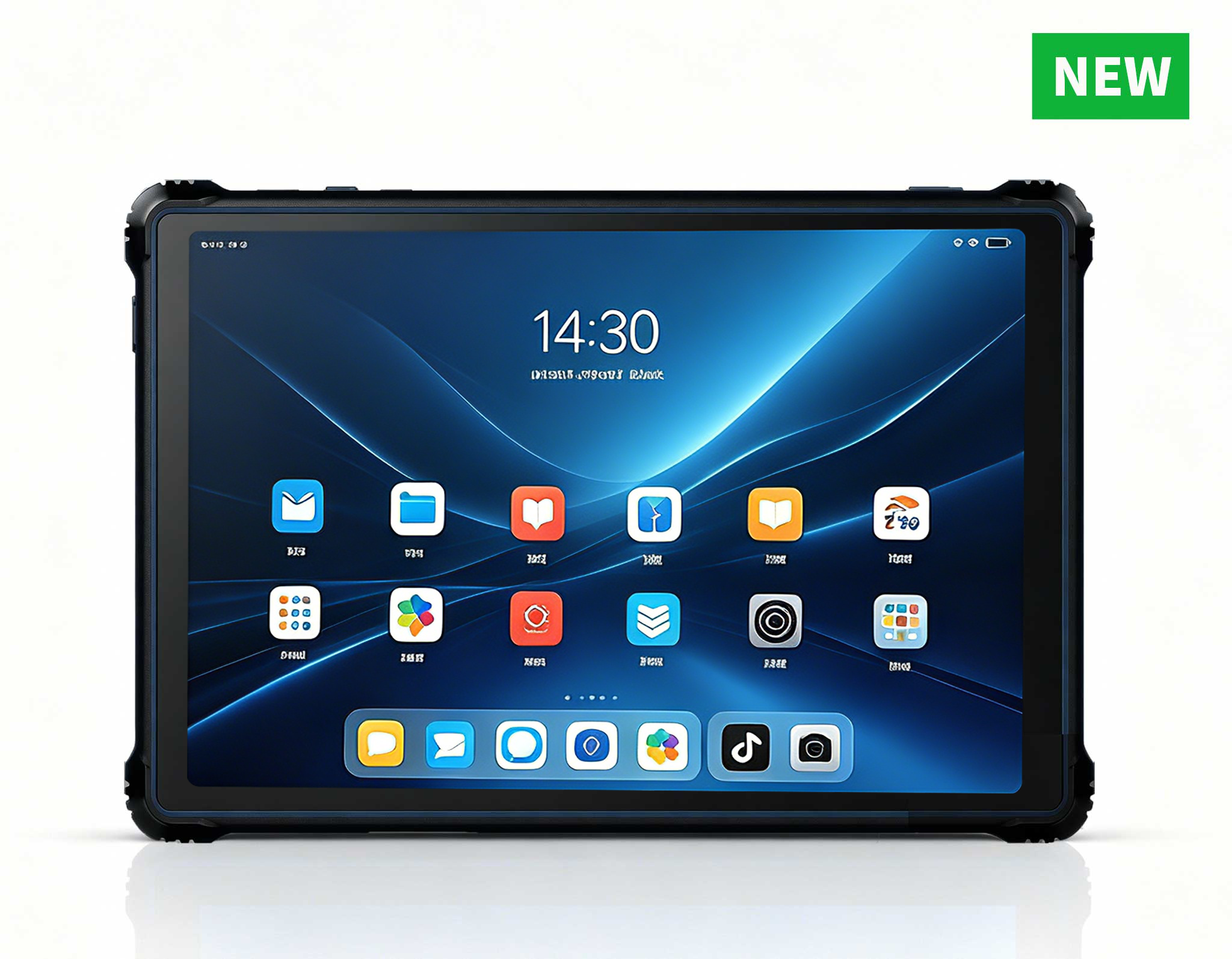
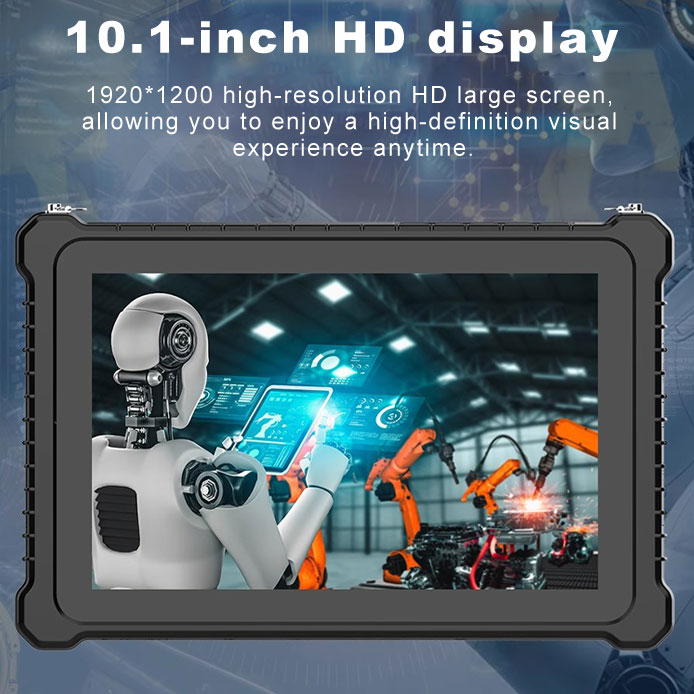
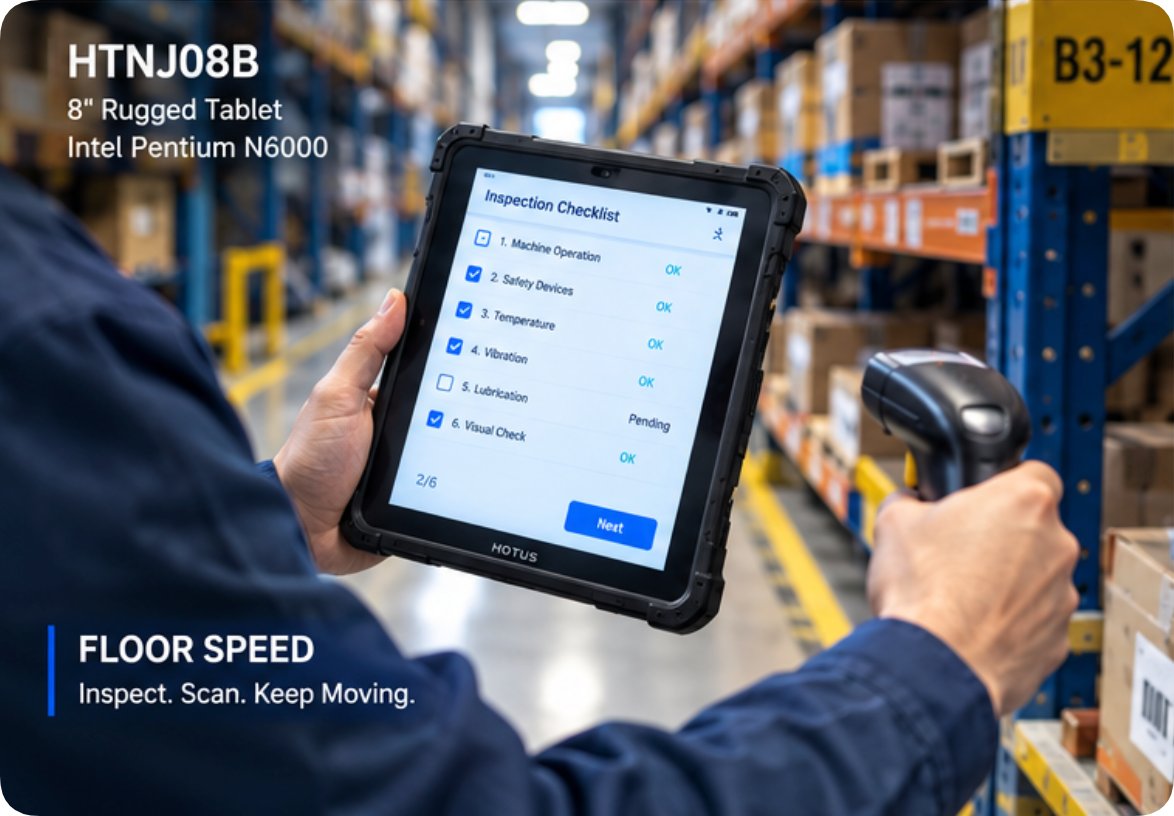
The two tablets in this pair split the work the way a good crew does. The ten-inch HTYJ10A runs an Intel Core 10th-generation i5-10210Y or i7-10510Y, drives a 1200×1920 panel at 560 nits, and connects over Wi-Fi 6 with Bluetooth 5 — the profile of a device that supervises: dashboards, schedules, confirmations. The eight-inch HTNJ08B runs an Intel Pentium N6000 with four cores reaching 3.3 GHz, the same 1200×1920 resolution at 560 nits, on Wi-Fi 5 and Bluetooth 4.2 — the profile of a device that moves: one-handed checks, scan-and-go rounds, narrow aisles. Both share the same 7.6V/3500mAh battery, the same IP67 sealing against washdowns and rain, the same 1.22-meter drop rating, and the same front 5-megapixel and rear 8-megapixel autofocus cameras.
| Attribute | Ten-inch control unit | Eight-inch floor unit | Bench node |
|---|---|---|---|
| Processor | Intel Core i5-10210Y / i7-10510Y (10th Gen) | Intel Pentium N6000, 4C/4T up to 3.3 GHz | Desktop-class, user-configurable |
| Display | 10" LCD 1200×1920, 560 nit | 8" LCD 1200×1920, 560 nit | Triple 8K output via 2× HDMI 2.1 + USB-C |
| Wireless | Wi-Fi 6 + Bluetooth 5 | Wi-Fi 5 + Bluetooth 4.2 | Per site configuration |
| Battery / power | 7.6V/3500mAh, DC 19V adapter | 7.6V/3500mAh, DC 19V adapter | Mains-powered, always on |
| Protection | IP67, 1.22 m drop | IP67, 1.22 m drop | PC+ABS chassis, 800 g |
| Rest state | 12-pin POGOPIN, optional charging dock | 12-pin POGOPIN, optional charging dock | Never undocked from power |
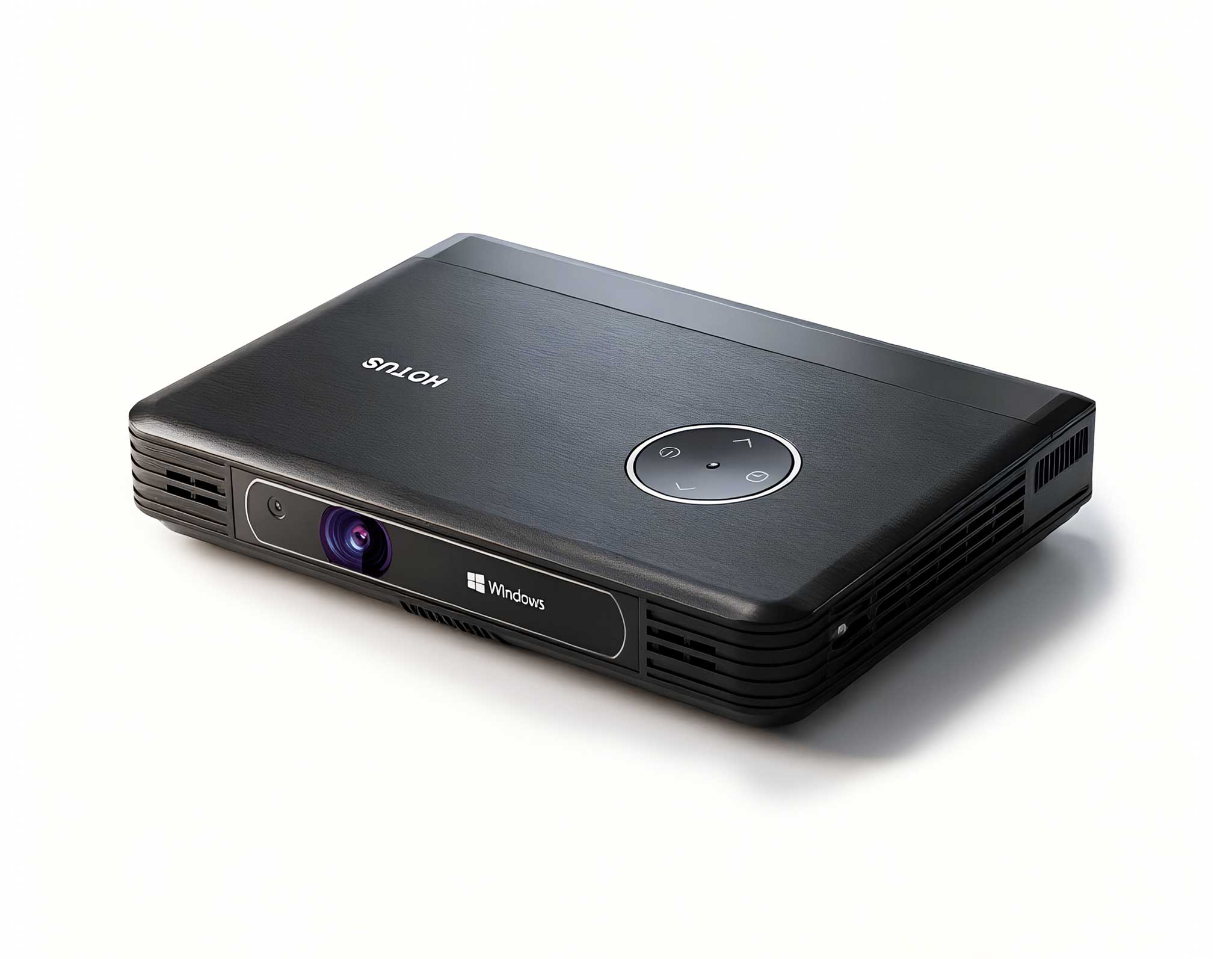
Every cradle story needs an anchor, and this one weighs 800 grams. The Palm-sized miniPC is the third device in the set and the only one that never travels. It takes dual-channel DDR4 or DDR5 modules up to 64GB, user-upgradable, feeds on two M.2 slots, and pushes three simultaneous 8K outputs through a pair of HDMI 2.1 ports and one USB-C — enough to drive a wall board, a supervisor display and a bench monitor from one 800-gram box running Windows 11 or Linux. In the dock rhythm, its job is to be boring: it holds the update payloads the tablets pull, keeps the local cache of records that must survive a WAN outage, and stays powered through every shift because nothing ever unplugs it. A fleet with an always-on node stops treating each morning as a cold start.
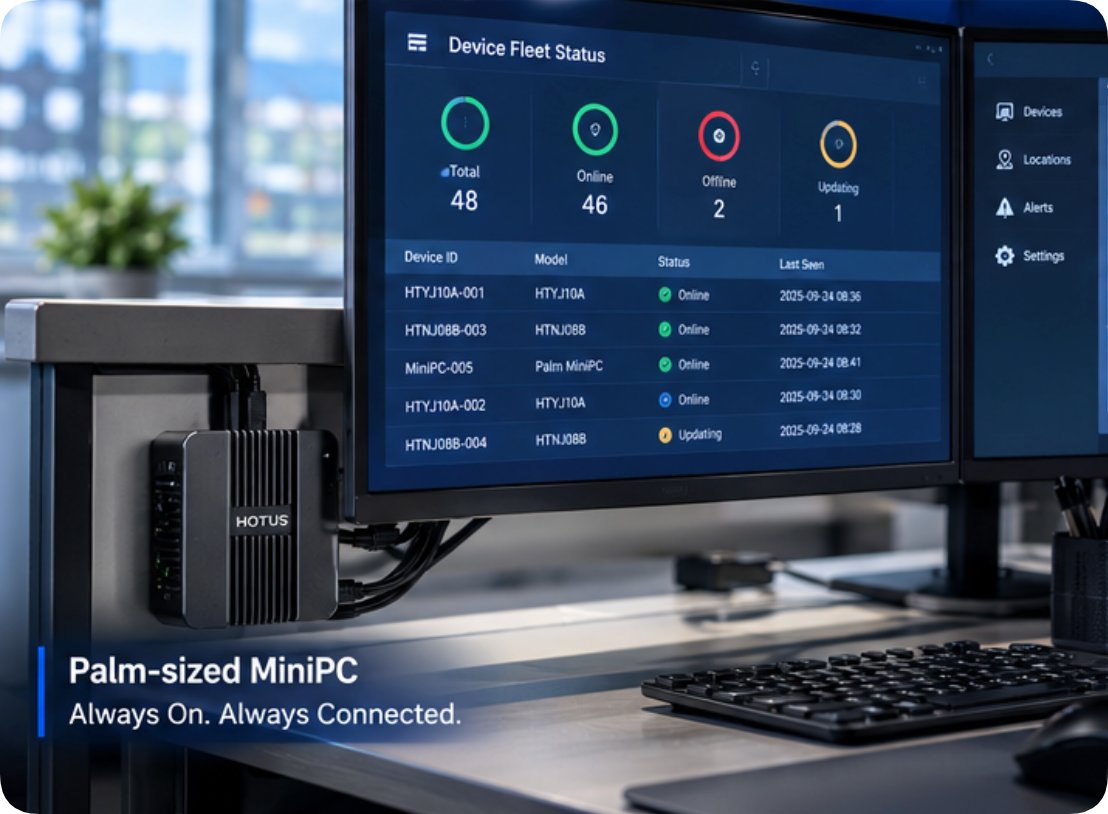
Pattern the return events across a day and a shape emerges. Each tablet touches the cradle several times per shift, each touch moving a small delta: a finished checklist, a batch of photos from the rear camera, a location log. The bench node absorbs those deltas continuously, so the heavy work — consolidation, deduplication, preparing the next update — never competes with the working day. When a software update does go out, it stages on the always-on node first and distributes to whichever units seat themselves overnight, so no crew ever waits for a progress bar. The schedule also absorbs the exceptions: a tablet that comes back damaged seats in the repair lane instead, the bench node flags the gap, and a spare takes its slot before the next crew arrives — a swap measured in minutes because the fleet was sized with the dock in mind. Sites that log cradle events can even watch the shape move: when a crew stops docking, the deltas pile up and the morning reports start lying. The fleet's quietest hour does most of its computing. That is the whole trick of the arrangement, and it only works when the returning devices actually dock instead of landing on a shelf with a loose cable nearby.
Shared hardware lives a harder life than assigned hardware, and the specification that absorbs it is not glamourous. Both tablets carry 560-nit panels behind 7H hardness glass, readable under loading-dock floodlights and in outdoor glare without cupping a hand around the screen. IP67 sealing means a washed-down cradle corner does not poison the connector. The 1.22-meter drop rating exists precisely because handover moments are when devices fall — a unit changing owners mid-stride, a glove slipping on a ladder rung. And because both tablets accept the same optional modules — 4G, NFC, scan engines, fingerprint readers, the charging dock itself — a site can standardize one cradle layout for both screen sizes instead of maintaining two rituals for two form factors.
The trend worth naming is that buyers have started asking dock questions first. Five years ago a tablet datasheet comparison settled most purchases; today the sharper questions are about what happens at rest. Does the connector carry data or only power? Is the cradle an accessory or an architecture? Can one node hold updates locally so a WAN blip does not stall forty devices? The three devices here answer those questions in hardware rather than in a brochure: a twelve-pin path that reconnects everything in one motion, a sealed body that tolerates the traffic a shared cradle attracts, and a bench machine with the memory ceiling and storage headroom to act as the site's patient zero for every update. Fleets designed around that answer age slowly. Fleets designed around a spec-sheet spreadsheet keep buying twice.
If your site is rethinking how devices move between crews, start from the moment of return rather than the moment of purchase. The HTYJ10A and the HTNJ08B cover the two roles most fleets need — control and floor speed — on one dock habit, while the Palm-sized miniPC anchors the bench. See where they sit across our mini PC range and the broader rugged tablet lineup, or talk through a deployment with the team at the Hotus product center.