- Select Language
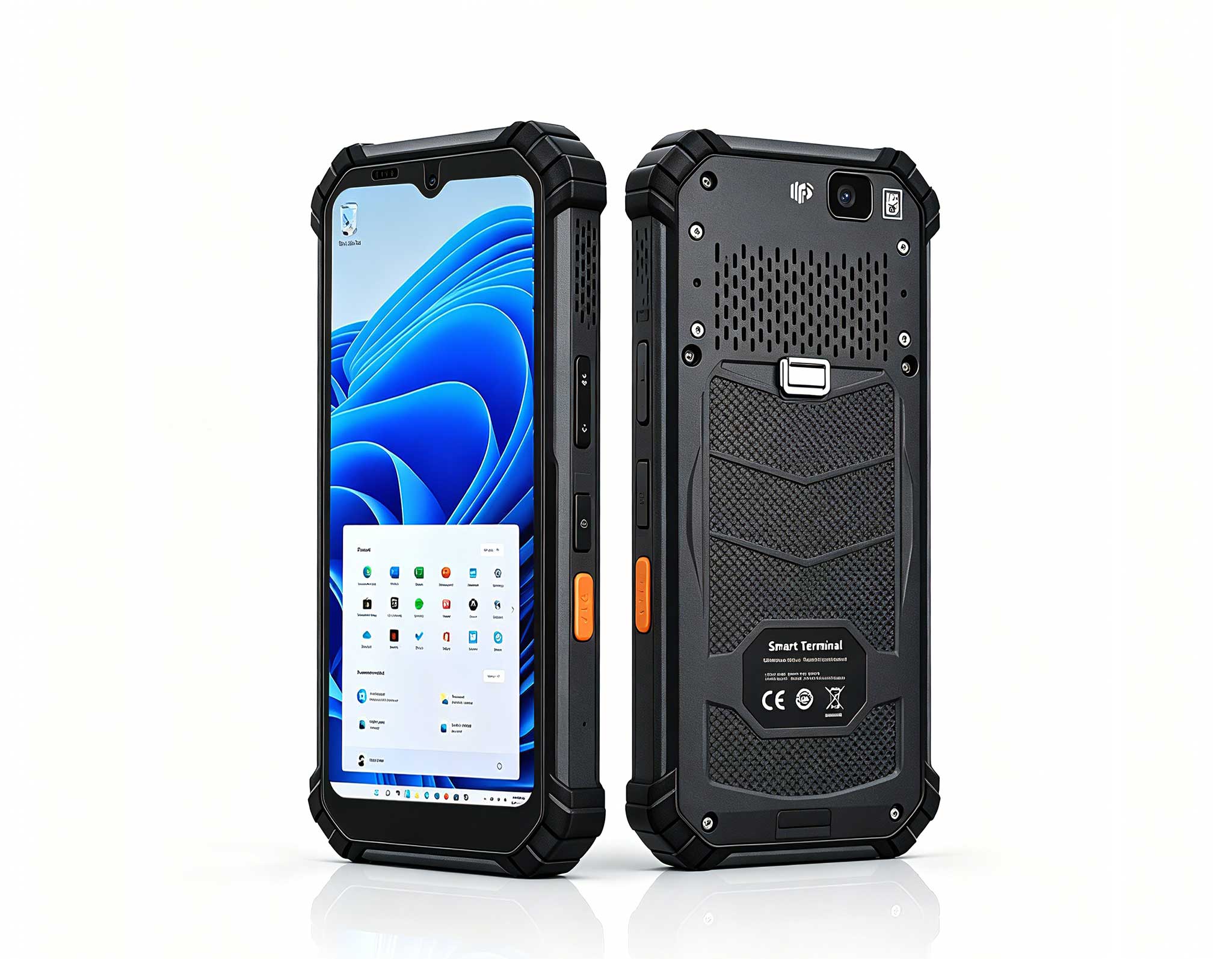
R366-S 5.5-inch Industrial PDA | Qualcomm Octa-cor...
RS50 5G Rugged Handheld Terminal | 6.3" FHD+ ...
The F505 Handheld PDA is a compact, high-performan...
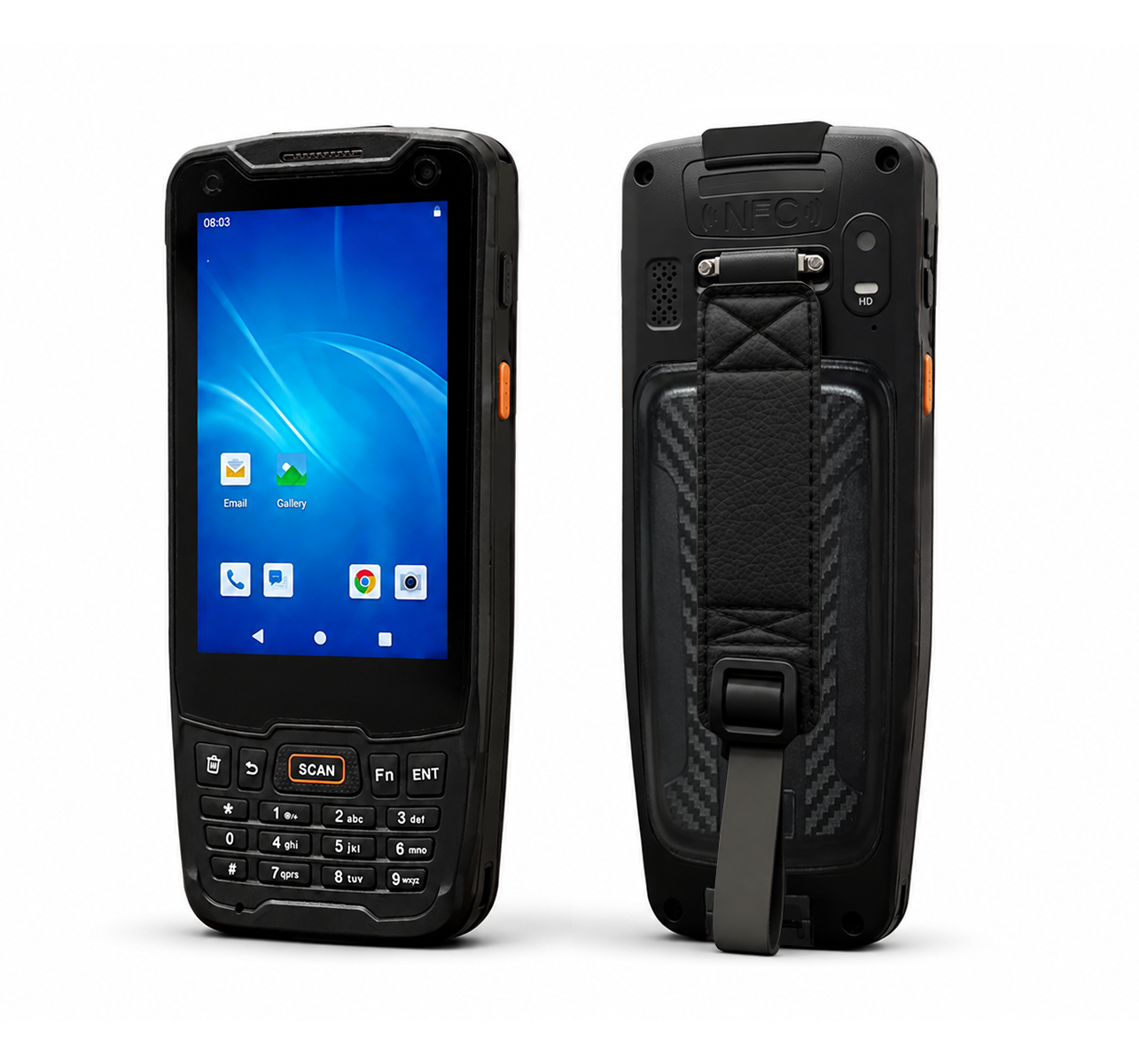
R350C 4-inch Industrial Handheld PDA | Qualcom...
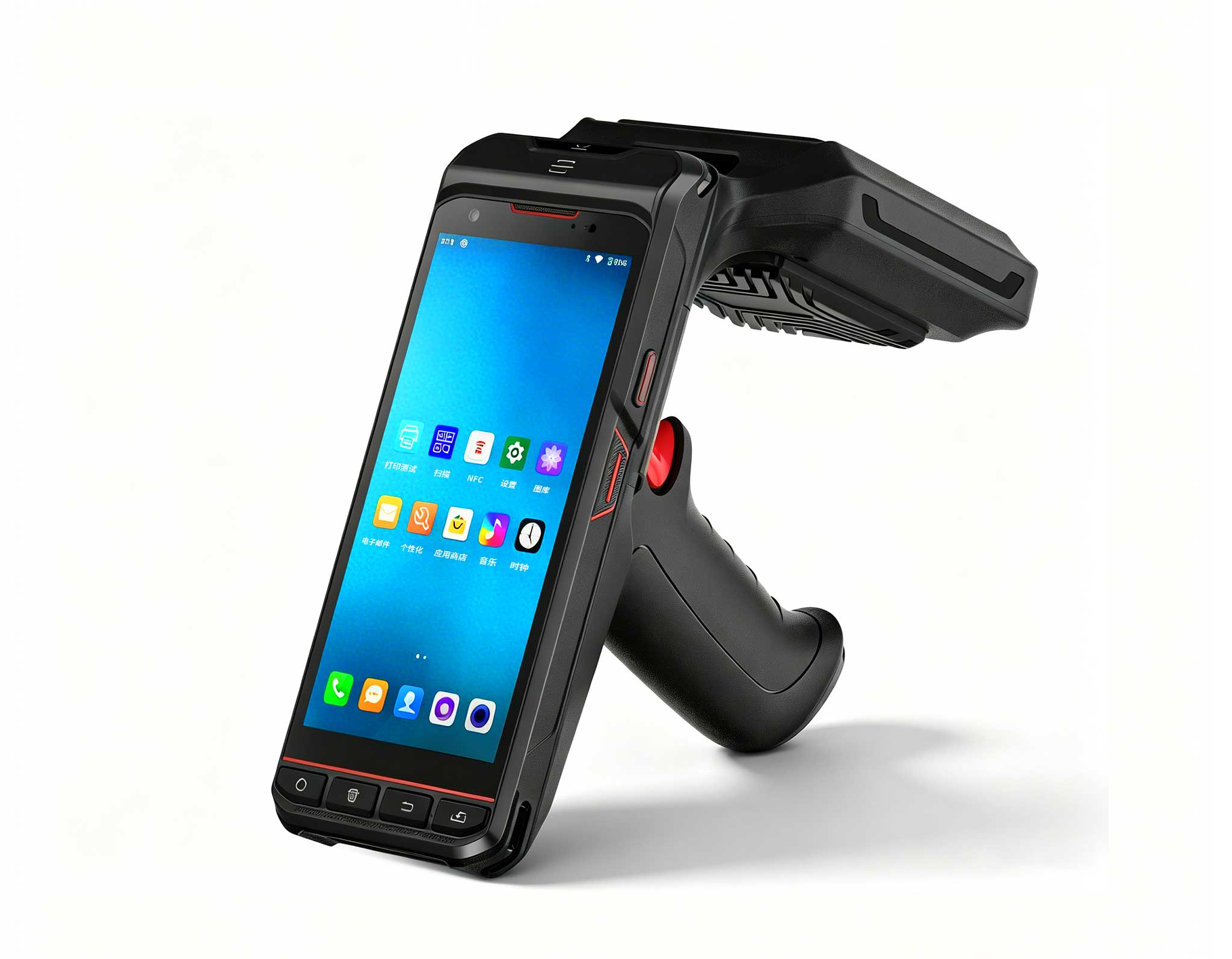
The R501 PDA combines a powerful MT6762 Octa-Core ...
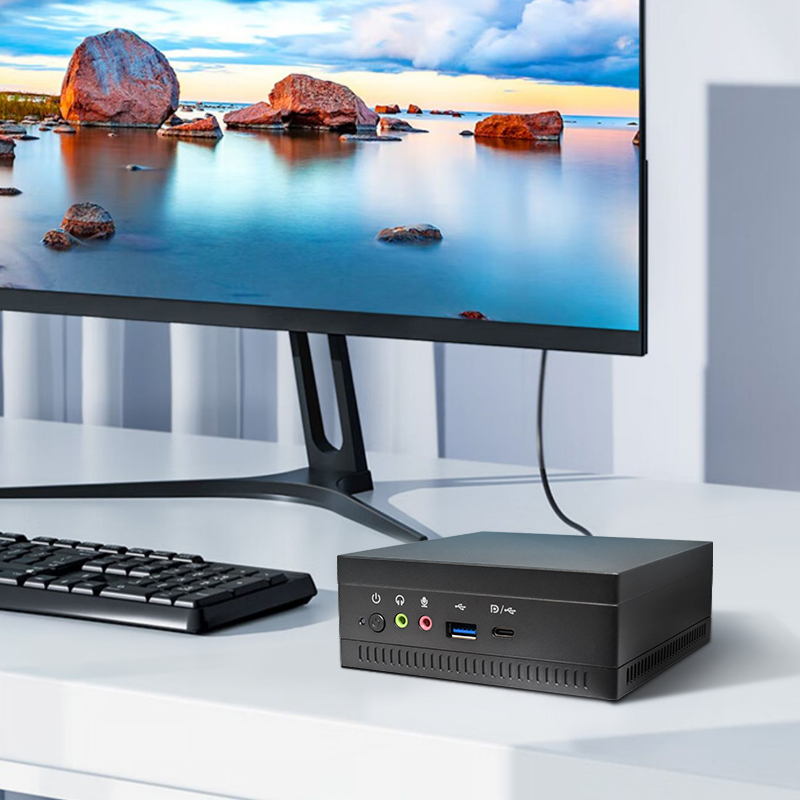
This ultra-compact mini PC offers powerful perform...
P11 Series Next-Gen Enterprise Rugged Industrial ...
A charging site never gets inspected as one object. The fire lane in front of the cabinets gets walked on one rhythm, the billing firmware on the dispensers gets verified on another, and the cable jackets along the trench get a visual pass on a third. Bundle all of that into a single weekly round and the paperwork will look tidy while three different requirements quietly slip. The honest way to run the site is to accept that each obligation carries its own deadline, and to give the crew hardware that can tell those deadlines apart.
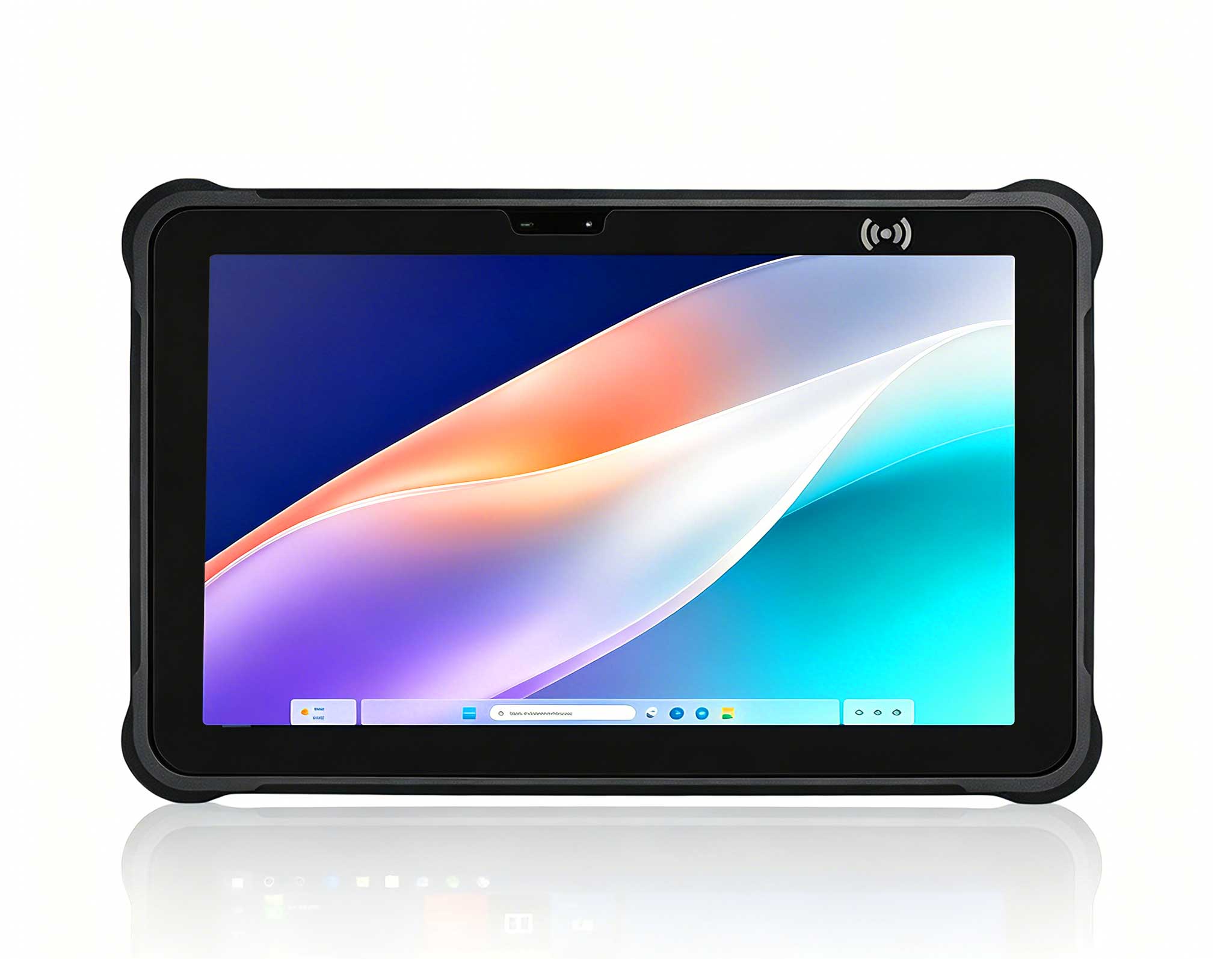
That is where the tooling on the crew matters more than the binder. A Hotus HTNJ10B tablet, a K401 handheld terminal and an SH5-W pocket unit divide the work naturally: one reads and records at the cabinet face, one turns every cabinet into a scanned ledger entry, and one lives in a vest pocket for the hundred small confirmations in between. All three make the site's compliance calendar executable.
Walk any operating checklist for a charging depot and the intervals refuse to align. Exterior housings and cable runs usually get looked at daily, simply because damage there is visible and cheap to fix early. Billing accuracy and payment terminal checks tend to follow monthly cycles set by the payment scheme. Grounding and electrical protection verification lands on seasonal or annual schedules tied to the electrical code. Emergency lighting, signage and fire access lanes often sit on their own municipal rhythm. Nobody chose these frequencies to annoy the maintenance planner; each one follows how fast the underlying risk actually moves.
The practical consequence is that a single combined inspection produces records no auditor can use. When the fire inspector asks when the access lane was last walked, the answer cannot be "during the monthly billing check", because the two things do not share a clock. The site needs records kept per item, timestamped per item, and retrievable per item. That is a data-collection problem before it is a paperwork problem, and it is why three devices with three temperaments fit the site better than one device stretched across all of them.
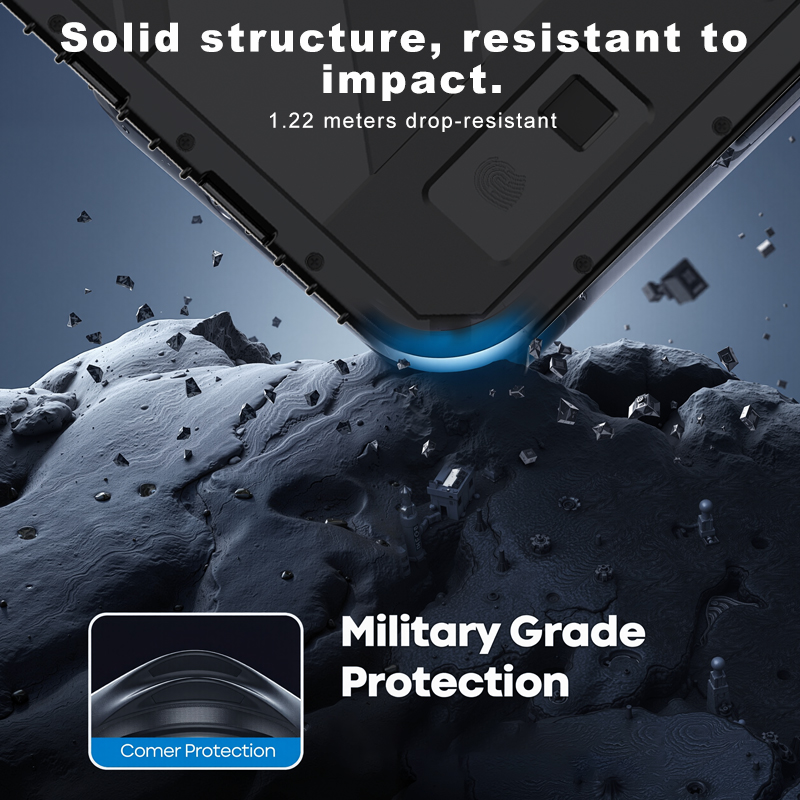
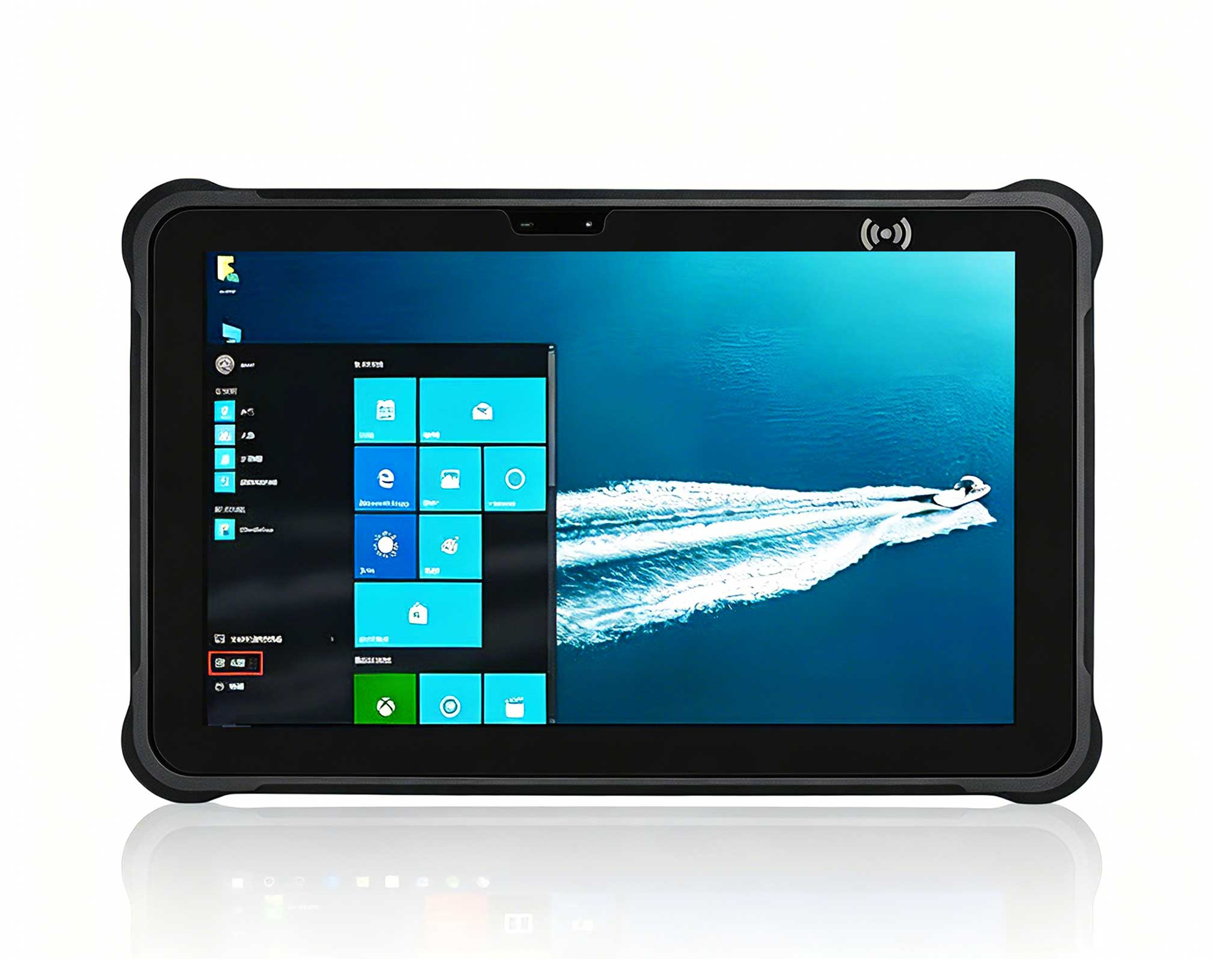
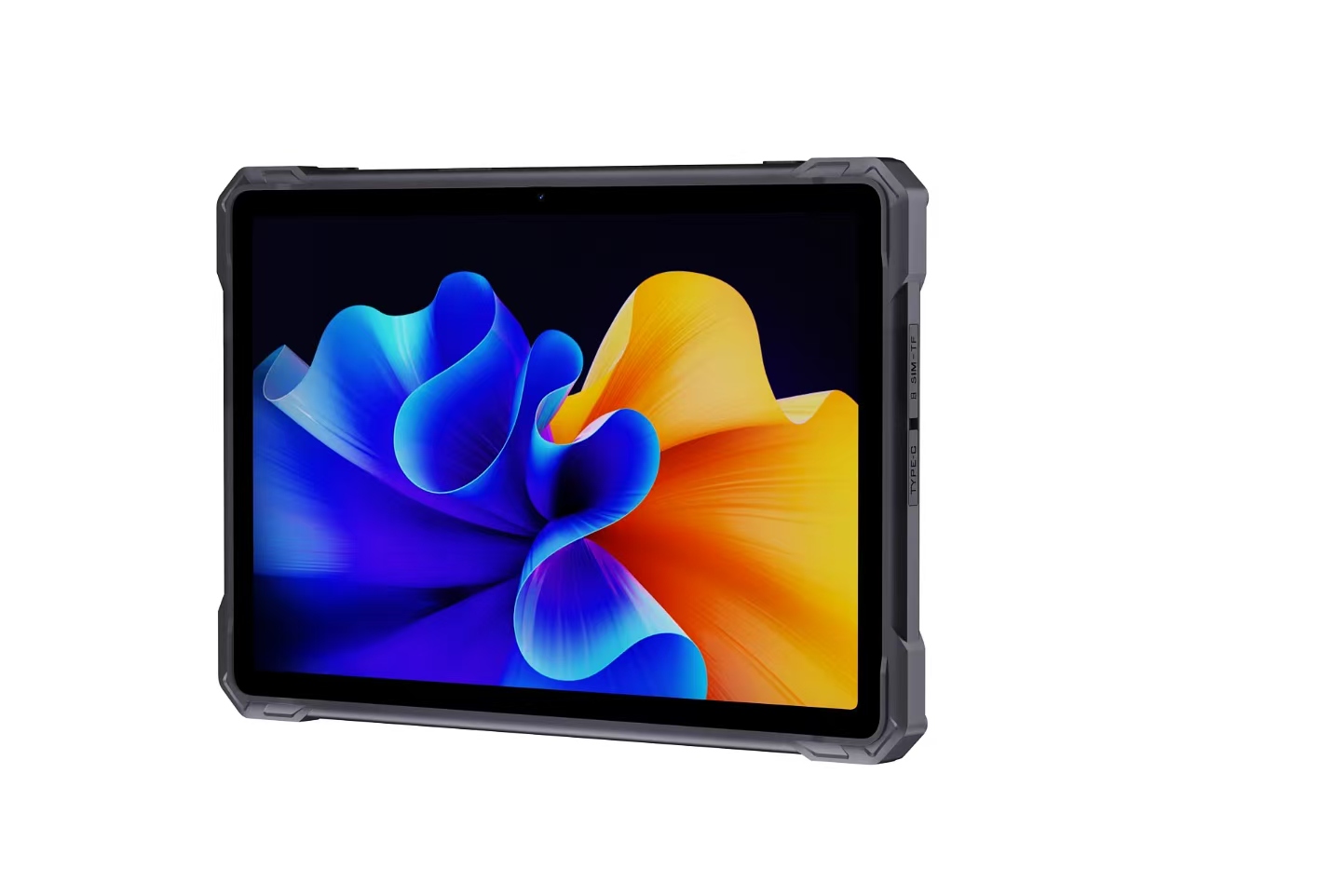
Most of the detailed verification at a charging site happens in one place: the cabinet face. Fault codes need to be read from the dispenser display, firmware versions compared against the fleet baseline, and DC output values checked against what the backend reports. The HTNJ10B carries a 10-inch LCD at 1200x1920 with 560nit of brightness, which keeps fault text legible inside a dim equipment room or against morning glare on an open lot. An Intel Pentium N600 with four cores runs the vendor's diagnostic suite without stalling, and the IP67 enclosure with 1.22m drop resistance survives the wet, gravel-edged reality of a cabinet pad.
RJ45 lets it sit directly on a cabinet's service port for firmware work, and the 12Pin POGOPIN with the optional charging dock turns the night shift into a recharge window. An optional 4G module keeps it online on sites where the local network is exactly the thing under inspection.

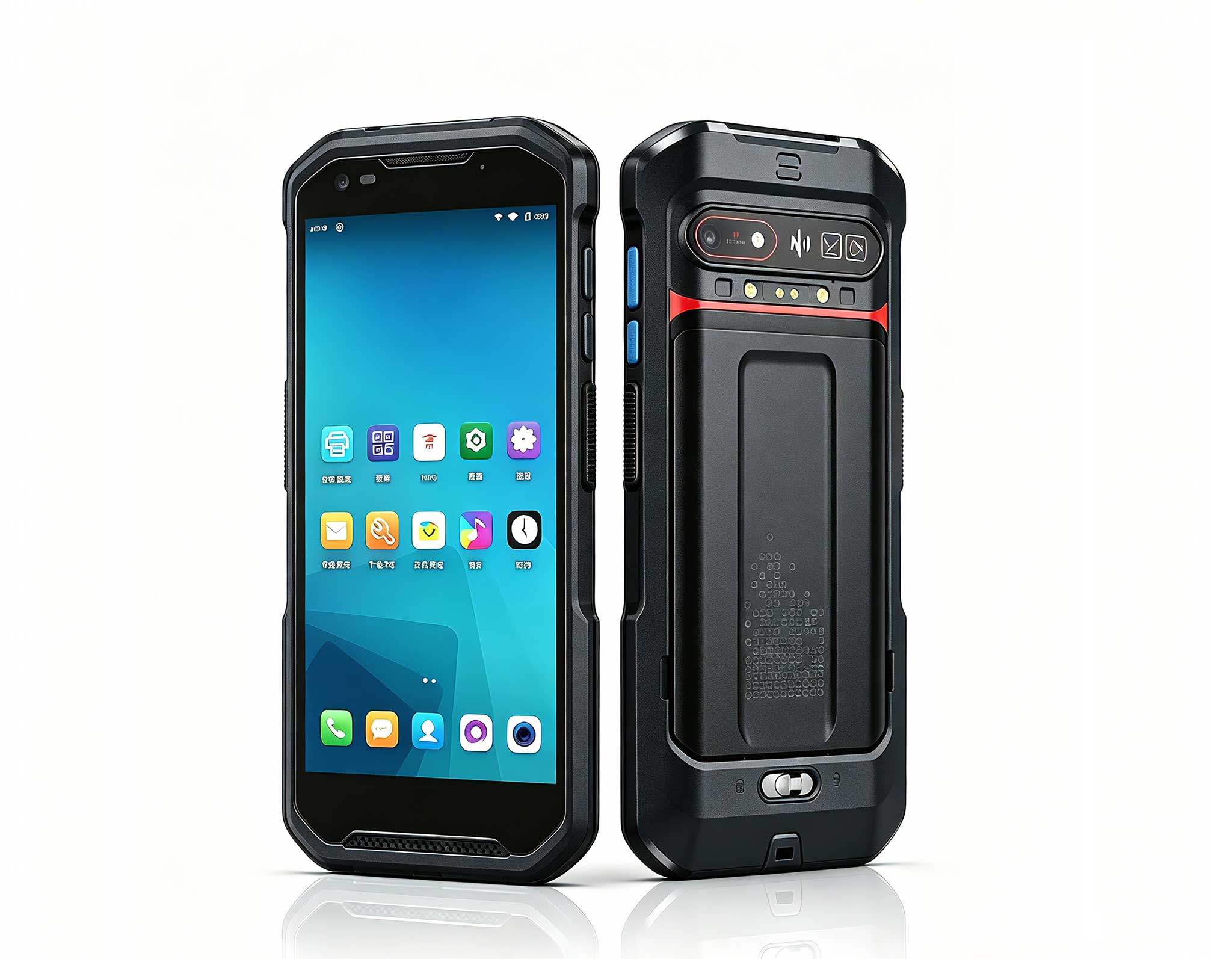
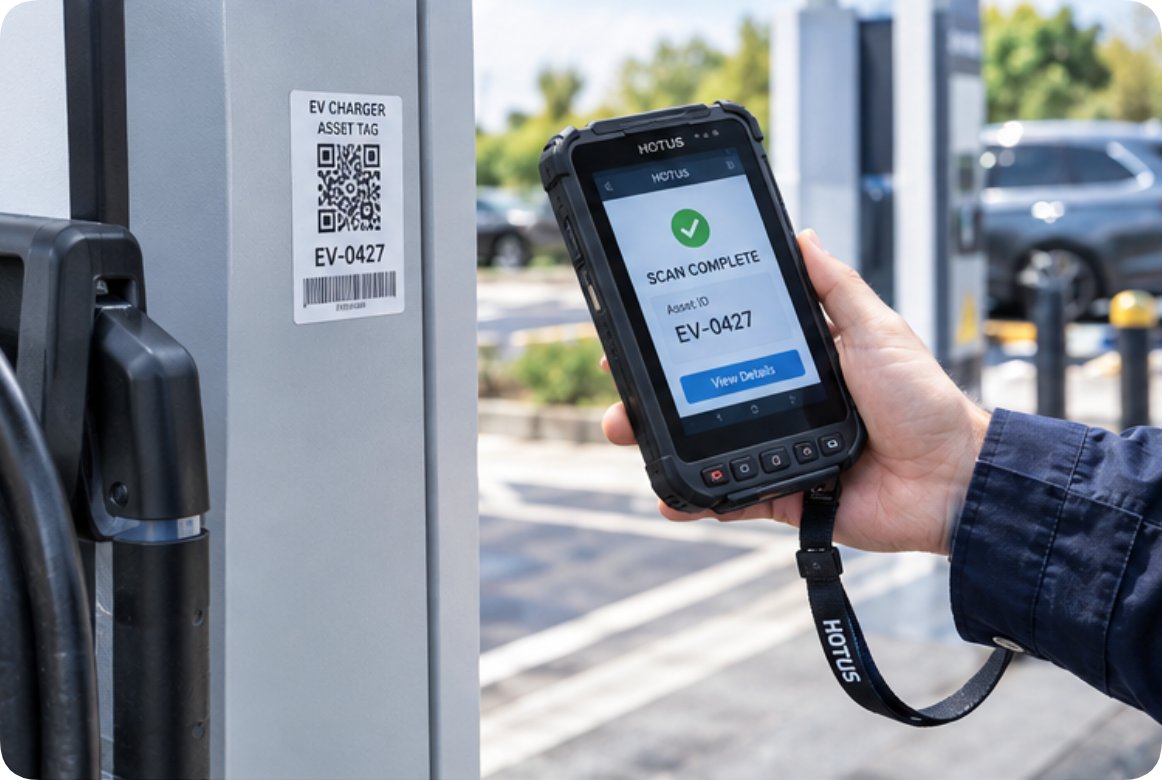
The calendar per item only works if each physical asset has an identity that records can attach to. Charging sites solve this with asset tags, and the K401 is the tool that makes the tags do their job. Its integrated 1D and 2D scan engine reads UPC, EAN, Code 128, QR, Data Matrix and PDF417 at sub-second rates, so walking a row of twelve dispensers and scanning each plate is minutes of work, not an afternoon. The ISO 14443 and MIFARE NFC support covers RFID patrol checkpoints, letting the operator badge each station as the round progresses.
Android 13 on a 6GB terminal means the ledger application, the scanning utility and the site's backend stay open at once, and the 5200mAh battery swaps out in seconds without losing application state, so a battery change never becomes a reason to skip the last three cabinets. At under 300g with IP67 protection, it hangs on a lanyard all shift. The dual-band Wi-Fi and 4G LTE connection pushes each scan to the backend the moment it happens, which is what turns a pile of paper rounds into a queryable history.
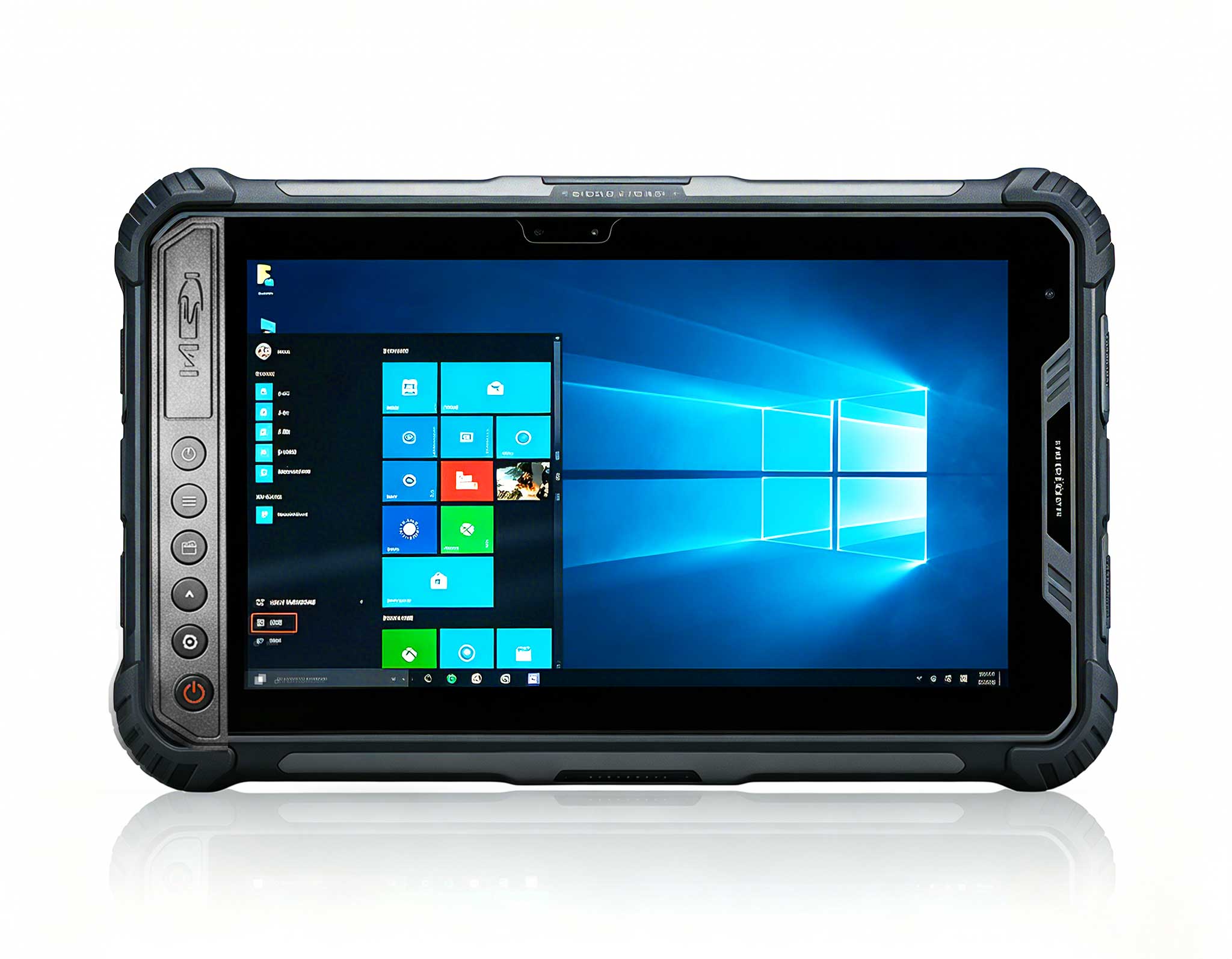
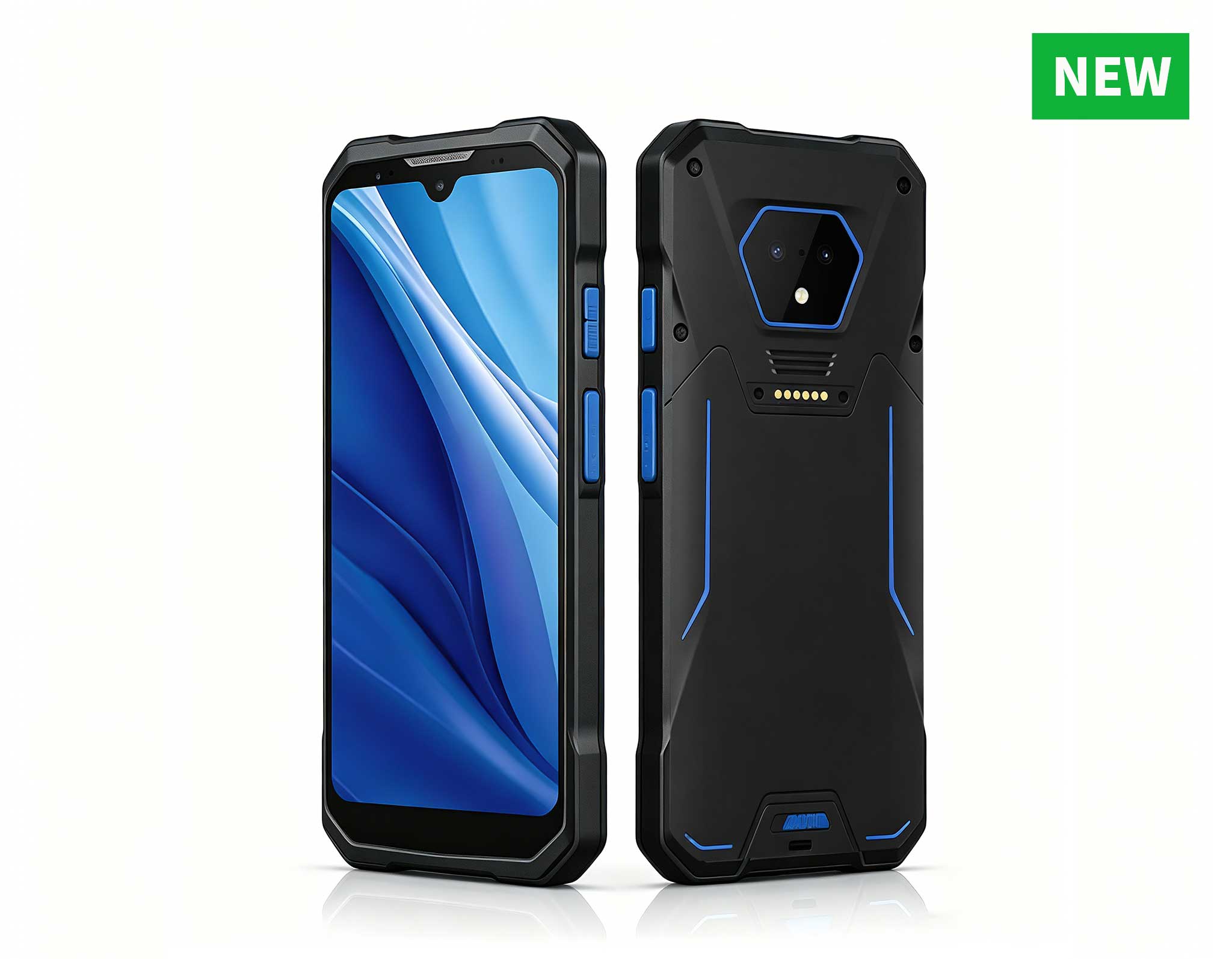
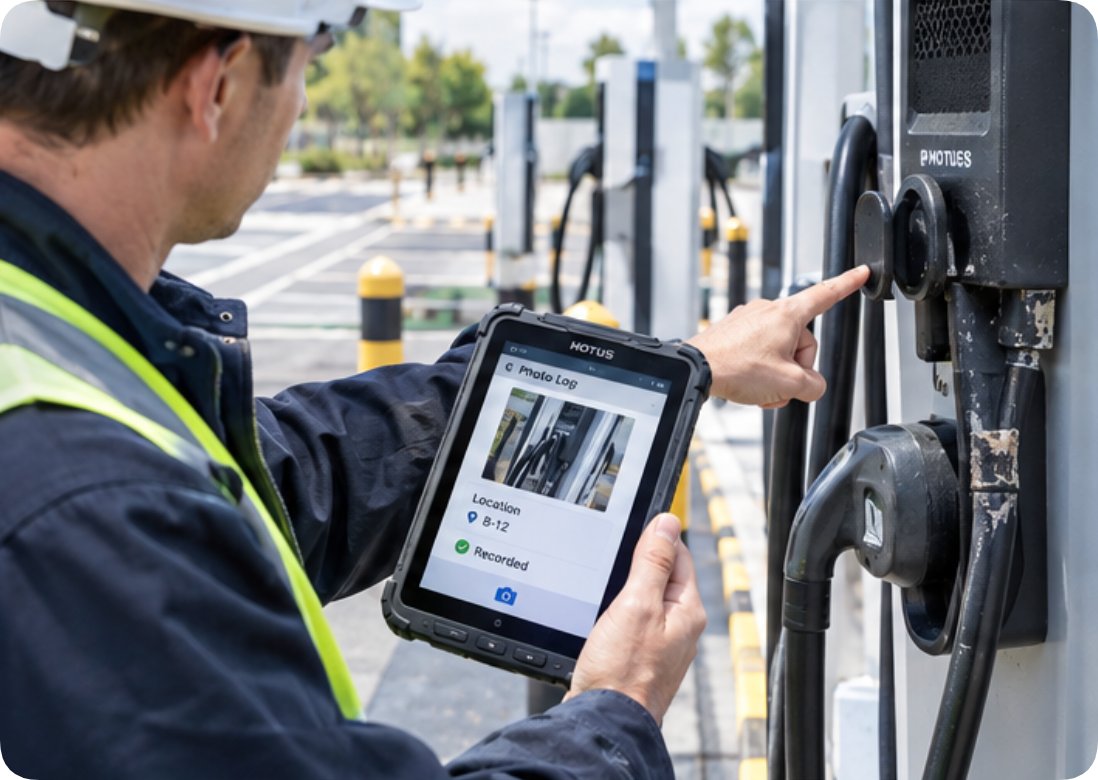
Not everything at the site deserves a tablet session. A parking block knocked loose, a bollard sleeve filling with rain, a sign with a faded arrow, a cable clipped slightly off its hook: these are thirty-second observations, and the tool for them is the one already in a pocket. The SH5-W runs Windows 10 Pro on a 5.5-inch 1080x1920 IPS panel, so it handles the same maintenance software as the office PC without a compatibility layer, yet it weighs 350g and fits a coat pocket.
Its credentials suit the in-between work. IP65 sealing and 1.2m drop resistance take the knocks that come with walking a site, the rear 5MP camera documents what a visual pass found, and GPS plus GLONASS stamps each observation with a position so the record says where, not just what. The 5000mAh battery is rated for up to 5.5 hours of continuous work, enough for a full walking round with margin, and the -20 to 55 Celsius operating range with CE, FCC and 3C certification keeps the unit honest in the unheated months when cable jackets get brittle.
The division of labor becomes obvious once the three units sit side by side in a spec sheet. The columns below take the fields all three publish on their product pages; weight is deliberately absent, because the tablet quotes a gross figure with packaging while the two handhelds quote bare-unit figures, and putting them in one column would compare things that are not the same.
| Field | HTNJ10B | K401 | SH5-W |
|---|---|---|---|
| Display | 10-inch LCD, 1200x1920, 560nit | 4.2-inch, 720x1280, multi-touch | 5.5in IPS, 1080x1920, 400nit |
| Touch layer | 10-point capacitive, 7H hardness | Capacitive, glove and stylus friendly | 5-point capacitive |
| Battery | 3500mAh at 7.6V | 5200mAh, removable, hot-swap | 5000mAh at 3.8V, up to 5.5 h |
| Protection | IP67, 1.22m drop | IP67, impact-resistant build | IP65, 1.2m drop |
| Data capture | Optional scan module | Integrated 1D/2D engine plus NFC | Optional 1D/2D or UHF RFID |
| Network | Wi-Fi 5, BT4.2, optional 4G | Dual-band Wi-Fi, BT5.0, 4G LTE | Wi-Fi 5, BT4.2, 4G LTE |
Read down the capture row and the split is complete: nothing on the site forces the crew to choose between the fast scan, the detailed read and the pocket record. A weight note for procurement teams: the tablet's published figure is a gross weight including the carton, while the two handhelds publish bare-unit figures, so any comparison should be made against the dimensions line instead.
A per-item calendar still misses the half of site life that refuses to schedule itself. A driver clips a cable with a snow plow. A storm fills two bollard sleeves. The payment processor posts an advisory that touches every terminal on the lot. Each of these pulls the next visit for that specific item forward, and the site's compliance posture depends on recording the pull-forward immediately, not on the next planned round. The pocket unit is the natural intake point for these events, and the scanned ledger lets a dispatcher see that cabinet seven's next cable inspection just moved from Thursday to this afternoon.
Events and schedules also interact in the unglamorous middle of the month. A monthly billing verification that finds a fault code generates a repair, and the repair generates its own verification before the cabinet returns to service. Sites that track only the calendar lose this chain; sites that track events against scanned asset identities keep it without extra effort.
The close of a round is where compliance is actually won or lost, because an inspection that nobody can retrieve is an inspection that never happened. The division of labor above gives every reading a home. Cabinet-face readings and firmware comparisons from the tablet land against the cabinet's asset identity from the ledger. Scans and NFC badges from the handheld arrive with position and time already attached. Pocket observations from the small unit carry photographs and coordinates, which is the format a fire inspector actually asks for. Anchored to handheld devices for charging site patrols, the workflow keeps each item's history in one thread rather than scattered across a binder.
Fleets that standardize this way tend to add one more habit: a weekly review that walks the calendar forward, checking which intervals come due and which events pulled work early. It takes the crew leader fifteen minutes with rugged mobile computing solutions of this class in hand, and it is the difference between a site that passes audits and a site that argues with them. For a closer look at how the three units compare across other duties, the product comparisons and competitor analysis page collects the full set.