- Select Language
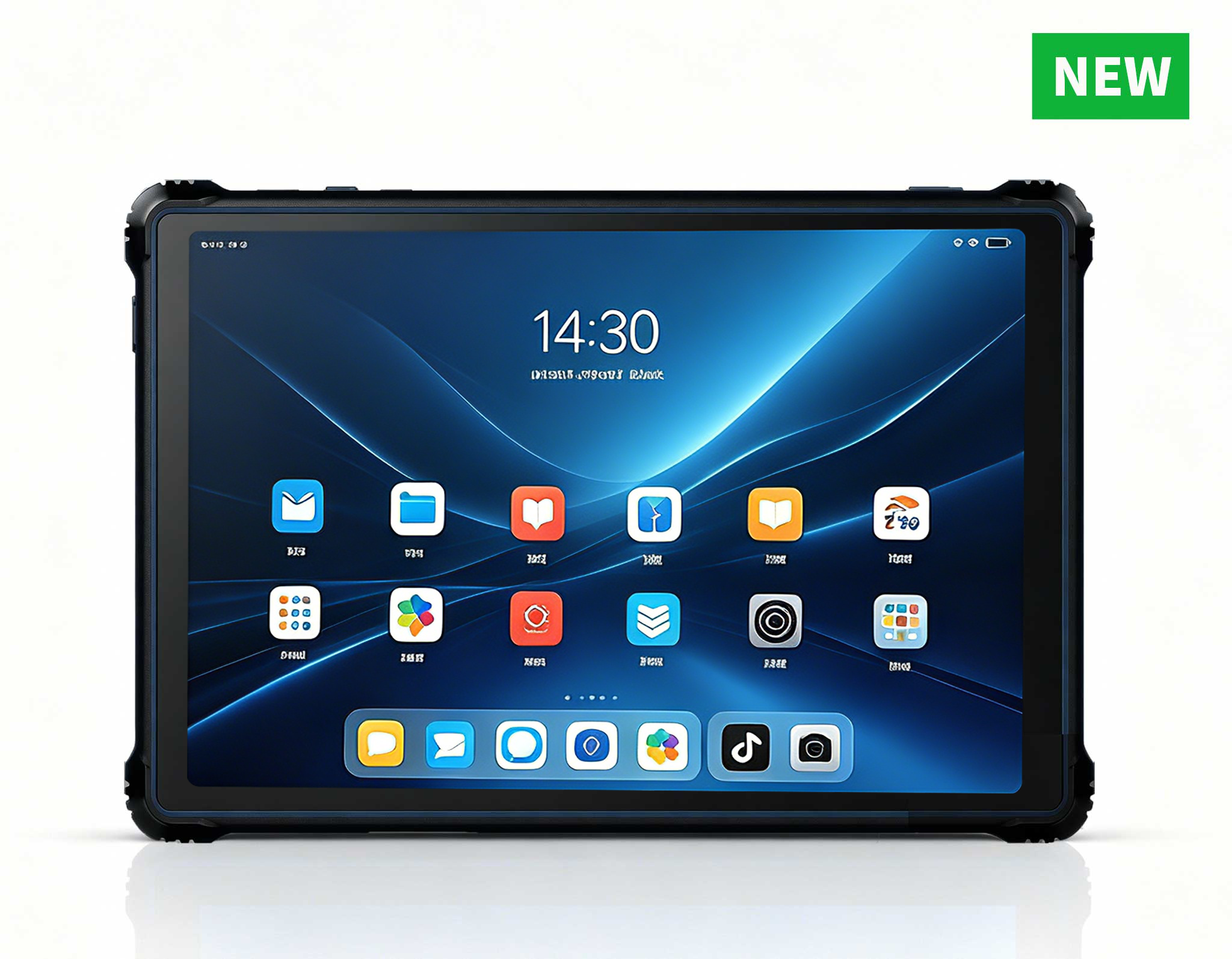
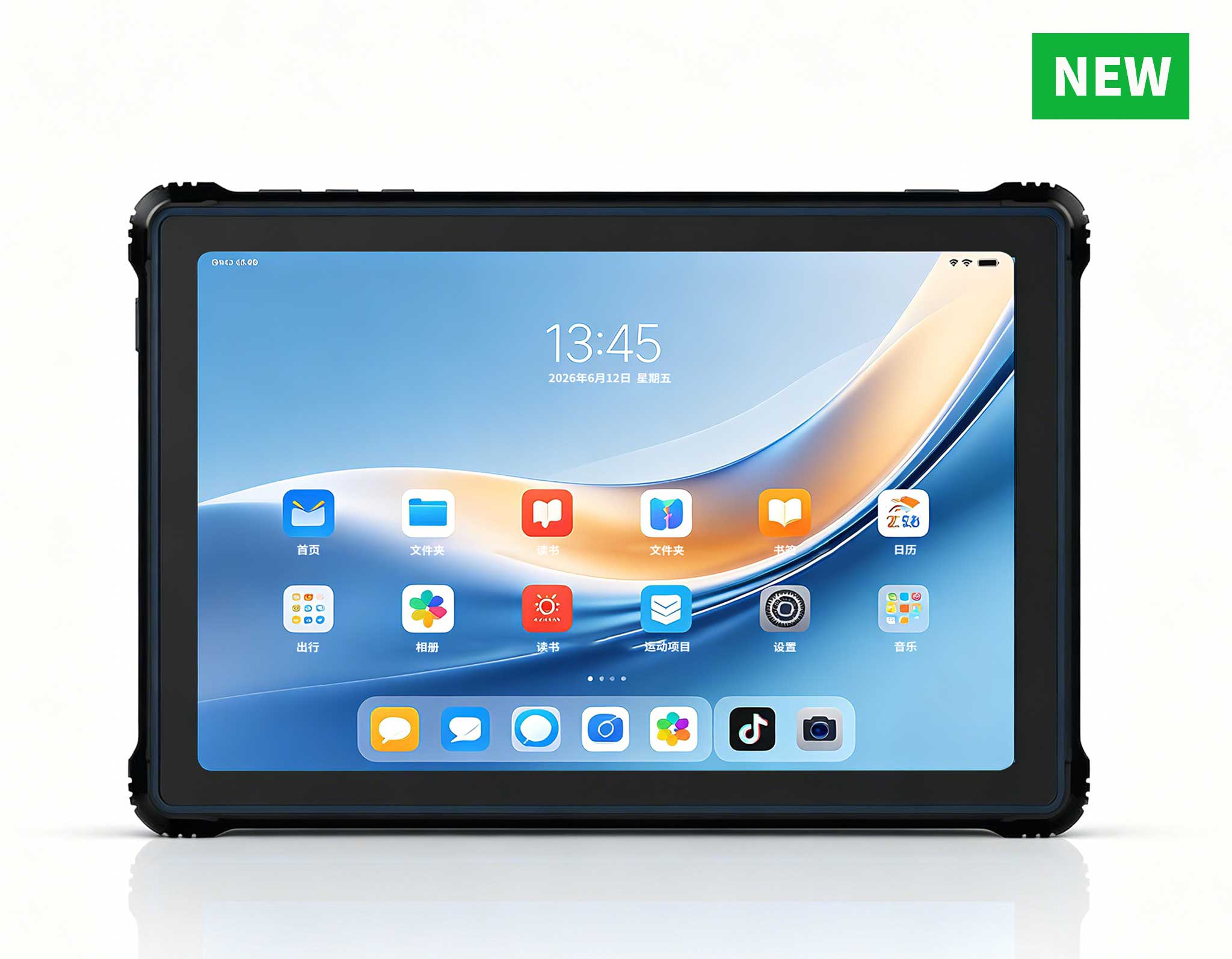
RT80 5G Rugged Tablet | 10.1" FHD 400nit | Un...
P11 Series Next-Gen Enterprise Rugged Industrial ...
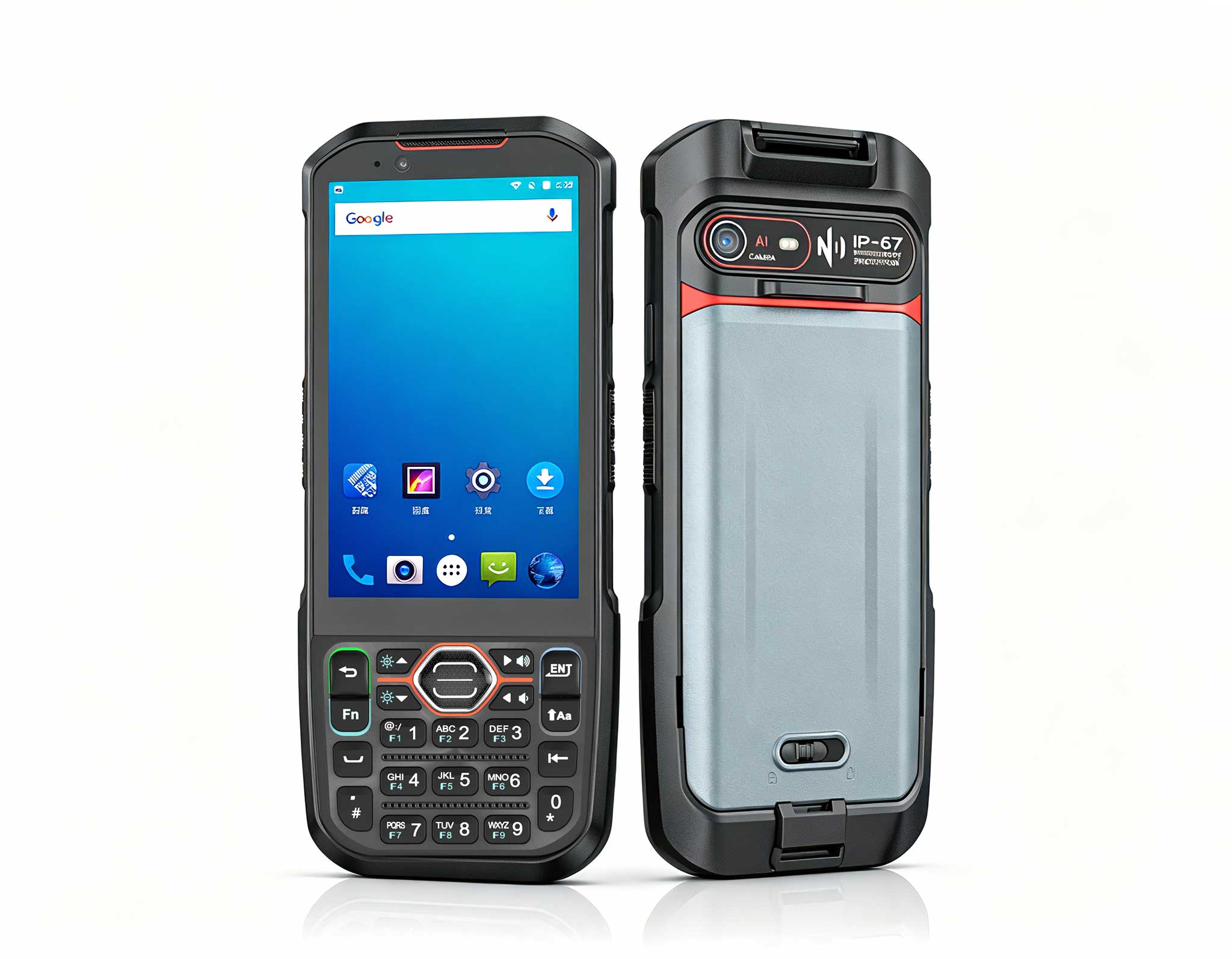
R366-S Thin 5.5-inch Industrial PDA | Qualcomm Oct...
RT82 5G Rugged Tablet | 10.1" FHD 400nit | Qu...
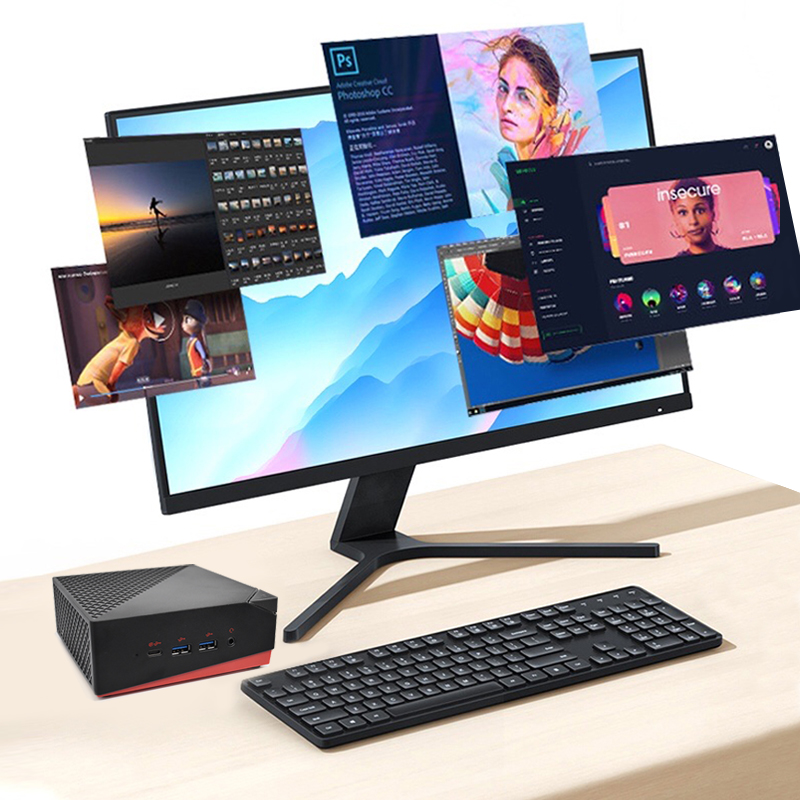
This ultra-compact mini PC offers powerful perform...
RT81 4G Rugged Tablet | 10.1" FHD 400nit | Qu...
R366-S Thin 5.5-inch Industrial PDA | Qualcomm Oct...
This dual touchscreen gaming laptop combines cutti...
Explore an innovative Personal Digital Assistant f...
The AMD Mini PC Windows 10 Pro is a compact yet po...
When a process engineer publishes revision C of an assembly drawing, one question follows: which copy is everybody on the floor actually looking at? Printouts pinned to boards, files saved to desktops, and cached PDFs all drift out of date at their own pace. A compliance audit does not ask whether your tablets are powerful; it asks whether the sheet the operator opened at 07:40 matches what was signed off in the PLM system, and whether you can prove it.
Three Hotus units cover the three places where that question gets answered: the ST11-U, the Windows-class pad closest to engineering; the RT81, the Android unit that travels with the kit; and the HTNJ08B, the wired terminal that lives at a bench. This guide walks through what each contributes to keeping a single current release in front of every operator, and what to prepare before the first controlled copy ships.
A drawing becomes controlled the moment its status depends on a system rather than memory. Three things must be true: the file carries a release number the document system issued, the version carries a named approval signature, and the copy on the device is the one the system distributed — not one somebody emailed around. Anything else is a reference, and references are what auditors photograph when they want to make a point.
Offline viewing sharpens the question. A bench terminal that reads the drawing store over the plant network is easy to reason about. A tablet that carries copies onto the floor, into a paint booth, or onto a van holds state that can silently fall behind. The compliance question is not whether the device can open the file, but how it proves the file matches the release the system says is current. Each unit answers that differently, and the differences are what a rollout plan should exploit.
The ST11-U runs Windows 11 Pro on an Intel Core i5-1235U or i7-1255U, which means it opens the same native viewers and document clients engineering uses. The viewer, not the hardware, displays release numbers, approval stamps, and watermarking. With memory up to 64GB+512GB, it holds a substantial offline library.
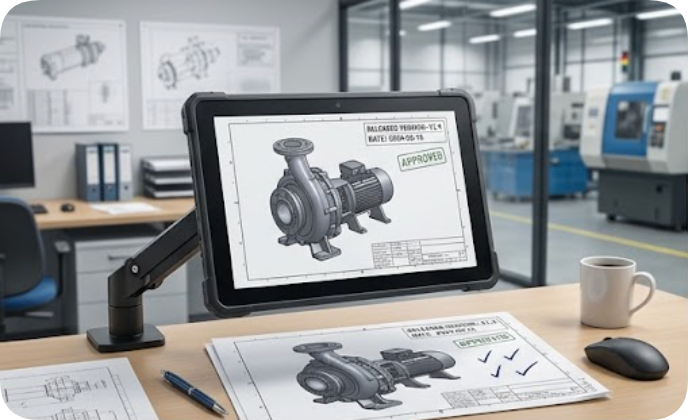
Its 10.1in IPS panel runs at 1200×1920 with 450 nits, readable beside an office window or near the line. The 10-point touch layer accepts a stylus and wet hands for gloved markups. TPM 2.0 hardware encryption ties the pad into domain-backed device identity, turning "the file on this tablet" into "the file on a device the document system recognizes." At 1190±50g with IP54 sealing and 1.2m drop protection, it tolerates the office-to-floor commute; the 6000mAh 7.6V battery covers a working day of viewing between charges.
The RT81 plays the opposite role: it moves. On a Qualcomm SM6115 octa-core platform with Android 16, and 4GB+64GB or 8GB+128GB of memory expandable by TF card, it rides with material carts and line-side verification. Its job is binding: scanning a work-order barcode should surface exactly one drawing release, and the pair — order and release number — should be recorded together.

The hardware supports that binding. Optional 2D barcode scanning, NFC, and an independent Beidou RTK module with centimeter-level positioning answer the audit trail's harder question — not just which drawing was open, but where the operator stood. The 10.1in FHD IPS screen at 400 nits stays legible under shop lighting, and the built-in 10000mAh 3.8V battery outlasts the longest shift. IP67 sealing, 1.2m drop protection, and a -10°C to 50°C operating range suit the environments where paper copies get ruined — precisely where uncontrolled copies breed. Dual-band Wi-Fi and Bluetooth 5.0 handle sync; 4G LTE covers the lots your network does not.
The HTNJ08B answers differently again: it refuses to hold state at all. Built around a charging dock with a 12-pin POGOPIN connector and an RJ45 port, it draws its drawings from the plant network over a wired link. The 8in LCD at 1200×1920 and 560 nits — the brightest of the three — stays readable next to a press, and the Intel Pentium N6000 quad-core at 3.3GHz renders drawing sets smoothly.
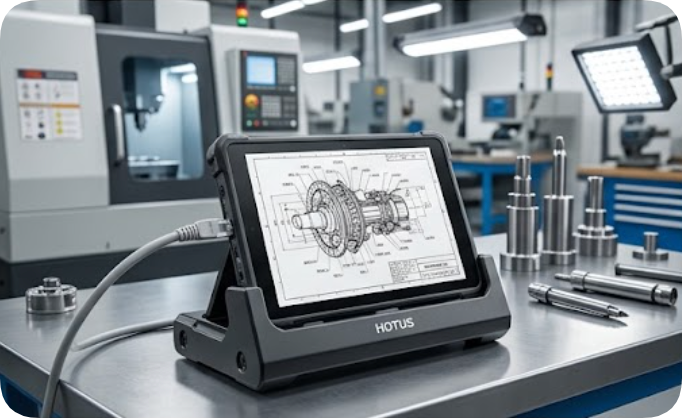
The port selection is the compliance story: Mini HDMI, Type-A, Type-C, DC-in, RJ45, TF, SIM, and the POGOPIN dock keep the terminal on the network permanently, the 7.6V 3500mAh battery reserved for walks between benches rather than holding private copies. IP67 waterproofing with 1.22m drop resistance covers the coolant-mist reality of a machining cell. Optional 4G, NFC, scanner, and fingerprint reader round out the configuration. When the document system pushes a new release, the terminal picks it up on the next dock contact — there is no cache to audit because the network is the storage.
Spec sheets invite cherry-picking, so the table below sticks to fields all three units publish on their own product pages, at the same level of detail.
| Field | ST11-U | RT81 | HTNJ08B |
|---|---|---|---|
| Display | 10.1in IPS, 1200×1920, 450nit | 10.1in IPS FHD, 1200×1920, 400nit | 8in LCD, 1200×1920, 560nit |
| Platform | Intel Core i5-1235U / i7-1255U | Qualcomm SM6115 octa-core 2.0GHz | Intel Pentium N6000, 4-core 3.3GHz |
| Battery | 6000mAh 7.6V | 10000mAh 3.8V, built-in | 3500mAh 7.6V |
| Camera | 5MP front + 8MP rear | 8MP front + 20MP rear, AF with flash | 5MP front + 8MP rear, AF with LED |
| Protection | IP54, 1.2m drop | IP67, 1.2m drop | IP67, 1.22m drop |
| Wireless | Wi-Fi a/b/g/n/ac, BT 5.2, 4G LTE | Dual-band Wi-Fi, BT 5.0, 4G LTE | WiFi5 + BT4.2, 4G optional |
Two fields deserve a sentence rather than a column. First, operating systems: the ST11-U ships with Windows 11 Pro and the RT81 with Android 16, while the HTNJ08B page does not state an OS, so no claim is made here. Second, weight: the ST11-U lists 1190±50g and the RT81 under 650g as bare figures, but the HTNJ08B page quotes only a gross weight with the carton included, so the three numbers are not the same measurement and stay out of the table on purpose. RAM and storage follow the same rule — two units publish tiers, the third does not.
The hardest part of document control is not distributing the new release; it is retiring the old one. Assume some tablet still holds revision B, opened during a quiet moment and left in the recents list. The practical answer is a scheduled sync window: the RT81 reconnects over dual-band Wi-Fi at shift change, the ST11-U on its dock, the HTNJ08B on every bench contact — and the document system reconciles what each holds against the release register.
The callback should be verifiable. A sync report listing device, drawing, release number, and timestamp turns "we update the tablets" into an answer an auditor can check. When a mid-shift change lands, the sequence matters: publish, push the callback, then let the line resume. Devices that cannot reach the network fall back to a rule the crew knows: if the release number on the screen does not match the one posted at the door, the bench stops.
Compliance runs in both directions. New releases flow out to the floor; observations must flow back with provenance intact. A redline marked on the ST11-U with its stylus, or a photograph of a mismatched hole pattern taken on the RT81's 20MP rear camera, only counts as feedback if it can be tied to the release it was made against — a mark that ignores its own version is just graffiti in the margin.
This is where the three units divide the work. The Windows pad attaches markups inside the document client engineering already uses, so the annotation inherits the file's release metadata. The Android unit pairs its capture with the scanned work-order number, giving feedback a location and a context. The bench terminal, permanently on the network, is where the reconciled record lives. An auditor following the trail — from the signature that approved revision C, to the devices that received it, to the redline that triggered revision D — finds a chain that closes.
Deployment is unglamorous and decisive. Assign each unit its role before the first controlled copy ships: the ST11-U to engineering-adjacent workstations, the RT81 to mobile verification, the HTNJ08B to fixed benches with network drops. Enroll every device in the document system so sync reports exist from day one, and rehearse one full release cycle — publish, distribute, verify, call back — with the crew that will live on it.
If you are weighing which mix of form factors fits your floor, the full lineup and current configurations are on the rugged tablet range, alongside Hotus's broader rugged mobile computing solutions. Head-to-head specifications and selection notes sit in our product comparisons and competitor analysis, and the release-callback workflow described above can be piloted on three devices before you commit to a fleet.